
1. הקדמה
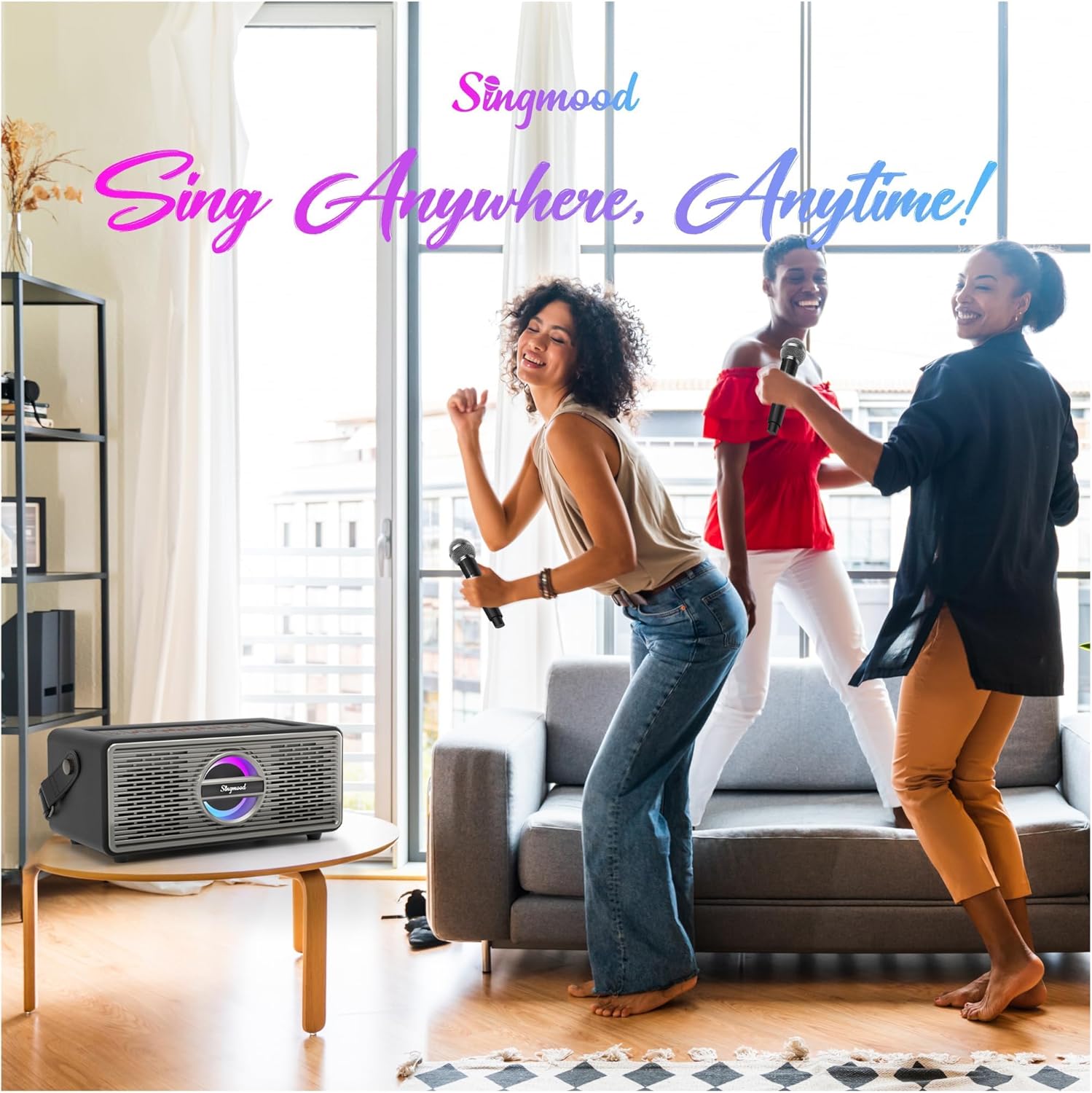
This manual provides essential instructions for the safe and efficient operation of your SINGMOOD S-330 Karaoke Machine. Please read this manual thoroughly before use and retain it for future reference. The S-330 is a portable karaoke system designed to deliver high-fidelity sound with versatile connectivity options, suitable for various entertainment settings.
2. וואָס איז אין דער קעסטל
פֿאָרזיכטיק אויספּאַקן אַלע קאָמפּאָנענטן און זיכער מאַכן אַז די פֿאָלגנדיקע זאַכן זענען אַרייַנגערעכנט:
- 1 x SINGMOOD S-330 Stereo Speaker Unit
- 2 x Wireless UHF Handheld Microphones
- 1 x Charging Cable (for microphones)
- 1 x Power Adapter (for main unit)
- 1 x באַניצער מאַנואַל
- 1 x רימאָוט קאָנטראָל
- קסנומקס רענטגענ וסב קאַבלע

Image: Contents of the S-330 package, including the main speaker unit, two wireless microphones, and cables.
3. פּראָדוקט פֿעיִקייטן
- High-Fidelity Sound & Deep Bass: Equipped with 5 speakers (midrange and treble on both sides) and a powerful bottom-positioned subwoofer for 360-degree immersive sound.
- Tri-band Frequency Technology: Ensures clear and resonant audio output with a 2.1 channel system.
- Dual Wireless UHF Microphones: Provides stable signals with a 40-foot range. Microphones feature adjustable volume, reverb, and voice mixing, and offer up to 10 hours of usage on a single charge.
- געבויט-אין קריקאָנלאָדלעך באַטערי: The main unit features a built-in 6000mA battery, allowing for up to 7 hours of portable playback.
- ווערסאַטאַל קאַנעקטיוויטי: Supports Bluetooth, USB, Aux In, Optical input, and HDMI for connection to various devices like smartphones, tablets, and TVs.
- Cool RGB Lighting: Dynamic visual lighting to enhance the atmosphere.
- פּאָרטאַטיוו פּלאַן: Features a compact design with a portable carrying strap for easy transport.
- Advanced Dual-DSP Technology: Dedicated DSP chips for music orchestration and microphone vocal polishing.
- שטאַרק רעזולטאַט: Delivers an impressive 400-watt peak output.

Image: The S-330 unit highlighting its built-in rechargeable battery for extended use.

Image: The two wireless UHF microphones included with the system, emphasizing their key features.

בילד: אן אינערליכע view illustrating the 360-degree surround sound design and speaker placement.

Image: Representation of the Advanced Dual-DSP Technology for enhanced audio processing.
4. סעטאַפּ
4.1 ערשט טשאַרדזשינג
- Connect the main S-330 unit to a power outlet using the provided power adapter. The unit will begin charging its internal battery.
- Charge the wireless microphones using the provided charging cable. An indicator light on the microphones will show charging status.
4.2 פֿאַרבינדן אַודיאָ קוועלער
The S-330 offers multiple ways to connect your music source:
- בלועטאָאָטה:
- Power on the S-330 unit.
- Press the 'Mode' button on the unit or remote until 'Bluetooth' mode is selected.
- On your device (smartphone, tablet), enable Bluetooth and search for 'SINGMOOD S-330'.
- Select the device to pair. A confirmation sound will indicate successful pairing.
- AUX אַרייַנשרייַב: Connect your audio device (e.g., MP3 player) to the AUX IN port on the S-330 using a 3.5mm audio cable (not included). Select 'AUX' mode.
- אָפּטיש אַרייַנשרייַב: For high-quality digital audio from your TV or sound system, connect an optical cable (not included) to the OPTICAL IN port. Select 'OPTICAL' mode.
- וסב פּלייַבאַקק: אַרײַנשטעלן אַ USB פֿלעש דרייוו מיט MP3 אַודיאָ fileאַרײַן אין דעם USB פּאָרט. די אַפּאַראַט וועט אויטאָמאַטיש איבערגיין צו USB מאָדע און אָנהייבן שפּילן.
- HDMI (ARC/eARC): Connect an HDMI cable (not included) from your TV's HDMI ARC/eARC port to the HDMI port on the S-330. Select 'HDMI' mode. Note: Some users have reported compatibility issues with HDMI connections. If you experience no audio, please try an Optical or Bluetooth connection.

Image: Visual representation of the various connectivity options available for the S-330.
5. אַפּערייטינג ינסטרוקטיאָנס
5.1 מאַכט אויף / אַוועק
Press and hold the power button on the unit or remote control to turn the machine on or off.
5.2 מאָדע סעלעקציע
Press the 'Mode' button on the unit or remote control to cycle through available input modes: Bluetooth, AUX, Optical, USB, HDMI.
5.3 מיקראָפאָן באַניץ
- Turn on the microphones. They should automatically pair with the main unit.
- Adjust microphone volume using the dedicated controls on the remote or the unit.
- Use the 'Reverb' button on the remote to add echo effects to your vocals.
- The 'Voice Mixing' function allows for blending vocal effects.
בילד: א דעטאַלירטע view of one of the wireless microphones.
5.4 מוזיק פּלייבאַק
Once an audio source is connected and selected, use the playback controls (Play/Pause, Next, Previous) on the unit or remote to manage your music.
5.5 Vocal Reduction (ACCO Function)
Press the 'ACCO' button on the remote control to lower the original vocals in a song, effectively converting it into a karaoke track.

Image: The remote control, indicating the 'ACCO' button for vocal reduction.
5.6 RGB לייטינג קאָנטראָל
The unit features dynamic RGB lighting. Use the dedicated button on the unit or remote to cycle through lighting modes or turn them off.

Image: The S-330 unit displaying its cool RGB lighting feature.
5.7 ווידעא דעמאַנסטראַציעס
ווידעא: אן איבערview of the SINGMOOD S-330 Karaoke Machine, demonstrating its features and design.
Video: Demonstration of the Bluetooth connectivity feature of the karaoke machine.
Video: A closer look at the S-330 Portable Karaoke Machine and its two wireless microphones.
6. וישאַלט
- רייניקונג: Use a soft, dry cloth to clean the exterior of the unit and microphones. Do not use liquid cleaners or abrasive materials.
- סטאָרידזש: Store the unit in a cool, dry place away from direct sunlight and extreme temperatures when not in use.
- באַטערי זאָרגן: For optimal battery life, fully charge the unit and microphones before long periods of storage. Recharge periodically if stored for extended durations.
7. טראָובלעשאָאָטינג
| פּראָבלעם | מעגלעך סיבה | לייזונג |
|---|---|---|
| קיין מאַכט | איינהייט נישט אויפגעלאָדן אדער מאַכט אַדאַפּטער נישט פארבונדן. | Ensure the power adapter is securely connected and the unit is charged. |
| קיין געזונט פון רעדנער | Volume too low, incorrect input mode, or audio source issue. | Increase volume. Select the correct input mode (Bluetooth, AUX, Optical, USB, HDMI). Check audio source device. |
| מיקראָפאָנען אַרבעטן נישט | Microphones not charged, not turned on, or out of range. | Charge microphones. Turn them on. Ensure they are within the 40-foot operating range. |
| בלועטאָאָטה פּערינג ניט אַנדערש | Device too far, Bluetooth not enabled, or incorrect device selected. | Move device closer. Ensure Bluetooth is enabled on your device. Select 'SINGMOOD S-330' from the list. |
| HDMI audio issues | TV/device compatibility, cable issue, or port setting. | Ensure your TV's HDMI port supports ARC/eARC. Try a different HDMI cable. If issues persist, use Optical or Bluetooth connection. |
| Remote control delay or unresponsiveness | Low battery in remote, obstruction, or signal interference. | Replace remote control batteries. Ensure a clear line of sight to the unit's IR receiver. |
8. ספּעסאַפאַקיישאַנז
| שטריך | דעטאַל |
|---|---|
| סאָרט | SINGMOOD |
| מאָדעל נומער | S-330 |
| ספּעציעלע שטריך | פּאָרטאַטיוו |
| קאָליר | שוואַרץ |
| מאַכט מקור | Battery Powered (Built-in 6000mA) |
| נומער פון ספּיקערז | 5 (including subwoofer) |
| קאַנעקטיוויטי טעכנאָלאָגיע | Bluetooth, Optical, AUX, USB, HDMI |
| קאַמפּאַטאַבאַל דעוויסעס | Smartphone, Tablet, TV, PC |
| אַודיאָ רעזולטאַט מאָדע | סטערעאָ |
| נומער דימענשאַנז (ד רענטגענ וו רענטגענ ה) | 12"ד רענטגענ 7"וו רענטגענ 16"ה |
| מיקראָפאָנעס | 2 x Wireless UHF Microphones (Rechargeable) |
9. וואָראַנטי
The SINGMOOD S-330 Karaoke Machine comes with a 6-חודש וואָראַנטי פֿון דעם קויפֿדאַטום. די וואָראַנטי דעקט פֿאַבריקאַציע־דעפֿעקטן און פֿאַלפֿונקציעס אונטער נאָרמאַלן באַנוץ. ביטע באַהאַלטן אייער קויפֿבאַווײַז פֿאַר וואָראַנטי־קליימז.
10. שטיצן
If you encounter any issues or have questions regarding your SINGMOOD S-330 Karaoke Machine, please contact our customer support team. We are committed to providing assistance and aim to respond within 24 hours.
For support, please refer to the contact information provided with your product packaging or visit the official SINGMOOD webפּלאַץ.