
הקדמה
Thank you for choosing the Dyurwa ZY02 Portable Bluetooth Speaker. This manual provides essential information for setting up, operating, and maintaining your speaker to ensure optimal performance and longevity. Please read these instructions carefully before using the product.
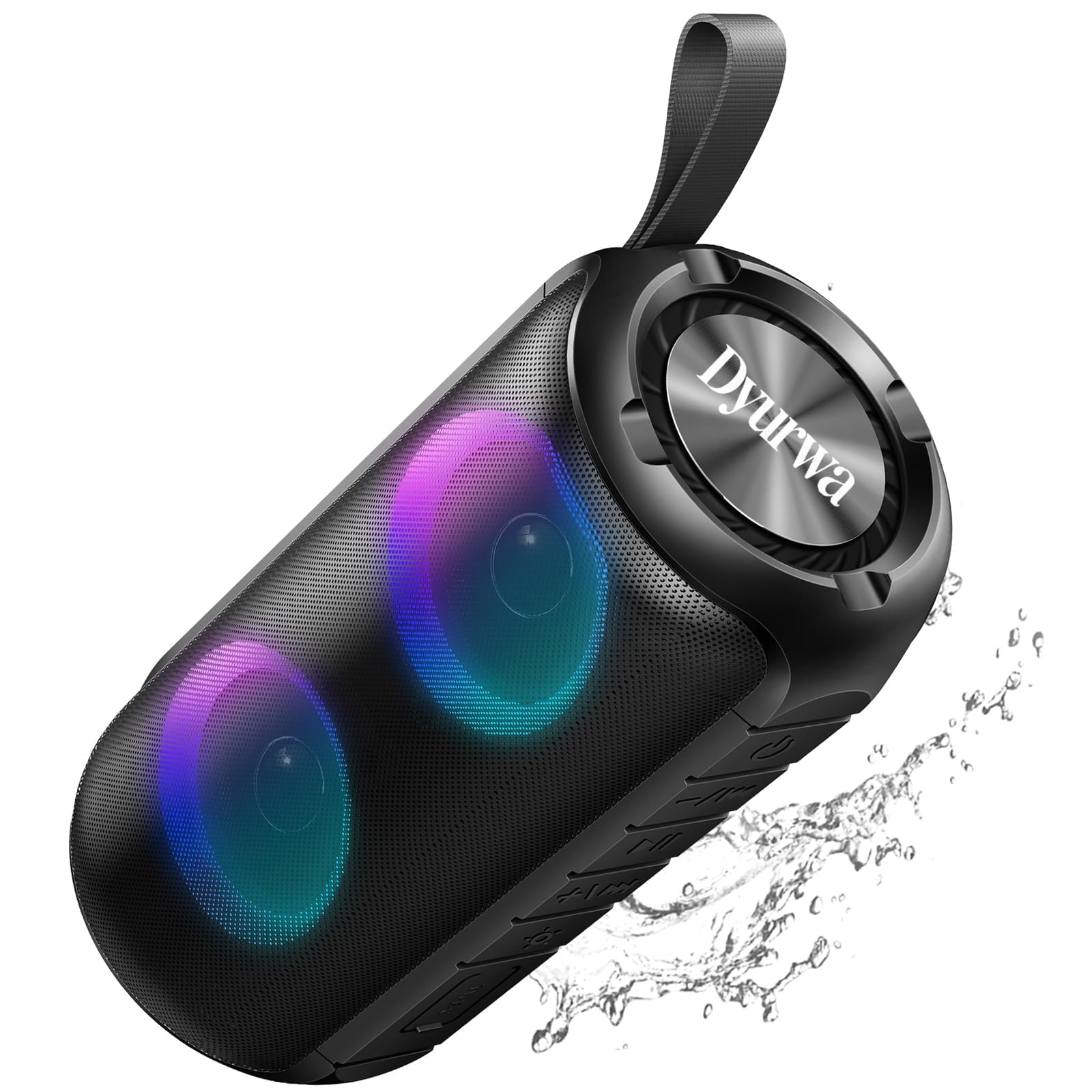
The Dyurwa ZY02 Portable Bluetooth Speaker, showcasinג זײַן גלאַטן דיזײַן.
וואָס איז אין די קעסטל:
- 1 x Dyurwa ZY02 Portable Bluetooth Speaker
- 1 X Type-C טשאַרדזשינג קאַבלע
- 1 x באַניצער מאַנואַל
פּראָדוקט איבערview
The Dyurwa ZY02 speaker features advanced Bluetooth 5.3 connectivity, 360-degree HD stereo sound, dynamic RGB lights, and an IPX7 waterproof design. It is built for portability and offers up to 12 hours of playtime.

The speaker's dynamic RGB light show, which syncs with music.

Illustration of the speaker's 24W super loud sound capability with powerful audio.

The speaker demonstrating a rock-solid Bluetooth 5.3 connection for seamless audio streaming.

The speaker submerged in water, illustrating its IPX7 waterproof and dustproof capabilities.

The speaker highlighting its 12-hour battery life for extended use.
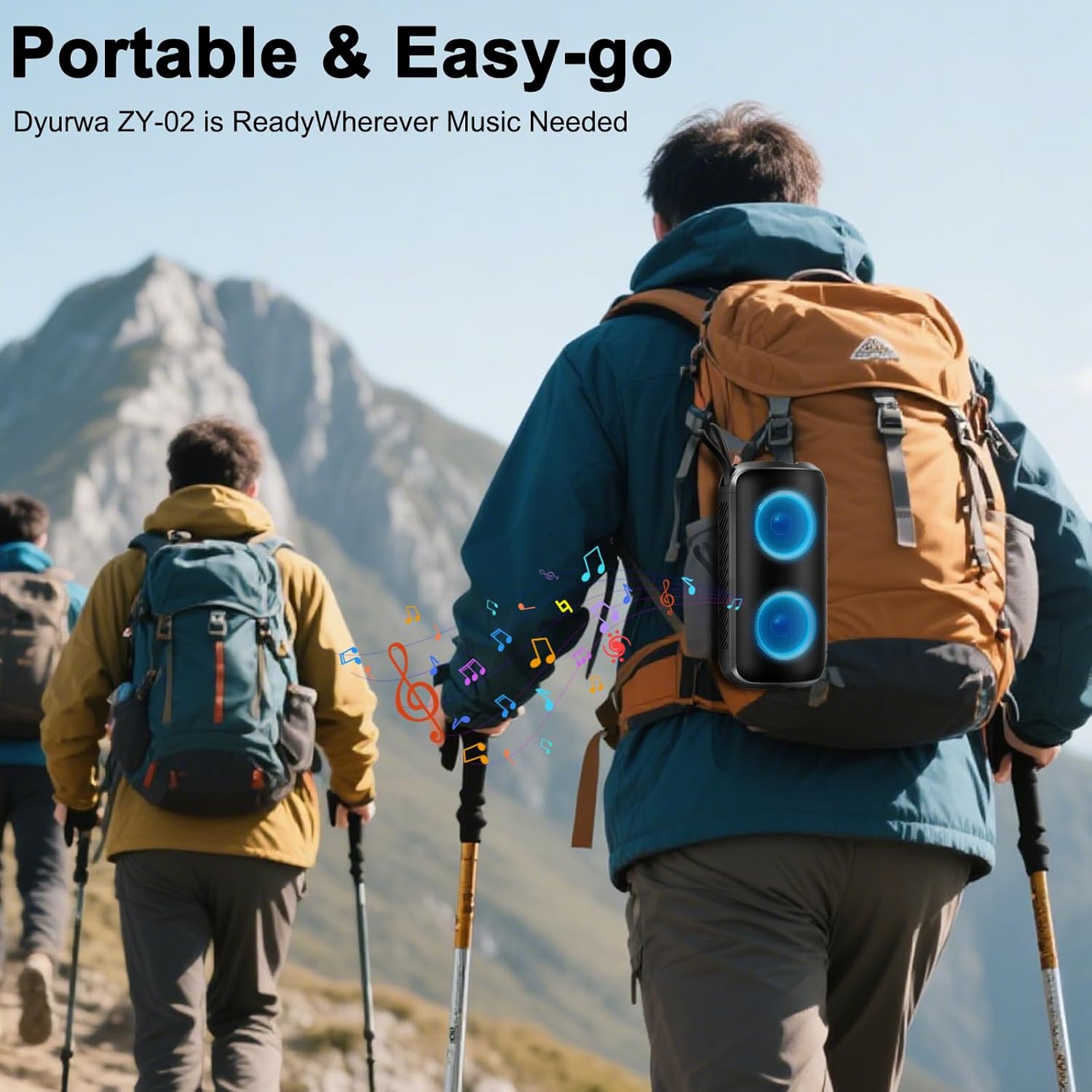
A person hiking with the portable Dyurwa ZY02 speaker attached to their backpack, emphasizing its easy-go design.
אפיציעלע פּראָדוקט ווידעא:
אן אפיציעלע ווידעא שאוasing the Dyurwa Bluetooth Speaker with loud sound and its features.
סעטאַפּ
1. טשאַרדזשינג די רעדנער:
Before first use, fully charge the speaker. Connect the included Type-C charging cable to the speaker's charging port and the other end to a USB power adapter (not included). The charging indicator light will show the charging status. A full charge typically takes 2-3 hours.
2. מאַכט אויף / אַוועק:
- To Power On: Press and hold the Power button (O) for 2-3 seconds until you hear an audible prompt and the RGB lights activate.
- To Power Off: Press and hold the Power button (O) for 2-3 seconds until you hear an audible prompt and the lights turn off.
3. בלועטאָאָטה פּערינג:
- זיכער מאַכן אַז דער רעדנער איז אנגעצונדן און אין בלועטוט פּערינג מאָדע (אנגעצייכנט דורך אַ בלינקנדיקע LED ליכט).
- אויף אייער דעווייס (סמאַרטפאָן, טאַבלעט, קאָמפּיוטער), אַקטיווירט בלועטוט און זוכט פֿאַר פֿאַראַן דעווייסעס.
- Select "ZY02" from the list of devices.
- Once connected, you will hear a confirmation sound, and the LED light will become solid or change pattern.
4. TWS (True Wireless Stereo) פּערינג:
To achieve a true stereo sound experience, you can pair two Dyurwa ZY02 speakers together:
- זיכער מאַכן אַז ביידע רעדנערס זענען אנגעצונדן און נישט פארבונדן צו קיין אַנדער בלוטוט מיטל.
- On one speaker (this will be the primary speaker), double-press the Power button (Oדער רעדנער וועט אַרייַן אין TWS פּערינג מאָדע.
- דער הויפּט רעדנער וועט אויטאָמאַטיש זוכן און זיך פֿאַרבינדן מיטן צווייטן רעדנער.
- Once successfully paired, you will hear a confirmation sound. The LED lights on both speakers will synchronize.
- איצט, פֿאַרבינדט אייער דעווייס צום הויפּט רעדנער דורך בלועטוט ווי באַשריבן אין שריט 3.
אַפּערייטינג ינסטראַקשאַנז
1. מוזיק פּלייבאַק:
- שפּיל / פּויזע: דרוק אויף די מאַכט קנעפּל (O) once to play or pause music.
- באַנד אַרויף: דרוק די + קנעפּל.
- באַנד אַראָפּ: דרוק די - קנעפּל.
- ווייַטער שפּור: דריקן און האַלטן די + קנעפּל.
- פֿריִערדיקע שפּור: דריקן און האַלטן די - קנעפּל.
2. RGB Light Modes:
Press the Light button (☀) to cycle through various dynamic multi-color light modes. The lights can sync to the beat of the music, enhancing your listening experience. Press the button repeatedly to find your preferred light effect or to turn the lights off.
3. הענט-פריי רופן:
With the built-in microphone, you can manage calls directly from the speaker when connected to your smartphone:
- ענטפער רופן: דרוק אויף די מאַכט קנעפּל (O) אַמאָל.
- סוף רופן: דרוק אויף די מאַכט קנעפּל (O) איין מאל בעת א רוף.
- אָפּוואַרפן רופן: דריקן און האַלטן די מאַכט קנעפּל (O) פֿאַר 2 סעקונדעס.
4. AUX מאָדע:
For devices without Bluetooth, connect them using an AUX cable (not included) to the speaker's AUX jack. The speaker will automatically switch to AUX mode. Use your connected device to control music playback.
וישאַלט
1. רייניקונג:
ווישן די רעדנער מיט אַ ווייך, דamp cloth. Do not use harsh chemicals, cleaning solvents, or strong detergents. Ensure the charging port cover is securely closed before cleaning.
2. Waterproof Care (IPX7):
The speaker is IPX7 waterproof, meaning it can be submerged in up to 1 meter of water for 30 minutes. However, ensure the charging port cover is tightly sealed before exposing it to water. After exposure to water, dry the speaker thoroughly before charging or using it again.
3. סטאָרידזש:
Store the speaker in a cool, dry place away from extreme temperatures, direct sunlight, and corrosive materials. If storing for an extended period, charge the battery periodically to maintain its lifespan.
טראָובלעשאָאָטינג
- רעדנער גייט נישט אן:
- זיכער מאַכן אַז די באַטאַרייע איז אָנגעלאָדן. פֿאַרבינדט דעם רעדנער צו אַ מאַכט מקור מיטן טיפּ-C קאַבל.
- דריקן און האַלטן די מאַכט קנעפּל (O) פֿאַר 2-3 סעקונדעס.
- קען נישט צוזאמענשטעלן מיט בלוטוט דעווייס:
- זיכער מאַכן אַז דער רעדנער איז אין פּערינג מאָדע (בלינקען LED).
- זייט זיכער אז בלועטוט איז ענייבאַלד אויף אייער דעווייס און עס איז אינערהאלב 10 מעטער פון דעם רעדנער.
- Forget or delete "ZY02" from your device's Bluetooth list and try pairing again.
- ריסטאַרט ביידע די רעדנער און דיין מיטל.
- קיין געזונט אָדער פאַרקרימט געזונט:
- סטרויערן די באַנד אויף ביידע די רעדנער און דיין פארבונדן מיטל.
- מאַכן זיכער אַז די רעדנער איז גאָר באפוילן.
- רוקט דעם רעדנער נענטער צו אייער דעווייס כדי צו פארמיידן אריינמישונג.
- If using AUX mode, ensure the cable is securely connected and not damaged.
- TWS פּאָרינג איז דורכגעפֿאַלן:
- זיכער מאַכן אַז ביידע רעדנערס זענען אנגעצונדן און נישט פארבונדן צו קיין אַנדער בלוטוט מיטל.
- Follow the TWS pairing instructions carefully, ensuring you double-press the Power button on only one speaker to initiate pairing.
ספּעסאַפאַקיישאַנז
| שטריך | באַשרייַבונג |
|---|---|
| מאָדעל נאָמען | ZY02 |
| סאָרט | Dyurwa |
| רעדנער טיפּ | דרויסנדיק |
| ספּעציעלע פֿעיִקייטן | Built-in Microphone, Dustproof, LED Light, Lightweight, Portable |
| קאַנעקטיוויטי טעכנאָלאָגיע | בלועטאָאָטה 5.3 |
| רעדנער מאַקסימום רעזולטאַט מאַכט | 180 וואטס |
| וואַסער קעגנשטעל מדרגה | IPX7 |
| פּראָדוקט דימענשאַנז | 2.54"ד רענטגענ 5"וו רענטגענ 4"ה |
| פּונקט וואָג | 1.41 פונט |
| באַטעריז | 1 א באַטאַרייע פארלאנגט (אַרייַנגערעכנט) |
| פּלייַטימע | Up to 12 hours (varies by volume and light settings) |
וואָראַנטי און שטיצן
The Dyurwa ZY02 Portable Bluetooth Speaker comes with a standard manufacturer's warranty. For detailed warranty information, please refer to the warranty card included in your product packaging or contact Dyurwa customer support.
If you encounter any issues or have questions regarding your speaker, please contact our customer support team for assistance. Our dedicated team is ready to help you with any technical support or service needs.
קונה שטיצן: Please refer to the contact information provided on the product packaging or the official Dyurwa webפּלאַץ.