
הקדמה
This manual provides instructions for the installation, operation, and maintenance of your Luqeeg Smart Sprinkler Timer Automatic. This device allows for automated and remote control of your garden irrigation system via a mobile application and voice commands, enhancing watering efficiency and convenience.
פּעקל אינהאַלט
- 1 x WiFi Water Timer
- 1 x אַדאַפּטער
- קסנומקס רענטגענ שרויף
- 1 x ענגליש מאַנואַל
סעטאַפּ
1. באַטאַרייע ייַנמאָנטירונג
The Luqeeg Smart Sprinkler Timer requires 4 x AA batteries (not included) for operation. Open the battery compartment, insert the batteries according to the polarity markings, and securely close the compartment.
2. גשמיות ייַנמאָנטירונג
Attach the sprinkler timer to your outdoor faucet. Ensure the connection is secure to prevent leaks. The timer features a 3/4 inch NPT thread specification for standard hose connections. Connect your garden hose to the outlet of the sprinkler timer.
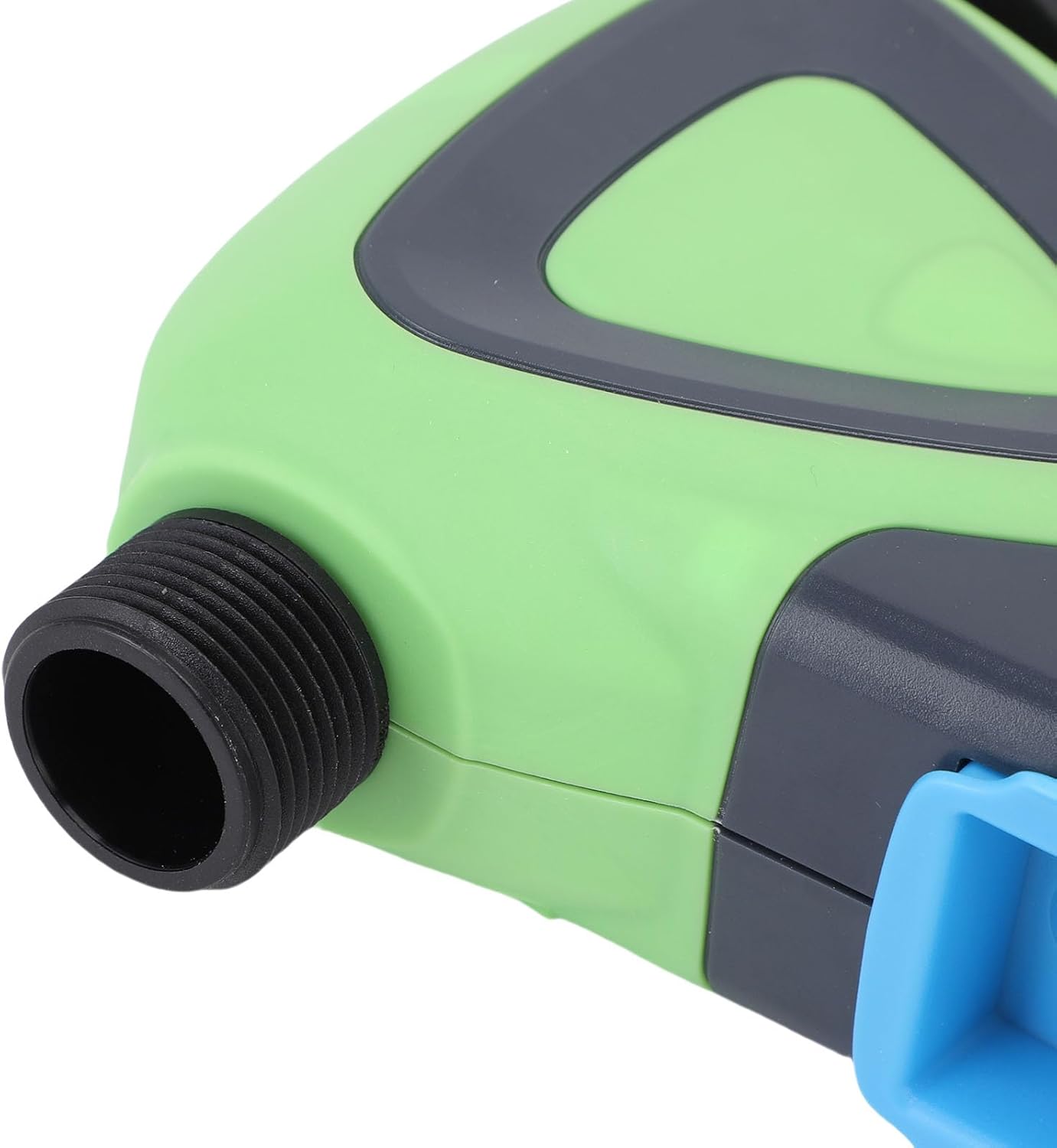
בילד: נאָענט-אַרויף view of the Luqeeg Smart Sprinkler Timer's threaded inlet and outlet for hose connection.
3. אַפּ דאַונלאָוד און מיטל פּערינג
Download the compatible mobile application (refer to the included English Manual for specific app details). Follow the in-app instructions to add your Luqeeg Smart Sprinkler Timer. The device connects via a Zigbee hub to your 2.4GHz WiFi network. Ensure your WiFi network is 2.4GHz for successful pairing.
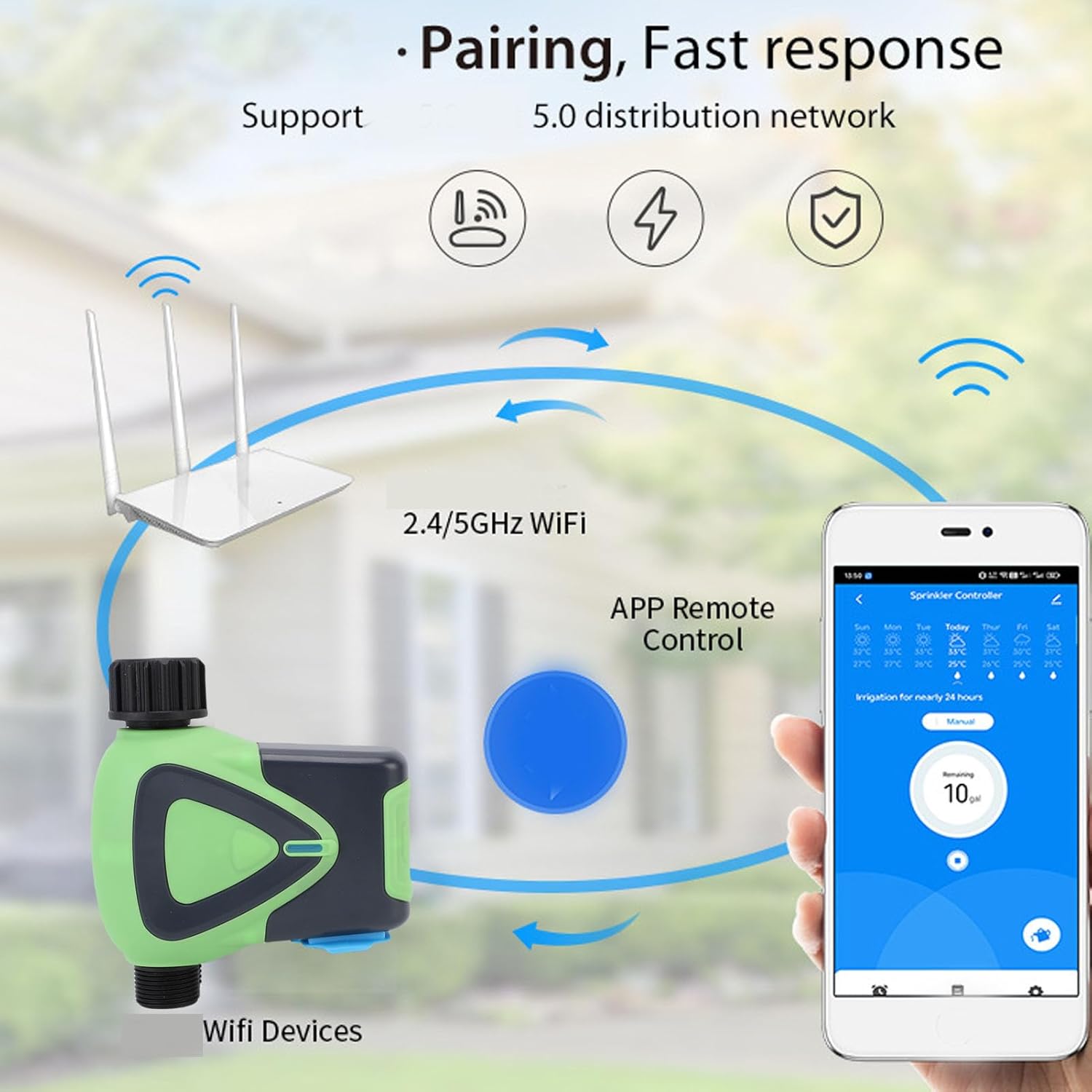
Image: Diagram illustrating the pairing process, showing the smart sprinkler timer, a WiFi router, and a smartphone displaying the control app.
אַפּערייטינג ינסטראַקשאַנז
1. ווײַטקאָנטראָל דורך אַפּ
Once paired, you can manage your irrigation schedules and settings remotely using the mobile application. This includes setting watering times, durations, and activating manual watering modes.

Image: A smartphone displaying the app interface for remote watering control, with an icon representing a watering can.
2. קול קאָנטראָל
The sprinkler timer supports voice activation through compatible smart assistants. Link your device to your preferred voice assistant (e.g., Google Assistant) to control watering with voice commands.
3. Scheduling and Rain Delay
Set up customized watering schedules within the app. The system also supports a rain delay function, allowing you to pause watering during rainy periods to conserve water and prevent overwatering.
4. Family Collaboration
The app allows you to add family members for shared management of the sprinkler timer. This enables multiple users to monitor and adjust watering settings.
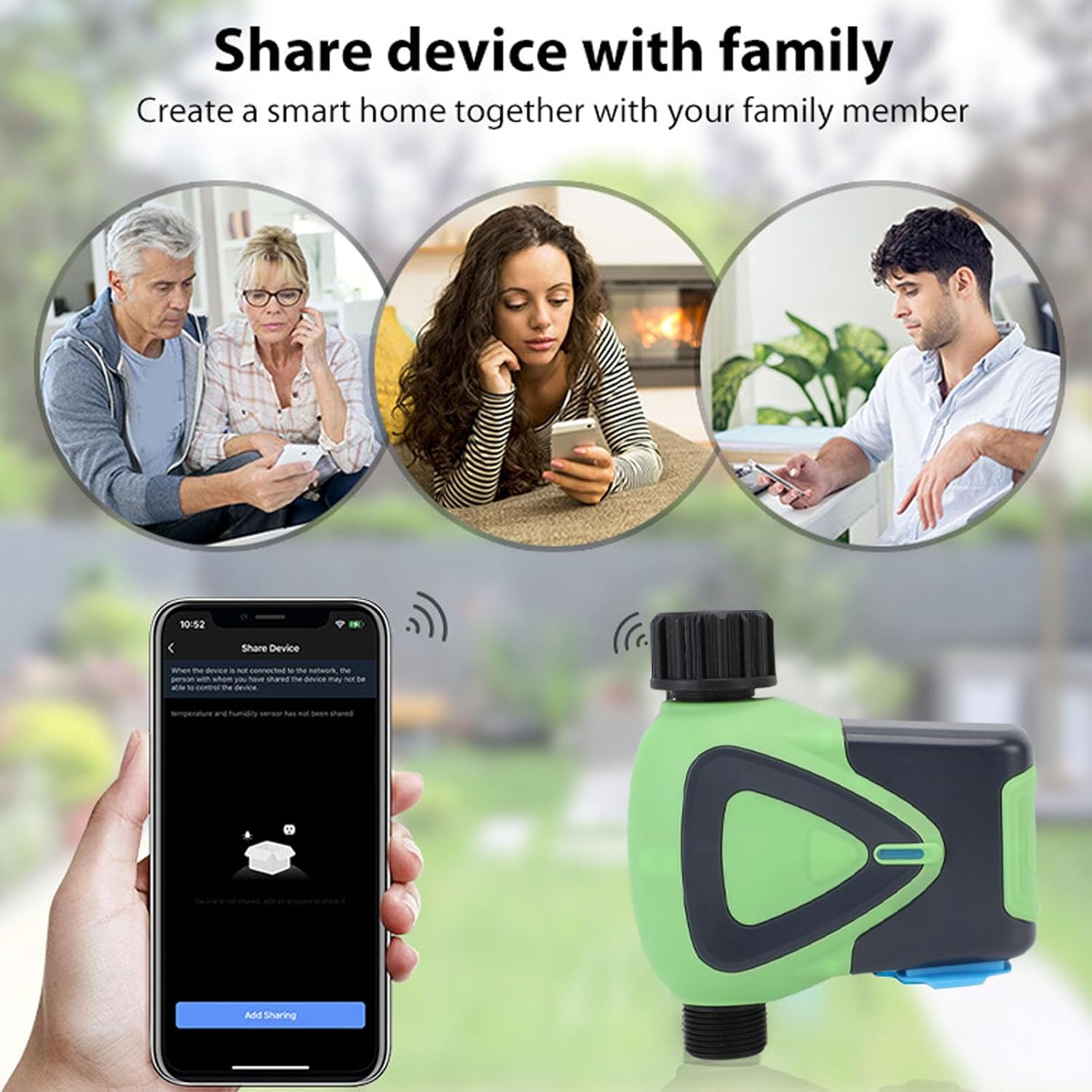
Image: Illustration depicting family members sharing control of the smart device via their smartphones.
5. Watering Records
The application maintains a record of past watering activities, including irrigation amounts and times. This feature helps in monitoring water usage and optimizing schedules.

Image: A smartphone screen showing the "Watering Records" section of the app, listing irrigation amounts and dates.
וישאַלט
To ensure optimal performance and longevity of your Luqeeg Smart Sprinkler Timer, follow these maintenance guidelines:
- באַטערי פאַרבייַט: Replace the 4 x AA batteries when the low battery indicator appears in the app or on the device.
- רייניקונג: רייניקן פּעריִאָדיש די אויסערלעכע זייט פון דעם אַפּאַראַט מיט אַ ווייכן, דamp שטאָף. דו זאלסט נישט נוצן האַרב קעמיקאַלז אָדער אַברייסיוו קלינערז.
- ווינטעריזאַטיאָן: In regions with freezing temperatures, disconnect the sprinkler timer from the faucet and store it indoors to prevent damage from freezing water.
- וואָטערפּרוף שאַץ: The device has an IP65 waterproof rating, meaning it is protected against low-pressure water jets from any direction. However, avoid submerging the device in water.
טראָובלעשאָאָטינג
- דעווייס נישט פארבינדן:
- Ensure your WiFi network is 2.4GHz.
- Verify the Zigbee hub is properly connected and functioning.
- Check if the device is within the 45m wireless distance range of the hub/router.
- Restart the device and attempt pairing again.
- קיין וואַסער לויפן:
- קוק צי דער קראַן איז גאָר אָפֿן.
- Ensure batteries are charged and correctly installed.
- Verify the watering schedule in the app is active and correctly configured.
- Check for any blockages in the hose or timer.
- אַפּ קאַנעקטיוויטי ישוז:
- זיכער מאַכן אַז אייער סמאַרטפאָון האט אַן אַקטיווע אינטערנעט פֿאַרבינדונג.
- דערהייַנטיקן די אַפּ צו די לעצטע ווערסיע.
- Restart your smartphone and the sprinkler timer.
- Inaccurate Watering:
- Review your watering schedule and settings in the app.
- Check for any rain delay settings that might be active.
ספּעסאַפאַקיישאַנז
| באַשרייַבונג | ווערט |
|---|---|
| נומער טיפּ | וויפי וואַסער טיימער |
| מאַטעריאַל | ABS |
| מאַכט צושטעלן | 4 קס אַאַ באַטעריז (ניט אַרייַנגערעכנט) |
| קישקע גרייס | 3/4 אינטש |
| פאָדעם ספּעסיפיקאַטיאָן | NPT |
| סטאַנדביי מאַכט קאַנסאַמשאַן | 200uA |
| ווירעלעסס סטאַנדאַרד | IEEE802.11b, g, n |
| ווירעלעסס פרעקווענסי | 2.4 גהז |
| ווירעלעסס דיסטאַנסע | 45 ם |
| וואָטערפּרוף לעוועל | IP65 |
| ארבעטן וואַסער דרוק | 0.03מפּאַ צו 1מפּאַ |
| ארבעטן טעמפּעראַטור | -10°C צו 60°C (14°F צו 140°F) |
| ארבעטן הומידיטי | 1% to 95%RH (non condensing) |
| פּראָדוקט גרייס | Approx. 137x126x54mm (5.4x5.0x2.1in) |
| מאָדעל נומער | Luqeegfzgw1dqgay |
| סאָרט | Luqeeg |

Image: The Luqeeg Smart Sprinkler Timer with its approximate dimensions indicated.