
הקדמה
Thank you for choosing the 1MORE Piston P20 Type-C Wired Earphones. This manual provides detailed instructions for setting up, operating, maintaining, and troubleshooting your earphones to ensure optimal performance and longevity. Please read this manual thoroughly before using the product.
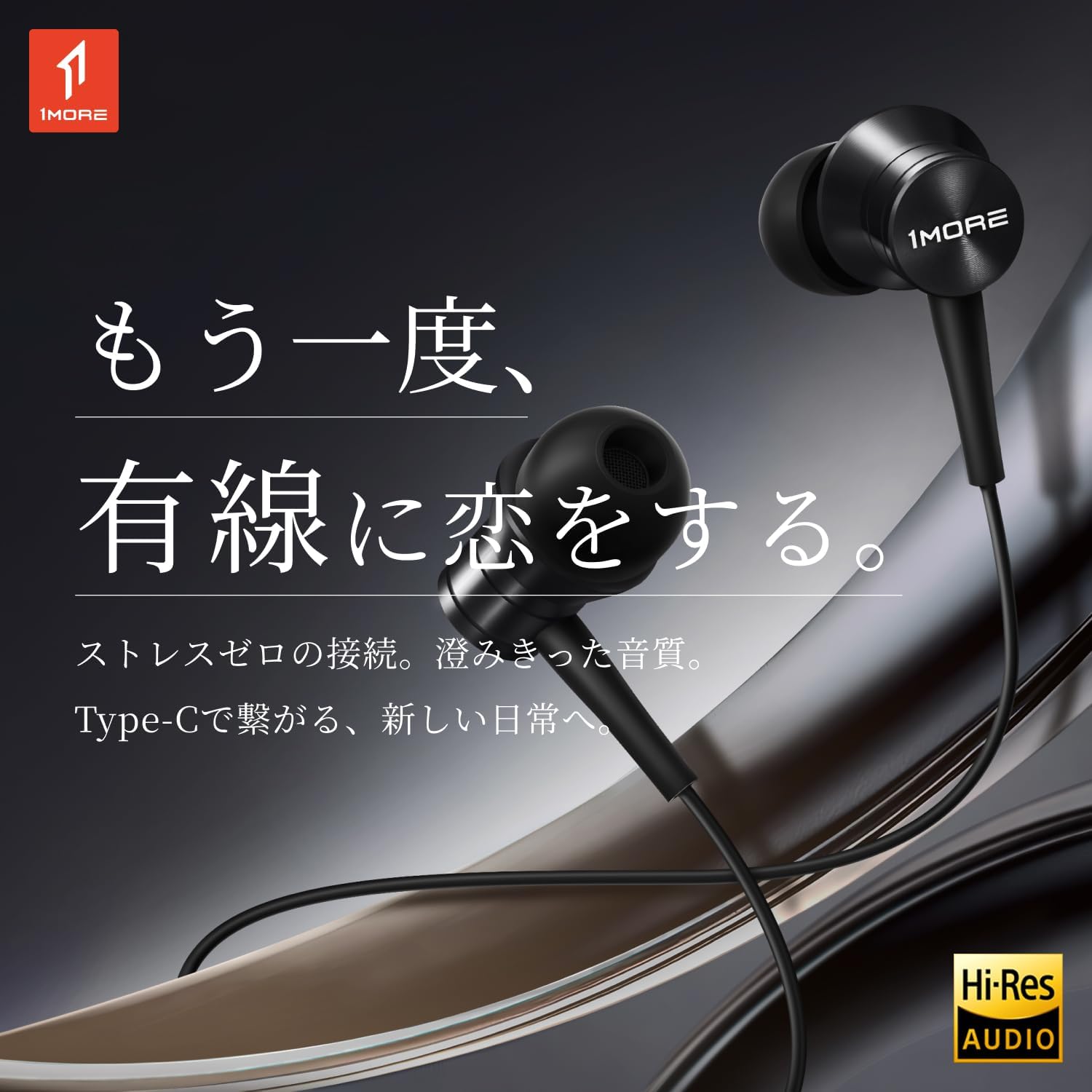
Image: The 1MORE Piston P20 Type-C Wired Earphones, showcasing their sleek black design and the Hi-Res Audio certification logo.
פּעקל אינהאַלט
באַשטעטיקן אַז אַלע זאכן זענען פאַראַן אין דיין פּעקל:
- 1MORE Piston P20 Type-C Wired Earphones
- אויער עצות (פאַרשיידענע סיזעס)
סעטאַפּ
קאַנעקטינג צו דיין מיטל
The 1MORE Piston P20 earphones feature a Type-C connector for direct digital audio transmission. No additional setup or pairing is required.
- Locate the Type-C port on your smartphone, tablet, or other compatible device.
- Insert the Type-C connector of the earphones firmly into the device's port.
- The earphones are ready for use once connected.

Image: A hand connecting the Type-C earphones to a smartphone, illustrating the simple plug-and-play setup.
ווערינג די ירפאָונז
The earphones are designed for a comfortable and secure fit:
- Identify the left (L) and right (R) earpieces. These markings are located on the inner side of each earbud.
- Gently insert each earbud into the corresponding ear canal. The 45° angled nozzle and two-stage angle design are engineered for an ergonomic fit.
- Adjust the earpieces until they feel secure and comfortable. Proper fit helps optimize sound quality and noise isolation.
בילד: א נאָענטע בילד view of an earphone, highlighting the clear 'L' marking for proper left ear placement.

Image: Two individuals wearing the 1MORE Piston P20 earphones, demonstrating the ergonomic and comfortable fit.
אַפּערייטינג ינסטראַקשאַנז
Inline Remote Control Functions
The earphones are equipped with an intuitive inline remote control for easy management of audio playback and calls.
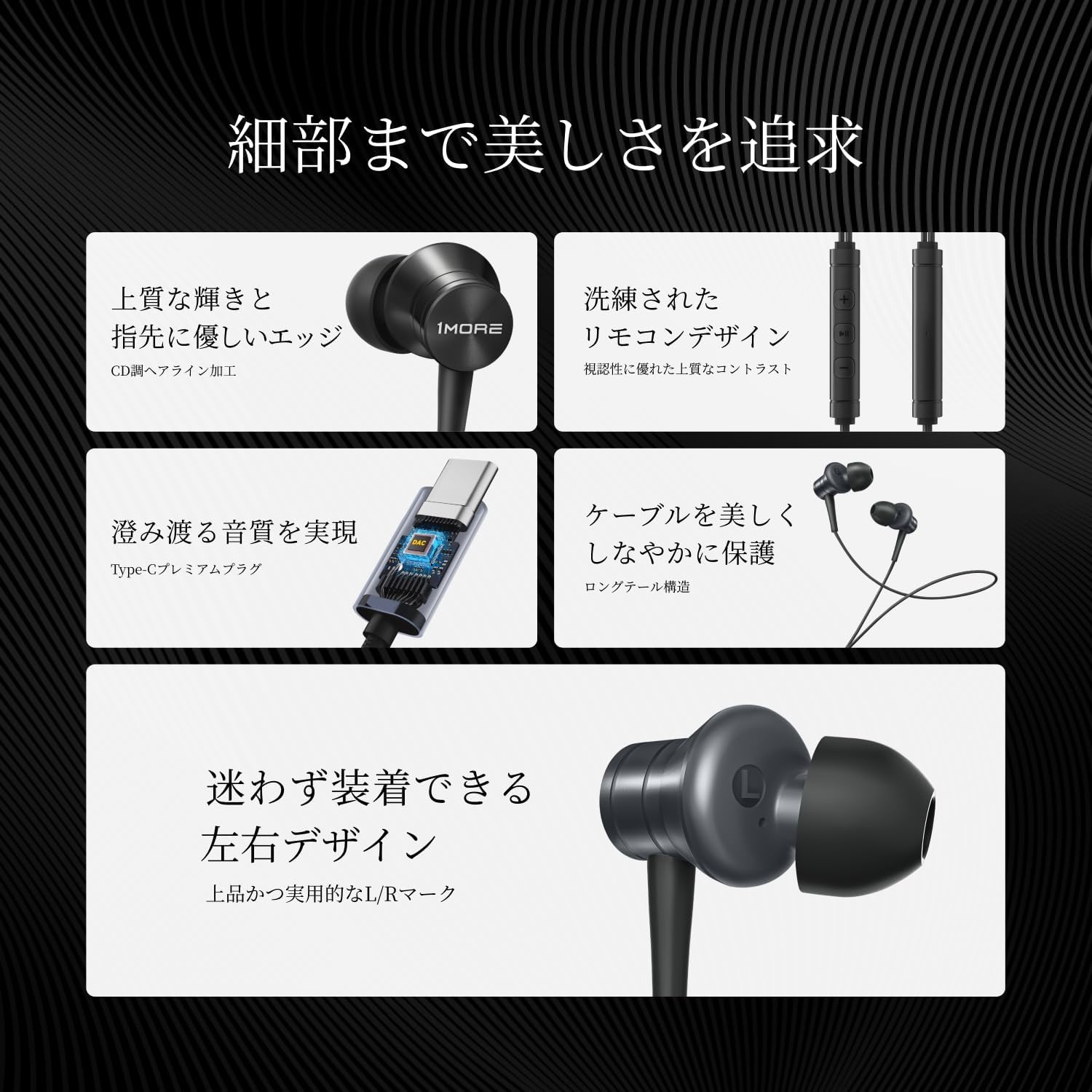
בילד: א דעטאַלירטע view of the inline remote control, showing the volume and multi-function buttons.
| פֿונקציע | קאַמף |
|---|---|
| שפּיל / פּויזע מוזיק | דרוק דעם צענטער קנעפּל אַמאָל. |
| באַנד אַרויף | דריק דעם '+' קנעפל. |
| באַנד אַראָפּ | דריק דעם '-' קנעפּל. |
| ווייַטער שפּור | דרוק דעם צענטער קנעפּל צוויי מאָל. |
| פֿריִערדיקע שפּירט | Press the center button three times. |
| ענטפֿערן / סוף רופן | דריק דעם צענטער קנעפּל איין מאל בעת א רוף. |
| אָפּוואַרפן רופן | דריקן און האַלטן די צענטער קנעפּל. |
| אַקטאַווייט די קול אַססיסטאַנט | Press and hold the center button (functionality may vary by device). |
| שטום מיקראָפאָן | דריק און האלט דעם '-' קנעפל. |
מיקראָפאָן באַניץ
The integrated AI ENC (Environmental Noise Cancellation) MEMS microphone ensures clear voice capture during calls and recordings, minimizing ambient noise.

Image: A person engaged in a phone call using the earphones, demonstrating the microphone's position for clear communication.

Image: A diagram illustrating the AI ENC technology, showing how environmental noise is suppressed for clearer voice transmission.
וישאַלט
Cleaning the Earphones
Regular cleaning helps maintain hygiene and sound quality.
- Gently remove the ear tips from the earbuds.
- Clean the ear tips with a mild soap solution and water, then rinse thoroughly and allow them to dry completely before reattaching.
- Use a soft, dry cloth to wipe the earbud surfaces and cable. Avoid using harsh chemicals or abrasive materials.
- Ensure no moisture enters the earbud nozzles or the Type-C connector.
קאַבלע קער
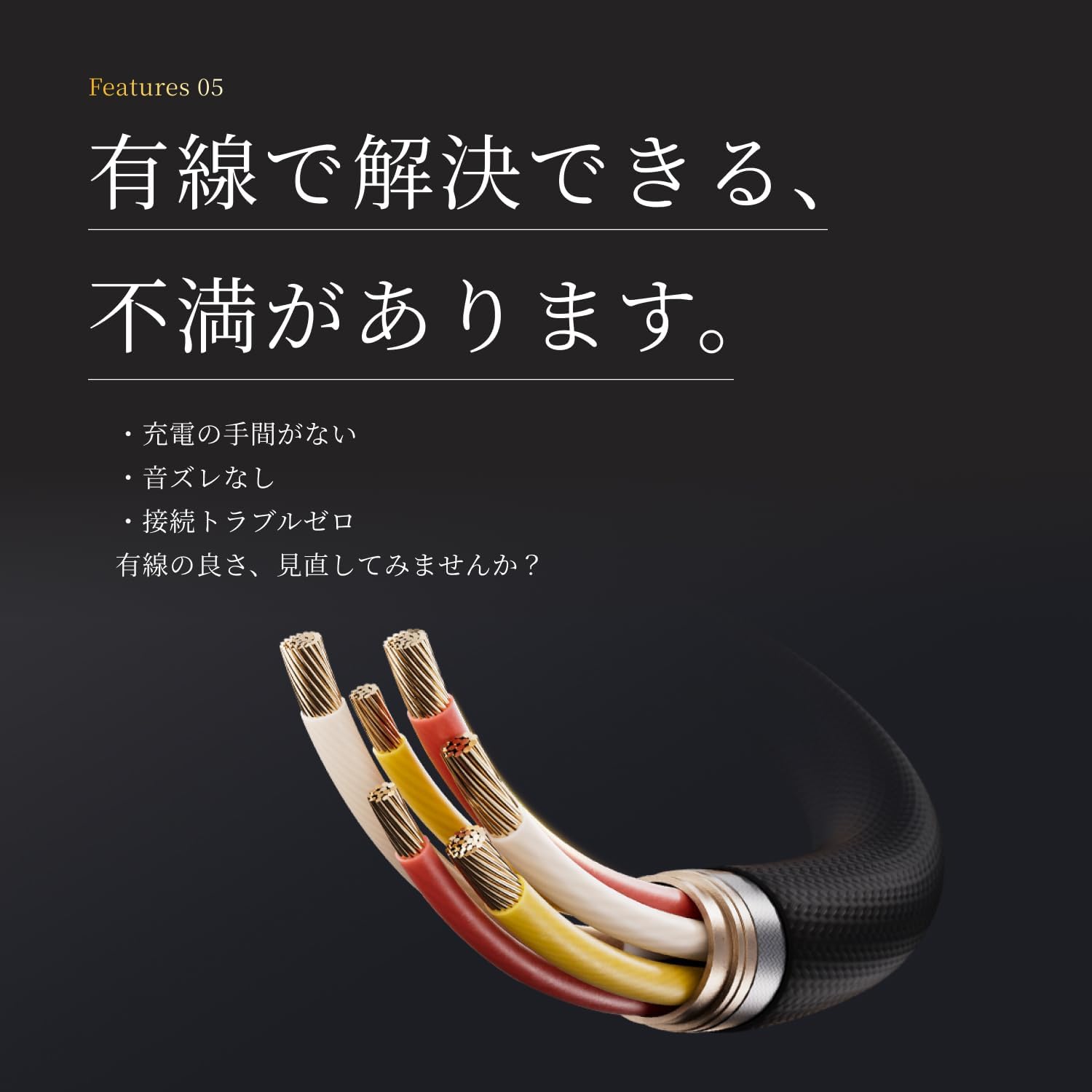
The earphones feature a tension-reinforced fiber and braided cable cover for durability. To prolong the cable's life:
- Avoid sharp bends or excessive pulling on the cable.
- Store the earphones neatly to prevent tangling.
- Do not expose the cable to extreme temperatures or direct sunlight for extended periods.

Image: A close-up of the earphone cable, highlighting its durable braided construction designed to resist wear and tear.
טראָובלעשאָאָטינג
If you encounter any issues with your earphones, refer to the following common problems and solutions:
| פּראָבלעם | מעגלעך לייזונג |
|---|---|
| קיין קול פון די אויערפאנען. |
|
| נעבעך געזונט קוואַליטעט אָדער דיסטאָרשאַן. |
|
| מיקראָפאָן אַרבעט נישט אָדער איז נישט קלאָר. |
|
| Inline remote not responding. |
|
ספּעסאַפאַקיישאַנז
Detailed technical specifications for the 1MORE Piston P20 Type-C Wired Earphones:
| שטריך | דעטאַל |
|---|---|
| מאָדעל | P20 |
| קשר טיפּ | Type-C (Wired) |
| ווערינג סטייל | אין אויער |
| דרייווער | 10mm DLC (Diamond-Like Carbon) Diaphragm Dynamic Driver |
| אָפטקייַט ענטפער | 20 הז - 40,000 הז |
| ימפּידאַנס | 32Ω |
| סענסיטיוויטי | 100dB |
| רייטאַד מאַכט | 5mW |
| קאַבלע לענג | 1.25 ם |
| וואָג | 19ג |
| מיקראָפאָן | AI ENC MEMS Microphone |
| DAC שפּאָן | ינטעגראַטעד |
| הי-רעס אַודיאָ | סערטאַפייד |
| לאַנד פון אָריגין | כינע |
וואָראַנטי און שטיצן
פאַבריקאַנט'ס וואָראַנטי
The 1MORE Piston P20 Type-C Wired Earphones come with a 1-יאָר פאַבריקאַנט ס וואָראַנטי פֿון דעם קויפֿדאַטום. די וואָראַנטי דעקט חסרונות אין מאַטעריאַלן און אַרבעט אונטער נאָרמאַלן באַנוץ. עס דעקט נישט קיין שאָדן פֿאַראורזאַכט דורך אומרעכטן באַנוץ, אומגליקן, נישט-אָטעריזירטע מאָדיפֿיקאַציעס, אָדער נאָרמאַלן אָפּנוץ.
קונה שטיצן
For technical assistance, warranty claims, or general inquiries, please contact 1MORE customer support through their official website or the retailer from whom you purchased the product. Please have your proof of purchase and product model number (P20) ready when contacting support.
For more information, visit the official 1MORE webפּלאַץ: www.1more.com