
1. הקדמה
Welcome to the FUNYET 16-inch Laptop Computer NY-08 user manual. This guide provides essential information for setting up, operating, maintaining, and troubleshooting your new laptop. Designed for versatility and performance, the FUNYET NY-08 is equipped with an Intel 13th Gen N150 processor, ample memory, and a vibrant display to support your daily computing needs, from productivity to entertainment.
Figure 1: The FUNYET 16-inch Laptop Computer, showcasinזײַן גלאַטן דיזײַן און גרויסן עקראַן.
2. סעטאַפּ
2.1 אויספּאַקן די קעסטל און ערשטע דורכקוק
נעמט פֿאָרזיכטיק אַרויס אַלע קאָמפּאָנענטן פֿון דער פּאַקעט. מאַכט זיכער אַז די פֿאָלגנדיקע זאַכן זענען פֿאַראַן:
- FUNYET 16-inch Laptop Computer
- אַק אַדאַפּטער
- באַניצער מאַנואַל (דעם דאָקומענט)
- וואָראַנטי קאַרד
2.2 Powering On and First Boot
Connect the AC adapter to the laptop's DC port and a power outlet. Press the power button to turn on the laptop. Follow the on-screen instructions to complete the initial Windows 11 Pro setup, including language, region, and user account creation.
Figure 2: The laptop displaying the Windows 11 Pro operating system during initial setup.
2.3 קאַנעקטינג צו Wi-Fi
During the Windows setup or afterwards, navigate to the network settings. Select your desired Wi-Fi network from the list, enter the password if prompted, and click 'Connect'.
3. אפערירן דיין לאַפּטאָפּ
3.1 ווינדאָוס 11 פּראָ איבערview
Your FUNYET laptop comes with Windows 11 Pro pre-installed, offering enhanced security, productivity features, and a redesigned user interface. Explore the Start Menu, Taskbar, and Widgets for a personalized experience.
3.2 קלאַוויאַטור און טאָוטשפּאַד
The laptop features a full-size backlit keyboard for comfortable typing in various lighting conditions and a numeric keypad for efficient data entry. The integrated touchpad supports multi-touch gestures for navigation. A fingerprint scanner is integrated for secure and quick login.
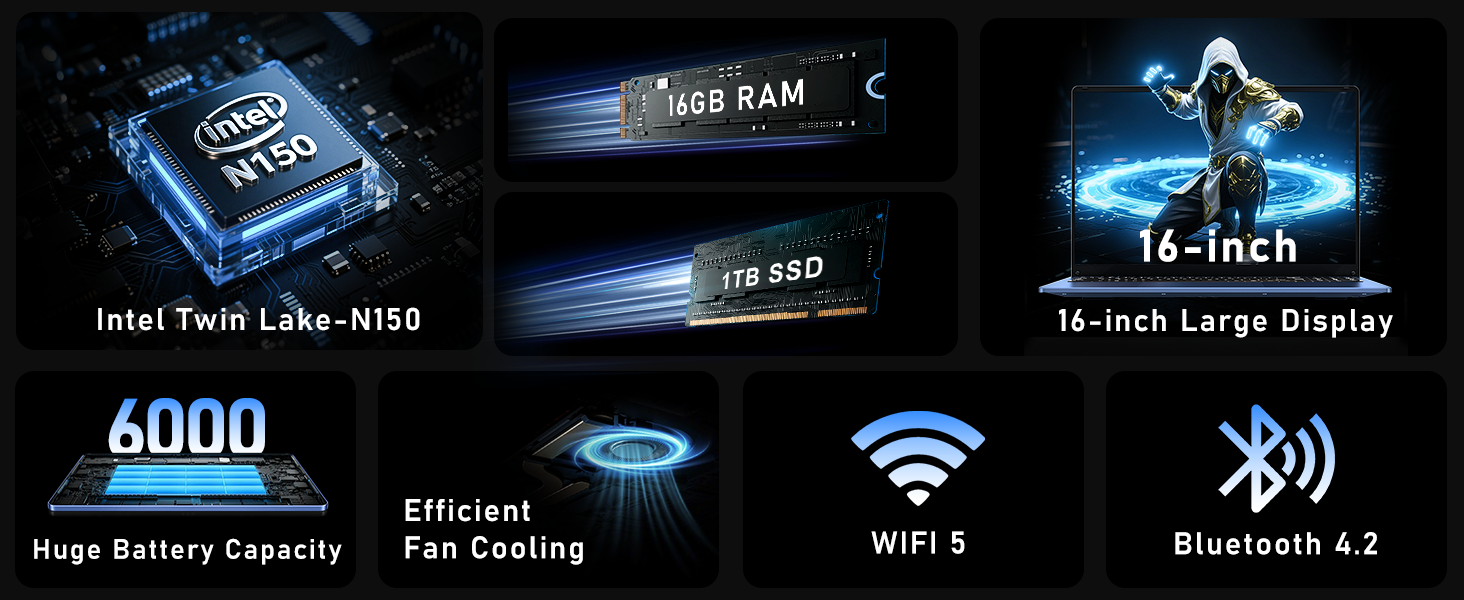
Figure 3: Close-up of the laptop's full-size backlit keyboard and numeric keypad.
3.3 קאָנעקטיוויטי פּאָרטן
The laptop is equipped with various ports for external device connectivity:
- וסב 2.0 פּאָרט: For connecting older USB devices.
- וסב 3.0 פּאָרץ: Two ports for high-speed data transfer with compatible devices.
- מיני HDMI פּאָרט: פֿאַר פֿאַרבינדן צו עקסטערנע דיספּלייז אָדער פּראָיעקטאָרן.
- 3.5 מם כעדפאָון דזשאַק: פֿאַר אַודיאָ אַרויסגאַנג צו כעדפאָונז אָדער עקסטערנע רעדנערס.
- דק פּאָרט: פֿאַר פֿאַרבינדן דעם AC אַדאַפּטער צו לאָדן דעם לאַפּטאַפּ.
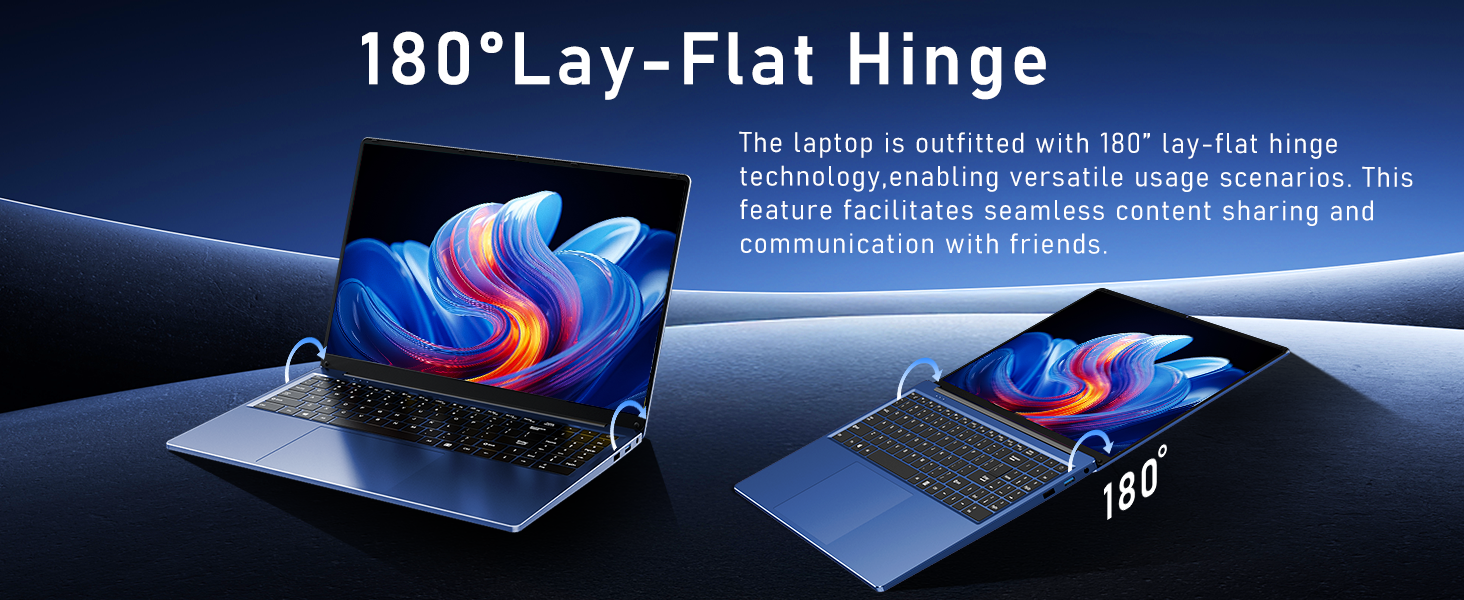
Figure 4: Diagram illustrating the various connectivity ports on the FUNYET laptop.
4. שליסל פֿעיִקייטן
The FUNYET NY-08 laptop is engineered with components designed for optimal performance and user experience.
4.1 Advanced Processor
Equipped with the latest 13th generation Intel Alder Lake N150 processor, featuring a boost frequency of up to 3.6GHz, 4 cores, and 4 threads. This provides robust performance for multitasking, streaming, and light gaming.

פיגורע 5: דעטאַילעד view of the Intel N150 processor, highlighting its core specifications.
4.2 זכּרון און סטאָרידזש
With 16GB of DDR4 RAM and a 1TB high-speed SSD, the laptop ensures effortless multitasking and provides ample space for all your data, applications, and media files.
Figure 6: Visual representation of the 16GB RAM and 1TB SSD for high capacity and performance.
4.3 Visual Brilliance Display
Experience stunning visuals on the 16.0-inch Full HD IPS display with a 1920x1200 resolution. The 0.2-inch micro-bezel and 90% screen-to-body ratio provide an immersive viewing experience with vivid colors and eye protection features.

Figure 7: The laptop's 16-inch FHD IPS display, showcasing its visual clarity and narrow bezels.
4.4 לאַנג-דויערנדיקע באַטאַרייע
The laptop is equipped with a 6000mAh (46.2Wh) rechargeable battery, offering up to 6 hours of battery life, making it suitable for on-the-go use.
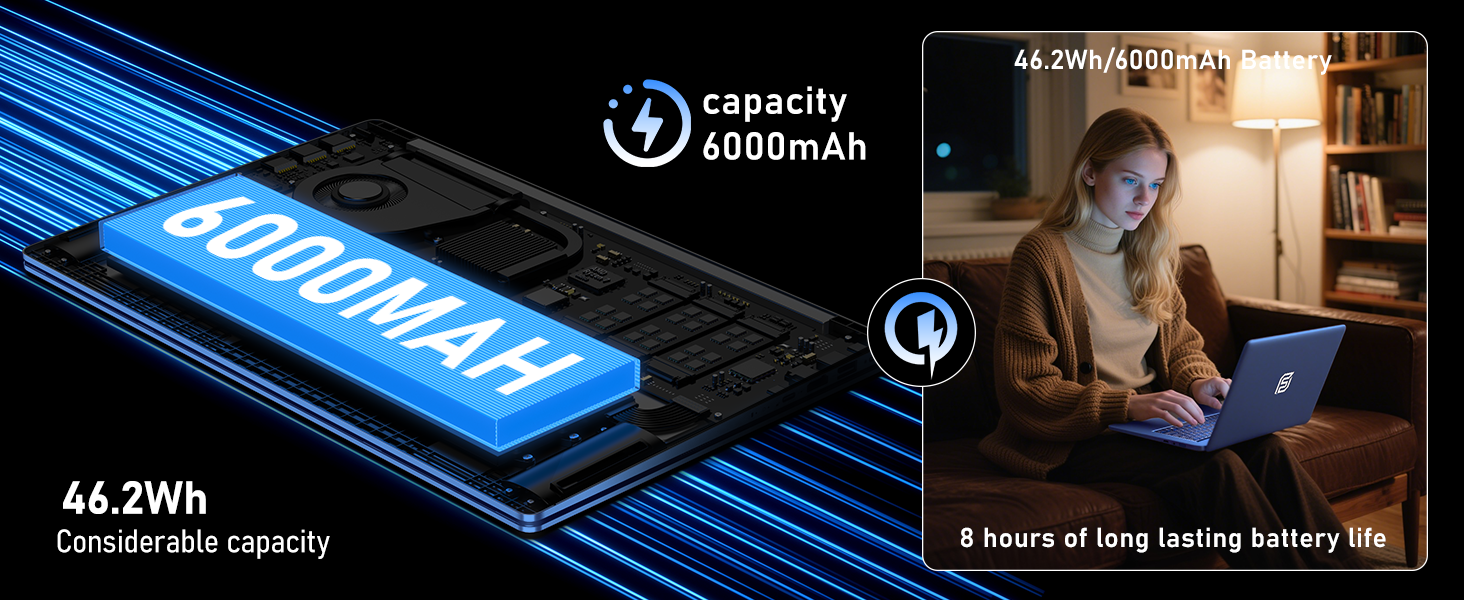
Figure 8: Illustration of the laptop's 6000mAh battery, providing extended usage.
4.5 פּאָרטאַטיוו פּלאַן
With a slim 0.8-inch body and a weight of only 3.5 pounds, this laptop is highly portable. It also features a 180° lay-flat hinge, allowing for versatile usage scenarios and easy content sharing.
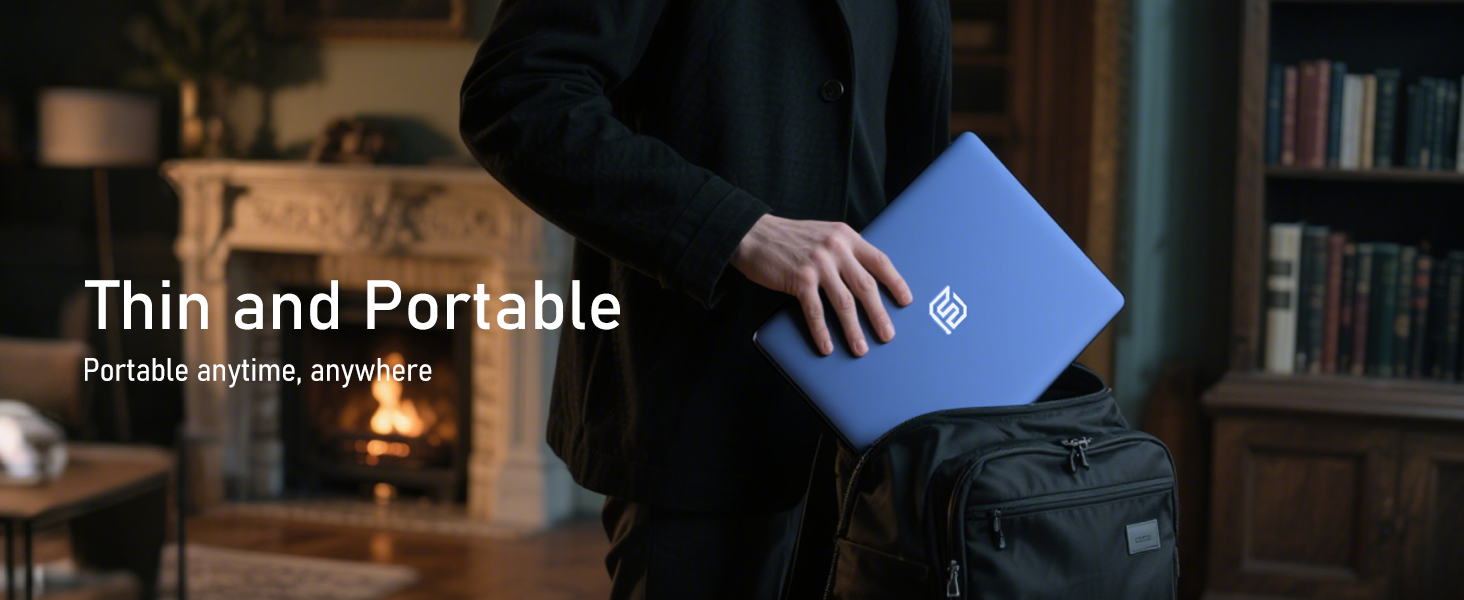
Figure 9: The laptop demonstrating its 180-degree lay-flat hinge for flexible use.
5. וישאַלט
To ensure the longevity and optimal performance of your FUNYET laptop, follow these maintenance guidelines:
- רייניקונג: ניצט אַ ווייכע, לינט-פֿרייע שטאָף צו רייניקן דעם עקראַן און אויסערלעכן טייל. פֿאַרמייַדט שטרענגע כעמיקאַלן.
- ווייכווארג דערהייַנטיקונגען: Regularly update Windows 11 Pro and drivers to ensure security and performance.
- באַטערי זאָרגן: Avoid fully discharging the battery frequently. For long-term storage, charge the battery to about 50-70%.
- ווענטילאַטיאָן: זיכער מאַכן אַז די לאַפּטאַפּ'ס ווענטילאַציעס זענען נישט פֿאַרשטאָפּט צו פאַרמייַדן איבערהיצונג.
6. טראָובלעשאָאָטינג
דאָ זענען לייזונגען צו געוויינטלעכע פּראָבלעמען וואָס איר קענט באַגעגענען:
| אַרויסגעבן | לייזונג |
|---|---|
| לאַפּטאָפּ גייט נישט אָן | זיכער מאַכן אַז דער AC אַדאַפּטער איז זיכער פארבונדן און די עלעקטרישע אַוטלעט אַרבעט. פּרוּווט האַלטן דעם מאַכט קנעפּל פֿאַר 10-15 סעקונדעס צו דורכפירן אַ שווערן ריסעט. |
| קיין ווי-פי קשר | Check if Wi-Fi is enabled in Windows settings. Restart your router and the laptop. Verify your Wi-Fi password. |
| פּאַמעלעך פאָרשטעלונג | Close unnecessary applications. Check for background processes consuming resources. Ensure Windows and drivers are up to date. Run a disk cleanup. |
| ווייַז ישוז | Adjust screen brightness. Ensure display drivers are updated. If connected to an external monitor, check cable connections. |
7. ספּעסאַפאַקיישאַנז
Detailed technical specifications for the FUNYET 16-inch Laptop Computer NY-08:
| שטריך | דעטאַל |
|---|---|
| מאָדעל נאָמען | NY-08 |
| פאַרשטעלן גרייס | 16 אינטשעס |
| פאַרשטעלן האַכלאָטע | 1920 x 1200 פּיקסעלס (FHD IPS) |
| פּראַסעסער | Intel 13th Gen Alder Lake N150 (up to 3.6GHz, 4 Cores, 4 Threads) |
| באַראַן | 16GB DDR4 |
| שווער דרייוו | 1TB SSD |
| אָפּערייטינג סיסטעם | Windows 11 פּראָ |
| גראַפיקס קאַרד | אינטעגרירטע סעלעראָן גראַפיקס |
| ווירעלעסס טיפּ | 5 GHz Radio Frequency (Wi-Fi 5) |
| בלועטאָאָטה | בלועטאָאָטה 4.2 |
| וסב פּאָרץ | 1 קס וסב 2.0, 2 קס וסב 3.0 |
| ווידעא רעזולטאַט | מיני הדמי |
| אַודיאָ דזשאַק | 3.5 מם כעדפאָון |
| באַטערי לעבן | Up to 6-8 Hours (6000mAh) |
| פּונקט וואָג | 3.5 פונט |
| פּראָדוקט דימענשאַנז | 14 X 9 X 0.8 אינטשעס |
| ספּעציעלע שטריך | Backlit Keyboard, Fingerprint Scanner |
8. וואָראַנטי & שטיצן
Your FUNYET NY-08 laptop comes with a 2 יאָר וואָראַנטי, ensuring peace of mind. For any issues or queries, our dedicated customer support team is available 24/7 to provide prompt and efficient assistance.
קאָנטאַקט אינפֿאָרמאַציע:
- טעלעפֿאָן: +1 800-986-9631 (4AM-10PM PT)
- בליצפּאָסט: funyetstore@outlook.com

Figure 10: FUNYET customer support information, including warranty and contact details.
9. פּראָדוקט ווידעאָס
9.1 FUNYET Gaming Laptop Overview
ווידעא 1: אן אפיציעלער איבערview of the FUNYET Gaming Laptop, highlighting its design and core features. This video provides a visual introduction to the product's capabilities and aesthetics.
9.2 FUNYET Laptop for Gaming Features
Video 2: A detailed look at the FUNYET Laptop's features optimized for gaming and productivity. This video demonstrates the laptop's performance and various functionalities in action.