
1. הקדמה
Thank you for choosing the KOOSMILE N80 Mini PC. This compact and versatile device is designed to provide a powerful computing experience in a portable form factor. Featuring an 8-inch multi-touch display, a robust N150 processor, and extensive connectivity options, the N80 is suitable for a wide range of applications from everyday tasks to specialized IT management. This manual provides essential information for setting up, operating, maintaining, and troubleshooting your Mini PC.
2. וואָס איז אין דער קעסטל
Upon unboxing your KOOSMILE N80 Mini PC, please ensure all the following items are present:

Image: All items included in the KOOSMILE N80 Mini PC package.
- 1x KOOSMILE N80 Mini PC
- 1x Power Adapter (Type-C 45W GaN Quick Charger)
- 1x HDMI קאַבלע
- 1x DisplayPort (DP) Cable
- 1x באַניצער מאַנואַל
3. פּראָדוקט איבערview & איינריכטונגען
The KOOSMILE N80 Mini PC combines powerful components with a compact design, making it highly portable and efficient.
3.1 שליסל קאַמפּאָונאַנץ

בילד: איבערview of KOOSMILE N80 Mini PC key features and components.
- פּראַסעסער: Intel Twin Lake N150 CPU (4 cores, 4 threads, 6M cache, Base Frequency: 0.8 GHz; Max Turbo Frequency: 3.6GHz).
- זכּרון: 12 גיגאבייט DDR5 ראַם פֿאַר גלאַט מאַלטיטאַסקינג.
- סטאָרידזש: 512GB M.2 SSD (expandable, other configurations available).
- אַפּערייטינג סיסטעם: פאַר-אינסטאַלירט מיט Windows 11 Pro.
- גראַפיקס: Integrated Intel UHD Graphics 600, supporting 4K content.
3.2 Display & Portability

Image: The compact size and portability of the KOOSMILE N80 Mini PC.
- ינאַגרייטיד ווייַז: 8.0-inch HD multi-touch display (1280 x 720 resolution).
- דימענסיעס: 7.62 × 4.88 × 0.91 inches (19.36 x 12.4 x 2.31 cm).
- וואָג: אומגעפער 2.2 פונט (0.55 ק"ג).
- באַטערי: Built-in 5000mAh battery for portable use.
- אַדזשאַסטאַבאַל שטיין: Integrated metal bracket allows for adjustable viewing angles (45° to 165°).

Image: The adjustable metal stand provides flexible viewאָפּציעס.
3.3 Connectivity & Ports

Image: The extensive port selection on the KOOSMILE N80 Mini PC.
- וסב פּאָרץ: 2x USB 3.0, 2x USB 2.0.
- ווידעא אַוטפּוץ: HDMI, DisplayPort (DP), Full-function Type-C (supports 4K@60Hz dual display).
- נעץ: Dual RJ45 Ethernet ports (Gigabit).
- ווירעלעסס: Wi-Fi 6 (802.11ax), Bluetooth 5.2.
- אַודיאָ: 3.5 מם אַודיאָ דזשאַק.
- סטאָרידזש יקספּאַנשאַן: טף קאָרט שפּעלטל.
4. סעטאַפּ
Follow these steps for initial setup of your KOOSMILE N80 Mini PC:
- מאַכט קשר: Connect the provided Type-C power adapter to the PD port on the Mini PC and then to a power outlet.
- ערשטע בוט: Press the power button. The device will boot into Windows 11 Pro. Follow the on-screen instructions to complete the initial Windows setup, including region, keyboard layout, and network connection.
- פונדרויסנדיק ווייַז (אָפּטיאָנאַל): If using an external monitor, connect it via the HDMI, DisplayPort, or Full-function Type-C port using the provided cables or compatible alternatives.
- Peripherals (Optional): Connect your USB keyboard, mouse, or other peripherals to the available USB 2.0 or USB 3.0 ports. Bluetooth devices can be paired through Windows settings.
- נעץ קאַנעקשאַן: Connect to Wi-Fi via Windows settings or use an Ethernet cable with one of the dual RJ45 ports for a wired connection.
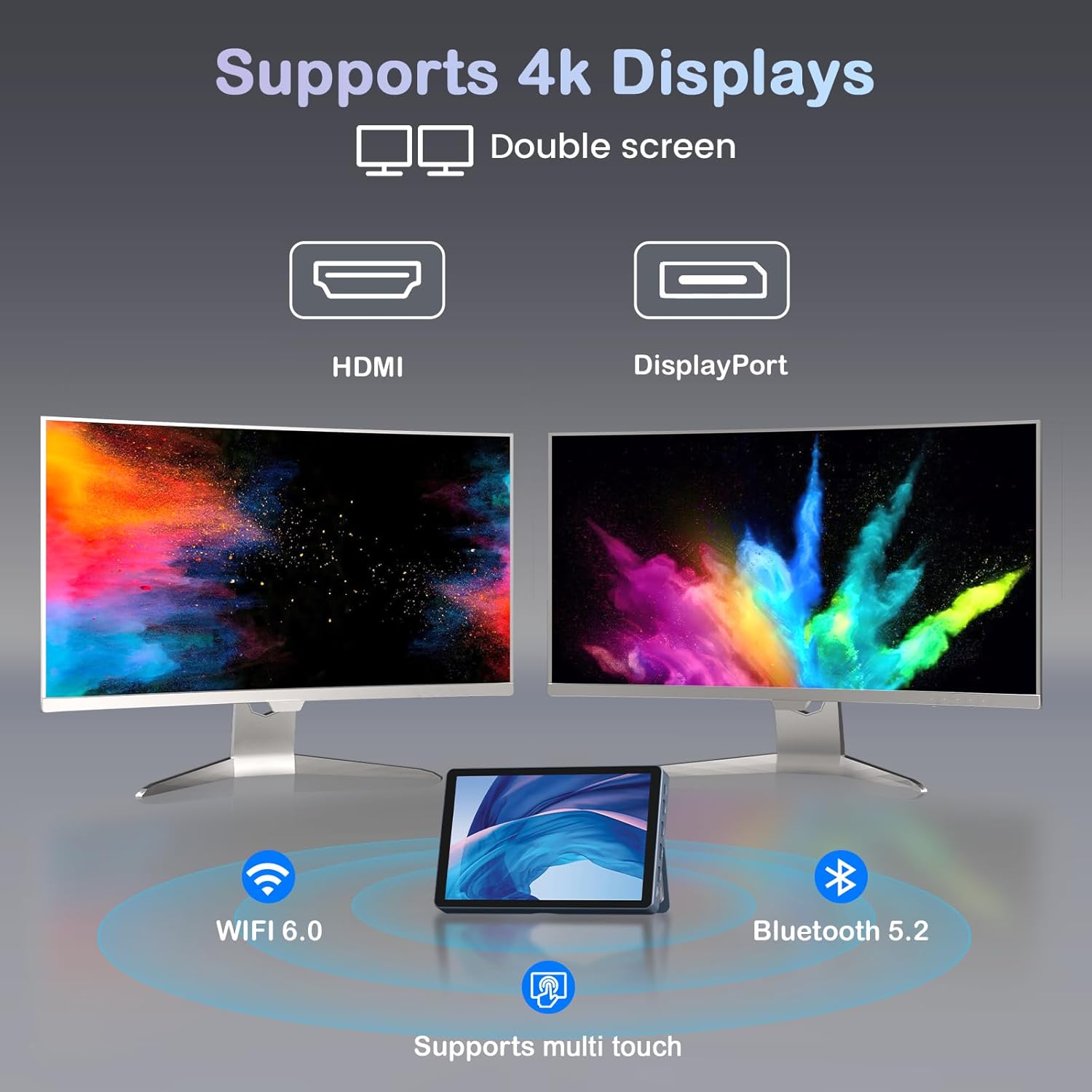
Image: KOOSMILE N80 Mini PC connected to an external 4K display.
5. אַפּערייטינג ינסטרוקטיאָנס
5.1 ניצן די טאָוטשסקרעען
The 8-inch multi-touch display allows for intuitive interaction with Windows 11 Pro. Use touch gestures similar to a tablet for navigation, opening applications, and input.
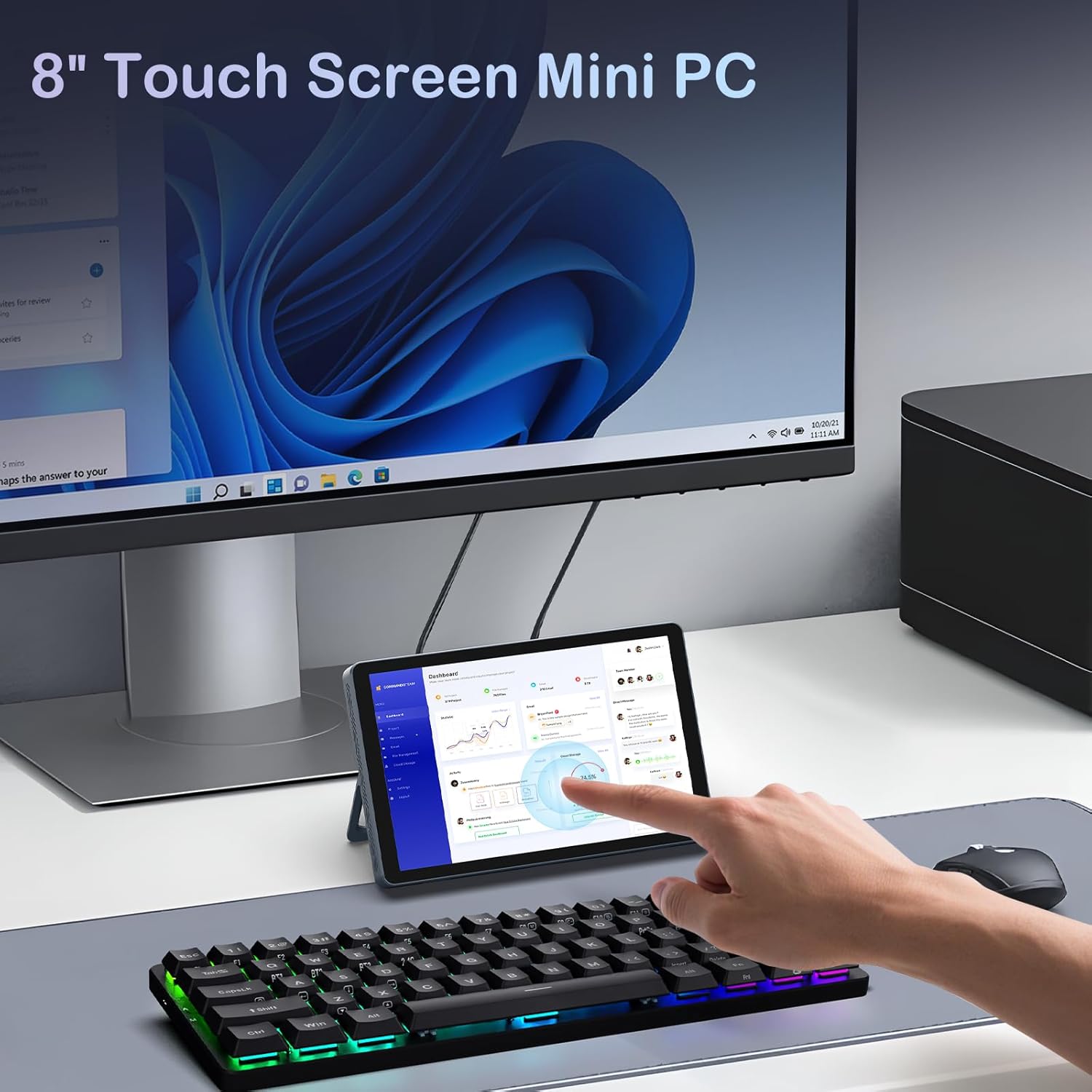
Image: Interacting with the 8-inch multi-touch display.
5.2 פֿאַרבינדן זיך צו עקסטערנע דיספּלייז
The N80 supports up to two external 4K displays simultaneously via HDMI, DisplayPort, and the Full-function Type-C port. To configure display settings:
- Connect your external monitor(s) to the Mini PC.
- רעכט-קליק אויף די דעסקטאַפּ און סעלעקטירן 'דיספּליי סעטטינגס'.
- Here you can arrange your displays, choose between 'Extend these displays', 'Duplicate these displays', or 'Show only on 1/2/3'.
5.3 נעטוואָרק קאָנפיגוראַטיאָן
- ווי-פי: Access Wi-Fi settings in Windows to connect to available networks. The device supports Wi-Fi 6 for fast wireless connectivity.
- עטהערנעט: Utilize the dual Gigabit RJ45 ports for stable and high-speed wired network connections. These ports also enable advanced network configurations for IT professionals.
5.4 מאַכט מאַנאַגעמענט
The built-in 5000mAh battery provides power for on-the-go use. The device can also charge other devices via its Type-C port (PD-Charging).

Image: The KOOSMILE N80 Mini PC's battery supports portable use and charging other devices.
6. וישאַלט
- ווייכווארג דערהייַנטיקונגען: Regularly check for and install Windows updates to ensure optimal performance and security.
- רייניקונג: Use a soft, dry cloth to clean the device. Avoid liquid cleaners directly on the screen or ports.
- סטאָרידזש פאַרוואַלטונג: פּעריִאָדיש אויסמעקן נישט-נייטיקע files and applications to maintain sufficient storage space and system speed.
7. טראָובלעשאָאָטינג
- מיטל נישט פּאַוערינג אויף: Ensure the power adapter is securely connected to both the Mini PC and a working power outlet. Check if the power adapter is functioning correctly.
- No Display on External Monitor: Verify that the display cable is correctly connected to both the Mini PC and the monitor. Check the monitor's input source settings. Try different video output ports (HDMI, DP, Type-C) on the Mini PC.
- Wi-Fi קאַנעקטיוויטי ישוז: Ensure Wi-Fi is enabled in Windows settings. Restart the Mini PC and your Wi-Fi router. Check for driver updates for the wireless adapter.
- פּאַמעלעך פאָרשטעלונג: Close unnecessary applications. Check Task Manager for high CPU or memory usage. Ensure sufficient free storage space on the SSD.
- טאָוטשסקרין רעאַגירט נישט: Restart the device. Check for any physical obstructions on the screen. Ensure touch drivers are up to date.
8. ספּעסאַפאַקיישאַנז
| שטריך | באַשרייַבונג |
|---|---|
| פּראַסעסער | Intel Twin Lake N150 (4 Cores, 4 Threads, up to 3.6 GHz) |
| באַראַן | 12GB DDR5 |
| סטאָרידזש | 512GB M.2 SSD (eSATA interface) |
| גראַפיקס | אינטעל UHD גראַפיקס 600 (אינטעגרירט) |
| אָפּערייטינג סיסטעם | Windows 11 פּראָ |
| ווייַז | 8-inch HD Multi-touch (1280 x 720) |
| מאַקסימום סקרין האַכלאָטע | 3840x2160 (4K) |
| וסב פּאָרץ | 2 קס וסב 3.0, 2 קס וסב 2.0 |
| ווידעא רעזולטאַט | HDMI, DisplayPort, Full-function Type-C |
| נעץ | Dual RJ45 Gigabit Ethernet |
| ווירעלעסס קאַנעקטיוויטי | Wi-Fi 6 (802.11ax), בלועטוט 5.2 |
| אַודיאָ | 3.5 מם כעדפאָון דזשאַק |
| קאָרט רידער | טף קאַרד שפּעלטל |
| באַטערי | 5000mAh (נישט-סטאַנדאַרט באַטאַרייע, אַרייַנגערעכנט) |
| מאַכט אַדאַפּטער | 45W GaN Quick Charger (Type-C) |
| דימענשאַנז | 7.62 X 4.88 X 0.91 אינטשעס (19.36 X 12.4 X 2.31 סענטימעטער) |
| פּונקט וואָג | 2.2 פונט (0.55 קג) |
9. וואָראַנטי & שטיצן
KOOSMILE is committed to providing excellent customer service and product reliability.
- וואָראַנטי: Your Mini PC comes with a 1-year warranty from the date of purchase.
- טעכניש שטיצן: We offer 24-hour technical support to assist with any product-related inquiries or issues.
- לעבן שטיצן: Enjoy lifetime technical support and responsive customer service from our professional after-sales team.
For support, please refer to the contact information provided in your product packaging or visit the official KOOSMILE webפּלאַץ.