
הקדמה
Thank you for choosing KICKER TW3 Wireless Earbuds. These earbuds are designed to provide a superior audio experience with advanced features such as Hybrid Active Noise Cancellation (ANC) and Environmental Noise Cancellation (ENC) for clear calls. Enjoy extended listening times, intuitive touch controls, and a durable, sweatproof design suitable for various activities.
וואָס איז אין די קעסטל
- KICKER TW3 ווירעלעסס עאַרבודז
- Recharging Carrying Case
- וסב-C טשאַרדזשינג קאַבלע
- Three (3) Sizes of Rubber Ear Tips (S, M, L)
- שנעלער אָנהייב גייד / באַניצער מאַנואַל

Image: Contents of the KICKER TW3 Earbuds box, including the earbuds, charging case, USB-C cable, and various sizes of ear tips.
פּראָדוקט איבערview
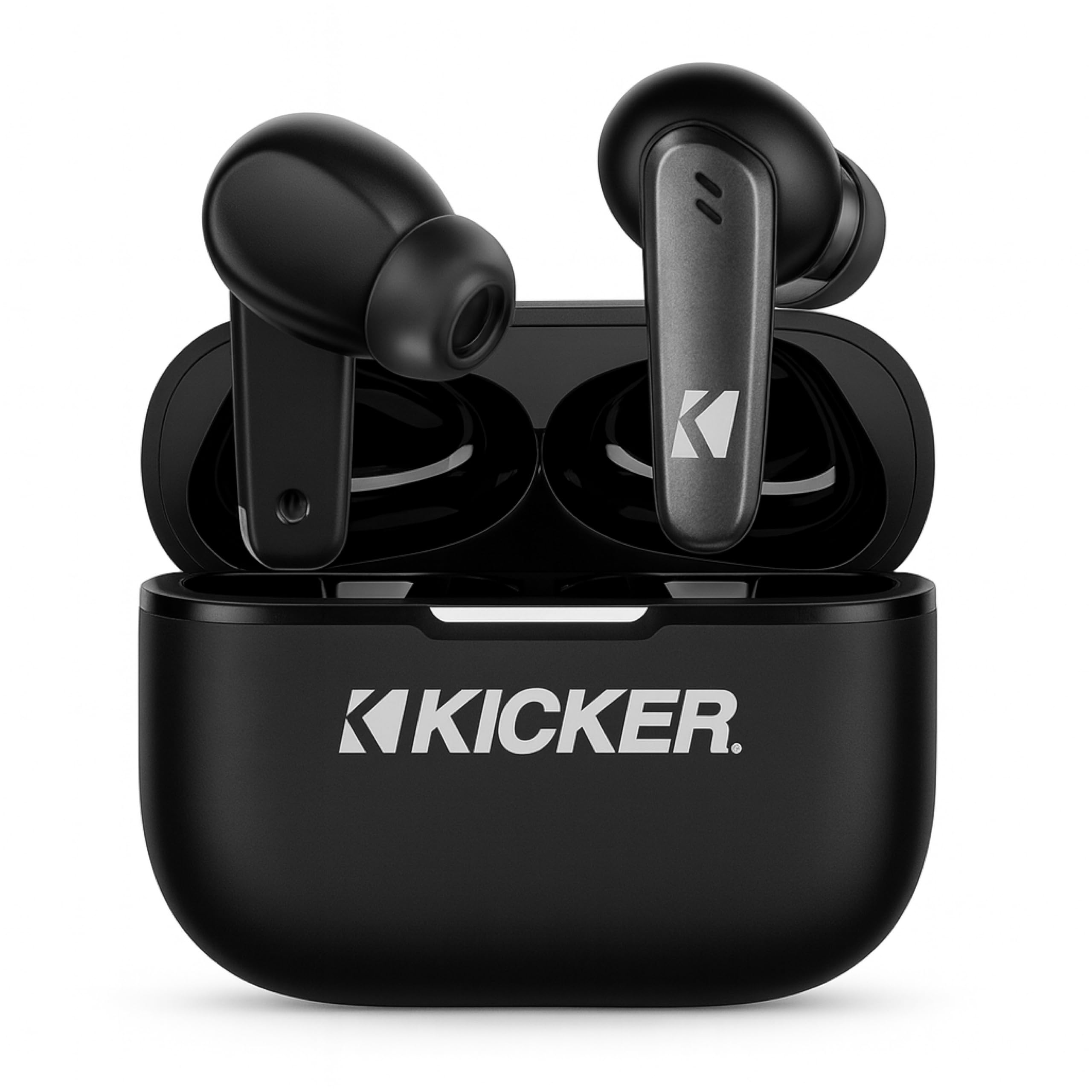
Image: The KICKER TW3 Wireless Earbuds resting inside their sleek black charging case.

בילד: א נאָענטע בילד view of a KICKER TW3 earbud, illustrating its noise reduction feature with a graphic showing noise being reduced by 35dB.
סעטאַפּ
1. צופּאַסן אויער טיפּס
Select the ear tips (Small, Medium, Large) that provide the most comfortable and secure fit for your ears. A proper seal is crucial for optimal sound quality and noise cancellation. Insert the earbud into your ear and gently twist it until it feels snug.

Image: A diagram illustrating the correct way to insert the earbuds and the three available ear tip sizes (S, M, L) for a comfortable fit.
2. ערשטע אויפלאָדונג
Before first use, fully charge the earbuds and the charging case. Place the earbuds into the charging case and connect the USB-C cable to the case and a power source. The indicator light on the case will show charging status.
3. פּערינג מיט דיין מיטל
- עפֿנט דעם טשאַרדזשינג קעסטל. די אויערקנעפּלעך וועלן אויטאָמאַטיש אַרײַן אין פּערינג מאָדע.
- אויף אייער דעווייס (סמאַרטפאָן, טאַבלעט, לאַפּטאָפּ), גייט צו בלועטוט סעטטינגס.
- Select "KICKER TW3" from the list of available devices.
- אַמאָל פארבונדן, וועט איר הערן אַ באַשטעטיקונג טאָן, און די אויערקנעפּלעך זענען גרייט פֿאַר נוצן.
Image: An icon representing Bluetooth wireless earbuds with auto-pairing functionality to a smartphone or device.
אַפּערייטינג ינסטראַקשאַנז
מאַכט אויף / אַוועק
- מאַכט אויף: עפֿענען די טשאַרדזשינג פאַל, און די עאַרבודז וועט אויטאָמאַטיש מאַכט אויף.
- מאַכט אַוועק: Place the earbuds back into the charging case and close the lid. They will automatically power off. Earbuds will also auto power off after 3 minutes of no signal.
ריר קאָנטראָלס
The KICKER TW3 earbuds feature intuitive touch sensors on each earbud for easy control of music, calls, and noise modes.

Image: A visual guide to the touch controls on the KICKER TW3 earbuds, showing actions for play/pause, previous/next song, voice assistance, ANC on/off/transparency, answer/end call, and reject call.
| קאַמף | קאָנטראָל |
|---|---|
| שפּיל / פּויזע | איין צאַפּן אויף יעדער עאַרבוד |
| ווייַטער ליד | טאָפּל צאַפּן רעכט עאַרבוד |
| פרייַערדיק ליד | טאָפּל צאַפּן לינקס עאַרבוד |
| ענטפֿערן / סוף רופן | איין צאַפּן אויף יעדער עאַרבוד |
| אָפּוואַרפן רופן | לאנג דריקן אויף יעדער עאַרבוד |
| אַקטאַווייט די קול אַססיסטאַנט | דריי מאָל צאַפּן אויף יעדן אויערקנעפּל |
| טוישן ANC/טראַנספּאַרענץ מאָדע | Long press on either earbud (when not on a call) |
Active Noise Cancellation (ANC) & Environmental Noise Cancellation (ENC)
The TW3 earbuds feature Hybrid Active Noise Cancellation, reducing ambient noise by up to -35dB, allowing you to focus on your audio. Transparency mode can be activated to hear your surroundings when needed. Environmental Noise Cancellation with dual microphones ensures your voice is clear during calls by blocking background chatter.
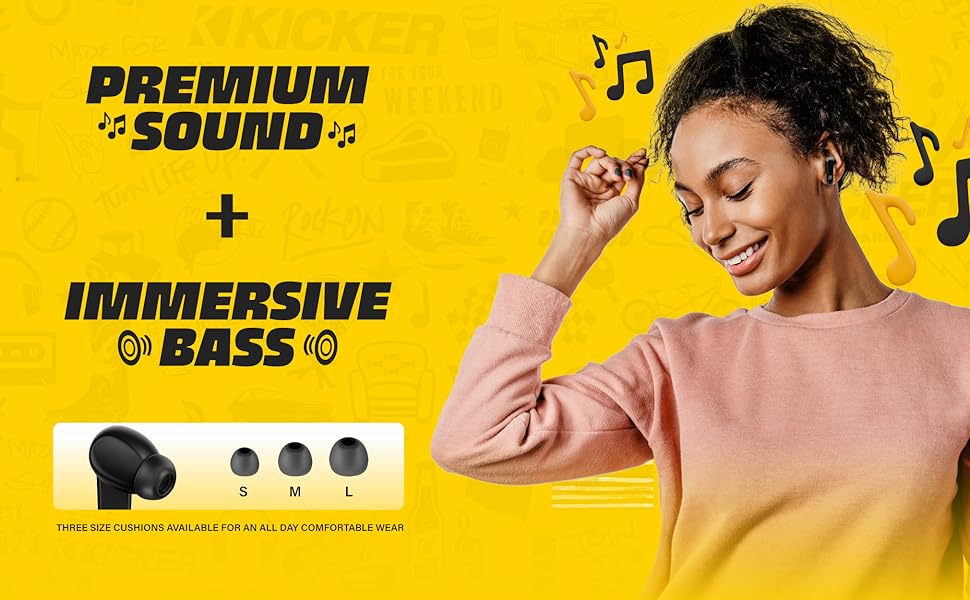
Image: A graphic illustrating the benefits of ENC for clear calls and ANC for blocking external noise from airplanes, offices, and cafes.
טשאַרדזשינג
The KICKER TW3 earbuds offer extended battery life with their charging case.
- Earbud Playtime: אַרויף צו 5 שעה אויף אַ איין אָפּצאָל.
- גאַנץ שפּילצייט מיט קעיס: Up to 25 hours (20 additional hours from the charging case).
- טשאַרדזשינג צייט: Approximately 1.5 hours for a full charge of the case and earbuds.
טשאַרדזשינג די קאַסטן און עאַרבודז
- Place the earbuds securely into their respective slots in the charging case.
- Connect the provided USB-C charging cable to the charging port on the case and to a USB power adapter (not included).
- The LED indicator on the case will flash red while charging.
- The LED indicator will turn solid red when the case is fully charged.
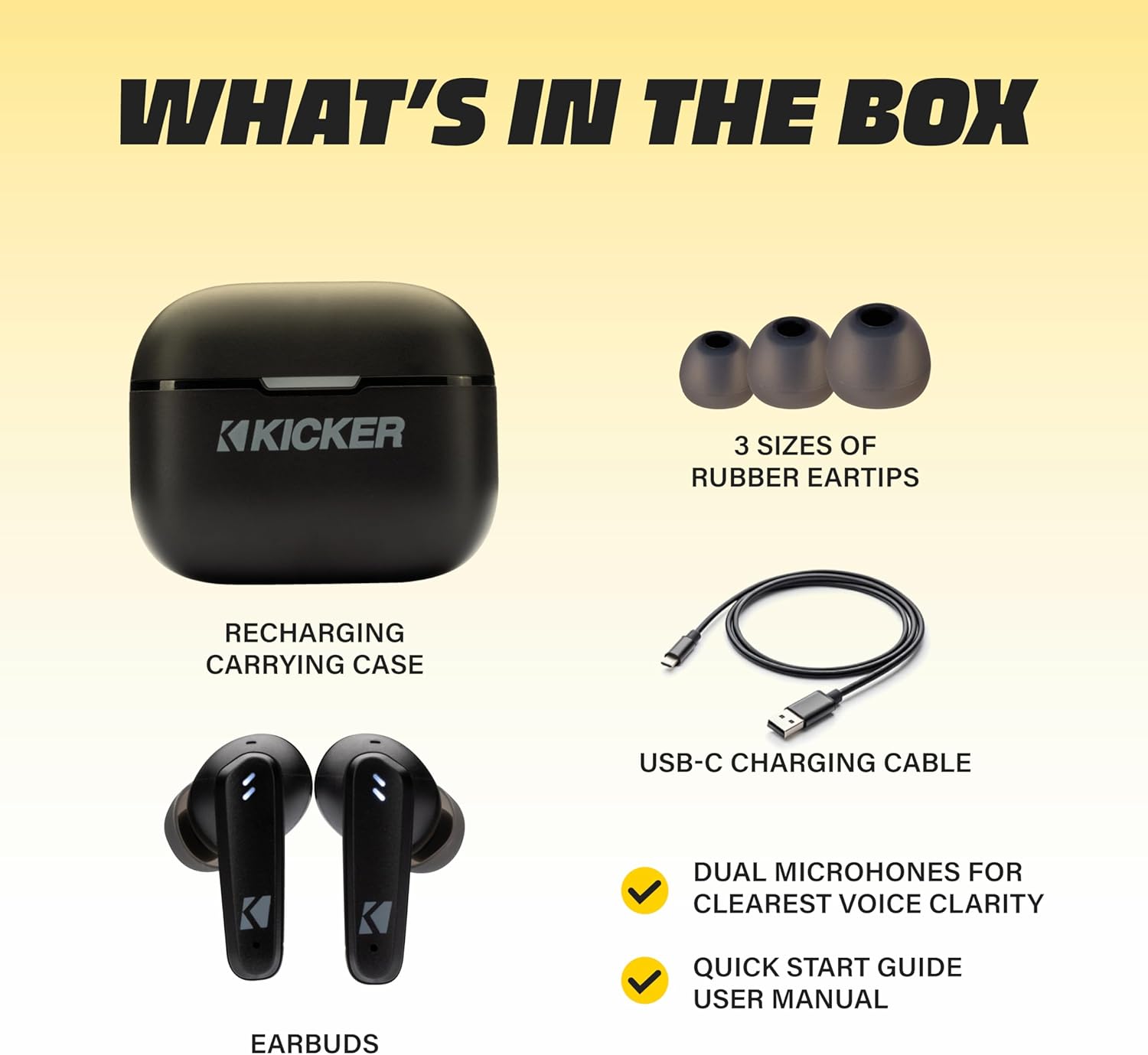
Image: The KICKER TW3 charging case being charged via a USB-C cable, with text indicating 5 hours of playtime for earbuds and 20 additional hours from the charging case, totaling 25 hours.
וישאַלט
רייניקונג
Regularly clean your earbuds and charging case to ensure optimal performance and hygiene. Use a soft, dry, lint-free cloth. Do not use harsh chemicals or abrasive materials. Gently remove ear tips and clean them with mild soap and water, ensuring they are completely dry before reattaching.
וואַסער קעגנשטעל (IPX4)
The KICKER TW3 earbuds are IPX4 sweatproof, meaning they are resistant to splashes and sweat. They are suitable for workouts and outdoor activities but should not be submerged in water.

Image: An icon indicating the earbuds are sweat and water resistant.
סטאָרידזש
When not in use, store the earbuds in their charging case to protect them and keep them charged. Avoid storing them in extreme temperatures.
טראָובלעשאָאָטינג
| פּראָבלעם | מעגלעך לייזונג |
|---|---|
| עאַרבודס נישט פּערינג | Ensure earbuds are charged. Turn off and on your device's Bluetooth. Forget "KICKER TW3" in your device's Bluetooth settings and re-pair. |
| קיין געזונט פון איין עאַרבוד | Ensure both earbuds are charged. Place both earbuds back in the case, close the lid, then open again to reset. Check device audio balance settings. |
| טשאַרדזשינג פאַל ניט טשאַרדזשינג | Check USB-C cable connection. Try a different USB power adapter or port. Ensure the charging port is clean and free of debris. |
| ANC נישט עפעקטיוו | Ensure ear tips provide a proper seal. Switch between ANC and Transparency modes using touch controls to confirm functionality. |
ספּעסאַפאַקיישאַנז
- מאָדעל: טווס 3
- בלועטאָאָטה ווערסיע: 5.0
- ווירעלעסס קייט: אַרויף צו 10 מעטער (33 פֿיס)
- ראַש קאָנטראָל: Hybrid Active Noise Cancellation (up to -35dB), Environmental Noise Cancellation (ENC)
- Earbud Playtime: אַרויף צו 5 שעה
- גאַנץ שפּילצייט מיט קעיס: אַרויף צו 25 שעה
- טשאַרדזשינג צייט: בעערעך 1.5 שעה
- וואַסער קעגנשטעל: IPX4 (שווייספּרוף)
- מיקראָפאָן: Dual Microphones for clear voice clarity
- אַוטאָ מאַכט אַוועק: After 3 minutes of no signal
אפיציעלע פּראָדוקט ווידעאָ
Video: An official product features video for the KICKER Bluetooth TW3 ANC Earbuds, showcasing their design, noise cancellation, and other key functionalities.
וואָראַנטי און שטיצן
KICKER products are designed for durability and performance. For warranty information, technical support, or any questions regarding your KICKER TW3 Wireless Earbuds, please refer to the official KICKER website or contact KICKER customer service directly. Keep your proof of purchase for warranty claims.
Contact KICKER Support: 1(800) 256-0800 or visit kicker.com/support