
הקדמה
This manual provides comprehensive instructions for setting up, operating, and maintaining your Fusion5 10.1" Windows 11 Professional Tablet PC, Model FWIN232 PRO NEO. Please read this manual carefully before using your device to ensure proper function and longevity. Keep this manual for future reference.
וואָס איז אין די קעסטל
באַשטעטיקן אַז אַלע זאכן זענען פאַראַן אין פּעקל:
- Fusion5 10.1" Windows 11 Professional Tablet PC (FWIN232 PRO NEO)
- 36W Type-C Fast Charger
- באַניצער מאַנואַל (דעם דאָקומענט)
פּראָדוקט איבערview
Familiarize yourself with the physical components and ports of your tablet.

בילד: איבערview of the Fusion5 FWIN232 PRO NEO tablet, highlighting the headphone jack, volume buttons, power button, 2x USB Type-C ports, Micro HDMI port, Micro SD slot, and docking keyboard connection.
- כעדפאָון דזשאַק: For connecting wired headphones or external audio devices.
- באַנד קנעפּלעך: אַדזשאַסטירן דעם אַודיאָ אַרויסגאַנג לעוועל.
- מאַכט קנעפּל: Press to turn the tablet on/off or put it to sleep/wake it up.
- USB Type-C Ports (x2): Used for charging, data transfer, and connecting compatible peripherals. One port is dedicated for charging, the other for data transfer.
- Micro HDMI Port: Connect to an external display or TV.
- מיקראָ סד שפּעלטל: Insert a Micro SD card for expandable storage up to 512GB.
- Docking Keyboard Connection: Magnetic connector for an optional docking keyboard (sold separately).
- פראָנט אַפּאַראַט: פֿאַר ווידעאָ קאָלס און סעלפֿיז.
- דערציען אַפּאַראַט: פֿאַר נעמען בילדער און ווידעאָס.
סעטאַפּ
- טשאַרדזשינג די טאַבלעט:
Before first use, fully charge your tablet using the provided 36W Type-C fast charger. Connect the charger to one of the USB Type-C ports and plug it into a power outlet. The charging indicator will illuminate.
- מאַכט אויף:
Press and hold the Power Button for a few seconds until the Fusion5 logo appears on the screen.
- Initial Windows 11 Setup:
Follow the on-screen prompts to complete the initial Windows 11 Professional setup. This includes selecting your region, language, connecting to a Wi-Fi network, and setting up your Microsoft account.
- Inserting a Micro SD Card (Optional):
If you wish to expand storage, carefully insert a Micro SD card into the Micro SD slot until it clicks into place. The tablet supports up to 512GB Micro SD cards.
אַפּערייטינג די טאַבלעט
Windows 11 פּראַפעשאַנאַל
Your tablet runs on Windows 11 Professional, offering a full desktop operating system experience. This provides access to a wide range of applications and features, including advanced tools and built-in security.
טאָוטשסקרעען נאַוויגאַציע
The 10.1" Full HD IPS touchscreen supports multi-touch gestures. Use familiar gestures like tapping, swiping, pinching, and zooming to navigate the interface, open applications, and interact with content.

Image: A hand interacting with the tablet's touchscreen, illustrating the instant touch response feature.
Tablet Mode vs. Laptop Mode
The tablet can be used in two primary modes:
- טאַבלעט מאָדע: Ideal for media consumption, browsing, and touch-based interactions.
- לאַפּטאָפּ מאָדע: When connected to an optional docking keyboard (sold separately), the tablet transforms into a laptop-like experience, suitable for typing and productivity tasks.

Image: A split image showing the tablet being used handheld in tablet mode and connected to a keyboard in laptop mode.
קאַנעקטיוויטי
Your Fusion5 tablet offers various connectivity options:
- צוויי-באַנד Wi-Fi (2.4GHz און 5GHz): פֿאַרבינדט זיך צו דראָטלאָזע נעטוואָרקס פֿאַר אינטערנעט אַקסעס. גייט צו סעטטינגס > נעץ און אינטערנעט > Wi-Fi צו פאַרוואַלטן קאַנעקשאַנז.
- בלועטאָאָטה 5.0: Pair with Bluetooth-enabled devices such as headphones, speakers, or keyboards. Go to סעטטינגס > בלועטוט און דעווייסעס צו פאַרוואַלטן קאַנעקשאַנז.
- וסב טיפּ-C: Use the USB Type-C ports for connecting external storage, charging, or other compatible accessories.
- Micro HDMI: Connect an HDMI cable to an external monitor or TV to extend or duplicate your display.

Image: A person using the tablet for a video call, illustrating the fast Wi-Fi and Bluetooth connectivity.
סטאָרידזש און פאָרשטעלונג
The FWIN232 PRO NEO is equipped with:
- פּראַסעסער: Intel 13th Gen Alder Lake N100 Quad-Core CPU (up to 3.4GHz) for efficient performance.
- באַראַן: 16GB RAM for smooth multitasking.
- אינערלעכער סטאָרידזש: 512GB SSD for fast boot times and application loading.
- יקספּאַנדאַבאַל סטאָרידזש: A Micro SD card slot supports up to 512GB additional storage.

Image: The tablet displaying "No lag. Just power" with icons for Intel 13th Gen, Quad-Core CPU, 16GB RAM, and 512GB SSD.

Image: Multiple tablet screens layered, representing ample storage with 16GB RAM, 512GB SSD, and 512GB Micro SD expansion.
ווייַז און אַודיאָ
- ווייַז: 10.1" Full HD (1920x1200) IPS touchscreen with 400 nits brightness for clear and vibrant visuals.
- אַודיאָ: Upgraded dual speakers provide enhanced sound quality for media consumption and video calls.
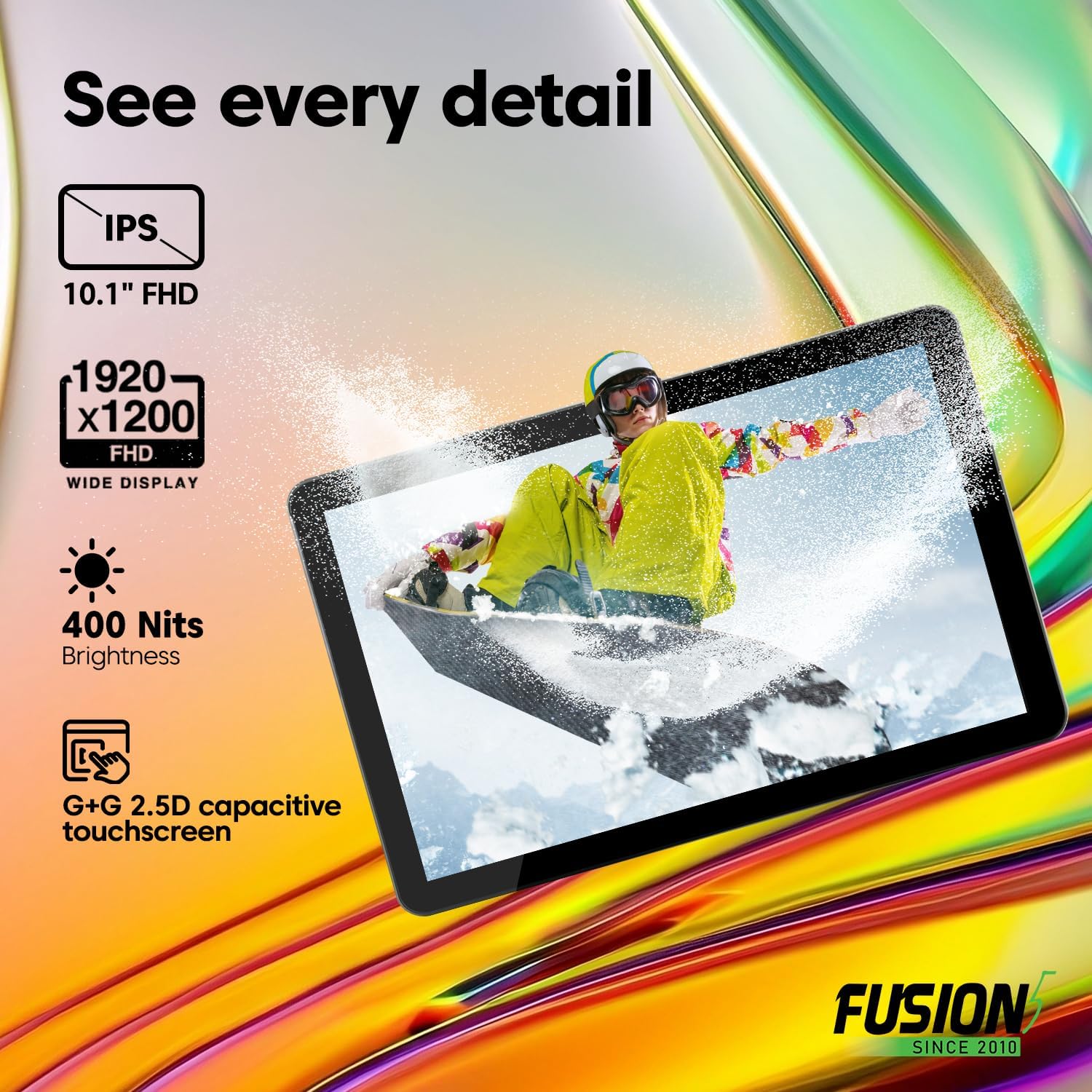
Image: The tablet displaying "See every detail" with icons for IPS 10.1" FHD, 1920x1200 FHD, 400 Nits Brightness, and G+G 2.5D capacitive touchscreen.
קאַמעראַס
The tablet features dual cameras:
- פראָנט אַפּאַראַט: 5MP for video conferencing and self-portraits.
- דערציען אַפּאַראַט: 2MP פֿאַר כאַפּן בילדער און ווידיאס.

Image: A close-up of the tablet's camera with example photos, illustrating the ability to capture moments with front and rear cameras.
באַטאַרייע און טשאַרדזשינג
Your tablet is equipped with an 8000mAh battery for extended use. It supports FusionCharge fast charging with the included 36W Type-C fast charger. A full charge provides approximately 5 hours of average battery life.

Image: The tablet resting on a desk, highlighting the 8000mAh long-lasting battery and FusionCharge fast charging with a 36W Type-C charger.
וישאַלט
- רייניקונג: ניצט אַ ווייכע, לינט-פֿרייע שטאָף צו רייניקן דעם עקראַן און קערפּער. פֿאַרמייַדט אַברייסיוו רייניגער אָדער סאָלווענטן.
- סטאָרידזש: האַלט די טאַבלעט אין אַ קיל, טרוקן אָרט אַוועק פון דירעקט זונשייַן און עקסטרעמע טעמפּעראַטורן.
- ווייכווארג דערהייַנטיקונגען: Regularly check for and install Windows updates to ensure optimal performance and security. Go to סעטטינגס > ווינדאָוס אַפּדייט.
- באַטערי זאָרגן: To prolong battery life, avoid fully discharging the battery frequently. Charge the tablet when the battery level is low.
טראָובלעשאָאָטינג
| פּראָבלעם | מעגלעך לייזונג |
|---|---|
| די טאַבלעט גייט נישט אָן. | Ensure the tablet is charged. Connect the charger and wait a few minutes before attempting to power on again. If unresponsive, perform a hard reset by holding the power button for 10-15 seconds. |
| די פאַרשטעלן איז ניט ריספּאַנדאַבאַל. | ריסטאַרט די טאַבלעט. אויב די פּראָבלעם בלייבט, זאָרגט אַז דער עקראַן איז ריין און פריי פון שמוץ. |
| Wi-Fi פֿאַרבינדונג פּראָבלעמען. | Check if Wi-Fi is enabled in settings. Restart your router and the tablet. Ensure you are within range of the Wi-Fi network. |
| לאַנגזאַמע פאָרשטעלונג. | Close unnecessary applications. Check for and install any pending Windows updates. Ensure sufficient free storage space. |
| באַטאַרייע דריינז געשווינד. | Adjust screen brightness. Close background applications. Disable Wi-Fi or Bluetooth when not in use. Check battery usage in Windows settings to identify power-hungry apps. |
ספּעסאַפאַקיישאַנז
| שטריך | דעטאַל |
|---|---|
| מאָדעל | FWIN232 PRO NEO |
| אָפּערייטינג סיסטעם | Windows 11 פּראַפעשאַנאַל |
| פאַרשטעלן גרייס | 10.1 אינטשעס |
| פאַרשטעלן האַכלאָטע | 1920 x 1200 פּיקסעלס (פול HD IPS) |
| פּראַסעסער | Intel 13th Gen Alder Lake N100 Quad-Core (up to 3.4 GHz) |
| גראַפיקס קאָופּראַסעסער | Intel UHD גראַפיקס |
| באַראַן | 16 גיגאבייט |
| אינערלעכער סטאָרידזש | 512 גיגאבייט ססד |
| יקספּאַנדאַבאַל סטאָרידזש | Micro SD slot (up to 512 GB) |
| ווירעלעסס טיפּ | 802.11ac (Dual-Band Wi-Fi 2.4GHz & 5GHz) |
| בלועטאָאָטה | בלועטאָאָטה 5.0 |
| פּאָרץ | 2x USB Type-C, Micro HDMI, 3.5mm Headphone Jack |
| דערציען Webקאַם האַכלאָטע | 2 מפּ |
| פראָנט Webקאַם האַכלאָטע | 5 מפּ |
| באַטאַרייע קאַפּאַציטעט | 8000 מאַה |
| דורכשניטלעך באַטאַרייע לעבן | 5 שעה |
| טשאַרדזשער | 36W Type-C Fast Charger |
| פּונקט וואָג | 1.43 פונט |
| פּראָדוקט דימענשאַנז (LxWxH) | 9.5 X 6.37 X 0.37 אינטשעס |
וואָראַנטי און שטיצן
Your Fusion5 FWIN232 PRO NEO Tablet PC comes with a 2-יאָר גאַנץ וואָראַנטי, which includes protection for up to two accidental screen damage claims. Additionally, a 30-Day No Quibble Return policy is in effect.
For support, warranty registration, or to speak with a representative, please refer to the contact information provided with your device or visit the official Fusion5 webפּלאַץ.
Video: An official product video from LSElectronics (Seller) showcasing the 10.1" Windows 11 Pro Tablet PC, highlighting its features like 16GB RAM and 512GB SSD. This video provides a visual overview of the product's capabilities and design.