
1. הקדמה
Thank you for choosing the Surge Wireless Pro Controller. This multi-platform Bluetooth controller is designed to enhance your gaming experience across various devices, including Nintendo Switch/Switch 2, Windows PC, Android, and iOS. Featuring Hall Effect sticks and triggers, adjustable turbo functionality, and customizable vibration feedback, this controller offers precision and comfort. Please read this manual thoroughly before use to ensure optimal performance and longevity of your device.
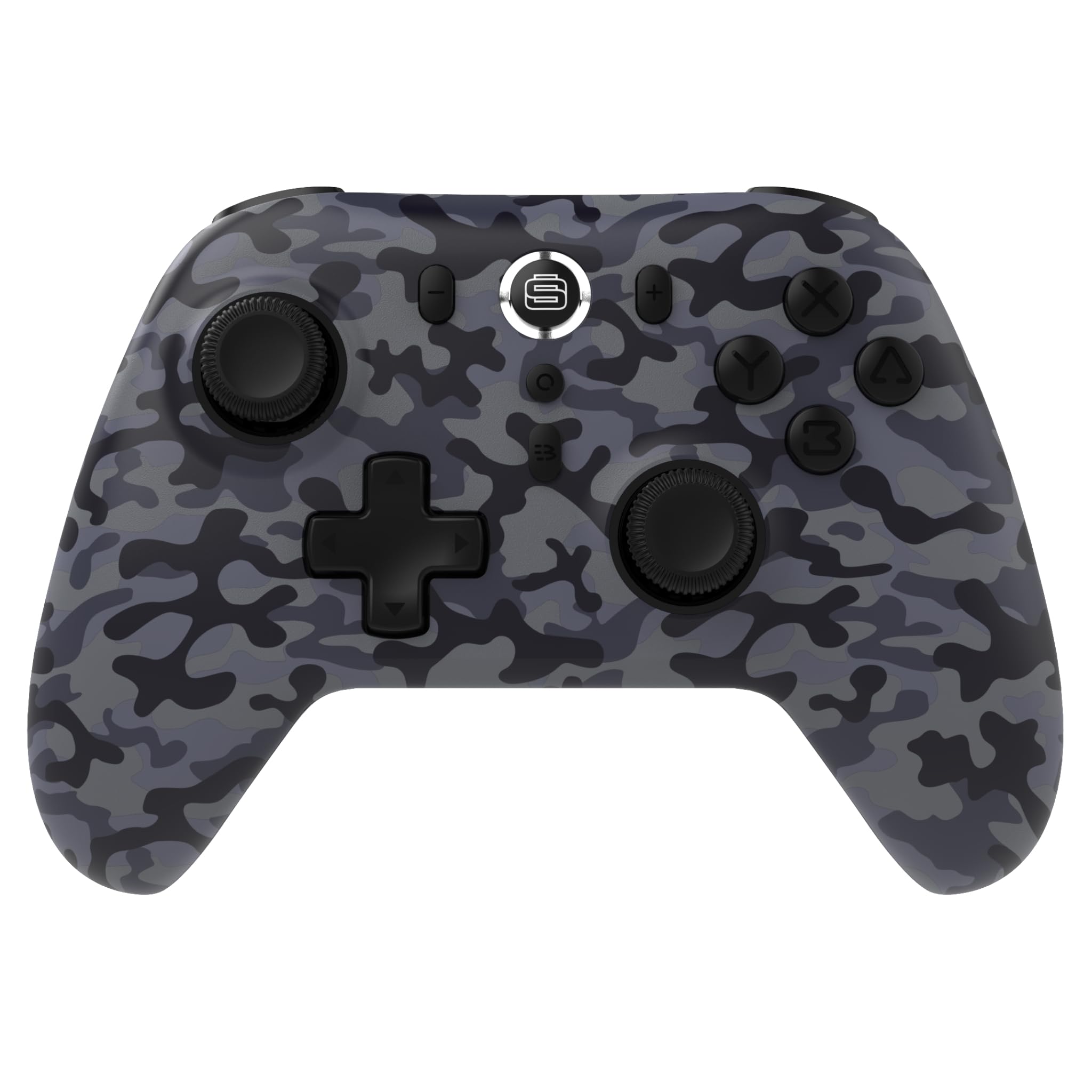
2. פּראָדוקט פֿעיִקייטן
- מולטי-פּלאַטפאָרם קאַמפּאַטאַבילאַטי: Compatible with Nintendo Switch/Switch 2 (Note: No C Button/Audio Port), Windows PC, Steam Deck, Android, and iOS devices.
- Hall Effect Thumb Sticks & Triggers: Delivers precision control and prevents stick drift, ensuring accurate input.
- טורבאָ פאַנגקשאַנאַליטי: Offers 3 adjustable turbo levels for rapid-fire control in compatible games.
- ווייבריישאַן באַמערקונגען: Choose from 4 vibration levels for tailored haptic feedback, enhancing immersion.
- באַוועגונג קאָנטראָלס: Supports motion controls for compatible games on supported platforms.
- Console Wake Up: Ability to wake your Nintendo Switch console from sleep mode instantly (Nintendo Switch Only).
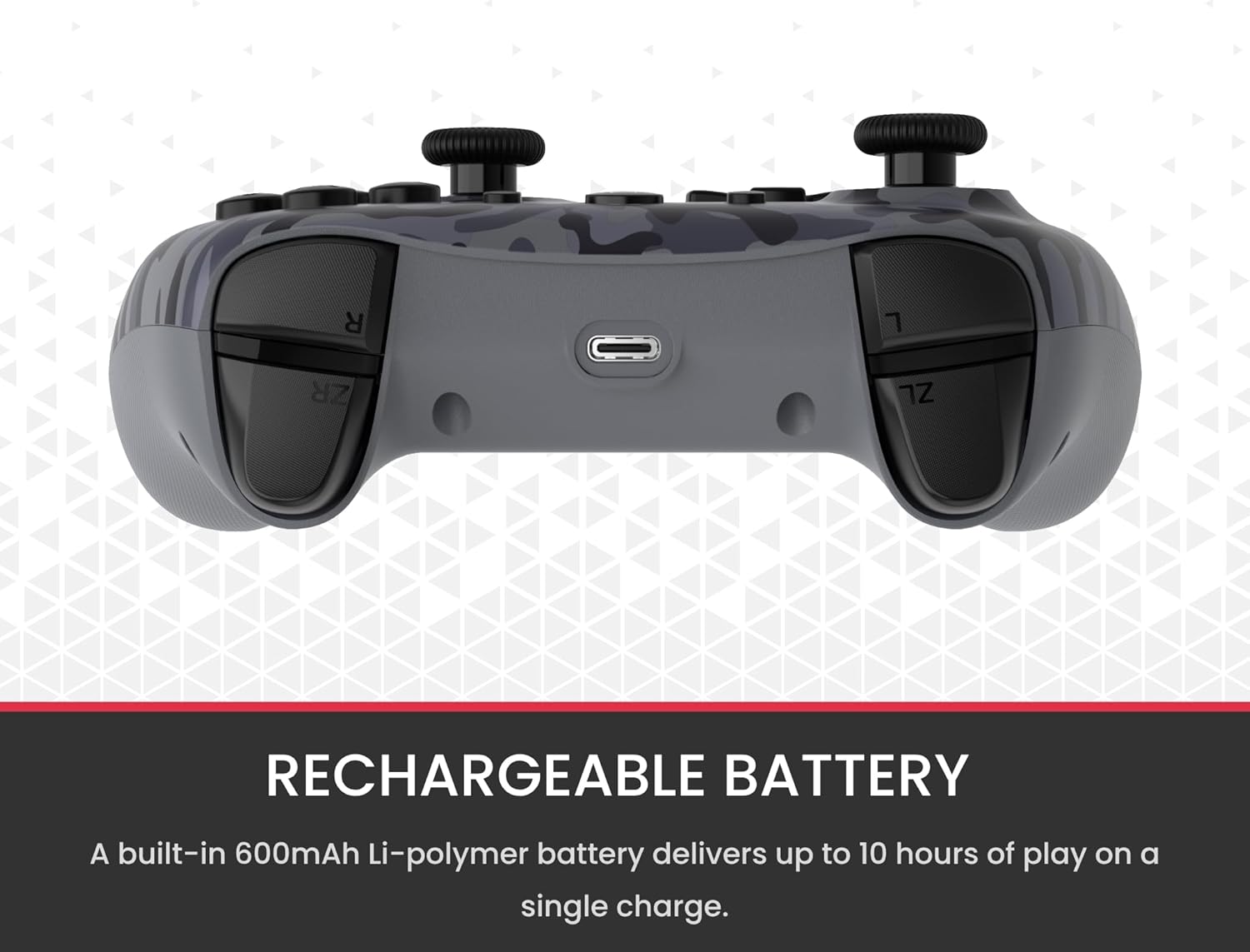
- קריקאָנלאָדלעך באַטערי: A built-in 600mAh Li-polymer battery provides up to 10 hours of gameplay on a single charge.
- USB-C טשאַרדזשינג קאַבלע: Includes a 1-meter USB-C cable for convenient recharging.

3. פּעקל אינהאַלט
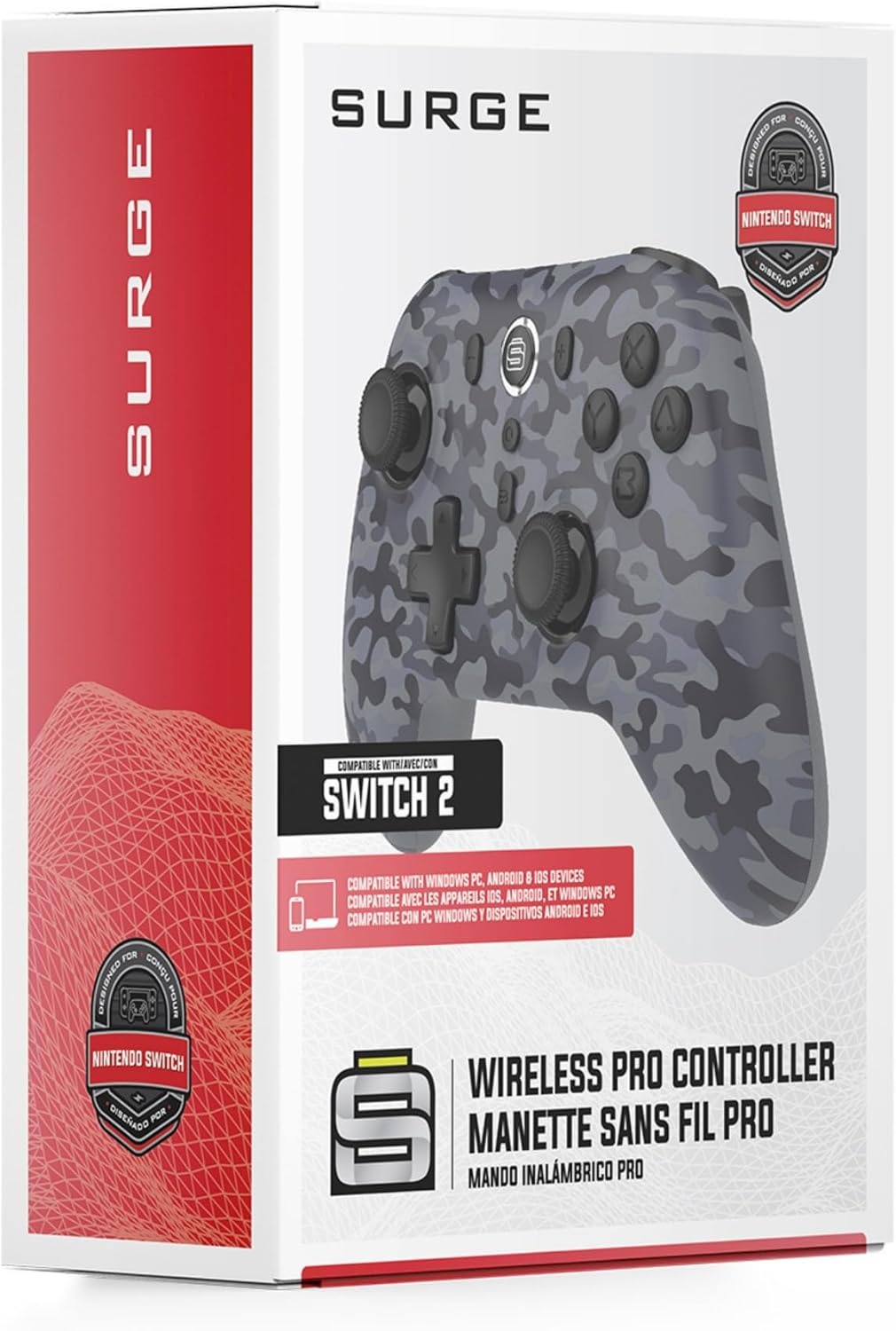
ביטע זיכער מאַכן אַז אַלע זאכן זענען פאַראַן אין דיין פּעקל:
- 1 x Surge Wireless Pro Controller (Model: SG60096)
- 1 x USB-C טשאַרדזשינג קאַבלע (1 מעטער)
- 1 x באַניצער מאַנואַל
4. סעטאַפּ און פּערינג
4.1. אויפלאָדן דעם קאָנטראָללער
Before first use, fully charge the controller using the provided USB-C cable. Connect the USB-C end to the controller's charging port and the USB-A end to a power source (e.g., console, PC, USB wall adapter). The LED indicators on the controller will show charging status.
4.2. Pairing with Nintendo Switch/Switch 2
- סעלעקטירן פֿון די היים מעניו קאָנטראָללער, דעמאלט טוישן גריפּ / סדר.
- אויף די קאָנטראָללער, דריקן און האַלטן די פּערינג קנעפּל (usually a small button on the top edge or back) for a few seconds until the player LEDs begin to flash.
- אַמאָל פּערד, די שפּילער LED (s) קאָראַספּאַנדינג צו די קאָנטראָללער נומער וועט זיין ליט.
- To wake the console from sleep mode, press the היים קנעפּל אויף די קאָנטראָללער.
4.3. Pairing with Windows PC
- זייט זיכער אז אייער קאמפיוטער האט בלועטוט ענייבאַלד.
- אויף די קאָנטראָללער, דריקן און האַלטן די פּערינג קנעפּל ביז די על-אי-דיס בליצן שנעל.
- אויף דיין פּיסי, גיין צו Bluetooth & other devices settings, דעמאלט לייג בלועטאָאָטה אָדער אנדערע מיטל.
- אויסקלייַבן בלועטאָאָטה און קלייַבן די
Ask a question about this manual
Ask about setup, troubleshooting, compatibility, parts, safety, or missing instructions. Manuals+ will review the question and use this page’s manual context to help answer it.