
הקדמה
This manual provides detailed instructions for setting up, operating, and maintaining your GMKtec EVO-X2 AI Mini PC. Please read this manual thoroughly before using the device to ensure proper functionality and longevity.
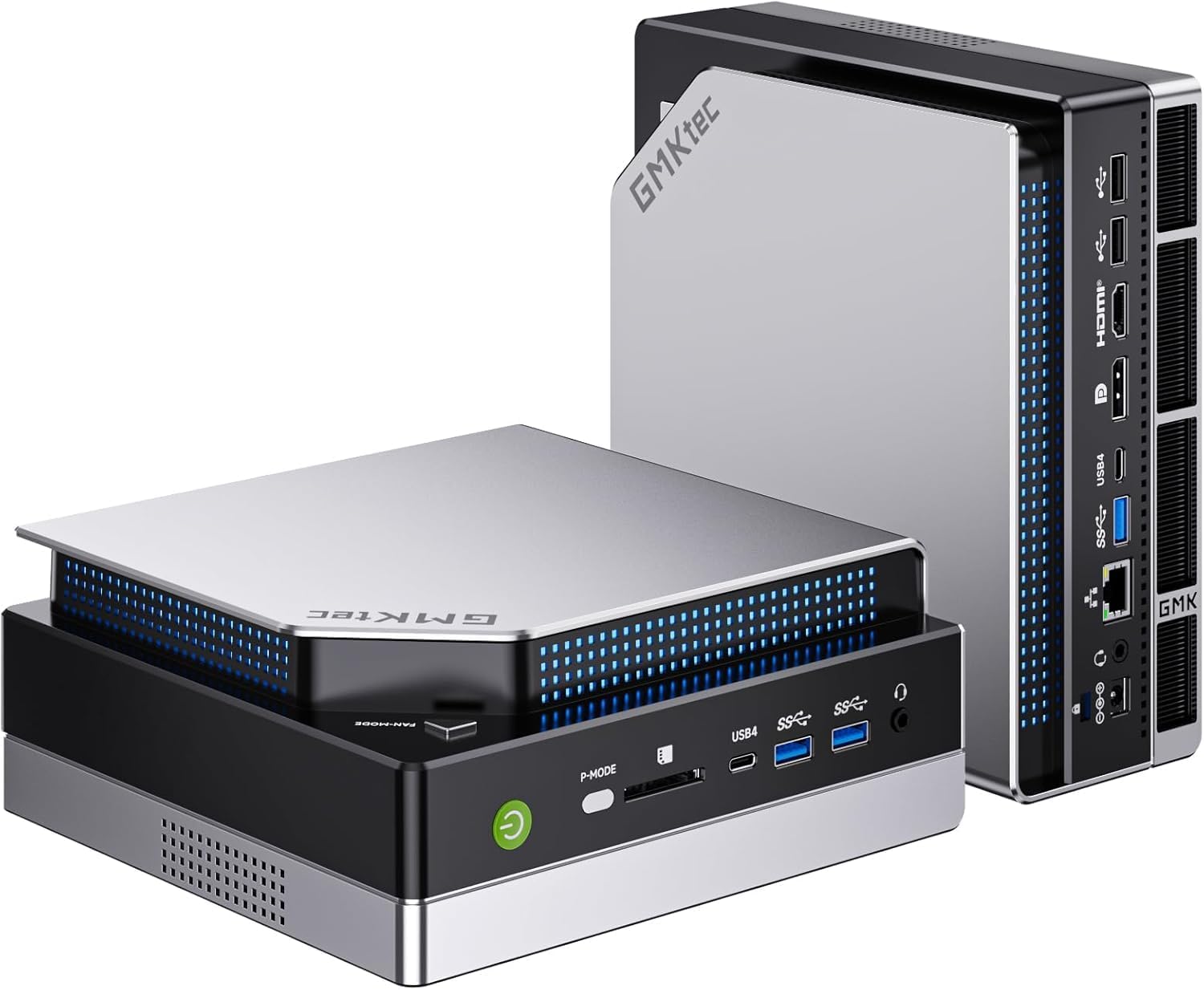
בילד: פראָנט-זייט view of the GMKtec EVO-X2 AI Mini PC.
סעטאַפּ אינסטרוקציעס
1. אַנפּאַקקינג און ערשט דורכקוק
- קערפאַלי באַזייַטיקן אַלע קאַמפּאָונאַנץ פון די פּאַקקאַגינג.
- Verify that all items listed in the package contents are present.
- Inspect the Mini PC for any signs of physical damage.
2. קאַנעקטינג פּעריפעראַלס
פֿאַרבינדט אײַער מאָניטאָר(ס), קלאַוויאַטור, מויז און אַנדערע נייטיקע פּעריפֿערישע אַפּאַראַטן צו די פּאַסיקע פּאָרץ אויף דעם מיני פּיסי.

בילד: הינטערשטע view of the Mini PC, illustrating available ports for peripheral connections.
- ווייַז קשר: The EVO-X2 supports up to four displays with 8K resolution via HDMI 2.1 (8K@60Hz), DisplayPort 1.4 (4K@60Hz), and dual USB4 ports (40Gbps with PD3.0/DP1.4/Data). Use the appropriate cables for your monitors.
- USB דעוויסעס: פֿאַרבינדט אייער קלאַוויאַטור, מויז און אַנדערע USB דעוויסעס צו די פֿאַראַן USB פּאָרץ.
- נעץ קאַנעקשאַן: For wired internet, connect an Ethernet cable to the 2.5GbE LAN port. For wireless internet, ensure the Wi-Fi antennas are properly connected (if external) or that the internal Wi-Fi 7 module is enabled.

Image: The Mini PC connected to multiple displays, showcasing its 8K quad-screen capability.
3. מאַכט קאַנעקשאַן
Connect the power adapter to the DC-in port on the Mini PC, then plug the power cord into a wall outlet.
4. פּאַוערינג אויף
Press the power button located on the front of the Mini PC. The system will boot up, and the operating system (Windows 11 Pro) will load. Follow the on-screen instructions for initial Windows setup if this is the first time using the device.
אַפּערייטינג ינסטראַקשאַנז
1. אַלגעמיינע באַניץ
The GMKtec EVO-X2 is designed for a wide range of tasks, from daily computing to demanding AI workloads and gaming. Its AMD Ryzen AI Max+ 395 processor with 16 Zen 5 cores and 32 threads provides robust performance.
2. AI Performance with XDNA 2 NPU
The integrated XDNA 2 NPU delivers over 50 TOPS of AI performance, making the EVO-X2 suitable for local AI tasks such as running large language models (LLMs) with applications like LM Studio. This allows for efficient AI processing without requiring cloud services.

Image: Visual representation of the XDNA 2 NPU architecture and its support for various AI applications.
3. Gaming with AMD Radeon 8090S iGPU
Equipped with an AMD Radeon 8090S iGPU featuring 40 compute units and RDNA 3.5 architecture, the Mini PC offers strong gaming performance, comparable to dedicated laptop GPUs. It supports Full HD gaming with high detail settings. The 96GB LPDDR5X memory also aids in running demanding applications and LLMs.

בילד: דעטאַלירט view of the integrated AMD Radeon 8060S graphics, highlighting its gaming capabilities.
4. High-Speed Connectivity
- Wi-Fi 7 (802.11be): Provides wireless speeds up to 46 Gbps, significantly faster than previous Wi-Fi standards, ensuring stable and high-bandwidth connections.
- 2.5GbE לאַן: The 2.5 Gigabit Ethernet port offers high-speed wired networking, suitable for applications requiring stable and fast data transfer, such as NAS or software routers.
- בלועטאָאָטה 5.4: For reliable connections to wireless peripherals like headphones, keyboards, and mice.
- וסב 4: Dual USB4 ports offer 40Gbps data transfer, Power Delivery 3.0, and DisplayPort 1.4 capabilities.

Image: A comparison of Wi-Fi standards, emphasizing the speed benefits of Wi-Fi 7 on the Mini PC.

Image: The Mini PC connected via 2.5GbE Ethernet, illustrating high-speed network capabilities.
וישאַלט
1. קאָאָלינג סיסטעם
The EVO-X2 features a triple cooling system with two CPU turbo fans and a dedicated DDR5/SSD fan, along with three heat pipes and 360° airflow. This system is designed for efficient heat dissipation while maintaining a quiet operation (as low as 35 dB in silent mode).
- Ensure proper ventilation around the Mini PC. Do not block air vents.
- Periodically clean dust from the exterior vents using compressed air to maintain optimal cooling performance.
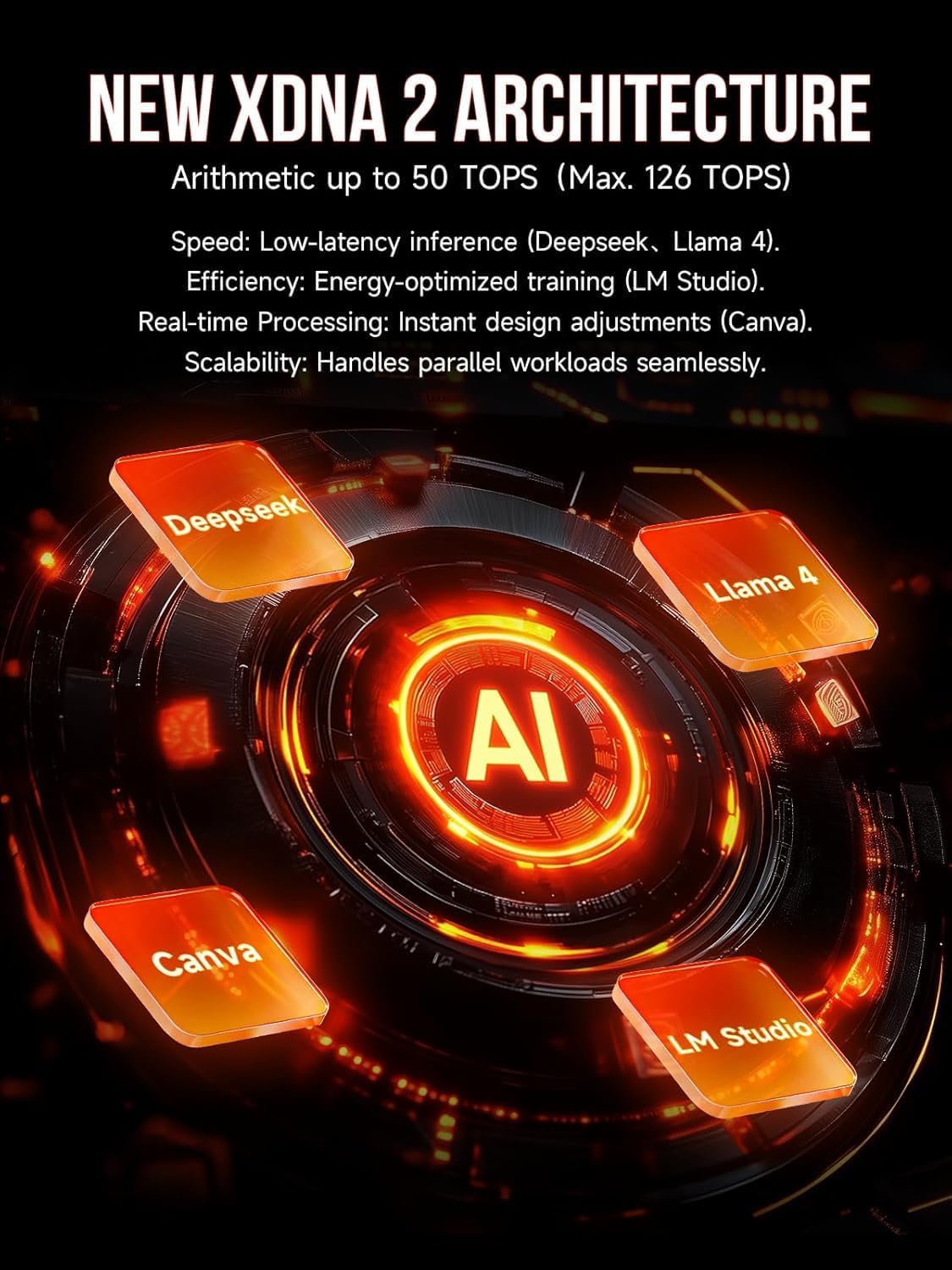
Image: Internal components of the Mini PC, showing the advanced cooling solution.
2. ווייכווארג דערהייַנטיקונגען
Regularly update your operating system (Windows 11 Pro) and drivers to ensure system stability, security, and optimal performance.
3. רייניקונג
Use a soft, dry cloth to clean the exterior of the Mini PC. Avoid using liquid cleaners directly on the device.
טראָובלעשאָאָטינג
- קיין מאַכט: זיכער מאַכן אַז דער מאַכט אַדאַפּטער איז זיכער פארבונדן צו ביידע די מיני פּיסי און אַ אַרבעטנדיק מאַכט אַוטלעט. פּרוּווט אַן אַנדער אַוטלעט אויב נייטיק.
- קיין ווייַז: Verify that the monitor is powered on and correctly connected to the Mini PC. Try different display cables or ports. Ensure the correct input source is selected on your monitor.
- קיין אינטערנעט פֿאַרבינדונג: For wired connections, check the Ethernet cable and router status. For Wi-Fi, ensure Wi-Fi is enabled in Windows settings and that you are connected to the correct network with the correct password.
- סיסטעם פארלאנגזאמונג: Check for background applications consuming resources. Ensure sufficient free space on the SSD. Consider running system diagnostics or updating drivers.
- איבערהייצונג: Ensure the Mini PC has adequate ventilation and that air vents are not obstructed. Clean any dust accumulation.
טעכניש ספּעסאַפאַקיישאַנז
| שטריך | באַשרייַבונג |
|---|---|
| מאָדעל נאָמען | GMKtec EVO-X2 |
| פּראַסעסער | AMD Ryzen AI Max+ 395 (16 Cores, 32 Threads, up to 5.1 GHz) |
| נפּו | XDNA 2 Architecture, >50 TOPS AI Performance |
| גראַפיקס | AMD Radeon 8090S iGPU (40 Compute Units, RDNA 3.5, up to 2.9 GHz) |
| באַראַן | 96 GB LPDDR5X 8000 MT/s |
| סטאָרידזש | 1 TB PCIe 4.0 SSD |
| אָפּערייטינג סיסטעם | Windows 11 פּראָ |
| ווייַז רעזולטאַט | Up to 4 displays, 8K resolution (HDMI 2.1, DisplayPort 1.4, Dual USB4) |
| נעץ | 2.5GbE LAN, Wi-Fi 7 (802.11be), Bluetooth 5.4 |
| פּאָרץ | USB4 (x2), HDMI (x2), DisplayPort (x2), 2.5GbE LAN, USB-A (various), SD Card Reader |
| קאָאָלינג סיסטעם | Triple Cooling (2 CPU fans, 1 DDR5/SSD fan), 3 Heat Pipes, 360° Airflow |
| דימענשאַנז | 38.5 X 25 X 9.2 סענטימעטער |
| וואָג | 3.26 קג |
וואָראַנטי און שטיצן
For warranty information and technical support, please refer to the following resources:
- אַמאַזאָן שטיצן: For inquiries related to your purchase, log in to your Amazon account, navigate to "Your Account" -> "Your Orders," and select "Ask Product Question" for the GMKtec EVO-X2.
- נאָך סאַלעס שטיצן: Contact the GMKtec After-Sales Team directly via email at eu-cs@gmktec.com פֿאַר 24/7 קונה שטיצע.

Image: Warranty and support contact information for GMKtec products.