
1. הקדמה
This manual provides essential information for the installation, operation, and maintenance of your Hikvision IDS-7208HQHI-M1/XT 8-Channel 5MP Turbo HD DVR. Please read this manual thoroughly before using the product to ensure correct and safe operation. Keep this manual for future reference.
The Hikvision IDS-7208HQHI-M1/XT is an advanced 8-channel Digital Video Recorder designed for high-definition surveillance systems. It supports various video input formats, including Turbo HD, AHD, CVI, CVBS, and IP cameras, offering versatile compatibility. Key features include 5MP recording capability, H.265+ video compression for efficient storage, AcuSense technology for intelligent motion detection, and remote access via the Hik-Connect app.
2. פּעקל אינהאַלט
Verify that all items are present and in good condition upon unpacking. If any items are missing or damaged, contact your supplier immediately.
- DVR main unit
- מאַכט אַדאַפּטער
- וסב מאַוס
3. פּראָדוקט פֿעיִקייטן
The Hikvision IDS-7208HQHI-M1/XT DVR offers a range of features designed for effective surveillance:
- 8-Channel DVR with 5MP HD Support: Supports multiple analog HD camera formats and up to 8 channels of real-time video monitoring and recording.
- Two-Way Audio Support: Enables audio communication through compatible cameras.
- Built-In AcuSense Technology: Smart analysis minimizes false alarms by focusing on human and vehicle-based motion detection.
- Remote Access via Hik-Connect App: View live video, playback recordings, and receive alerts anytime on your smartphone.
- Efficient Storage with H.265+ Compression: Saves bandwidth and hard disk space while maintaining clear video quality.
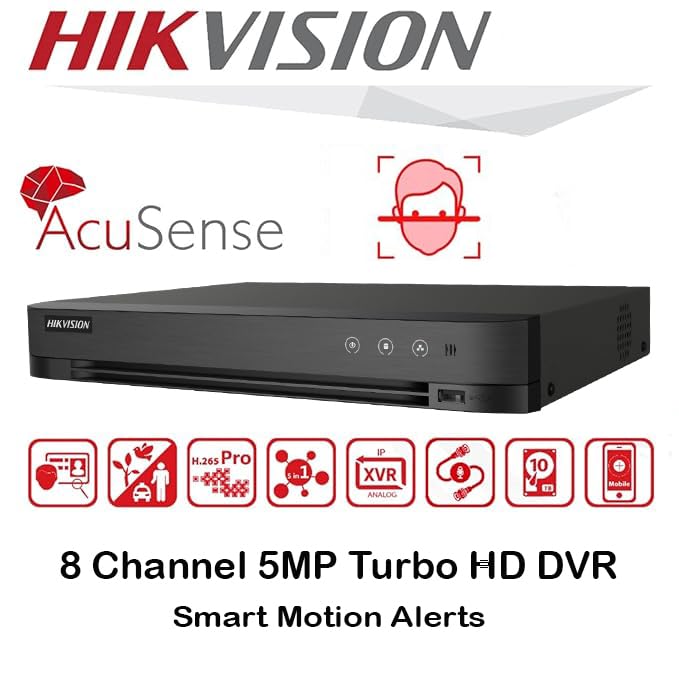
בילד: איבערview of key features including AcuSense, H.265+ compression, and 5MP resolution support.
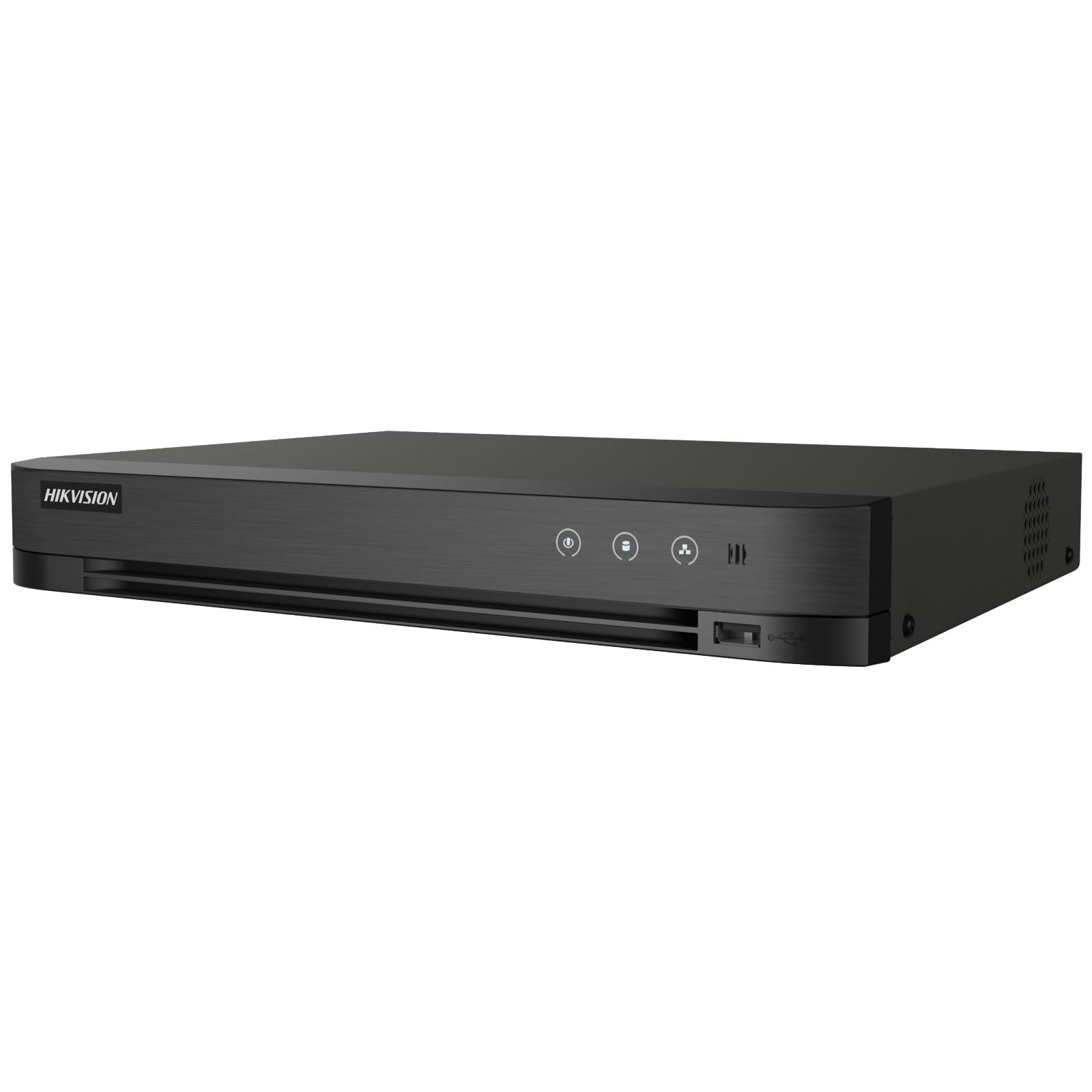
Image: The Hikvision Turbo HD DVR highlighting its support for two-way audio cameras, enabling interactive communication.
4. גשמיות צובינד
Familiarize yourself with the ports and indicators on the DVR unit. The following diagram illustrates the rear panel of the Hikvision IDS-7208HQHI-M1/XT DVR:

Image: Rear panel connections of the DVR, showing video inputs, audio ports, network, and power.
- ווידעא אריינגאנג (BNC): Connect analog HD cameras (Turbo HD, AHD, CVI, CVBS).
- Video Out (BNC): Connect to a monitor for local display.
- Audio In (RCA): Connect external audio input devices.
- HDMI רעזולטאַט: Connect to an HDMI-compatible monitor or TV for high-definition video output.
- VGA רעזולטאַט: Connect to a VGA-compatible monitor.
- אַודיאָ אָוט (RCA): Connect to external audio output devices.
- וסב פּאָרץ: Connect a USB mouse, USB flash drive for backup, or external storage.
- לאַן פּאָרט (RJ45): Connect to your network for remote access and IP camera integration.
- רס -485: For PTZ camera control (if supported).
- 12V DC מאַכט אַרייַנשרייַב: פאַרבינדן די ינקלודעד מאַכט אַדאַפּטער.
- ערד טערמינאַל: For grounding the device.
5. סעטאַפּ
Follow these steps for initial setup of your DVR system:
5.1 Hard Drive Installation (if not pre-installed)
- שרויפט אַראָפּ און נעמט אַראָפּ די אויבערשטע דעקל פֿון די DVR.
- פאַרבינדן די SATA דאַטן קאַבלע און מאַכט קאַבלע צו די שווער פאָר.
- באַפֿעסטיקן דעם האַרט דרייוו צום DVR שאַסי מיט די צוגעשטעלטע שרויפֿן.
- צוריקשטעלן די אויבערשטע דעקל און זיכערן עס מיט שרויפן.
5.2 קאַנעקטינג פּעריפעראַלס
- Connect your cameras to the ווידעא אין (BNC) ports.
- פֿאַרבינדט אַ מאָניטאָר צום HDMI or VGA רעזולטאַט פּאָרט.
- Connect the USB mouse to a וסב פּאָרט.
- Connect the DVR to your network router using an Ethernet cable plugged into the LAN פּאָרט.
- פאַרבינדן די מאַכט אַדאַפּטער צו די 12 וו דק מאַכט אַרייַנשרייַב and then plug it into a power outlet.
5.3 ערשט קאַנפיגיעריישאַן
- Upon first boot, the DVR will guide you through a setup wizard.
- שטעלט א שטארקע פּאַראָל פֿאַר דעם אַדמיניסטראַטאָר חשבון.
- Configure network settings (DHCP is usually sufficient for most home networks).
- Initialize the hard drive if prompted. This will format the drive for recording.
- Adjust date, time, and other system preferences as needed.
6. אָפּערייטינג
Once the DVR is set up, you can begin monitoring and recording.
6.1 לעבן View
נאכדעם וואס מען לאגט זיך איין, וועט דער DVR ווייזן די לעבעדיגע view from connected cameras on the monitor. You can switch between single-camera view און מולטי-קאַמעראַ גריד view ניצנדיק די קאָנטראָלן אויפן עקראַן אָדער מויז.
6.2 רעקאָרדינג
The DVR is typically configured to record continuously or based on motion detection. You can adjust recording schedules and settings through the DVR's menu system (Configuration > Record > Schedule).
6.3 פּלייבאַק
צו שייַעךview רעקאָרדעד פוtagע, נאַוויגירן צו די פּלייַבאַקק menu. Select the date, time, and camera channel to view recordings. Use the playback controls (play, pause, fast forward, rewind) to navigate through the footage.
6.4 Remote Access (Hik-Connect App)
The Hik-Connect app allows you to access your DVR remotely from a smartphone or tablet.
- Download the Hik-Connect app from your device's app store.
- Create a Hik-Connect account and log in.
- Add your DVR by scanning the QR code on the DVR's label or by manually entering its serial number.
- Follow the in-app instructions to complete the device addition.
- אַמאָל צוגעגעבן, קענט איר view live feeds, play back recordings, and receive push notifications for events.

Image: Illustration of the Hik-Connect mobile application interface, demonstrating remote access to live video and recordings.
7. וישאַלט
רעגולערע אויפהאלטונג גאראנטירט אפטימאלע פאָרשטעלונג און לאַנגלעבעדיקייט פון אייער DVR סיסטעם.
- Clean the DVR: רייניקן פּעריִאָדיש די אויסערלעכע זייט פון די DVR מיט אַ ווייכן, טרוקענעם שטאָף. זיכער מאַכן אַז די ווענטילאַציע עפענונגען זענען פריי פון שטויב צו פאַרמייַדן איבערהיצונג.
- Firmware דערהייַנטיקונגען: קוק די אפיציעלע Hikvision webזייטל פֿאַר פירמווער דערהייַנטיקונגען. דערהייַנטיקונג פון פירמווער קען פֿאַרבעסערן פאָרשטעלונג, צולייגן פֿעיִקייטן און פאַרריכטן באַגז. פֿאָלגט די דערהייַנטיקונג אינסטרוקציעס קערפֿול.
- האַרט דרייוו געזונט: Monitor the health of your hard drive through the DVR's system menu (הדד פאַרוואַלטונג). Replace the hard drive if it shows signs of failure.
- באַקאַפּ וויכטיקע פוtage: Regularly back up critical video footagצו אַן עקסטערנאַלן USB דרייוו אָדער נעץ סטאָרידזש.
- שפּריכוואָרט זיכערהייט: Change your DVR and Hik-Connect passwords periodically to maintain security.
8. טראָובלעשאָאָטינג
די סעקציע באהאנדלט אלגעמיינע פראבלעמען וואס איר קענט באגעגענען.
8.1 קיין ווידעא ארויסגאַנג אויף מאָניטאָר
- Check if the monitor is powered on and correctly connected to the DVR's HDMI or VGA port.
- זיכער מאַכן אַז די ריכטיקע אַרייַנגאַנג מקור איז אויסגעקליבן אויף דיין מאָניטאָר.
- פרובירט צו קאנעקטן צו אן אנדער מאָניטאָר אדער ניצן אן אנדער קאַבל.
8.2 קאַמעראַס ווייַזן נישט
- Verify that cameras are powered on and properly connected to the DVR's BNC inputs.
- Check camera power supplies.
- Ensure the camera type (TVI, AHD, CVI, CVBS) is compatible with the DVR and configured correctly in the DVR settings.
8.3 ווײַט־צוטריט אַרבעט נישט
- זיכער מאַכן אַז דער DVR איז פארבונדן צום אינטערנעט דורך דעם LAN פּאָרט.
- Check network settings on the DVR (קאָנפיגוראַציע > נעץ).
- Verify that the Hik-Connect service is enabled on the DVR.
- זיכער מאַכן אַז אייער סמאַרטפאָון האט אַן אַקטיווע אינטערנעט פֿאַרבינדונג.
- Re-add the device to the Hik-Connect app if necessary.
8.4 קיין רעקאָרדינג
- Check if a hard drive is installed and properly initialized (Configuration > HDD).
- Verify recording schedules are set correctly (Configuration > Record > Schedule).
- זייט זיכער אז עס איז גענוג פריי פלאץ אויף דער הארט דרייוו.
9. ספּעסאַפאַקיישאַנז
Detailed technical specifications for the Hikvision IDS-7208HQHI-M1/XT DVR:
| שטריך | באַשרייַבונג |
|---|---|
| מאָדעל נומער | IDS-7208HQHI-M1/XT |
| ווידעא אַרייַנשרייַב | 8-Channel (Turbo HD/AHD/CVI/CVBS/IP) |
| ווידעא קאַמפּרעשאַן | ה .265 + / ה .265 / ה .264 + / ה .264 |
| רעקאָרדינג האַכלאָטע | אַרויף צו 5 מפּ |
| ווידעא רעזולטאַט | HDMI, VGA, BNC |
| אַודיאָ אַרייַנשרייַב / רעזולטאַט | 2-Way Audio Support |
| נעץ צובינד | 1 RJ45 10M/100M Ethernet Interface |
| וסב צובינד | 2 רענטגענ וסב 2.0 |
| HDD שטיצע | 1 SATA צובינד (ביז 10 טב קאַפּאַציטעט פּער HDD) |
| מאַכט צושטעלן | 12V DC |
| דימענסיעס (L X W X H) | 19.7 X 19.2 X 4.1 סענטימעטער |
| וואָג | 1.5 קג |
| פאַבריקאַנט | HIKVISION, Prama Hikvision India Pvt. Ltd. |
10. וואָראַנטי און שטיצן
פֿאַר וואָראַנטי אינפֿאָרמאַציע און טעכנישע שטיצע, ביטע זען די וואָראַנטי קאַרטל וואָס איז אַרייַנגערעכנט מיט דיין פּראָדוקט אָדער באַזוכן די באַאַמטער Hikvision וועבזייטל. webזייטל. האַלט אייער קויף קוויטל ווי אַ באַווייַז פון קויפן פֿאַר וואָראַנטי קליימז.
For further assistance, contact Hikvision customer support or your authorized dealer.


