
CHEREEKI B0FHHKMP1X
CHEREEKI Digital LED Alarm Clock User Manual
Model: B0FHHKMP1X
הקדמה
א דאנק פארן קויפןasing the CHEREEKI Digital LED Alarm Clock. This manual provides detailed instructions for setting up and operating your new alarm clock. Please read it thoroughly before use and keep it for future reference.
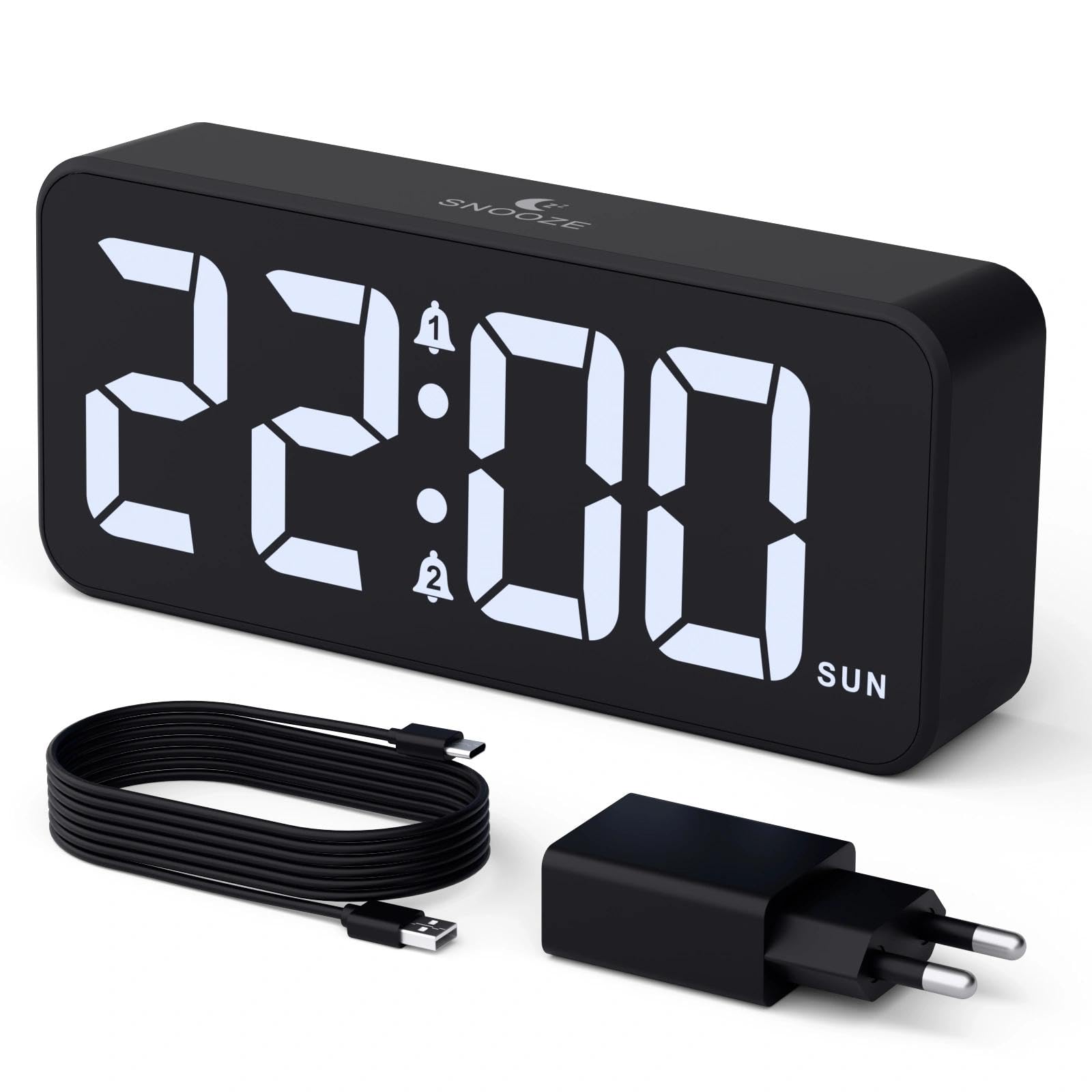
Image: The CHEREEKI Digital LED Alarm Clock, showcasing its large LED display and key features.
זיכערקייַט אינפֿאָרמאַציע
- Ensure the power adapter and cable are compatible with the device's voltage requirements (5V/1A or 5V/2A).
- שטעלט נישט אויס דעם אפאראט צו וואסער אדער איבעריגע הומידיטי.
- ויסמיידן פּלייסינג די מיטל לעבן היץ קוואלן אָדער אין דירעקט זונשייַן.
- פרובירט נישט צו צענעמען אדער פאררעכטן דעם אפאראט אליין. קאנטאקטירט קאסטומער סופארט אויב פראבלעמען קומען אויף.
- האַלטן אויס פון דערגרייכן פון קינדער.
פּעקל אינהאַלט
- CHEREEKI Digital LED Alarm Clock
- Power Adapter (5V/1A or 5V/2A)
- USB Charging Cable (1.5m)
- באַניצער מאַנואַל
- CR2032 Backup Battery (pre-installed or included)

Image: Illustration of the items included in the product package.
Product Layout and Controls

Image: Rear panel of the alarm clock with labels for all buttons and ports.
- Time Set Button: Press to enter time setting mode.
- שרעק 1 קנעפּל: Press to set Alarm 1.
- שרעק 2 קנעפּל: Press to set Alarm 2.
- אַרויף/אַראָפּ קנעפּלעך: Adjust values during setting.
- Dimmer Knob: Rotate to adjust display brightness (0-100%).
- באַנד קנעפּל: Rotate to adjust alarm volume (10 levels).
- USB רעזולטאַט פּאָרט: פֿאַר טשאַרדזשינג עקסטערנע דעוויסעס.
- טיפּ-C אַרייַנשרייַב פּאָרט: For power supply to the alarm clock.
- DST Button: פֿאַר זומערצײַט אַדזשאַסטמענט.
- באַטערי אָפּטייל: Houses the CR2032 backup battery.
סעטאַפּ
1. מאַכט קאַנעקשאַן
The alarm clock operates solely on AC power. Connect the provided USB cable to the Type-C input port on the back of the clock and plug the adapter into a standard wall outlet (5V/1A or 5V/2A). The display will light up.

Image: The alarm clock connected to a power source via its adapter.
2. באַקקופּ באַטערי
A CR2032 backup battery is included to retain time and alarm settings during power outages. This battery does not power the display or alarm functions; it only preserves memory. Ensure the battery is correctly installed in the compartment on the back of the clock.

Image: Close-up of the backup battery compartment, indicating its purpose to retain settings during power loss.
אַפּערייטינג ינסטראַקשאַנז
באַשטעטיקן די צייט
- Press the "TIME SET" button. The hour digits will flash.
- Use the "UP" or "DOWN" buttons to adjust the hour.
- Press "TIME SET" again to confirm the hour and move to minute setting. The minute digits will flash.
- Use the "UP" or "DOWN" buttons to adjust the minutes.
- Press "TIME SET" once more to confirm the minutes and exit time setting mode.
Setting Alarms (Alarm 1 and Alarm 2)
This clock supports two independent alarms with three scheduling options.
- Press the "ALARM 1" or "ALARM 2" button. The alarm hour digits will flash.
- Use the "UP" or "DOWN" buttons to adjust the alarm hour.
- דריק נאכאמאל דעם באטרעפנדיקן אלארם קנעפל צו באשטעטיגן די שעה און אריבערגיין צו מינוט איינשטעלונג. די מינוט ציפערן וועלן בלינקען.
- Use the "UP" or "DOWN" buttons to adjust the alarm minutes.
- Press the alarm button again to select the alarm schedule:
- וואך טעג: מאנטיק ביז פרייטאג
- וויקענד: שבת ביז זונטאג
- טעגלעך: מאנטיק ביז זונטיק
- Press the alarm button once more to confirm the schedule and exit alarm setting mode.
- To enable/disable an alarm, press the "ALARM 1" or "ALARM 2" button briefly outside of setting mode. An alarm icon will appear/disappear on the display.

Image: The alarm clock demonstrating dual alarm settings with various scheduling options.
סנאָאָזע פֿונקציע
When the alarm sounds, touch the top of the clock to activate the 5-minute snooze function. The alarm will temporarily stop and sound again after 5 minutes. To turn off the alarm completely, press any other button on the back of the clock.
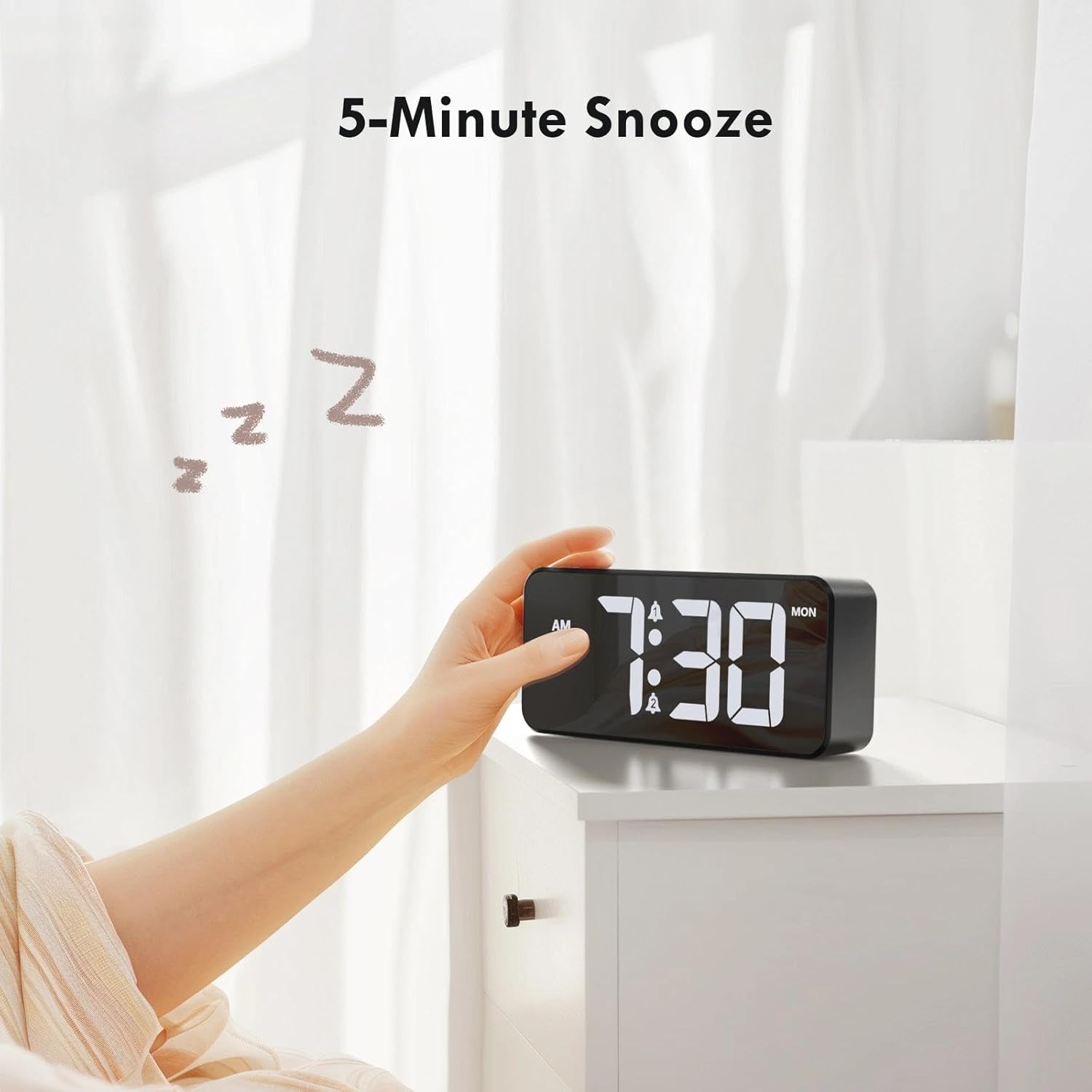
Image: A user activating the snooze function by touching the top of the alarm clock.
אַדזשאַסטינג ווייַז ברייטנאַס
Rotate the "DIMMER" knob on the back of the clock to adjust the display brightness from 0% (off) to 100% (maximum brightness). This allows for comfortable viewאין קיין לייטינג צושטאַנד.

Image: Visual representation of the adjustable brightness feature and the dimmer knob.
אַדזשאַסטינג אַלאַרם באַנד
Rotate the "VOLUME" knob on the back of the clock to select one of the 10 available alarm volume levels. Choose a volume that suits your preference.

Image: The volume control knob and a visual scale indicating adjustable volume levels.
12/24 שעה פֿאָרמאַט
To switch between 12-hour and 24-hour time formats, press and hold the "TIME SET" button for a few seconds until the format changes. In 12-hour format, "AM" or "PM" indicators will be displayed.

Image: The alarm clock showing both 12-hour and 24-hour time display options.
וסב טשאַרדזשינג פּאָרט
The USB-A output port on the back of the clock allows you to charge other devices, such as smartphones or tablets. Simply connect your device's charging cable to this port.

Image: The alarm clock charging a smartphone via its integrated USB port.
זומער -שפּאָרן צייט (DST)
To adjust for Daylight Saving Time, press the "DST" button on the back of the clock. This will advance or set back the time by one hour. Press it again to revert.
וישאַלט
- רייניקט די זייגער'ס אויבערפלאך מיט א ווייכן, טרוקענעם טוך. ניצט נישט קיין שרײַבנדיקע רייניגער אדער סאָלווענטן.
- האַלטן די מיטל פריי פון שטויב און דעבריס.
- If the backup battery needs replacement, use a CR2032 coin cell battery. Ensure correct polarity.
טראָובלעשאָאָטינג
| פּראָבלעם | מעגלעך סיבה | לייזונג |
|---|---|---|
| ווייַז איז אַוועק. | Not connected to power; Dimmer set to 0%. | Ensure the clock is plugged into a working power outlet. Rotate the Dimmer knob to increase brightness. |
| דער אַלאַרם קלינגט נישט. | Alarm not activated; Volume set to minimum. | Press the ALARM 1/2 button to activate the alarm (icon should appear). Rotate the Volume knob to increase volume. |
| סעטינגס פארלוירן נאך אויסשטראםtage. | Backup battery is dead or missing. | פאַרבייַטן די CR2032 באַקאַפּ באַטאַרייע. |
| USB טשאַרדזשינג אַרבעט נישט. | Clock not powered; Device cable faulty. | Ensure the alarm clock is powered. Try a different USB cable or device. |
ספּעסאַפאַקיישאַנז
- סאָרט: CHEREEKI
- מאָדעל: B0FHHKMP1X
- קאָליר: שוואַרץ
- ווייַז טיפּ: דיגיטאַל געפירט
- מאַטעריאַל: אַקרילאָניטרילע בוטאַדיענע סטירענע (אַבס)
- פּראָדוקט דימענשאַנז: 14.5 X 3.81 X 6.5 סענטימעטער (5.7 X 1.5 X 2.5 אינטשעס)
- נומער וואָג: 230 גראַמז (0.5 לבס)
- מאַכט מקור: Wired Electric (5V/1A or 5V/2A adapter)
- באַקקופּ באַטאַרייע: CR2032 (for memory retention only)
- ספּעציעלע פֿעיִקייטן: Adjustable Brightness, Dual Alarm, Snooze, USB Charging Port, 12/24H Format, Adjustable Volume, Day of Week Display
וואָראַנטי און שטיצן
This CHEREEKI Digital LED Alarm Clock comes with a לעבן וואָראַנטי. For any product inquiries, technical support, or warranty claims, please contact CHEREEKI customer service through the retailer where you purchased the product or visit the official CHEREEKI webפּלאַץ פֿאַר קאָנטאַקט אינפֿאָרמאַציע.
ביטע באַהאַלטן אייער קויפן-באַווייַז פֿאַר גאַראַנטיע צוועקן.
פֿאַרבונדענע דאָקומענטן - B0FHHKMP1X
 |
באַניצער גייד פֿאַר דראָטיקע שפּיל קאָנטראָללער באַניצער גייד פֿאַר די CHEREEKI ווייערד שפּיל קאָנטראָללער (מאָדעל EG-C3071), דעטאַלירנדיק סעטאַפּ און באַניץ אויף פּיסי און PS3, ספּעסיפיקאַציעס, און פּראָדוקט דיאַגראַמע. |
Ask a question about this manual
Ask about setup, troubleshooting, compatibility, parts, safety, or missing instructions. Manuals+ will review the question and use this page’s manual context to help answer it.