
הקדמה
This manual provides essential information for the safe and efficient use of your E GATE Atom 4X+ Fully Automatic Projector. Please read these instructions carefully before operating the device and retain them for future reference. This projector is designed for home cinema use, offering a native 1080p resolution with 4K input support, Android 12 OS, and automatic adjustments for an optimal viewינג דערפאַרונג.
פּעקל אינהאַלט
באַשטעטיקן אַז אַלע זאכן זענען פאַראַן אין פּעקל:
- 1x E GATE Atom 4X+ Projector
- 1x מאַכט קאַבלע
- 1x רימאָוט קאָנטראָל
- 1x User Manual with Warranty Card
סעטאַפּ
קסנומקס. פּלאַסעמענט
Position the projector on a stable, flat surface. The integrated Flex Angle stand allows for versatile placement, enabling projection onto walls or ceilings from various angles. Ensure adequate ventilation around the projector.

The projector features a built-in stand for flexible placement and instant projection without additional mounts.

The rotatable Flex Angle design allows projection onto any surface, including ceilings.
2. מאַכט קאַנעקשאַן
Connect the provided power cable to the projector's power input and then to a suitable electrical outlet.
3. Initial Connection (Optional)
פֿאַר עקסטערנע דעוויסעס, ניצט די בנימצא פּאָרטן:
- הדמי: Connect gaming consoles, Blu-ray players, laptops, or streaming sticks (e.g., Fire TV Stick) using an HDMI cable. The projector supports HDMI 2.1 with ARC/eARC and CEC.
- וסב: Insert USB drives for direct playback of photos, videos, music, or documents.
- אַודיאָ אַרויס (3.5 מ״מ): Connect external speakers or headphones if desired.

Multiple connectivity options including HDMI, USB, and Wi-Fi for various devices.
אַפּערייטינג ינסטראַקשאַנז
1. מאַכט אויף / אויסגעלאשן
דריק דעם מאַכט קנעפּל אויף דעם פּראָיעקטאָר אָדער די ווײַטקאָנטראָל צו דרייען דעם מיטל אָן אָדער אויס.
2. רימאָוט קאָנטראָל
Use the provided remote control to navigate the user interface, adjust settings, and control playback. Dedicated hotkeys provide quick access to common functions.

The remote control features hotkeys for convenient operation.
3. אויטאָמאַטישע אַדזשאַסטמאַנץ
The Atom 4X+ features fully automatic focus and keystone correction. Upon startup or movement, the projector will automatically adjust the image for clarity and geometric accuracy. Manual 4-point and 6D keystone correction (30° Horizontal + Vertical) is also available for fine-tuning.

The projector offers fully automatic focus and keystone correction for a perfect projection alignment.
Effortless setup with automatic focus and keystone correction, plus 4-point digital adjustments.
4. אַנדרויד 12 אָפּערירן סיסטעם און אַפּפּס
The projector runs on a stable Android 12 operating system, providing access to over 9000 applications, including popular streaming services like Netflix, Prime Video, and YouTube. The WhaleTV+ feature offers hundreds of free live TV channels without registration or subscription.

Access endless entertainment with the built-in Android 12 OS and over 9000 apps.
5. פאַרשטעלן מירערינג
Utilize the Dual Band Wi-Fi 6 for lag-free screen mirroring from your Windows, iOS, or Android devices. This allows you to cast content directly from your smartphone, tablet, or laptop to the projector screen.

Effortlessly cast content from your devices using Dual Band Wi-Fi 6 for smooth screen mirroring.
וישאַלט
1. לינז רייניקונג
To maintain optimal image clarity, regularly clean the projector lens. Use a soft, lint-free cloth specifically designed for optical lenses. Avoid abrasive materials or harsh chemicals. The projector features easy lens access for hassle-free cleaning.

Easy lens access simplifies cleaning to maintain sharp images.
2. אַלגעמיינע רייניקונג
Wipe the exterior of the projector with a soft, dry cloth. Do not use liquid cleaners or sprays directly on the device.
3. לamp לעבן
The projector utilizes an LED light source with an estimated lifespan of 60,000 hours, requiring no lamp replacement under normal usage conditions.
טראָובלעשאָאָטינג
No Image or Poor Image Quality
- טשעק מאַכט: זיכער מאַכן אַז דער פּראָיעקטאָר איז ריכטיק פֿאַרבונדן צו אַ מאַכט מקור און אנגעצינדן.
- אַרייַנשרייַב מקור: באַשטעטיקט אַז די ריכטיקע אַרייַנגאַנג מקור (HDMI, USB, אאז"וו) איז אויסגעקליבן.
- פאָקוס/קליסטאָנע: Allow the automatic focus and keystone correction to complete. If needed, manually adjust using the remote control.
- לינז ריינקייט: Clean the projector lens as described in the Maintenance section.
- רעזאלוציע: Ensure the input device's resolution is compatible. The projector's native resolution is 1080p, supporting 4K input which is downscaled to 1080p.
קיין געזונט
- באַנד: קאָנטראָלירט די פּראָיעקטאָר'ס וואָלומען סעטטינגס און זיכערט זיך אַז עס איז נישט שטיל.
- פונדרויסנדיק אַודיאָ: If using external speakers, ensure they are properly connected to the 3.5mm audio out port or via Bluetooth.
- מקור מיטל: וועריפיצירט די אַודיאָ אַרויסגאַנג סעטטינגס אויף אייער פֿאַרבונדענע מקור מיטל.
רימאָוט קאָנטראָל ניט ריספּאַנדינג
- באַטעריז: פאַרבייַטן די באַטעריז אין די ווייַט קאָנטראָל.
- שטערונג: זיכער מאַכן אַז עס זענען נישטאָ קיין שטערונגען צווישן דער ווײַטקאָנטראָל און דעם פּראָיעקטאָר'ס IR ופנעמער.
ספּעסאַפאַקיישאַנז

איבערview of the E GATE Atom 4X+ Projector's core specifications.
| שטריך | באַשרייַבונג |
|---|---|
| סאָרט | E GATE |
| מאָדעל | EO9022 (Atom 4X Plus) |
| ווייַז טעכנאָלאָגיע | לקד |
| ווייַז טיפּ | געפירט |
| געבוירן האַכלאָטע | 1920 רענטגענ 1080 (פול הד) |
| שטיצט רעסאָלוטיאָן | Up to 3840 x 2160 (4K input, downscaled to 1080p) |
| בילד ברייטנאַס | 400 ISO Lumens (840 Candela) |
| בילד קאַנטראַסט פאַרהעלטעניש | 6000:1 |
| אַספּעקט פאַרהעלטעניש | 16:9 |
| Lamp לעבן | 60,000 שעה |
| אָפּערייטינג סיסטעם | אַנדרויד 12 |
| פּראַסעסער | HiSilicon V252, Quad Core |
| גפּו | ARM Cortex 431 |
| זכּרון / סטאָרידזש | 1 גיגאבייט ראַם / 8 גיגאבייט סטאָרידזש |
| ווי-פי | Dual Band Wi-Fi 6 (2.4 + 5 GHz) |
| בלועטאָאָטה | Bi-Directional Bluetooth 5.4 |
| קאַנעקטיוויטי | HDMI 2.1 (ARC/eARC/CEC), USB, 3.5mm Audio Out |
| ספּיקערז | 5 Watt Inbuilt Speakers |
| אָטאַמאַטיק פֿעיִקייטן | Auto Focus, Auto Keystone (4P & 6D correction) |
| וואַרפן פאַרהעלטעניש | 1.25:1 (Short Throw) |
| מאַקסימום פאַרשטעלן גרייס | 762 סענטימעטער (300 אינטשעס) |
| פּראָדוקט דימענשאַנז | 12.5 X 11 X 22.5 סענטימעטער |
| פּונקט וואָג | 800 ג |
| ספּעציעלע פֿעיִקייטן | HDR+HLG, ScreenLess Lanthanide Glass Lens, Whale TV+ Live TV |
Understanding Lumens
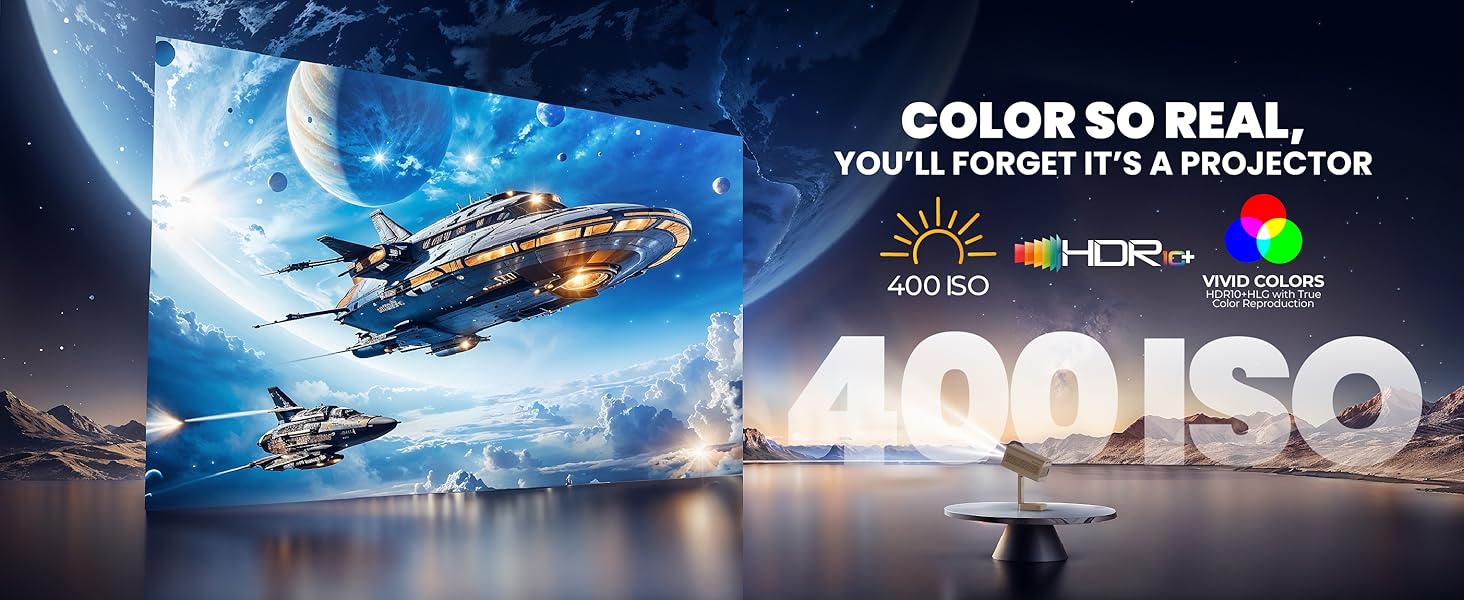
The E GATE Atom 4X+ Projector uses ISO Lumens (400 ISO Lumens) as a standardized measure of brightness. ISO Lumens are based on an established international standard (ISO21118) and provide a reliable, verifiable metric for projector brightness, unlike some non-standardized 'LED ANSI' or 'Source Lumens' claims.

Comparison of ISO Lumens (on-screen brightness) with non-verifiable source lumens.
וואָראַנטי אינפֿאָרמאַציע
The E GATE Atom 4X+ Projector comes with a 1 יאָר וואָראַנטי from the date of purchase. To avail warranty benefits, it is mandatory to register your product. EGate provides a free home pickup and drop service during the warranty period. For detailed warranty terms and conditions, please visit the official EGate webפּלאַץ.
שטיצן
For technical assistance, product inquiries, or warranty claims, please refer to the contact information provided on your warranty card or visit the official E GATE website. Ensure you have your product model number (EO9022) and purchase details ready when contacting support.