
1. הקדמה
This manual provides essential information for setting up, operating, and maintaining your Samsung QE43Q7FAAU 43-inch QLED 4K Smart TV. Please read this manual thoroughly to ensure safe and optimal use of your television.
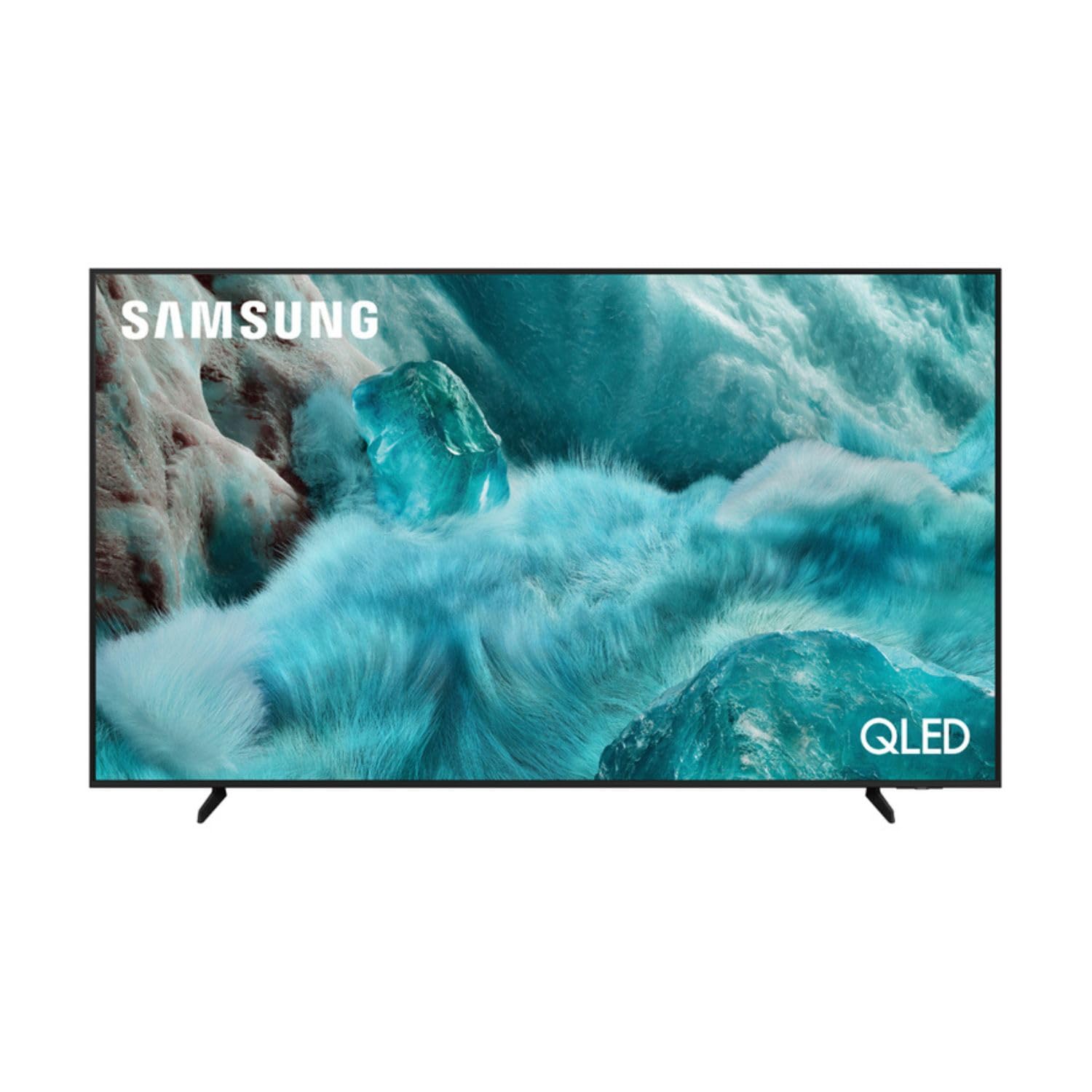
בילד: פראָנט view of the Samsung QE43Q7FAAU 43-inch QLED 4K Smart TV, showcasinזײַן שלאַנקן דיזײַן און לעבעדיקן אַרויסווייַז.
2. זיכערקייַט אינפֿאָרמאַציע
שטענדיק פֿאָלגן די גרונטלעכע זיכערהייט מיטלען ווען איר ניצט דעם טעלעוויזיע צו רעדוצירן דעם ריזיקאָ פֿון פֿײַער, עלעקטרישן קלאַפּ און שאָדן.
- דו זאלסט נישט ויסשטעלן די טעלעוויזיע צו רעגן אָדער נעץ.
- דו זאלסט נישט פאַרשפּאַרן ווענטאַליישאַן אָופּאַנינגז.
- פאַרזיכערן אַז די מאַכט שנור איז נישט פּינטשט אָדער געגאנגען אויף.
- נאָר נוצן אַטאַטשמאַנץ / אַקסעסעריז ספּעסיפיעד דורך דער פאַבריקאַנט.
- נעמט ארויס דעם טעלעוויזאר בעת בליץ-שטורעמס אדער ווען מען ניצט עס נישט פאר לאנגע צייטן.
3. וואָס איז אין דער קעסטל
Verify that the following items are included with your television:
- Samsung QE43Q7FAAU 43-inch QLED 4K Smart TV
- Remote Control (Bluetooth with solar energy technology)
- מאַכט קאַבלע
- שטאַנד קאָמפּאָנענטן (אויב נישט וואַנט-מאָנטירט)
- באַניצער מאַנואַל (דעם דאָקומענט)
4. סעטאַפּ
4.1 גשמיות ינסטאַלירונג
Your TV can be placed on a stand or wall-mounted. Ensure proper ventilation around the TV.
- סטאַנדאַרט ינסטאַלירונג: Attach the provided stand components securely to the TV base. Refer to the separate stand assembly guide for detailed instructions.
- וואַנט מאָונטינג: The TV supports a VESA standard mount of 200 x 200 mm. Use appropriate wall-mounting hardware (not included) and consult a professional for installation if unsure.

Image: Diagram showing the dimensions of the Samsung QE43Q7FAAU TV, including height, width, and depth.
4.2 Initial Power On and Connections
- פֿאַרבינדט דעם מאַכט קאַבל צום טעלעוויזיע און דערנאָך צו אַ וואַנט אַוטלעט.
- Connect your external devices (e.g., cable box, game console, Blu-ray player) to the HDMI ports. The TV has 3 HDMI 2.0 ports.
- For USB devices, use the USB 2.0 port.
- דרוק די מאַכט קנעפּל אויף די ווייַט קאָנטראָל צו קער אויף די טעלעוויזיע.
- Follow the on-screen instructions for initial setup, including language selection and channel scanning (DVB-T2/C/S2 tuner).
4.3 נעטוואָרק סעטאַפּ
כּדי צו צוקומען צו די סמאַרט טיווי פֿונקציעס, פֿאַרבינדט אייער טיווי צום אינטערנעט.
- ווי-פי: Navigate to the TV's settings menu, select 'Network', then 'Network Settings'. Choose your Wi-Fi network and enter the password.
- בלועטאָאָטה: The TV supports Bluetooth 5.3 for connecting compatible devices like soundbars or headphones. Pair devices through the TV's settings menu.
5. אפערירן דעם טעלעוויזאר
5.1 יקערדיק פאַנגקשאַנז
- מאַכט: ניצט די ווײַטקאָנטראָל צו צינדן אָן אָדער אויס דעם טעלעוויזאָר.
- באַנד: Adjust volume using the volume buttons on the remote.
- קאַנאַל: Change channels using the channel buttons.
- מקור: Select input sources (HDMI 1, HDMI 2, USB, etc.) using the 'Source' button.
5.2 Smart TV Features (One UI Tizen)
Your Samsung TV runs on the One UI Tizen operating system, offering a range of smart functionalities.
- קול קאָנטראָל: Integrated voice assistants include Bixby, Amazon Alexa, and Google Assistant. Use the voice control button on your remote to activate.
- סמאַרטטהינגס: Connect and control compatible smart home devices through the SmartThings app on your TV.
- מולטיView: ווייַזן קייפל אינהאַלט קוואלן סיימאַלטייניאַסלי אויף דעם עקראַן.
- סאַמסונג טעלעוויזיע פּלוס: Access a variety of free streaming channels.
- עפּל עירפּליי: Share content from your Apple devices to the TV.
5.3 גיימינג פֿעיִטשערס
The TV is equipped with features to enhance your gaming experience:
- AI אויטאָ שפּיל מאָדע: אויטאָמאַטיש אָפּטימיזירט סעטטינגס פֿאַר גיימינג.
- Motion Xcelerator: Reduces motion blur for smoother gameplay.
- יבער אַלטראַווידע שפּילView: Provides an expanded view for compatible games.
5.4 בילד און קלאַנג סעטטינגס
קאַסטאַמייז דיין viewהערן און הערן דערפאַרונג דורך די טעלעוויזיע ס סעטטינגס מעניו.
- בילד: Adjust brightness, contrast, sharpness, and color. Utilize features like Quantum HDR, HDR10+, HDR10+ Adaptive, HLG, Filmmaker Mode, and Eye Comfort Mode for optimized visuals.
- געזונט: The TV features a 2.0 channel, 2x10W audio system with Dolby Atmos support. Enhance audio with Q-Symphony (when paired with compatible Samsung soundbars) and Adaptive Sound.
6. וישאַלט
Proper maintenance ensures the longevity and performance of your TV.
- רייניקונג די פאַרשטעלן: ווישט אָפּ דעם עקראַן מיט אַ ווייכן, טרוקענעם מיקראָפיבער שטאָף. פֿאַר שווערע פֿלעקן, ווישט אַ ביסלampווישט דעם שטאָף מיט וואַסער אָדער אַ ספּעציאַליזירטן עקראַן רייניגער. שפּריצט נישט פליסיקייט גלייך אויפן עקראַן.
- רייניקונג די ראַם: ניצט אַ ווייכן, טרוקענעם שטאָף צו רייניקן דעם טעלעוויזיע ראַם.
- ווענטילאַטיאָן: זיכער מאַכן אַז די ווענטילאַציע עפענונגען זענען ריין פון שטויב און שטערונגען.
7. טראָובלעשאָאָטינג
אויב איר טרעפט פּראָבלעמען מיט אייער טעלעוויזיע, באַזירט זיך אויף די פאלגענדע געוויינטלעכע לייזונגען:
- קיין מאַכט: קאָנטראָלירט צי דער שטראָם קאַבל איז זיכער פֿאַרבונדן צו ביידע דעם טעלעוויזיע און דעם וואַנט אַוטלעט. מאַכט זיכער אַז דער אַוטלעט אַרבעט.
- קיין בילד/קלאַנג: באַשטעטיקן אַז די ריכטיקע אַרייַנגאַנג מקור איז אויסגעקליבן. קאָנטראָלירט קאַבל קאַנעקשאַנז צו פונדרויסנדיק דעוויסעס.
- רימאָוט קאָנטראָל נישט ארבעטן: Ensure the remote is charged (solar charging) or replace batteries if applicable. Check for obstructions between the remote and the TV.
- נעץ פֿאַרבינדונג פּראָבלעמען: ריסטאַרט דיין ראַוטער און מאָדעם. אַרייַן ווידער דיין Wi-Fi פּאַראָל אין די טעלעוויזיע ס נעץ סעטטינגס.
- בילד קוואַליטעט פּראָבלעמען: Adjust picture settings. Ensure your content source is providing a high-quality signal.
פֿאַר מער קאָמפּליצירטע פּראָבלעמען, קאָנסולטירט זיך מיט Samsung שטיצע webפּלאַץ אָדער קאָנטאַקט קונה דינסט.
8. ספּעסאַפאַקיישאַנז
| שטריך | באַשרייַבונג |
|---|---|
| פאַרשטעלן גרייס | 43 אינטשעס (108 סענטימעטער) |
| ווייַז טעכנאָלאָגיע | QLED, Edge-LED Backlighting |
| האַכלאָטע | 4K Ultra HD (3840 X 2160 בילדצעלן) |
| דערפרישן קורס | 120 הז |
| HDR שטיצן | HDR10, HDR10+, HDR10+ Adaptive, HLG |
| אָפּערייטינג סיסטעם | איין יו-איי טיזען |
| קול קאָנטראָל | Bixby, Alexa, Google Assistant |
| קאַנעקטיוויטי | Wi-Fi, Bluetooth 5.3, 3x HDMI 2.0 (eARC), 1x USB 2.0, Ethernet |
| אַודיאָ רעזולטאַט | 2 x 10 W (2.0 Channel), Dolby Atmos |
| מאַכט קאַנסאַמשאַן (SDR) | 53 וו |
| מאַכט קאַנסאַמשאַן (HDR) | 102 וו |
| דימענשאַנז (ב x ה x ד) | 97 x 59.2 x 19.7 ס״מ (מיט שטאַנד) |
| וואָג | 8.9 kg (with stand), 8.6 kg (without stand) |
| וועסאַ מאָונט סטאַנדאַרט | 200 רענטגענ 200 מם |
| קאָליר | שוואַרץ |

Image: EU Energy Label for the Samsung QE43Q7FAAU TV, showing energy efficiency class G for SDR and HDR.
9. וואָראַנטי און שטיצן
Your Samsung QE43Q7FAAU TV comes with a 2-יאָר לימיטעד וואָראַנטי. Spare parts are available for 7 years from the end of product availability.
For technical support, warranty claims, or further information, please visit the official Samsung support website or refer to the product information on the EPREL database:
- אפיציעלע סאַמסונג שטיצע: באַזוכט דעם סאַמסונג סטאָר
- EPREL Product Information: EPREL דאַטאַבייס לינק