
הקדמה
This manual provides essential instructions for setting up, operating, and maintaining your Agreago Projector V3. Please read it thoroughly before use to ensure proper functionality and to maximize your viewינג דערפאַרונג.
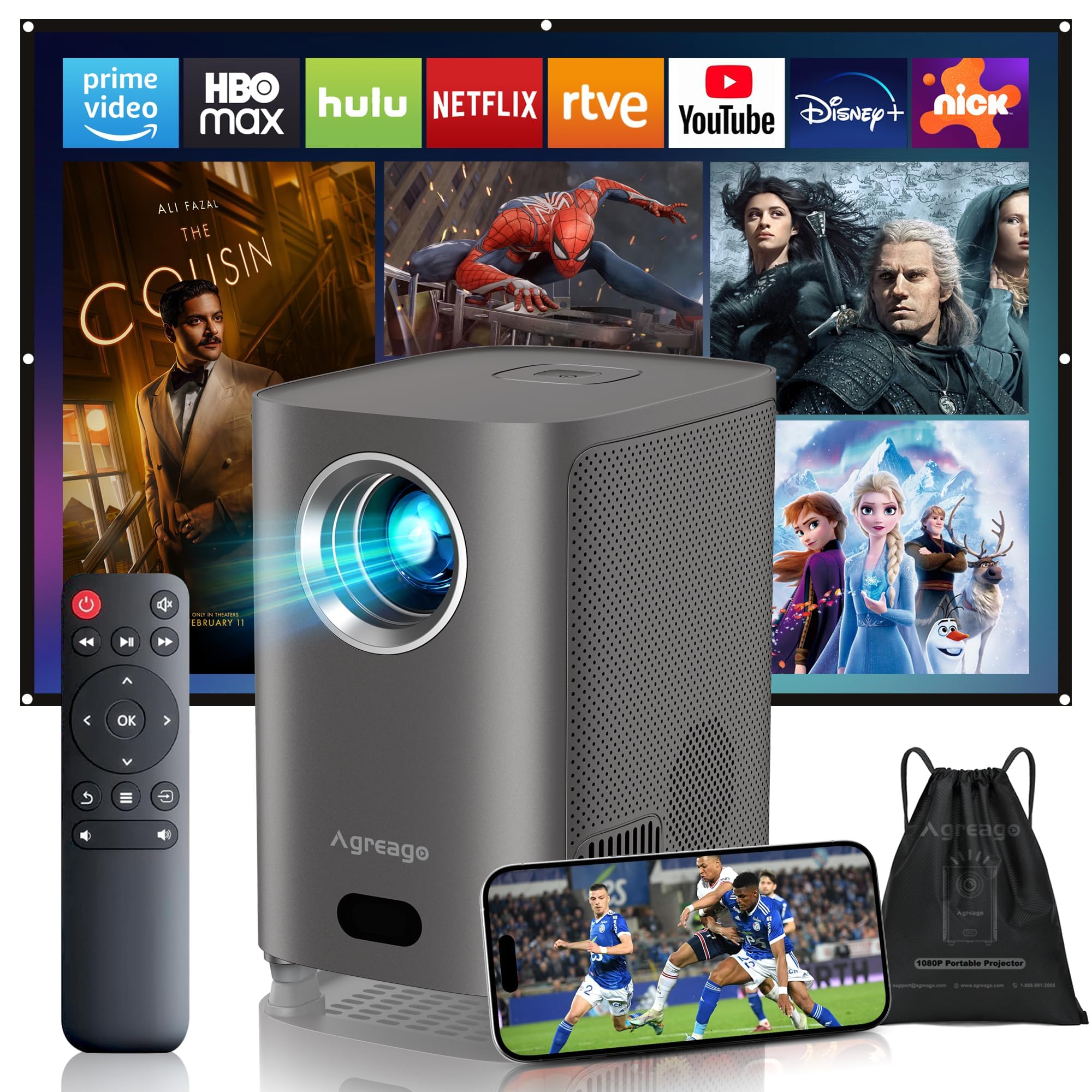
Figure 1: Agreago Projector V3 and accessories.
וואָס איז אין די קעסטל
ביים אויספּאַקן דעם קעסטל, קאָנטראָלירט אַז אַלע קאָמפּאָנענטן זענען פאַראַן:
- Agreago Projector V3
- ווייַט קאָנטראָל
- מאַכט קאַבלע
- HDMI קאַבלע
- אב קאַבלע
- באַניצער מאַנואַל
- קערל זעקל
Video 1: Unboxing the Agreago Projector V3, showing included accessories.
פּראָדוקט איבערview
מאַכט זיך באַקאַנט מיט די פּראָיעקטאָר'ס קאָמפּאָנענטן און פֿאַרבינדונג פּאָרץ.
קשר פּאָרץ

Figure 2: Rear panel with audio, AV, HDMI, and USB ports.
- אַודיאָ אַרויס (3.5 מ״מ): פֿאַרבינדט עקסטערנע רעדנערס אָדער כעדפאָונז.
- AV אַרייַנשרייַב: Connect older devices using the provided AV cable.
- HDMI (x2): Connect devices like TV sticks, laptops, gaming consoles (Xbox, PS5).
- וסב (x2): פֿאַרבינדט USB דרייווז פֿאַר מעדיע ווידערשפּיל.
- IR ופנעמער: פֿאַר ווײַטקאָנטראָל סיגנאַלן.
ווייַט קאָנטראָל

Figure 3: Remote control for easy navigation and function access.
The remote control provides convenient access to all projector functions, including power, navigation, volume, focus adjustment, and direct access to popular streaming applications.
ווידעא 2: אן איבערview of the Agreago Projector V3's features and design.
סעטאַפּ
פּלייסמאַנט
Position the projector on a stable, flat surface. The integrated stand allows for flexible angle adjustments. For larger screen sizes, increase the distance between the projector and the projection surface.

פיגור 4: רעקאָמענדירטע פּראָיעקציע דיסטאַנסן פֿאַר פֿאַרשידענע סקרין גרייסן.
מאַכט אויף
Connect the power cable to the projector and a power outlet. Press the power button on the projector or the remote control to turn it on.
פאָקוס אַדזשאַסטמאַנט
The projector features electric focus. Use the dedicated focus buttons on the remote control (F+ / F-) to achieve a clear and sharp image. The auto-focus feature will also assist in initial setup.

Figure 5: Adjusting electric focus using the remote control.
קייסטאָנע קערעקשאַן
The projector supports automatic keystone correction to ensure a rectangular image even when projected at an angle. Manual adjustments can also be made via the settings menu if needed.
Network Connection (WiFi & Bluetooth)
Connect the projector to your home Wi-Fi network for online streaming and screen mirroring. Use Bluetooth 5.2 to pair with external audio devices for enhanced sound.
Video 3: Demonstrating Wi-Fi and Bluetooth connectivity for the Agreago Projector V3.
קאַנעקטינג דעוויסעס
דער פּראָיעקטאָר אָפפערט קייפל קאָנעקטיוויטי אָפּציעס:
- הדמי: Connect TV sticks, laptops, gaming consoles (Xbox, PS5).
- וסב: אַרײַנשטעלן USB דרייווז פֿאַר דירעקט מעדיע ווידערשפּיל.
- פון: Use the provided AV cable for older devices.
- סקרין שפּיגלונג (iOS/אַנדרויד): Wirelessly display content from your smartphone or tablet.
אַפּערייטינג ינסטראַקשאַנז
נאַוויגאַציע
Use the remote control's directional buttons and 'OK' button to navigate the projector's interface. Dedicated buttons for streaming services provide quick access.
מידיאַ פּלייַבאַקק
Select the desired input source (HDMI, USB, Screen Mirroring) from the home screen. Navigate to your media files or streaming app to begin playback.
געזונט סעטטינגס
The projector features built-in dual stereo speakers. Adjust volume using the remote. For a private listening experience, connect headphones via the 3.5mm audio jack or pair Bluetooth headphones.
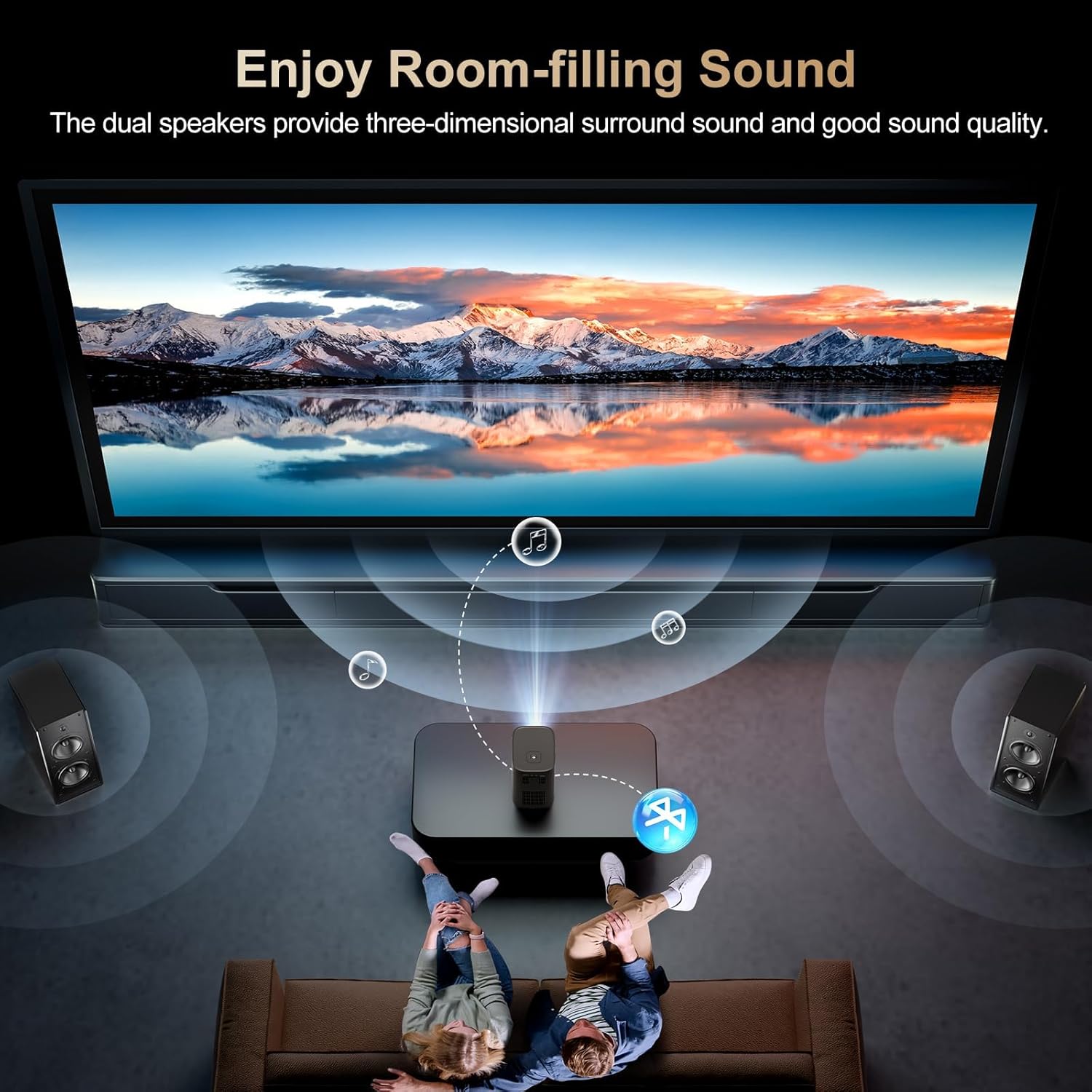
Figure 6: Dual stereo speakers provide immersive sound.
בילד סעטטינגס
Access the settings menu to adjust image parameters such as brightness, contrast, color temperature, and projection mode for optimal viewאין תנאים.
וישאַלט
רייניקונג די לענס
Gently wipe the projector lens with a soft, lint-free cloth. Avoid abrasive materials or harsh chemicals that could damage the lens coating.
שטויב פילטער
Regularly check and clean the dust filter to maintain optimal airflow and prevent overheating. Refer to the full user manual for specific instructions on accessing and cleaning the filter.
טראָובלעשאָאָטינג
- קיין בילד: Ensure the power cable is securely connected and the projector is turned on. Verify the input source is correctly selected.
- בלערי בילד: Adjust the electric focus using the remote control. Ensure the projection surface is flat and the projector is stable.
- קיין קול: Check the volume settings on the projector and the connected device. Ensure external speakers/headphones are properly connected or paired via Bluetooth.
- Screen Mirroring Issues: Confirm both the projector and your device are connected to the same Wi-Fi network. Ensure your device supports the mirroring protocol (iOS/Android).
ספּעסאַפאַקיישאַנז
| סאָרט | ווידער |
| מאָדעל נומער | V3 |
| ווייַז האַכלאָטע | 1920 x 1080 (געבוירענער 1080P) |
| ברייטנאַס | 15,000 לומענס |
| קאַנטראַסט פאַרהעלטעניש | 15,000:1 |
| קאַנעקטיוויטי טעכנאָלאָגיע | HDMI, USB, AV, 3.5mm Audio, WiFi 6, Bluetooth 5.2 |
| ספּעציעלע פֿעיִקייטן | Auto Focus, Electric Focus, 50%-100% Zoom, Dual Stereo Speakers |
| פּראָדוקט דימענשאַנז | 5.5 X 6.1 X 4.2 אינטשעס |
| פּונקט וואָג | 2.94 פונט |
וואָראַנטי און שטיצן
For warranty information and customer support, please refer to the contact details provided in the included user manual or visit the official Agreago webזייטל. שוץ פלענער זענען פאראן פאר פארלענגערטע קאווערידזש.