
Bmax B9 Power
Bmax B9 Power Mini PC User Manual
Model: B9 Power | Brand: Bmax
הקדמה
Welcome to the user manual for your new Bmax B9 Power Mini PC. This compact and powerful computer is designed for a wide range of applications, from demanding business tasks and gaming to everyday home entertainment and online learning. Featuring an Intel Core i9-12900HK processor, ample memory, and high-speed storage, the B9 Power delivers exceptional performance in a small form factor. This manual provides essential information on setting up, operating, maintaining, and troubleshooting your device to ensure optimal performance and longevity.
וואָס איז אין די קעסטל
ביים עפענען דעם פּעקל, ביטע זיכער מאַכן אַז אַלע קאָמפּאָנענטן זענען פאַראַן און אין גוטן צושטאַנד.
- 1 x Bmax B9 Power MINI PC
- מאַכט אַדאַפּטער
- באַניצער מאַנואַל (דעם דאָקומענט)
- HDMI קאַבלע
- וועסאַ מאָונט (פֿאַר מאָניטאָר אַטאַטשמענט)
פּראָדוקט איבערview
Familiarize yourself with the Bmax B9 Power Mini PC's physical layout and available ports.

בילד: פאָרנט און הינטן view of the Bmax B9 Power Mini PC, showcasinג זײַן קאָמפּאַקטן דיזײַן און פֿאַרשידענע פּאָרץ.
פּאָרץ און קאַנעקטערז

Image: Detailed diagram of the Bmax B9 Power Mini PC's multi-expansion interfaces, including USB, HDMI, DisplayPort, and audio jacks.
- מאַכט קנעפּל: Located on the front panel.
- וסב 3.2 פּאָרץ: Two ports on the front for high-speed data transfer.
- טיפּ-C פּאָרט: One full-featured Type-C port on the front.
- 3.5 מם אַודיאָ דזשאַק: פֿאַר כעדפאָונז אָדער ספּיקערז.
- קלאָר CMOS קנעפּל: For resetting BIOS settings.
- RJ45 עטהערנעט פּאָרט: פֿאַר אַ דראָטיקער נעץ פֿאַרבינדונג.
- וסב 2.0 פּאָרץ: Two ports on the rear for peripherals.
- HDMI 2.1 פּאָרט: פֿאַר ווידעא רעזולטאַט.
- דיספּלייפּאָרט 1.4אַ: For additional video output.
- DC19V/3.42A Power Input: פאַרבינדן די ינקלודעד מאַכט אַדאַפּטער דאָ.
סעטאַפּ
- פאַרבינדן צו ווייַז: Connect your monitor(s) to the Mini PC using the HDMI, DisplayPort, or Type-C video outputs. The B9 Power supports triple 4K@60Hz displays.

Image: Illustration showing the Bmax B9 Power Mini PC connected to three monitors, demonstrating its triple 4K@60Hz display support.
- פאַרבינדן פּעריפעראַלס: שטעקט אריין אייער קלאַוויאַטור, מויז, און אַלע אַנדערע USB דעוויסעס אין די פאַראַן USB פּאָרץ.
- פאַרבינדן צו די נעץ: For a wired connection, plug an Ethernet cable into the RJ45 port. For wireless, the device supports WiFi 6.
- פאַרבינדן מאַכט: Plug the power adapter into the DC19V/3.42A input port on the Mini PC, then plug the adapter into a power outlet.
- מאַכט אויף: Press the power button on the front of the Mini PC. The system will boot up.
- ערשט סעטאַפּ: Follow the on-screen instructions to complete the initial Windows 11 setup, including language, region, and network settings.
אַפּערייטינג ינסטראַקשאַנז
אַלגעמיינע באַניץ
The Bmax B9 Power Mini PC comes pre-installed with Windows 11, providing a familiar and intuitive operating environment.
- מאַכט אויף / אַוועק: Press the power button to turn on. To shut down, use the Windows Start menu options (Start > Power > Shut down).
- ריסטאַרט: Use the Windows Start menu options (Start > Power > Restart).
- שלאָפן מאָדע: Use the Windows Start menu options (Start > Power > Sleep) or press the power button briefly.
- קאַנעקטינג בלועטאָאָטה דעוויסעס: The Mini PC supports Bluetooth 5.2. Go to Windows Settings > Bluetooth & devices to pair wireless accessories like headsets, mice, and keyboards.
- Multi-Application Handling: The Intel Core i9-12900HK processor, 32GB DDR4 RAM, and 1TB NVMe SSD enable smooth operation across multiple demanding applications simultaneously.
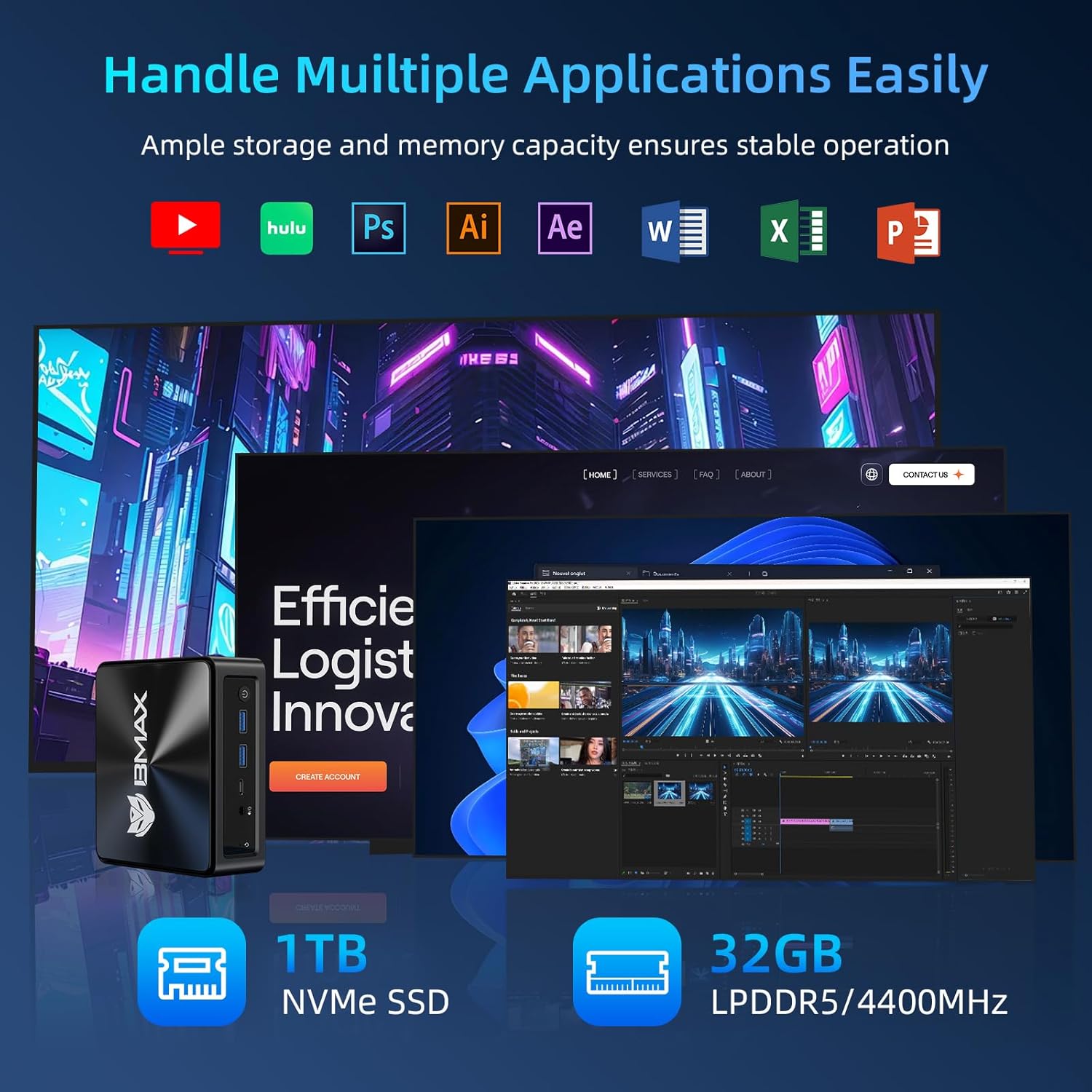
Image: Visual representation of the Bmax B9 Power Mini PC handling various applications like video editing, graphic design, and web בראַוזינג סיימאַלטייניאַסלי.
Smart Recovery Function
The Bmax B9 Power Mini PC features a unique one-click Smart Recovery function, allowing you to restore the system to factory settings quickly. This is useful in cases of OS crashes, slow performance, or incorrect configurations.
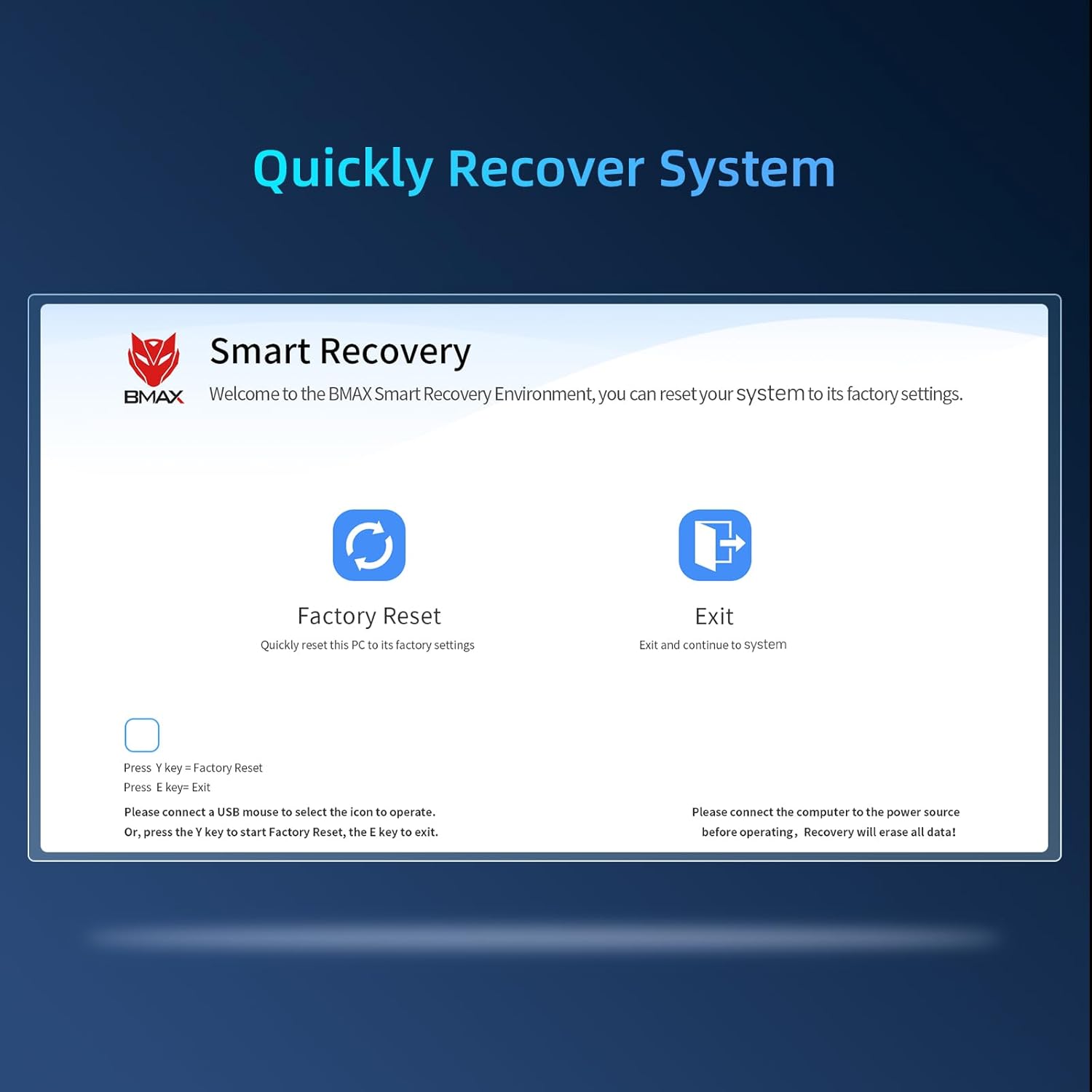
Image: Screenshot of the Bmax Smart Recovery interface, showing options for "Factory Reset" and "Exit".
- Accessing Recovery: During startup, you may be prompted to enter the Smart Recovery Environment. Alternatively, consult the on-screen instructions or product support for specific key presses to access this mode.
- פאַבריק באַשטעטיק: Select the "Factory Reset" option. ווארענונג: This process will erase all data on your system drive. Ensure you have backed up any important files איידער איר גיינ ווייַטער.
- באַשטעטיקונג: Confirm your choice to begin the restoration process.
- פארענדיקונג: Once the process is complete, the system will restart with factory default settings.
וישאַלט
Proper maintenance ensures the longevity and optimal performance of your Bmax B9 Power Mini PC.
- רייניקונג: Regularly clean the exterior of the Mini PC with a soft, dry cloth. Avoid liquid cleaners directly on the device.
- ווענטילאַטיאָן: Ensure the ventilation openings are clear of dust and obstructions. The B9 Power features an efficient Space Capsule Cooling System with an enlarged double copper heat pipe and a giant turbo smart fan for effective heat dissipation.

Image: Diagram illustrating the internal cooling system of the Bmax B9 Power Mini PC, highlighting the double copper heat pipe and smart fan.
- ווייכווארג דערהייַנטיקונגען: האַלט אייער אָפּערייטינג סיסטעם און דרייווערס אַפּדייטיד צו ענשור זיכערהייט און פאָרשטעלונג.
- זיכער שאַטדאַון: שטענדיק אויסשליסן דעם מיני פּיסי ריכטיק דורך די אָפּערייטינג סיסטעם צו פאַרמייַדן דאַטן קאָרופּציע.
טראָובלעשאָאָטינג
If you encounter issues with your Bmax B9 Power Mini PC, refer to the following common problems and solutions.
| פּראָבלעם | מעגלעך סיבה | לייזונג |
|---|---|---|
| No power / Won't turn on | Power adapter not connected; Faulty power outlet; Power button issue. | Ensure power adapter is securely connected to both the Mini PC and a working power outlet. Try a different outlet. |
| קיין אַרויסווייַזונג אויף מאָניטאָר | Incorrect cable connection; Monitor input not selected; Driver issue. | Check HDMI/DisplayPort/Type-C cable connections. Ensure monitor is on and set to the correct input source. Try a different cable or monitor. |
| פּאַמעלעך פאָרשטעלונג | Too many applications running; Low disk space; Overheating. | Close unnecessary applications. Free up disk space. Ensure proper ventilation and clean dust from vents. Consider using the Smart Recovery function if software issues persist. |
| Wi-Fi/בלוטוט קאנעקטיוויטי פראבלעמען | Drivers outdated; Interference; Adapter disabled. | Check device manager for Wi-Fi/Bluetooth adapter status. Update drivers. Move closer to the Wi-Fi router or reduce interference. |
ספּעסאַפאַקיישאַנז
Detailed technical specifications for the Bmax B9 Power Mini PC.
| שטריך | דעטאַל |
|---|---|
| פּראַסעסער | Intel Core i9-12900HK (up to 5.0GHz, 14 Cores/20 Threads, 20MB Cache) |
| באַראַן | 32GB DDR4 3200MHz SO-DIMM (Expandable up to 64GB) |
| סטאָרידזש | 1TB NVMe SSD |
| גראַפיקס | ינטעגראַטעד ינטעל גראַפיקס |
| אָפּערייטינג סיסטעם | Windows 11 |
| ווירעלעסס קאַנעקטיוויטי | WiFi 6 (802.11ax), בלועטוט 5.2 |
| ווייערד קאַנעקטיוויטי | Gigabit עטהערנעט (RJ45) |
| ווידעא רעזולטאַט | 1x HDMI 2.1, 1x DisplayPort 1.4a, 1x Type-C (supports 4K@60Hz triple display) |
| וסב פּאָרץ | 2x USB 3.2, 2x USB 2.0, 1x טיפּ-C |
| אַודיאָ | 3.5 מם אַודיאָ דזשאַק |
| דימענשאַנז | בעערעך 10.94 X 6.18 X 2.99 אינטשעס |
| וואָג | בעערעך 1.54 פונט |
וואָראַנטי און שטיצן
BMAX provides comprehensive support for your Mini PC.
- וואָראַנטי: Your Bmax B9 Power Mini PC comes with a one-year limited warranty from the date of purchase.
- קונה סערוויס: For any pre-sale or after-sale inquiries, technical assistance, or warranty claims, please do not hesitate to contact BMAX professional customer service. Refer to the product packaging or the official BMAX webפּלאַץ פֿאַר קאָנטאַקט דעטאַילס.
- אָנליין רעסורסן: Visit the official BMAX website for updated drivers, FAQs, and additional support resources.
Ask a question about this manual
Ask about setup, troubleshooting, compatibility, parts, safety, or missing instructions. Manuals+ will review the question and use this page’s manual context to help answer it.