
ליפּפראָג 80-621200
LeapFrog Preschool Game and Go Handheld Video Game Toy Instruction Manual
מאָדעל: 80-621200
בראַנד: ליפּפראָג
הקדמה
The LeapFrog Preschool Game and Go is a handheld video game toy designed to introduce young children to fundamental concepts such as numbers, letters, and shapes through engaging mini-games and music. This device offers a portable and interactive learning experience for children aged 2 years and older.
וואָס איז אין די קעסטל
- LeapFrog Preschool Game and Go Handheld Toy
- שנעל אָנהייב גייד
Note: 3 AAA batteries are included for demo purposes only. New batteries are recommended for regular use.
סעטאַפּ
ייַנמאָנטירונג פון באַטאַרייע
- געפֿינען די באַטאַרייע אָפּטייל אויף די צוריק פון די מיטל.
- ניצן אַ שרויפנ - ציער, עפענען די באַטאַרייע אָפּטייל דעקן.
- אַרײַנשטעלן 3 נײַע AAA באַטעריעס, און זיכער מאַכן אַז די פּאָלאַריטעט איז ריכטיק (+/-).
- פאַרבייַטן די דעקן פון די באַטאַרייע אָפּטייל און באַוואָרענען עס מיט די שרויף.
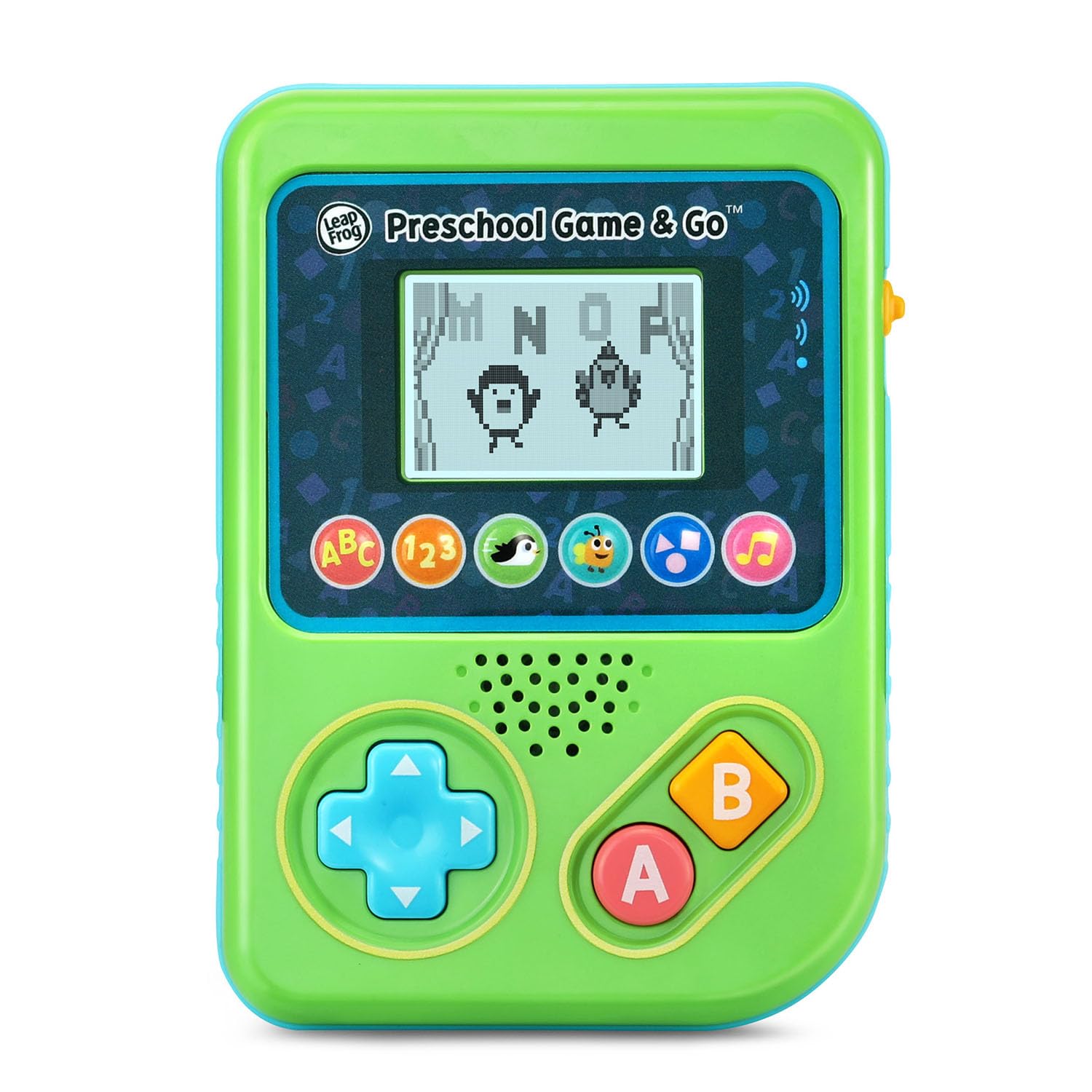
פיגורע 1: פראָנט view of the LeapFrog Preschool Game and Go.
מאַכט אויף / אַוועק
- To power on the device, slide the orange power switch located on the right side of the unit upwards.
- To power off the device, slide the orange power switch downwards.
באַנד קאָנטראָל
- The device features two volume settings.
- Adjust the volume using the dedicated switch or button, typically located near the power switch, to select between a lower or higher sound output.
אַפּערייטינג ינסטראַקשאַנז
קאָנטראָלס
- ריכטונגס-פאד (די-פאד): Located on the left side, use this to navigate menus and control characters within games.
- א קנעפּל: Typically used for selection or action within games.
- ב קנעפּל: Typically used for secondary actions or going back in menus.
שפּיל סעלעקציע
The device features six distinct game icons below the screen. Press the corresponding icon to select a game:
- ABC Icon: Activates the ABC Swim game.
- 123 Icon: Activates the 123 Treasure game.
- Penguin Icon: Activates the Letter Slide game.
- Bug Icon: Activates the Snack Track game.
- Shapes Icon: Activates the Shape Ape game.
- Music Note Icon: Activates the Song Shuffle feature.
Personalizing Game Play
You can personalize the experience by adding a child's name (up to 10 characters). The child's name will appear in certain games, such as the Letter Slide game, where they collect letters to spell their name.
לערנען גאַמעס
The LeapFrog Preschool Game and Go includes six exciting learning games:
- ABC Swim: Pop bubbles to explore letter sounds.
- 123 Treasure: Collect coins and count hearts to introduce numbers.
- Letter Slide: Help a penguin slide and jump to collect letters, including those in the child's personalized name.
- Snack Track: Feed a hungry bug by eating and counting snacks.
- Shape Ape: Catch various shapes as they fall from trees.
- Song Shuffle: Dance along to three engaging learning songs.
ווידעא 1: אפיציעלע פּראָדוקט ווידעא ווייַזונגasing the LeapFrog Preschool Game & Go features and gameplay.
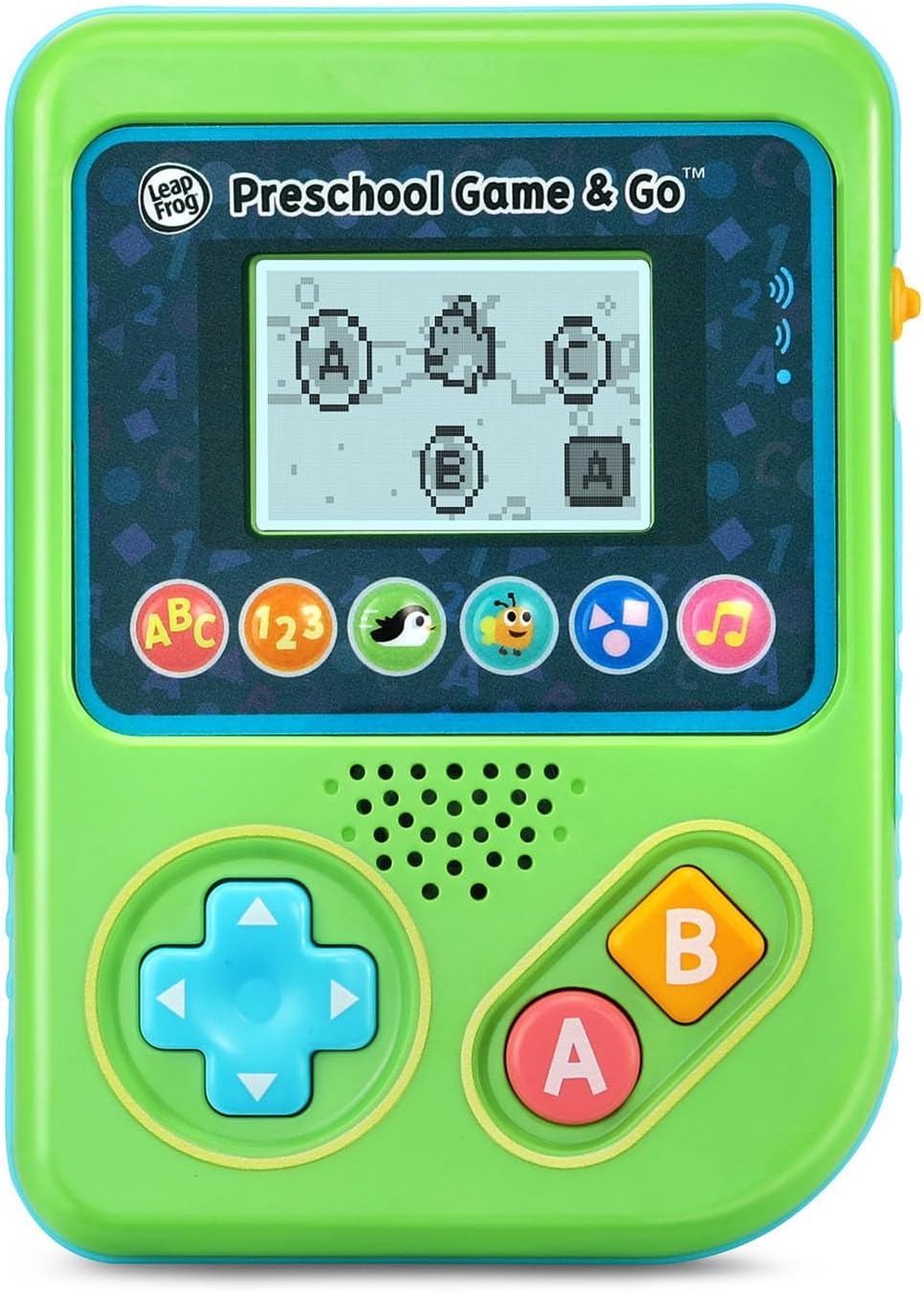
Figure 2: The ABC Swim game interface on the device screen.
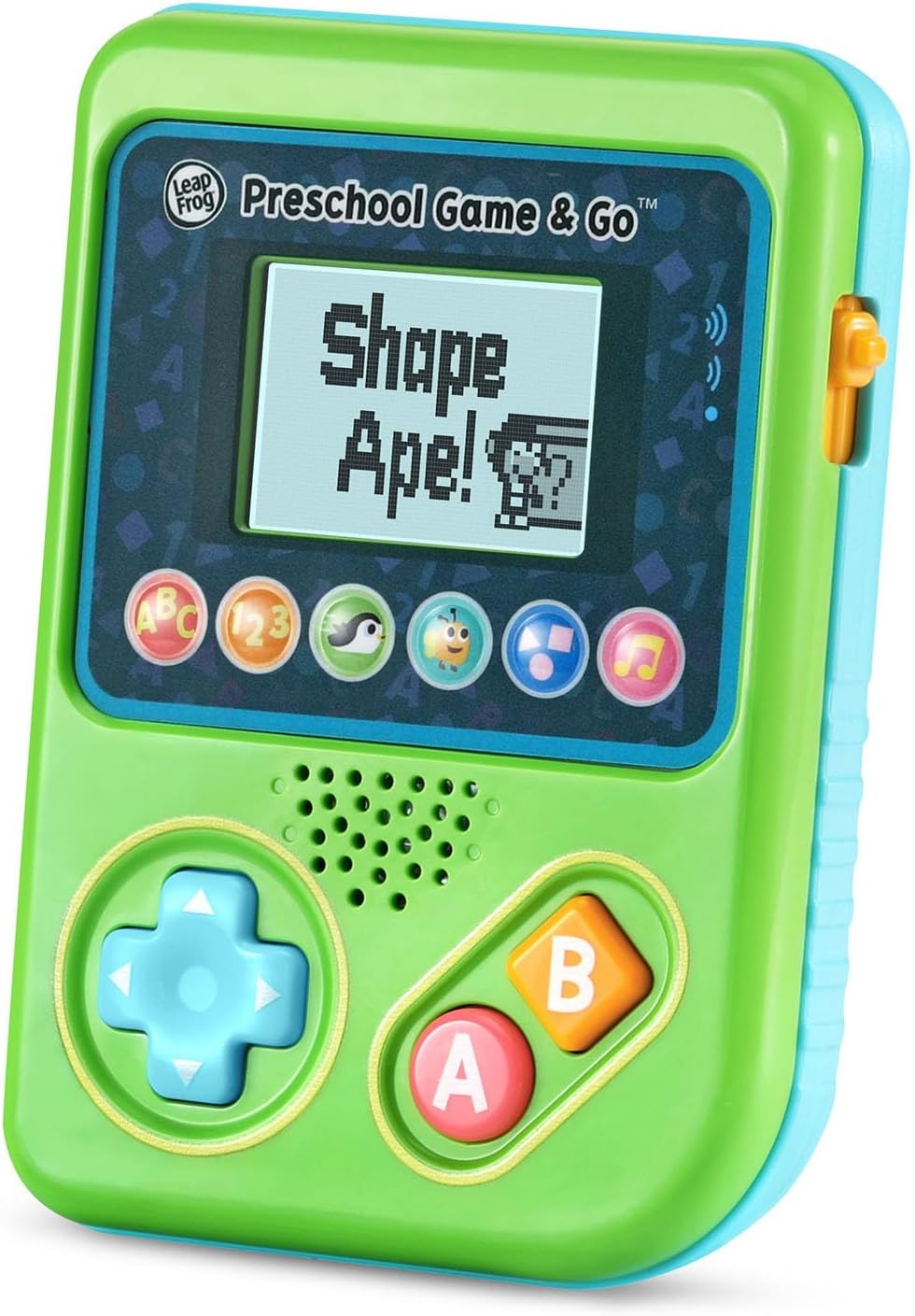
Figure 3: The Shape Ape game interface on the device screen.
וישאַלט
- צו רייניקן דעם אפאראט, ווישט עס אביסל מיט א טיכל.amp שטאָף. טונקען נישט אין וואסער.
- ויסמיידן יקספּאָוזינג די מיטל צו עקסטרעם טעמפּעראַטורעס אָדער דירעקט זונשייַן.
- אַרויסנעמען באַטעריעס אויב די דעוויס וועט נישט ווערן גענוצט פֿאַר אַ לענגערע צייט צו פאַרמייַדן ליקאַדזש.
טראָובלעשאָאָטינג
- מיטל נישט קער אויף: Ensure fresh batteries are correctly installed. Check the power switch position.
- קיין קלאַנג אָדער שטיל קלאַנג: Adjust the volume switch. Replace batteries if sound is distorted or very low.
- פּראָבלעמען מיטן עקראַן: If the screen is blank or flickering, try turning the device off and on again. Replace batteries if the issue persists.
- נישט ריספּאַנדאַבאַל קנעפּלעך: Ensure the device is powered on. If a specific button is unresponsive, try cleaning around it. If the issue continues, replace batteries.
ספּעסאַפאַקיישאַנז
| שטריך | דעטאַל |
|---|---|
| מאָדעל נומער | 80-621200 |
| עלטער ראַנגע | 2+ יאָרן |
| מאַכט מקור | באַטאַרייע פּאַוערד |
| באַטעריז פארלאנגט | 3 AAA באַטעריעס (אַרייַנגערעכנט פֿאַר דעמאָ) |
| קאָנטראָללער טיפּ | קנעפּל קאָנטראָל |
| ווייַז טיפּ | דיגיטאַל |
| מאַטעריאַל | פּלאַסטיק |
| פּראָדוקט דימענשאַנז | 1.3 X 4.1 X 5.6 אינטשעס |
| פּונקט וואָג | 6.4 אונסעס |
וואָראַנטי און שטיצן
For warranty information, product registration, or additional support, please refer to the contact information provided in the Quick Start Guide included with your product or visit the official LeapFrog webפּלאַץ. האַלטן דיין קויפן קאַבאָלע פֿאַר וואָראַנטי קליימז.
Ask a question about this manual
Ask about setup, troubleshooting, compatibility, parts, safety, or missing instructions. Manuals+ will review the question and use this page’s manual context to help answer it.