
ARCCTV P2
ARCCTV 2K Security Camera Outdoor P2 User Manual
מאָדעל: P2
1. הקדמה
This manual provides detailed instructions for the installation, operation, and maintenance of your ARCCTV 2K Security Camera Outdoor P2. Please read this manual thoroughly before using the product to ensure correct usage and optimal performance. Keep this manual for future reference.

בילד 1.1: פראָנט view of the ARCCTV 2K Security Camera Outdoor P2.
2. וואָס איז אין דער קעסטל
באַשטעטיקן אַז אַלע קאָמפּאָנענטן זענען פאַראַן אין דער פּאַקעט:
- אַפּאַראַט גוף
- 5V1A מאַכט אַדאַפּטער
- Mounting Screws (set)
- Screw Positioning Sticker
- ווארענונג סטיקער
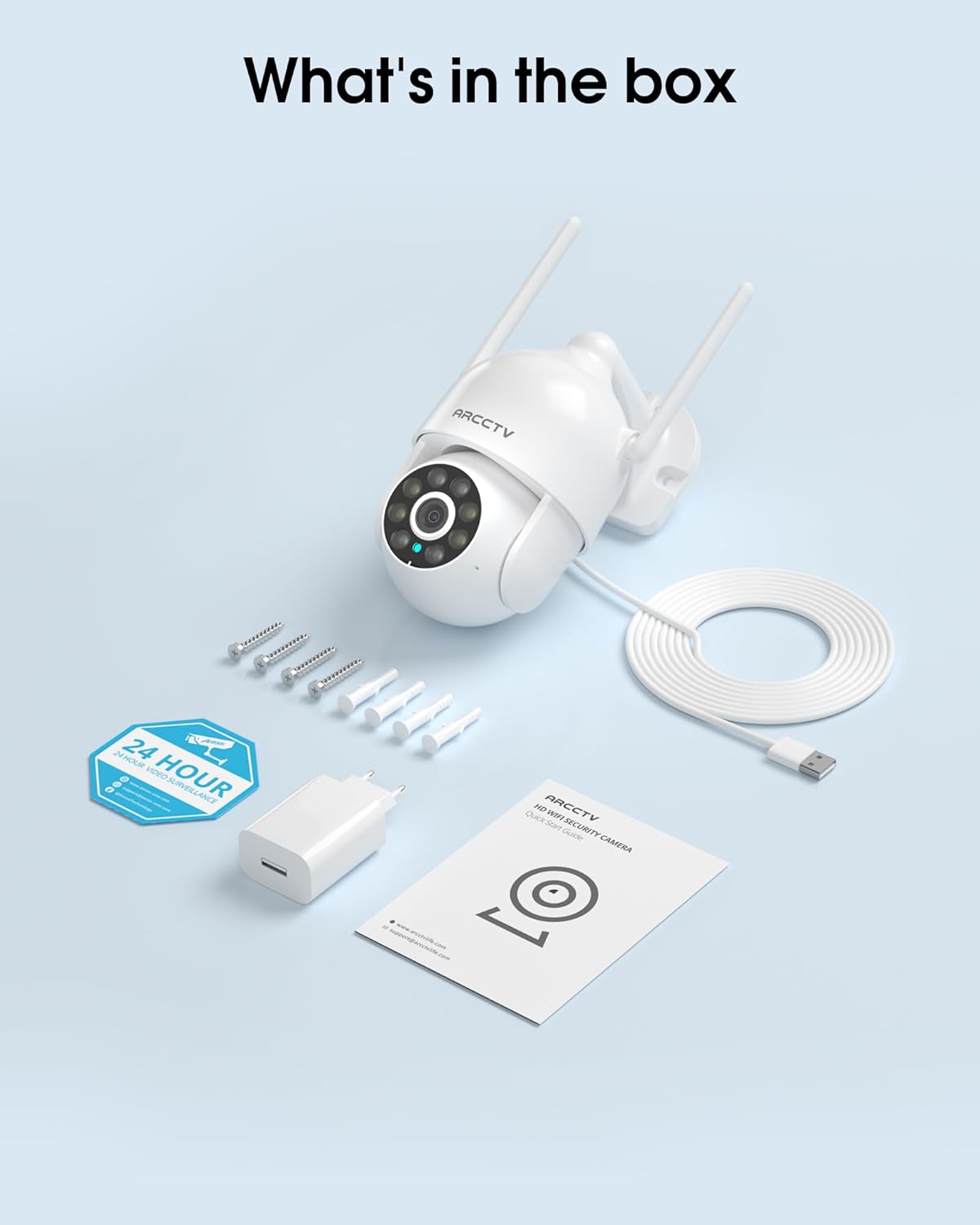
Image 2.1: All items included in the ARCCTV 2K Security Camera package.
3. פּראָדוקט פֿעיִקייטן
- 2K Ultra HD האַכלאָטע: Provides clear 2304x1296p video.
- פול קאליר נאכט זעאונג: Built-in spotlight enables vivid color monitoring in low light.
- 360° Pan-Tilt-Zoom (PTZ): Remotely control 355° horizontal and 90° vertical rotation.
- Auto Motion Tracking: Smart AI automatically follows and records detected movement.
- צוויי-באַנד וויפי: Supports both 2.4G and 5G WiFi for stable connectivity.
- צוויי-וועג אַודיאָ: איינגעבויטער מיקראָפאָן און רעדנער פֿאַר קאָמוניקאַציע.
- IP66 וועטערפּרוף: Durable design for outdoor use in various weather conditions (-4°F ~ 122°F).
- פלעקסאַבאַל סטאָרידזש: Supports local microSD card storage (up to 128GB, not included) and optional cloud storage.
- 24/7 רעקאָרדינג: Continuous recording capability with stable power supply.
4. סעטאַפּ
4.1 ינסטאַלירונג
- קלייַבן אַ אָרט: אויסקלייבן אַן אָרט אינדרויסן מיט אַ קלאָרן view of the area you wish to monitor. Ensure it is within range of your Wi-Fi network and a power outlet.
- אָנקלאַפּן די אַפּאַראַט: Use the provided screw positioning sticker to mark drill holes. Drill holes, insert wall anchors, and secure the camera body to the wall using the mounting screws.
- פאַרבינדן מאַכט: Plug the 5V1A power adapter into the camera and then into a power outlet. The camera will power on and begin its startup sequence.
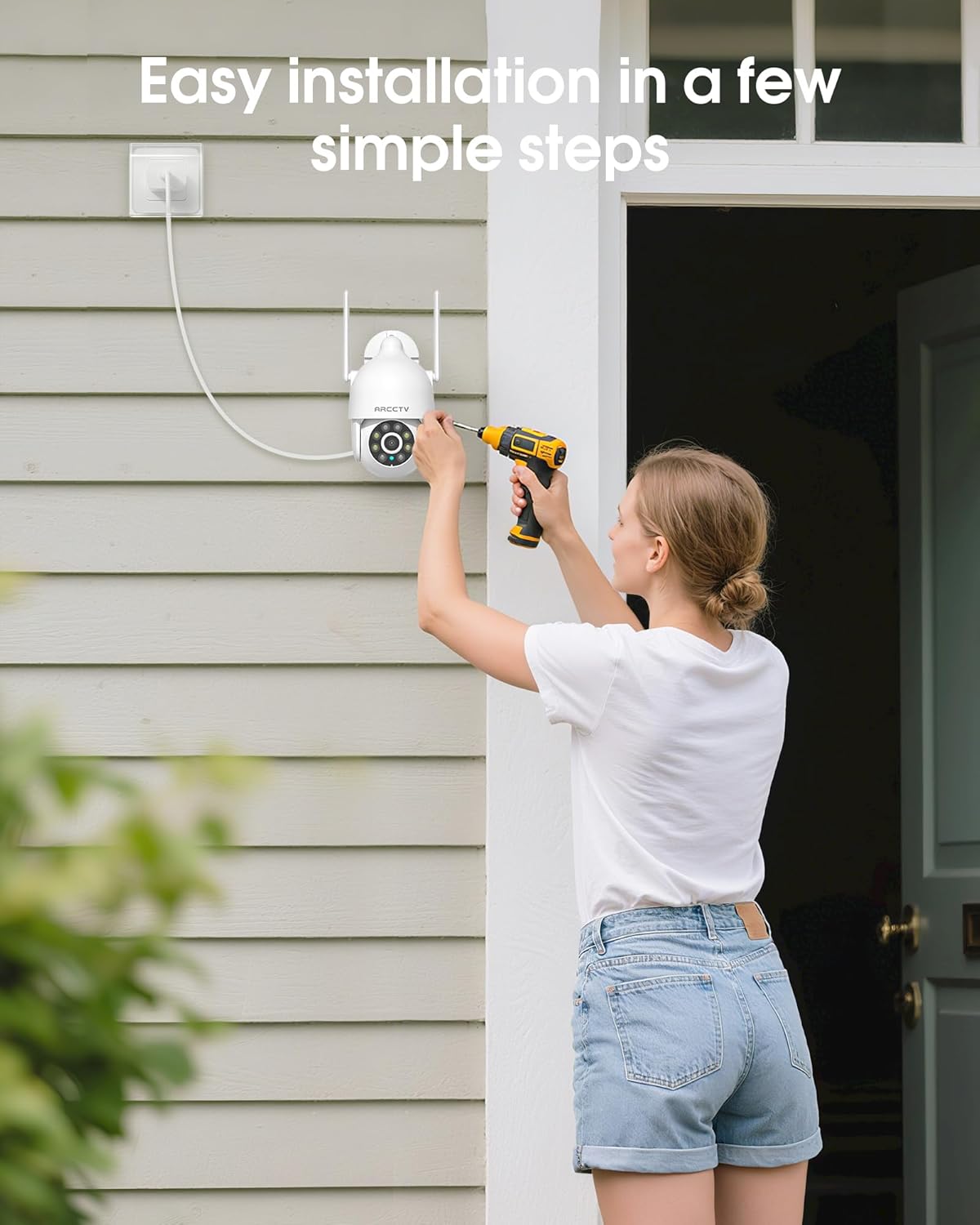
Image 4.1: Illustration of easy camera installation steps.
4.2 אַפּ דאַונלאָודינג און אַקאַונט שאַפונג
- Download the official ARCCTV app from your smartphone's app store (iOS or Android).
- עפֿנט די אַפּ און פֿאָלגט די אינסטרוקציעס אויף דעם עקראַן צו שאַפֿן אַ נײַעם חשבון אָדער לאָגט זיך אײַן אויב איר האָט שוין אײנס.
4.3 ווי-פי קאַנעקשאַן
- In the app, tap the "Add Device" or "+" icon.
- Select your camera model and follow the prompts to connect it to your Wi-Fi network. The camera supports both 2.4GHz and 5GHz bands for stable connectivity.
- Ensure your smartphone is connected to the same Wi-Fi network during the setup process.
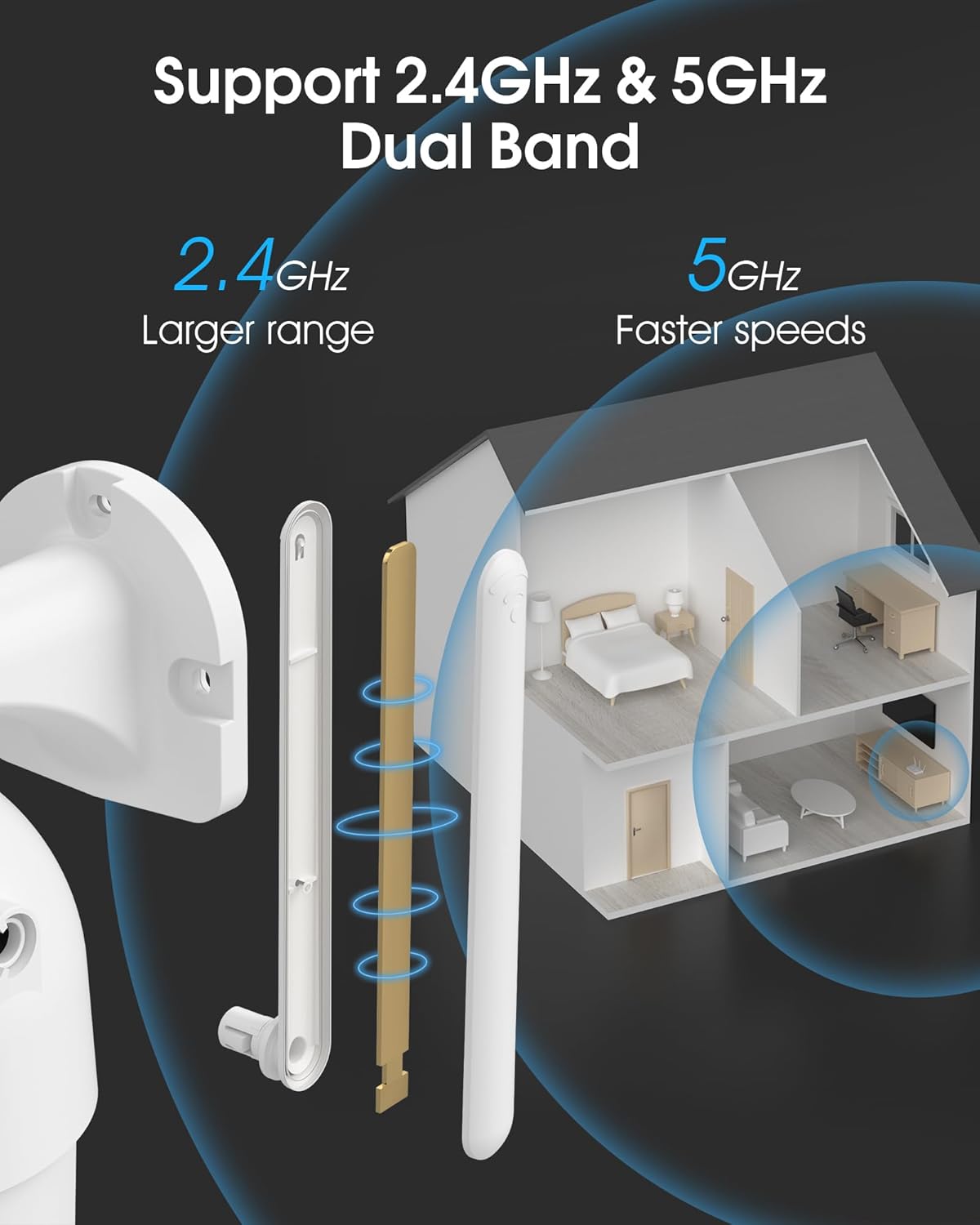
Image 4.2: The camera supports both 2.4GHz (larger range) and 5GHz (faster speeds) Wi-Fi bands.
4.4 מיקראָסד קאַרטל אינסטאַלאַציע (אָפּציאָנאַל)
For local storage, install a microSD card (up to 128GB, not included) into the designated slot on the camera. Ensure the camera is powered off before inserting or removing the card.
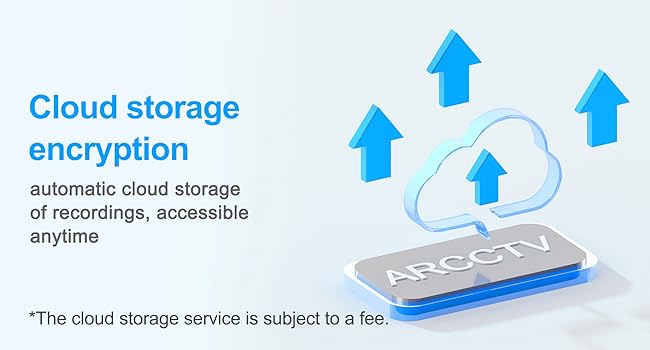
Image 4.3: Location of the microSD card slot on the camera.
5. אַפּערייטינג די קאַמעראַ
5.1 לעבן View
Open the ARCCTV app and select your camera to view דער לייוו פיד. איר קענט מאָניטאָרירן אייער פאַרמאָג אין פאַקטישער צייט.
5.2 פּאַן-טילט-זום (PTZ) קאָנטראָל
אויף די לייוו view screen, use the directional controls to rotate the camera horizontally (Pan: 355°) and vertically (Tilt: 90°) to adjust the viewing angle. You can also set preset points for quick navigation.
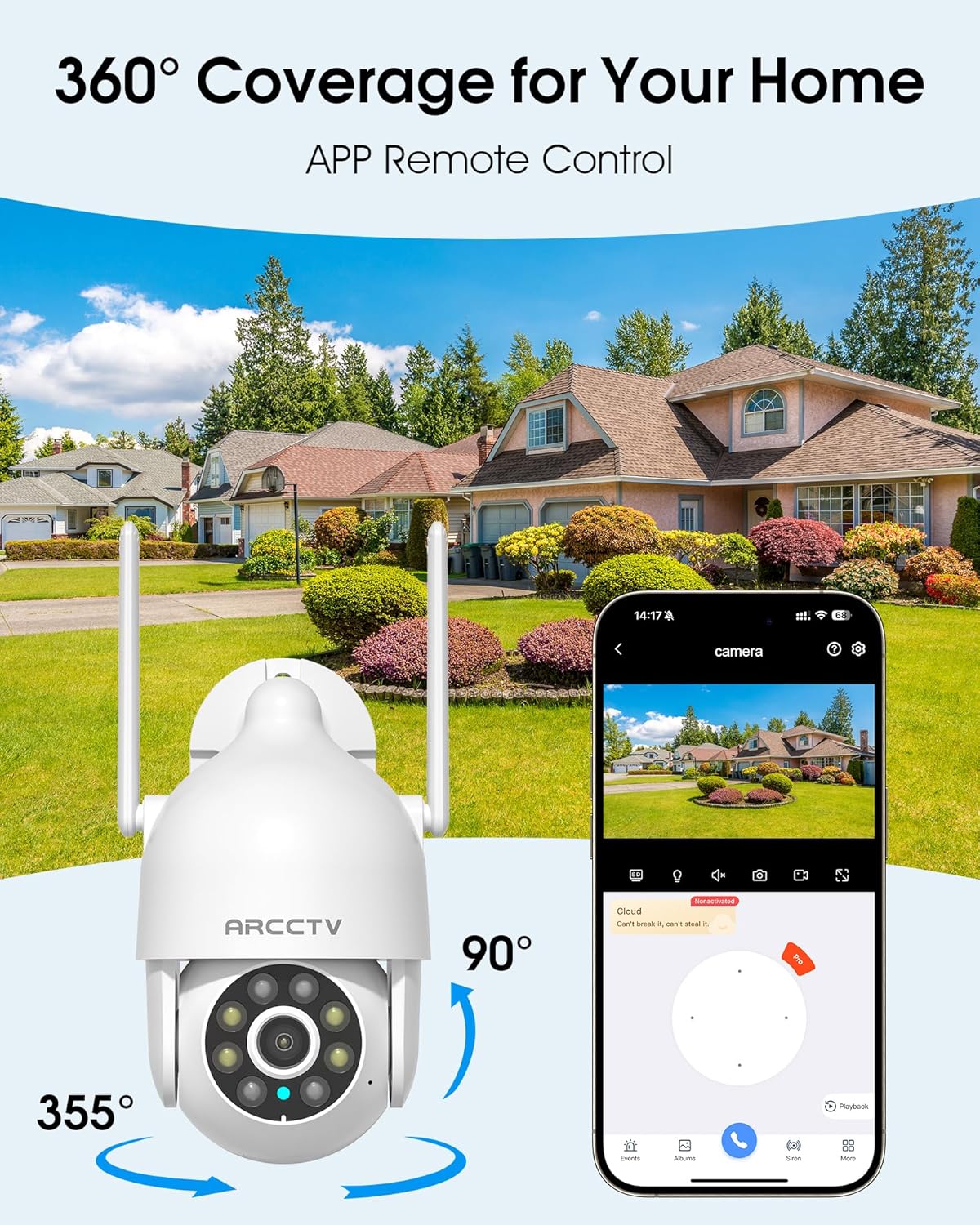
Image 5.1: The camera offers 360° coverage through remote pan and tilt controls.
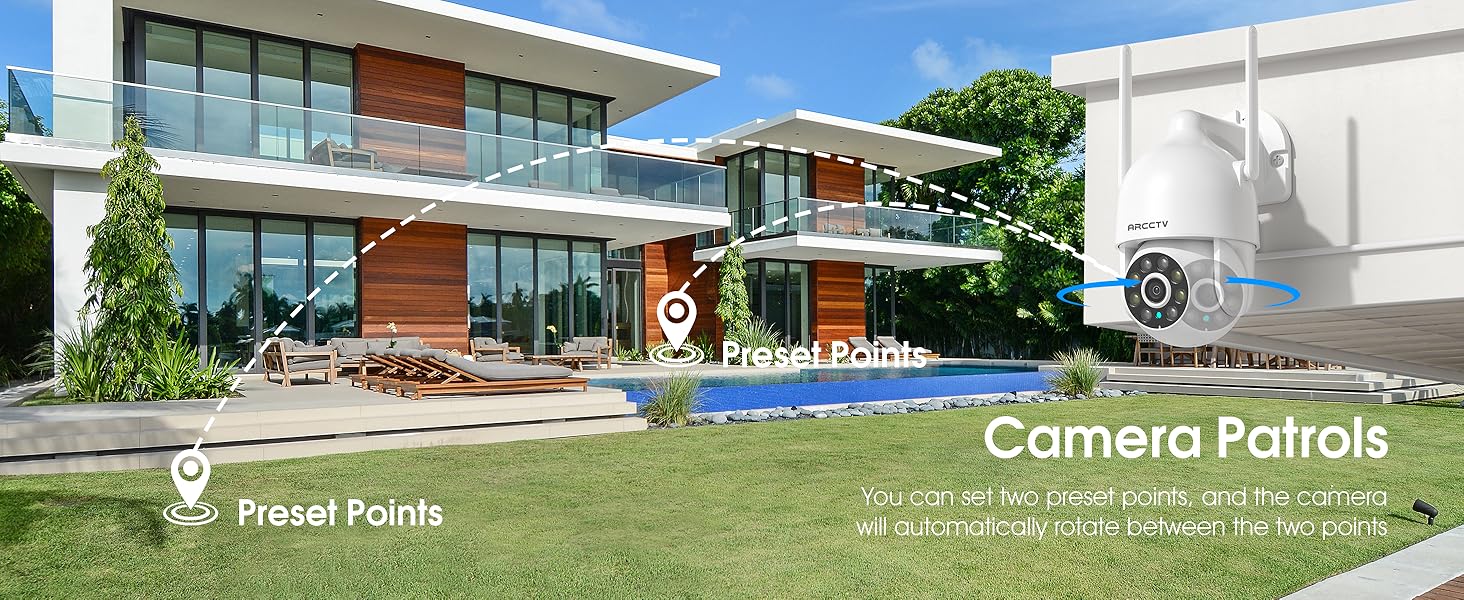
Image 5.2: Setting up camera patrol routes between preset points.
5.3 Motion Tracking and Alerts
The camera features smart AI motion tracking that automatically follows detected movement. You can customize alert zones and receive instant notifications on your smartphone when motion is detected.

Image 5.3: The camera's smart motion tracking feature in action.

Image 5.4: Instant alerts with customizable settings, including spotlight, siren, and two-way audio.
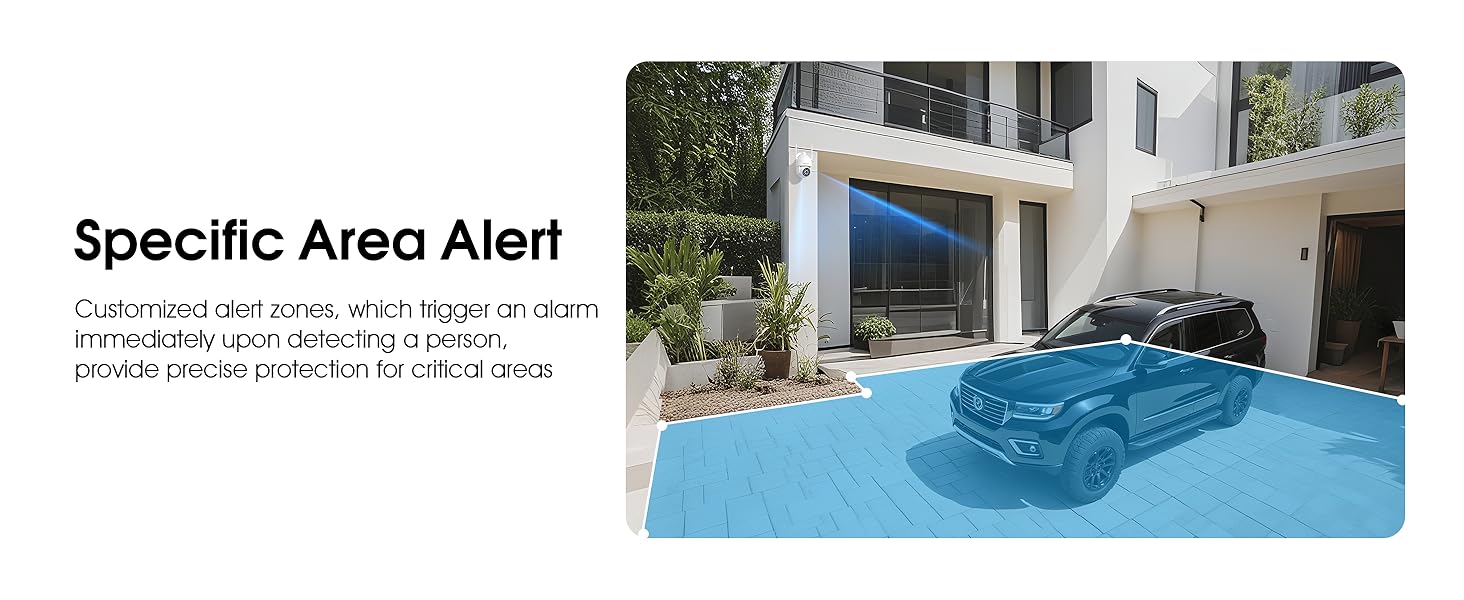
Image 5.5: Setting up specific area alerts for precise protection.
5.4 נאַכט זעאונג מאָדעס
The camera offers both full-color night vision (activated by the built-in spotlight) and infrared night vision for clear monitoring in various low-light conditions.

Image 5.6: Comparison of Color Night Vision and Infrared Night Vision.
5.5 צוויי-וועג אַודיאָ
Use the two-way audio feature to communicate with visitors or deter unwanted guests directly through the camera's built-in microphone and speaker.
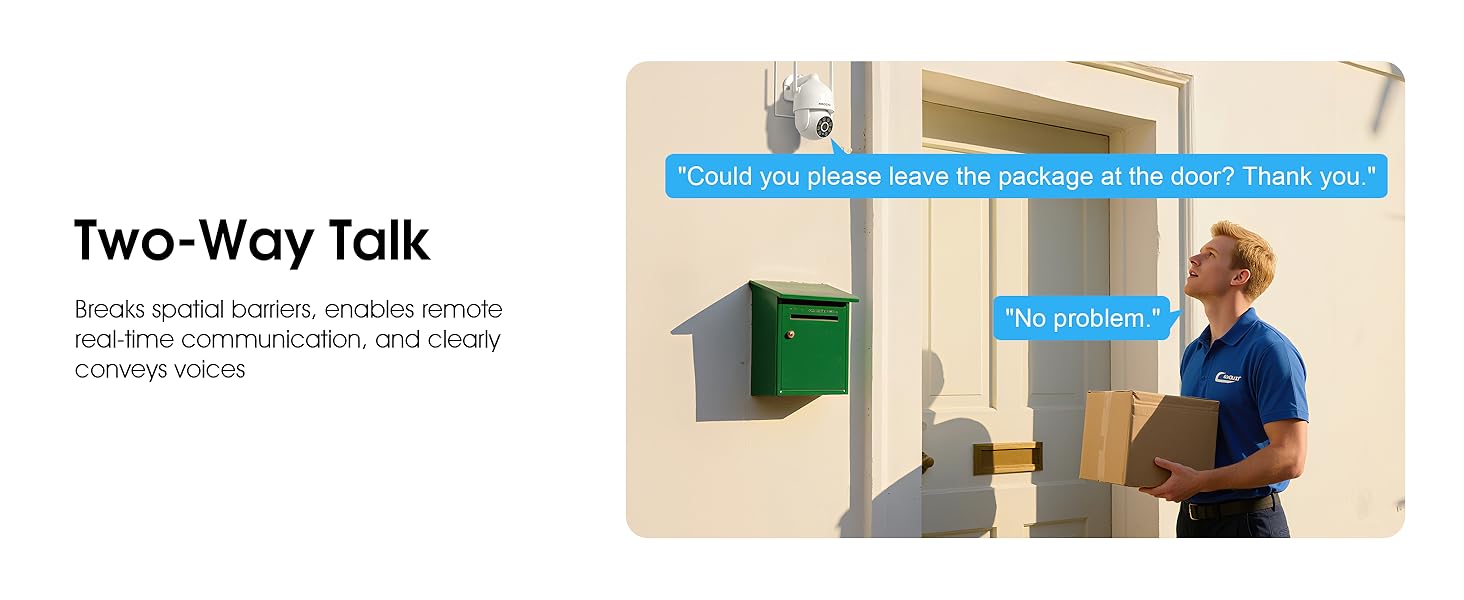
Image 5.7: Utilizing two-way talk for remote communication.
5.6 רעקאָרדינג און פּלייבאַק
די קאַמעראַ שטיצט 24/7 קאָנטינויִערלעכע רעקאָרדינג.tage can be saved to a local microSD card (up to 128GB) or to optional cloud storage. Access recorded videos through the app's playback function.

Image 5.8: The camera provides 24/7 recording capabilities.
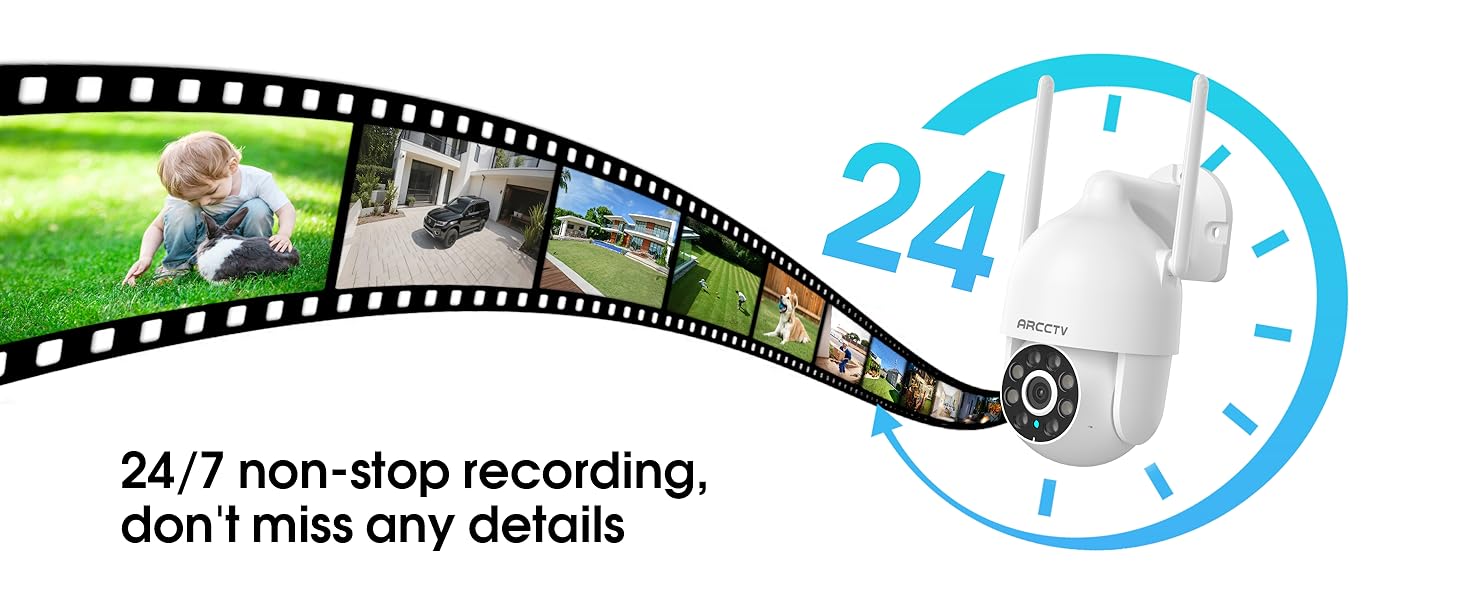
Image 5.9: Continuous 24/7 recording ensures no details are missed.
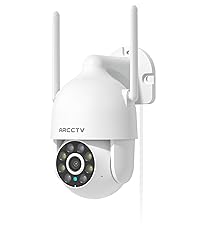
Image 5.10: Cloud storage encryption for secure and accessible recordings (subscription may apply).
5.7 משפּחה טיילן
The app supports multi-member sharing, allowing family members to view the camera feed and collaborate on security monitoring.
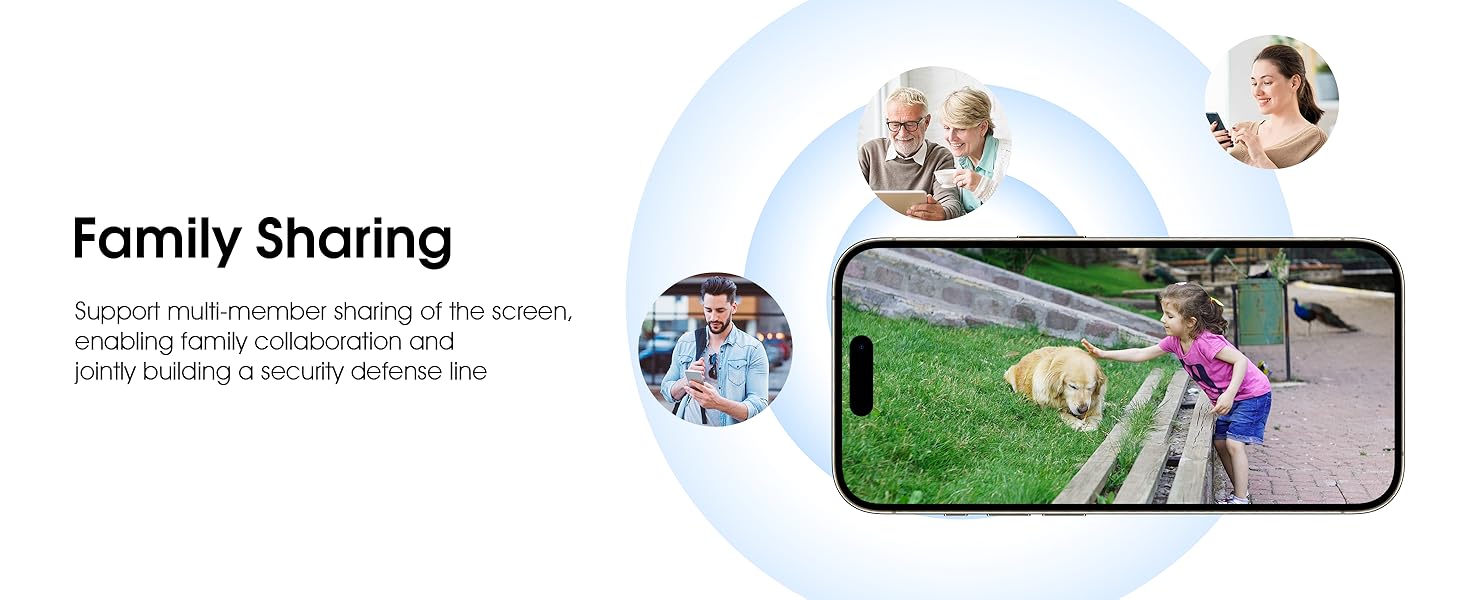
Image 5.11: The family sharing feature allows multiple users to access the camera feed.
5.8 Alexa Compatibility
The camera is compatible with Alexa, allowing you to check the monitoring screen using voice commands.
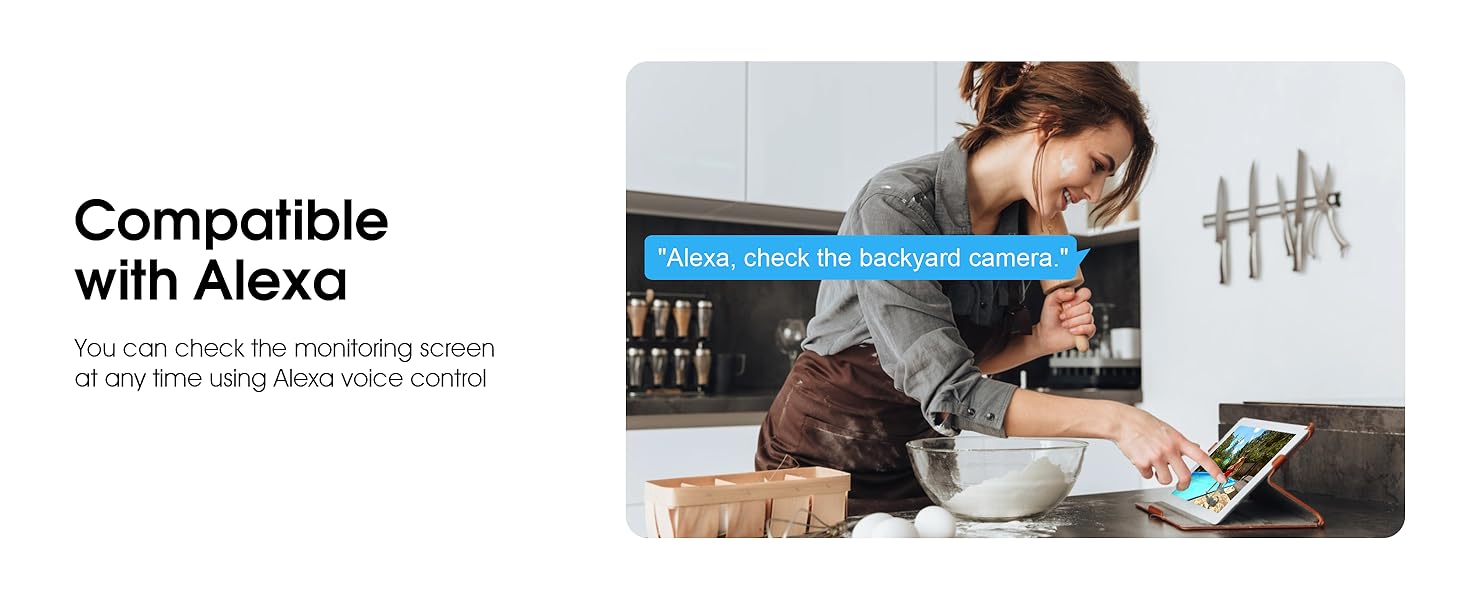
Image 5.12: Voice control via Alexa for convenient monitoring.
6. וישאַלט
6.1 רייניקן די קאַמעראַ
רייניקן פּעריִאָדיש די קאַמעראַ אָביעקטיוו און די קעסטל מיט אַ ווייכן, דamp שטאָף צו באַזייַטיקן שטויב און שמוץ. ניצט נישט שטרענגע כעמיקאַלן אָדער אַברייסיוו רייניגער.
6.2 פירמוואַרע דערהייַנטיקונגען
Ensure your camera's firmware is up to date for optimal performance and security. Check for updates within the ARCCTV app and follow the instructions to install them.
6.3 סטאָרידזש פאַרוואַלטונג
If using a microSD card, regularly check its status in the app. Format the card periodically to maintain performance. For cloud storage, manage your subscription and storage space through the app.
7. טראָובלעשאָאָטינג
- אַפּאַראַט ניט קאַנעקטינג צו Wi-Fi:
- Ensure your Wi-Fi network is 2.4GHz or 5GHz and has a strong signal at the camera's location.
- באַשטעטיקן אַז די Wi-Fi פּאַראָל איז ריכטיק אַרייַנגעגעבן.
- ריסטאַרט דיין ראַוטער און די קאַמעראַ.
- נעבעך בילד קוואַליטעט:
- ריין די אַפּאַראַט אָביעקטיוו.
- זיכער מאַכן אַז די באַלויכטונג איז גענוג פֿאַר אָפּטימאַלע נאַכט זעאונג.
- קאָנטראָלירט אייער אינטערנעט פֿאַרבינדונג גיכקייט.
- באַוועגונג דעטעקשאַן ניט ארבעטן:
- באַשטעטיקן אַז באַוועגונג דעטעקשאַן איז ענייבאַלד אין די אַפּ סעטטינגס.
- סטרויערן סענסיטיוויטי סעטטינגס.
- זיכער מאַכן אַז עס זענען נישטאָ קיין שטערונגען אין דער קאַמעראַ'ס פֿעלד פֿון view.
- No Recording to MicroSD Card:
- Ensure a microSD card is properly inserted and formatted in the app.
- Check if the card is full; consider formatting or replacing it.
- באַשטעטיקן די רעקאָרדינג סעטטינגס אין דער אַפּ.
8. ספּעסאַפאַקיישאַנז
| שטריך | באַשרייַבונג |
|---|---|
| מאָדעל נאָמען | P2 |
| דרינענדיק / דרויסנדיק באַניץ | דרויסנדיק |
| ווידעא קאַפּטורע רעסאָלוטיאָן | 2K (2304x1296p) |
| קאַנעקטיוויטי טעכנאָלאָגיע | ווירעלעסס (ווי-פי) |
| ווירעלעסס קאָמוניקאַציע טעכנאָלאָגיע | Wi-Fi (2.4G/5G Dual-Band) |
| Viewינג אַנגלע | 360 גראַד (355° דריי, 90° בייג) |
| נאַכט וויזשאַן ראַנגע | 50 פֿיס |
| וואַסער קעגנשטעל מדרגה | IP66 וואָטערפּרוף |
| מאַכט מקור | 5V1A מאַכט אַדאַפּטער |
| פלאַש מעמאָרי שטיצט מאַקסימום גרייס | 128 GB (MicroSD) |
| Audio Visual Recording Capabilities | ווידעא & אַודיאָ |
| ספּעציעלע שטריך | 2-Way Audio, Motion Tracking, Full Color Night Vision |
| נומער דימענשאַנז ל x וו x ה | 7.8 X 6.6 X 5.3 אינטשעס |
| פּונקט וואָג | 1.39 פונט |
9. וואָראַנטי און שטיצן
For warranty information and technical support, please refer to the official ARCCTV website or contact their customer service directly. Contact details are typically provided on the product packaging or within the mobile application.
Ask a question about this manual
Ask about setup, troubleshooting, compatibility, parts, safety, or missing instructions. Manuals+ will review the question and use this page’s manual context to help answer it.