
הקדמה
The Sudio N3 Pro Wireless Earbuds are designed to provide a high-definition listening experience with active noise cancelling. These earbuds offer up to 30 hours of total playtime, are sweat and splashproof, and feature an eco-friendly design incorporating recycled plastics. Their comfortable fit and premium metallic finish make them suitable for all-day wear, seamlessly transitioning from work to leisure activities.
The pebble-inspired charging case is smooth to the touch and compact, fitting easily into your pocket. With multipoint connection, the Sudio N3 Pro allows convenient sharing across multiple devices.
וואָס איז אין די קעסטל
- Sudio N3 Pro Earbuds and Charging Case
- וסב-C טשאַרדזשינג קאַבלע
- Eartip Card with 4 Silicone Eartip Sizes
- באַניצער מאַנואַל

Image: Contents of the Sudio N3 Pro package, showing the earbuds, charging case, USB-C cable, and different sized silicone eartips.
פּראָדוקט איבערview
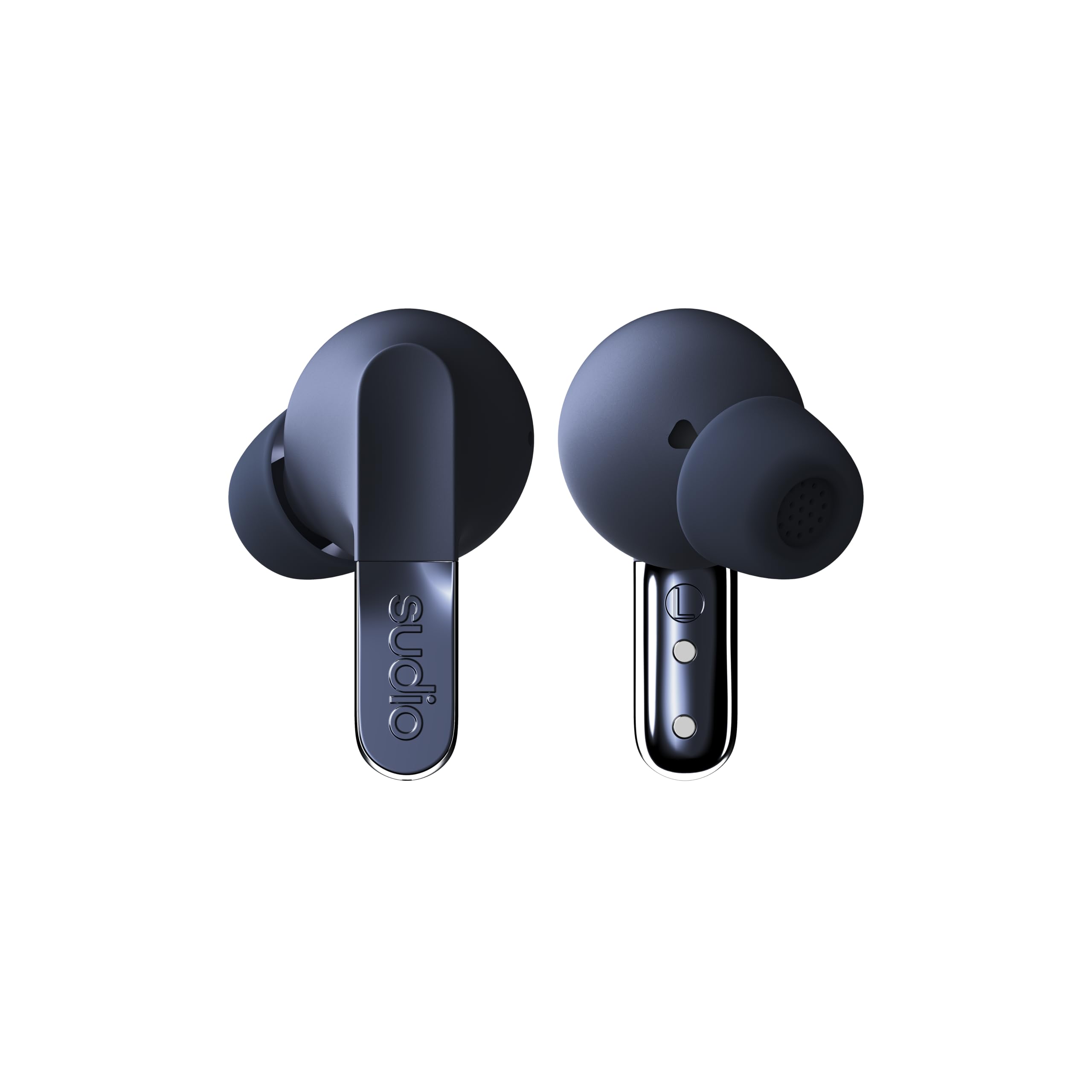
Image: The Sudio N3 Pro earbuds and their pebble-shaped charging case.
The Sudio N3 Pro earbuds are designed for a comfortable in-ear fit, featuring a stem design with touch controls. The compact charging case not only protects the earbuds but also provides additional battery life and features a USB-C charging port.
סעטאַפּ
ערשט נוצן
- אַנפּאַק: Carefully remove the earbuds and charging case from the packaging.
- אַראָפּנעמען פּראַטעקטיוו פילם: Before first use, remove any protective film covering the charging contacts on the earbuds.
- אָפּצאָל: Place the earbuds into the charging case and connect the USB-C cable to a power source to fully charge the device. The LED indicator on the case will show charging status.
- אויסקלייבן אויער-טיפס: Choose the silicone eartips that provide the most comfortable and secure fit for your ears. A good seal is crucial for optimal sound quality and Active Noise Cancelling performance.
בלועטאָאָטה פּערינג
- עפֿנט דעם טשאַרדזשינג קעסטל. די אויערקנעפּלעך וועלן אויטאָמאַטיש אַרײַן אין פּערינג מאָדע.
- אויף אייער דעווייס (סמאַרטפאָן, טאַבלעט, אאז"וו), גייט צו די בלועטוט סעטטינגס.
- Select "Sudio N3 Pro" from the list of available devices.
- אַמאָל פארבונדן, וועט איר הערן אַן אַודיאָ פּראָמפּט וואָס באַשטעטיקט די געראָטענע פּאָרינג.

Image: A user wearing the Sudio N3 Pro earbuds, illustrating the in-ear fit.
אַפּערייטינג ינסטראַקשאַנז
מאַכט אויף / אַוועק
- מאַכט אויף: עפֿנט דעם אָפּלאָד־קעסטל, און די אויערקנעפּלעך וועלן זיך אויטאָמאַטיש אָנצינדן און פּרוּוון זיך צו פֿאַרבינדן צום לעצטן פֿאַרבונדענעם אַפּאַראַט.
- מאַכט אַוועק: לייגט די אויערקנעפּלעך צוריק אין די טשאַרדזשינג קעסטל און מאַכט צו דעם דעקל. זיי וועלן זיך אויטאָמאַטיש אויסלעשן און אָנהייבן טשאַרדזשינג.
מוזיק פּלייַבאַקק
- שפּיל / פּויזע: צאַפּן איין עאַרבוד אַמאָל.
- ווייַטער שפּור: טאָפּל צאַפּן אויף די רעכט עאַרבוד.
- פֿריִערדיקע שפּור: טאָפּל צאַפּן אויף די לינקס עאַרבוד.
רופן פאַרוואַלטונג
- ענטפֿערן / סוף רופן: צאַפּן איין עאַרבוד אַמאָל.
- אָפּוואַרפן רופן: דריקן און האַלטן יעדער עאַרבוד פֿאַר 2 סעקונדעס.
קול אַססיסטאַנט
- אַקטאַווייט קול אַססיסטאַנט: דריי מאָל צאַפּן אויף יעדער עאַרבוד.
אַקטיוו ראַש קאַנסאַלינג (ANC)
The Sudio N3 Pro features adaptive hybrid Active Noise Cancelling technology, capable of reducing ambient noise by up to -50dB. This allows you to focus on your audio content without distractions from your surroundings.
ANC מאָדעס
- ANC אויף: Blocks out most external noise.
- דורכזעיקייַט מאָדע: Allows ambient sounds to pass through, keeping you aware of your surroundings while still enjoying your audio.
- ANC אַוועק: Disables noise cancelling and transparency modes.
Toggling ANC Modes
Press and hold the touch sensor on either earbud for 2 seconds to cycle through ANC On, Transparency Mode, and ANC Off.

Image: Sudio N3 Pro earbuds in their charging case, illustrating the Active Noise Cancelling feature.
ריר קאָנטראָלס
The Sudio N3 Pro earbuds feature intuitive touch controls on both earbuds for easy management of music, calls, and noise cancelling modes.
| קאַמף | פֿונקציע |
|---|---|
| איין צאַפּן (אָדער עאַרבוד) | שפּילן/פּויזירן מוזיק, ענטפֿערן/ענדיגן רוף |
| טאָפּל צאַפּן (רעכט עאַרבוד) | ווייַטער שפּור |
| טאָפּל צאַפּן (לינקס עאַרבוד) | פֿריִערדיקע שפּירט |
| Triple Tap (Either Earbud) | אַקטאַווייט די קול אַססיסטאַנט |
| Press & Hold (2s, Either Earbud) | Cycle ANC Modes (ANC On / Transparency / ANC Off), Reject Call |
באַטאַרייע און טשאַרדזשינג
The Sudio N3 Pro earbuds offer extended listening times, ensuring your music accompanies you throughout the day.
- Earbud Playtime: אַרויף צו 5.5 שעה אויף אַ איין אָפּצאָל.
- גאַנץ פּלייַטימע: ביז 30 שעה מיטן טשאַרדזשינג קעיס.
- טשאַרדזשינג צובינד: וסב-C.
טשאַרדזשינג די קאַסטן
- Connect the provided USB-C charging cable to the port on the charging case.
- פֿאַרבינדט דעם אַנדערן עק פֿונעם קאַבל צו אַ קאָמפּאַטיבלע USB מאַכט אַדאַפּטער (נישט אַרייַנגערעכנט).
- The LED indicator on the case will illuminate to show charging status and turn off when fully charged.

Image: Sudio N3 Pro charging case and earbuds, highlighting battery life and USB-C charging.
זאָרגן און וישאַלט
Proper care ensures the longevity and optimal performance of your Sudio N3 Pro earbuds.
- רייניקונג: רייניקט רעגולער די אויערקנעפּלעך, ספּעציעל די אויערקנעפּלעך און די טשאַרדזשינג קאָנטאַקטן, מיט אַ ווייכן, טרוקענעם שטאָף. פֿאַרמייַדט די נוצן פֿון שאַרפֿע כעמיקאַלן אָדער אַברייסיוו מאַטעריאַלן.
- וואַסער קעגנשטעל: The earbuds are sweat and splashproof (IPX4 equivalent). Avoid submerging them in water or exposing them to heavy rain. Dry them thoroughly before placing them back in the charging case.
- סטאָרידזש: סטאָר די עאַרבודז אין זייער טשאַרדזשינג פאַל ווען ניט אין נוצן צו באַשיצן זיי און האַלטן זיי טשאַרדזשינג.
- טעמפּעראַטור: Avoid exposing the earbuds to extreme temperatures, as this can affect battery life and overall performance.
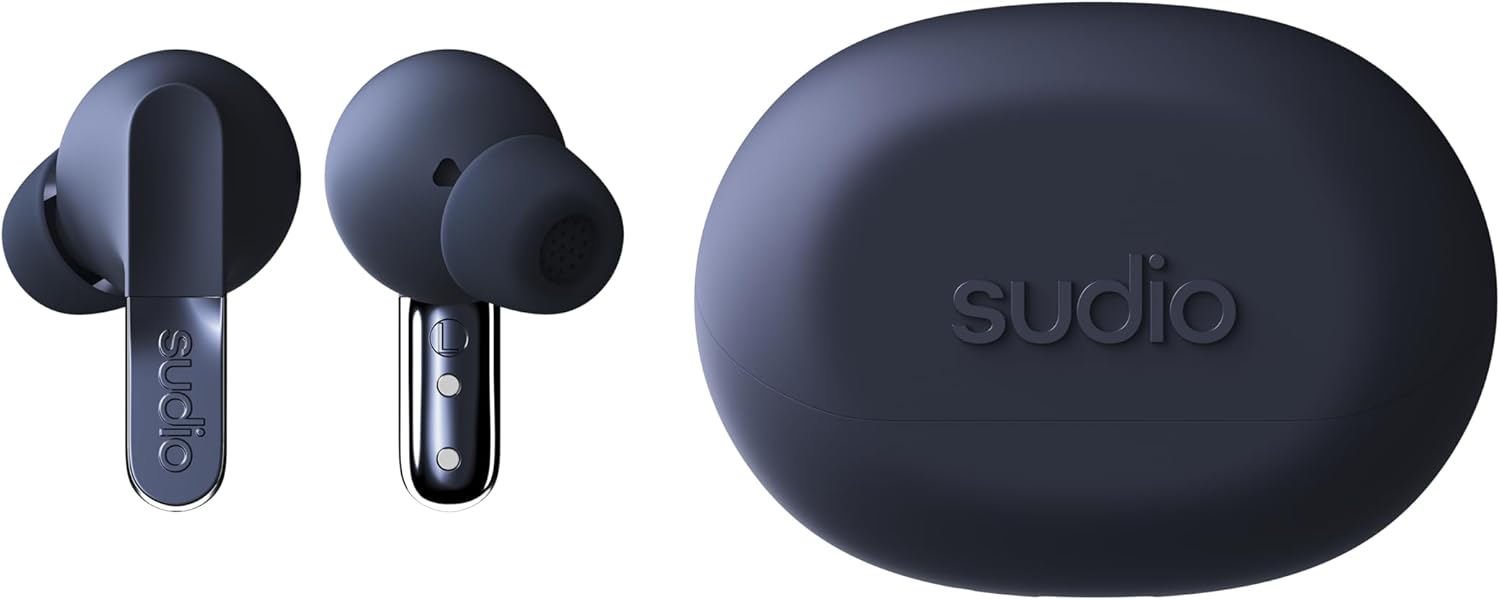
בילד: דעטאַלירט view of the Sudio N3 Pro earbuds, emphasizing their design and eartips.
טראָובלעשאָאָטינג
If you encounter any issues with your Sudio N3 Pro earbuds, refer to the following common solutions:
- קיין קלאַנג/שלעכטע קלאַנג קוואַליטעט:
- זיכער מאַכן אַז די אויערקנעפּלעך זענען אויפֿגעלאָדן.
- Check Bluetooth connection and ensure earbuds are paired correctly.
- אַדזשאַסטירן די באַנד אויף ביידע אייער מיטל און די אויערקנעפּלעך.
- פּרוּווט אויער־שפּיצן פֿון פֿאַרשידענע גרייסן פֿאַר אַ בעסערן פֿאַרזיגלונג.
- פּאָרינג ישוז:
- זיכער מאַכן אַז די אויערקנעפּלעך זענען אין פּערינג מאָדע (אָפן קעסטל).
- אויסלעשן און אנשטעלן בלועטוט אויף אייער דעווייס.
- Forget "Sudio N3 Pro" from your device's Bluetooth list and re-pair.
- זיכער מאַכן אַז די אויערקנעפּלעך זענען גאָר אויפגעלאָדן.
- טשאַרדזשינג ישוז:
- זיכער מאַכן אַז דער USB-C קאַבל איז זיכער פארבונדן צו ביידע דעם קעסטל און דער מאַכט מקור.
- קוקט אויב די טשאַרדזשינג קאָנטאַקטן אויף די אויערקנעפּלעך און אינעווייניק פון די קעסטל זענען ריין און פריי פון שמוץ.
- פּרוּווט אַ אַנדערש וסב-C קאַבלע אָדער מאַכט אַדאַפּטער.
ספּעסאַפאַקיישאַנז
| שטריך | דעטאַל |
|---|---|
| מאָדעל נאָמען | SUDIO N3 Pro |
| ראַש קאָנטראָל | אַקטיוו ראַש קאַנסאַליישאַן |
| באַטערי לעבן | ביז 30 שעה (מיט טשאַרדזשינג קעסטל) |
| קאַנעקטיוויטי טעכנאָלאָגיע | ווירעלעסס (בלועטאָאָטה) |
| בלועטאָאָטה ווערסיע | 5.4 |
| וואַסער קעגנשטעל מדרגה | Water Resistant (Sweat & Splashproof) |
| מאַטעריאַל | Plastic, Silicone (20% recycled plastics) |
| קאָנטראָל מעטאָד | ריר |
| אַודיאָ דרייווער טיפּ | דינאַמיש דרייווער |
| פּונקט וואָג | 94.7 גראַמז (3.34 אונסעס) |
וואָראַנטי און שטיצן
For warranty information, product support, or to register your Sudio N3 Pro earbuds, please visit the official Sudio webזייטל אדער קאנטאקט זייער קאסטומער סערוויס גלייך.
פאַבריקאַנט: סודאָ
Webפּלאַץ: www.sudio.com