
1. הקדמה
This manual provides essential information for setting up, operating, and maintaining your ZTE Nubia Neo 3 GT 5G smartphone. Designed for an ultimate gaming experience, this device combines powerful performance with advanced features. Please read this manual thoroughly to ensure proper use and to maximize your device's capabilities.
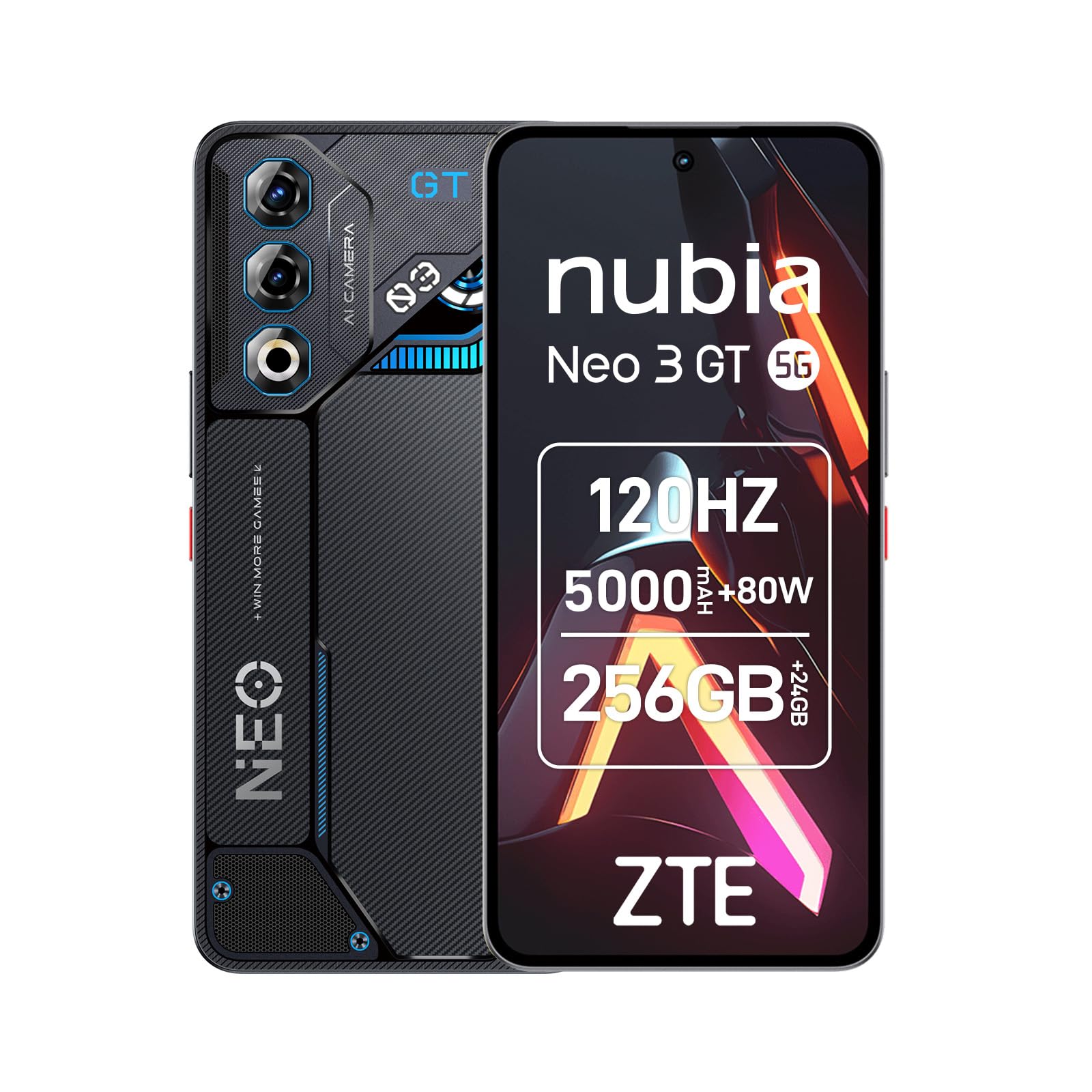
Image 1: ZTE Nubia Neo 3 GT 5G smartphone, showcasinג זײַן דיזײַן.
2. סעטאַפּ
2.1 פּעקל אינהאַלט
באַשטעטיקן אַז דיין פּעקל כּולל די פאלגענדע זאכן:
- ZTE Nubia Neo 3 GT 5G Smartphone
- וסב קאַבלע
- טעלעפאָנירן קאַסע
- סקרין פּראָטעקטאָר
- סים עדזשעקטאָר טול
2.2 אריינשטעלן סים קארטלעך
The Nubia Neo 3 GT supports Dual SIM functionality.
- געפינט די סים קארטל טאַץ אויף דער זייט פון דעם מיטל.
- שטעקט אריין דעם סים קארטל ארויסווארפער געצייג אין דעם קליינעם לאך לעבן דעם טרעי און דריקט לײַכט ביז דער טרעי קומט ארויס.
- Place your Nano SIM card(s) into the designated slots on the tray. Ensure the gold contacts face downwards.
- פֿאָרזיכטיק צוריקשטעלן דעם טאַץ אין דעם טעלעפֿאָן.

Image 2: Illustrative image of the phone's side, where the SIM tray is typically located.
2.3 ערשטע איינשטראָם און גרונטלעכע קאָנפיגוראַציע
- Press and hold the Power button until the device vibrates and the screen lights up.
- פֿאָלגט די אינסטרוקציעס אויף דעם עקראַן צו אויסקלײַבן אײַער שפּראַך, פֿאַרבינדן זיך צו אַ Wi-Fi נעץ, און אויפֿשטעלן אײַער Google חשבון.
- Configure security features such as fingerprint recognition (in-display sensor) and facial recognition for enhanced device security.
3. אַפּערייטינג דיין מיטל
3.1 אַרויסווייַזונג און נאַוויגאַציע
Your device features a 6.8-inch FHD+ OLED display with a 120Hz refresh rate, offering a smooth and immersive visual experience. Navigate using touch gestures and on-screen buttons.

Image 3: The 120Hz OLED Gaming Display, highlighting its vibrant visuals and smooth performance.
3.2 גיימינג פֿעיִטשערס
The Nubia Neo 3 GT is optimized for gaming with several dedicated features:
- Dual Gaming Shoulder Triggers: Customizable, ultra-sensitive side triggers for enhanced control in games.
- Rear LED Lights: Personalizable LED lights on the back for a gaming aesthetic.
- Z-axis Linear Motor: Provides precise and immersive haptic feedback during gameplay.
- Game Space Application: A dedicated app to centralize your games and customize settings like touch area and CPU/GPU performance.
- In-game Gaming Menu: Access quick settings by swiping down twice from the top to record screen, adjust refresh rate, or boost performance without pausing your game.
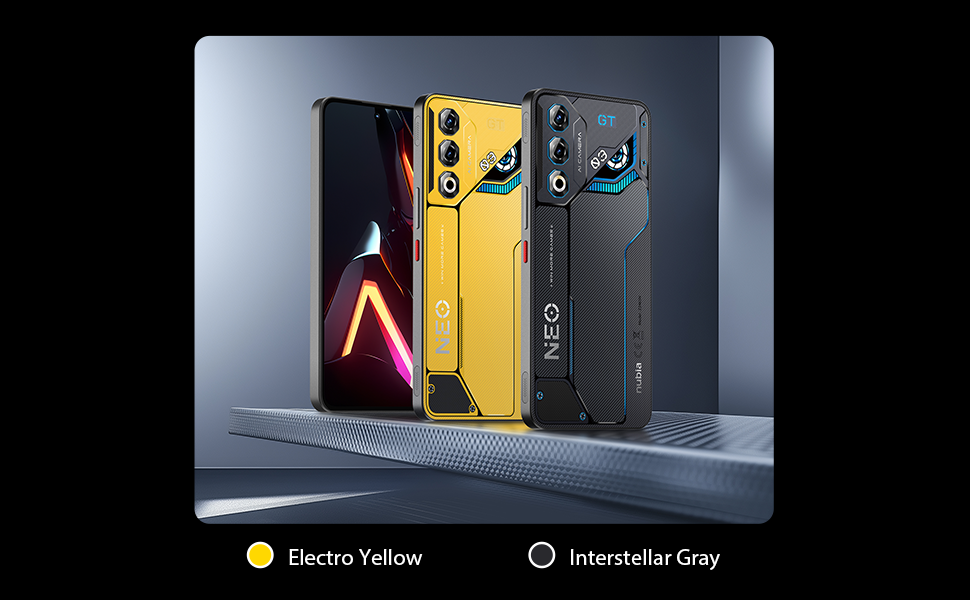
בילד 4: איבערview of key gaming features including the NeoTurbo Performance Engine, Dual Gaming Shoulder Triggers, Z-axis Linear Motor for haptic feedback, and DTS:X Ultra stereo speakers for immersive sound.
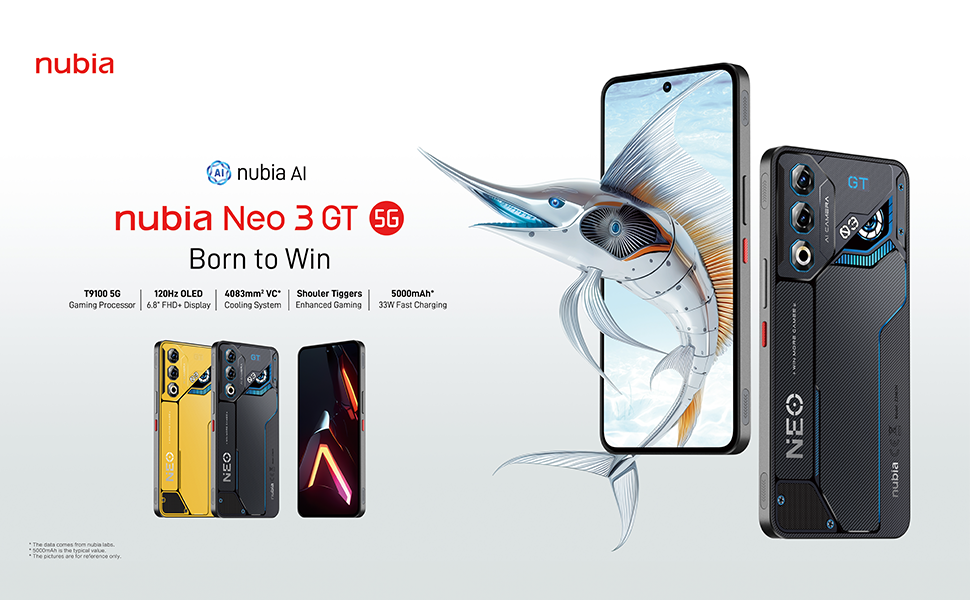
Image 5: Additional gaming functions such as highly sensitive controls, screen recording, data display, key mapping, and peripheral control.
3.3 אַפּאַראַט
Capture moments with the device's camera system:
- דערציען אַפּאַראַט: 50 Megapixels with AI enhancements.
- פראָנט אַפּאַראַט: 8 Megapixels.
Access the camera app from the home screen or lock screen to take photos and videos. Explore various modes and settings for optimal results.
3.4 באַטאַרייע און טשאַרדזשינג
The device is equipped with a 5000 mAh battery.
- שנעל טשאַרדזשינג: Supports 33W fast charging. Use the provided USB cable and a compatible charger for best results.
- בייפּאַס טשאַרדזשינג: This technology allows power to be supplied directly to the device from the charger, bypassing the battery during intense gaming sessions to reduce heat and prolong battery life.

Image 6: Illustration of the 5000 mAh high-capacity battery and the Bypass Charging feature, which directs power directly to the device from the charger.
3.5 קאַנעקטיוויטי
אייער דעווייס שטיצט פארשידענע קאנעקטיוויטי אפציעס:
- 5G נעץ: פֿאַר הויך-גיכקייט מאָביל דאַטן.
- ווי-פי: Connect to wireless networks.
- בלועטאָאָטה: פֿאַר פֿאַרבינדן צו וויירלעס אַקסעסאָריעס.
- NFC: פֿאַר קאָנטאַקטלאָזע צאָלונגען און שנעלע פּערינג.
- וסב טיפּ-C: פֿאַר טשאַרדזשינג און דאַטן אַריבערפירן.
- גפּס: אינטעגרירטע דזשי-פי-עס פאר נאַוויגאַציע.
4. וישאַלט
4.1 באַטערי קער
- ויסמיידן יקספּאָוזינג די מיטל צו עקסטרעם טעמפּעראַטורעס.
- לאָדט נישט אָפט גאָר אויס די באַטאַרייע.
- Use the original charger and cable for optimal charging and to preserve battery health.
- The average battery lifespan is estimated at 5 years.
4.2 רייניקן דיין דעווייס
- ניצט אַ ווייכן, לינט-פֿרייע שטאָף צו רייניקן דעם עקראַן און קערפּער.
- ויסמיידן ניצן האַרב קעמיקאַלז אָדער אַברייסיוו מאַטעריאַלס.
- Do not expose the device to water as it is not waterproof.
4.3 ווייכווארג דערהייַנטיקונגען
Regularly check for software updates to ensure your device has the latest features, security patches, and performance improvements. You can usually find this option in the device settings under "System" or "About phone".
5. טראָובלעשאָאָטינג
5.1 פּראָסט ישוז און סאַלושאַנז
- מיטל נישט קער אויף: זיכער מאַכן אַז די באַטאַרייע איז אויפגעלאָדן. פֿאַרבינדט עס צו אַ טשאַרדזשער און וואַרט אַ פּאָר מינוט איידער איר פּרוּווט עס ווידער אָנצוצינדן.
- אַפּפּס פרירן אָדער קראַכן: Close the problematic app and reopen it. If the issue persists, restart the device.
- שלעכטע נעץ קאָנעקטיוויטי: Check your SIM card insertion. Try toggling Airplane Mode on and off. If issues persist, contact your network provider.
- לאַנגזאַמע פאָרשטעלונג: Close unnecessary background apps. Clear cache for frequently used apps. Consider a factory reset as a last resort (back up your data first).
6. ספּעסאַפאַקיישאַנז
| שטריך | באַשרייַבונג |
|---|---|
| מאָדעל נאָמען | ZTE Nubia Neo 3 GT |
| אָפּערייטינג סיסטעם | אַנדרויד 15 |
| קפּו ספּיד | 2.7 גהז |
| באַראַן | 12 GB (expandable up to 24 GB dynamic RAM) |
| סטאָרידזש קאַפּאַסיטי | 256 GB (Maximum flash memory supported) |
| ווייַז גרייס | 6.8 אינטשעס |
| ווייַז טיפּ | FHD+ OLED |
| האַכלאָטע | 2392 רענטגענ 1080 פּיקסעלס |
| דערפרישן קורס | 120 הז |
| דערציען אַפּאַראַט האַכלאָטע | 50 מעגאַפּיקסעלס |
| פראָנט קאַמעראַ האַכלאָטע | 8 מעגאַפּיקסעלס |
| באַטאַרייע קאַפּאַציטעט | 5000 מאַה |
| טשאַרדזשינג | 33W Fast Charging, Bypass Charging |
| סעליאַלער טעכנאָלאָגיע | 5G |
| קאַנעקטיוויטי | Bluetooth, NFC, USB Type-C, Wi-Fi |
| סים קאָרט סלאָץ | Dual SIM (Nano) |
| ביאָמעטריק זיכערהייט | פינגערפּרינט און פאַסיאַל דערקענונג |
| וואָג | 203 גראַמז |
| וואַסער קעגנשטעל | ניט וואָטערפּרוף |
| יאָר מאָדעל | 2025 |
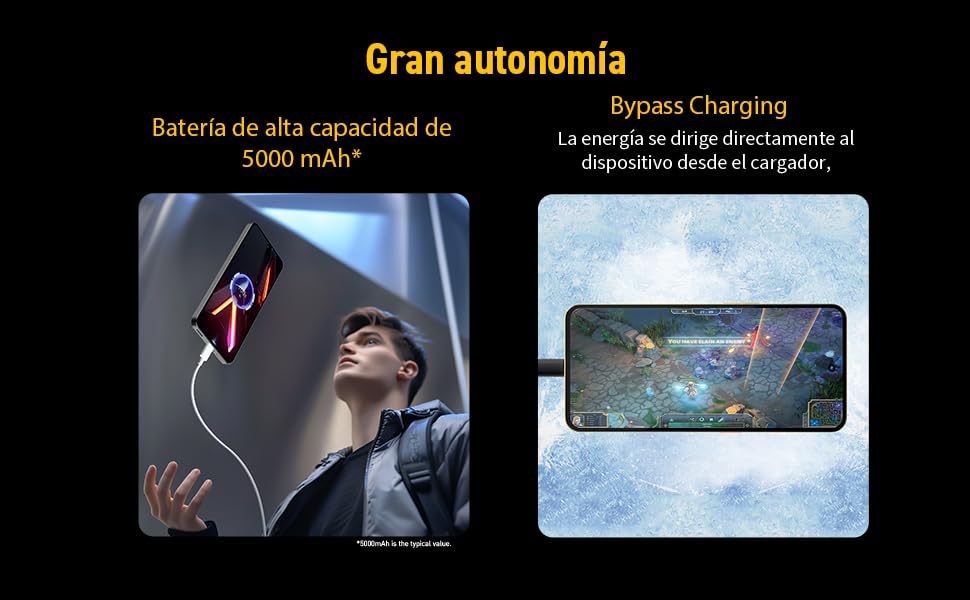
Image 7: Illustration of the T9100 5G-SoC processor, highlighting its powerful performance up to 2.7 GHz.

Image 8: Visual representation of the device's dynamic RAM, indicating up to 24 GB (12GB + 12GB).
7. וואָראַנטי און שטיצן
For detailed warranty information, please refer to the warranty card included with your product or visit the official nubia webפּלאַץ.
- פֿאַראַן רעזערוו טיילן: 10 יאָר.
- Average battery lifespan: 5 Years.
For technical support or service inquiries, please contact nubia customer service through their official channels.