
1. הקדמה
This manual provides detailed instructions for the installation, operation, and maintenance of your usogood D45 4MP Indoor Pet Camera. Please read this manual thoroughly before using the product to ensure correct usage and optimal performance. Keep this manual for future reference.
2. פּראָדוקט איבערview
2.1 פּעקל אינהאַלט
- 1 x usogood D45 Indoor Security Camera
- 1 x Power Cord & 1 x Adapter
- 1 x User Manual (English/Spanish)
- 1 רענטגענ וואנט קלאַמער
- 2 x Base Screws & 2 x Base Bolts
2.2 אַפּאַראַט פֿעיִקייטן
- 4MP רעזאָלוציע: Provides clear video quality.
- צוויי-באַנד וויפי: Supports both 2.4GHz and 5GHz Wi-Fi networks for stable connectivity.
- 360° פּאַן און 115° טילט: Offers comprehensive coverage of your space.
- קינסטלעכע אינטעליגענץ באַוועגונג דעטעקציע און טראַקינג: Identifies human movement and tracks subjects automatically.
- שטערן-ליכט נאכט זעאונג: Delivers clear images in low-light conditions up to 12 meters.
- צוויי-וועג רעדן: ערמעגליכט רעאל-צייט קאמוניקאציע דורך די קאמערא.
- דעטעקשאַן שרעק: Sounds an alarm upon motion detection to deter intruders.
- לאקאלע און וואָלקן סטאָרידזש: Supports Micro SD card (up to 128GB, not included) and optional cloud storage.
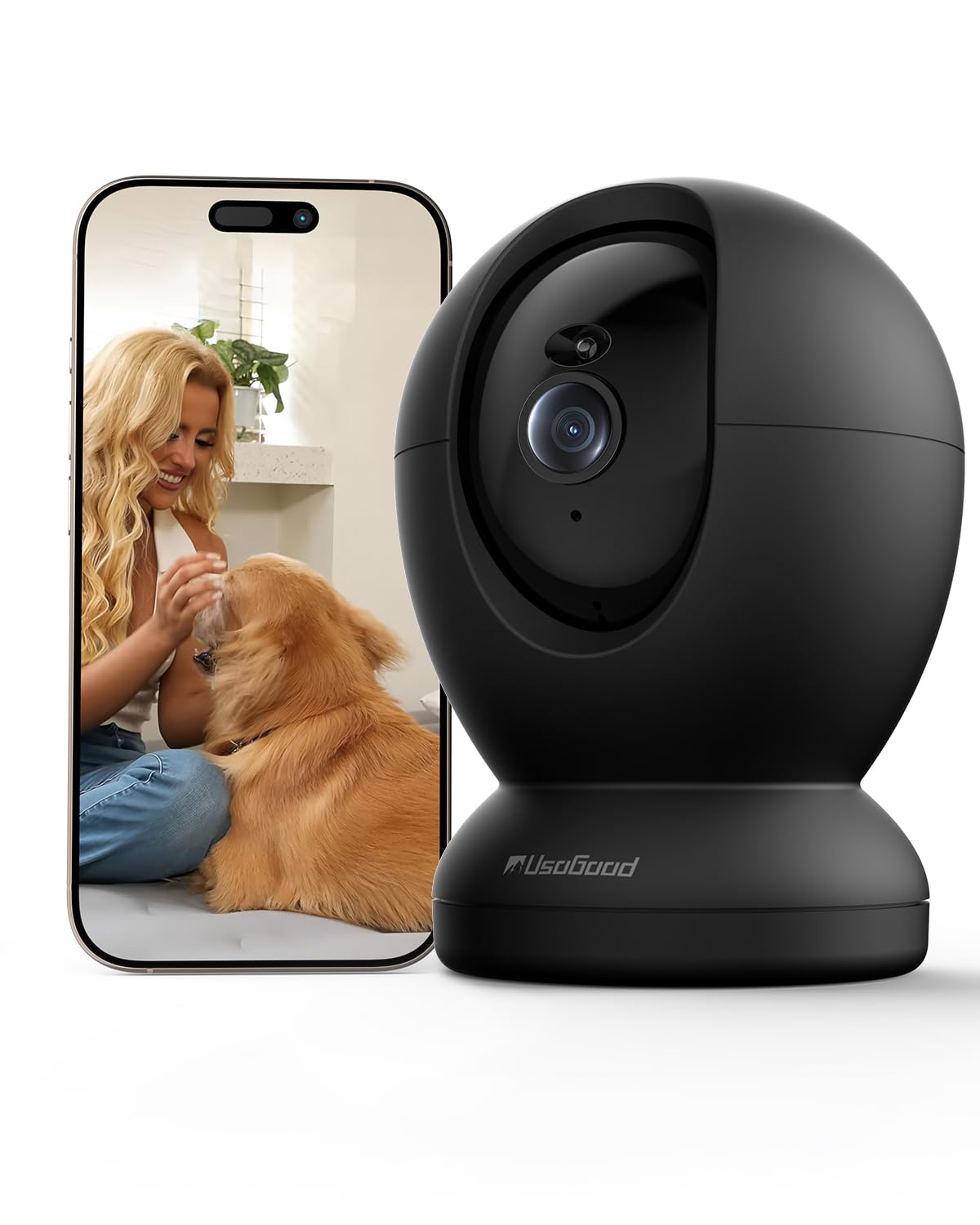
Image: The usogood D45 Indoor Pet Camera, a compact black dome-shaped device.

Image: Visual representation of the camera's applications including elderly care, child care, pet monitoring, and as an ideal gift.
3. סעטאַפּ גייד
3.1 ערשט סעטאַפּ
- אראפקאפיע די אַפּ: זוכן פֿאַר "Canny Cam" in your smartphone's app store (iOS or Android) and download the application.
- שאַפֿן אַ חשבון: Open the Canny Cam app and follow the on-screen instructions to register a new account.
- מאַכט אויף די אַפּאַראַט: Connect the camera to a power source using the provided power cord and adapter. The camera will initiate its self-test and indicator light will flash.
- לייג דיווייס: In the Canny Cam app, select "Add Device" or the "+" icon. Choose "PTZ Camera" from the device list.
- פאַרבינדן צו Wi-Fi: Follow the app's instructions to connect the camera to your Wi-Fi network. Ensure your phone is connected to the same Wi-Fi network (2.4GHz or 5GHz). The camera supports both bands for a more stable connection.
- יבערקוקן QR קאָד: The app will display a QR code. Position your camera to scan this QR code from your phone screen. A confirmation sound will indicate successful scanning.
- גאַנץ סעטאַפּ: Once connected, the camera will appear in your app's device list. You can then customize settings such as device name and location.

Image: The usogood D45 camera illustrating its dual-band 5G and 2.4G Wi-Fi connectivity for stable signal transmission throughout a home.
3.2 מאַונטינג אָפּציעס
The usogood D45 camera can be placed on a tabletop, shelf, or mounted to a wall or ceiling using the included wall bracket, screws, and bolts. Ensure the mounting surface is stable and secure.
4. אַפּערייטינג ינסטרוקטיאָנס
4.1 לעבן View און פּאַן/טילט קאָנטראָל
- Open the Canny Cam app and select your camera from the device list to access the live video feed.
- Use the on-screen joystick or swipe gestures to remotely control the camera's pan (horizontal) and tilt (vertical) movements for a 360° view.

Image: The usogood D45 camera demonstrating its 360-degree pan and tilt functionality to cover an entire room.
4.2 צוויי-וועגיקע שמועס
- בשעת אין לעבן view, tap the microphone icon to activate two-way audio. You can speak through your phone, and your voice will be projected through the camera's speaker.
- צאַפּן אויף דעם רעדנער בילדל צו הערן אַודיאָ פֿון דער קאַמעראַ'ס אַרומיקע געגנט.
4.3 באַוועגונג דעטעקציע און טראַקינג
- Access the camera settings in the app to enable and configure motion detection. You can set detection zones and sensitivity levels.
- Enable AI Human Detection to differentiate between humans and other moving objects, reducing false alarms.
- Activate motion tracking, and the camera will automatically follow detected movement within its field of view.
- When motion is detected, you will receive instant notifications on your smartphone.

Image: The usogood D45 camera demonstrating its 360-degree automatic tracking capability by following a dog.

Image: A smartphone displaying an instant notification from the usogood D45 camera, indicating human detection as a family enters a home.
4.4 נאַכט זעאונג
- The camera automatically switches to Starlight Night Vision mode in low-light conditions.
- This feature provides clear, detailed images up to 12 meters even in complete darkness.
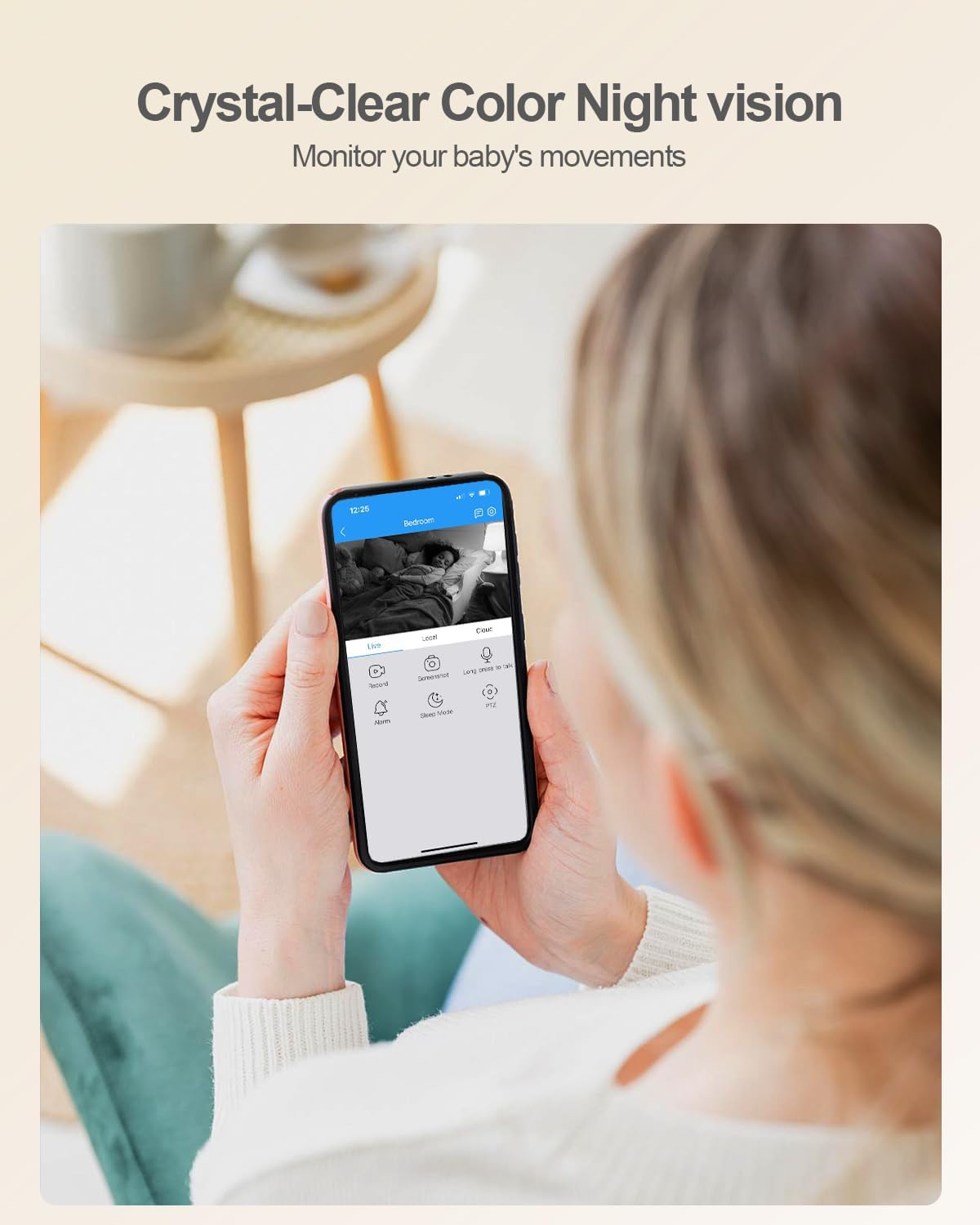
בילד: א מענטש viewing a baby on their smartphone, demonstrating the usogood D45 camera's crystal-clear color night vision capability.
4.5 רעקאָרדינג און סטאָרידזש
- The camera supports 24/7 continuous recording.
- מיקראָ סד קאָרט סטאָרידזש: Insert a Micro SD card (up to 128GB, not included) into the camera's slot. The app will prompt you to format the card.
- וואָלקן סטאָרידזש: Optional cloud storage plans are available through the Canny Cam app for secure off-site recording.
- Review רעקאָרדעד פוtagגלייך פֿון דער אַפּ.

Image: A close-up of the usogood D45 camera highlighting its Micro SD card slot for local storage, indicating no monthly fees.

Image: A graphic illustrating the usogood D45 camera's 24/7 continuous recording capability, capturing various moments throughout the day.
4.6 Multi-Device Viewינג און טיילן
- The Canny Cam app allows you to view multiple cameras simultaneously.
- Share camera access with family members or trusted individuals via QR code within the app.

בילד: א קאלאזש אויסשטעלונגasing the usogood D45 camera's features: automatic tracking, family sharing, multi-device viewing, and versatile placement options.
5. וישאַלט
- רייניקונג: ניצט אַ ווייכע, טרוקענע שטאָף צו רייניקן די קאַמעראַ לענס און קערפּער. פֿאַרמייַדט ניצן שטרענגע כעמיקאַלן אָדער אַברייסיוו מאַטעריאַלן.
- ווייכווארג דערהייַנטיקונגען: Regularly check the Canny Cam app for firmware updates to ensure optimal performance and security.
- מאַכט ציקל: אויב די קאַמעראַ האָט פּראָבלעמען, פּרוּווט עס אַרויסצוציען פֿון דער מאַכט־מקור פֿאַר 10 סעקונדעס און דערנאָך עס צוריק אַרײַנשטעקן.
6. טראָובלעשאָאָטינג
6.1 פּראָסט ישוז און סאַלושאַנז
| אַרויסגעבן | לייזונג |
|---|---|
| די קאַמעראַ קען זיך נישט פֿאַרבינדן צו Wi-Fi. | Ensure your Wi-Fi password is correct. Verify the camera is within range of your router. Try restarting your router and the camera. Ensure your phone is connected to the same 2.4GHz or 5GHz network during setup. |
| שלעכטע ווידעא קוואַליטעט אָדער פאַרהאַלטונג. | Check your internet connection speed. Move the camera closer to the Wi-Fi router or reduce interference from other devices. Ensure the camera lens is clean. |
| Motion detection is not working or too sensitive. | Adjust motion detection sensitivity and detection zones in the app settings. Ensure AI Human Detection is enabled if you want to filter out non-human movements. |
| מיקראָ SD קאַרטל נישט דערקענט. | Ensure the SD card is inserted correctly. Format the SD card through the Canny Cam app. Use a compatible Micro SD card (Class 10 or higher, up to 128GB). |
| צוויי-וועג אודיאָ איז נישט קלאָר. | Ensure there is no obstruction near the camera's microphone or speaker. Check your phone's volume settings. Reduce background noise in the environment. |
7. ספּעסאַפאַקיישאַנז
| שטריך | דעטאַל |
|---|---|
| מאָדעל נאָמען | D45 |
| ווידעא קאַפּטורע רעסאָלוטיאָן | 4MP (2160P) |
| קאַנעקטיוויטי טעכנאָלאָגיע | Wi-Fi (2.4G און 5G) |
| פּאַן / טילט קייט | 360° פּאַן, 115° טילט |
| נאַכט וויזשאַן ראַנגע | Up to 10 meters (Starlight Night Vision) |
| סטאָרידזש אָפּציעס | Micro SD Card (Max 128GB), Cloud Storage |
| מאַכט מקור | עלעקטריש מיט שנור (5V, 9W) |
| דימענסיעס (L X W X H) | 3.74 X 2.36 X 2.34 אינטשעס |
| פּונקט וואָג | 12.3 אונסעס |
| אַפּערייטינג טעמפּעראַטור | Not specified (typically indoor use) |
| IP שאַץ | IP56 |
| קאַמפּאַטאַבאַל דעוויסעס | סמאַרטפאָונז (אַנדרויד, יאָס) |
8. וואָראַנטי און שטיצן
For warranty information and technical support, please refer to the official usogood website or contact usogood customer service directly. Contact details can typically be found on the product packaging or within the Canny Cam application's 'About Us' section.
ביטע באַהאַלטן אייער קויפן-באַווייַז פֿאַר יעדע וואָראַנטי-פאָדערונג.