
1. הקדמה
The IMALENT GR35 is an ultra-high-performance EDC (Everyday Carry) flat flashlight, designed for versatility and portability. It integrates white, UV, and green LED light sources, offering a maximum output of 2800 lumens and a beam throw of up to 426 meters. This manual provides essential information for the safe and effective use, maintenance, and troubleshooting of your GR35 flashlight.
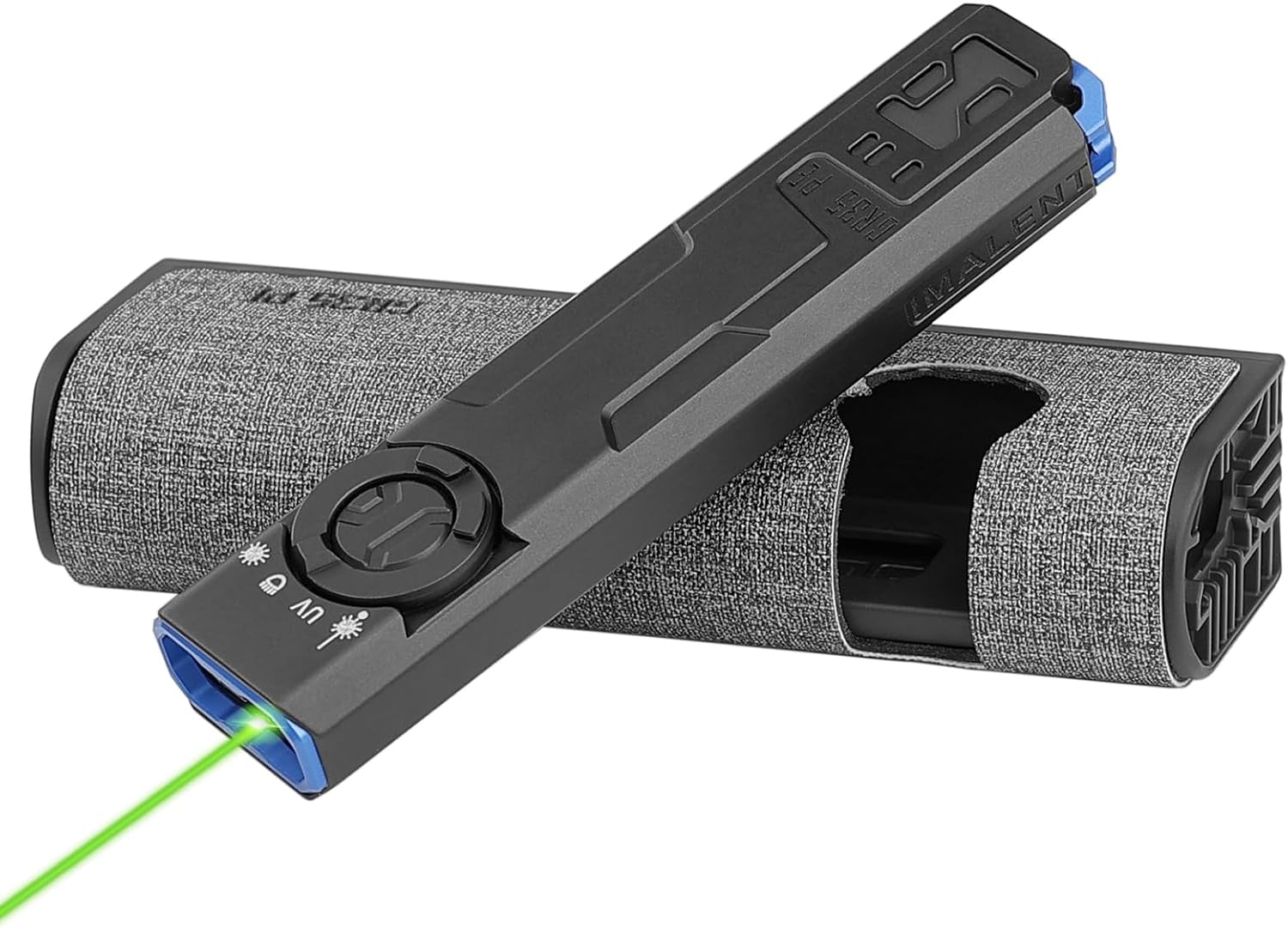
The IMALENT GR35 flashlight, shown with its charging case and an active green laser beam.
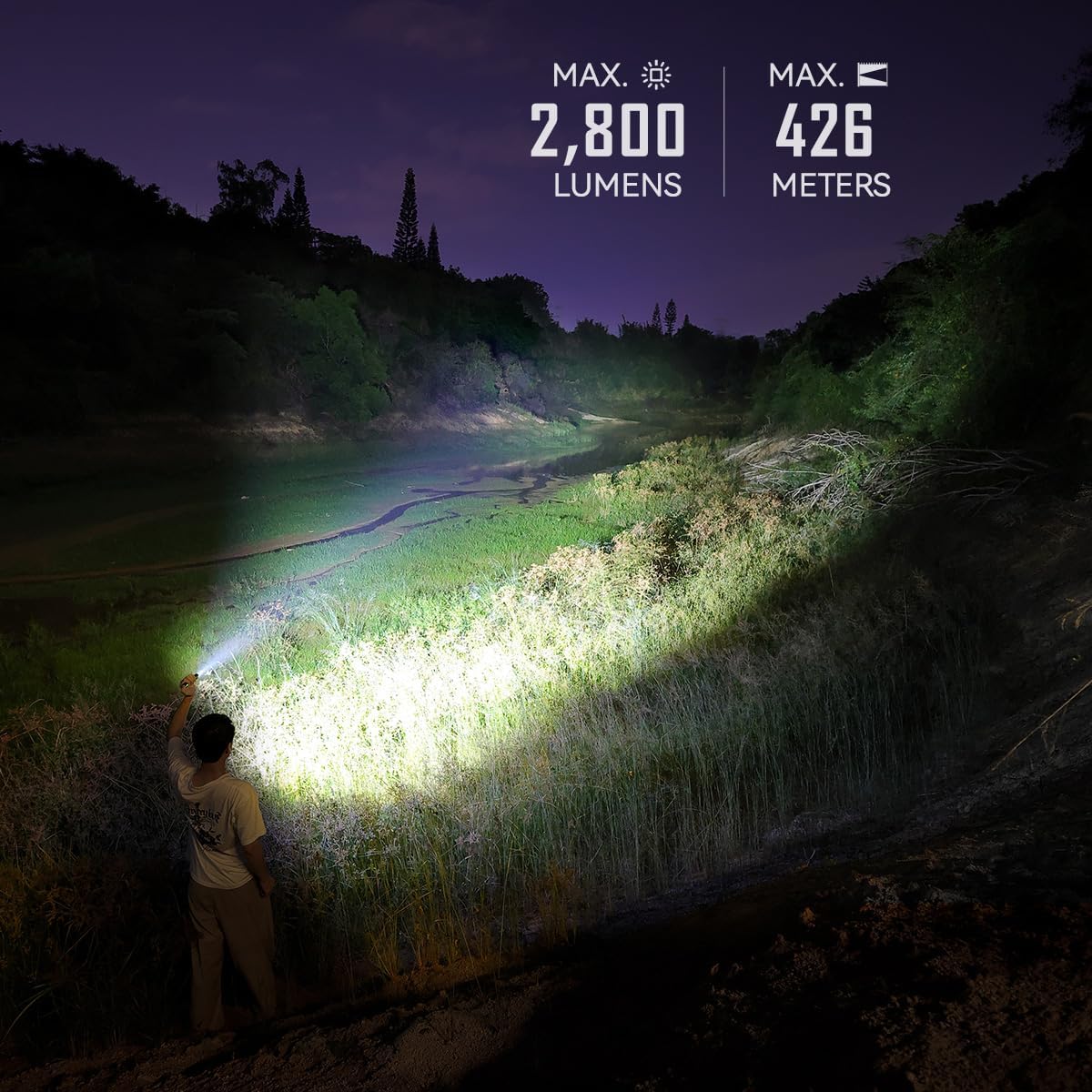
The GR35 flashlight demonstrating its powerful 2800 lumen output and 426-meter beam distance in an outdoor setting.
2. סעטאַפּ
2.1 ערשט טשאַרדזשינג
Before first use, fully charge the IMALENT GR35 flashlight and its charging case. The device comes with a Type-C charging cable.
- Connect the Type-C charging cable to the flashlight's charging port or the charging case's input port.
- Connect the other end of the cable to a compatible USB power adapter (please use an adapter with a power output greater than 10W for the charging case).
- The flashlight fully charges in approximately 1.5 hours. The charging case fully charges in approximately 2 hours.

The GR35 flashlight being charged via its Type-C port, indicating super fast charging capability.
2.2 באַטערי לעוועל ינדיקאַטאָר
The GR35 features a battery indicator to monitor the charge status of the flashlight and the charging case:
- גרין ליכט: 66% - 100% battery level.
- געל ליכט: 33% - 66% battery level.
- רויט ליכט: 0% - 33% battery level.
- The indicator light will turn green when the charge case has been fully charged.

Visual representation of the battery level indicator on the GR35 charging case.
3. אַפּערייטינג ינסטרוקטיאָנס
3.1 מאַכט אויף / אַוועק
To turn the flashlight on or off, press and hold the power switch button located on the side of the device.
3.2 ליכטיקייט לעוועלס און סטראָוב
The GR35 offers 6 brightness levels and a strobe mode for various lighting needs:
- When the flashlight is on, press and hold the power switch button to cycle through the brightness levels (Moonlight, Low, Middle Low, Middle, High, Turbo). Release the button to select the desired output level.
- To activate Strobe mode, quickly double-press the power switch button.
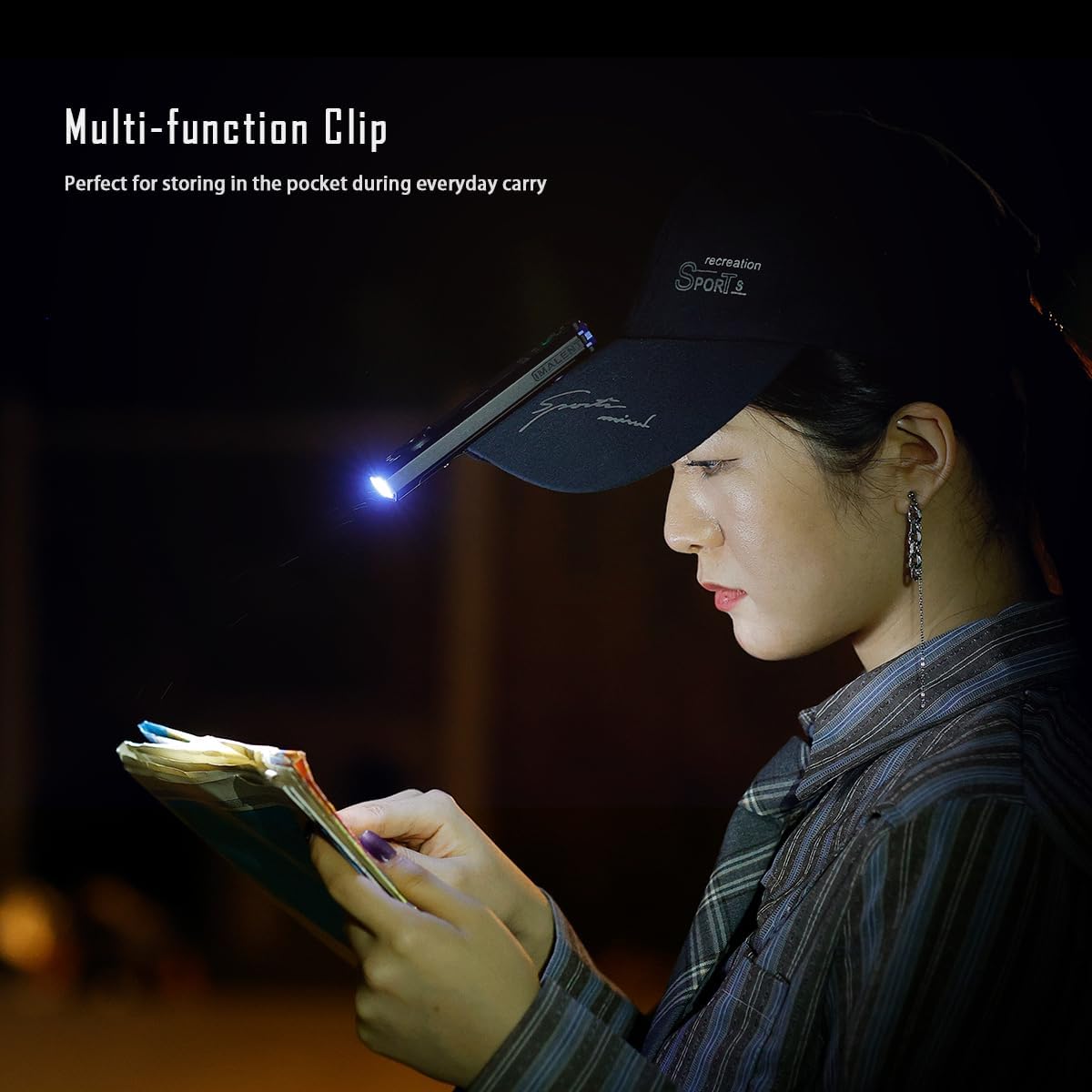
Illustration of the six brightness levels and strobe function available on the GR35 flashlight.
3.3 Light Source Modes (White, UV, Green)
The GR35 combines white light, UV light, and a green laser beam for diverse applications:
- ווייַס ליכט: Standard illumination for general use.
- UV ליכט: High-power output at 365nm wavelength, ideal for checking currency, identifying stains, or inspecting certain materials.
- גרין לייזער: Useful for presentations, pointing, or as a pet toy.
- Refer to the device's controls for specific button presses to switch between these modes.

The GR35 showcasing its various light modes: green beam, UV light, white light, and red and blue flashing lights.
3.4 Lock/Unlock Function
To prevent accidental activation, the GR35 features a lock function:
- With the light off, quickly double-press the side button to lock or unlock the flashlight.

Detail of the lock/unlock button on the GR35, indicating its function.
3.5 Multi-function Clip
The integrated multi-function clip allows for convenient carrying and hands-free use:
- Attach the flashlight to a pocket, belt, or the brim of a cap for hands-free illumination.

The GR35 flashlight clipped to a cap, demonstrating its utility for hands-free tasks like reading.
4. וישאַלט
4.1 רייניקונג
Regular cleaning helps maintain the flashlight's performance:
- Wipe the body of the flashlight with a clean, soft cloth.
- For optical surfaces (lens), use a lens cleaning cloth and solution to avoid scratches.
- דו זאלסט נישט נוצן אַברייסיוו קלינערז אָדער סאָלוואַנץ.
4.2 באַטעריע זאָרג און סטאָרידזש
Proper battery care extends the lifespan of your device:
- Recharge the battery regularly, even if the flashlight is not in frequent use, to prevent deep discharge.
- סטאָר די פלאַשליגהט אין אַ קיל, טרוקן אָרט אַוועק פון דירעקט זונשייַן און עקסטרעם טעמפּעראַטורעס.
- If storing for extended periods, ensure the battery is partially charged (around 50%) to preserve its health.
5. טראָובלעשאָאָטינג
5.1 Flashlight Not Turning On
- קאָנטראָלירן די באַטאַרייע מדרגה: Refer to the battery indicator. If low, recharge the flashlight.
- Check Lock Function: Ensure the flashlight is not in lock mode. Double-press the side button to unlock.
5.2 Dim Light Output
- נידעריק באַטערי: לאָד אויף די לאָמפּ.
- Incorrect Mode: Ensure you are in the desired brightness level. Cycle through modes by pressing and holding the power button.
5.3 טשאַרדזשינג ישוז
- קאַבלע קשר: Ensure the Type-C cable is securely connected to both the flashlight/case and the power source.
- מאַכט אַדאַפּטער: Verify that the USB power adapter is functioning correctly and provides sufficient power (especially for the charging case, use >10W).
- טשאַרדזשינג פּאָרט: Check for any debris or damage in the charging port.
6. ספּעסאַפאַקיישאַנז
| שטריך | באַשרייַבונג |
|---|---|
| מאָדעל | GR35 |
| ווייַס ברייטנאַס | 2800 לומאַנז (מאַקסימום) |
| Max Beam Throw | 426 מעטער |
| ליכט מקור טיפּ | LED (White, UV, Green) |
| ווו ווייוולענגט | 365nm (630mW output) |
| מאַכט מקור | באַטאַרייע פּאַוערד (1 ליטהיום יאָן באַטאַרייע אַרייַנגערעכנט) |
| באַטאַרייע צעל זאַץ | ליטהיום יאָן |
| Voltage | 4.2 וואלטס |
| מאַטעריאַל | אַלומינום |
| פּראָדוקט דימענשאַנז | 5.1"ד רענטגענ 0.65"וו רענטגענ 1.2"ה |
| פּונקט וואָג | 9.6 אונסעס |
| וואַסער קעגנשטעל מדרגה | וואָטערפּרוף |
| אַרייַנגערעכנט קאַמפּאָונאַנץ | טשאַרדזשינג קאַבלע |

Detailed specifications for the GR35 charging case, including input/output and charging times.
7. וואָראַנטי און שטיצן
The IMALENT GR35 flashlight comes with a limited warranty. For specific warranty terms and conditions, please refer to the documentation provided with your purchase or visit the official IMALENT webפּלאַץ.
For technical support, troubleshooting assistance, or any inquiries regarding your IMALENT GR35, please contact IMALENT customer service. You can find contact information on the official IMALENT webוועבזייטל אדער דורך אייער קויפן-פונקט.
Official IMALENT Store: IMALENT Store on Amazon