
הקדמה
Thank you for choosing the JBL Tune 520C wired on-ear headphones. This manual provides essential information for setting up, operating, and maintaining your headphones to ensure optimal performance and longevity.

בילד: איבערview of JBL Tune 520C features including Pure Bass Sound, foldable design, tangle-free cable, and remote control.
וואָס איז אין די קעסטל
- 1 X JBL Tune 520C וסב-C כעדפאָונז
- 1 x Warranty/Warning document
שליסל פֿעיִקייטן
- JBL ריין באַס סאַונד: Experience clear, powerful audio from 32mm dynamic drivers.
- Wide USB-C Compatibility: Connect to various devices including PCs, mobile phones, gaming devices, tablets, and laptops.
- 3-Button Remote with Microphone: Manage calls, music playback, volume, and EQ presets directly from the cable.
- Comfort Fit and Foldable Design: Padded on-ear design for extended wear and a foldable structure for easy storage.
- Tangle-Free Flat Cable: Durable, reinforced USB-C cable designed to prevent tangling.
- Hi-Res Audio: Enjoy higher quality music at 24-bit/96kHz with the DSP chipset.
סעטאַפּ
Follow these steps to set up your JBL Tune 520C headphones for first use.
קאַנעקטינג דיין כעדפאָונז
- Locate the USB-C connector on your JBL Tune 520C headphones.
- Insert the USB-C connector into the compatible USB-C port on your audio device (e.g., smartphone, laptop, tablet).
- Ensure the connection is secure. Your device should automatically recognize the headphones.
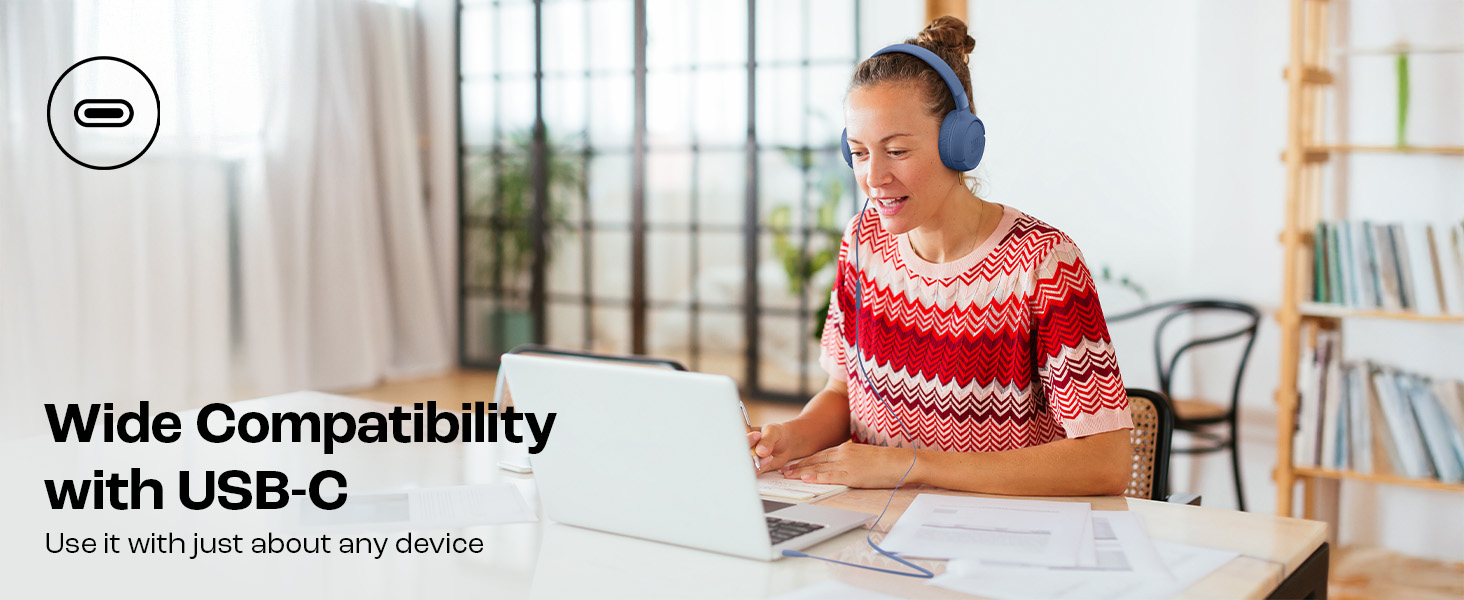
Image: JBL Tune 520C headphones connected to a laptop, demonstrating wide USB-C compatibility.
אַדזשאַסטינג פֿאַר קאָמפאָרט
- Gently extend or retract the headband to fit your head comfortably.
- Position the earcups so they rest fully on your ears, creating a seal for optimal sound.
אַפּערייטינג ינסטראַקשאַנז
Learn how to use the 3-button remote and microphone for various functions.
Using the 3-Button Remote

בילד: דעטאַלירט view of the 3-button remote control on the headphone cable.
- באַנד אַרויף (+): Press the top button to increase volume.
- באַנד אַראָפּ (-): Press the bottom button to decrease volume.
- Play/Pause/Call (Center Button):
- דרוק אַמאָל צו שפּילן אָדער פּויזע מוזיק.
- דריקן איין מאָל צו ענטפֿערן אָדער ענדיקן אַ רופן.
- דרוק צוויי מאָל צו האָפּקען צו דער ווייַטער שפּור.
- דריקן דריי מאָל צו גיין צו די פריערדיקע שפּור.
Using EQ Presets
The JBL Tune 520C features selectable EQ presets to customize your listening experience.
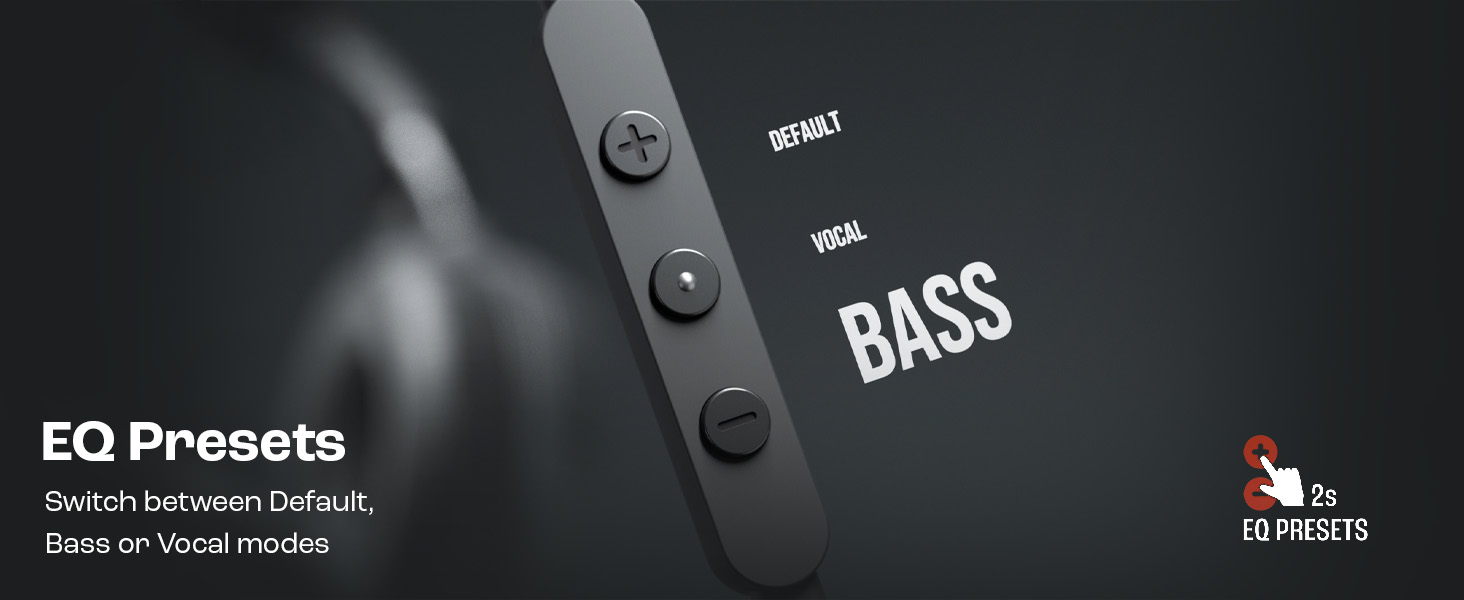
Image: Remote control showing options for Default, Vocal, and Bass EQ presets.
- To switch between EQ presets (Default, Vocal, Bass), press and hold the center button for approximately 2 seconds. The headphones will cycle through the available presets.
וישאַלט
Proper care and maintenance will extend the life of your headphones.
רייניקונג
- ניצט אַ ווייכן, טרוקענעם שטאָף צו ווישן די אויערקעפּלעך און קאָפּבאַנד.
- ניצט נישט פליסיקע רייניגער אדער אברייסיוו מאַטעריאַלן, ווײַל זיי קענען שעדיקן די ענדיקונג אדער אינעווייניקסטע קאָמפּאָנענטן.
- Keep the USB-C connector clean and free of dust or debris.
סטאָרידזש
The JBL Tune 520C headphones feature a foldable design for convenient storage.
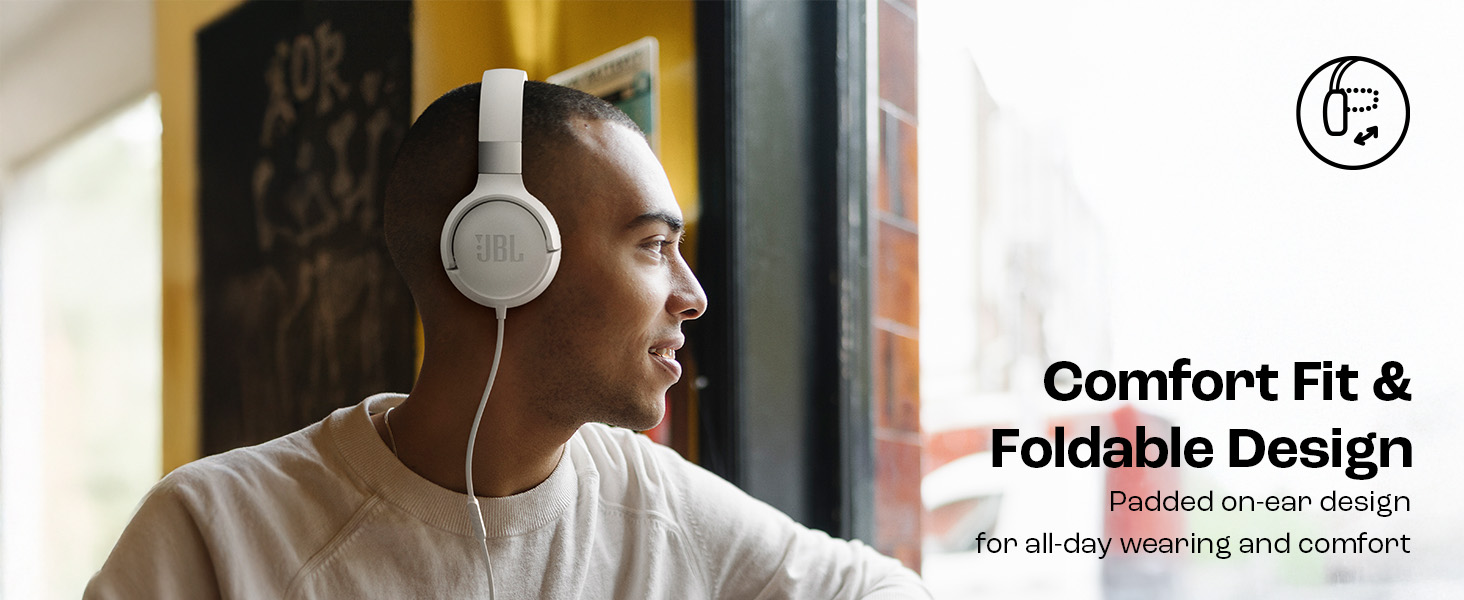
Image: JBL Tune 520C headphones demonstrating comfort fit and foldable design.
- Fold the earcups inward to reduce the headphone's size.
- האַלט די כעדפאָונז אין אַ קיל, טרוקן אָרט אַוועק פון דירעקט זונשייַן און עקסטרעמע טעמפּעראַטורן.
- Avoid placing heavy objects on the headphones during storage.
קאַבלע קער
The tangle-free flat cable is designed for durability, but proper handling is still recommended.
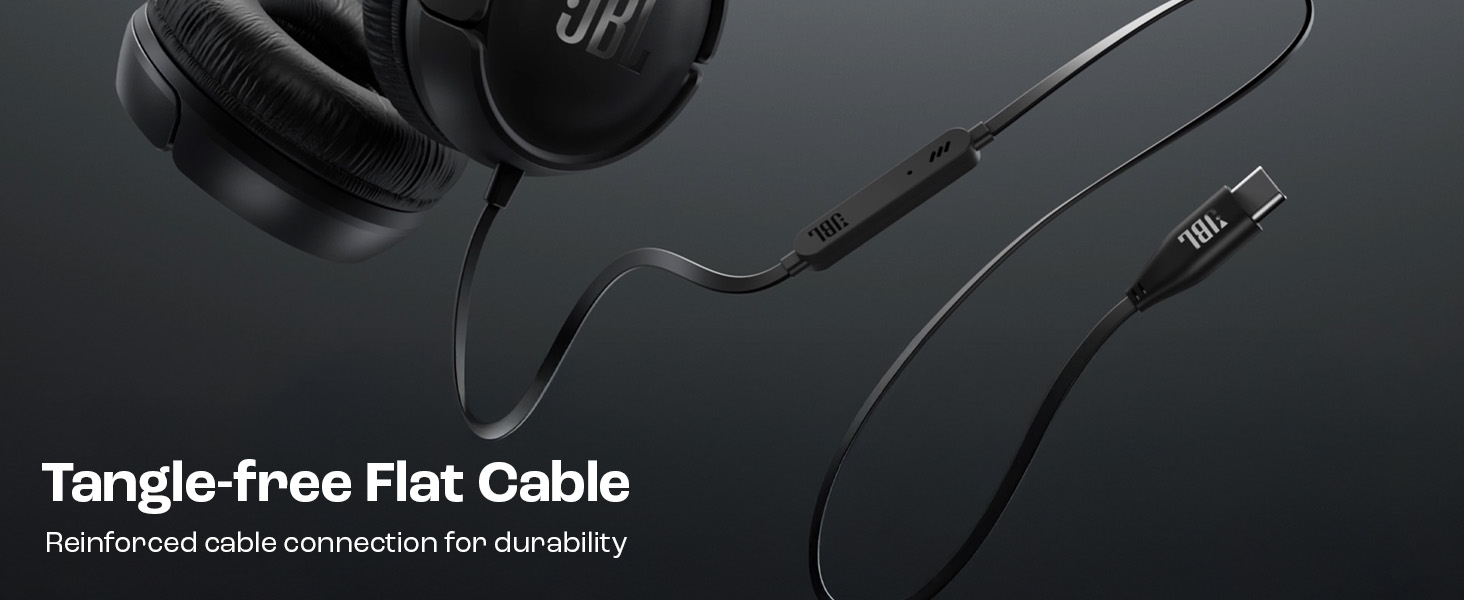
Image: The tangle-free flat USB-C cable of the JBL Tune 520C headphones.
- Avoid sharp bends or excessive pulling on the cable.
- When coiling the cable for storage, do so loosely to prevent strain.
טראָובלעשאָאָטינג
If you encounter issues with your headphones, refer to the following common problems and solutions.
| פּראָבלעם | לייזונג |
|---|---|
| קיין געזונט פון כעדפאָונז |
|
| מיקראָפאָן טוט נישט אַרבעטן |
|
| נעבעך געזונט קוואַליטעט |
|
| רימאָוט קאָנטראָל קנעפּלעך ניט ריספּאַנדאַבאַל |
|
ספּעסאַפאַקיישאַנז
Detailed technical specifications for the JBL Tune 520C headphones.
| שטריך | דעטאַל |
|---|---|
| סאָרט | JBL |
| מאָדעל נאָמען | JBL Tune 520C |
| מאָדעל נומער | JBLT520CBLK |
| אויער פּלייסמאַנט | אויף אויער |
| פאָרם פאַקטאָר | אויף אויער |
| ימפּידאַנס | 32 אָהמס |
| אָפטקייַט ענטפער | 20 הערץ - 20,000 הערץ |
| סענסיטיוויטי | 103 דב |
| אַודיאָ דרייווער טיפּ | דינאַמיש דרייווער |
| קאַמפּאַטאַבאַל דעוויסעס | Tablets, Desktops, Telephones, Gaming Consoles, Cellphones, Laptops |
| כעדפאָון דזשאַק | וסב-C דזשאַק |
| קאָנטראָל מעטאָד | Remote (3-button) |
| פּונקט וואָג | 150 גראַמז |
| לאַנד פון אָריגין | כינע |
וואָראַנטי און שטיצן
וואָראַנטי אינפֿאָרמאַציע
The JBL Tune 520C headphones come with a 1 יאָר וואָראַנטי provided by the manufacturer from the date of purchase. Please retain your proof of purchase for warranty claims.
קונה שטיצן
For technical assistance, warranty claims, or further inquiries, please contact Harman International customer support. Refer to the warranty/warning document included in your product box for specific contact details for your region.
פאַבריקאַנט קאָנטאַקט אינפֿאָרמאַציע:
האַרמאַן אינטערנאַציאָנאַלער ינדאַסטריז, ינקאָרפּאָראַטעד
8500 באַלבאָאַ באָולעוואַרד, נאָרטראַדזש, CA 91329 USA
Importer Contact Information (India):
האַרמאַן אינטערנאַציאָנאַל (אינדיע) פּריוואַט לימיטעד
Salarpuria Sattva Knowledge Court, Office-1, Wing ‘A’ & ‘B’ 3rd floor, Plot No. 9, Phase I, Doddenakkundi Industrial area Bangalore -560048, Karnataka.