
GEARit GI-CAM-DRB-WH-001
GEARit סמאַרט ווידעא טיר-גלאָק קאַמעראַ באַניצער מאַנואַל
Model: GI-CAM-DRB-WH-001 | Brand: GEARit
הקדמה
Thank you for choosing the GEARit Smart Video Doorbell Camera. This wireless doorbell camera provides advanced security features including 2K QHD video resolution, motion detection, two-way audio, and a long-lasting rechargeable battery. Designed for easy setup and reliable performance, it ensures you stay connected to your home's entryway.
This manual provides detailed instructions for setting up, operating, and maintaining your new doorbell camera. Please read it thoroughly before use to ensure proper functionality and safety.
פּראָדוקט פֿעיִקייטן
2K QHD Video Resolution

Capture every detail with razor-sharp 2K QHD (4MP) resolution. This ensures clear and crisp video footage, allowing for better identification of visitors and events at your doorstep, day or night.
באַוועגונג & סאָונד דעטעקשאַן

Receive real-time push alerts on your smartphone when motion or sound is detected. This feature helps you stay informed about activity at your front door, enhancing your home security.
צוויי-וועג אַודיאָ קאָמוניקאַציע
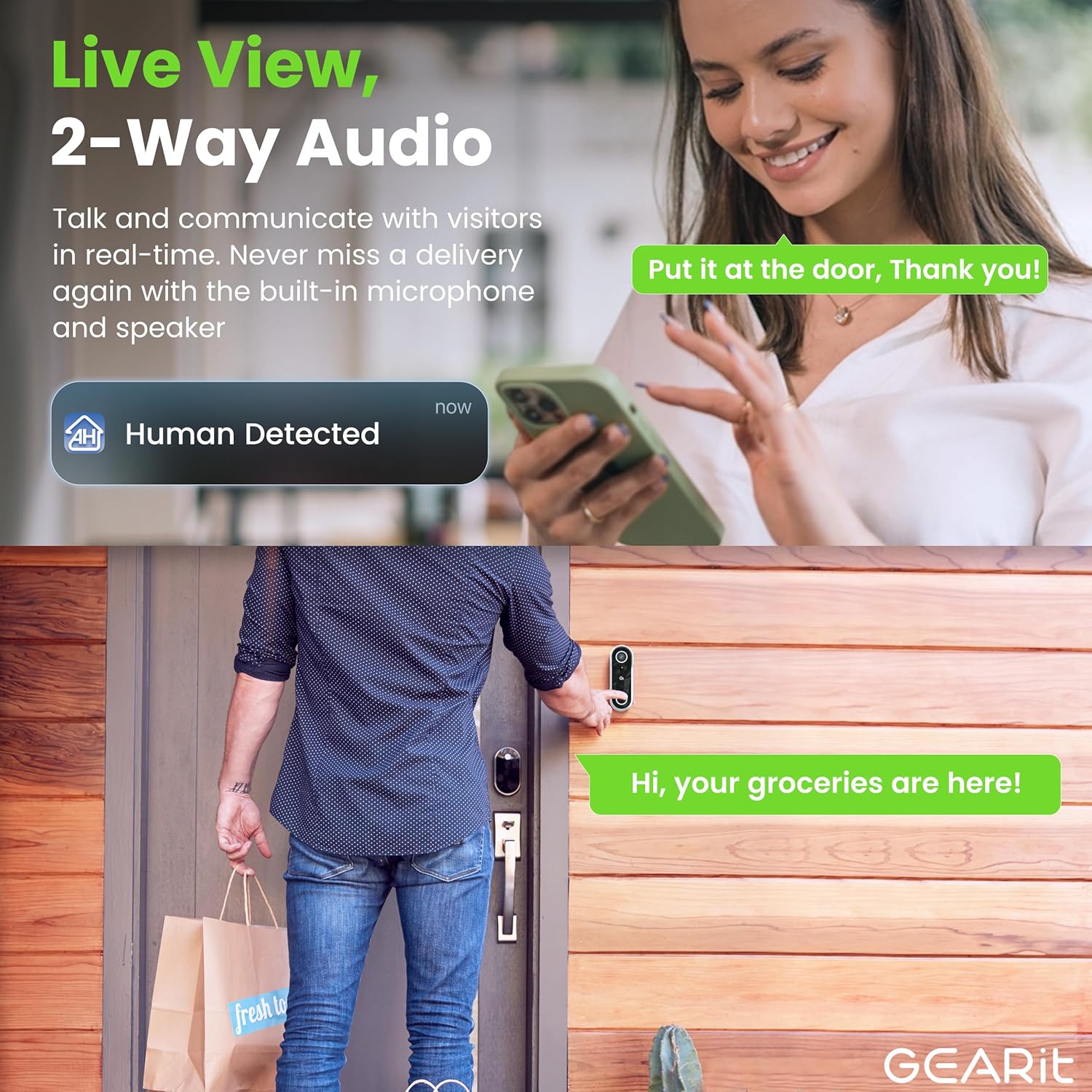
Communicate directly with visitors, delivery personnel, or family members at your door using the built-in microphone and speaker. This allows for convenient and secure interaction from anywhere.
Advanced Night Vision
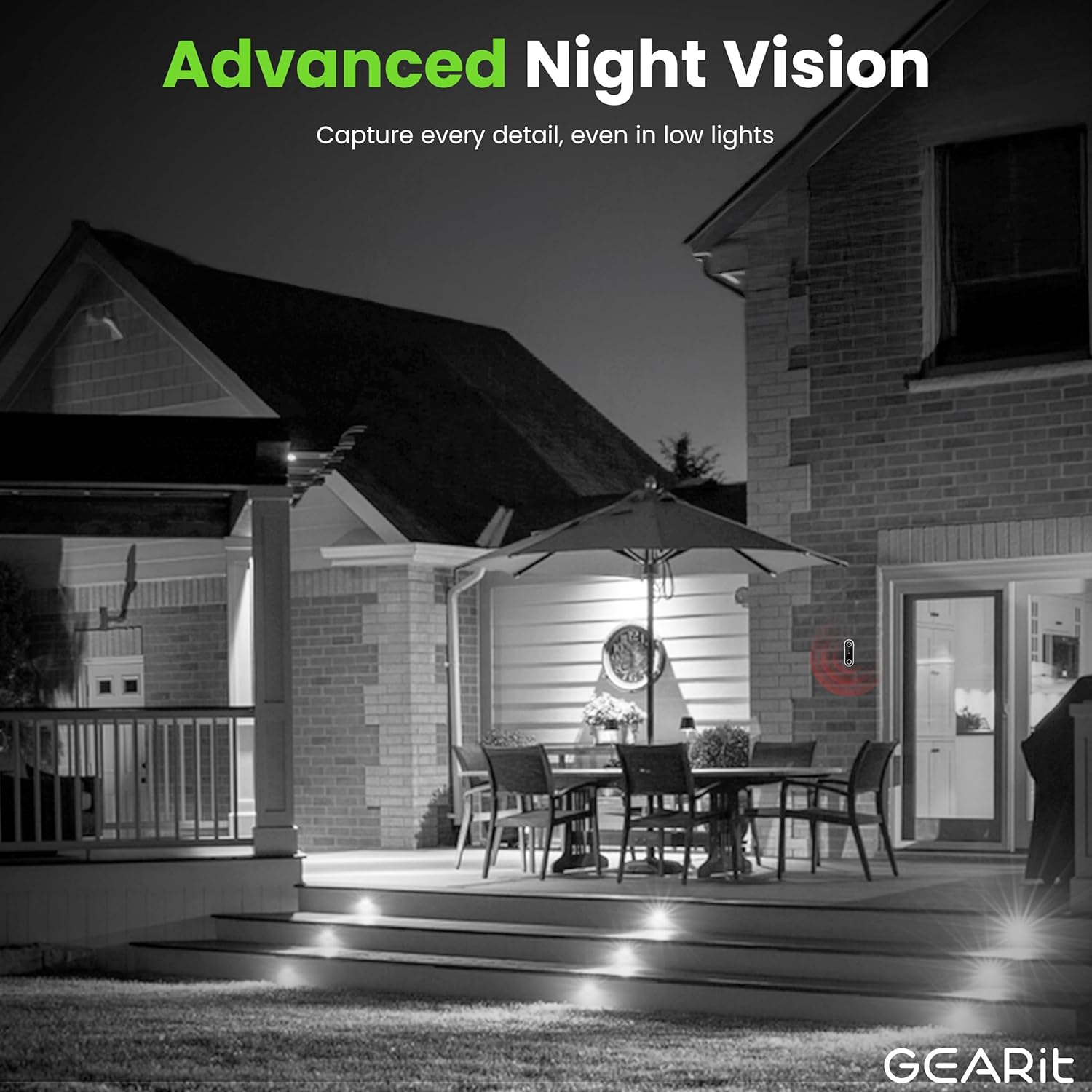
Equipped with advanced night vision capabilities, the doorbell camera provides clear visibility even in complete darkness, ensuring continuous monitoring and security around the clock.
IP64 וועטערפּרוף פּלאַן

The doorbell camera is built with an IP64 weather-proof rating, making it resistant to dust, rain, and splashes. This ensures reliable operation in various outdoor conditions throughout the year.
Rechargeable Battery & Local Storage

Enjoy up to 6 months of battery life on a single charge, providing wireless convenience. The camera supports local storage via a microSD card (up to 256GB, not included) for secure recording of events.
פּראָדוקט איבערview ווידעא
דאס ווידעא גיט א קורצע איבערבליקview of the GEARit Smart Video Doorbell Camera, highlighting its key features such as 2K QHD video, human body detection, two-way audio, and secure local storage.
סעטאַפּ גייד
פּעקל אינהאַלט
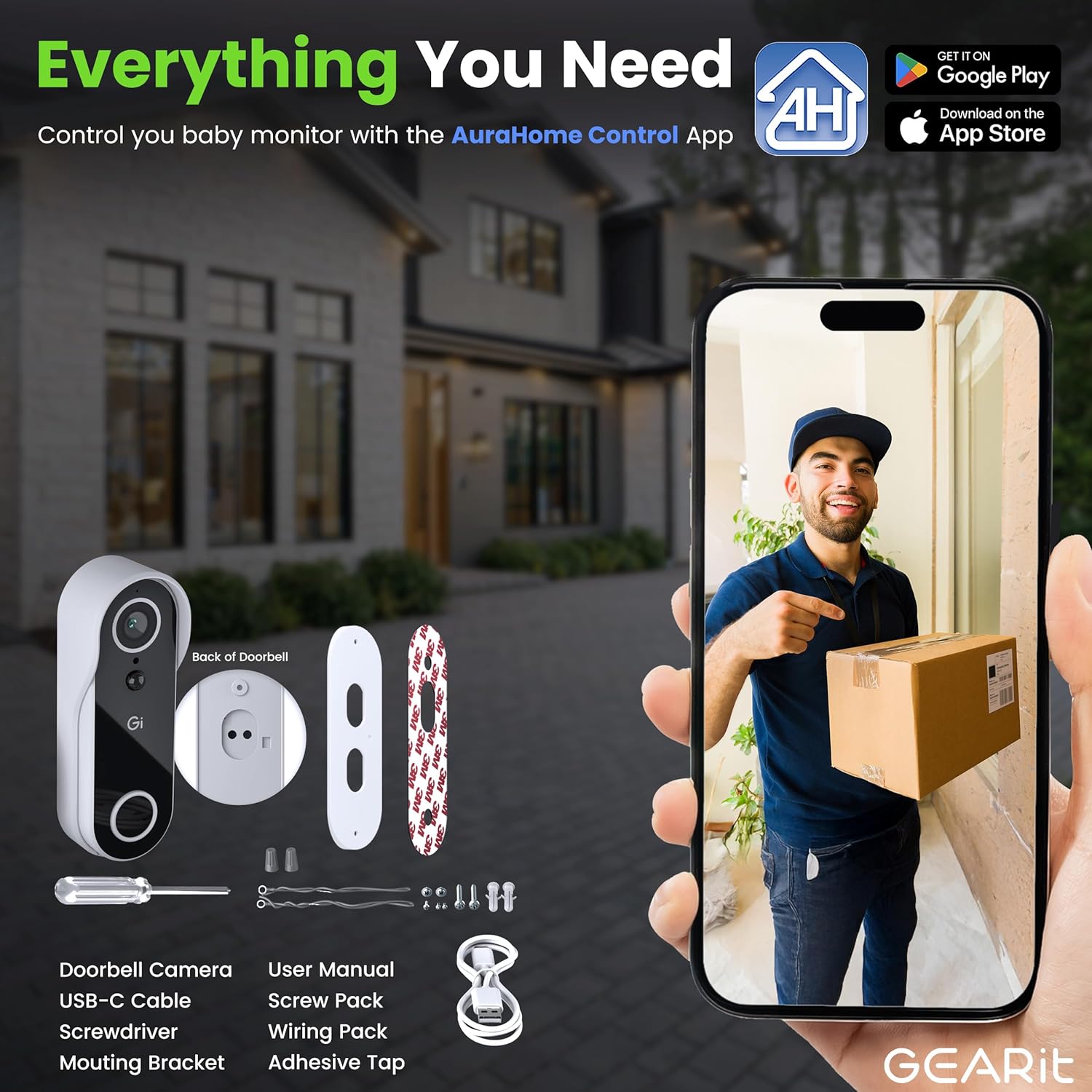
איידער איר הייבט אן, זיכערט זיך אז אלע קאמפאנענטן זענען פאראן אין פעקל:
- GEARit Smart Video Doorbell Camera
- וסב טיפּע- C קאַבלע
- שרויפנ - ציער
- מאָונטינג קלאַמער
- באַניצער מאַנואַל (דעם דאָקומענט)
- שרויף פּאַק
- Wiring Pack (for optional wired installation)
- Adhesive Tape (for optional adhesive mounting)
ינסטאַללאַטיאָן סטעפּס
- טשאַרדזשינג די באַטאַרייע: Fully charge the doorbell camera using the provided USB Type-C cable before initial use. A full charge ensures optimal performance and battery life.
- אראפקאפיע די אַפּ: Download the "AuraHome Control App" from the App Store (iOS) or Google Play Store (Android). This app is essential for controlling and managing your doorbell camera.
- מאָנטירן די טיר-גלאָק:
- שרויף מאַונטינג: Use the mounting bracket and screw pack to securely attach the doorbell to your desired location on the door frame or wall.
- קלעפּיק מאַונטינג: For a drill-free option, use the included adhesive tape to attach the mounting bracket. Ensure the surface is clean and dry for strong adhesion.
- פאַרבינדן צו אַפּ: Follow the in-app instructions to connect your doorbell camera to your home Wi-Fi network and pair it with your smartphone. This typically involves scanning a QR code displayed on your phone with the doorbell camera.
- קאַסטאַמייז סעטטינגס: Once connected, customize settings such as motion detection sensitivity, notification preferences, and video recording options within the AuraHome app.
אַפּערייטינג ינסטראַקשאַנז
לעבן View און צוויי-וועג אַודיאָ
Open the AuraHome app on your smartphone to access the live video feed from your doorbell camera. From the live view, you can initiate two-way audio by tapping the microphone icon to speak with visitors, and hear their responses through the doorbell's speaker.
באַוועגונג דעטעקשאַן און אַלערץ
The doorbell camera is equipped with motion and sound detection. When activity is detected, you will receive an instant push notification on your smartphone. Tap the notification to view the live feed or review רעקאָרדירטע געשעענישן.
You can adjust the sensitivity of motion detection in the app settings to minimize false alerts.
ווידעא רעקאָרדינג און סטאָרידזש
The camera records video clips when motion or sound is detected. These clips are stored on a microSD card (if installed) or can be accessed via optional cloud storage services (subscription may be required).
To install a microSD card, locate the card slot on the back of the doorbell camera, typically under a protective cover. Insert the card gently until it clicks into place. Ensure the doorbell is powered off before inserting or removing the card.
נאַכט זעאונג
The doorbell camera automatically switches to night vision mode in low-light conditions, providing clear black-and-white video. No manual adjustment is required for this feature.
וישאַלט
באַטערי טשאַרדזשינג
The doorbell camera features a rechargeable battery designed for long-term use. When the battery level is low, you will receive a notification via the AuraHome app. To recharge, simply remove the doorbell unit from its mounting bracket and connect it to a power source using the provided USB Type-C cable.
A full charge can last up to 6 months, depending on usage frequency and environmental factors.
רייניקונג
To maintain optimal performance and clear video quality, periodically clean the camera lens and the doorbell's exterior. Use a soft, damp cloth to gently wipe away dust and dirt. Avoid using harsh chemicals or abrasive materials that could damage the device.
מיקראָסד קאַרטל פאַרוואַלטונג
If you are using a microSD card for local storage, it is recommended to periodically review און פירן דיין רעקאָרדעד פאָאָtage. You can format the microSD card through the AuraHome app to clear old recordings and free up space. Ensure important footage is backed up before formatting.
טראָובלעשאָאָטינג
| פּראָבלעם | מעגלעך סיבה | לייזונג |
|---|---|---|
| Doorbell not connecting to Wi-Fi. | Incorrect Wi-Fi password, weak signal, or incompatible network (e.g., 5GHz only). |
|
| קיין באַוועגונג דעטעקשאַן אַלערץ. | Motion detection disabled, sensitivity too low, or app notifications blocked. |
|
| Poor video quality or blurry images. | Dirty lens, poor Wi-Fi signal, or insufficient lighting. |
|
| Two-way audio delay or distortion. | Network latency, weak Wi-Fi signal, or app issue. |
|
| באַטאַרייע דריינז געשווינד. | Frequent motion detection, high live view usage, or extreme temperatures. |
|
ספּעסאַפאַקיישאַנז
| שטריך | דעטאַל |
|---|---|
| מאָדעל נומער | GI-CAM-DRB-WH-001 |
| ווידעא האַכלאָטע | 2K QHD (4MP) |
| מאַכט מקור | Rechargeable Battery (up to 6 months) |
| וועטער קעגנשטעל | IP64 וועטער-פּרוף |
| אַודיאָ | צוויי-וועג אַודיאָ |
| סטאָרידזש אָפּציעס | מיקראָסד קאַרטל (ביז 256 גיגאבייט, נישט אַרייַנגערעכנט), וואָלקן סטאָרידזש (אַפּשאַנאַל) |
| קאַנעקטיוויטי | וויירלעס (Wi-Fi 2.4GHz) |
| דימענסיעס (L X W X H) | 5.63 X 2.03 X 2.03 אינטשעס |
| פּונקט וואָג | 11.7 אונס (0.73 פונט) |
| פאַבריקאַנט | GEARit |
| לאַנד פון אָריגין | כינע |
וואָראַנטי און שטיצן
GEARit products are designed for reliability and performance. For specific warranty details regarding your Smart Video Doorbell Camera, please refer to the warranty information provided with your purchase or visit the official GEARit webפּלאַץ.
For technical support, troubleshooting assistance, or any inquiries about your product, please contact GEARit customer service. You can often find contact information on the official brand website or within the AuraHome app.
An official User Manual PDF is also available for download: דאַונלאָוד באַניצער מאַנואַל פּדף
Ask a question about this manual
Ask about setup, troubleshooting, compatibility, parts, safety, or missing instructions. Manuals+ will review the question and use this page’s manual context to help answer it.