
E GATE EO9022
E GATE Duster 7X HTC Home Theatre Combo User Manual
מאָדעל: EO9022
הקדמה
The E GATE Duster 7X HTC is a comprehensive home theatre combo, integrating an automatic Android projector with a powerful 210W subwoofer soundbar. Designed for an immersive entertainment experience, this system boasts a 100% dust-proof design, 700 ISO Lumens brightness, and native 1080p resolution with 4K HDR support. It offers versatile connectivity including Bluetooth, WiFi 6, and multiple HDMI ports, making it a central hub for all your media needs.

סעטאַפּ
ונבאָקסינג און קאָמפּאָנענט לעגיטימאַציע
Carefully unpack all components. The package should include the E GATE Duster 7X HTC Projector and the accompanying Sound Bar. Ensure all items are present and undamaged before proceeding.
פּלייסמאַנט קאָנסידעראַטיאָנס
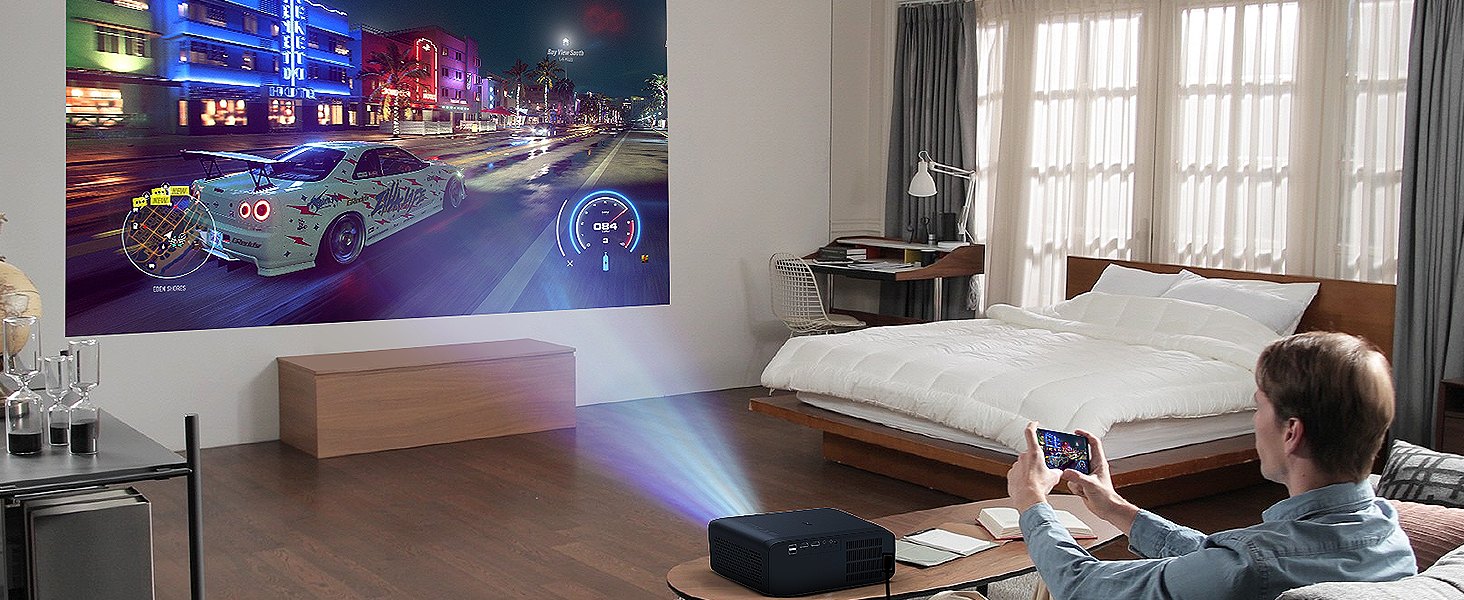
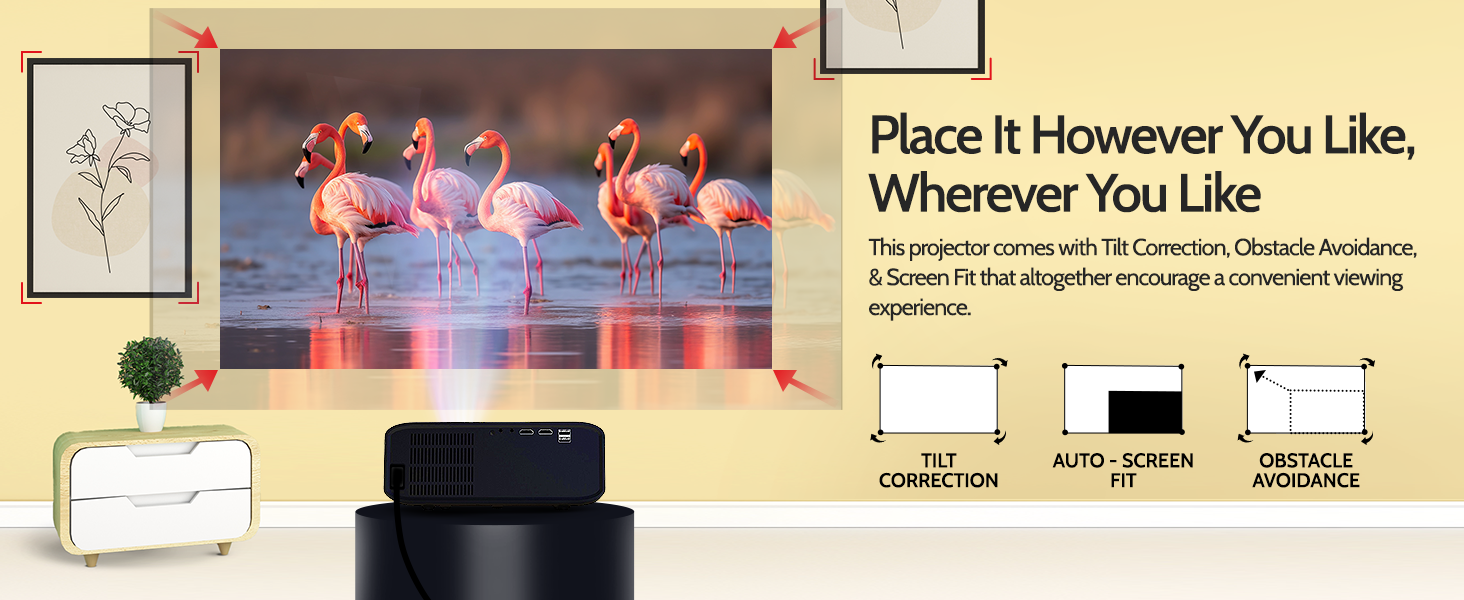
שטעלט דעם פּראָיעקטאָר אויף אַ סטאַבילער, גלאַטער ייבערפלאַך. פֿאַר אָפּטימאַלן viewing, ensure the projection surface (wall or screen) is clear and flat. The projector features automatic adjustments for focus, keystone, obstacle avoidance, and screen fit, allowing flexible placement. Consider a tabletop mount or a wall mount setup for the soundbar if desired.

מאַכט קאַנעקשאַן
Connect the power adapter to the projector's power input and then plug it into a standard electrical outlet. Connect the soundbar and subwoofer to their respective power sources.
ערשט באָאָט-אַרויף
Press the power button on the projector or remote control. The system will initiate the boot-up sequence. Follow any on-screen prompts for initial setup, such as language selection and network configuration.

אַפּערייטינג
יקערדיק אָפּעראַציע
Use the provided remote control to navigate the Android interface. The power button turns the projector on or off. Volume controls adjust the sound output from the integrated speaker or connected soundbar.
קאַנעקטיוויטי
דער פּראָיעקטאָר שטיצט פֿאַרשידענע אַרייַנשרייַב מעטאָדן:
- Dual Band WiFi 6 (2.4 GHz + 5 GHz): פֿאַרבינדט זיך צו אייער היים נעץ פֿאַר אינטערנעט צוטריט און סטרימינג.
- Bluetooth In/Out: Connect external Bluetooth devices like headphones or speakers, or use the projector as a Bluetooth speaker.
- 2 x HDMI (one ARC): Connect laptops, gaming consoles, Blu-ray players, or other media players. The ARC port allows audio return from compatible devices.
- 2 x יו-עס-בי: פֿאַרבינדט USB דרייווז פֿאַר מעדיע ווידערשפּיל.
- AUX: אַנאַלאָג אַודיאָ אַרייַנשרייַב.
- אַודיאָ אָוט: פֿאַרבינדן עקסטערנע אַודיאָ סיסטעמען.

Screen Mirroring (E-Share)
Utilize the Official E SHARE app for ultra-smooth wireless screen mirroring from your Android, iOS, or Windows devices. This allows you to project content directly from your smartphone or tablet.
אויטאָמאַטישע אַדזשאַסטמאַנץ
The Duster 7X HTC features advanced automatic adjustments for a hassle-free setup:
- אַוטאָ פאָקוס: אויטאָמאַטיש אַדזשאַסטירט די בילד קלעריטי.
- Auto Keystone: Corrects trapezoidal distortion for a perfectly rectangular image.
- אויטאָ שטערונג אויסמיידונג: Detects and adjusts the projection to avoid objects in the path.
- אויטאָ סקרין פּאַסיק: Automatically scales and positions the image to fit the projection surface.


Media Playback and Streaming
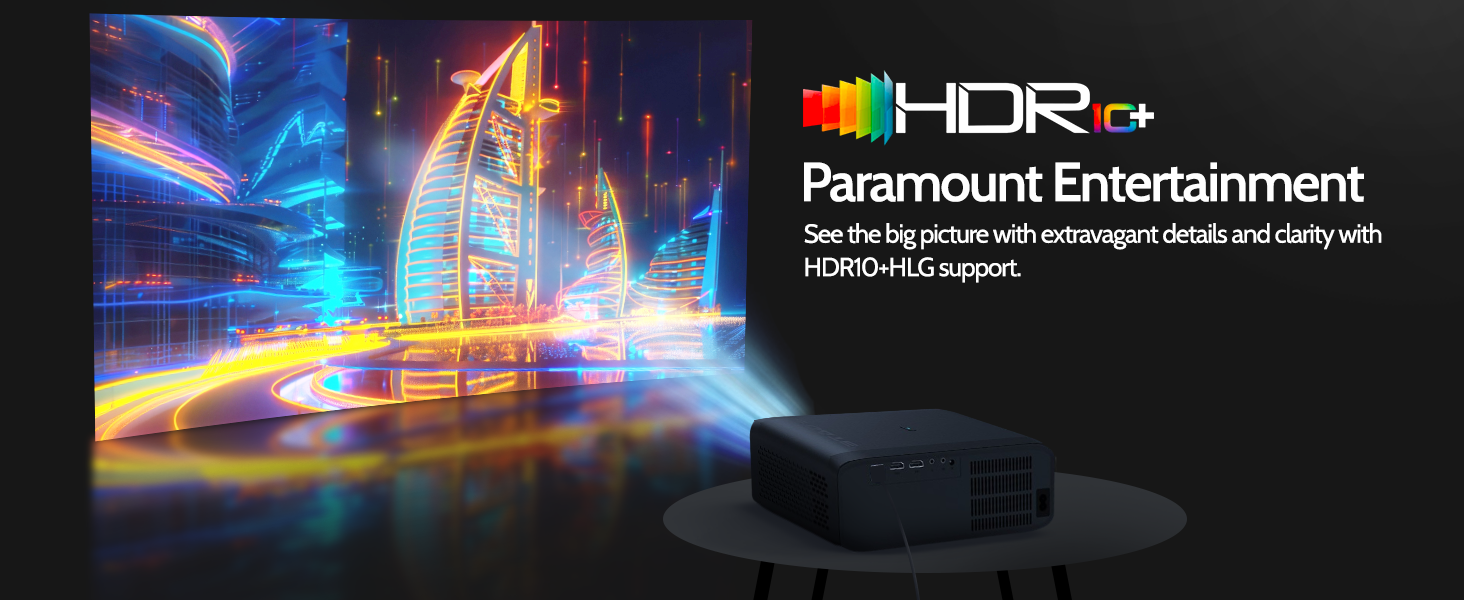
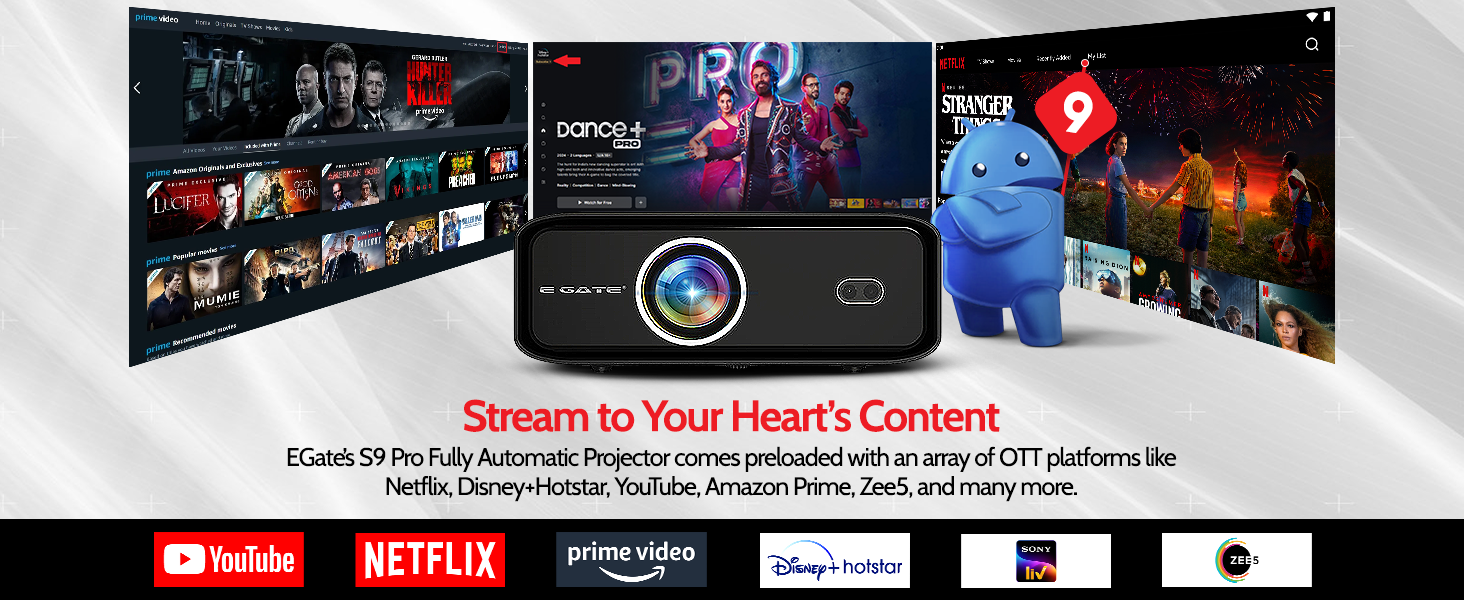
The integrated Android system allows access to a wide range of applications. Preloaded OTT platforms like Netflix, YouTube, Amazon Prime, and others provide extensive streaming options. The projector supports native 1080p resolution with 4K HDR+HLG decoding for high-quality visuals.


Soundbar Operation
The 210W 2.1 channel soundbar with a 6.5-inch subwoofer delivers powerful and immersive audio. It features quad drivers for virtual surround technology and can be controlled via the projector's remote or its own controls.




וישאַלט
Dust Proof Design
The E GATE Duster 7X HTC features a 100% dust-proof design with an IP6 sealed optical engine. This significantly reduces the risk of dust accumulation and black spots on the screen, ensuring long-term image clarity and reducing the need for frequent internal cleaning.

רייניקונג אינסטרוקציעס
- עקסטעריע: ווישט די אויסערליכע פלעכן מיט א ווייכן, טרוקענעם טוך. פאר שווערע פלעקן, ניצט א לייכטן טרוקענעם טוך.amp א שטאָף קען גענוצט ווערן, און דערנאך א טרוקענעם שטאָף.
- לענס: Use a lens cleaning cloth or a soft, lint-free cloth specifically designed for optical lenses. Avoid abrasive materials or harsh chemicals.
- לופט ווענט: Periodically check and gently clean the air vents to ensure proper airflow and prevent overheating.
Lamp לעבן
די פּראַדזשעקטער פֿעיִקייטן אַ