
הקדמה
Welcome to the user manual for your Noise Buds VS501 True Wireless Earbuds. This guide provides essential information to help you set up, operate, maintain, and troubleshoot your earbuds, ensuring an optimal audio experience. Please read this manual thoroughly before using the product.
וואָס איז אין די קעסטל
Upon unboxing your Noise Buds VS501, you should find the following items:
- 1N Bluetooth Headphone (Earbuds)
- 1N טשאַרדזשינג קאַסע
- 1N Charging Cable (Type-C)
- 1N באַניצער מאַנואַל
- 1N Warranty Registration Card
פּראָדוקט איבערview
The Noise Buds VS501 are designed for a seamless audio experience with advanced features. Familiarize yourself with the components:
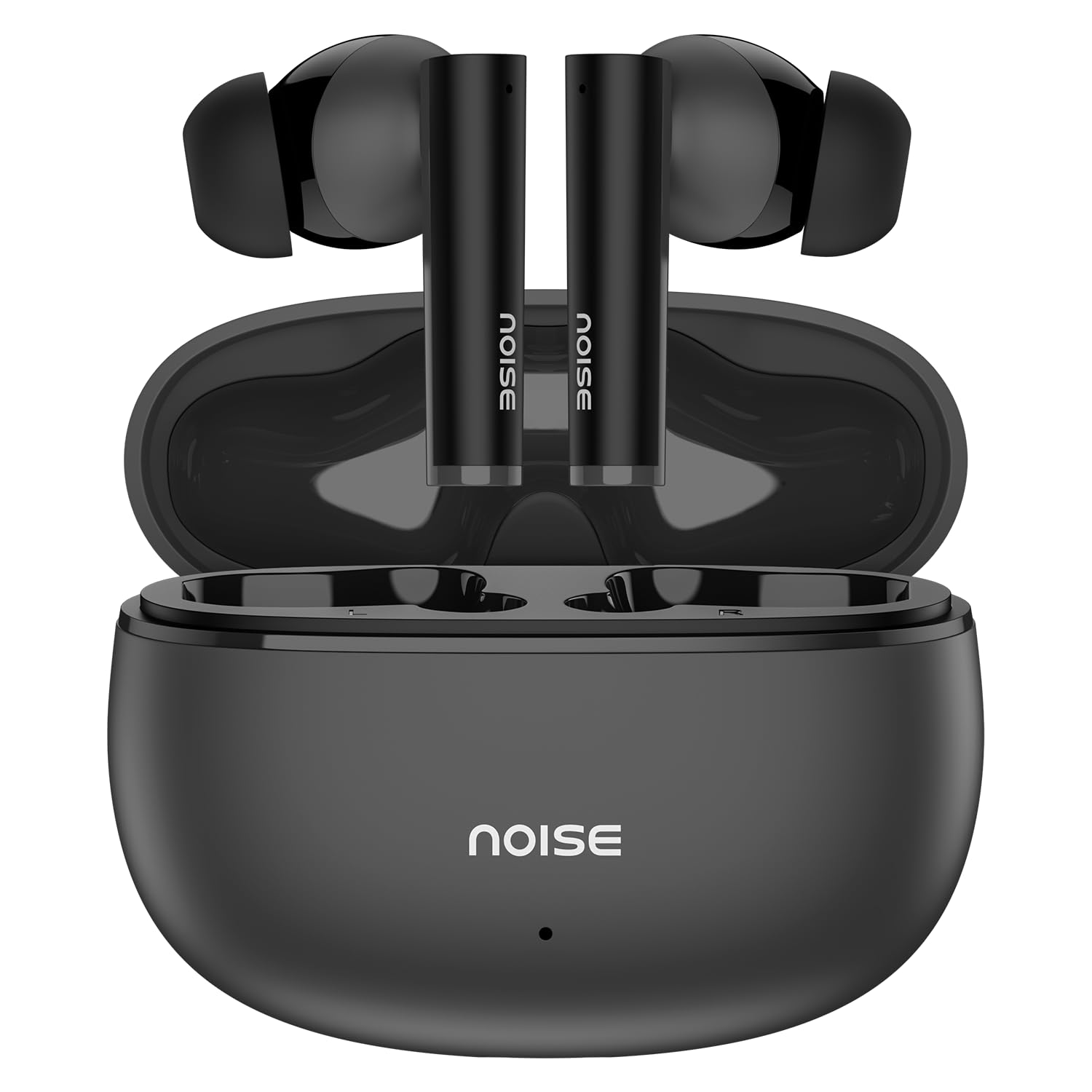
Image: Noise Buds VS501 True Wireless Earbuds, showcasinג זייער גלאַטן דיזיין.
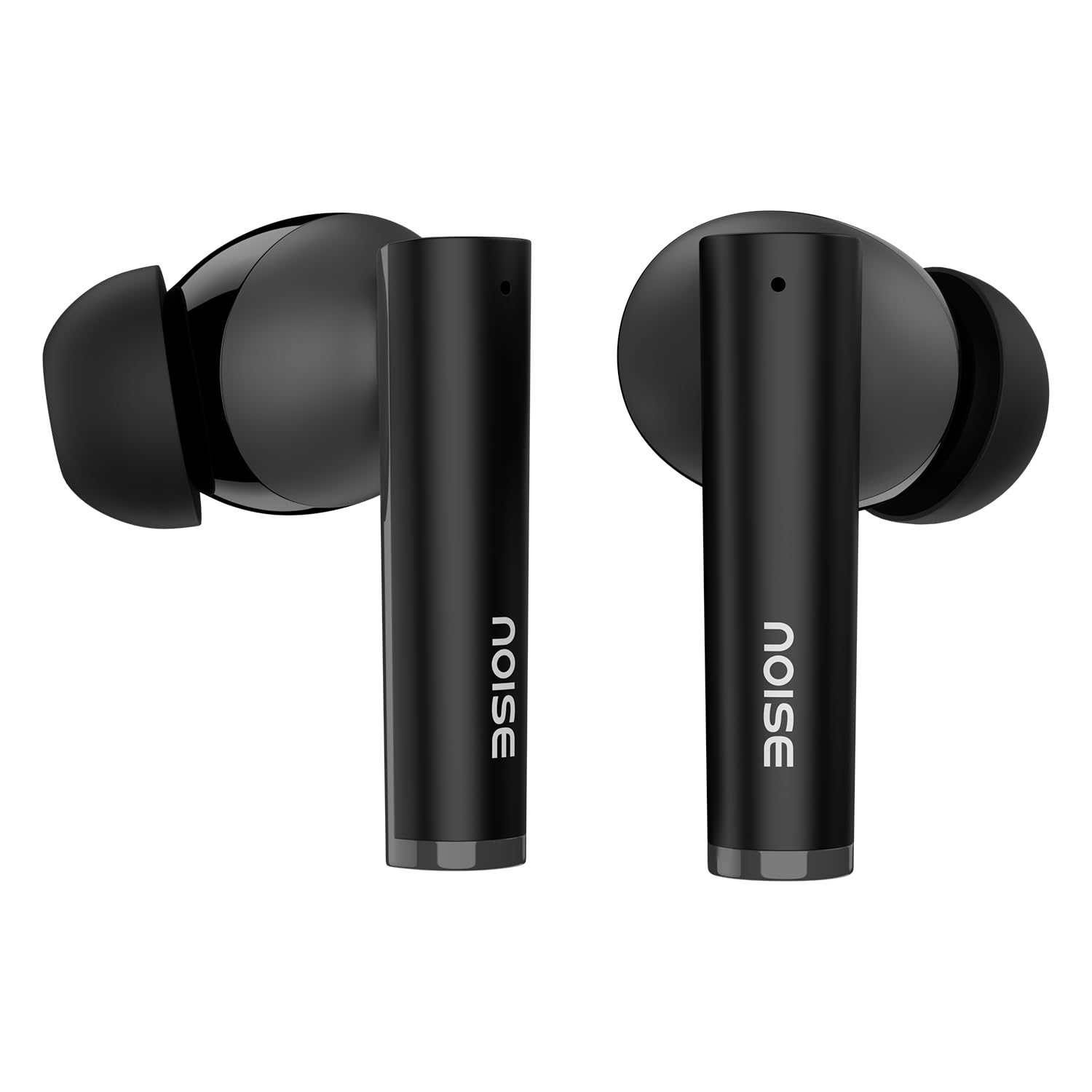
בילד: אן איבערview of key features including Bluetooth 5.3, 50 hours playtime, IPX5 water resistance, dual-device pairing, Quad Mic ENC, Trubass, dual color tones, and 10mm drivers.
The earbuds feature a 10 מם דינאַמיש שאָפער for rich sound and קוואַד מיק מיט ענוויראָנמענטאַל ראַש קאַנסאַליישאַן (ENC) for clear calls. The charging case provides extended battery life, offering up to גאַנץ שעה פון 50 שעה.
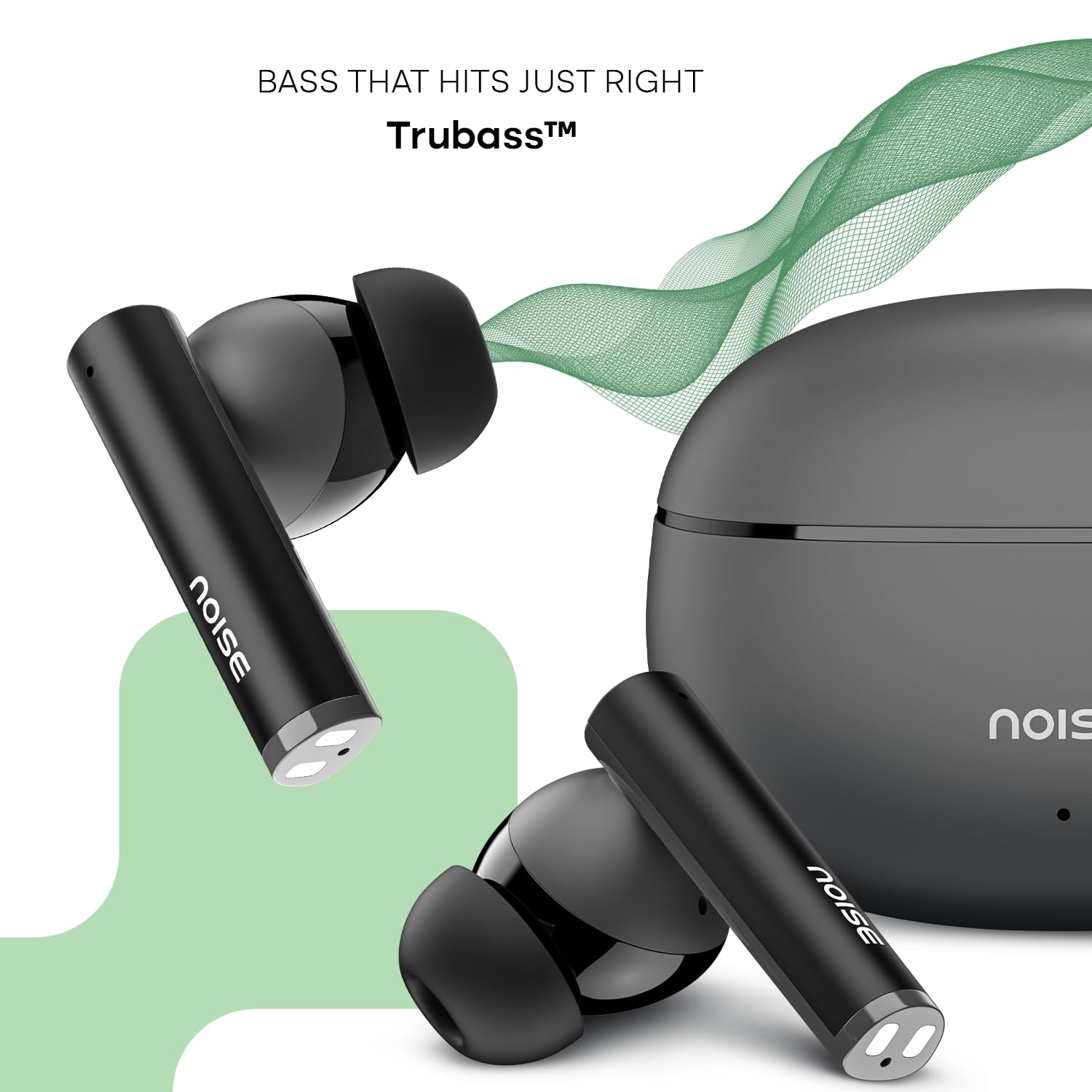
Image: Close-up of a single Noise Buds VS501 earbud, highlighting the 10mm driver for ampליפיעד אַודיאָ.
סעטאַפּ
טשאַרדזשינג די עאַרבודז און קאַסטן
פארן ערשטן באַנוץ, לאָדן די אויערקנעפּלעך און די טשאַרדזשינג קעסטל גאָר אויף.
- לייגט די אויערן-קנעפּלעך אין דעם טשאַרדזשינג קעסטל. מאַכט זיכער אַז זיי זענען ריכטיק אײַנגעזעצט.
- Connect the Type-C charging cable to the charging port on the case and the other end to a power source.
- The indicator light on the charging case will show the charging status. Once fully charged, the indicator may change or turn off.
The charging case provides multiple charges for the earbuds, extending the total listening time.
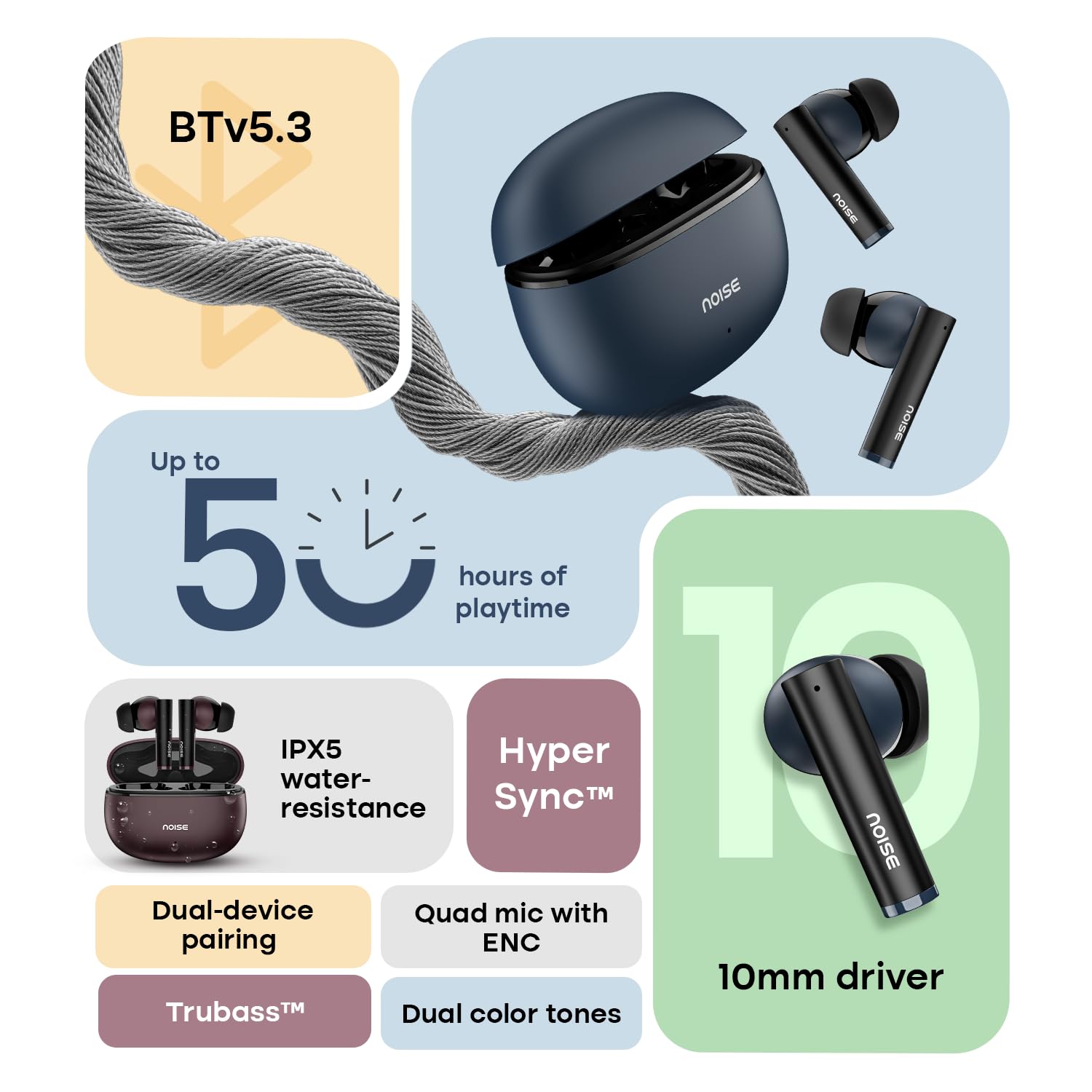
Image: The Noise Buds VS501 charging case, emphasizing its capability for up to 50 hours of playtime.
פּערינג מיט דיין מיטל
The Noise Buds VS501 feature HyperSync™ for quick pairing.
- עפֿנט דעם טשאַרדזשינג קעסטל. די אויערקנעפּלעך וועלן אויטאָמאַטיש אַרײַן אין פּערינג מאָדע.
- אויף אייער דעווייס (סמאַרטפאָן, טאַבלעט, לאַפּטאָפּ), אַקטיווירט בלועטוט.
- זוכן פֿאַר available Bluetooth devices and select "Noise Buds VS501" from the list.
- אַמאָל פארבונדן, וועט איר הערן אַן אַודיאָ פּראָמפּט, און די אויערקנעפּלעך וועלן זיין גרייט פֿאַר נוצן.
פֿאַר ווייטערדיקע נוצן, וועלן די אויערקנעפּלעך זיך אויטאָמאַטיש פֿאַרבינדן צום לעצטן פֿאַרבונדענעם מיטל ווען זיי ווערן אַרויסגענומען פֿון קעסטל.
אַפּערייטינג
ריר קאָנטראָלס
The earbuds are equipped with touch-sensitive controls for various functions:
- שפּיל / פּויזע: איין צאַפּן אויף יעדער עאַרבוד.
- ווייַטער שפּור: צאַפּ צוויי מאָל אויף די רעכטע אויערקנעפּל.
- פֿריִערדיקע שפּור: צאַפּ צוויי מאָל אויף די לינקע אויערקנעפּל.
- ענטפֿערן / סוף רופן: איין צאַפּן אויף יעדער עאַרבוד.
- אָפּוואַרפן רופן: דריקן און האַלטן יעדער עאַרבוד פֿאַר 2 סעקונדעס.
- אַקטיווירן שטימע אַסיסטאַנט (סירי/גוגל אַסיסטאַנט): טרייפאַך צאַפּן אויף יעדן אויערקנעפּעל.
צווייענדיק דיווייס פּערינג
The Noise Buds VS501 support dual device pairing, allowing seamless switching between two connected devices.
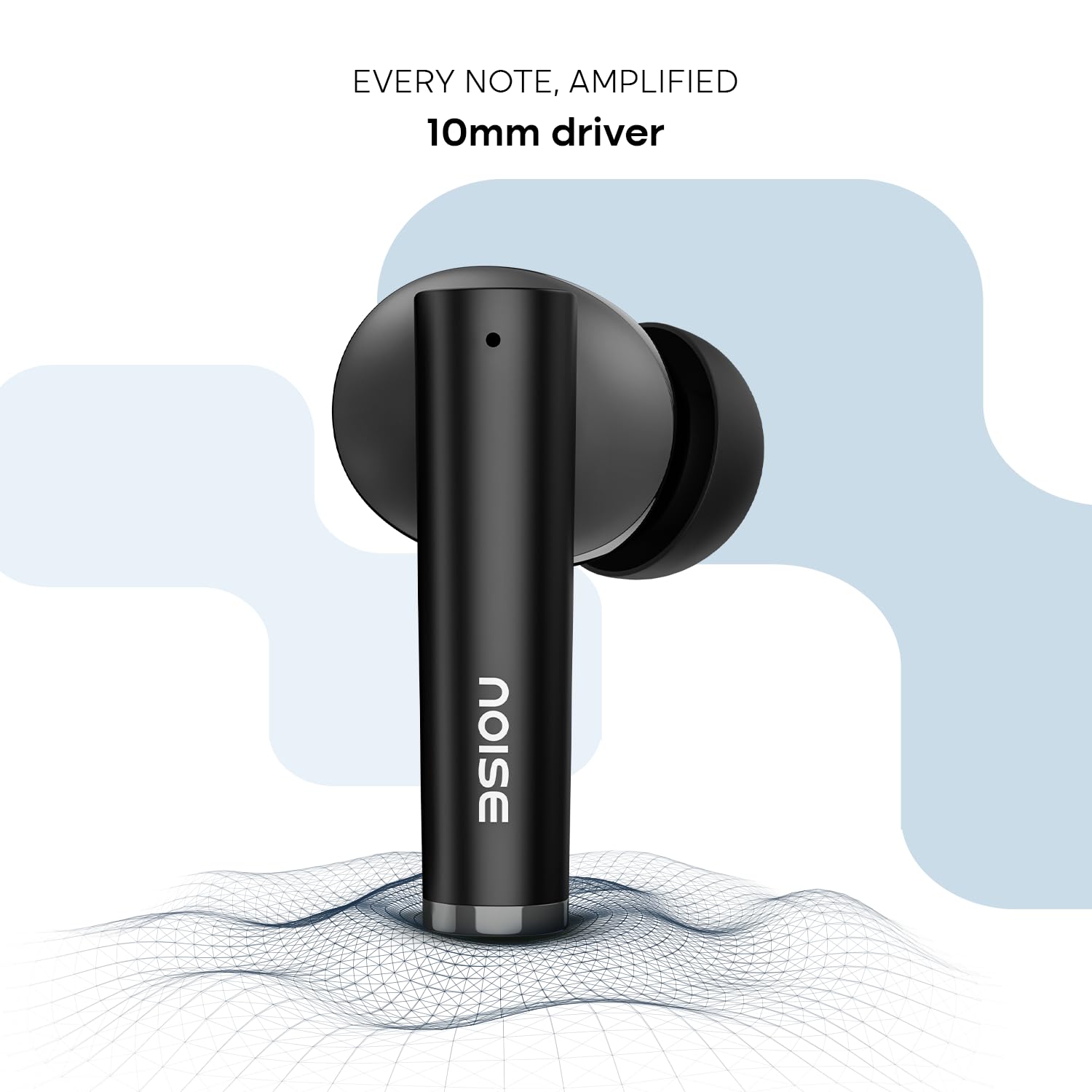
Image: Noise Buds VS501 connected to both a smartphone and a tablet, illustrating the dual-device pairing feature.
צו נוצן דעם שטריך:
- Pair the earbuds with your first device (e.g., smartphone).
- Disconnect the earbuds from the first device's Bluetooth settings. The earbuds will re-enter pairing mode.
- פֿאַרבינדט די אויערקנעפּלעך מיט אײַער צווייטן מיטל (למשל, לאַפּטאָפּ).
- Now, the earbuds are paired with both devices. To switch, simply play audio or answer a call on the desired device, and the earbuds will automatically connect.
מאכן קאַללס
די Quad Mic with ENC (Environmental Noise Cancellation) ensures clear voice transmission during calls, even in noisy environments.
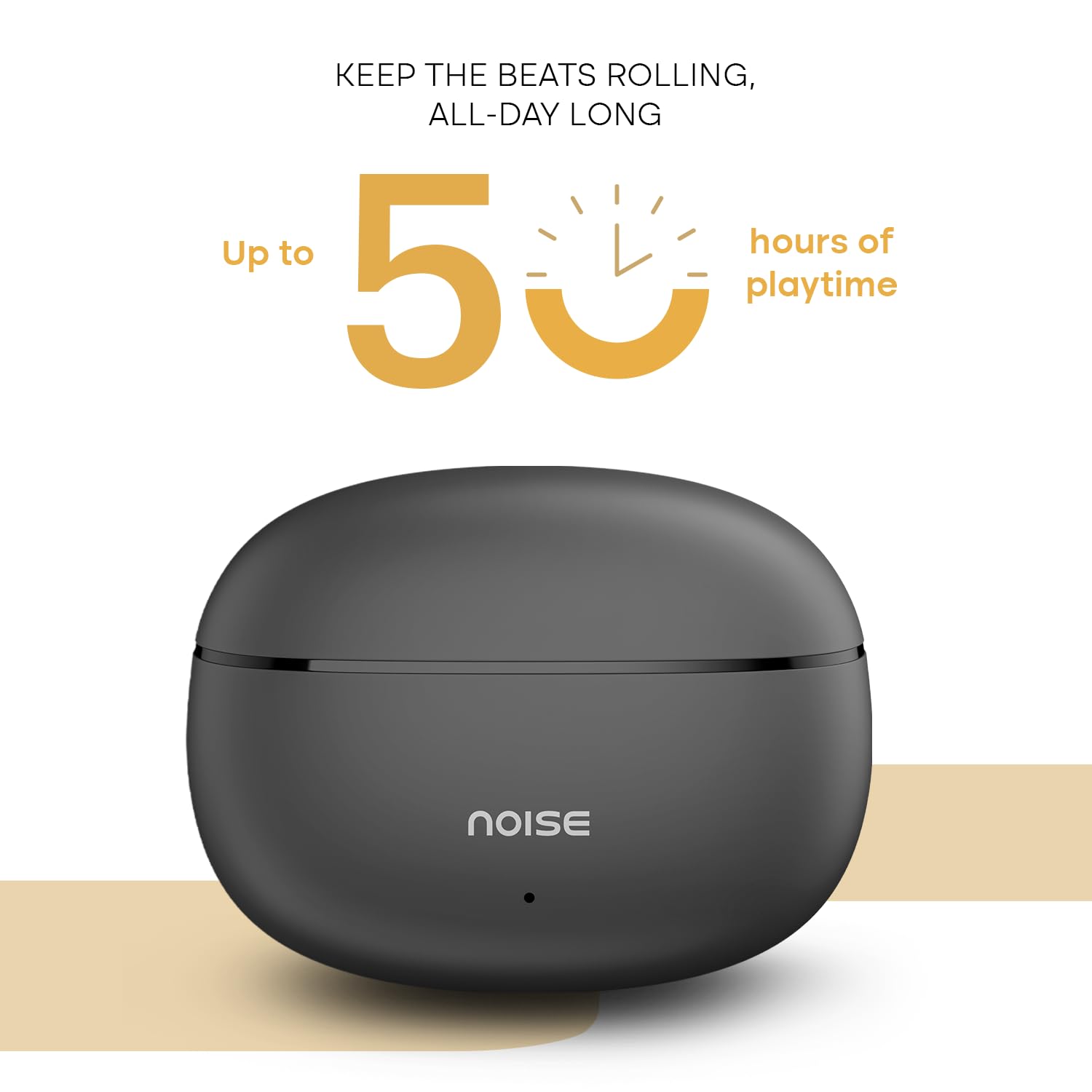
Image: A person wearing a Noise Buds VS501 earbud, illustrating the Quad Mic with ENC feature for clear conversations.
וישאַלט
Proper maintenance ensures the longevity and optimal performance of your Noise Buds VS501.
- רייניקונג: רייניקט רעגולער די אויערקנעפּלעך און די טשאַרדזשינג קעסטל מיט אַ ווייכן, טרוקענעם, לינט-פֿרייע שטאָף. ניצט נישט קיין שאַרפע כעמיקאַלן אדער אַברייסיוו מאַטעריאַלן.
- וואַסער קעגנשטעל: די אויערקנעפּלעך זענען IPX5 וואַסער קעגנשטעליק, meaning they can withstand splashes and sweat. Do not submerge them in water or expose them to heavy rain.
- סטאָרידזש: ווען נישט אין באַנוץ, לייגט די אויערקנעפּלעך אין זייער טשאַרדזשינג קעסטל צו באַשיצן זיי און האַלטן זיי טשאַרדזשד. לייגט זיי אין אַ קיל, טרוקן אָרט אַוועק פון עקסטרעמע טעמפּעראַטורן.
- טשאַרדזשינג פּאָרט: Keep the Type-C charging port free from dust and debris.
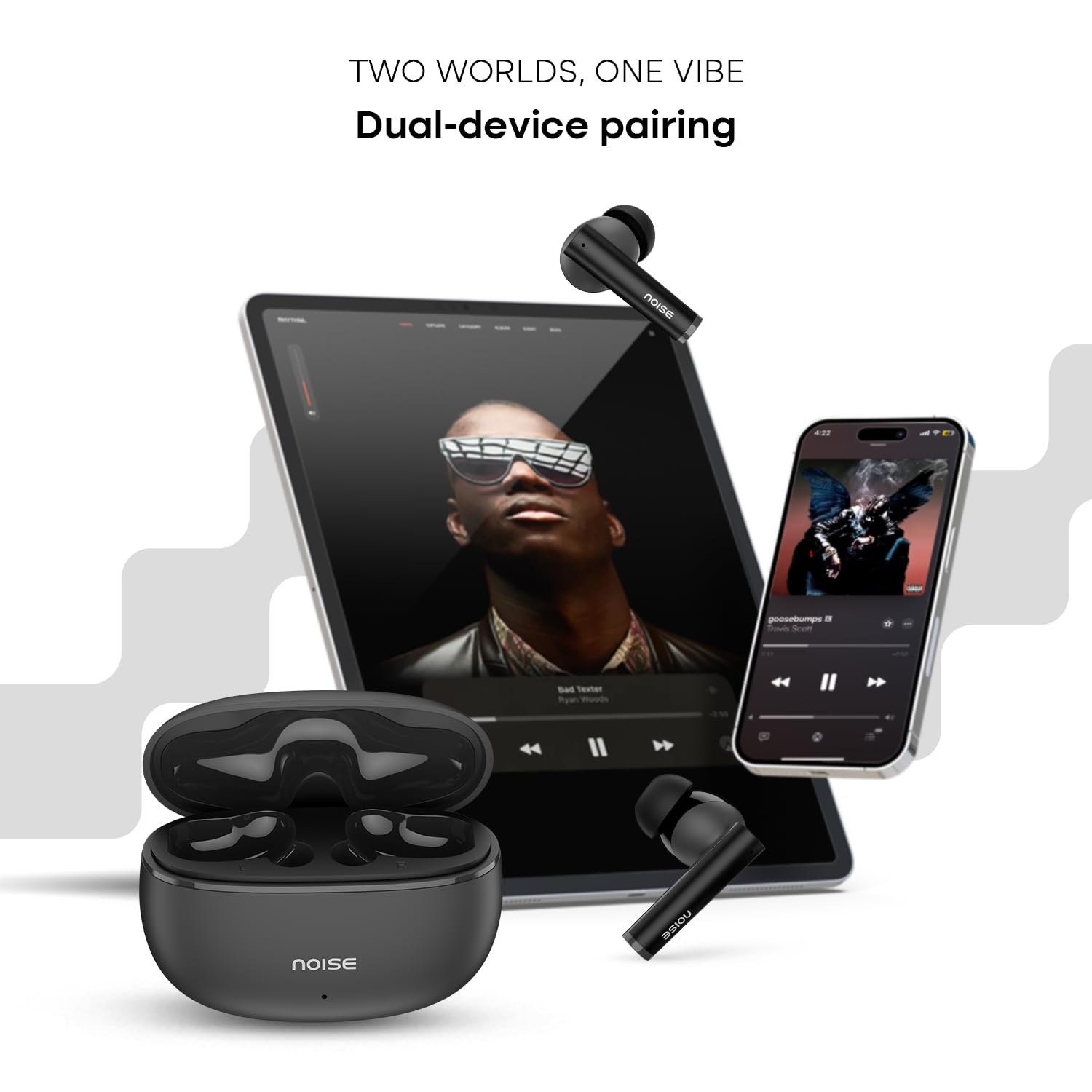
Image: Visual representation of HyperSync, Bluetooth v5.3, and IPX5 water resistance features of the Noise Buds VS501.
טראָובלעשאָאָטינג
If you encounter issues with your Noise Buds VS501, refer to the following common solutions:
- אויערקנעפּלעך נישט פארבינדן/פארבינדן זיך:
- מאַכן זיכער אַז ביידע עאַרבודז זענען באפוילן.
- אויסלעשן און אנשטעלן בלועטוט אויף אייער דעווייס.
- Forget "Noise Buds VS501" from your device's Bluetooth list and try pairing again.
- Perform a factory reset (refer to the manufacturer's website or contact support for specific instructions).
- נאָר איין אויערקנעפּל אַרבעט:
- לייגט צוריק ביידע אויערקנעפּלעך אין דעם טשאַרדזשינג קעסטל, מאַכט צו דעם דעקל, וואַרט אַ פּאָר סעקונדעס, און עפֿנט עס ווידער.
- מאַכן זיכער אַז ביידע עאַרבודז זענען באפוילן.
- רייניקט די טשאַרדזשינג קאָנטאַקטן אויף ביידע אויערקנעפּלעך און אינעווייניק פון די קעסטל.
- דורכפירן אַ פאַבריק באַשטעטיק.
- טשאַרדזשינג ישוז:
- זיכער מאַכן אַז דער טשאַרדזשינג קאַבל איז זיכער פארבונדן צו ביידע דעם קעסטל און די מאַכט מקור.
- Try a different Type-C charging cable and power adapter.
- רייניקט דעם טשאַרדזשינג פּאָרט אויף דעם קעיס.
- נידעריקע קול אדער שלעכטע געזונט קוואַליטעט:
- סטרויערן די באַנד אויף דיין קאָננעקטעד מיטל.
- זייט זיכער אז די אויערקנעפּלעך זענען ריכטיק אײַנגעזעצט אין אייערע אויערן.
- רייניקט יעדן אויערוואַקס אָדער שמוץ פון די אויערקנעפּל נאַזאַלז.
ספּעסאַפאַקיישאַנז
| סאָרט | ראַש |
| מאָדעל נאָמען | באַדז VS501 |
| מאָדעל נומער | AUD-HDPHN-BUDSVS501-BLK |
| אויער פּלייסמאַנט | אין אויער |
| פאָרם פאַקטאָר | אמת ווירעלעסס |
| בלועטאָאָטה ווערסיע | 5.3 |
| בלועטאָאָטה קייט | 10 מעטער |
| באַטערי דורכשניטלעך לעבן | 50 Hours (Total Playtime with Case) |
| אַודיאָ דרייווער גרייס | 10 מילאַמיטערז |
| פּראָדוקט פֿעיִקייטן | Noise Cancellation (ENC), Dual Device Pairing |
| וואַסער קעגנשטעל מדרגה | IPX5 וואַסער קעגנשטעליק |
| כעדפאָונז דזשאַק | טיפ-C שנעל טשאַרדזשינג דזשאַק |
| קאָנטראָל מעטאָד | שטימע, בארירונג |
| קאָנטראָללער טיפּ | גוגל אַססיסטאַנט, סירי |
| פּונקט וואָג | 50 גראַמז |
| מאַטעריאַל | פּאָליקאַרבאָנאַטע (פּיסי) |
וואָראַנטי און שטיצן
וואָראַנטי אינפֿאָרמאַציע
Your Noise Buds VS501 come with a 1 יאָר וואָראַנטי provided by the manufacturer from the date of purchase. Please retain your proof of purchase for warranty claims.
קונה שטיצן
For any technical assistance, warranty claims, or product-related inquiries, please contact Noise customer support:
- פאַבריקאַנט: נעקסבייס מאַרקעטינג פּריוואַט לימיטעד
- אַדרעס: Khasra No-146/25/2/1, Jail Road Badshahpur, Gurugram Haryana-122101
- קאָנטאַקט נומער: 8882-132-132