
1. הקדמה
This manual provides essential information for the safe and efficient operation of your HOTWAV R9 Pro Rugged Tablet. The HOTWAV R9 Pro is designed for durability, featuring MIL-STD-810H, IP68, and IP69K certifications, making it resistant to drops, water, and dust. It operates on Android 14 and offers a robust set of features for various environments. Please read this manual thoroughly before using your device.
2. זיכערקייַט אינפֿאָרמאַציע
- וואַסער און שטויב קעגנשטעל: While the device is IP68/IP69K rated, avoid prolonged submersion beyond specified depths (2 meters) and durations (30 minutes). Ensure all port covers are securely closed before exposure to water or dust.
- טעמפּעראַטור: שטעלט נישט אויס דעם אפאראט צו עקסטרעמע טעמפּעראַטורן (אונטער -20°C אדער העכער 60°C).
- פּראַל: The device is drop-resistant up to 1.2 meters. However, severe impacts can still cause damage.
- באַטערי: Use only approved chargers and cables. Do not attempt to replace the battery yourself. Avoid puncturing or damaging the battery.
- רייניקונג: ניצן אַ ווייך, דamp שטאָף פֿאַר רייניקונג. ויסמייַדן האַרב קעמיקאַלז.
- באַזייַטיקונג: אַוועקוואַרפן דאָס אַפּאַראַט און זײַן באַטאַרייע פֿאַראַנטוואָרטלעך לויט די לאָקאַלע רעגולאַציעס.
3. פּעקל אינהאַלט
באַשטעטיקן אַז אַלע זאכן זענען פאַראַן אין דיין פּעקל:
- 1x HOTWAV R9 פּראָ ראַגד טאַבלעט
- 1 קס וסב טיפּ-C קאַבלע
- 1x OTG Cable
- 1x מאַכט אַדאַפּטער
- 1x באַניצער מאַנואַל
4. דיווייס איבערview
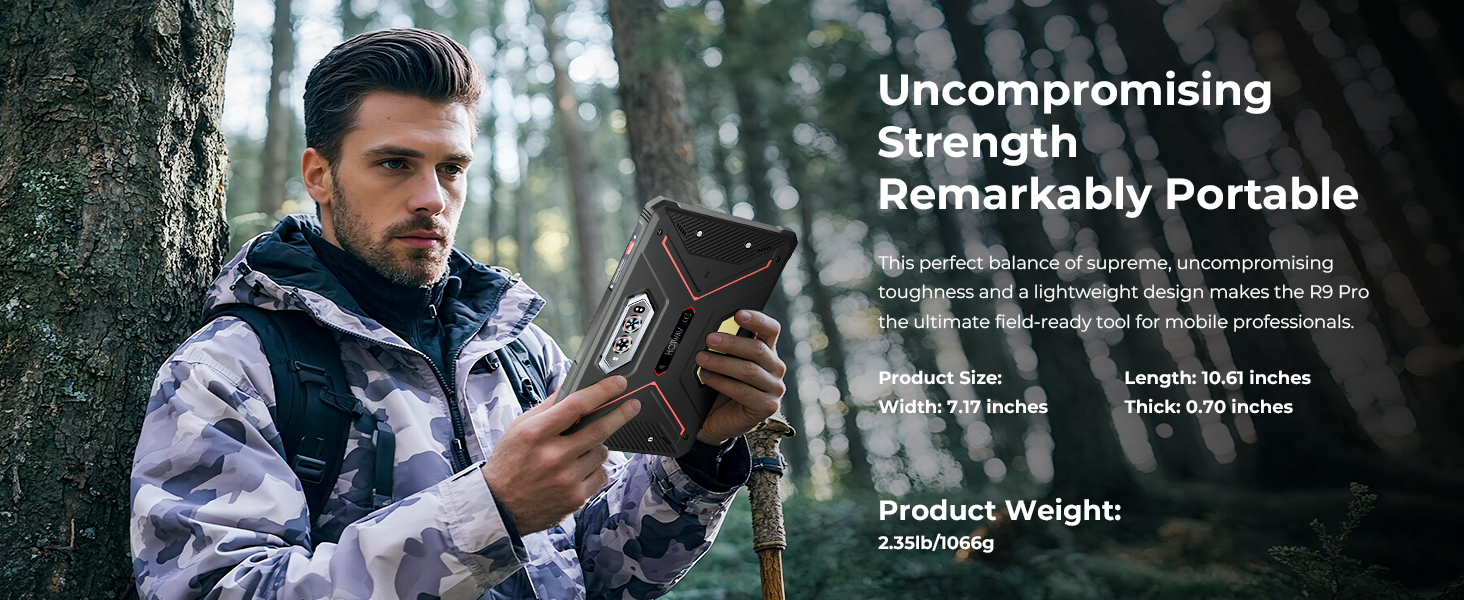
The HOTWAV R9 Pro features an 11-inch display and a robust exterior. Familiarize yourself with the key components.

פראָנט און צוריק view of the HOTWAV R9 Pro Rugged Tablet, showing the screen, cameras, and rugged casing.

זייַט view of the HOTWAV R9 Pro Rugged Tablet, highlighting port locations and buttons.
5. סעטאַפּ
5.1 ערשט טשאַרדזשינג
Before first use, fully charge the tablet using the provided power adapter and USB Type-C cable. Connect the cable to the tablet's charging port and the adapter to a power outlet. The charging indicator will show the charging status.
5.2 פּאַוערינג אויף / אַוועק
- צו מאַכט אויף: דריק און האלט דעם פּאַוער קנעפּל ביז דער HOTWAV לאָגאָ דערשיינט.
- צו מאַכט אַוועק: דריק און האלט דעם פּאַוער קנעפּל, און דערנאָך סעלעקטיר "פּאַוער אויס" פֿון די אָפּציעס אויף דעם עקראַן.
- ריסטאַרט: דריק און האלט דעם פּאַוער קנעפּל, און דערנאָך סעלעקטיר "ריסטאַרט" פֿון די אָפּציעס.
5.3 סים קאַרטל און TF קאַרטל אינסטאַלאַציע
The tablet supports dual 4G SIM cards and a TF card for expandable storage up to 2TB.
- געפינט די SIM/TF קאַרטל טאַץ אויף דער זייט פון דער טאַבלעט.
- ניצט דעם צוגעשטעלטן סים ארויסווארפער געצייג צו עפענען דעם טאץ.
- Carefully place the SIM cards and/or TF card into their respective slots, ensuring correct orientation.
- Gently push the tray back into the tablet until it is flush with the device.
5.4 ערשטע אַנדרויד סעטאַפּ
Upon first power-on, follow the on-screen prompts to complete the initial setup, including language selection, Wi-Fi connection, Google account login, and security settings.
6. אַפּערייטינג ינסטרוקטיאָנס
6.1 יקערדיק נאַוויגאַציע
The HOTWAV R9 Pro uses standard Android touch gestures:
- צאַפּן: אויסקלייבן אַן אייטעם אָדער עפֿענען אַן אַפּ.
- לאַקכענען: סקראָלן דורך סקרינז אדער רשימות.
- קניפּ: פארגרעסערן אדער פארקלענערן בילדער און web בלעטער.
- לאנג פּרעס: צוטריט קאנטעקסטועלע מעניוס אדער באוועג איקאנעס.
6.2 קאַנעקטיוויטי
- ווי-פי: Go to Settings > Network & internet > Wi-Fi to connect to available networks. The tablet supports 5G Wi-Fi.
- 4G דואַל סים: Insert two 4G SIM cards to manage calls and data from different networks. (Note: Not compatible with AT&T, Cricket, or Verizon networks. Fully supports T-Mobile, Mint, Boost, and Google Fi.)
- בלועטאָאָטה 5.0: גייט צו סעטטינגס > פארבונדענע דעווייסעס > בלועטוט צו פארבינדן זיך מיט בלועטוט אקסעסאריעס.
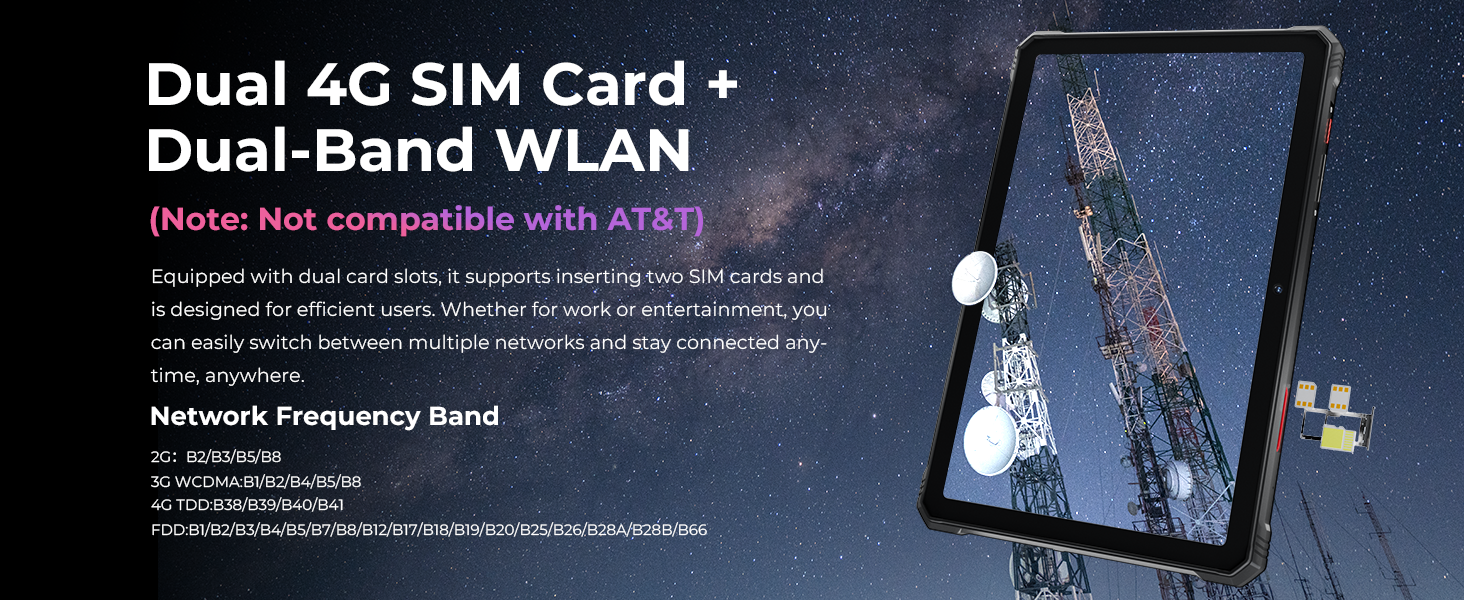
Image showing the tablet's dual 4G SIM card and dual-band WLAN capabilities.
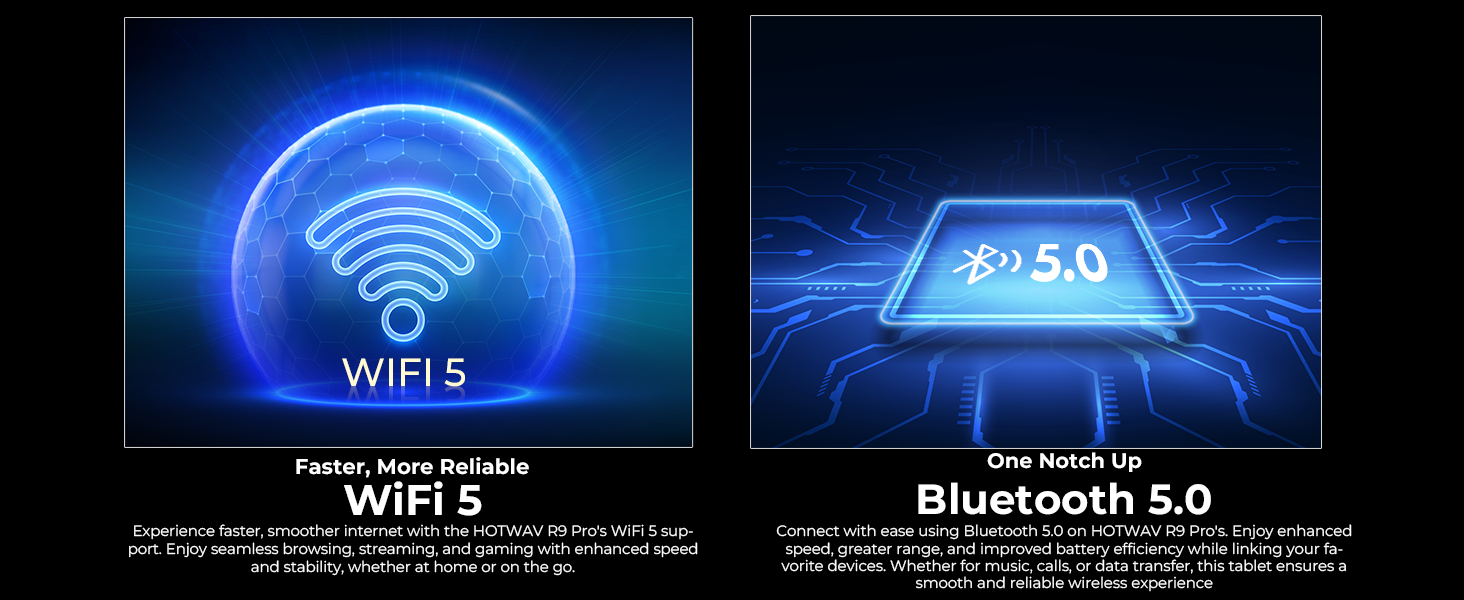
Visual representation of WiFi 5 and Bluetooth 5.0 connectivity features.
6.3 קאַמעראַ באַניץ
די טאַבלעט האט אַ 64 מפּ דערציען אַפּאַראַט און אַ 16 מפּ פראָנט אַפּאַראַט.
- עפֿנט די קאַמעראַ אַפּ צו נעמען בילדער אָדער רעקאָרדירן ווידעאָס.
- אונטערוואַסער מאָדע: Activate this mode in the camera settings before taking photos or videos underwater. Ensure all port covers are sealed.

בילד ווייַזונגasing the 64MP rear camera's capability to capture detailed photos.
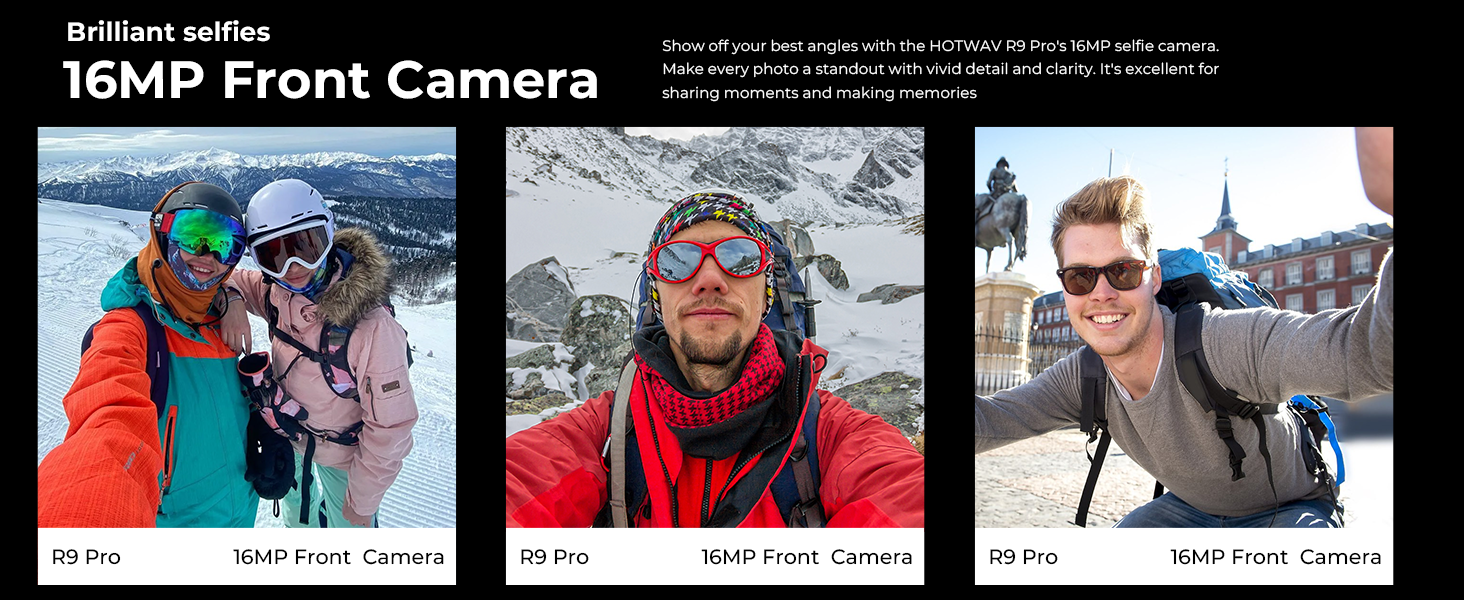
Image demonstrating the 16MP front camera for selfies and video calls.

The tablet's underwater mode allows for photography in aquatic environments.
6.4 גפּס נאַוויגאַציע
The tablet supports GPS, BEIDOU, GLONASS, and Galileo for accurate positioning. Download maps in advance for offline use.
The tablet's GPS capabilities for navigation and location tracking.
6.5 Face ID
Set up Face ID for secure and convenient unlocking of your device. Go to Settings > Security & privacy > Face unlock and follow the instructions.
6.6 סיampאין ליכט
The integrated Super LED Camping Light provides 350 lumens of illumination and can last for 14 hours. Access and control the camping light through the quick settings panel or a dedicated app.
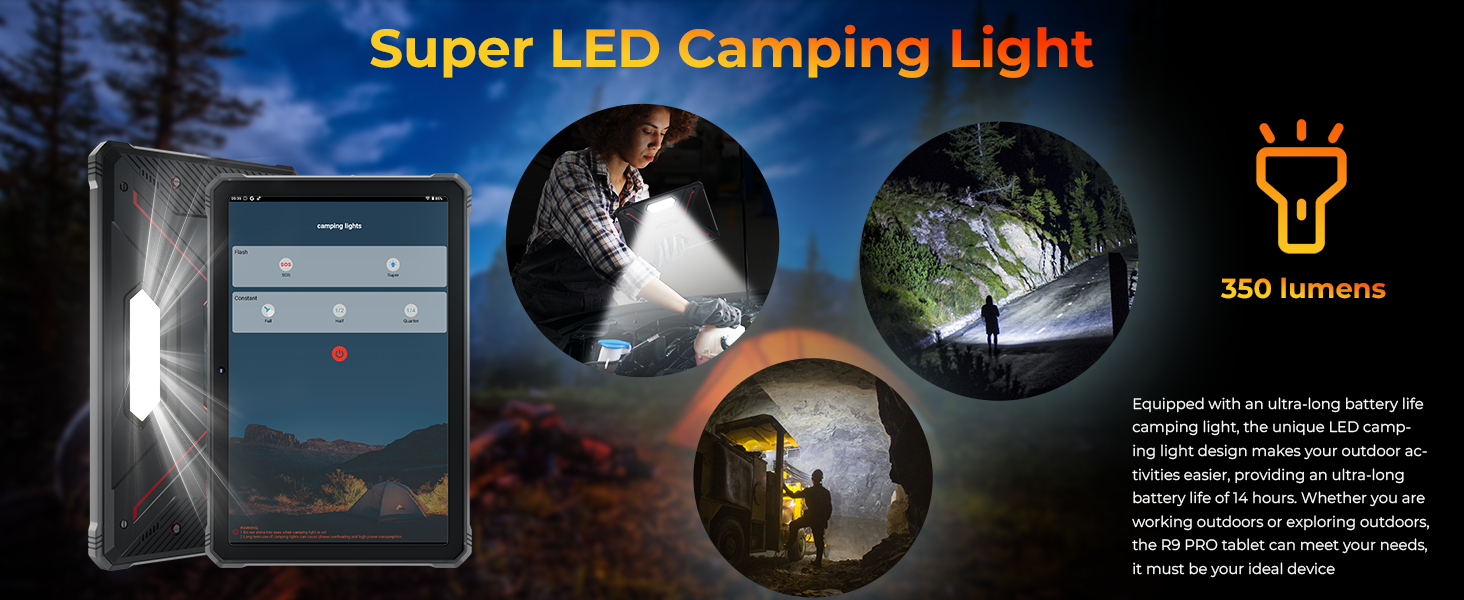
The tablet's Super LED Camping Light in use, providing illumination.
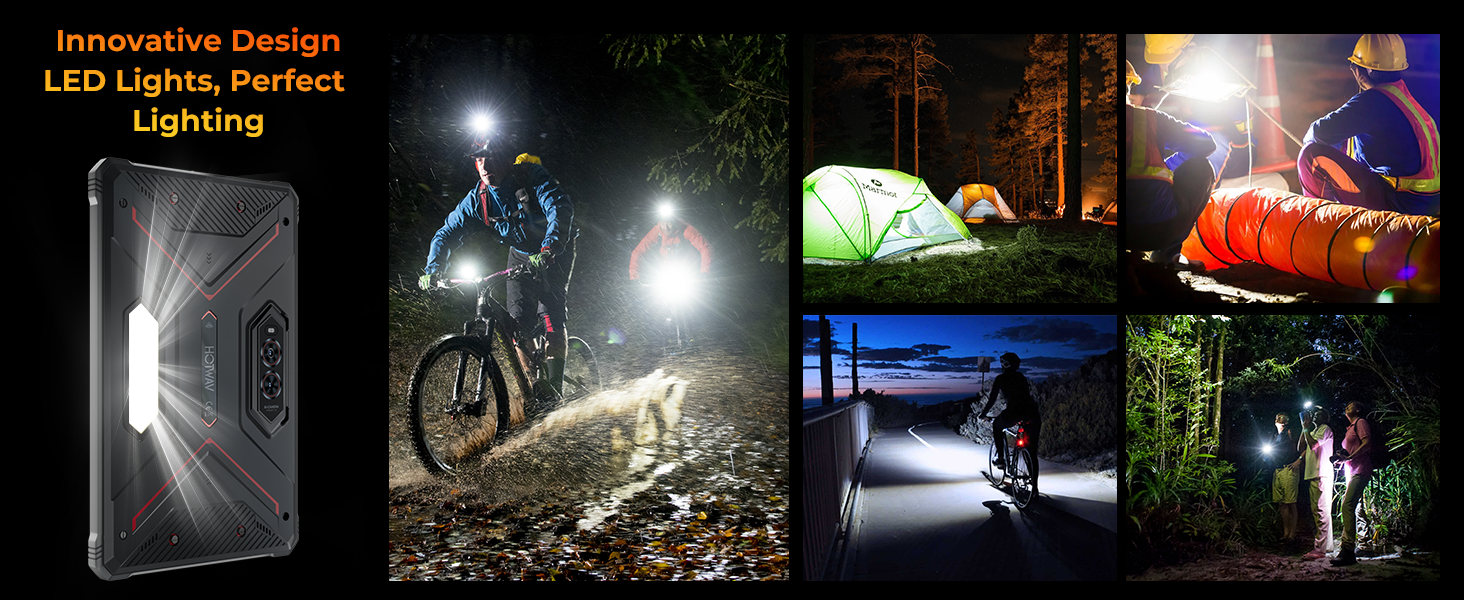
Various scenarios demonstrating the utility of the tablet's LED campינג ליכט.
6.7 OTG ריווערס טשאַרדזשינג
Use the provided OTG cable to connect other devices to your tablet and use the tablet's large battery to charge them. This feature allows the tablet to act as a power bank.

Diagram illustrating the OTG reverse charging function, showing the tablet charging other devices.
6.8 אַנדרויד 14 פֿעיִטשערס
The tablet runs on the latest Android 14, offering enhanced privacy controls, improved performance, and features like split-screen multitasking.

Image depicting the Android 14 operating system interface on the HOTWAV R9 Pro.
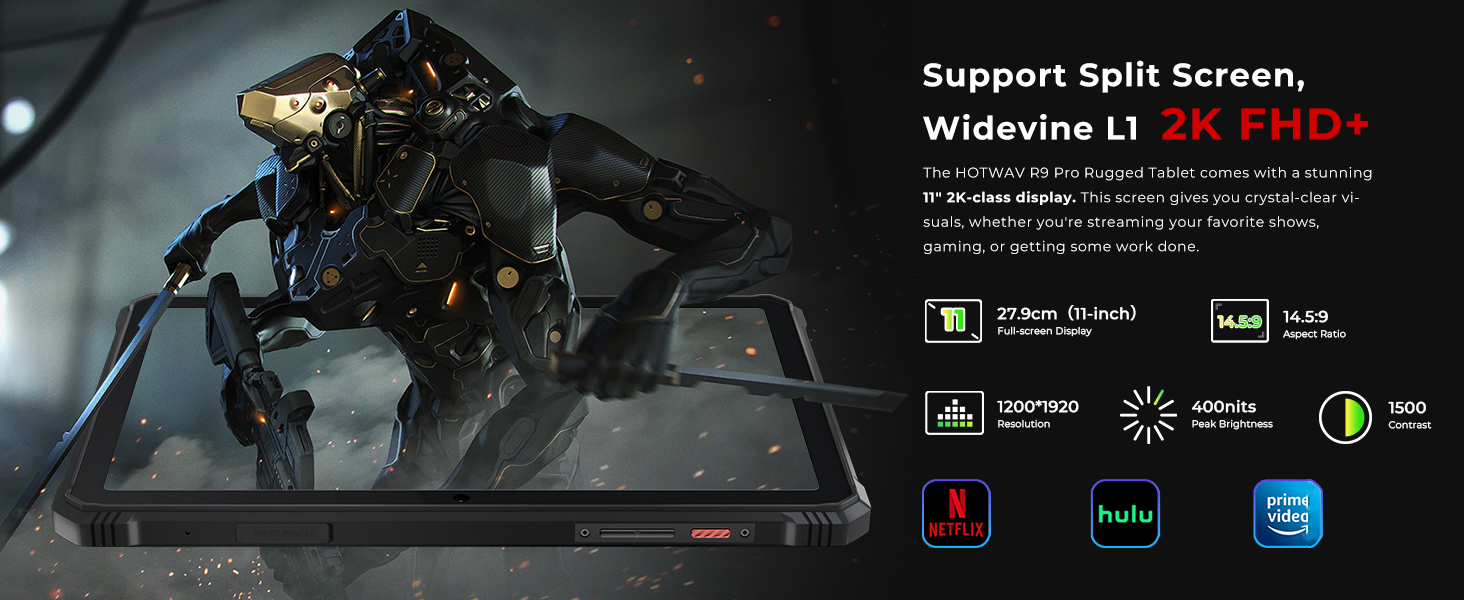
The tablet supports split-screen functionality and Widevine L1 for high-definition streaming.
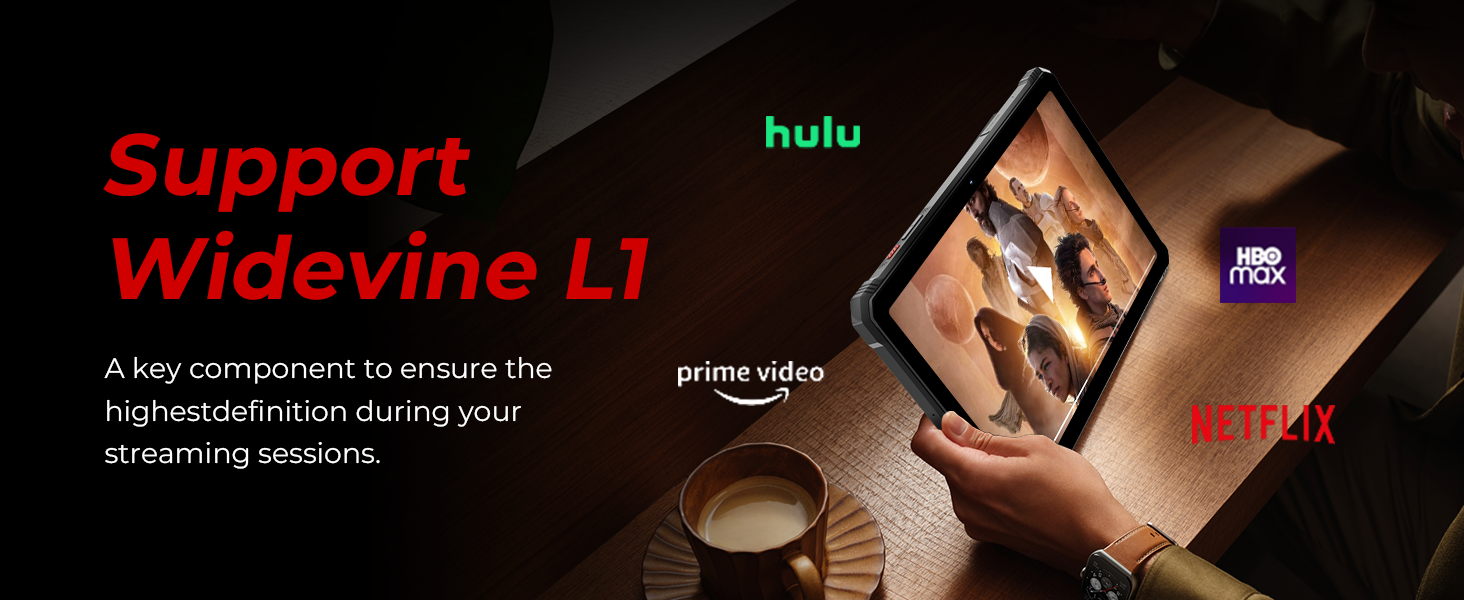
The tablet's support for Widevine L1 ensures high-definition content playback from streaming services.
7. שליסל פֿעיִקייטן
7.1 ווייַז
The HOTWAV R9 Pro features an 11-inch 2K FHD+ display with a resolution of 1920x1200 pixels and 450 NIT brightness. The screen is designed to be scratch-resistant, providing clear visuals for various applications.

The 11-inch 2K display offers clear visuals and is scratch-resistant.
7.2 פאָרשטעלונג
Powered by a Unisoc T606 octa-core processor, the tablet includes 20GB RAM (6GB fixed + 14GB expandable) and 256GB internal storage, expandable up to 2TB via a TF card. This configuration supports smooth multitasking and ample storage for applications and media.
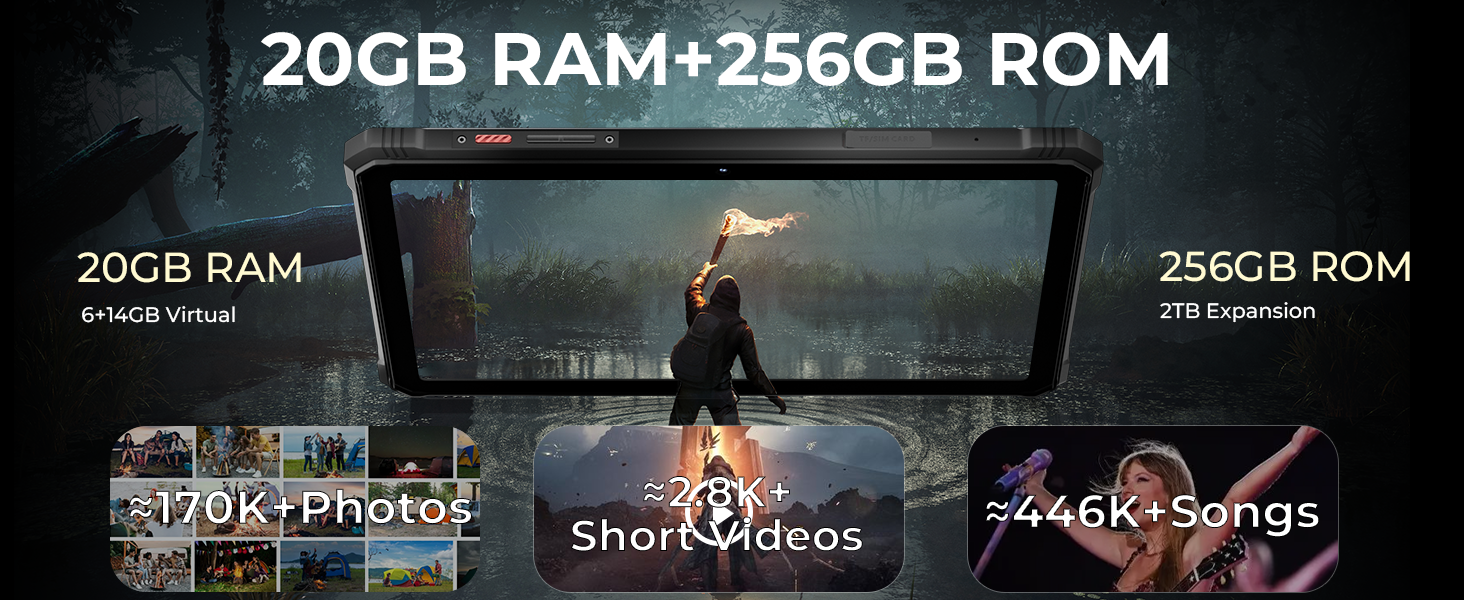
Details on the Unisoc T606 octa-core processor, 20GB RAM, and 256GB ROM with 2TB expandability.

Visual representation of the tablet's 20GB RAM and 256GB ROM, highlighting storage capacity for photos, videos, and songs.
7.3 געווער
The R9 Pro is built to withstand harsh conditions, meeting MIL-STD-810H military standards and IP68/IP69K ratings. This ensures resistance to drops up to 1.2 meters, and water/dust immersion up to 2 meters for 30 minutes.

Illustrations of the tablet's drop-proof, waterproof, and dust-proof features, certified by IP68, IP69K, and MIL-STD-810H standards.
Official video demonstrating the ruggedness of the HOTWAV R9 Pro tablet, including drop and water resistance tests.
אפיציעלע ווידעא שאוasing the waterproof capabilities of the HOTWAV R9 Pro tablet.
7.4 באַטאַרייע לעבן
Equipped with a 20080mAh battery, the tablet offers extended usage times: up to 120 days standby, 1000 hours of music playback, and 100 hours of talk time. It supports 20W fast charging.
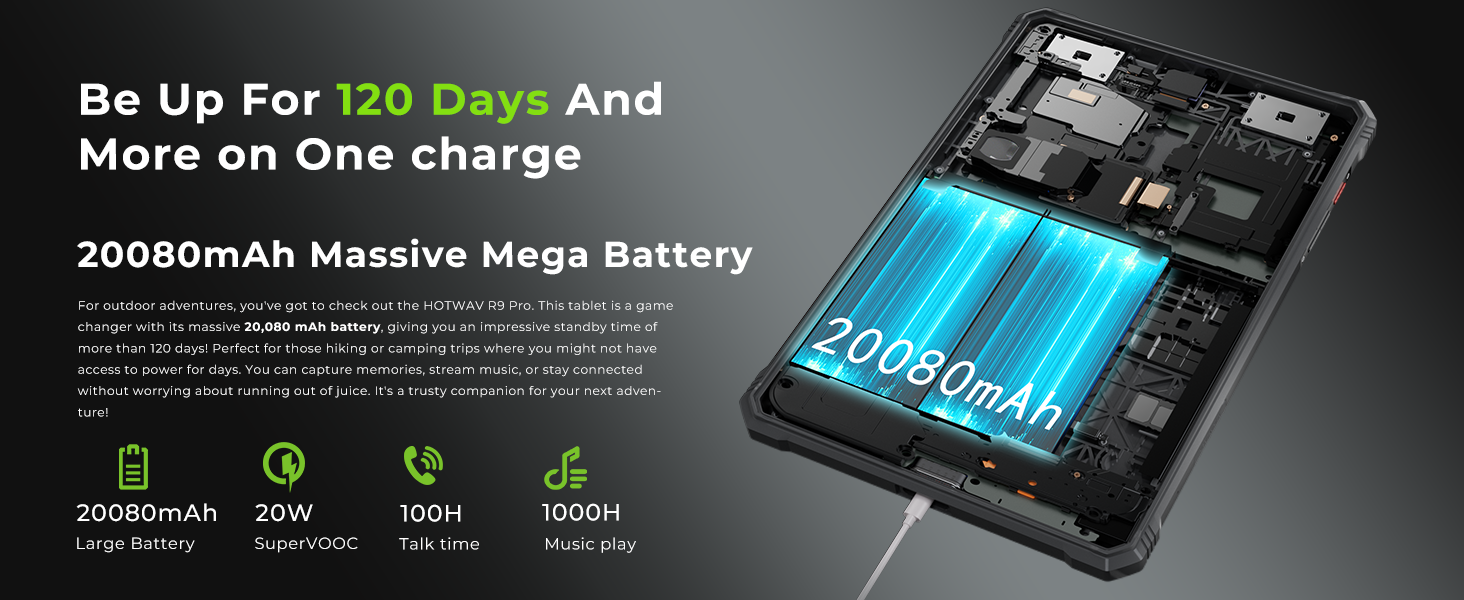
Information on the tablet's 20080mAh battery, including standby time, music playback, and talk time.
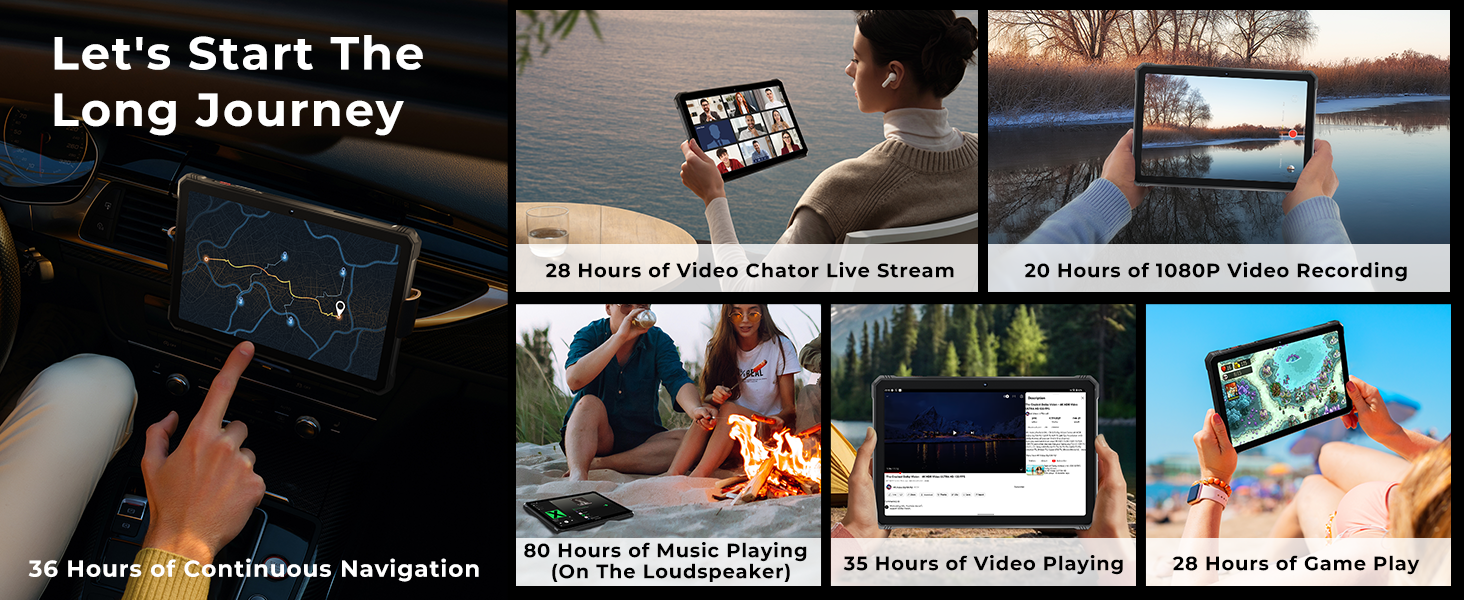
Examples of extended usage times for navigation, video, music, and gaming on a single charge.
7.5 הענטשקע מאָדע
The tablet features a Glove Mode, allowing you to operate the touchscreen while wearing gloves, which is useful in cold weather or industrial environments. This mode can typically be activated in the display settings.

Image showing a user operating the tablet while wearing gloves, demonstrating the Glove Mode feature.
8. וישאַלט
- רייניקונג: Wipe the screen and body with a soft, lint-free cloth. For stubborn dirt, slightly dampen the cloth with water. Ensure all port covers are closed before cleaning with moisture.
- באַטערי זאָרגן: To prolong battery life, avoid fully discharging the battery frequently. Charge the device regularly and avoid leaving it in direct sunlight or extremely hot environments.
- ווייכווארג דערהייַנטיקונגען: קאָנטראָלירט און אינסטאַלירט רעגולער סיסטעם דערהייַנטיקונגען צו זיכער מאַכן אָפּטימאַלע פאָרשטעלונג און זיכערהייט. גייט צו סעטטינגס > סיסטעם > סיסטעם דערהייַנטיקונג.
- סטאָרידזש פאַרוואַלטונג: פּעריִאָדיש אויסמעקן נישט-נייטיקע fileס און אַפּפּס צו האַלטן די גיכקייט פון די מיטל און באַפֿרײַען סטאָרידזש.
9. טראָובלעשאָאָטינג
| פּראָבלעם | מעגלעך לייזונג |
|---|---|
| די מיטל טוט נישט מאַכט אויף | זיכער מאַכן אַז די באַטאַרייע איז אויפגעלאָדן. פֿאַרבינדט עס צום טשאַרדזשער פֿאַר לפּחות 30 מינוט, און פּרוּווט עס ווידער אנצינדן. |
| קענען ניט פאַרבינדן צו ווי-פי | Check if Wi-Fi is enabled. Restart the tablet and your Wi-Fi router. Ensure you are entering the correct password. |
| 4G network not working | Ensure SIM cards are correctly inserted and activated. Check network coverage in your area. Verify compatibility with your carrier (T-Mobile, Mint, Boost, Google Fi are supported; AT&T, Cricket, Verizon are not). |
| טאָוטשסקרעען ניט ריספּאַנדאַבאַל | Restart the device. If the issue persists, perform a factory reset (data will be lost). |
| באַטאַרייע דריינז געשווינד | שליסט נישט גענוצטע אַפּפּס וואָס לויפן אין הינטערגרונט. רעדוצירט די ברייטקייט פון דעם עקראַן. דיאַקטיווירט נישט גענוצטע פֿעיִקייטן ווי GPS אָדער בלועטוט ווען זיי ווערן נישט גענוצט. |
10. ספּעסאַפאַקיישאַנז
| שטריך | דעטאַל |
|---|---|
| סאָרט | האָטוואַוו |
| מאָדעל נאָמען | R9 Pro |
| אָפּערייטינג סיסטעם | אַנדרויד 14 |
| פּראַסעסער | יוניסאָק ט606 אָקטאַ-קאָר |
| באַראַן | 20 גיגאבייט (6 גיגאבייט פעסט + 14 גיגאבייט אויסברייטבאר) |
| אינערלעכער סטאָרידזש | 256 גיגאבייט |
| יקספּאַנדאַבאַל סטאָרידזש | ביז 2 טב דורך TF קאַרטל |
| פאַרשטעלן גרייס | 11 אינטשעס |
| ווייַז האַכלאָטע | 1920 x 1200 (2K FHD+) |
| דערציען אַפּאַראַט | 64 מפּ |
| פראָנט אַפּאַראַט | 16 מפּ |
| באַטאַרייע קאַפּאַציטעט | 20080 מאַה |
| טשאַרדזשינג | 20 וואט שנעלע טשאַרדזשינג, OTG פאַרקערטע טשאַרדזשינג |
| האַלטבארקייט רייטינגז | IP68, IP69K, MIL-STD-810H |
| קאַנעקטיוויטי | 4G Dual SIM, 5G Wi-Fi, Bluetooth 5.0, USB Type-C |
| נאַוויגאַציע | דזשי־פי־עס, ביידו, גלאָנאַס, גאַלילעאָ |
| ספּעציעלע פֿעיִקייטן | Super LED Camping Light (350 lumens), Underwater Mode, Face ID, Glove Mode |
| Dimensions (L x W x Thickness) | 10.59"ל x 7.17"ברייט x 0.67"דיג |
| פּונקט וואָג | 1.68 קילאָגראַמס |
11. וואָראַנטי און שטיצן
HOTWAV offers comprehensive support for your R9 Pro tablet:
- צוריקקער פּאָליטיק: 30 טעג צוריקגעבן אָן קיין סיבה.
- וואָראַנטי: Two years free warranty covering buttons and other components against defects.
- טעכניש שטיצן: לעבן טעכניש שטיצן.
- קונה סערוויס: 24 שעה אָנליין קונה סערוויס.
For assistance, please contact HOTWAV customer service.