
Nova NHT 1102
NOVA NHT 1102 טרימער באַניצער מאַנואַל
Model: NHT 1102
1. הקדמה
This manual provides essential instructions for the safe and effective use of your Nova NHT 1102 Trimmer. Please read it thoroughly before first use and retain it for future reference. This cordless trimmer is designed for personal grooming, offering precision trimming with multiple length settings and a long-lasting rechargeable battery.
2. וויכטיק סאַפעטי אינסטרוקציעס
- Do not immerse the trimmer in water or use it near water (e.g., bathtub, shower, sink).
- האַלטן די מיטל אַוועק פון קינדער.
- Always check the trimmer for damage before use. Do not use if the blades or housing are damaged.
- Use only the charging cable provided with the trimmer.
- Do not attempt to disassemble or repair the trimmer yourself. Contact qualified service personnel for assistance.
- Ensure your hands are dry when plugging or unplugging the charging cable.
- סטאָר די טרימער אין אַ טרוקן אָרט ווען ניט אין נוצן.
3. פּעקל אינהאַלט
באַשטעטיקן אַז אַלע זאכן זענען פאַראַן אין פּעקל:
- Nova NHT 1102 Trimmer
- 3 Guide Combs (1mm, 2mm, 3mm)
- וסב טיפּע- C טשאַרדזשינג קאַבלע
- רייניקונג באַרשט
- Lubricating Oil (may be included)

Image 3.1: Nova NHT 1102 Trimmer with included accessories and packaging.
4. פּראָדוקט איבערview
Familiarize yourself with the components of your Nova NHT 1102 Trimmer:
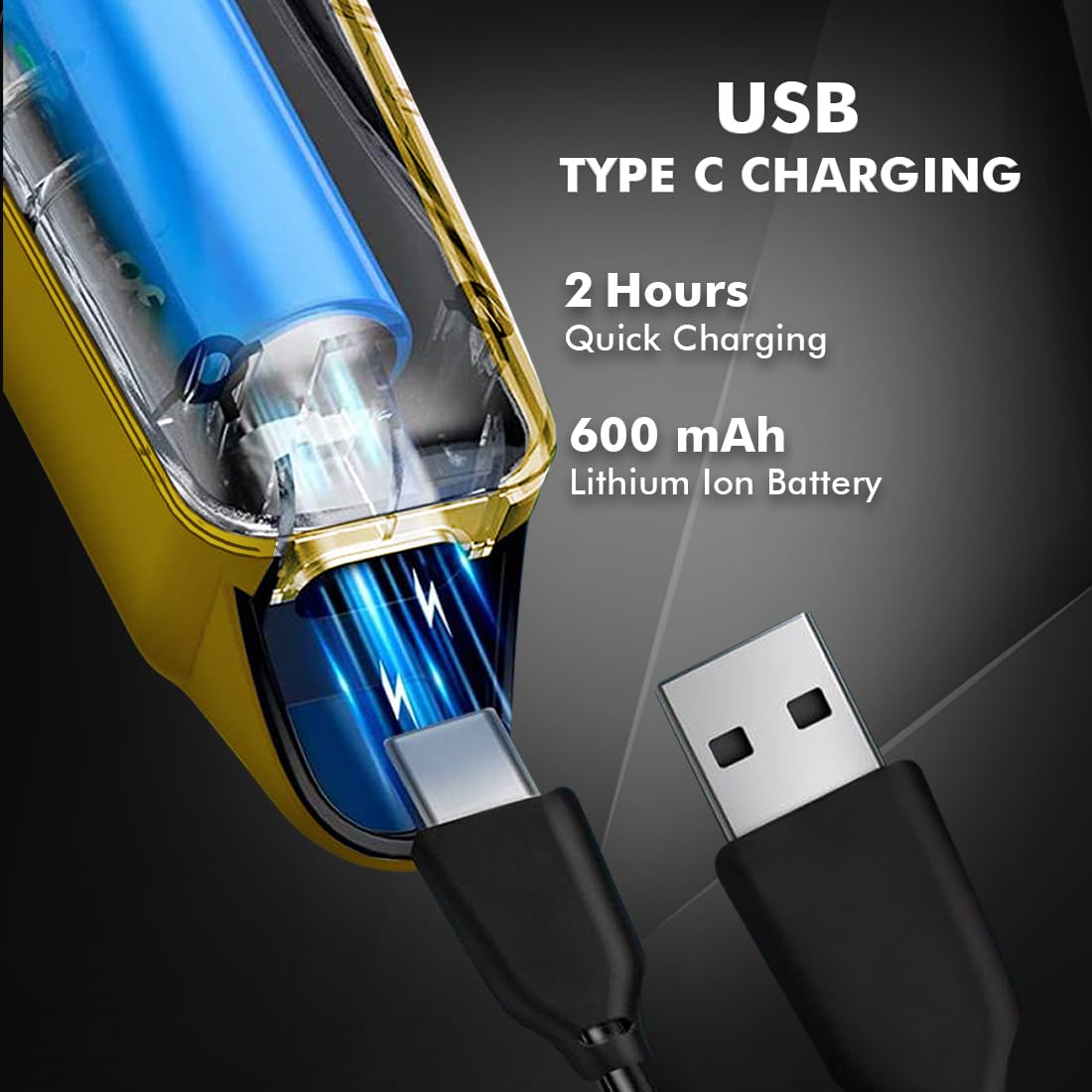
Image 4.1: Key features and components of the Nova NHT 1102 Trimmer.
- ומבאַפלעקט שטאָל בלאַדעס: Durable and self-sharpening blades for precise cutting.
- מאַכט קנעפּל: Controls power on/off and speed settings.
- ינדיקאַטאָר ליכט: Displays charging status and operational mode.
- וסב טשאַרדזשינג פּאָרט: For convenient charging via USB Type-C cable.
- Hanging Hook: פֿאַר גרינגע סטאָרידזש.
- גייד קאָמבס: Detachable combs for various trimming lengths (1mm, 2mm, 3mm).
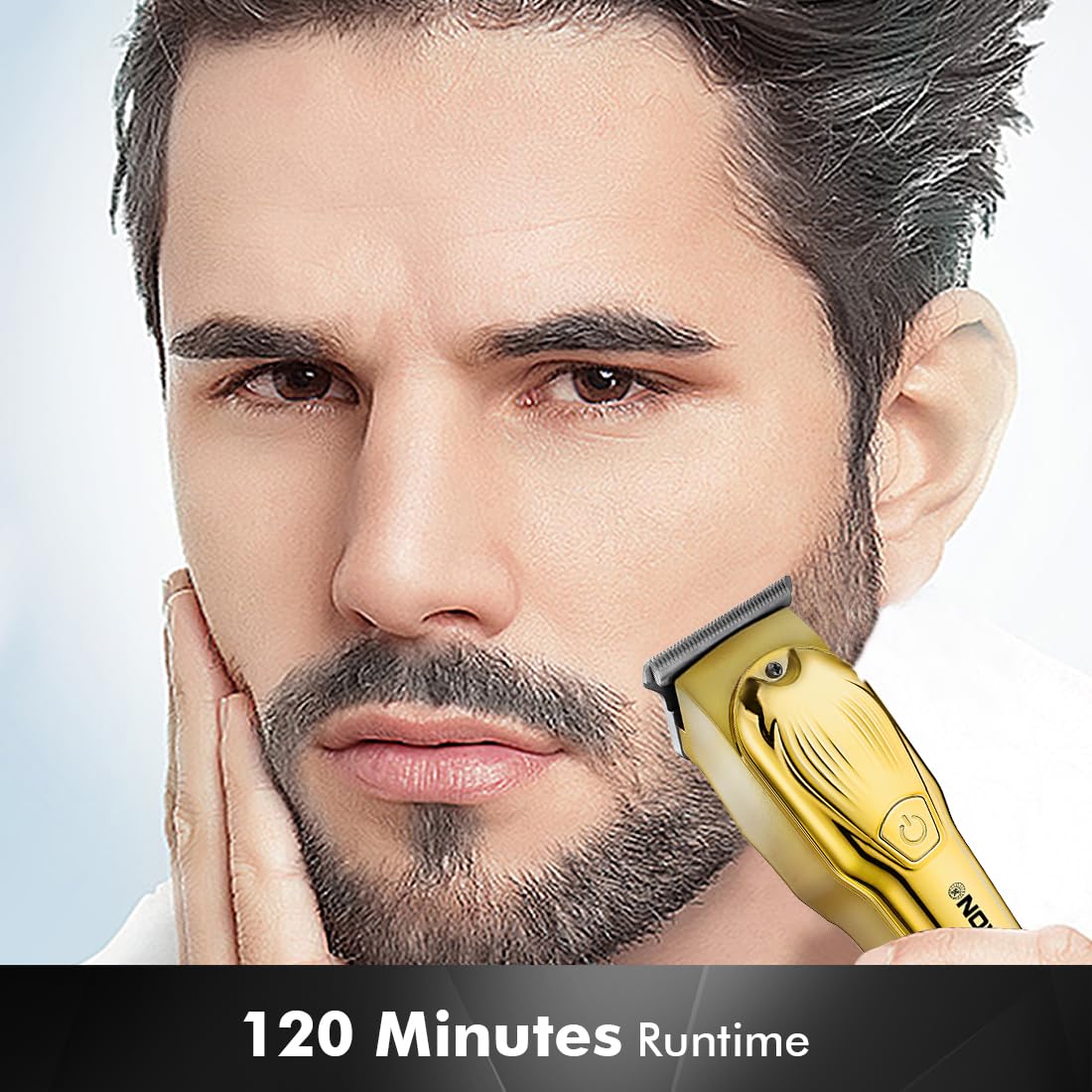
Image 4.2: Detail of the self-sharpening stainless steel blades.
5. סעטאַפּ
5.1 ערשט טשאַרדזשינג
Before first use, fully charge the trimmer. The Nova NHT 1102 Trimmer features a 600 mAh Lithium-Ion battery.
- Connect the USB Type-C charging cable to the trimmer's charging port.
- שטעקט אריין דעם אנדערן עק פונעם USB קאבל אין א קאמפאטיבלן USB פאוער אדאפטער (נישט אריינגערעכנט) אדער א USB פארט אויף א קאמפיוטער.
- The indicator light will illuminate to show charging is in progress.
- A full charge takes approximately 2 hours, providing up to 120 minutes of cordless runtime.
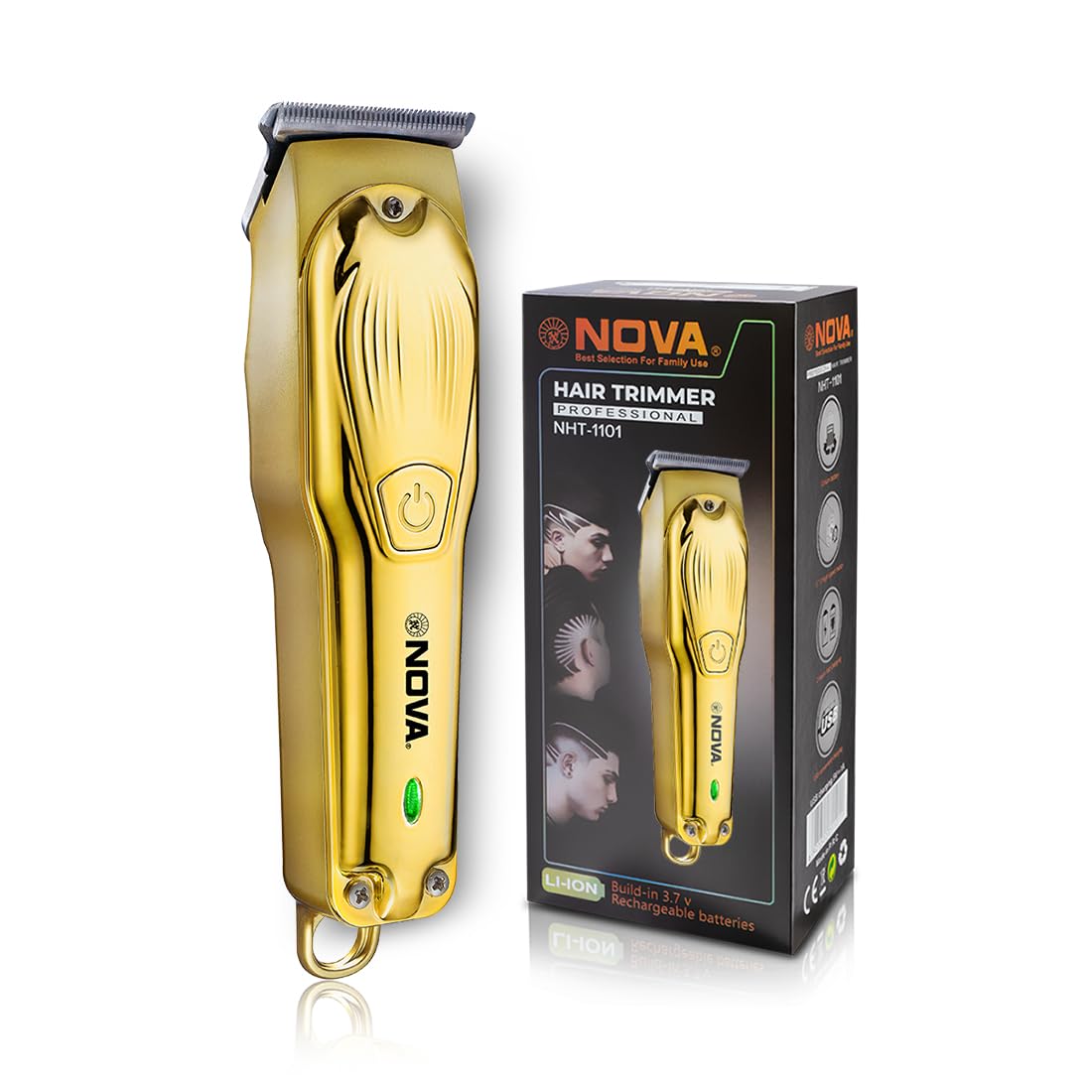
Image 5.1: USB Type-C charging mechanism.
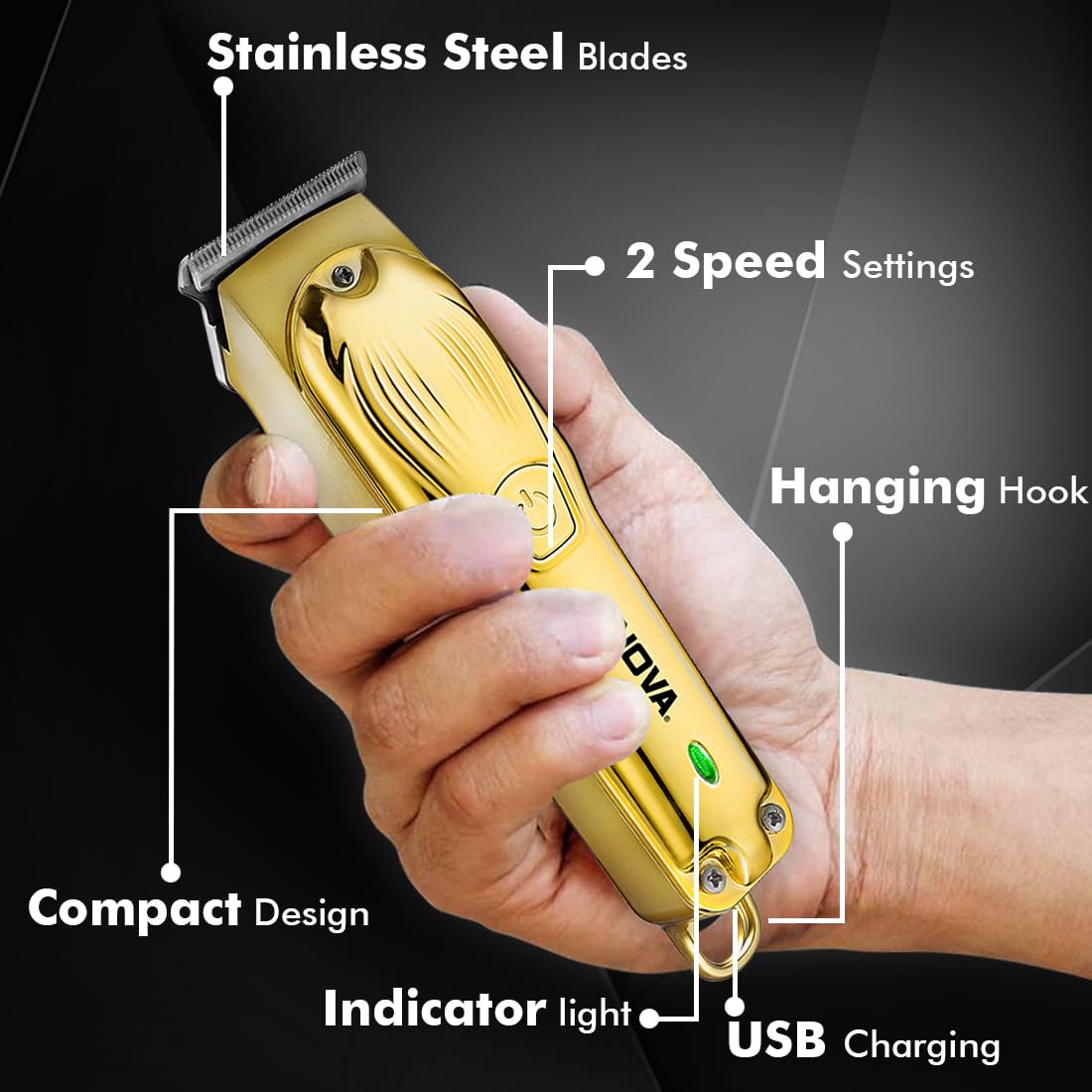
Image 5.2: Trimmer charging via USB Type-C.
5.2 אנשטעלן פירער קאמבן
The trimmer comes with 3 guide combs for different hair lengths:
- 1mm comb
- 2mm comb
- 3mm comb
To attach a guide comb, align the comb with the trimmer head and push it firmly until it clicks into place. To remove, gently pull the comb away from the trimmer head.
6. אַפּערייטינג ינסטרוקטיאָנס
6.1 Turning On/Off and Speed Settings
- To turn the trimmer on, press the power button once. The trimmer will start at the default speed setting.
- To switch between the 2 available speed settings, press the power button again while the trimmer is running.
- To turn the trimmer off, press the power button until it stops.
6.2 טורבאָ פונקציע
For increased power, activate the Turbo Function:
- While the trimmer is running, double-press the power button to engage the turbo mode.
- Double-press again to return to normal speed.
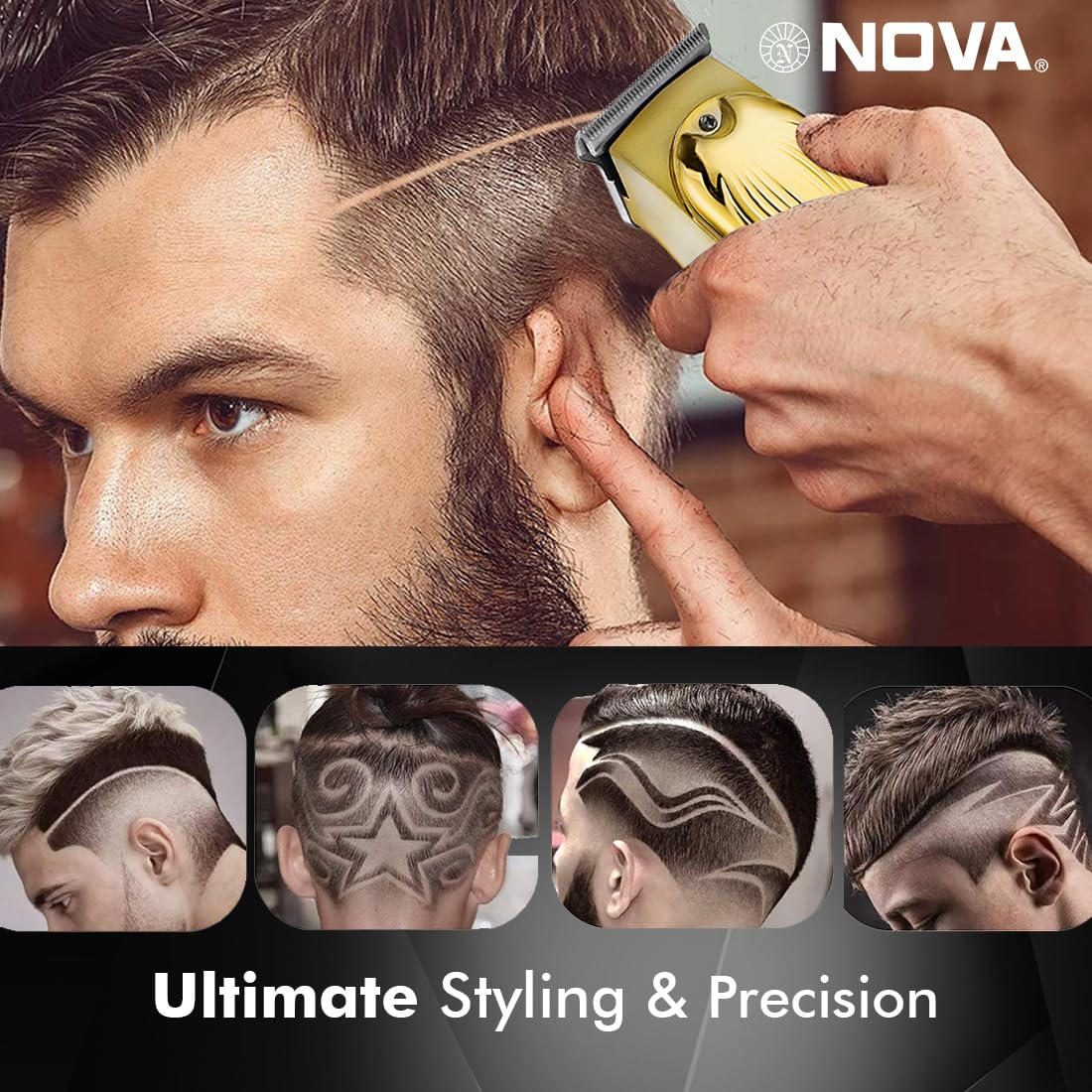
Image 6.1: Illustration of the Turbo Function.
6.3 טרימינג
Ensure hair is clean and dry before trimming for optimal results.
- Without Guide Comb: For precision trimming and close cuts (0.5mm), use the trimmer without any guide comb attached.
- With Guide Comb: Select the desired guide comb (1mm, 2mm, or 3mm) and attach it securely.
- Hold the trimmer with the blades flat against the skin and move it slowly against the direction of hair growth.
- פֿאַר די בעסטע רעזולטאַטן, ציט די הויט שטאַרק מיט אייער פֿרײַער האַנט.
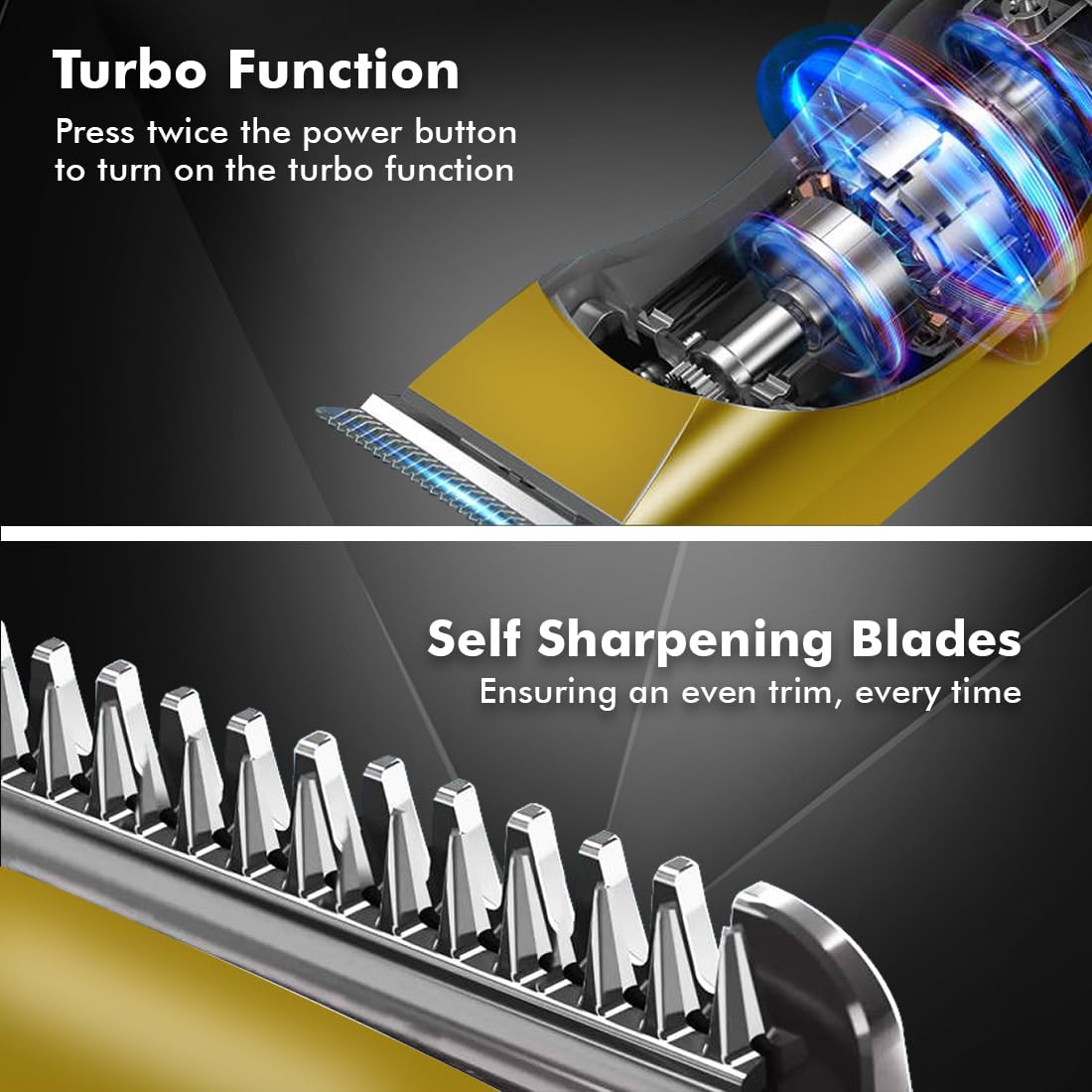
Image 6.2: Demonstrating hair trimming with the device.
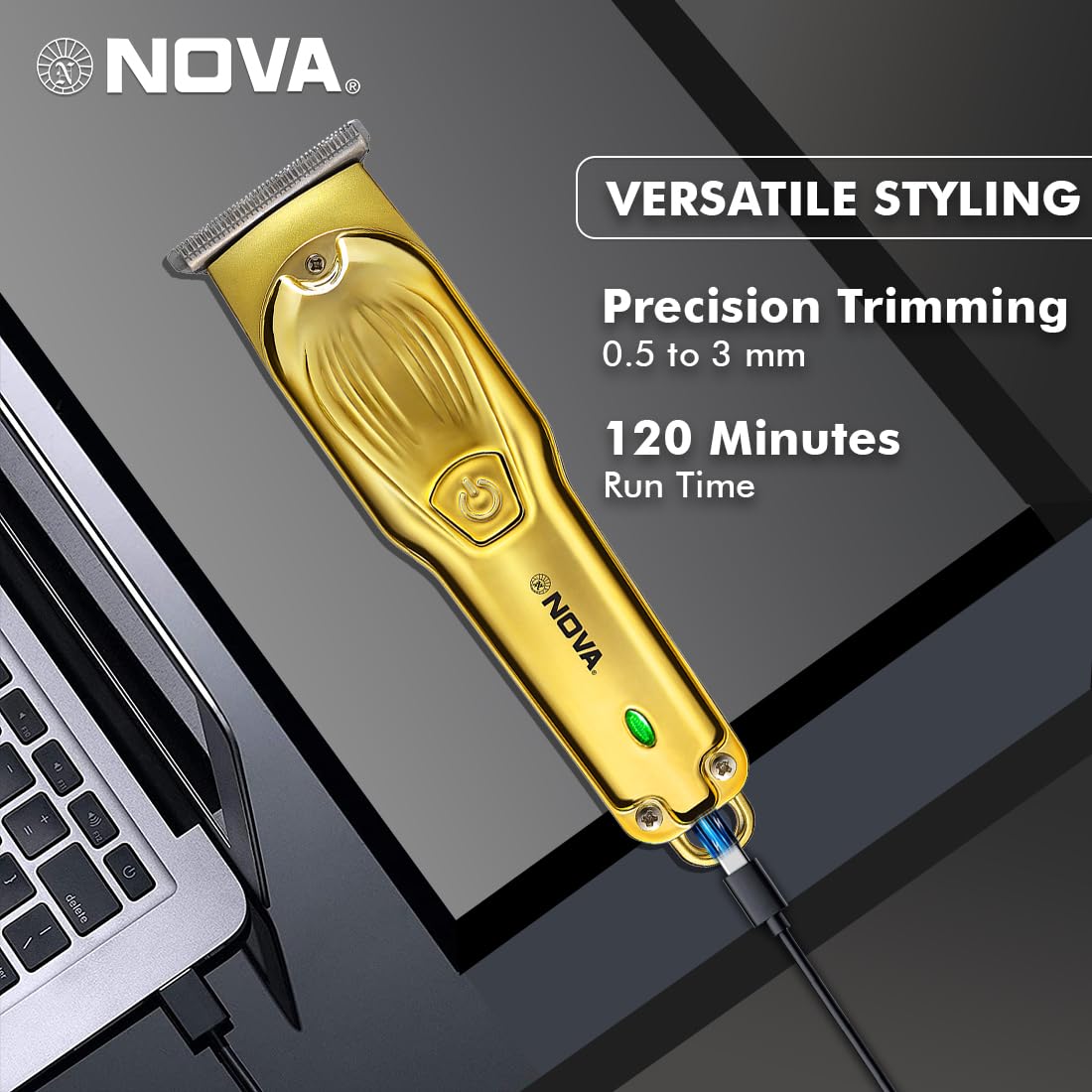
Image 6.3: Demonstrating beard trimming with the device.
7. וישאַלט
7.1 רייניקן די בליידס
רעגולערע רייניקונג גאַראַנטירט אָפּטימאַלע פאָרשטעלונג און היגיענע.
- קער אַוועק די טרימער און דיסקאַנעקט עס פון די מאַכט מקור.
- Carefully remove any attached guide comb.
- Use the provided cleaning brush to remove hair clippings from the blades and the trimmer head.
- The blades are self-sharpening, reducing the need for manual sharpening.
7.2 לובריקיישאַן
To maintain blade performance, apply a small drop of lubricating oil (if included) to the blades after every few uses. Turn the trimmer on for a few seconds to distribute the oil evenly.
7.3 סטאָרידזש
Store the trimmer in a cool, dry place, away from direct sunlight and moisture. Ensure the trimmer is clean and dry before storage.
8. טראָובלעשאָאָטינג
| פּראָבלעם | מעגלעך סיבה | לייזונג |
|---|---|---|
| טרימער טוט נישט קער אויף. | באַטערי איז דיסטשאַרדזשד. | לאָדט אויף דעם טרימער פֿאַר מינדעסטנס 2 שעה. |
| דער מאַכט קנעפּל נישט ריכטיק געדריקט. | זיכער מאַכן אַ פעסטן דריק אויף די מאַכט קנעפּל. | |
| נעבעך טרימינג פאָרשטעלונג. | בליידז זענען פארשטאפט מיט האָר. | ריין די בלאַדעס מיט די רייניקונג באַרשט. |
| בליידז דאַרפן לובריקאַציע. | צולייגן אַ קאַפּ פון לובריקייטינג ייל צו די בלאַדעס. | |
| די באַטאַרייע איז נישט טשאַרדזשינג. | דער טשאַרדזשינג קאַבל אָדער אַדאַפּטער איז דעפעקטיוו. | פּרוּווט אַן אַנדער USB טיפּ-C קאַבל אָדער מאַכט אַדאַפּטער. |
| די טשאַרדזשינג פּאָרט איז געשעדיגט. | קאָנטאַקט קונה שטיצן. |
9. ספּעסאַפאַקיישאַנז
| שטריך | דעטאַל |
|---|---|
| מאָדעל | NHT 1102 |
| בלייד מאַטעריאַל | ומבאַפלעקט שטאָל |
| קאַטינג לענגטהס | 0.5mm (without comb), 1mm, 2mm, 3mm (with guide combs) |
| באַטערי טיפּ | Lithium-Ion (600 mAh) |
| טשאַרדזשינג צייט | בעערעך. 2 שעה |
| רונטימע | אַרויף צו 120 מינוט |
| טשאַרדזשינג צובינד | וסב טיפּ-C |
| גיכקייַט סעטטינגס | 2 |
| ספּעציעלע פֿעיִקייטן | Turbo Function, Self-Sharpening Blades, Cordless Operation, Hanging Hook |
| דימענסיעס (L X W X H) | 9 X 11 X 14 סענטימעטער |
| פּונקט וואָג | 480 ג |
| פאַבריקאַנט | Nova Manufacturing Hong Kong |
| לאַנד פון אָריגין | כינע |
10. וואָראַנטי און שטיצן
For detailed warranty information, please refer to the warranty card included with your product or the official Nova website. For technical support, service, or replacement parts, please contact Nova customer service through the contact information provided on your product packaging or the official brand channels.
Ask a question about this manual
Ask about setup, troubleshooting, compatibility, parts, safety, or missing instructions. Manuals+ will review the question and use this page’s manual context to help answer it.