
1. הקדמה
א דאנק פארן קויפןasing the Arafuna NDR111B Portable DAB/DAB+/FM Radio. This manual provides essential information for setting up, operating, and maintaining your device. Please read it carefully before use and keep it for future reference.
זיכערקייַט אינפֿאָרמאַציע
- שטעלט נישט אויס דעם אפאראט צו רעגן, פייכטקייט, אדער עקסטרעמע טעמפעראטורן.
- פֿאַרמײַדט צענעמען דעם אַפּאַראַט; לאָזט איבער די סערוויסינג צו קוואַליפֿיצירטע פּערסאָנאַל.
- האַלטן אַוועק פון שטאַרק מאַגנעטיק פעלדער.
- Use only the provided Type-C charging cable.
2. פּראָדוקט איבערview
The Arafuna NDR111B is a versatile portable radio offering DAB/DAB+, FM, and Bluetooth connectivity. It features a clear LCD display, 40 preset stations, dual alarms, and a sleep timer, all powered by a built-in rechargeable battery.
וואָס איז אין די קעסטל
- Arafuna NDR111B Portable Radio
- טיפּ-C וסב טשאַרדזשינג קאַבלע
- באַניצער מאַנואַל
קאָנטראָלס און קאַמפּאָונאַנץ
Familiarize yourself with the radio's layout:
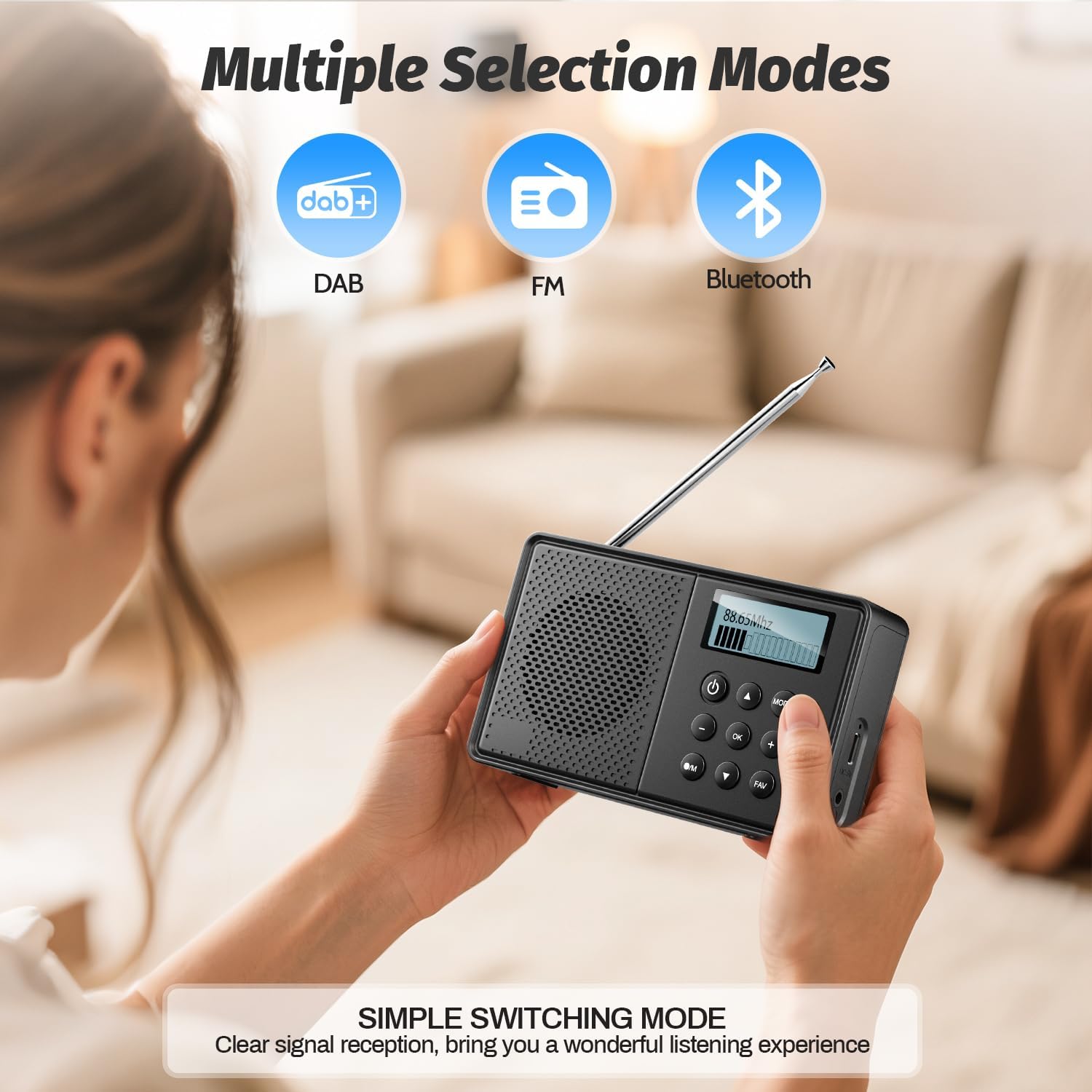
בילד: פראָנט view of the Arafuna NDR111B Portable Radio, showing the speaker grille, LCD display, and control buttons.

בילד: זייט view of the Arafuna NDR111B Portable Radio, highlighting the Type-C charging port, headphone jack, and volume knob.
- LCD ווייַז: Shows time, station information, mode, and battery status.
- מאַכט קנעפּל: טורנס די ראַדיאָ אויף / אַוועק.
- מאָדע קנעפּל: Switches between DAB, FM, and Bluetooth modes.
- באַנד קנעפּל: אַדזשאַסץ די אַודיאָ באַנד.
- Tuning/Navigation Buttons: Used for tuning stations, navigating menus, and setting alarms.
- פאָראויסגעשטעלטע קנעפּלעך (1-5): Quick access to saved stations.
- FAV קנעפּל: Saves and recalls favorite stations.
- אַנטענע: פֿאַרלענגערן פֿאַר אָפּטימאַלער ראַדיאָ אָפּנאַם.
- טיפּ C טשאַרדזשינג פּאָרט: פֿאַר אָפּלאָדן די אינעווייניקסטע באַטאַרייע.
- 3.5 מם כעדפאָון דזשאַק: פֿאַר פּריוואַט צוגעהערט.
3. סעטאַפּ
ערשט טשאַרדזשינג
Before first use, fully charge the radio. Connect the provided Type-C USB cable to the radio's charging port and the other end to a USB power adapter (not included) or a computer USB port. The battery indicator on the LCD display will show charging status.

Image: The Arafuna NDR111B radio connected to a Type-C charging cable, illustrating its high battery capacity and charging method.
אַנטענע פאַרלענגערונג
For optimal radio reception, extend the telescopic antenna fully. Adjust its position for the best signal quality.
4. אַפּערייטינג ינסטרוקטיאָנס
מאַכט אויף / אַוועק
- דרוק די מאַכט קנעפּל צו דרייען דעם ראַדיאָ אָן אָדער אויס.
Selecting Radio Modes (DAB/DAB+/FM)
- דרוק די מאָדע button repeatedly to cycle through DAB, FM, and Bluetooth modes.
Image: The Arafuna NDR111B radio displaying icons for DAB, FM, and Bluetooth modes, indicating multiple selection options.
DAB / DAB + ראַדיאָ אָפּעראַציע
- In DAB mode, the radio will automatically scan for available stations upon first use.
- Use the navigation buttons to browse through the list of available DAB stations.
- דרוק OK צו סעלעקטירן אַ סטאַנציע.
עפעם ראַדיאָ אָפּעראַציע
- In FM mode, you can perform an auto-scan or manual tuning.
- To auto-scan, press and hold the יבערקוקן button (if available) or follow on-screen prompts.
- For manual tuning, use the navigation buttons to adjust the frequency.

Image: The Arafuna NDR111B radio illustrating its auto-scan feature and the ability to store 40 preset stations (20 DAB, 20 FM).
Saving and Recalling Presets
The radio allows you to store up to 40 stations (20 DAB / 20 FM).
צו ראַטעווען אַ סטאַנציע:
- ניגן צו דיין געוואלט סטאַנציע.
- דריקן און האַלטן די FAV קנעפּל פֿאַר 2 סעקונדעס.
- Use the navigation buttons to select a preset number (1-20 for DAB, 1-20 for FM).
- דרוק OK צו באַשטעטיקן.

Image: A visual guide showing three steps to store favorite stations using the FAV and OK buttons on the Arafuna NDR111B radio.
צו צוריקרופן א סטאנציע:
- דרוק די FAV קנעפּל בעקיצער.
- Use the navigation buttons to select the desired preset number.
- דרוק OK צו באַשטעטיקן.

Image: A visual guide showing three steps to recall favorite stations using the FAV and OK buttons on the Arafuna NDR111B radio.
בלועטאָאָטה קאַנעקטיוויטי
- איבערגיין צו בלועטוט מאָדע ניצנדיק די מאָדע button. The display will show "Bluetooth".
- On your smartphone, tablet, or other Bluetooth device, enable Bluetooth and search for "NDR111B".
- Select "NDR111B" to pair. Once connected, you can stream audio to the radio.
- באַמערקונג: Bluetooth headphones are not supported for output.

Image: The Arafuna NDR111B radio demonstrating Bluetooth connectivity with various devices like smartphones, PCs, and tablets. A note indicates that Bluetooth headphones are not supported.
צווייענדיק שרעק סעטטינגס
You can set two independent alarms for different schedules (e.g., weekdays and weekends).
- Access the alarm settings via the menu.
- Set the desired alarm time, source (buzzer or radio station), and frequency (daily, weekdays, weekends).
- דרוק OK צו ראַטעווען.
- באַמערקונג: Alarms function only when the radio is connected to a power supply.
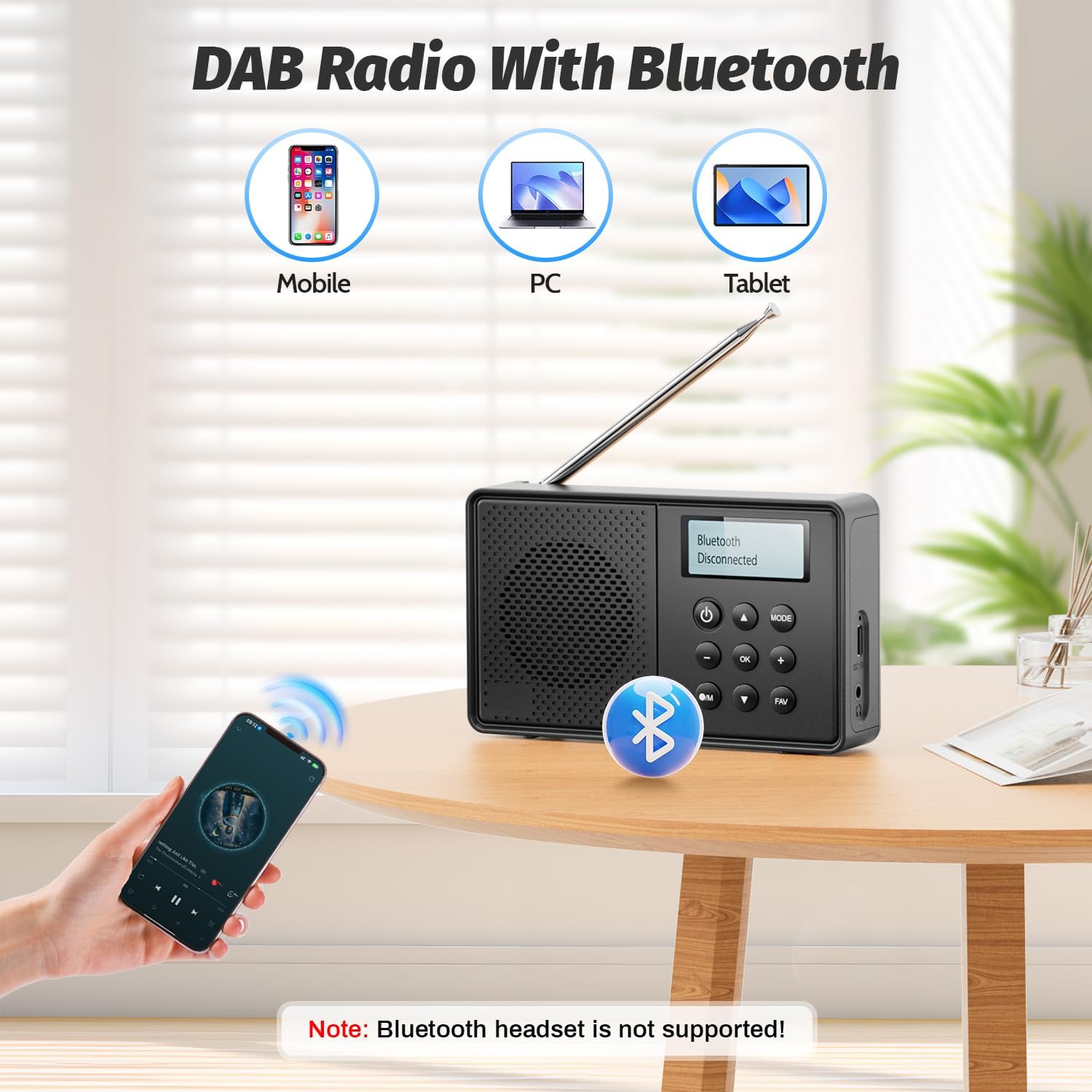
Image: The Arafuna NDR111B radio on a table next to a sleeping person, with an overlay showing the dual alarm and sleep timer settings. A note clarifies that alarms work only when connected to power.
שלאָפן טימער פונקטיאָן
The sleep timer allows the radio to turn off automatically after a set period (15-90 minutes).
- Access the sleep timer settings via the menu.
- Select the desired duration (e.g., 15, 30, 60, 90 minutes).
- דער ראַדיאָ וועט זיך אויטאָמאַטיש אויסלעשן נאָך דער אויסגעקליבענער צייט.
כעדפאָון נוצן
- Plug 3.5mm wired headphones into the headphone jack for private listening.
5. טשאַרדזשינג
The Arafuna NDR111B features a built-in lithium battery that provides up to 5 hours of playback and can be fully recharged in approximately 2.5 hours via the Type-C port.
- Connect the Type-C cable to the radio and a power source.
- The battery icon on the display will indicate charging status.
- Disconnect the cable once fully charged to preserve battery life.
6. וישאַלט
- רייניקט דעם ראַדיאָ מיט אַ ווייכן, טרוקענעם שטאָף. ניצט נישט קיין שרײַבנדיקע רייניגערס אדער סאָלווענטן.
- האַלטן די מיטל אַוועק פון שטויב און דירעקט זונשייַן.
- If not used for a long period, charge the battery periodically to maintain its health.
7. טראָובלעשאָאָטינג
| פּראָבלעם | מעגלעך סיבה | לייזונג |
|---|---|---|
| קיין מאַכט | די באַטאַרייע איז ליידיק | Charge the radio using the Type-C cable. |
| נעבעך ראַדיאָ אָפּטראָג | Antenna not extended or poor signal area | Extend the telescopic antenna fully and adjust its position. Try moving to a different location. |
| בלועטאָאָטה איז נישט קאַנעקטינג | מיטל איז נישט אין פּערינג מאָדע אָדער אויס פון קייט | Ensure the radio is in Bluetooth mode. Check that your device's Bluetooth is on and within 10 meters. |
| דער שרעק קלינגט נישט | Radio not connected to power or alarm not set correctly | Connect the radio to a power source. Verify alarm settings (time, source, frequency). |
8. ספּעסאַפאַקיישאַנז
| שטריך | דעטאַל |
|---|---|
| סאָרט | Arafuna |
| מאָדעל | NDR111B |
| פּראָדוקט דימענשאַנז | 12 X 2 X 6 סענטימעטער |
| פּונקט וואָג | 230 ג |
| טונער טעכנאָלאָגיע | DAB/DAB+/FM |
| געשטיצטע ראַדיאָ באַנדס | DAB, DAB+, FM |
| Frequency (DAB/DAB+) | 174-240 מהז |
| Frequency (FM) | 87.5-108 מהז |
| קאַנעקטיוויטי טעכנאָלאָגיע | בלועטאָאָטה |
| ווייַז | לקד |
| רעדנער רעזולטאַט מאַכט | 3 וואט |
| מאַכט מקור | באַטאַרייע פּאַוערד (1 ליטהיום יאָן באַטאַרייע אַרייַנגערעכנט) |
| באַטאַרייע קאַפּאַציטעט | 2200 mAh (approx. 5 hours playback) |
| טשאַרדזשינג צייט | אומגעפער 2.5 שעה (דורך טיפ-C) |
| נאָך פֿעיִקייטן | DAB Plus Radio, Dual Alarm, Sleep Timer, 40 Presets |
9. וואָראַנטי און שטיצן
Arafuna products are designed for reliability and performance. For warranty information, technical support, or customer service inquiries, please refer to the contact details provided on the product packaging or the official Arafuna webזייטל. האַלט אייער קויף קוויטל ווי אַ באַווייַז פון קויפן.
10. פּראָדוקט ווידעאָס
אויספּאַקן און ווייטערview
Video: An unboxing video of a similar product, demonstrating the initial setup and components. This video provides a visual guide to what to expect when opening your Arafuna NDR111B radio.
פּראָדוקט דעמאַנסטריישאַן
Video: A practical product illustration, showcasing the features and functionality of the radio in use. This video helps visualize how to operate the various modes and settings.
Radio Features Overview
Video: A demonstration of a portable FM radio, highlighting its features and ease of use. While not the exact model, it provides a general understanding of portable radio operation.
פּאָרטאַטיוו ראַדיאָ מיט בלועטאָאָטה
Video: A video showcasing a portable radio with Bluetooth functionality, similar to the Arafuna NDR111B. It illustrates how to use the radio for both traditional broadcasts and Bluetooth audio streaming.