
1. הקדמה
The Traceable Excursion-Trac Data Logging Thermometer is designed for precise and reliable temperature monitoring and data logging. This device is ideal for applications requiring continuous temperature tracking and historical data retrieval. It features a clear LCD display, alarm functions, and the ability to log a significant number of temperature observations.

פראָנט view of the Traceable Excursion-Trac thermometer, showing the main display, control buttons, connected bottle probe, and a USB flash drive for data transfer.
2. סעטאַפּ
2.1 אַנפּאַקינג
Carefully unpack all components. The package should contain:
- Traceable Excursion-Trac Data Logging Thermometer unit
- 1 Bottle Probe
- 2 אַאַאַ באַטעריז
- ינסטרוקטיאָן מאַנואַל (דעם דאָקומענט)
2.2 באַטאַרייע ייַנמאָנטירונג
- געפינען די באַטאַרייע אָפּטייל אויף די צוריק פון די טערמאָמעטער.
- עפענען די אָפּטייל דעקן.
- אַרײַנשטעלן צוויי (2) AAA באַטעריעס, און זיכער מאַכן אַז די פּאָלאַריטעט (+/-) איז ריכטיק.
- Close the battery compartment cover securely. The device will power on automatically.
2.3 זאָנד קאַנעקשאַן
Connect the bottle probe cable to the designated probe input port (labeled P1 or P2) on the side of the thermometer unit. Ensure the connection is firm.

דערציען view of the thermometer, illustrating the integrated kickstand for desktop placement and wall-mount slot.
3. אַפּערייטינג ינסטרוקטיאָנס
3.1 מאַכט אויף / אַוועק
The device powers on automatically upon battery installation. To turn off the device, remove the batteries. For temporary power saving, some models may have an ON/OFF switch for the alarm or display backlight, but the main unit remains active for logging.
3.2 ווייַז איבערview
די LCD דיספּלעי ווײַזט פֿאַרשידענע אינפֿאָרמאַציע:
- קראַנט טעמפּעראַטור: The primary reading from the connected probe(s).
- MIN / MAX: Minimum and maximum temperatures recorded since the last reset.
- MEM: Indicates memory status or data logging activity.
- אַלאַרם: Indicates alarm status (active, triggered).
- טאָג / צייט: Current date and time for logged events.

The thermometer display showing the current date and time, indicating its time-keeping functionality for logged data.
3.3 Unit Selection (°C/°F)
דרוק די וניץ button to toggle between Celsius (°C) and Fahrenheit (°F) temperature scales.
3.4 Viewing Min/Max/Date/Time
דרוק די MIN/MAX/ALARM-DATE/TIME button to cycle through the minimum temperature, maximum temperature, and current date/time displays. The display will show the recorded minimum and maximum temperatures since the last reset.
3.5 שרעק פֿונקציע
The thermometer features programmable high and low alarms. When the temperature exceeds or falls below the set limits, an audible and visual alarm will activate.
- באַשטעטיקן אַלאַרמס: ניצן די SELECT/ADVANCE און ALARM DATE SET buttons to navigate and adjust the high and low temperature thresholds. Refer to the on-screen prompts for specific steps.
- שרעק אויף / אַוועק: ניצן די ALARM ON / OFF switch to enable or disable the alarm function.
- שטיל שרעק: דרוק די שטיל שרעק button to temporarily mute an active alarm.
- Event Display: די EVENT DISPLAY button allows viewing of recorded alarm events. The device can store up to 10 individual alarm events.
3.6 Data Logging and Retrieval
The Excursion-Trac thermometer automatically logs temperature data. It can store up to 525,600 temperature observations. To retrieve logged data:
- Connect the thermometer to a computer using a standard USB cable (not always included, check package contents).
- The device should appear as a removable storage device.
- Access the logged data files (typically in a CSV or similar format) from the device's storage.
- נאָכמאַכן די files to your computer for analysis.

זייַט view of the thermometer, clearly showing the USB port for data transfer and the power input.
4. וישאַלט
4.1 באַטערי פאַרבייַט
When the low battery indicator appears on the display, replace the two AAA batteries immediately. Ensure new batteries are inserted with correct polarity.
4.2 רייניקונג
Wipe the thermometer unit and probes with a soft, damp cloth. Do not use abrasive cleaners or immerse the main unit in liquids. The bottle probe is designed for use in various environments, including freezers.
4.3 קאַלאַבריישאַן
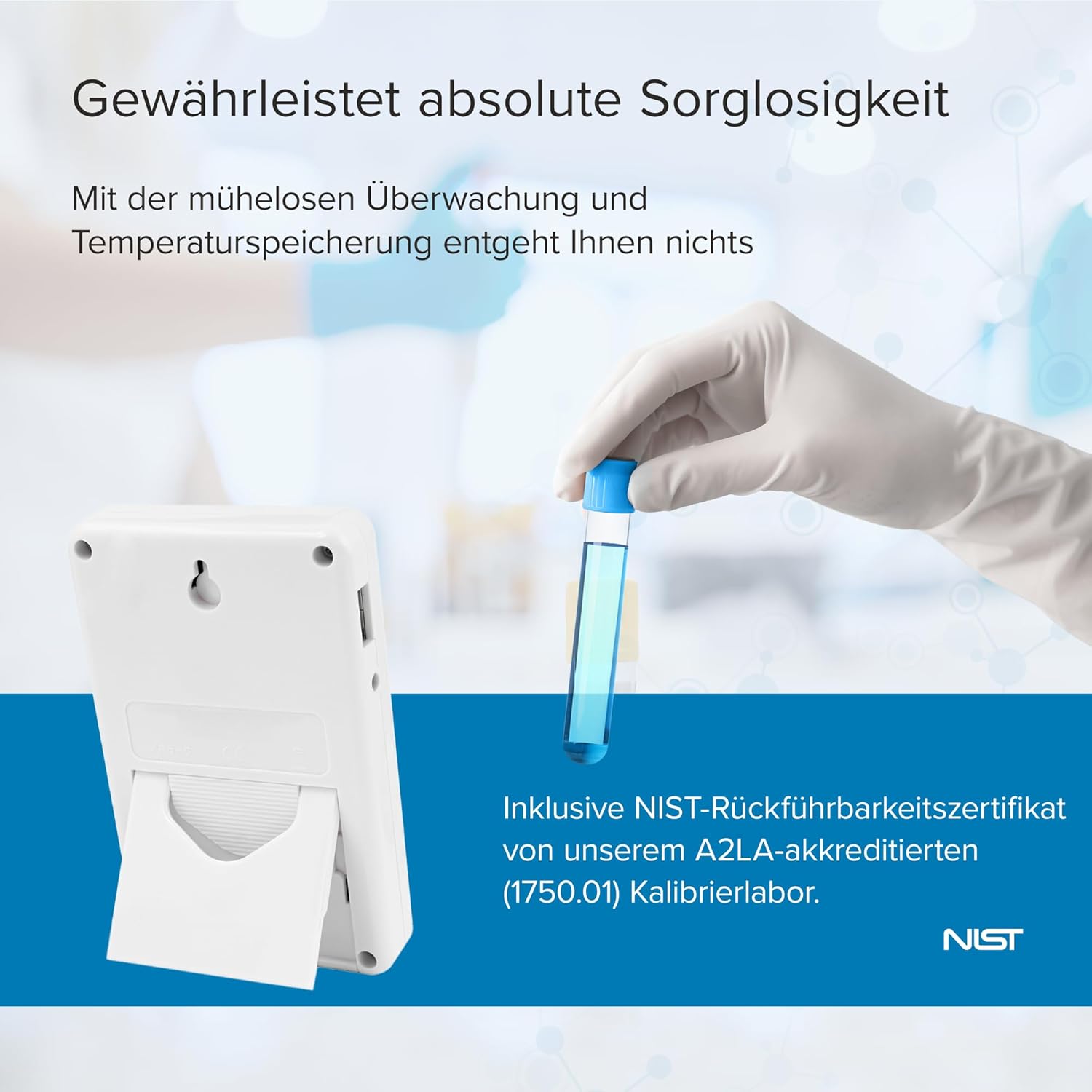
The Traceable Excursion-Trac thermometer is supplied with an individually calibrated and certified NIST-traceable certificate. For continued accuracy and compliance, periodic recalibration is recommended according to your facility's protocols or regulatory requirements.
5. טראָובלעשאָאָטינג
- "Battery Low" Message: Replace the two AAA batteries immediately. Ensure new batteries are inserted with correct polarity.
- ומפּינקטלעך רידינגז: Verify that the probe is securely connected to the unit. Ensure the probe is correctly positioned within the environment being monitored. Check for any visible damage to the probe cable or sensor.
- Data Download Issues: Ensure the USB cable is properly connected to both the thermometer and the computer. Try a different USB port or cable. If the device does not appear as a removable drive, consult the manufacturer's support for specific driver or software requirements.
- קיין ווייַז: Check battery installation and ensure batteries are not depleted. If the issue persists after replacing batteries, contact customer support.
6. ספּעסאַפאַקיישאַנז
An illustration of the thermometer with its physical dimensions and temperature range.
| שטריך | דעטאַל |
|---|---|
| מאָדעל נומער | אַאָ-94460-07 |
| אַקיעראַסי | ±0.25°C |
| טעמפּעראַטור ראַנגע | -50°C צו 70°C (-58°F צו 158°F) |
| טעמפּעראַטור רעסאָלוטיאָן | 0.01° |
| זאָנד טיפּ | 1 Bottle Probe |
| דאַטאַ לאָגינג קאַפּאַציטעט | Up to 525,600 temperature observations |
| ווייַז טיפּ | LCD, 1/2"H digits |
| קאַנעקטיוויטי | וסב |
| מאַכט מקור | 2 X AAA באַטעריז |
| מאַטעריאַל | פּלאַסטיק |
| דימענשאַנז (H X W X D) | 10.79 ס״מ x 6.98 ס״מ x 1.9 ס״מ (אומגעפער 4.25 אינטשעס x 2.75 אינטשעס x 0.75 אינטשעס) |
| ספּעציעלע פֿעיִקייטן | High Accuracy, Min/Max Memory, Alarm Function, 3m Micro-Thin Cable, Integrated Stand, Wall Mount, Magnetic Strip |
7. וואָראַנטי און שטיצן
For technical assistance, warranty claims, or further information regarding your Traceable Excursion-Trac Data Logging Thermometer, please contact your supplier or the manufacturer directly. Refer to your purchase documentation for specific warranty terms and contact details.


