
הקדמה
Thank you for choosing the HISHELL Language Translator Earbuds. These open-ear headphones are designed to provide seamless real-time language translation across 144 online languages, powered by 6 top translation engines. Beyond translation, they also function as versatile devices for music streaming and phone calls. This manual will guide you through the setup, operation, and maintenance of your new device to ensure an optimal user experience.

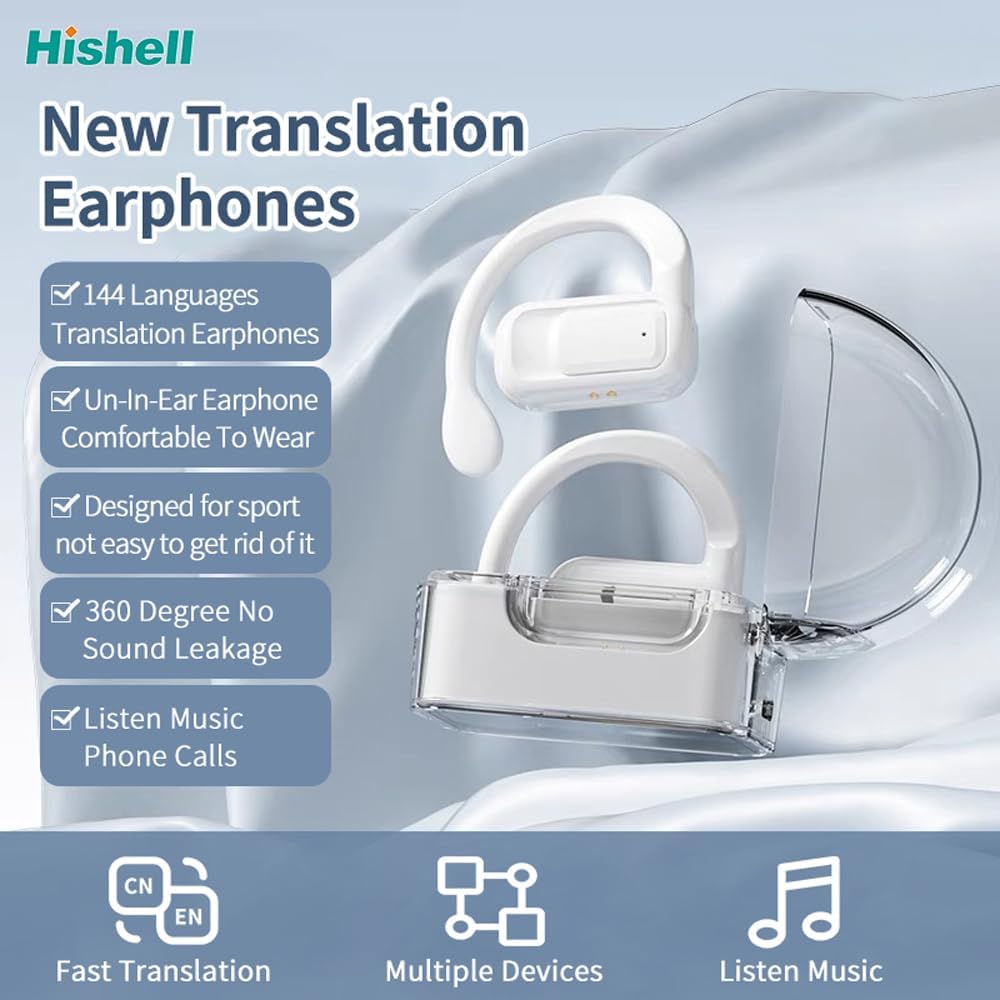
Image: The HISHELL Language Translator Earbuds, showing both earbuds and their transparent charging case.
וואָס איז אין די קעסטל
- 2 x Language Translator Earphones
- 1 x Charging Compartment
- 1 x Data Cable (USB-C)
- 1 x Headset User Manual
- 1 x APP Translation User Manual

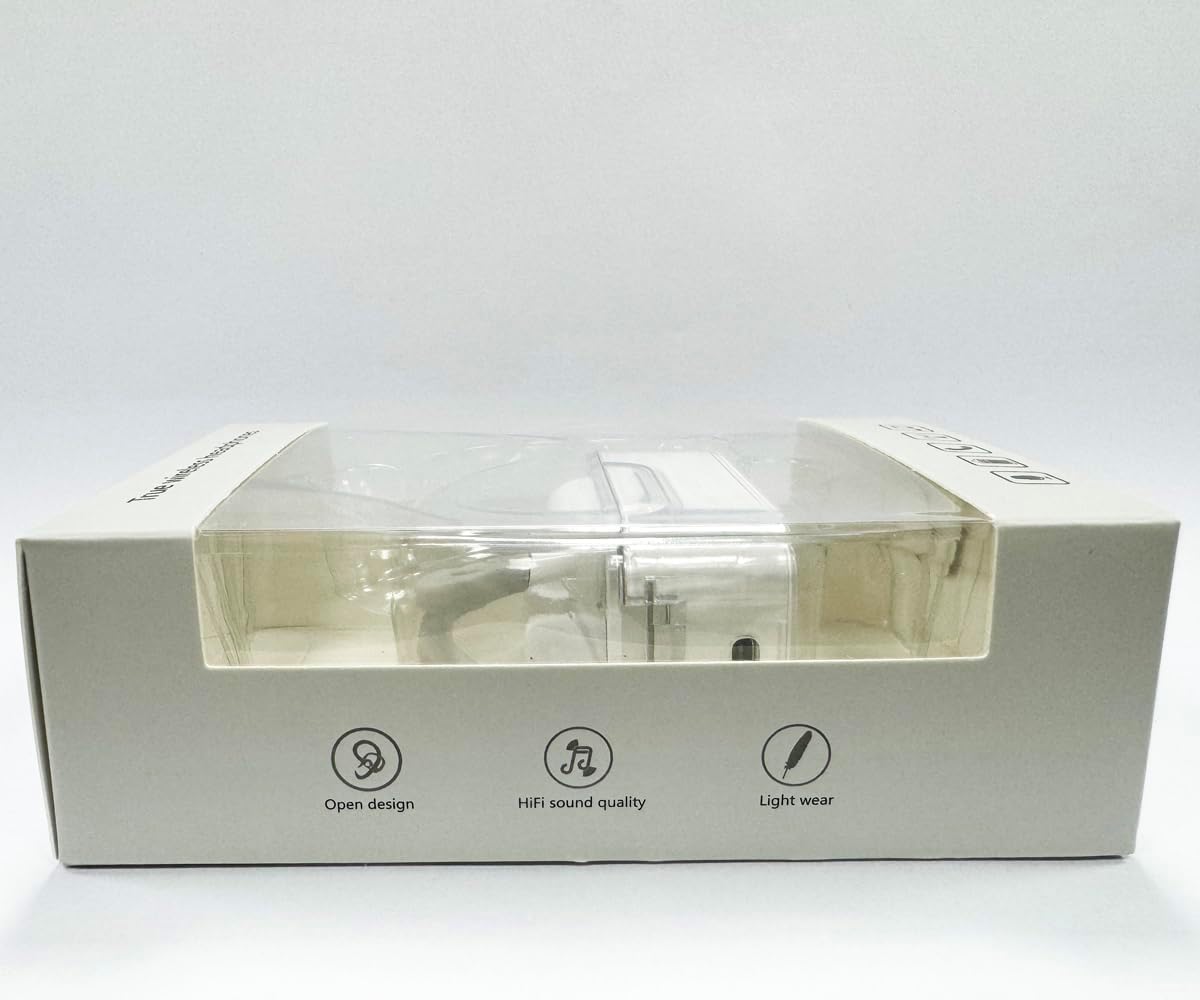
בילד: פראָנט view of the product packaging, displaying the earbuds inside.
סעטאַפּ
1. אויפלאָדן די אויערקנעפּלעך און קעסטל
Before first use, fully charge the earbuds and the charging case. Connect the provided USB-C data cable to the charging port on the case and plug the other end into a USB power source (e.g., computer, wall adapter). The indicator lights on the case will show charging status.
בילד: אונטן view of the charging case, highlighting the USB-C charging port.
2. אַפּ ינסטאַללאַטיאָן
To utilize the translation features, you must download the dedicated HISHELL translation app on your smartphone (iOS or Android). Scan the QR code provided in the APP Translation User Manual or search for "HISHELL Translator" in your device's app store.
3. בלועטאָאָטה פּערינג
- זיכער מאַכן אַז די אויערקנעפּלעך זענען אויפגעלאָדן און אַרויסגענומען פֿון דער טשאַרדזשינג קעסטל. זיי וועלן אויטאָמאַטיש אַרייַן אין פּערינג מאָדע.
- אויף אייער סמאַרטפאָון, גייט צו בלועטוט סעטטינגס און אַקטיווירט בלועטוט.
- Select "HISHELL BL02" (or similar name) from the list of available devices.
- אַמאָל פארבונדן, וועט אַ באַשטעטיקונג קלאַנג שפּילן, און די אויערקנעפּלעך וועלן זיין גרייט פֿאַר נוצן.
אַפּערייטינג ינסטראַקשאַנז
The HISHELL Language Translator Earbuds offer three primary translation modes, along with standard audio functions.
איבערזעצונג מאָדעס

Image: Visual representation of the three distinct translation modes available with the earbuds.
- ריר מאָדע:
Two people each wear one earphone. Click or double-click the earphone to translate in real-time. This mode is suitable for acquaintances who are willing to wear your earphone.

Image: Two individuals using the translator earbuds in a conversational setting.
- רעדנער מאָדע:
One person wears the earphones, and the other person holds the mobile phone. The phone's speaker will output the translation. This mode is suitable for strangers or situations where it's inconvenient for the other person to wear an earphone.
- פרייער רעדן מאָדע:
Both users wear an earphone. The device translates in real-time, allowing for natural, continuous conversation without needing to press buttons. This mode facilitates smooth and uninterrupted communication.
Music and Call Functions
In addition to translation, the earbuds function as standard Bluetooth headphones:
- מוזיק פּלייבאַק: Once connected via Bluetooth, you can stream audio from your device. Use your phone's media controls for play/pause, skip tracks, and volume adjustment.
- טעלעפאן קאלס: The earbuds support hands-free calling. Answer/end calls directly through the earbuds (refer to the APP Translation User Manual for specific touch controls). The binaural HD microphone ensures clear communication.

בילד: עקסamples of individuals comfortably wearing the open-ear translator earbuds.
וישאַלט
רייניקונג
- ווישט די אויערקנעפּלעך און די טשאַרדזשינג קעסטל מיט אַ ווייכן, טרוקענעם, לינט-פֿרייע שטאָף.
- ניצט נישט קיין שרײַבנדיקע רייניגער, אַלקאָהאָל, אדער כעמישע סאָלווענטן.
- פֿאַרמײַדן אַרײַנצוקומען פֿײַכטקײַט אין קיין עפענונגען.
סטאָרידזש
ווען נישט אין באַנוץ, לייגט די אויערן-קנעפּלעך אין זייער טשאַרדזשינג קעסטל צו באַשיצן זיי און האַלטן זיי טשאַרדזשד. לייגט זיי אין אַ קיל, טרוקן אָרט אַוועק פון דירעקט זונשייַן און עקסטרעמע טעמפּעראַטורן.
טראָובלעשאָאָטינג
| פּראָבלעם | מעגלעך סיבה | לייזונג |
|---|---|---|
| עאַרבודס נישט פּערינג | נידעריגע באַטעריע; אַרויס פון ראַנגע; נישט אין פּערינג מאָדע; פריערדיקע פֿאַרבינדונג פּראָבלעם. | Ensure earbuds are charged. Place them closer to your device. Re-insert into case and remove to re-enter pairing mode. Forget device in Bluetooth settings and re-pair. |
| Translation not accurate or delayed | Poor internet connection; background noise; speaking too fast/unclearly; incorrect language selection. | Ensure stable internet connection. Speak clearly and at a moderate pace. Reduce background noise. Verify correct source and target languages in the app. |
| קיין געזונט פון עאַרבודז | Volume too low; not connected; media paused. | Increase volume on your device. Check Bluetooth connection. Ensure media is playing. |
| טשאַרדזשינג פאַל ניט טשאַרדזשינג | דעפעקטיווער קאַבל/אַדאַפּטער; שמוציק טשאַרדזשינג פּאָרט. | Try a different USB-C cable and power adapter. Clean the charging port gently with a dry cotton swab. |
For further assistance, please refer to the APP Translation User Manual or contact customer support.
ספּעסאַפאַקיישאַנז
| שטריך | דעטאַל |
|---|---|
| מאָדעל נומער | BL02 |
| פּעקל דימענשאַנז | 5.16 X 3.15 X 1.69 אינטשעס |
| פּונקט וואָג | 2.12 אונסעס |
| באַטעריז | 1 ליטהיום פּאָלימער באַטאַרייע (אַרייַנגערעכנט) |
| איבערזעצונג שפּראַכן | 144 online languages |
| איבערזעצונג מאטארן | Powered by 6 top translation engines |
| מיקראָפאָן | Binaural HD microphone |
| באַטעריע לעבן (צוהערן) | בעערעך. 3 שעה |
| סטאַנדביי צייט | בעערעך. 240 שעה |
| טשאַרדזשינג פּאָרט | וסב-C |


בילד: פארשידענע views of the HISHELL charging case, showing its dimensions and design.
וואָראַנטי און שטיצן
וואָראַנטי אינפֿאָרמאַציע
HISHELL products typically come with a standard manufacturer's warranty. Please refer to the warranty card included in your product packaging or visit the official HISHELL webוועבזייטל פֿאַר דעטאַלירטע וואָראַנטי טערמינען און באַדינגונגען ספּעציפֿיש צו דיין געגנט און קויף דאַטע.
קונה שטיצן
If you encounter any issues or have questions not covered in this manual, please contact HISHELL customer support. You can usually find contact information (email, phone, or support portal) on the official HISHELL webוועבזייטל אדער דורך דעם פארקויפער וואו איר האט געקויפט דעם פראדוקט.