
הקדמה
The Jabra Engage 65 SE is a professional wireless headset designed for enhanced communication in office and call center environments. It offers industry-leading wireless performance, advanced noise-cancelling microphone technology, and extended battery life to support all-day use. This manual provides detailed instructions for setting up, operating, maintaining, and troubleshooting your headset.
וואָס איז אין די קעסטל
באַשטעטיקן אַז אַלע קאָמפּאָנענטן זענען פאַראַן אין דיין פּעקל:
- Jabra Engage 65 SE Headset (Dual-Ear)
- באַזע אַפּאַראַט
- USB-C to USB-A Cable (for PC connection)
- RJ-9 to RJ-9 Cable (for desk phone connection)
- Power Supply (US plug)
- באַניצער מאַנואַל (דעם דאָקומענט)
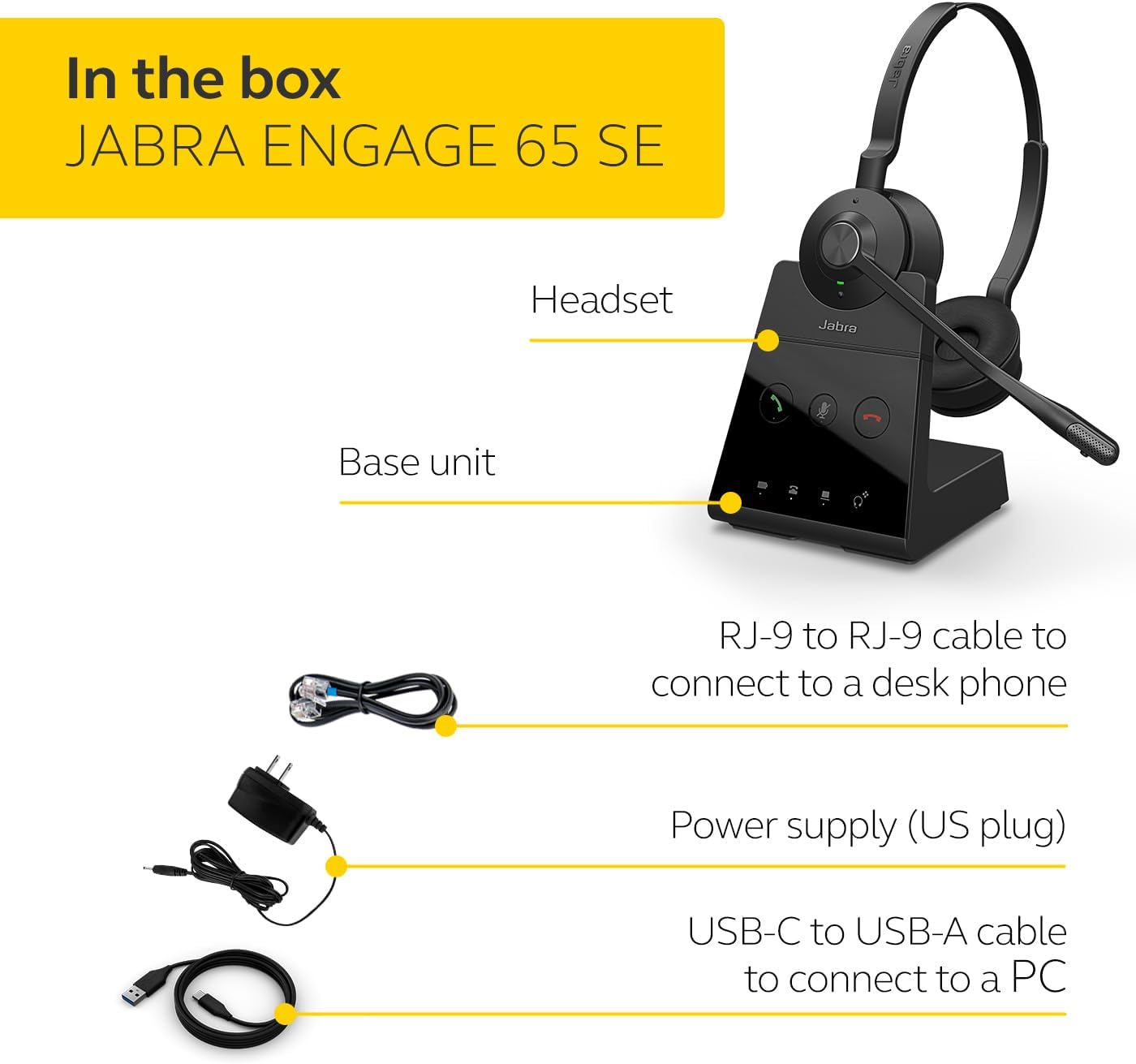
Image: The Jabra Engage 65 SE package contents, showing the headset, base unit, USB cable, RJ-9 cable, and power supply.
סעטאַפּ
1. Connect the Base Unit
- מאַכט קשר: Connect the power supply to the base unit and plug it into a power outlet.
- פּיסי קאַנעקשאַן: Use the provided USB-C to USB-A cable to connect the base unit to your computer's USB port.
- Desk Phone Connection: Use the provided RJ-9 to RJ-9 cable to connect the base unit to your desk phone's headset port. Consult your desk phone's manual for specific port identification.
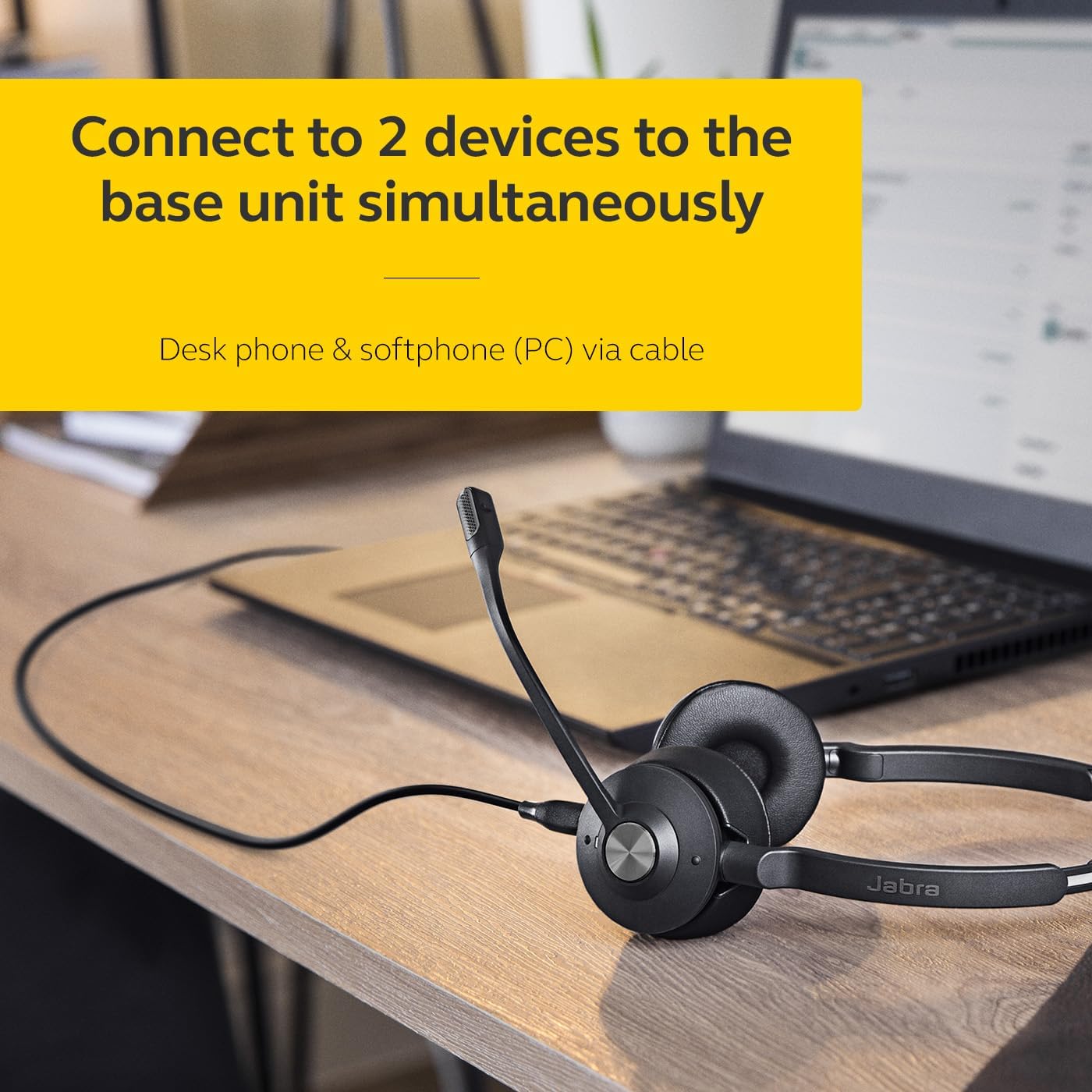
Image: The Jabra Engage 65 SE headset base unit connected to a laptop, illustrating PC connectivity.
2. באַשולדיקן די כעדסעט
Place the headset onto the base unit. The headset will begin charging automatically. Ensure the headset is fully charged before first use for optimal battery performance.
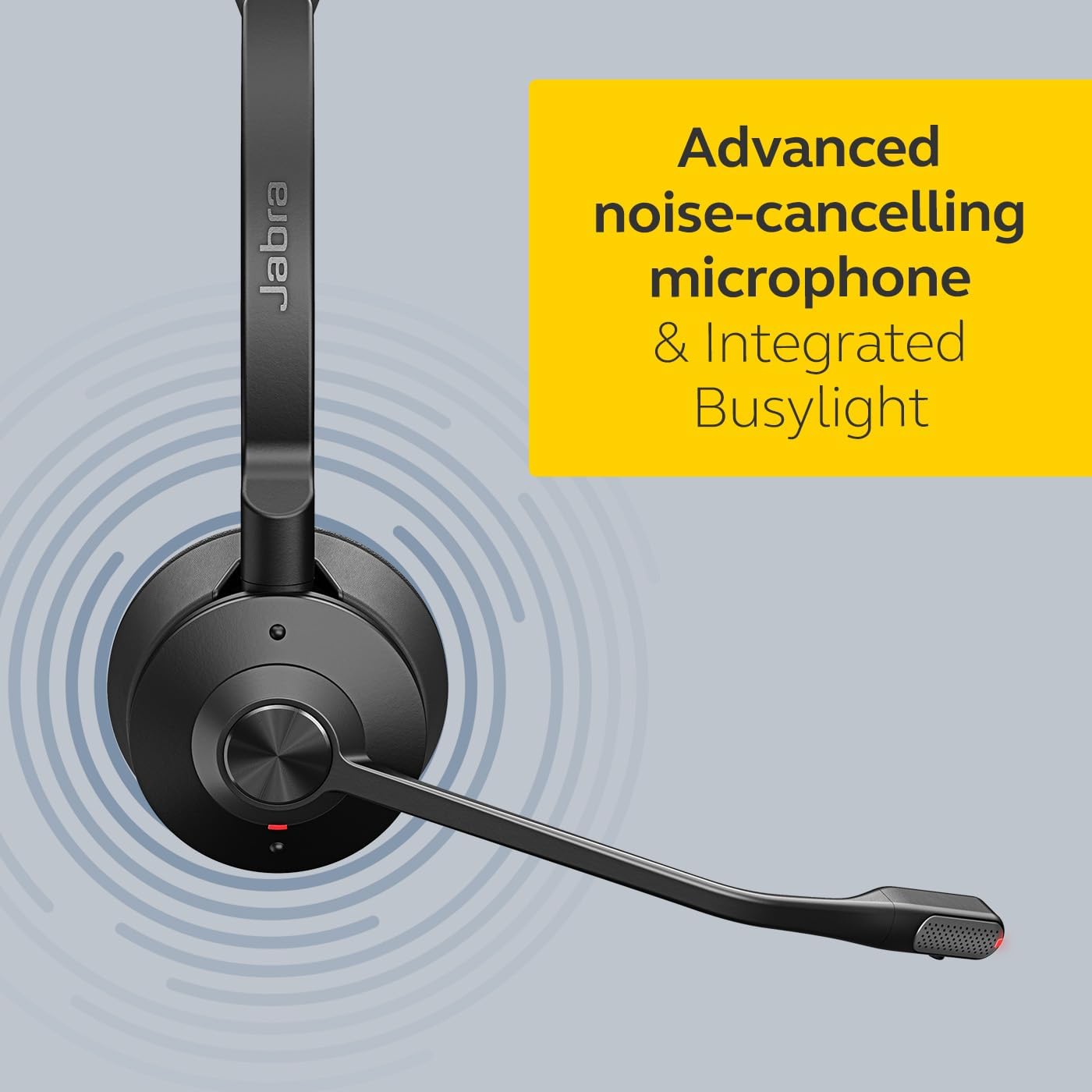
Image: The Jabra Engage 65 SE headset resting on its charging base, indicating proper docking for charging.
3. ערשט פּערינג
The headset and base unit are pre-paired from the factory. If re-pairing is needed, follow the instructions in the full user manual available on the Jabra support webפּלאַץ.
ווידעא: אן אפיציעלע איבערview of the Jabra Engage 65 SE Wireless Headset, demonstrating its features and setup.
אַפּערייטינג ינסטראַקשאַנז
ווערינג די העאַדסעט
Adjust the headband for a comfortable fit. Position the microphone boom approximately 2 cm (0.8 inches) from your mouth. The microphone boom is flexible and can be adjusted for optimal voice pickup.

Image: A user wearing the Jabra Engage 65 SE headset, highlighting its comfortable design and microphone placement for clear communication.
רופן קאָנטראָל
The headset features intuitive controls for managing calls:
- ענטפֿערן / סוף רופן: Press the multi-function button on the earcup.
- שטום/אומשטום: Press the mute button on the microphone boom or base unit.
- באַנד אַדזשאַסטמאַנט: ניצט די וואָלומען אַרויף/אַראָפּ קנעפּלעך אויף די אויערקאַפּ.

בילד: א נאָענטע בילד view of the headset's earcup, illustrating the location of the call control buttons for easy access during use.
פאַרנומען ינדיקאַטאָר
The integrated busylight on the headset automatically illuminates when you are on a call, signaling to colleagues that you are busy and should not be disturbed. This feature helps minimize interruptions and improve focus.
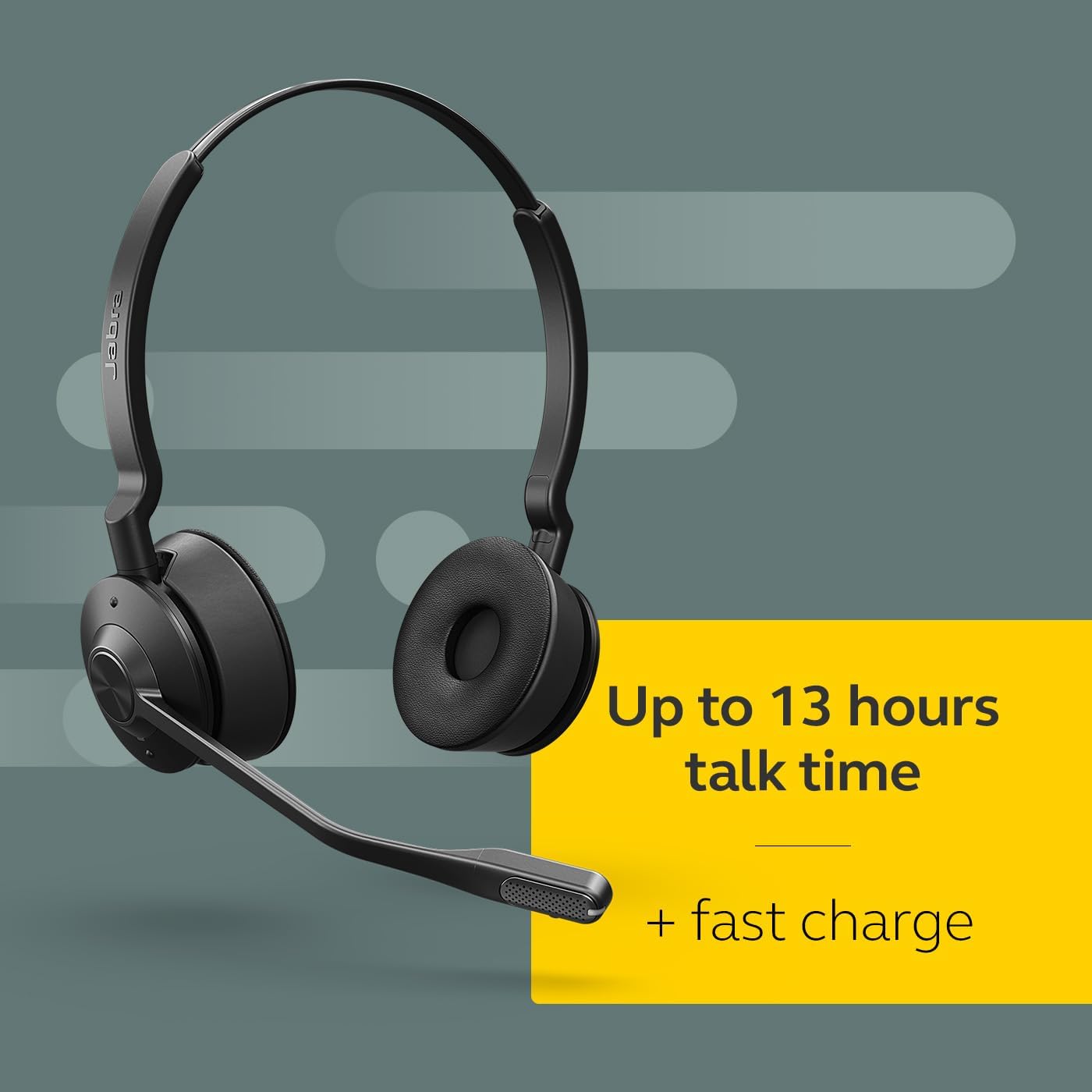
Image: The Jabra Engage 65 SE headset with its busylight active, indicating a user is currently on a call.
Wireless Range and Connectivity
The headset provides a wireless range of up to 150 meters (490 feet) from the base unit, allowing freedom of movement. It can connect to up to two devices simultaneously: a desk phone and a softphone (PC) via the base unit.
וישאַלט
רייניקונג
- Wipe the headset and base unit with a soft, dry cloth.
- ויסמיידן ניצן האַרב קעמיקאַלז אָדער אַברייסיוו מאַטעריאַלס.
- Ensure no moisture enters the charging port or microphone openings.
באַטערי קער
- For optimal battery longevity, avoid fully discharging the headset frequently.
- סטאָר די כעדסעט אין אַ קיל, טרוקן אָרט ווען ניט אין נוצן.
- The headset offers up to 13 hours of talk time and supports fast charging.
טראָובלעשאָאָטינג
If you encounter issues with your Jabra Engage 65 SE headset, refer to the following common solutions:
| פּראָבלעם | מעגלעך לייזונג |
|---|---|
| קיין אַודיאָ / שלעכטע אַודיאָ קוואַליטעט |
|
| כעדסעט פֿאַרבינדט זיך נישט |
|
| קורץ באַטאַרייע לעבן |
|
For more detailed troubleshooting and support, please visit the official Jabra support webפּלאַץ.
ספּעסאַפאַקיישאַנז
| שטריך | דעטאַל |
|---|---|
| סאָרט | דזשאַבראַ |
| מאָדעל נאָמען | דינגען 65 SE |
| מאָדעל נומער | 9659-553-125 |
| קאַנעקטיוויטי טעכנאָלאָגיע | Bluetooth, Wireless (DECT) |
| ווירעלעסס ראַנגע | אַרויף צו 150 מעטער / 490 פֿיס |
| באַטעריע לעבן (רעד צייט) | אַרויף צו 13 שעה |
| באַטאַרייע אָפּצאָל צייט | קסנומקס מינוט |
| ראַש קאָנטראָל | אַקטיוו ראַש קאַנסאַליישאַן |
| מיקראָפאָן | Advanced Noise-Cancelling |
| אויער פּלייסמאַנט | On Ear (Dual-Ear) |
| וואָג | 1.2 פונט |
| מאַטעריאַלס | Faux Leather, Polycarbonate (PC), Stainless Steel |
| קאַמפּאַטאַבאַל דעוויסעס | Universal (Desk phone, PC) |
וואָראַנטי און שטיצן
וואָראַנטי אינפֿאָרמאַציע
The Jabra Engage 65 SE headset comes with a 2-יאָר מאַנופאַקטורער וואָראַנטיביטע באַהאַלטן אייער קויפן באַווייַז פֿאַר וואָראַנטי קליימז.
קונה שטיצן
For further assistance, product registration, or to download the full user manual and software updates, please visit the official Jabra support webפּלאַץ: