
1. פּראָדוקט איבערview
The MONODEAL K105 is a versatile under-cabinet music system designed for kitchen environments, offering multiple audio playback options and convenient features. It integrates a CD player, FM radio, Bluetooth connectivity, and practical additions like an LED kitchen light, kitchen timer, and dual alarm clock.

Figure 1: MONODEAL K105 Under Cabinet CD Player with included accessories.
ווידעא 1: אפיציעלער פראדוקט איז פארבייview of the MONODEAL K105 Under Cabinet CD Player, highlighting its features and design.
2. שליסל פֿעיִקייטן
- Radio/CD Player with Bluetooth: Supports wireless Bluetooth for connecting with mobile devices, FM radio with 30 preset stations, and playback of CD, CD-R, CD-RW, and MP3 formats.
- Stylish Look and Practical LED Kitchen Lights: Features a sleek black finish and a built-in energy-saving LED light for illuminating the counter space.
- טיימער און רימאָוט קאָנטראָל: Includes a cooking timer for time management and a remote control for convenient operation.
- Dual Alarm Clock and High Sound: Features dual alarm settings and 2*5W speakers for high-fidelity sound quality.
- 2*16 Display and Easy Installation: Large display for clear playback information, time, and timer status. Designed for easy installation.

Figure 2: Wireless Bluetooth 5.0 connection for streaming music from mobile devices.
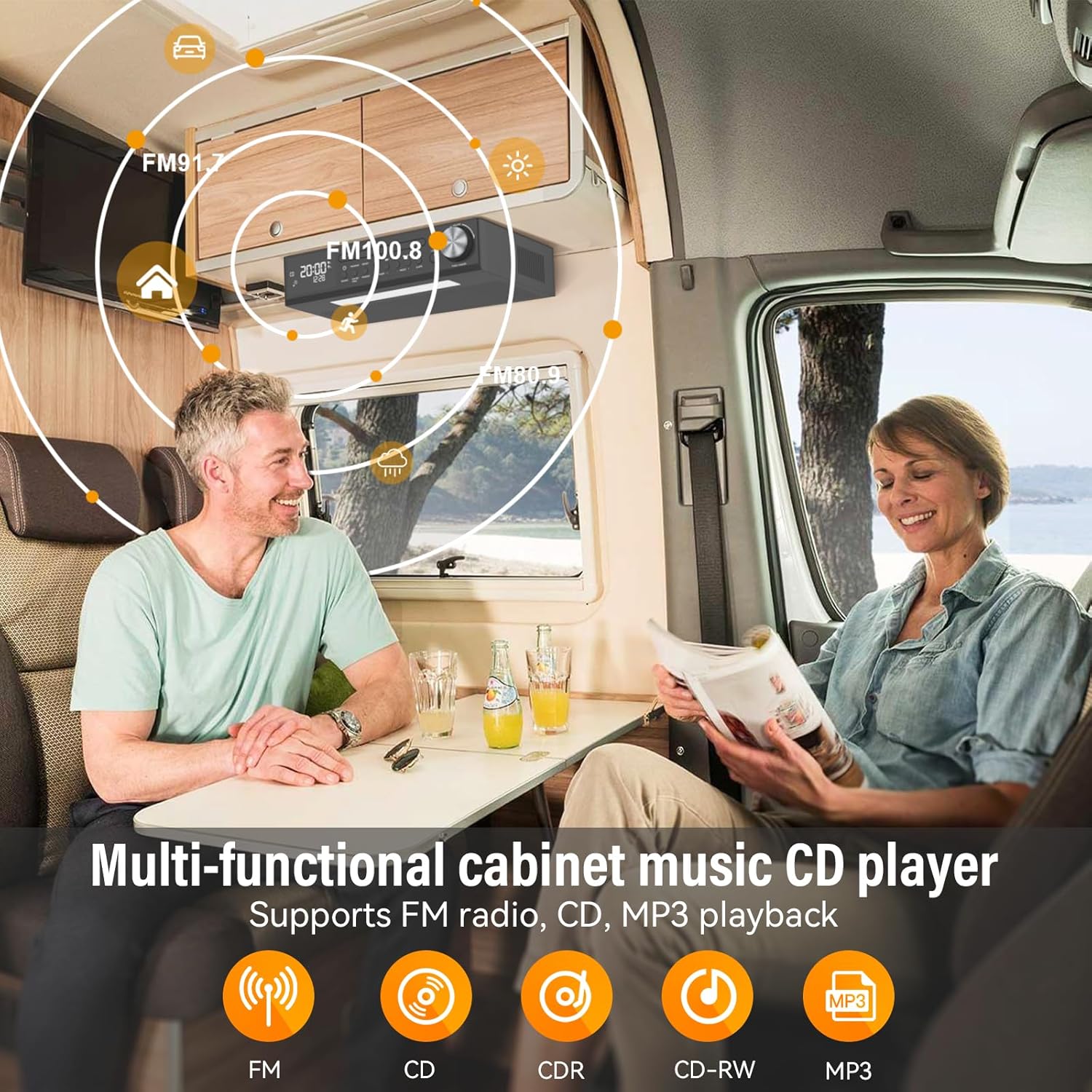
Figure 3: Multi-functional cabinet music CD player supporting FM radio, CD, and MP3 playback.

Figure 4: Energy-saving LED light to enhance the kitchen workspace.

Figure 5: Remote control operation for easy command of the unit.

Figure 6: Timer function assists with cooking and other timed activities.

Figure 7: Dual alarm settings to fit various lifestyle needs.
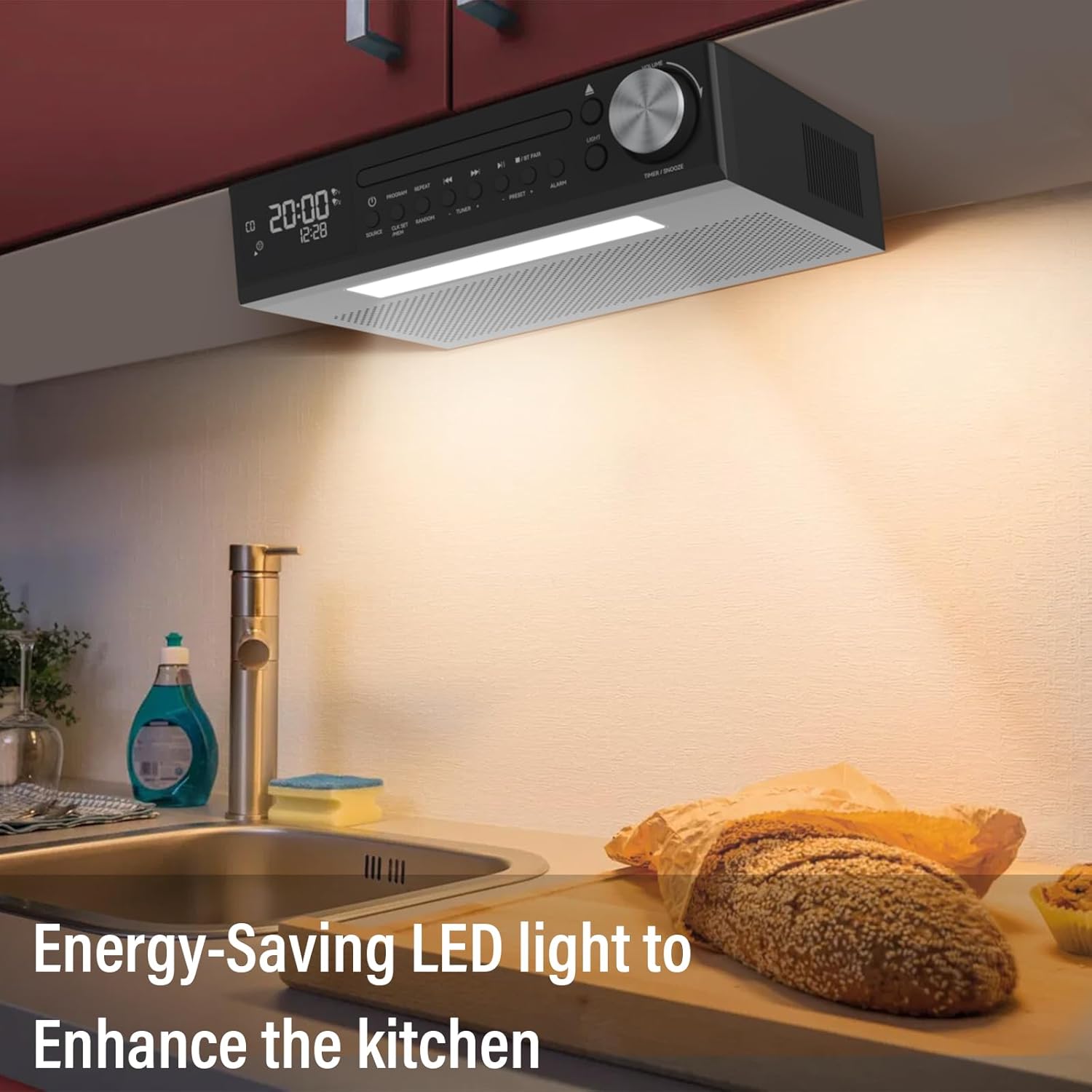
Figure 8: The 2*16 large screen display provides information at a glance.
3. סעטאַפּ
3.1 וואָס איז אין דער קעסטל
- KR105 Under Cabinet CD Player (x1)
- מאַונטינג פּלאַטע (x1)
- ווייַט קאָנטראָל (קס 1)
- סקרוז (x4)
- Power Plug (x1)

פיגור 9: אַלע קאָמפּאָנענטן אַרייַנגערעכנט אין דער פּראָדוקט פּאַקאַדזשינג.
3.2 ינסטאַללאַטיאָן סטעפּס
- Attach Mounting Plate to Unit: Secure the mounting plate to the top of the CD player using the provided screws.
- Secure Mounting Plate to Cabinet: Position the mounting plate under your desired cabinet location. Use the remaining screws to firmly attach the plate to the underside of the cabinet. Ensure the plate is level and securely fastened.
- Slide CD Player onto Mounting Plate: Align the CD player with the attached mounting plate and slide it into place until it clicks securely.
- פאַרבינדן מאַכט: Plug the power adapter into the DC 5.0V input on the back of the CD player and then into a standard wall outlet.

Figure 10: Step 1 - Attaching the mounting plate to the top of the CD player.

Figure 11: Step 2 - Securing the mounting plate to the cabinet.

Figure 12: Step 3 - Sliding the CD player onto the mounting plate.

Figure 13: Step 4 - Connecting the power adapter.
4. אַפּערייטינג ינסטרוקטיאָנס
4.1 מאַכט אויף / אַוועק
דרוק די מאַכט button on the unit or the remote control to turn the device on or off.
4.2 מאָדע סעלעקציע
דרוק די מקור button on the unit or remote control to cycle through available modes: CD, FM Radio, and Bluetooth (BT).
4.3 סי פּלייבאַק
- אויסקלייבן סי-די מאָדע ניצנדיק די מקור קנעפּל.
- דרוק די עפענען / נאָענט קנעפּל צו עפענען די CD טאַץ.
- Place a CD (CD, CD-R, CD-RW, MP3 format) onto the tray with the label side facing up.
- דרוק די עפענען / נאָענט button again to close the tray. Playback will begin automatically.
- ניצן שפּיל / פּויזע, האָפּקען פאָרויס, און האָפּקען צוריק קנעפּלעך פֿאַר קאָנטראָל.
- דרוק פּראָגראַם to program tracks, איבערחזרן for repeat options, and ראַנדאָם for shuffled playback.
4.4 FM ראַדיאָ אָפּעראַציע
- אויסקלייבן FM מאָדע ניצנדיק די מקור קנעפּל.
- ניצן די TUNER + or TUNER - קנעפּלעך צו מאַנועל צושטעלן צו אַ סטאַנציע.
- צו אויטאמאטיש סקענען און ראטעווען סטאנציעס, דריק און האלט די יבערקוקן button (on remote) or PRESET + / פאָראויסגעשטעלט - buttons (on unit).
- ניצן PRESET + or פאָראויסגעשטעלט - to navigate through saved stations.
4.5 בלועטאָאָטה פּערינג
- אויסקלייבן בלועטוט מאָדע ניצנדיק די מקור button. The display will show "BT" and flash, indicating it's ready for pairing.
- On your mobile device, enable Bluetooth and search for "MONODEAL K105".
- Select the device to pair. Once connected, "BT" will stop flashing and remain solid.
4.6 טייַמער פֿונקציע
דרוק די TIMER/SNOOZE קנעפּל אויף די אַפּאַראַט אָדער TIMER button on the remote to set a cooking timer. Follow the on-screen prompts to adjust the time.
4.7 וועקער זייגער איינשטעלונג
The unit supports dual alarm settings. Press the שרעק button on the unit or remote to access alarm settings. Follow the display instructions to set alarm times and sources.
4.8 LED ליכט אָפּעראַציע
דרוק די ליכט button on the unit or remote control to turn the under-cabinet LED light on or off.
5. וישאַלט
5.1 רייניקונג
- ווישט אָפּ די אויסערלעכע זייט פון דער איינהייט מיט אַ ווייכן, טרוקענעם שטאָף. ניצט נישט קיין שרײַבנדיקע רייניגער אָדער סאָלווענטן.
- For the CD tray, use a soft, lint-free cloth to gently wipe away dust. Avoid touching the lens.
5.2 סי-די קער
- Handle CDs by their edges to prevent fingerprints and scratches.
- לייגט אַוועק סי-דיס אין זייערע קעסטלעך ווען זיי ווערן נישט גענוצט.
- Clean dirty CDs with a soft, damp cloth, wiping from the center outwards.
6. טראָובלעשאָאָטינג
| פּראָבלעם | מעגלעך סיבה | לייזונג |
|---|---|---|
| קיין מאַכט | עלעקטרישע שנור נישט פארבונדן; עלעקטרישע ווענטיל ארבעט נישט | זיכער מאַכן אַז די עלעקטרישע שנור איז גוט איינגעשטעקט; פּרוּווט אַן אַנדער אַוטלעט |
| קיין געזונט | Volume too low; Incorrect mode selected | Increase volume; Select correct source mode (CD, FM, BT) |
| CD skipping/not playing | Dirty or scratched CD; CD inserted incorrectly | Clean or replace CD; Reinsert CD correctly with label side up |
| בלועטאָאָטה איז נישט קאַנעקטינג | Device not in pairing mode; Bluetooth disabled on mobile device | Ensure unit is in BT pairing mode; Enable Bluetooth on your device and re-scan |
| נעבעך עפעם אָפּטראָג | אַנטענע נישט אויסגעשטרעקט/ריכטיג פּאַזיציאָנירט; שטערונג | Adjust antenna position; Move unit away from other electronic devices |
7. ספּעסאַפאַקיישאַנז
- מאָדעל נאָמען: YJ105
- פּראָדוקט דימענשאַנז: 11.6 X 7.4 X 3 אינטשעס
- נומער וואָג: 4 פונט
- קאַנעקטיוויטי טעכנאָלאָגיע: בלועטאָאָטה
- ספּעציעלע פֿעיִקייטן: Bluetooth, Built-In Radio, Kitchen Timer, Dual Alarm Clock, LED Light
- אַודיאָ רעזולטאַט: 2*5W Speakers
- מאַכט מקור: אַק מאַכט
8. וואָראַנטי און שטיצן
Your MONODEAL K105 Under Cabinet Kitchen CD Player comes with a 12-month replacement warranty. MONODEAL is committed to providing lifetime support for its products.
For any questions, problems, or support needs, please refer to the contact information provided in your product packaging or visit the official MONODEAL webפּלאַץ.

Figure 14: Dedicated customer support is available for assistance.