
הקדמה
The Docooler USB PC Thermometer, Model TEMPer, is a compact device designed for real-time temperature measurement and data logging when connected to a computer via a USB port. It allows users to monitor temperature, record data, analyze dynamic curves, and set alarms. This manual provides instructions for its proper setup, operation, and maintenance.
פּעקל אינהאַלט
- 1 x USB Thermometer (Model TEMPer)
סיסטעם רעקווירעמענץ
- Operating System: Windows XP, Vista, 7, 10
- USB Port: Available USB 2.0 or 3.0 port
- Note: Linux and macOS are not supported.
סעטאַפּ אינסטרוקציעס
- פאַרבינדן די מיטל: Insert the USB PC Thermometer into an available USB port on your computer.
- ווייכווארג ינסטאַלירונג:
Upon first connection, your operating system may attempt to install drivers automatically. If not, please refer to the manufacturer's website for the latest software and driver downloads. Install the provided software to enable full functionality.

Image: The Docooler USB PC Thermometer connected to a computer, illustrating its use for real-time temperature monitoring in environments such as greenhouses.
- קאַטער ווייכווארג: Once installed, launch the Docooler temperature monitoring software.
אַפּערייטינג ינסטראַקשאַנז
The software provides various functions for temperature monitoring and data management.
- פאַקטיש-צייט מאָניטאָרינג: The software displays the current temperature readings from the device in real-time.
- דאַטן רעקאָרדינג:
Initiate data recording through the software interface. The device supports continuous data logging, allowing you to track temperature changes over time.

Image: The USB PC Thermometer positioned beside a laptop, highlighting its capability for data recording and dynamic curve analysis.
- Dynamic Curves Analysis: View temperature data graphically as dynamic curves within the software, enabling detailed analysis of temperature trends.
- שרעק פֿונקציע: Set custom temperature thresholds. The software can trigger an alarm (e.g., email notification) if the temperature exceeds or falls below the set limits.
- דאַטאַ עקספּאָרט:
The software allows you to transmit temperature data directly to text files, such as Microsoft Excel, using functions like NumLock/CapsLock for easy integration.
- ווייַט Viewing and Email Support: די דעווייס שטיצט ווייַטקאָנטראָל viewing capabilities and can send temperature alerts via email.
- API Function: An API function for DLL of Windows OS is available for advanced users and custom applications (optional).
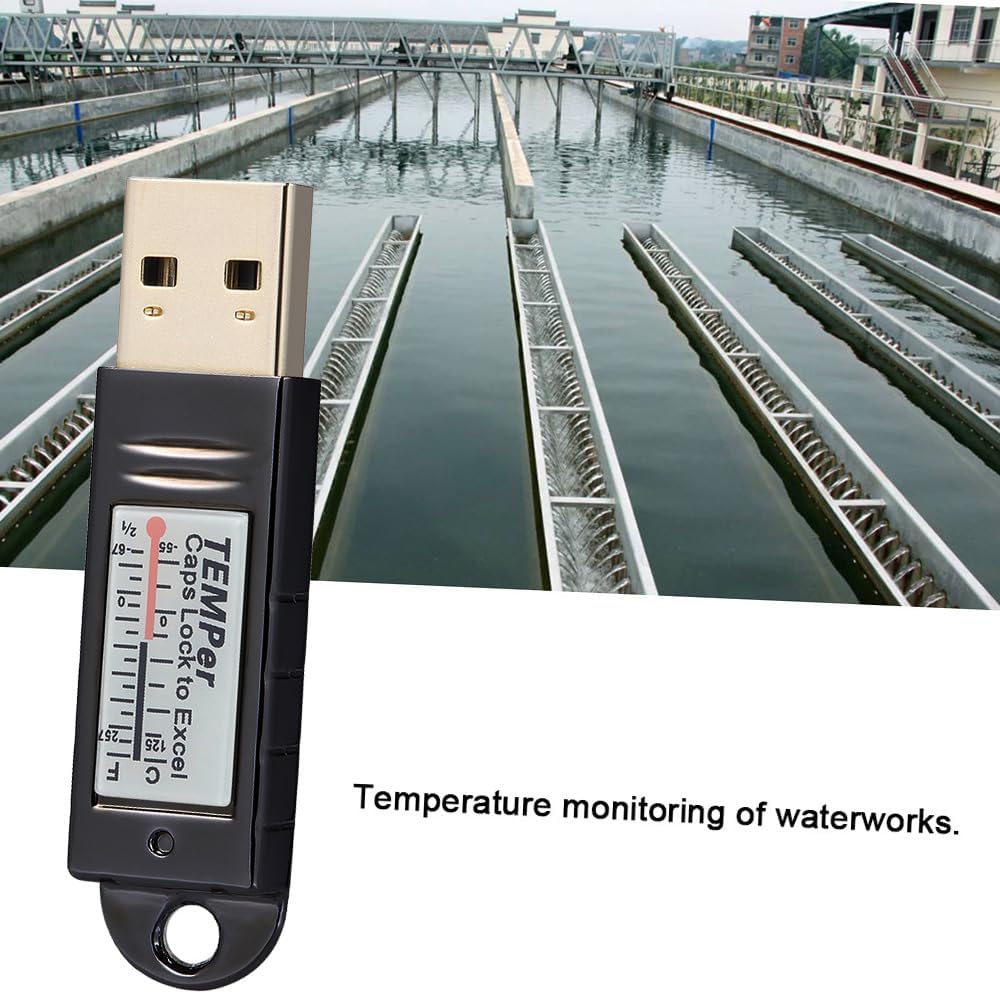
Image: The USB PC Thermometer being utilized for temperature monitoring in an industrial setting, specifically a water treatment facility.
וישאַלט
- רייניקונג: ניצט אַ ווייכע, טרוקענע שטאָף צו רייניקן דעם אַפּאַראַט. ניצט נישט קיין פליסיקע רייניגער אָדער סאָלווענטן.
- סטאָרידזש: Store the thermometer in a cool, dry place away from direct sunlight and extreme temperatures when not in use.
- האַנדלינג: ויסמיידן דראַפּינג די מיטל אָדער אונטערטעניק צו שטאַרק ימפּאַקץ.
טראָובלעשאָאָטינג
- מיטל ניט דערקענט:
Ensure the device is securely plugged into a functional USB port. Try a different USB port or computer. Verify that the necessary drivers are installed.
- Software Not Displaying Data:
Confirm that the device is connected and recognized by the system. Restart the software and/or your computer. Check for software updates from the manufacturer.
- ומפּינקטלעך רידינגז:
Ensure the thermometer is placed in an environment where it can accurately measure the desired temperature, away from direct heat sources or drafts that could affect readings.
ספּעסאַפאַקיישאַנז
| מאָדעל | TEMPer |
| מאַטעריאַל | Plastic (Die-casting electroplating shell) |
| מאַקסימום מעסטן טעמפּעראַטור | 125°C |
| סיסטעם קאַמפּאַטאַבילאַטי | Windows XP, VISTA, 7, 10 (Not compatible with Linux, MAC) |
| נומער גרייס | Approx. 5.3cm x 1.4cm x 0.7cm (2in x 0.55in x 0.28in) |
| פּונקט וואָג | בעערעך 13.3 ג (0.46 oz) |
| פּעקל גרייס | Approx. 12.5cm x 11cm x 1cm (4.92in x 4.3in x 0.4in) |
| פּעקל וואָג | בעערעך 33.2 ג (1.16 oz) |
וואָראַנטי און שטיצן
For warranty information and technical support, please refer to the documentation provided with your purchase or visit the official Docooler website. Contact the seller directly for specific warranty terms applicable to your region.