
הקדמה
The WAAW by ALOK BOOM 200 is a powerful Bluetooth speaker designed to deliver an immersive audio experience. Featuring 80W RMS power, IPX4 splash protection, dynamic light shows, and TWS (True Wireless Stereo) technology, it's built for versatility and high-quality sound. This manual provides essential information for setting up, operating, and maintaining your speaker.
שליסל פֿעיִקייטן אַרייַננעמען:
- TWS טעכנאָלאָגיע: Connects up to two BOOM 200 speakers for enhanced stereo sound.
- בלועטאָאָטה 5.3: Ensures stable and extended wireless connectivity.
- Up to 12 Hours Playtime: Enjoy long-lasting music on a single charge.
- IPX4 שוץ: Resistant to splashes, making it suitable for various environments.
- 3 ספּיקערז: Equipped with one subwoofer and two tweeters for clear bass, mids, and highs.
- 80W RMS Power: Delivers robust and clear audio output.
- דינאמישע ליכט שאָו: Integrated LED lighting to enhance your listening experience.
- Power Bass: Feature for powerful bass reinforcement.
- עטלעכע קאַנעקטיוויטי אָפּציעס: USB and 3.5mm AUX IN ports.
פּעקל אינהאַלט
ביים אויספּאַקן דעם קעסטל, ביטע זיכער מאַכן אַז אַלע די פאלגענדע קאָמפּאָנענטן זענען פאַראַן:
- WAAW by ALOK BOOM 200 Bluetooth Speaker
- טשאַרדזשער
- וסב- C קאַבלע
- באַניצער מאַנואַל

Image: WAAW BOOM 200 speaker, USB-C cable, and user manual.
סעטאַפּ
טשאַרדזשינג די רעדנער
Before initial use, fully charge your WAAW BOOM 200 speaker.
- פֿאַרבינדט דעם צוגעשטעלטן USB-C קאַבל צום טשאַרדזשינג פּאָרט אויף דעם רעדנער.
- Connect the other end of the USB-C cable to the charger, then plug the charger into a power outlet.
- A red LED indicator will illuminate, indicating that the speaker is charging.
- The LED indicator will turn off once charging is complete.
באַמערקונג: When the battery level is low, you will hear an audible notification.

Image: Close-up of the charging port on the WAAW BOOM 200 speaker.
אַפּערייטינג ינסטראַקשאַנז
מאַכט אויף / אַוועק
To power on or off the speaker, press and hold the power button located on the control panel.

בילד: אויבן view of the speaker showing the power button and other controls.
בלועטאָאָטה פּערינג
- Ensure the speaker is powered on and in Bluetooth pairing mode (indicated by a flashing LED, refer to product for specific indicator).
- אויף אייער דעווייס (סמאַרטפאָן, טאַבלעט, לאַפּטאָפּ), אַקטיווירט בלועטוט און זוכט פֿאַר פֿאַראַן דעווייסעס.
- Select "WAAW BOOM 200" from the list of devices.
- אַמאָל פארבונדן, וועט דער רעדנער געבן אַן אָזערלעכע באַשטעטיקונג, און דער LED אינדיקאַטאָר וועט זיך ענדערן (למשל, האַרט בלוי).
צוויי (אמת ווירעלעסס סטערעאָ) פּערינג
The WAAW BOOM 200 features TWS technology, allowing you to connect two BOOM 200 speakers for a true stereo sound experience.
- Ensure both BOOM 200 speakers are powered on and not connected to any other Bluetooth device.
- On one of the speakers, press and hold the TWS button (refer to product for specific button). The speakers will search for each other.
- Once connected, you will hear an audible confirmation, and the LED indicators on both speakers will synchronize.
- Now, connect your device to one of the paired speakers via Bluetooth as described in the "Bluetooth Pairing" section. Both speakers will play audio in stereo.

Image: Illustration of two WAAW BOOM 200 speakers wirelessly connected using TWS technology.
קאָנטראָלס און פֿעיִקייטן
- באַנד קאָנטראָל: Use the '+' and '-' buttons on the control panel to adjust the volume.
- שפּיל / פּויזע: דריקן די שפּיל / פּויזע קנעפּל צו קאָנטראָלירן מוזיק פּלייבאַק.
- דינאמישע ליכט שאָו: The speaker features integrated LED lighting. Use the light button (often indicated by a sun icon) to cycle through different light modes or turn them off.
- Power Bass: Activate this feature for enhanced bass. Refer to the product's physical buttons for the specific Power Bass control.
- וסב ינפּוט: Connect USB devices for audio playback.
- AUX IN (3.5mm Audio Input): Connect devices using a 3.5mm audio cable (not included).
- Microphone Input (P10 6.35mm): פֿאַרבינדט אַ מיקראָפֿאָן פֿאַר קאַראַאָקע אָדער מעלדונגען.

בילד: דעטאַלירט view of the WAAW BOOM 200 speaker, highlighting the control panel and various input ports (USB, AUX, Mic).
וישאַלט
וואַסער קעגנשטעל (IPX4)
The WAAW BOOM 200 is rated IPX4, meaning it is resistant to splashes of water. This allows for use in environments where it might be exposed to light water spray, such as near pools or at the beach. However, it is נישט waterproof and should not be submerged in water.
באַשטעטיק די רעדנער
If the speaker experiences issues or becomes unresponsive, you can perform a reset:
- Locate the reset button (typically a small pinhole).
- Using a pointed object (e.g., a paperclip), gently insert it into the reset button hole.
- Press and hold the reset button for 6 seconds. The speaker will automatically reset.
ספּעסאַפאַקיישאַנז
| שטריך | דעטאַל |
|---|---|
| בלועטאָאָטה ווערסיע | 5.3 |
| רעזולטאַט מאַכט (RMS) | 80 וו |
| וואַסער פּראַטעקשאַן שאַץ | IPX4 (שפריץ קעגנשטעליק) |
| פּלייַטימע | אַרויף צו 12 שעה |
| באַטאַרייע קאַפּאַציטעט | 4400 mAh (ליטיום-יאָן) |
| רעדנער קאָנפיגוראַטיאָן | 1x 5" Subwoofer, 2x 2.75" Tweeters |
| אָפטקייַט ענטפער | 70 הז ~ 20 כז |
| בלועטאָאָטה פּראָfiles | A2DP/AVRCP/VDP/HFP |
| מאַקסימום קייט | 10 ם |
| טשאַרדזשינג פּאָרט | וסב-C |
| אַודיאָ ינפּוץ | USB, 3.5mm AUX IN, P10 (6.35mm) Microphone Input |
| דימענשאַנז (LxWxH) | 19.3 X 19.3 X 34 סענטימעטער |
| וואָג | 3.14 קג |
| אָטאַמאַטיק שאַטדאַון | יאָ, נאָך 10 מינוט פון ינאַקטיוויטי |
וואָראַנטי אינפֿאָרמאַציע
The WAAW BOOM 200 speaker comes with the following warranty:
- פּראָדוקט וואָראַנטי: 1 Year (3 months legal warranty + 9 months special manufacturer warranty).
- באַטערי וואָראַנטי: 6 Months (3 months legal warranty + 3 months special manufacturer warranty).
Please retain your proof of purchase for warranty claims. For further support, contact WAAW customer service.
פּראָדוקט איבערview
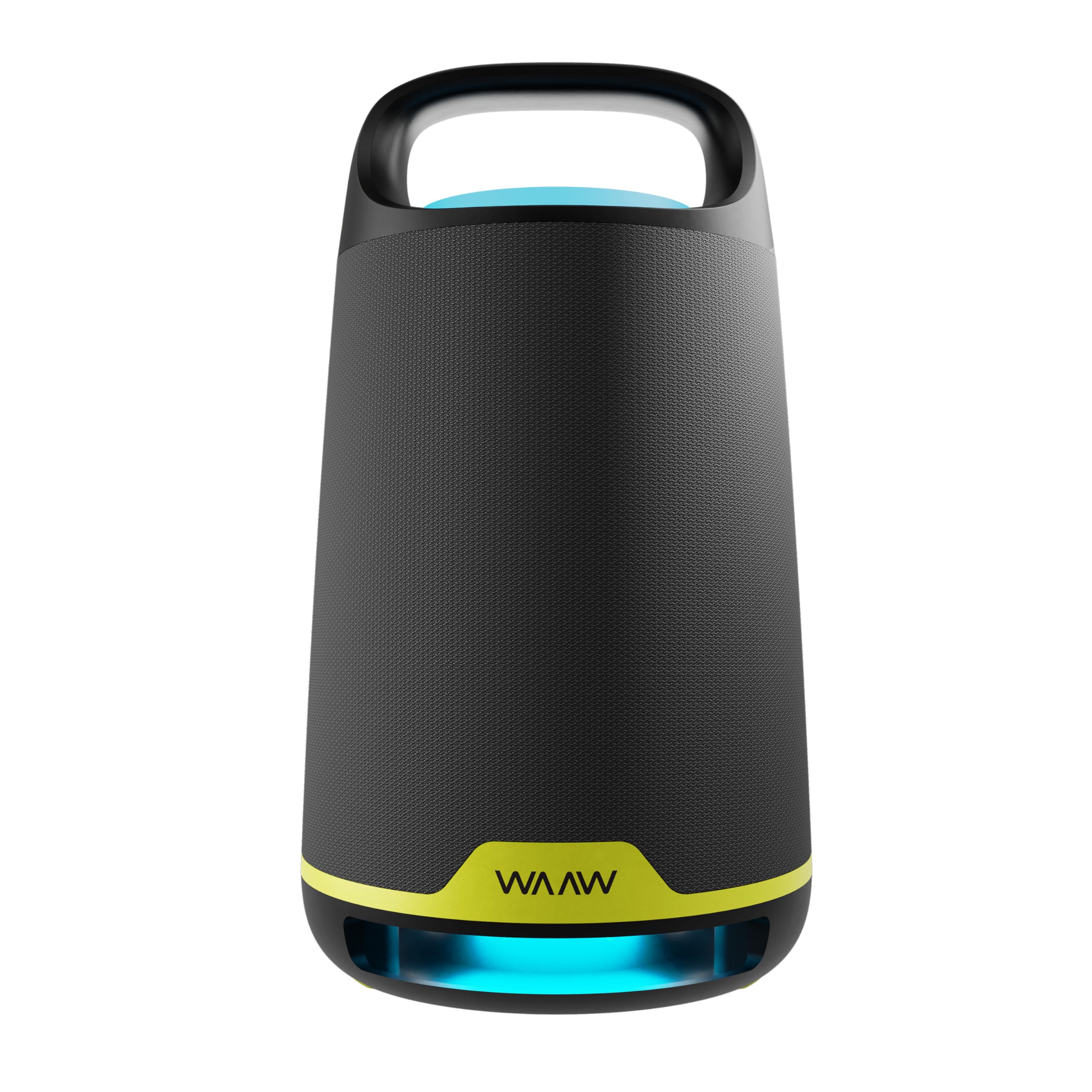
בילד: פראָנט view of the WAAW BOOM 200 Bluetooth Speaker, showcasinג זײַן דיזײַן.

בילד: זייט view of the WAAW BOOM 200 Bluetooth Speaker, highlighting its ergonomic handle.
בילד: צוריק view of the WAAW BOOM 200 Bluetooth Speaker.
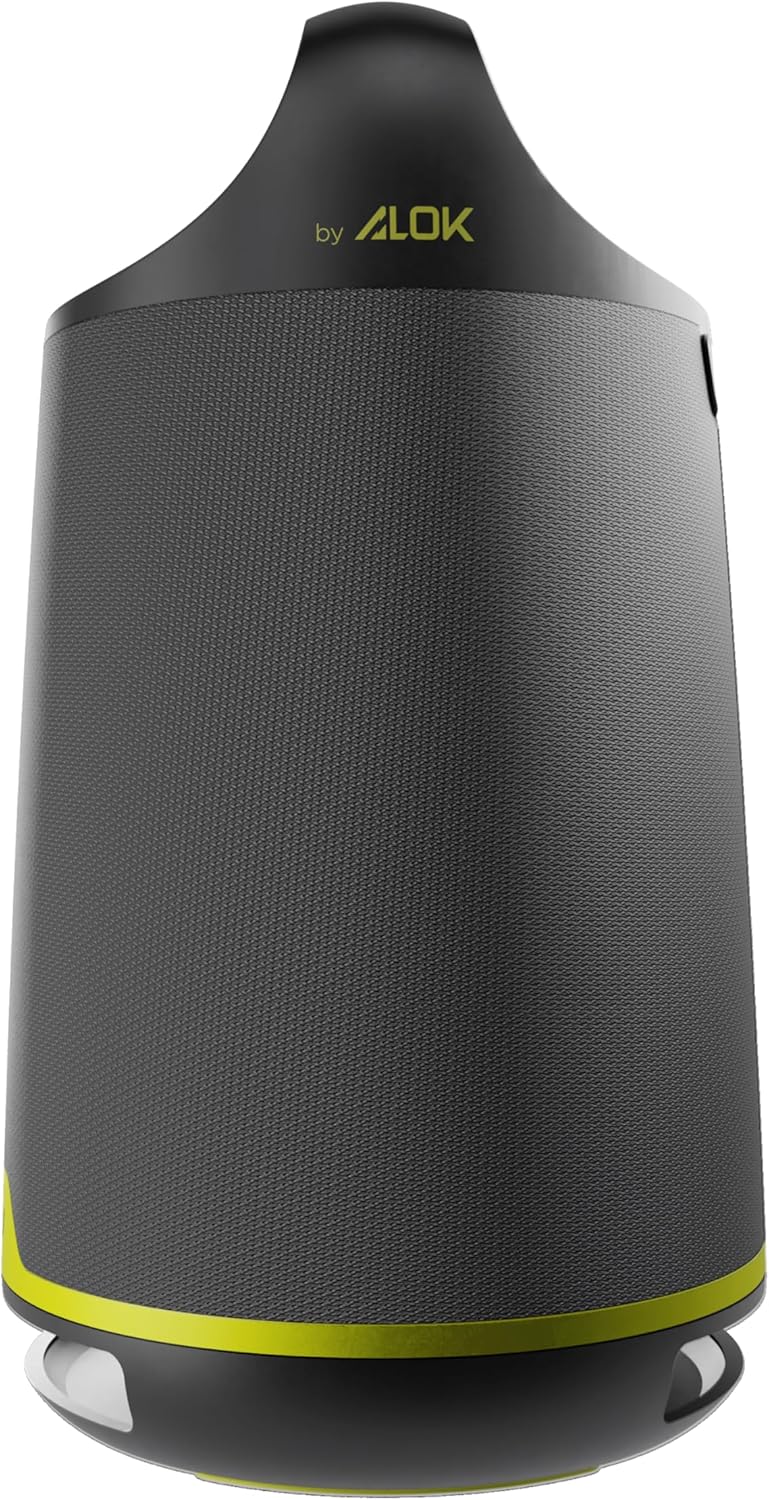
Image: The WAAW BOOM 200 speaker displaying its dynamic LED light feature.

Image: The WAAW BOOM 200 speaker with a visual representation of its powerful bass reinforcement (Power Bass) feature.

Image: The WAAW BOOM 200 speaker emphasizing its 80W RMS output power for clear and strong sound.
נאָך אינפֿאָרמאַציע
Product in Use

Image: The WAAW BOOM 200 speaker being used in a relaxed outdoor social gathering.
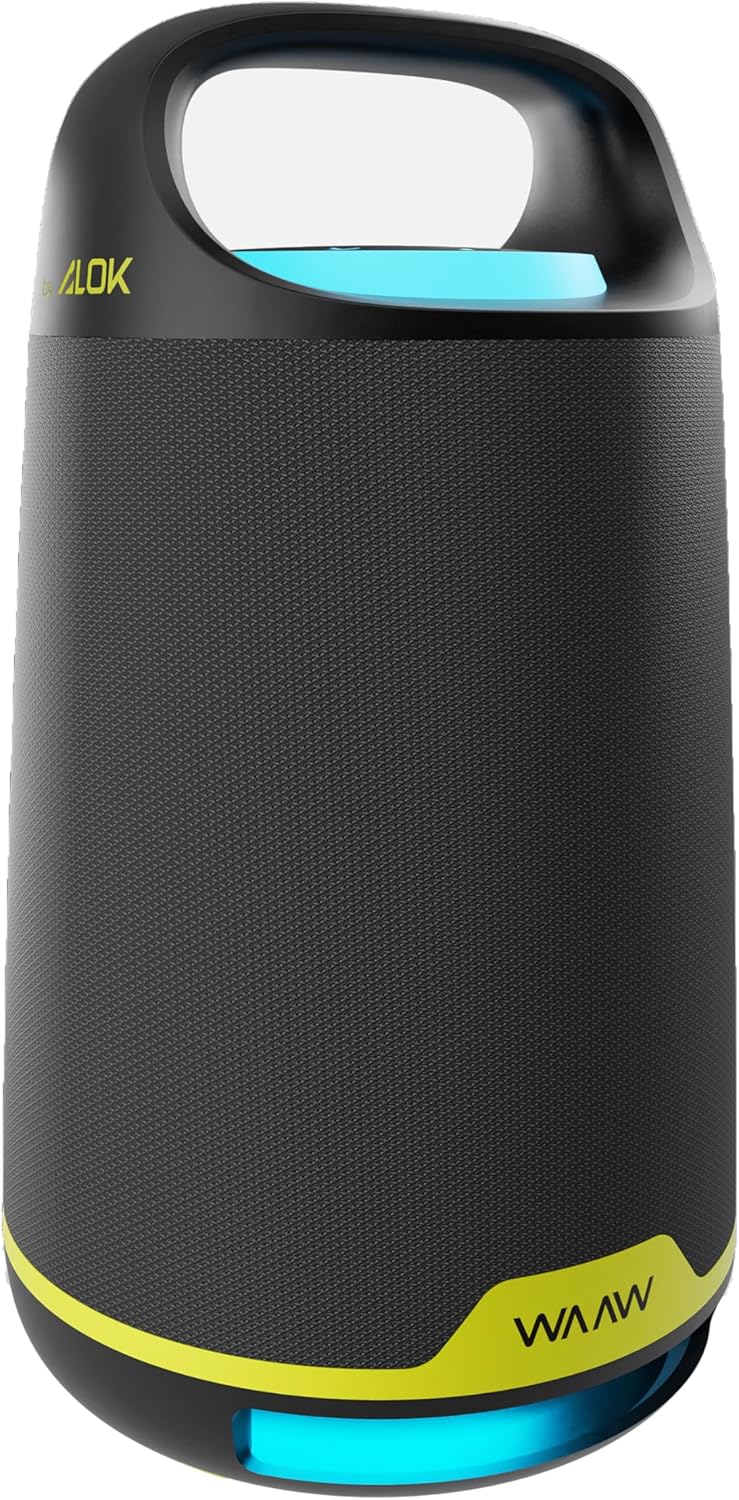
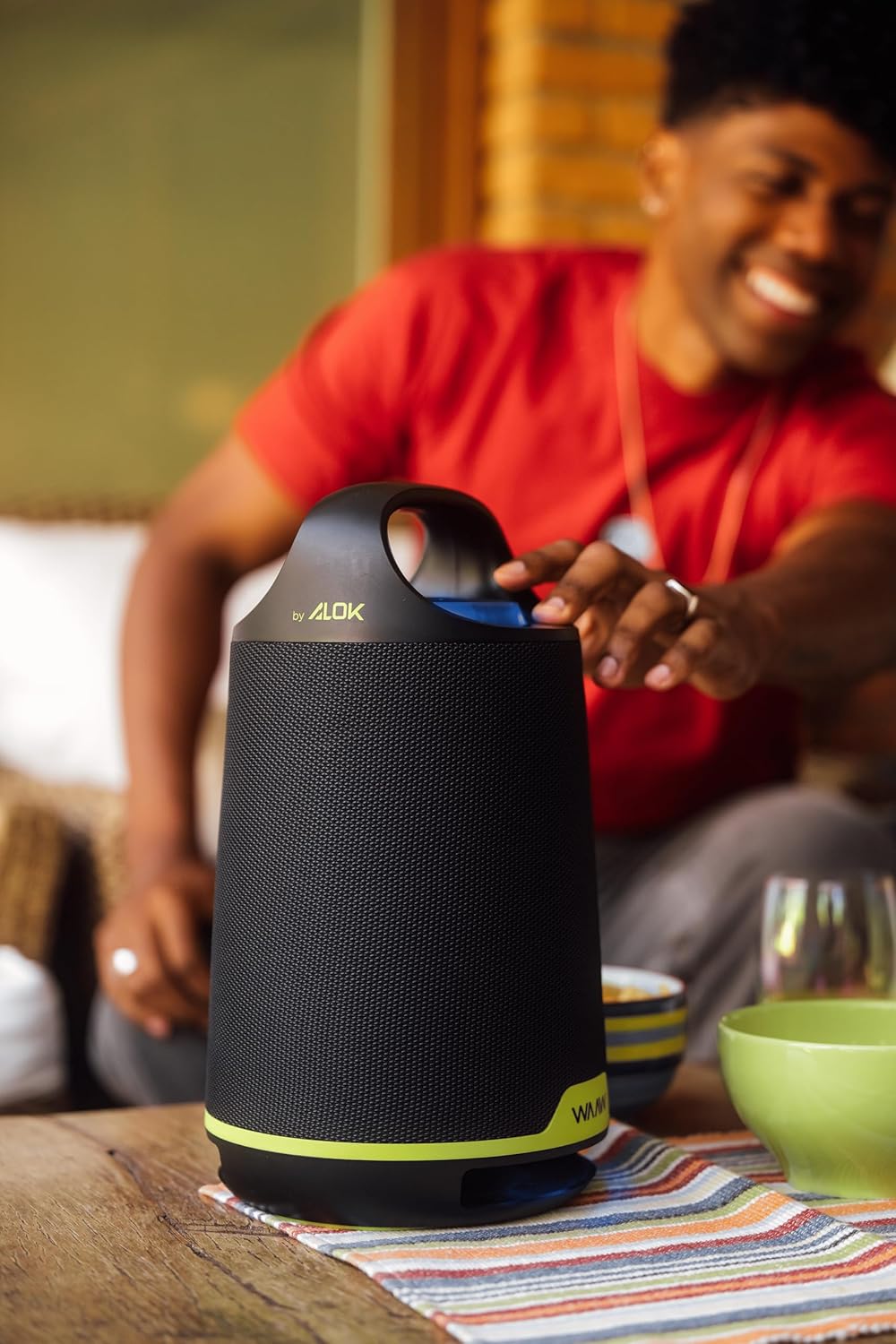
Image: A person adjusting the WAAW BOOM 200 speaker on a table.

Image: A person carrying the WAAW BOOM 200 speaker by its integrated handle.

Image: The WAAW BOOM 200 speaker positioned on a table, with a person relaxing in the background.

Image: Two WAAW BOOM 200 speakers enhancing the audio experience in a social environment.
וויסואַל פֿעיִקייטן

Image: Three WAAW BOOM 200 speakers demonstrating various dynamic LED light colors.

Image: Two WAAW BOOM 200 speakers, one with blue and one with green LED lighting, showcasing their visual appeal.