
1. הקדמה
This manual provides essential information for the safe and effective operation of your HAVIT Smart Life Series PJ211 PRO projector. Please read this manual thoroughly before using the device and retain it for future reference.
The HAVIT PJ211 PRO is a compact smart projector designed for home entertainment, gaming, and presentations. It features a native HD resolution of 1280x720, supporting up to 4K input, and integrates Android TV 9.0 for direct access to streaming services.
2. פּעקל אינהאַלט
ביים אויספּאַקן, ביטע זיכער מאַכן אַז אַלע זאכן זענען פאַראַן און אין גוטן צושטאַנד:
- HAVIT Smart Life Series PJ211 PRO Projector
- מאַכט קאַבלע
- ווייַט קאָנטראָל
- באַניצער מאַנואַל (דעם דאָקומענט)
3. פּראָדוקט איבערview
Familiarize yourself with the projector's physical components and connection ports.
בילד: הינטערשטע און זייט view of the HAVIT PJ211 PRO projector, highlighting the power input, HDMI, USB, and audio ports.

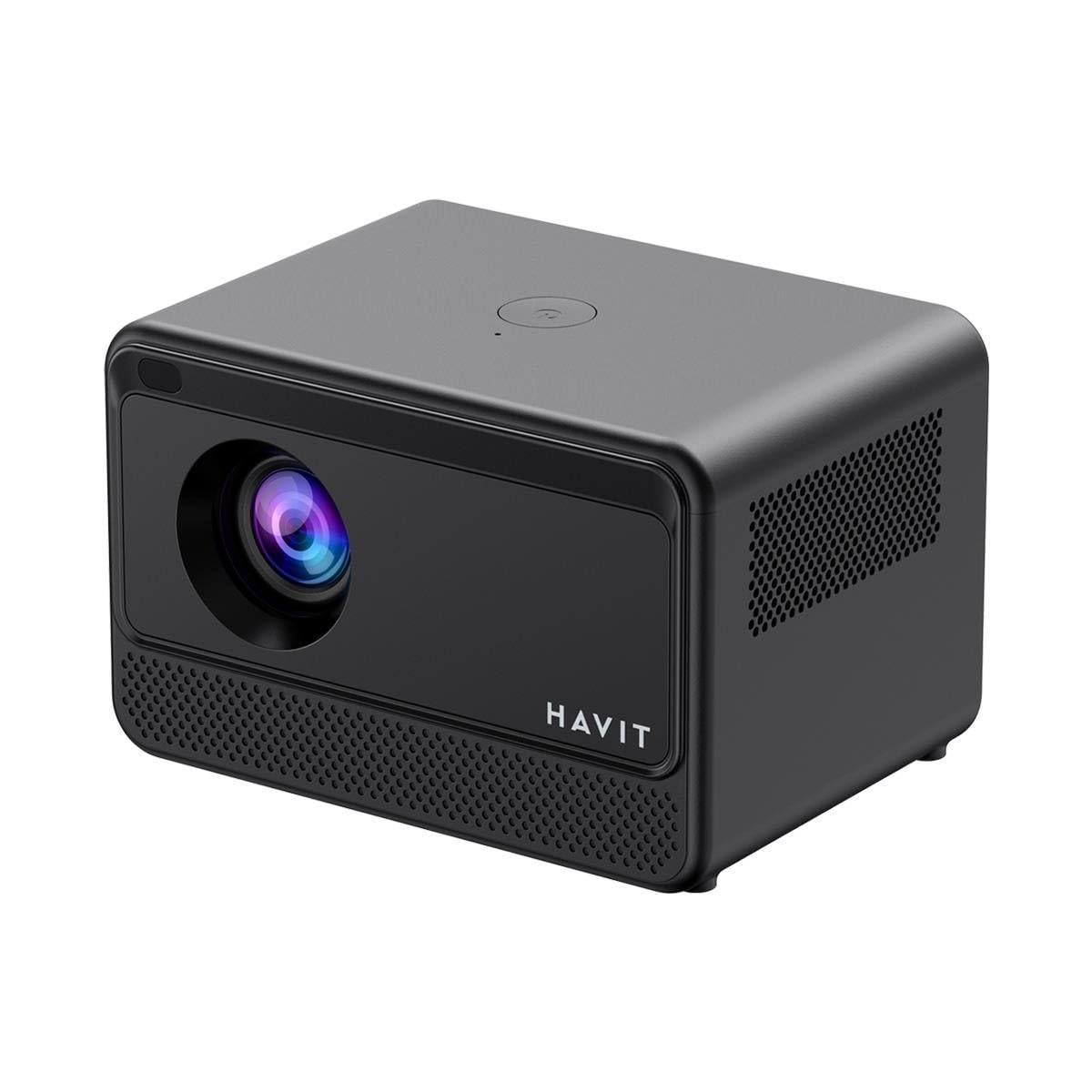
בילד: פראָנט view of the HAVIT PJ211 PRO projector, showing the projection lens and front grille.
פּאָרטן און קאָנטראָלן:
- מאַכט אַרייַנשרייַב: קאַנעקץ צו די מאַכט אַדאַפּטער.
- הדמי פּאָרט: For connecting external video sources such as laptops, gaming consoles, or Blu-ray players.
- וסב פּאָרץ: פֿאַר פֿאַרבינדן USB סטאָרידזש דעוויסעס צו שפּילן מעדיע files or connect peripherals.
- AV אַרייַנשרייַב: פֿאַר פֿאַרבינדן עלטערע דעוויסעס מיט אַן AV קאַבל.
- 3.5 מם אַודיאָ דזשאַק: פֿאַר פֿאַרבינדן עקסטערנע רעדנערס אָדער כעדפאָונז.
- מאַכט קנעפּל: Located on the top panel for turning the projector on/off.
4. סעטאַפּ
4.1 פּלייסמאַנט
Position the projector on a stable, flat surface. Ensure there is adequate ventilation around the device. The optimal projection distance ranges from 1 to 4 meters, yielding a screen size between 32 and 150 inches.
4.2 מאַכט קאַנעקשאַן
- פֿאַרבינדט דעם מאַכט קאַבל צום פּראָיעקטאָר'ס מאַכט אַרייַנגאַנג פּאָרט.
- שטעקט אריין דעם אנדערן עק פונעם שטראָם־קאַבל אין אַ פּאַסיקן עלעקטרישן ווענטיל.
4.3 ערשט מאַכט אויף
Press the power button on the projector or the remote control to turn on the device. The projector will boot up and display the Android TV interface.
4.4 פאָקוס און קיסטאָון קאָרעקציע
The PJ211 PRO features semi-auto focus and semi-auto keystone correction. The projector will attempt to adjust these settings automatically upon startup or movement. Fine-tuning can be done via the on-screen menu if needed.
4.5 נעטוואָרק קאַנעקשאַן
To access online content, connect the projector to a Wi-Fi network.

Image: Illustration showing the projector's support for both 2.4G and 5G dual-band Wi-Fi connections, indicating improved transmission rates and smoother online viewing with 5G.
- Navigate to the 'Settings' menu on the Android TV interface.
- אויסקלייבן 'נעץ און אינטערנעט'.
- קלייַבט אייער געוואונטשענע Wi-Fi נעץ פֿון דער רשימה.
- Enter the password if prompted and confirm the connection. The projector supports 2.4G and 5G dual-band Wi-Fi for stable connectivity.
5. אַפּערייטינג ינסטרוקטיאָנס
5.1 Android TV 9.0 Interface
The projector runs on Android TV 9.0, providing access to various applications and streaming services. Use the remote control to navigate the interface, select apps, and adjust settings.
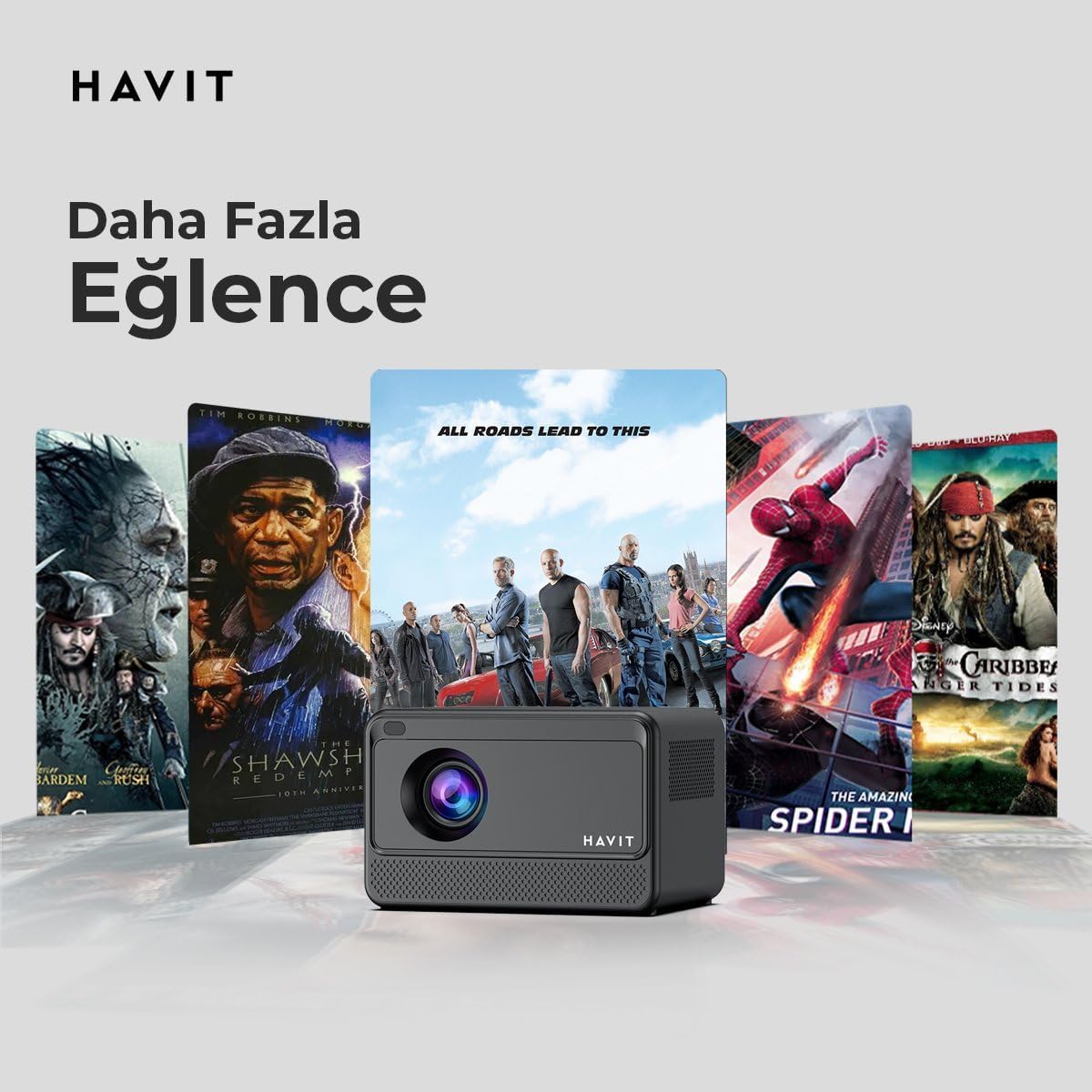
Image: The HAVIT PJ211 PRO projector displaying a selection of popular streaming service icons, illustrating its 'More Entertainment' capability through Android TV.
5.2 קאַנעקטינג פונדרויסנדיק דעוויסעס
You can connect various external devices to the projector:
- הדמי: Connect a device (e.g., laptop, game console) using an HDMI cable. Select the HDMI input source from the projector's input menu.
- וסב: Insert a USB drive into a USB port. The projector's media player will typically detect the drive, allowing you to browse and play supported media files.
- פון: Use an AV cable to connect compatible devices. Select the AV input source.
- אַודיאָ אַרויס (3.5 מם דזשעק): Connect external speakers or headphones for enhanced audio. The projector has a built-in 3W speaker for standard audio output.
6. וישאַלט
6.1 רייניקונג
- לענס: ניצט אַ ווייכע, לינט-פֿרייע שטאָף ספּעציעל דיזיינד פֿאַר אָפּטישע לענסעס. ניצט נישט קיין שרײַבנדיקע רייניגער אָדער טיכלעך.
- עקסטעריע: ווישט אָפּ דעם פּראָיעקטאָר'ס אויסערלעכן זייט מיט אַ ווייכן, טרוקענעם שטאָף. פֿאַרמייַדט צו נוצן פֿליסיקע רייניקונגסמיטלען גלייך אויף דעם אַפּאַראַט.
- ווענטילאַטיאָן: זיכער מאַכן אַז די ווענטילאַציע עפענונגען זענען ריין פון שטויב און שטערונגען צו פאַרמייַדן איבערהיצונג.
6.2 לamp לעבן
די געפירט לamp in your PJ211 PRO projector has an estimated life of 30,000 hours, providing long-term reliability under normal usage conditions.
7. טראָובלעשאָאָטינג
אויב איר טרעפט פּראָבלעמען מיט אייער פּראָיעקטאָר, זעט די פאלגענדע געוויינטלעכע פּראָבלעמען און לייזונגען:
| פּראָבלעם | מעגלעך סיבה | לייזונג |
|---|---|---|
| קיין בילד געוויזן | שטראָם קאַבל אָפּגעטיילט, אומרעכטע אַרייַנגאַנג מקור, לינז דעקל אויף. | Check power connection, select correct input source (HDMI, USB, AV), remove lens cap. |
| די בילד איז בלערי | נישט אין פאָקוס, פאַלשע פּראָיעקציע דיסטאַנץ. | Adjust focus manually via settings, ensure projector is within 1-4 meters of screen. |
| קיין געזונט | Volume too low, external speakers not connected properly, audio settings. | Increase volume, check external speaker connection, verify audio output settings. |
| ווי-פי קשר ישוז | Incorrect password, router issues, signal interference. | Re-enter Wi-Fi password, restart router, ensure projector is within Wi-Fi range. |
8. ספּעסאַפאַקיישאַנז
Detailed technical specifications for the HAVIT Smart Life Series PJ211 PRO projector:

Image: A visual representation of the HAVIT PJ211 PRO projector's specifications, including system, resolution, projection distance, brightness, and connectivity.
- ווייַז טעכנאָלאָגיע: לקד
- געבוירן רעזאלוציע: 1280 רענטגענ 720 (HD)
- געשטיצט רעזאלוציע: ביז 3840 x 2160 (4K)
- ברייטקייט: Over 5000 lumens (180+ ANSI lumens)
- קאַנטראַסט פאַרהעלטעניש: 1500:1
- אַספּעקט פאַרהעלטעניש: 16:9 / 4:3
- פּרויעקציע דיסטאַנסע: 1 – 4 מעטער
- פאַרשטעלן גרייס קייט: 32-150 אינטשעס
- פאָקוס אַדזשאַסטמאַנט: Semi-Auto Focus
- Keystone Correction: Semi-Auto Keystone
- געבויט-אין רעדנער: 3W
- אַפּערייטינג סיסטעם: אַנדרויד טעלעוויזיע 9.0
- ווירעלעסס קאַנעקטיוויטי: Wi-Fi (2.4G/5G Dual-Band)
- אַרייַנשרייַב פּאָרץ: HDMI, USB, AV, 3.5mm audio jack
- Lamp טיפּ: געפירט
- Lamp לעבן: 30,000 שעה
- מאַכט קאַנסאַמשאַן: 65 וו
- נומער וואָג: 2.3 קילאָגראַמס
- קאָליר: שוואַרץ
9. וואָראַנטי און שטיצן
9.1 וואָראַנטי אינפֿאָרמאַציע
The HAVIT Smart Life Series PJ211 PRO projector comes with a 1-יאָר וואָראַנטי פֿון דעם קויפֿדאַטום. די וואָראַנטי דעקט פֿאַבריקאַציע־דעפֿעקטן און פֿאַלפֿונקציעס אונטער נאָרמאַלן באַנוץ. ביטע באַהאַלטן אייער קויפֿבאַווײַז פֿאַר וואָראַנטי־קליימז.
9.2 קונה שטיצן
For technical assistance, troubleshooting beyond this manual, or warranty inquiries, please contact HAVIT customer support through their official website or the retailer where the product was purchased. Please have your model number (PJ211 PRO) and purchase details ready when contacting support.