
הקדמה
This manual provides essential information for the safe and efficient operation of your XBENDON M1 MP3 Player. Please read it thoroughly before using the device and retain it for future reference.
The XBENDON M1 is a versatile portable media player featuring Android OS, Bluetooth, and Wi-Fi connectivity. It is designed for music playback, video viewing, e-books, educational applications, and games.
פּעקל אינהאַלט
Upon unboxing, ensure all items listed below are present:
- 1 x XBENDON M1 MP3 Player
- 1 רענטגענ וסב- C טשאַרדזשינג קאַבלע
- 1 x באַניצער מאַנואַל (דאָס דאָקומענט)

Image: The XBENDON M1 MP3 Player shown with its included USB-C charging cable and user manual.
מיטל איבערview
Familiarize yourself with the physical components of your M1 MP3 Player.

בילד: פאָרנט און הינטן view of the XBENDON M1 MP3 Player, highlighting its compact design and volume controls.
- ווייַז: 4-inch touch screen for navigation and content display.
- באַנד קנעפּלעך: Located on the side for adjusting audio levels.
- מאַכט קנעפּל: Used to turn the device on/off or put it to sleep.
- וסב- C פּאָרט: פֿאַר טשאַרדזשינג און דאַטן אַריבערפירן.
- 3.5 מם אַודיאָ דזשאַק: פֿאַר פֿאַרבינדן דראָטיקע קאָפּהערער.
- מיקראָסד קאָרט שפּעלטל: צו פארברייטערן סטאָרידזש קאַפּאַציטעט ביז 512 גיגאבייט.
סעטאַפּ
1. ערשטע אָפּצאָל
Before first use, fully charge the device. Connect the provided USB-C cable to the player and a compatible USB power adapter (not included) or a computer's USB port. The charging indicator will show progress.
2. מאַכט אויף / אויסגעלאשן
Press and hold the power button on the side of the device until the screen illuminates to power on. To power off, press and hold the power button, then select "Power off" from the options. A short press will put the device to sleep or wake it up.
3. ווי-פי קאַנעקשאַן
- פֿון דער היים־עקראַן, נאַוויגירט צו סעטטינגס.
- אויסקלייַבן נעץ & אינטערנעט, דעמאלט ווי-פי.
- טוישן Wi-Fi On.
- אויסקלייבן אייער געוואונטשענע נעץ פון דער ליסטע און אַרייַן די פּאַראָל אויב געבעטן.
4. בלועטאָאָטה פּערינג
- פֿון דער היים־עקראַן, נאַוויגירט צו סעטטינגס.
- אויסקלייַבן קאָננעקטעד דעוויסעס, דעמאלט בלועטאָאָטה.
- באַשטימען בלועטאָאָטה On.
- זיכער מאַכן אַז אייערע בלועטוט כעדפאָונז אָדער רעדנער זענען אין פּערינג מאָדע.
- אויסקלייבן אייער דעווייס פון דער ליסטע פון פאראן דעווייסעס צו פארבינדן.
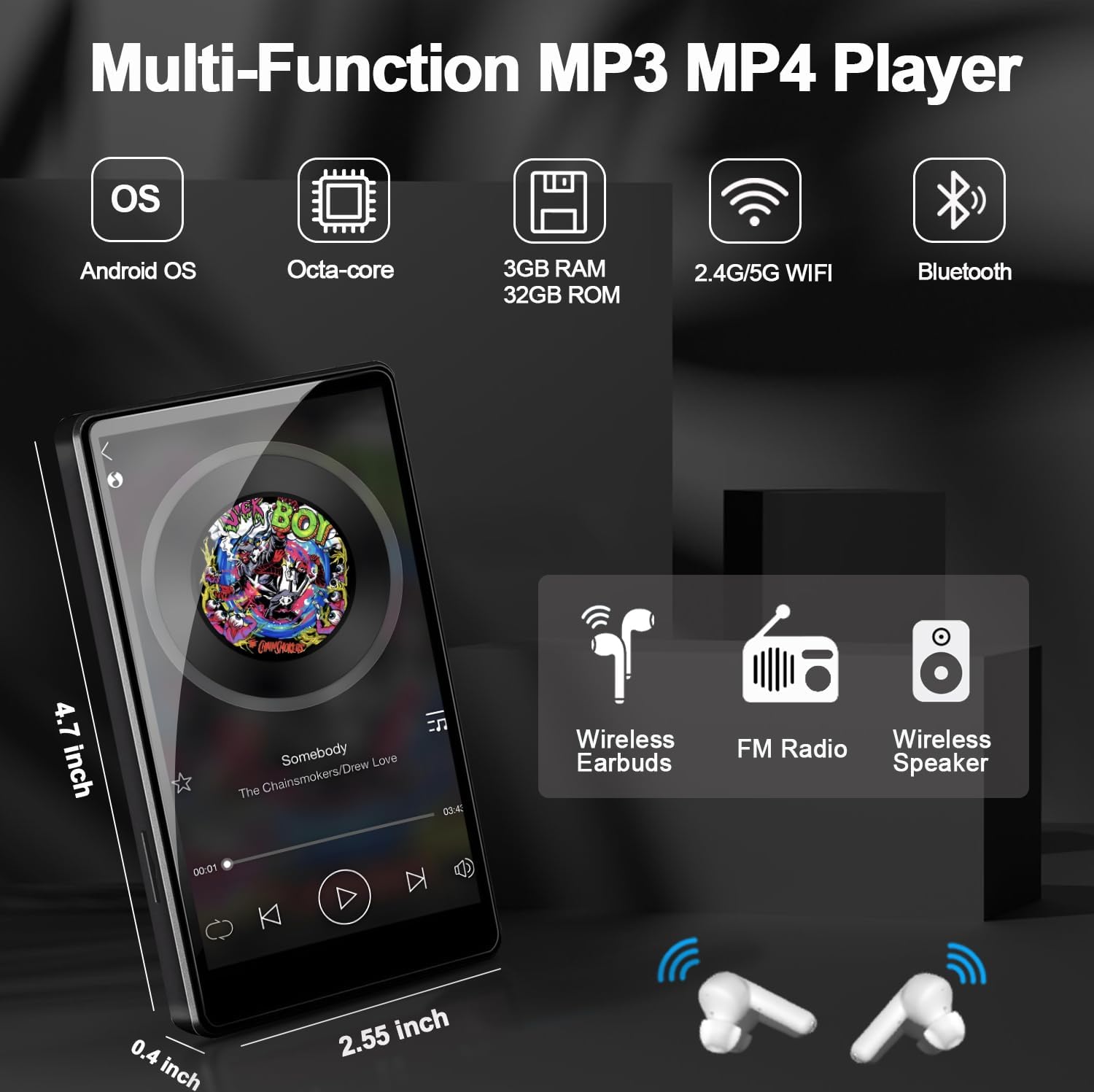
Image: The XBENDON M1 MP3 Player displaying a music interface, with wireless headphones and a speaker icon, illustrating Bluetooth connectivity.
5. Expanding Storage (MicroSD Card)
The device supports MicroSD cards up to 512GB. Gently insert a compatible MicroSD card into the designated slot until it clicks into place. The device will recognize the new storage, allowing you to store more music, videos, and apps.
אַפּערייטינג ינסטראַקשאַנז
1. נאַוויגאַציע
The 4-inch touch screen allows for intuitive navigation. Swipe left/right to browse home screens, tap icons to open applications, and use the navigation bar at the bottom for Back, Home, and Recent Apps functions.
2. מוזיק פּלייבאַק
Use the pre-installed music player app or download your preferred streaming service (e.g., Spotify, Amazon Music) from the Google Play Store. The device supports various audio formats including MP3, OGG, FLAC, AAC, WAV, WMA, APE, MP4, MOV.

Image: The XBENDON M1 MP3 Player showing a music playback screen with options for sequential play, loop, shuffle, and equalizer adjustment, set against a colorful equalizer graphic.
3. ווידעא פּלייַבאַקק
The device supports video playback. Transfer video files to the device's internal storage or MicroSD card, or stream from supported apps. Video formats supported include MP4, MKV, MPG, MOV, 3GP, FLV, etc.

Image: The XBENDON M1 MP3 Player displaying various app icons and a video playback screen, illustrating its multimedia capabilities.
4. Parental Control Mode (iWawa App)
The iWawa app is pre-installed for parental control. This mode allows you to:
- Hand-pick content for your children.
- Control screen time.
- Ensure safe browsing.
- Set educational goals.
- Adjust settings as your child grows.

Image: The XBENDON M1 MP3 Player displaying the iWawa parental control interface, showing options for managing content, applications, websites, and screen time.
5. Downloading Applications (GMS Certified)
As a GMS certified device, you can download and install a wide range of applications from the Google Play Store, including social media, educational tools, and entertainment apps.
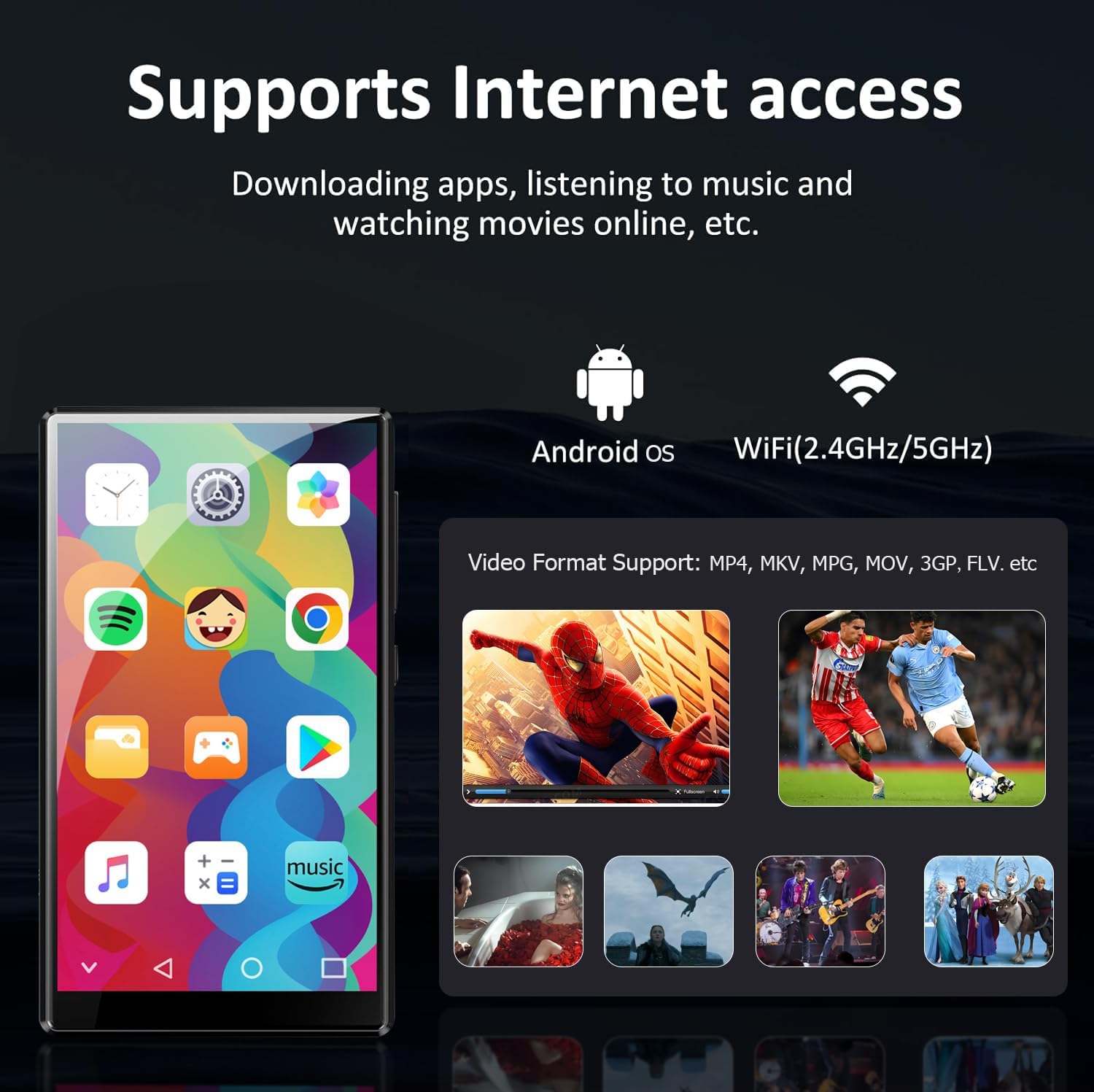
Image: The XBENDON M1 MP3 Player displaying a home screen filled with various application icons, including Spotify, YouTube, and the Google Play Store, indicating its GMS certification.
וישאַלט
1. רייניקונג
Wipe the screen and body with a soft, dry, lint-free cloth. Avoid using harsh chemicals or abrasive materials that could damage the device.
2. באַטערי קער
To prolong battery life, avoid extreme temperatures and do not allow the battery to fully discharge frequently. Charge the device regularly.
3. ווייכווארג דערהייַנטיקונגען
Periodically check for software updates in the device settings to ensure optimal performance and access to the latest features.
טראָובלעשאָאָטינג
| אַרויסגעבן | מעגלעך לייזונג |
|---|---|
| די מיטל טוט נישט מאַכט אויף. | Ensure the device is fully charged. Press and hold the power button for 10-15 seconds to perform a forced restart. |
| קענען ניט פאַרבינדן צו ווי-פי. | קוק אויב Wi-Fi איז ענייבאַלד אין סעטטינגס. וועריפיצירט די Wi-Fi פּאַראָל. ריסטאַרט דיין ראַוטער און די MP3 שפּילער. |
| בלוטוט דעווייס נישט פארבינדן. | Ensure Bluetooth is enabled on both devices and they are in pairing mode. Move devices closer together. Restart both devices. |
| אַפּפּס זענען פּאַמעלעך אָדער פרירן. | Close unused apps. Clear app cache in settings. Restart the device. Ensure sufficient storage space. |
| מיקראָסד קאַרטל נישט דערקענט. | Ensure the card is inserted correctly. Try reinserting the card. Test with another compatible MicroSD card. |
ספּעסאַפאַקיישאַנז
| שטריך | דעטאַל |
|---|---|
| מאָדעל | M1 |
| אָפּערייטינג סיסטעם | אַנדרויד אַס |
| באַראַן | 3 גיגאבייט |
| אינערלעכער סטאָרידזש (ראַם) | 32 גיגאבייט |
| יקספּאַנדאַבאַל סטאָרידזש | Up to 512GB (Micro SD, Micro SDHC, Micro SDXC) |
| פאַרשטעלן גרייס | 4 אינטשעס |
| קאַנעקטיוויטי | 5G/2.4G Wi-Fi, Bluetooth (two-way), USB-C, Aux |
| ספּעציעלע פֿעיִקייטן | Built-In Speaker, Equalizer, FM Radio, Touch Screen, Video Playback, GMS Certified, Parental Control (iWawa) |
| פּראָדוקט דימענשאַנז | 0.6 X 2.5 X 4.2 אינטשעס |
| פּונקט וואָג | 8.4 אונסעס |
| באַטערי | 1 ליטהיום פּאָלימער באַטאַרייע (אַרייַנגערעכנט) |
וואָראַנטי און שטיצן
For warranty information and technical support, please refer to the official XBENDON webזייטל אדער קאנטאקט קאסטומער סערוויס דורך אייער קויף פלאטפארמע. האלט אייער קויף באווייז פאר גאראנטיע טענות.
Additional protection plans may be available for purchase separately. Please check with your retailer for details.