
1. הקדמה
This manual provides essential information for the proper use and maintenance of your Andoer Mini Digital Video Camera. Please read it thoroughly before operating the device to ensure optimal performance and longevity.
2. פּעקל אינהאַלט
באַשטעטיקט אַז אַלע זאכן וואָס זענען אויסגערעכנט אונטן זענען אַרייַנגערעכנט אין אייער פּעקל:
- Andoer Mini Digital Video Camera
- וסב טשאַרדזשינג קאַבלע
- באַניצער מאַנואַל (דעם דאָקומענט)
Note: A Micro SD card is required for operation and is not included in the package.
3. פּראָדוקט איבערview
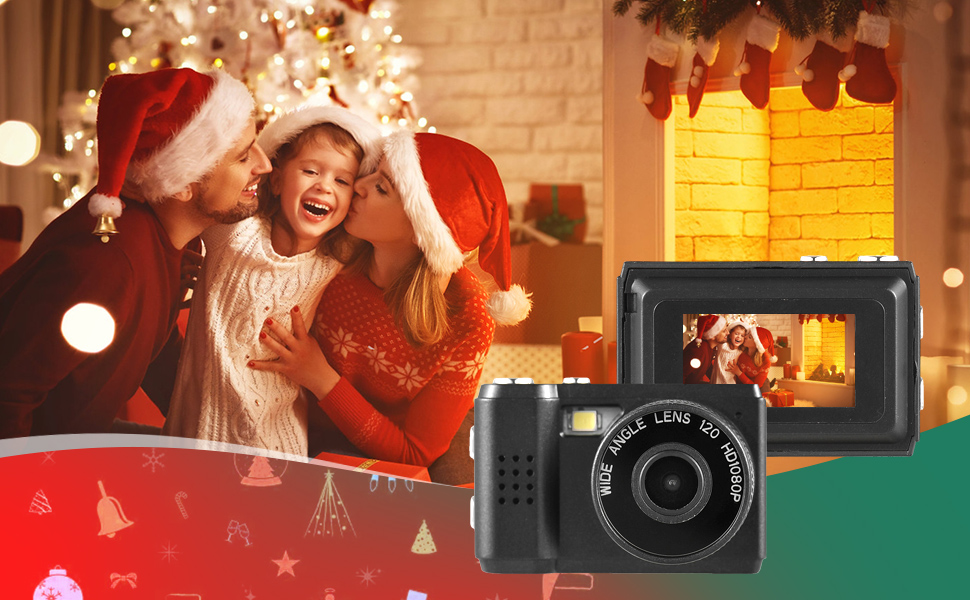
The Andoer Mini Digital Video Camera is a compact and lightweight device designed for capturing photos and 1080P videos. It features a built-in LCD screen for direct viewing and a flash for improved low-light performance.

Image: The Andoer Mini Digital Video Camera, demonstrating its small form factor when held in hand.
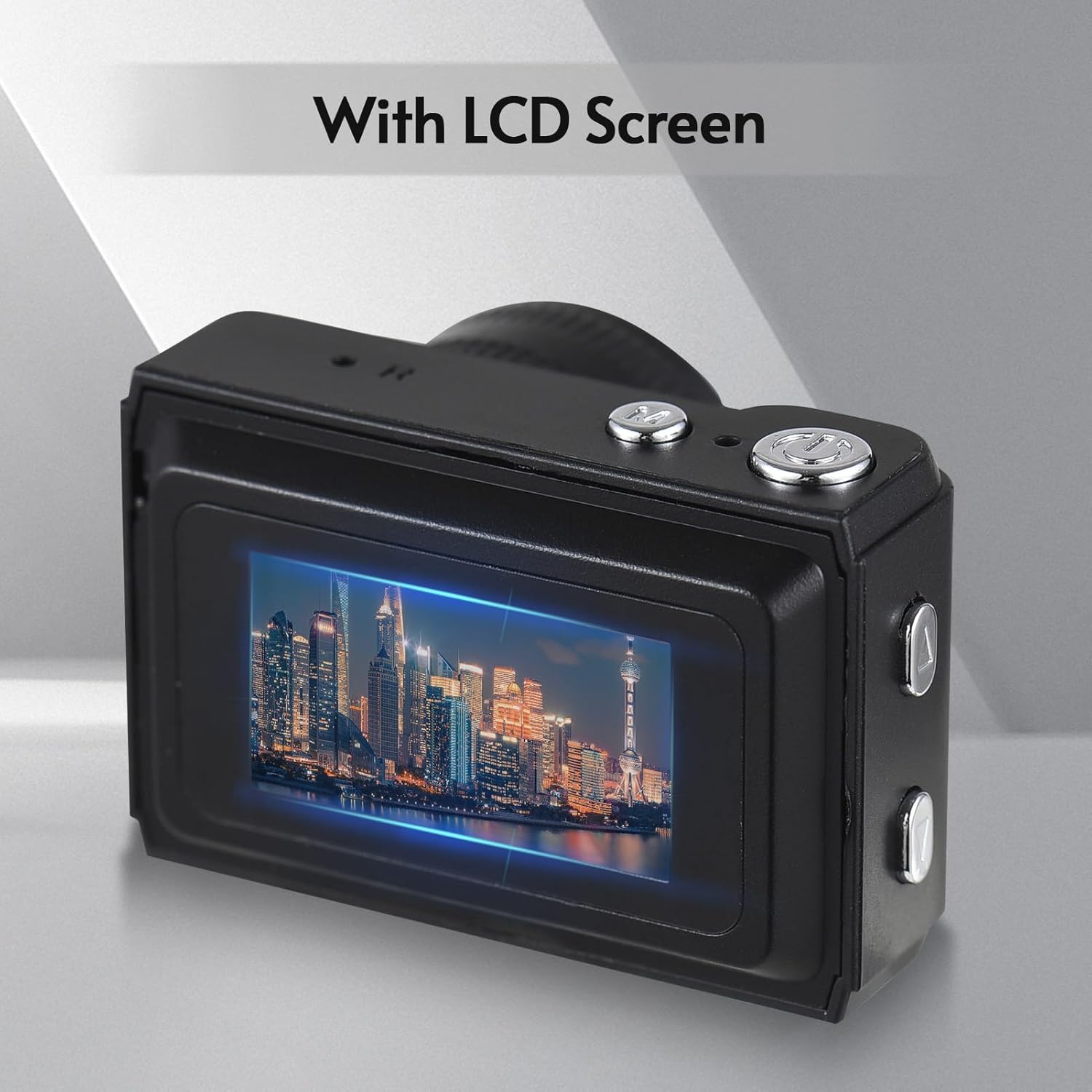
בילד: הינטערשטע view of the camera, highlighting the integrated LCD screen displaying an image.

בילד: זייט view of the camera with approximate dimensions indicated, showing its compact design.
4. סעטאַפּ
4.1. טשאַרדזשינג די באַטערי
The camera features a built-in rechargeable battery. Before first use, fully charge the camera using the provided USB charging cable.
- פֿאַרבינדט דעם קלענערן עק פֿונעם USB קאַבל צום USB פּאָרט פֿון דער קאַמעראַ.
- פֿאַרבינדט דעם גרעסערן עק פֿונעם USB קאַבל צו אַ USB מאַכט אַדאַפּטער (נישט אַרייַנגערעכנט) אָדער אַ קאָמפּיוטער'ס USB פּאָרט.
- די טשאַרדזשינג אינדיקאַטאָר ליכט וועט זיך אָנצינדן. אַמאָל גאָר אָנגעלאָדן, קען די ליכט טוישן קאָליר אָדער זיך אויסלעשן.

Image: Illustration of the camera's built-in rechargeable battery and its USB charging interface.
4.2. אריינשטעלן א מיקראָ SD קאַרטל
A Micro SD card (not included) is required to store photos and videos. The camera supports Micro SD cards up to a certain capacity (refer to specifications for details).
- געפינט דעם מיקראָ SD קאַרטל שפּעלטל אויף דער קאַמעראַ.
- Insert the Micro SD card with the metal contacts facing down until it clicks into place.
- צו אַרויסנעמען, שטופּ די קאַרטל לײַכט אַרײַן ביז זי שפּרינגט אַרויס.
5. אַפּערייטינג ינסטרוקטיאָנס
5.1. פּאָווערינג אויף / אויסגעלאשן
Press and hold the Power button (usually located on the top or side) for a few seconds to turn the camera on or off.
5.2. גענומען פאָטאָס
The camera can capture still images with 1080P resolution.
- Ensure the camera is in photo mode (indicated on the LCD screen).
- ראַמען דיין שאָס מיטן LCD עקראַן.
- Press the Shutter button (typically on top) to take a photo.
בילד: עקסamples of scenes that can be captured with the camera's photo and video functions.
5.3. רעקאָרדינג ווידיאס
Record videos in 1080P resolution.
- Switch the camera to video recording mode.
- Press the Record button (often the same as the Shutter button, or a dedicated button) to start recording.
- דריקן די רעקאָרד קנעפּל ווידער צו האַלטן די רעקאָרדינג.
5.4. ניצן דעם איינגעבויטן בליץ
The camera includes a built-in flash for illuminating subjects in low-light conditions.
- Access the flash settings through the camera's menu.
- Select the desired flash mode (e.g., Auto, On, Off).
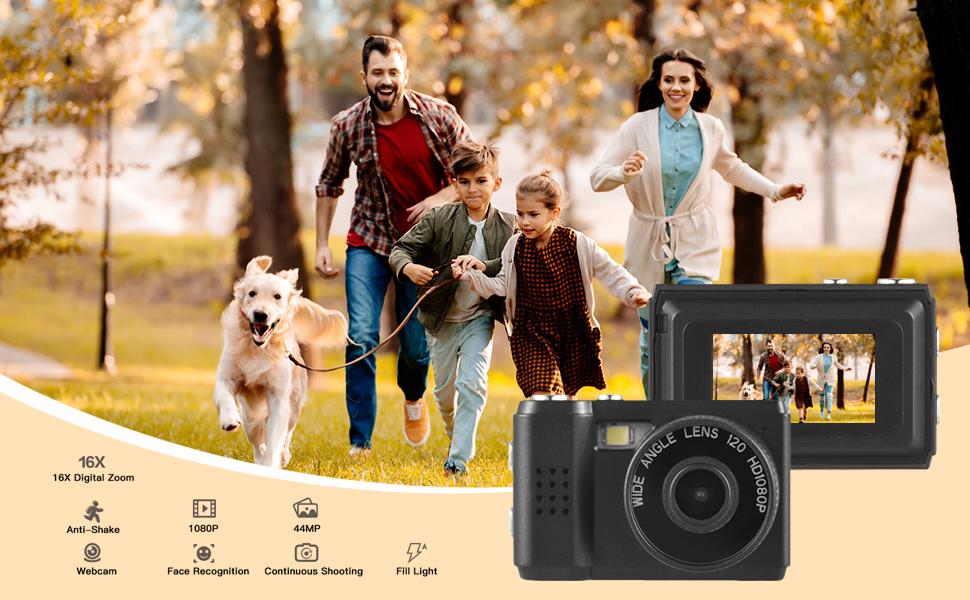
Image: The camera's built-in flash in operation, providing illumination for a photo.
5.5. Applying Filter Effects
The camera offers various filter effects to enhance your photos.
- In photo mode, navigate to the filter settings in the menu.
- Select from the available filter options to apply them to your images.
5.6. קאַנעקטינג צו אַ קאָמפּיוטער
You can transfer photos and videos to your computer using the USB cable.
- מאַכן זיכער אַז די אַפּאַראַט איז פּאַוערד אויף.
- פאַרבינדן די אַפּאַראַט צו דיין קאָמפּיוטער מיט די וסב קאַבלע.
- די קאַמעראַ זאָל דערשייַנען ווי אַ אַרויסנעמבאַר דיסק דרייוו אויף דיין קאָמפּיוטער.
- אַקסעס די סטאָרד fileס און קאפירן זיי צו אייער קאמפיוטער.
6. וישאַלט
- רייניקונג: Use a soft, dry cloth to clean the camera body. For the lens and LCD screen, use a specialized lens cleaning cloth. Avoid abrasive materials or harsh chemicals.
- סטאָרידזש: Store the camera in a cool, dry place away from direct sunlight and extreme temperatures. Remove the Micro SD card if storing for extended periods.
- באַטערי זאָרגן: To maintain battery health, avoid fully discharging the battery frequently. Charge it regularly, even if not in use.
7. טראָובלעשאָאָטינג
- די אַפּאַראַט טוט נישט קער אויף: זיכער מאַכן אַז די באַטאַרייע איז אויפגעלאָדן. אויב די פּראָבלעם בלייבט, פּרוּווט אויפלאָדן פֿאַר אַ לענגערע צייט.
- "No SD Card" error: Verify that a Micro SD card is properly inserted and that it is not full or corrupted. Try reinserting the card or using a different one.
- שלעכטע בילד/ווידעא קוואַליטעט: Ensure adequate lighting. Check lens for smudges or dirt. Note that image quality may vary based on environmental conditions and the camera's compact sensor.
- קאַמעראַ פרירט זיך: If the camera becomes unresponsive, try pressing and holding the Power button for an extended period (e.g., 10-15 seconds) to force a shutdown.
8. ספּעסאַפאַקיישאַנז
| שטריך | באַשרייַבונג |
|---|---|
| סאָרט | Andoer |
| מאָדעל נומער | d26ed34e-1e4d-4f4c-8a08-ff20d919aeaa |
| ווידעא האַכלאָטע | 1080 פּ |
| עפעקטיוו נאָך האַכלאָטע | 1.92 מפּ |
| פאָטאָ סענסאָר טעכנאָלאָגיע | קמאָס |
| פאַרשטעלן גרייס | 4.2 Centimeters (LCD) |
| בילד סטאַביליזאַטיאָן | אָפּטיש |
| פלאַש זכּרון טיפּ | מיקראָ סד |
| רעקאָרדינג קאַפּאַציטעט | 330 מינוט |
| קאַנעקטיוויטי טעכנאָלאָגיע | וסב |
| פּונקט וואָג | 0.05 קילאָגראַמס |
| זענען באַטעריז אַרייַנגערעכנט | יאָ (געבויט) |
| קאָליר | שוואַרץ |
9. וואָראַנטי און שטיצן
For warranty information and technical support, please refer to the documentation provided with your purchase or contact Andoer customer service through their official webזייטל. האַלט דיין קויפן באַווייַז פֿאַר וואָראַנטי קליימז.