
הקדמה
Thank you for choosing the Vention TGESB USB-C Docking Station. This manual provides essential information for the proper setup, operation, and maintenance of your device. Please read it thoroughly before use to ensure optimal performance and longevity.
פּראָדוקט איבערview
The Vention TGESB is a versatile 5-in-1 USB-C docking station designed to expand the connectivity of your USB-C enabled devices. It features multiple ports for data transfer, video output, and power delivery.

Figure 1: Vention TGESB USB-C Docking Station with port labels.
שליסל פֿעיִקייטן:
- USB-C Power Delivery (PD) 100W: Supports fast charging for compatible laptops and devices.
- וסב 3.0 פּאָרץ (x3): Provides high-speed data transfer up to 5Gbps.
- הדמי פּאָרט: Supports video output up to 4K resolution at 30Hz.
- דוראַבאַל אַלומינום שאָל: Ensures heat dissipation and product longevity.
- סאָליד פּלאַן: גרינג צו פירן און נוצן אויף די גיין.
פּעקל אינהאַלט
- Vention TGESB USB-C Docking Station (x1)
- באַניצער מאַנואַל (x1)
סעטאַפּ אינסטרוקציעס
- פאַרבינדן צו האָסט מיטל: Plug the USB-C connector of the Vention TGESB docking station into an available USB-C port on your laptop, tablet, or smartphone. Ensure your device's USB-C port supports video output (DisplayPort Alternate Mode) and power delivery for full functionality.
- פאַרבינדן פּעריפעראַלס:
- USB דעוויסעס: Connect USB flash drives, external hard drives, keyboards, mice, or other USB peripherals to the USB 3.0 ports.
- HDMI אַרויסווייַז: Connect an HDMI cable from the docking station's HDMI port to your monitor or TV.
- מאַכט אַדאַפּטער (אָפּציאָנאַל): If your host device requires charging, connect your original USB-C power adapter to the PD (Power Delivery) port on the docking station. This will pass power through to your host device.
- דרייווער ינסטאַלירונג: The Vention TGESB is typically plug-and-play and does not require additional drivers for most operating systems (Windows, macOS, Linux, Android). If you encounter issues, ensure your operating system is up to date.
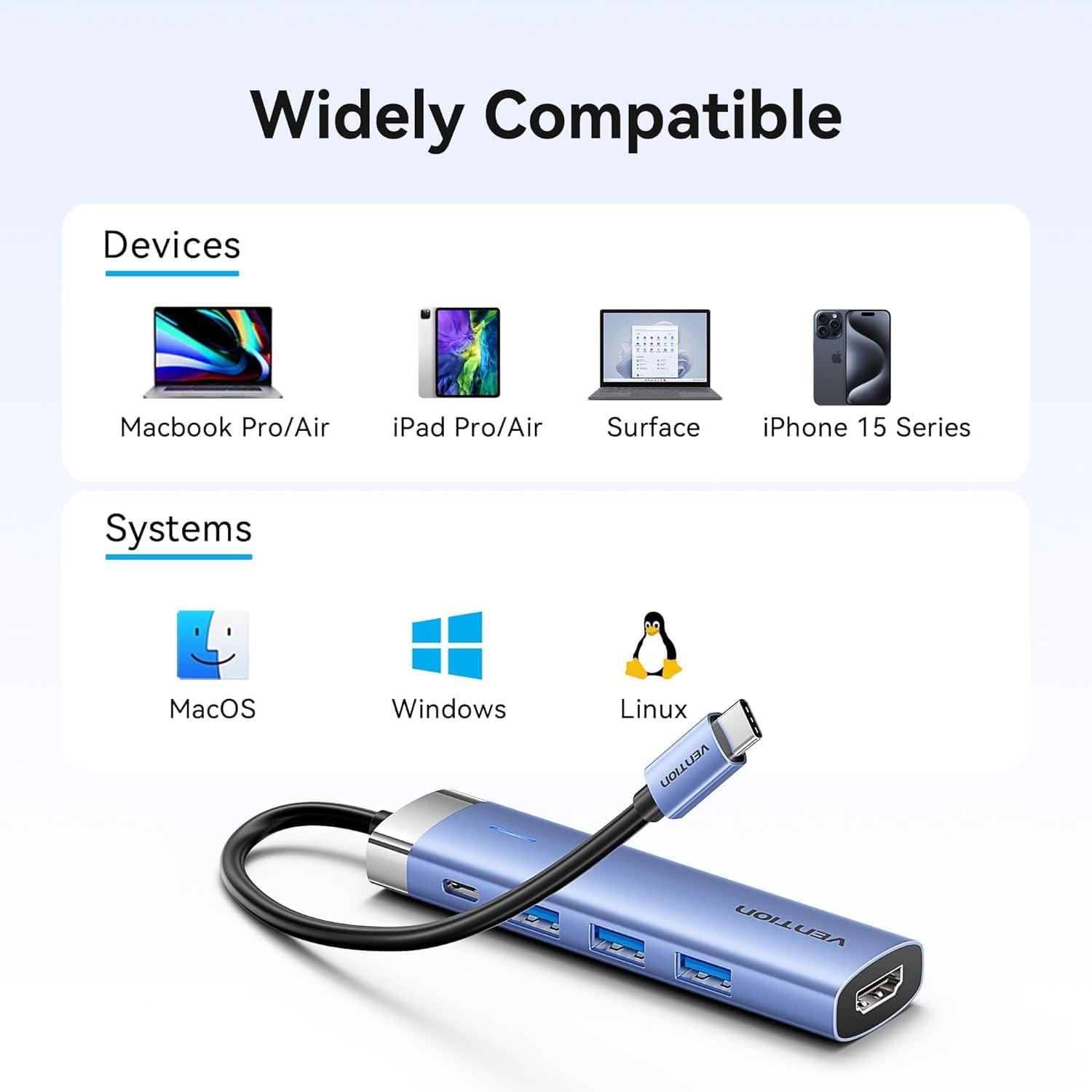
Figure 2: Device and operating system compatibility.
אַפּערייטינג ינסטראַקשאַנז
Using USB 3.0 Ports:
Connect your USB devices to any of the three USB 3.0 ports. These ports support data transfer speeds up to 5Gbps, allowing for quick file transfers. For optimal performance, ensure your connected USB devices also support USB 3.0.
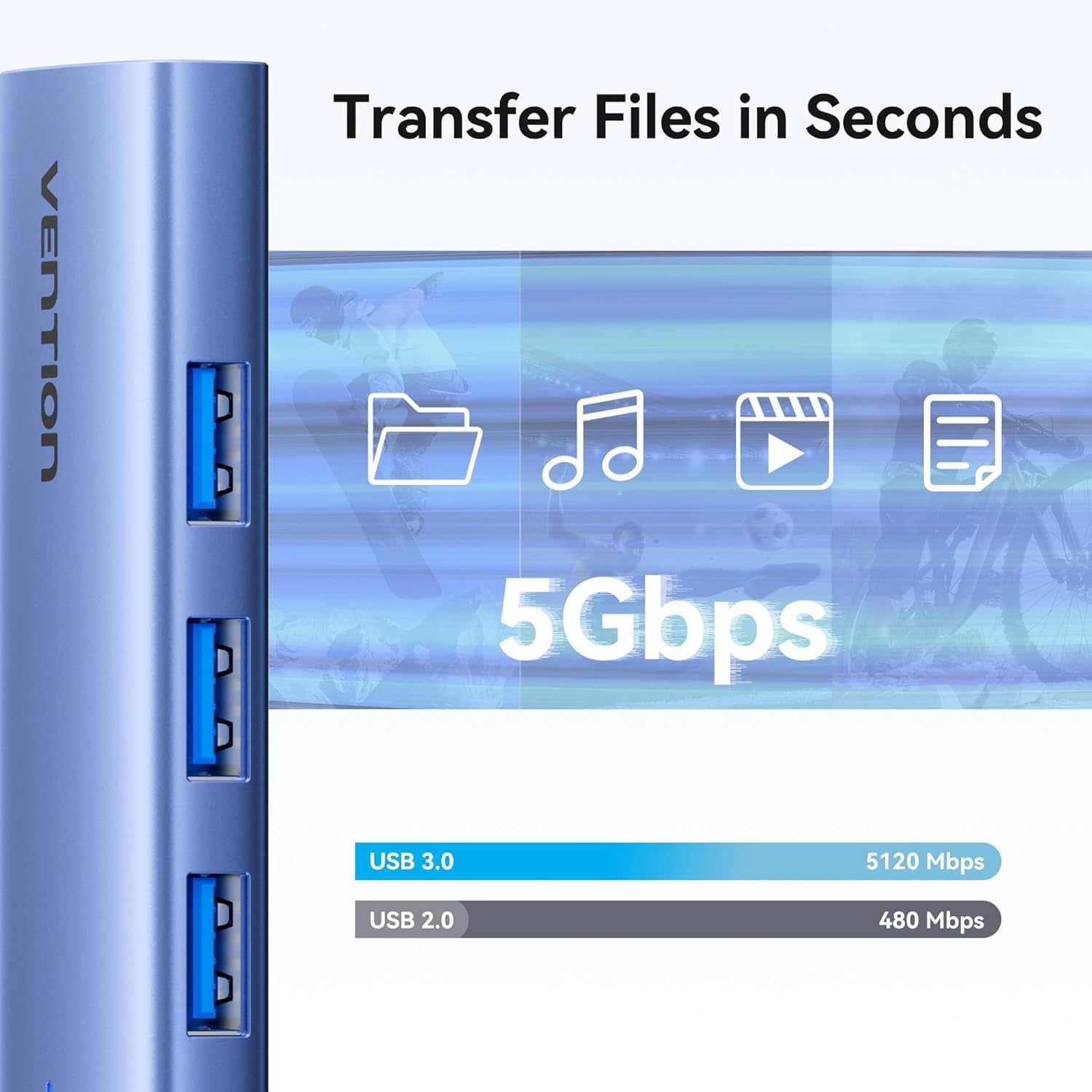
Figure 3: High-speed data transfer via USB 3.0 ports.
Using HDMI Output:
The HDMI port supports resolutions up to 4K at 30Hz. After connecting your monitor, your operating system should automatically detect the external display. You can configure display settings (mirror mode, extend mode) through your device's display settings.

Figure 4: Multiple display modes (Mirror and Extend).
Using Power Delivery (PD) Port:
Connect your laptop's original USB-C power adapter to the PD port on the docking station. This port supports up to 100W power delivery, allowing you to charge your host device while using the docking station's other features.

Figure 5: Power Delivery 100W fast charging.
וישאַלט
- רייניקונג: ניצט אַ ווייכע, טרוקענע שטאָף צו רייניקן די ייבערפלאַך פון דער דאָקינג סטאַנציע. פֿאַרמייַדט ניצן פליסיקע רייניגער אָדער סאָלווענטן.
- סטאָרידזש: האַלט דעם אַפּאַראַט אין אַ קיל, טרוקן אָרט אַוועק פון דירעקט זונשייַן און עקסטרעמע טעמפּעראַטורן.
- האַנדלינג: Avoid dropping or subjecting the device to strong impacts. Do not attempt to disassemble the docking station.
טראָובלעשאָאָטינג
| פּראָבלעם | מעגלעך סיבה | לייזונג |
|---|---|---|
| קיין דיספּליי אַוטפּוט דורך HDMI. |
|
|
| וסב דעוויסעס זענען נישט דערקענט. |
|
|
| Host device is not charging. |
|
|
ספּעסאַפאַקיישאַנז
| שטריך | דעטאַל |
|---|---|
| מאָדעל | TGESB |
| סאָרט | VENTION |
| אַרייַנשרייַב | וסב-C |
| רעזולטאַט פּאָרץ |
|
| דימענסיעס (L X W X H) | 6.5 X 3.54 X 0.79 אינטשעס (16.5 X 9 X 2 סענטימעטער) |
| וואָג | 2.46 אונסעס (0.07 קג) |
| שאָל מאַטעריאַל | אַלומינום צומיש |
| קאַמפּאַטאַבילאַטי | Devices with full-featured USB-C port (supporting DisplayPort Alt Mode and Power Delivery). Compatible with Windows, macOS, Linux, Android. |
וואָראַנטי און שטיצן
Vention products come with a standard manufacturer's warranty. For detailed warranty information, technical support, or customer service, please visit the official Vention webזייטל אדער קאָנטאַקט אייער לאקאלן דיסטריביאַטאָר. ביטע האַלטן אייער קויפן באַווייַז פֿאַר וואָראַנטי קליימז.
Official Vention Webפּלאַץ: Vention Store on Amazon (Link provided for reference, actual official website may vary)