
הקדמה
This manual provides essential information for the safe and efficient use of your YEELIGHT W4 Smart Bulb. Please read these instructions carefully before installation and operation. Keep this manual for future reference.
The YEELIGHT W4 Smart Bulb is an E27 base LED bulb featuring dimmable functionality, color changing capabilities, and connectivity via Wi-Fi and Bluetooth for smart control.
זיכערקייַט אינפֿאָרמאַציע
- Ensure the power is turned off before installing or removing the bulb.
- Do not use with standard dimmers. This bulb is designed for smart dimming via the app or compatible smart home systems.
- פּאַסיק נאָר פֿאַר טרוקענע ערטער. נישט אויסשטעלן צו וואַסער אָדער פֿײַכטקייט.
- Do not disassemble the bulb. This will void the warranty.
- אַרבעטן אין די ספּעסיפיעד וואַלtagE קייט (230 וואלטס).
פּעקל אינהאַלט
באַשטעטיקן אַז אַלע זאכן זענען פאַראַן אין דיין פּעקל:
- YEELIGHT W4 Smart Bulb (4 units)
- באַניצער מאַנואַל (דעם דאָקומענט)
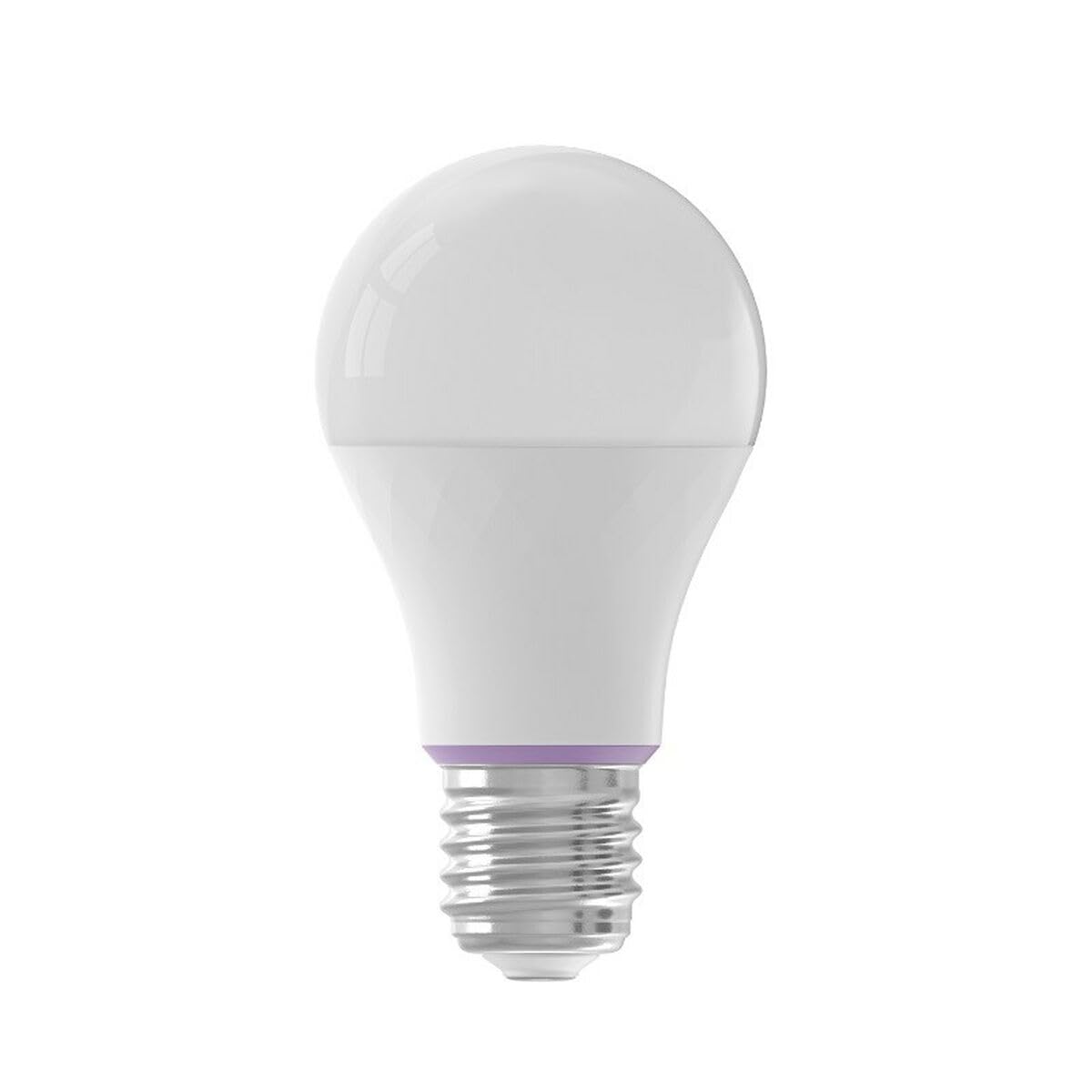
Image: YEELIGHT W4 Smart Bulb. This image displays the smart bulb, typically with an E27 screw base and a frosted or clear dome, indicating its design and form factor.
ספּעסאַפאַקיישאַנז
| שטריך | באַשרייַבונג |
|---|---|
| מאָדעל נומער | YLQPD-0012 (S9144407) |
| באַזע טיפּ | E27 |
| קאַנעקטיוויטי | ווי-פי, בלועטאָאָטה |
| מאַכט | 9 וואטס |
| ינקאַנדעסאַנט עקוויוואַלענט | 60 וואטס |
| Voltage | 230 וואלטס |
| קאָליר טעמפּעראַטור | 6500 קעלווין (ווייס) |
| ספּעציעלע פֿעיִקייטן | דיממאַבלע, קאָליר טשאַנגינג |
| דימענסיעס (L X W X H) | 14.92 X 9.94 X 10.04 סענטימעטער |
| וואָג | 620 גראַמז |
סעטאַפּ
1. ייַזנוואַרג ייַנמאָנטירונג
- מאַכט אַוועק: Ensure the power switch to the light fixture is in the OFF position before installation.
- ינסטאַלירן באַלב: Screw the YEELIGHT W4 Smart Bulb into a standard E27 light socket. Do not overtighten.
- מאַכט אויף: Turn the power switch to the ON position. The bulb should light up, indicating it is ready for pairing.
2. אַפּ דאַונלאָוד און פּערינג
- אראפקאפיע אַפּ: אָפּלאָדירן די באַאַמטער Yeelight App פֿון די אַפּ סטאָר (iOS) אָדער גוגל פּליי סטאָר (אַנדרויד).
- שאַפֿן אַ חשבון: Open the Yeelight App and create a new account or log in to an existing one.
- לייג דיווייס: Tap the "+" icon in the app to add a new device. Select the YEELIGHT W4 Smart Bulb from the list of available devices.
- פאַרבינדן צו Wi-Fi: Follow the on-screen instructions to connect the bulb to your 2.4GHz Wi-Fi network. Ensure your phone is connected to the same 2.4GHz network during the pairing process.
- בלועטאָאָטה פּערינג (אַפּשאַנאַל): The bulb also supports Bluetooth for local control. If Wi-Fi is unavailable or unstable, the app may prompt for Bluetooth pairing.
- איבערנעמען די ציבעלע: Once connected, you can rename the bulb for easier identification (e.g., "Living Room Lamp").
אַפּערייטינג
באַסיק קאָנטראָל
- אויף / אַוועק: Use the Yeelight App to turn the bulb on or off. You can also use the physical light switch, but this will cut power to the smart features.
- דימינג: Adjust the brightness level from 1% to 100% using the slider in the Yeelight App.
- קאָליר טשאַנגינג: Select from a wide spectrum of colors or choose from preset scenes within the app.
אַוואַנסירטע פֿעיִקייטן
- סקעדזשולינג: שטעלט איין סקעדזשולז פאר די גלאָביר זיך צו אנצינדן/אויסלעשן אדער ענדערט סעטינגס אין ספעציפישע צייטן.
- סצענעס: Create custom lighting scenes for different moods or activities.
- גרופע קאָנטראָל: Group multiple YEELIGHT W4 bulbs together to control them simultaneously.
- קול קאָנטראָל: Integrate with compatible smart home assistants (e.g., Google Assistant, Amazon Alexa) for voice commands. Refer to your smart assistant's setup guide for integration instructions.
- ווייַט קאָנטראָל: Control your bulbs from anywhere with an internet connection via the Yeelight App.
וישאַלט
- רייניקונג: Ensure the bulb is off and cool before cleaning. Wipe with a soft, dry cloth. Do not use liquid cleaners or abrasive materials.
- סטאָרידזש: אויב איר לייגט די ציבעלע אויף פאר א לענגערע צייט, האַלט זי אין א קיל, טרוקן אָרט, אַוועק פון דירעקט זונשייַן.
- Firmware דערהייַנטיקונגען: Periodically check the Yeelight App for firmware updates to ensure optimal performance and access to new features.
טראָובלעשאָאָטינג
- ציבעלע טוט נישט קער אויף:
- Check if the light fixture has power.
- Ensure the bulb is screwed in correctly and securely.
- Test the bulb in another working fixture.
- Bulb not connecting to Wi-Fi:
- Ensure your Wi-Fi network is 2.4GHz. The bulb does not support 5GHz networks.
- קאָנטראָלירן דיין Wi-Fi פּאַראָל.
- רוקט די לאַמפּע נענטער צו אייער Wi-Fi ראַוטער בעת סעטאַפּ.
- Reset the bulb by turning it off and on five times consecutively (1-2 second intervals). The bulb will flash, indicating it's in pairing mode.
- ריסטאַרט דיין ראַוטער.
- App cannot find the bulb:
- מאַכן זיכער אַז בלועטאָאָטה איז ענייבאַלד אויף דיין טעלעפאָן.
- Confirm the bulb is powered on and in pairing mode (if recently reset).
- Update the Yeelight App to the latest version.
- Dimming or color changing issues:
- Ensure the bulb is connected to the app and has a stable Wi-Fi connection.
- Avoid using external dimmers, as they can interfere with the bulb's smart dimming capabilities.
- Perform a bulb reset and re-pair if issues persist.
וואָראַנטי
YEELIGHT products are covered by a limited warranty. For detailed warranty terms and conditions, please refer to the official YEELIGHT website or contact customer support. Keep your purchase receipt as proof of purchase for warranty claims.
שטיצן
For further assistance, technical support, or to report issues, please visit the official YEELIGHT support website or contact their customer service team. Contact information can typically be found on the YEELIGHT website or within the Yeelight App.
Webפּלאַץ: www.yeelight.com