
1. הקדמה
Thank you for choosing the BINNUNE 2.4GHz Wireless Gaming Headset. This manual provides detailed instructions to help you set up, operate, and maintain your headset for an optimal gaming and audio experience across various platforms including PS5, PS4, PC, Mac, and mobile devices via Bluetooth.
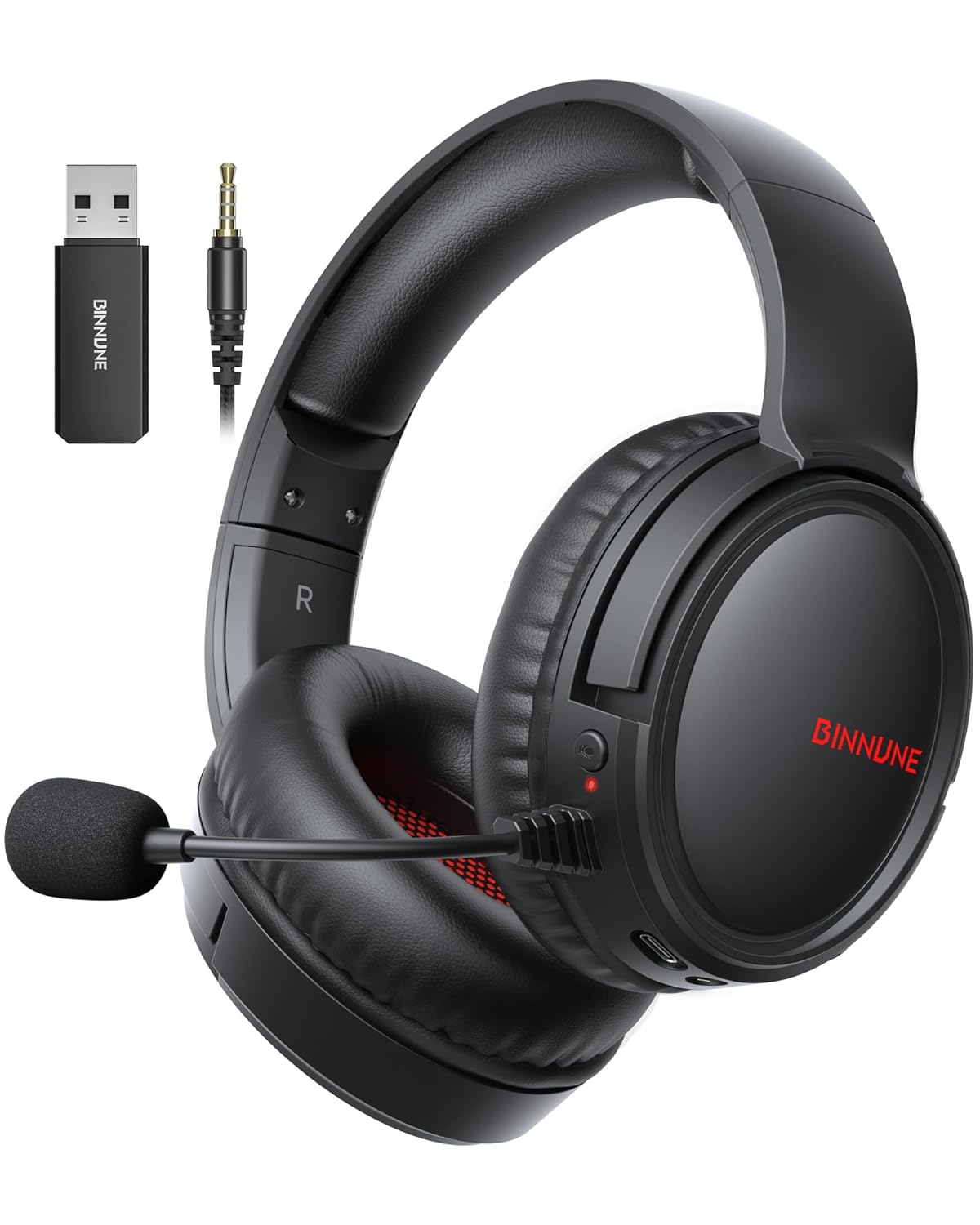
Figure 1: BINNUNE Wireless Gaming Headset (Model BW02-BT) with included accessories.
2. וואָס איז אין דער קעסטל
- BINNUNE Wireless Gaming Headset (BW02-BT)
- 2.4 גהז וסב דאָנגלע
- 3.5 מם אַודיאָ קאַבלע
- וסב-C טשאַרדזשינג קאַבלע
- באַניצער מאַנואַל

Figure 2: All components included with your BINNUNE Gaming Headset.
3. פּראָדוקט איבערview און קאָנטראָלס
Familiarize yourself with the headset's controls and ports for seamless operation.
- מיקראָפאָן: Dual beamforming microphones with rotatable design for clear communication. Features ENC noise-canceling technology.
- וסב- C פּאָרט: פֿאַר טשאַרדזשינג די כעדסעט.
- 3.5 מם אַודיאָ דזשאַק: פֿאַר דראָטיקער פֿאַרבינדונג צו קאָמפּאַטיבלע דעוויסעס.
- LED ינדיקאַטאָר: Displays power status, charging status, and connection mode.
- מאַכט קנעפּל: דריקן און האַלטן צו מאַכט אויף / אַוועק.
- באַנד ראָד: אַדזשאַסטירט אַודיאָ באַנד.
- שטיל קנעפּל: מוטשעט / אַנמיוט די מיקראָפאָן.
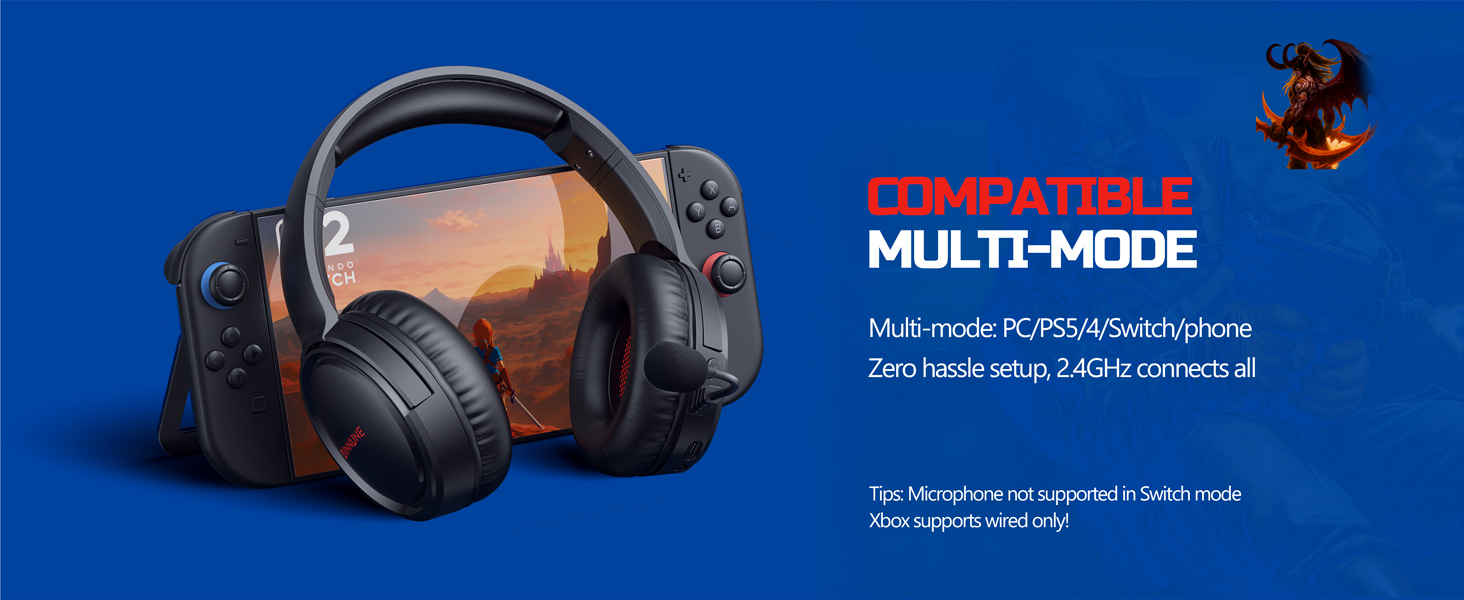
Figure 3: Key controls and ports on the BINNUNE Wireless Gaming Headset.
ווידעא 1: א שנעלע איבערבליקview of the BINNUNE Gaming Headset's features and controls.
4. סעטאַפּ און קאַנעקשאַן
4.1 ערשט טשאַרדזשינג
Before first use, fully charge your headset. Connect the USB-C charging cable to the headset's USB-C port and the other end to a USB power source. The LED indicator will show charging status and turn off when fully charged. A full charge takes approximately 6 hours.

Figure 4: The headset offers up to 40 hours of battery life on a single charge.
4.2 2.4GHz Wireless Connection (USB Dongle)
This mode provides ultra-low latency audio (≤38ms) for gaming on PS5, PS4, PC, and Mac.
- Plug the 2.4GHz USB dongle into an available USB port on your PS5/4, PC, or Mac.
- Power on your BINNUNE headset by pressing and holding the power button.
- The headset will automatically connect to the dongle. The LED indicator will show a stable light when connected.
באַמערקונג: The microphone is not available when connected to Nintendo Switch in 2.4GHz mode. Not compatible with XBOX.

Figure 5: The 2.4GHz USB dongle ensures a fast and stable connection.
4.3 בלועטאָאָטה קאַנעקשאַן
Use Bluetooth mode for mobile phones, tablets, iPads, and other smart devices.
- פאַרזיכערן די כעדסעט איז Powered אויף.
- אויף אייער דעווייס, גייט צו בלועטוט סעטינגס און אקטיוויזירט בלועטוט.
- Select "BINNUNE BW02-BT" from the list of available devices to pair.
- The LED indicator will flash during pairing and show a stable light once connected.
באַמערקונג: Bluetooth mode is not compatible with PS5/4. The microphone is not available when connected to Nintendo Switch in Bluetooth mode.
4.4 דראָטיקע פֿאַרבינדונג (3.5 מ״מ אַודיאָ קאַבל)
For devices that do not support wireless connectivity or when battery is low.
- פֿאַרבינדט איין עק פֿון דעם 3.5 מ״מ אַודיאָ קאַבל צום כעדסעט'ס 3.5 מ״מ אַודיאָ דזשעק.
- Connect the other end to the 3.5mm audio port on your gaming device (e.g., PS5/4 controller, PC, phone).
באַמערקונג: The microphone may not be available on some devices when using the wired connection.

Figure 6: Multiplatform compatibility of the BINNUNE headset across 2.4G, Bluetooth, and Wired modes.
Video 2: Demonstrating the multi-mode connectivity of BINNUNE Gaming Headsets for PS4/PS5/PC.
5. אַפּערייטינג ינסטרוקטיאָנס
5.1 מאַכט אויף / אַוועק
Press and hold the Power Button for 3 seconds to turn the headset on or off. The LED indicator will light up or turn off accordingly.
5.2 באַנד קאָנטראָל
Rotate the Volume Wheel up (+) to increase volume or down (-) to decrease volume.
5.3 מיקראָפאָן באַניץ
The headset features a rotatable microphone. Flip the microphone down to use it. Press the Mute Button to toggle microphone mute on or off. The ENC noise-canceling technology helps ensure clear voice transmission.
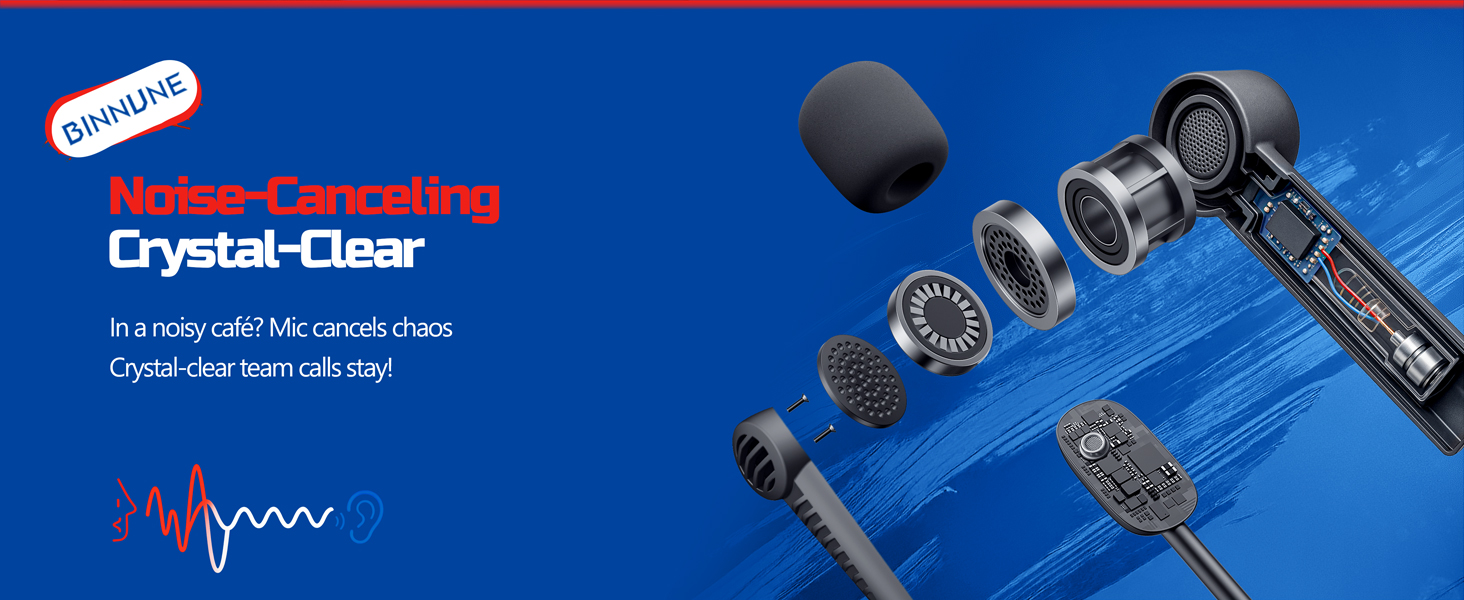
Figure 7: The noise-canceling microphone ensures crystal-clear voice calls by reducing background noise.
5.4 וועקסלען צווישן מאָדעס
The headset supports seamless switching between 2.4GHz and Bluetooth modes. Refer to section 4 for specific connection steps for each mode. The headset prioritizes the 2.4GHz connection when the dongle is active.
6. וישאַלט
- רייניקונג: ניצט אַ ווייכע, טרוקענע שטאָף צו רייניקן די כעדסעט. פֿאַרמייַדט ניצן שרײַבנדיקע רייניגער אָדער סאָלווענטן.
- סטאָרידזש: האַלט די כעדסעט אין אַ קיל, טרוקן אָרט אַוועק פון דירעקט זונשייַן און עקסטרעמע טעמפּעראַטורן.
- באַטערי זאָרגן: כדי צו פארלענגערן די לעבן פון די באַטעריע, זאָלט איר נישט אָפט אויסלאָדן דעם כעדסעט. לאָדט עס אָפט אויף, אפילו אויב עס ווערט נישט גענוצט פאר לענגערע צייטן.
7. טראָובלעשאָאָטינג
| פּראָבלעם | מעגלעך סיבה | לייזונג |
|---|---|---|
| קיין געזונט פון כעדסעט. | Headset not powered on, low battery, incorrect connection mode, volume too low. | Ensure headset is on and charged. Check connection mode (2.4GHz/Bluetooth/Wired). Increase volume. |
| מיקראָפאָן טוט נישט אַרבעטן. | Microphone muted, incorrect input device selected on computer/console, compatibility issue in certain modes. | Unmute microphone. Check audio settings on your device to ensure BINNUNE headset is selected as input. Note mode limitations (e.g., Switch, some wired connections). |
| Cannot connect via 2.4GHz dongle. | Dongle not properly inserted, interference, headset too far from dongle. | Ensure dongle is fully inserted. Move closer to the dongle. Try a different USB port. |
| קען נישט פאַרבינדן דורך בלוטוט. | Headset not in pairing mode, device Bluetooth off, already connected to another device. | Ensure headset is discoverable. Turn Bluetooth on your device. Disconnect from other devices. |
8. ספּעסאַפאַקיישאַנז
| שטריך | דעטאַל |
|---|---|
| מאָדעל נאָמען | BW02-BT |
| קאַנעקטיוויטי טעכנאָלאָגיע | ווירעלעס (2.4GHz, בלועטוט 5.3), מיט אַ דראָט (3.5 מ״מ דזשעק) |
| אַודיאָ דרייווער גרייס | 50 מם |
| אָפטקייַט ענטפער | 20 הערץ - 20,000 הערץ |
| סענסיטיוויטי | 96 דב |
| Audio Latency (2.4GHz) | 32 Milliseconds (≤38ms advertised) |
| באַטערי לעבן | אַרויף צו 40 שעה |
| טשאַרדזשינג צייט | 6 שעה |
| מיקראָפאָן | Dual Beamforming with ENC Noise-Canceling |
| מאַטעריאַל | Plastic (Headset), Leather (Ear Cushions) |
| וואָג | 13.4 אונסעס |
| קאַמפּאַטאַבאַל דעוויסעס | Gaming Consoles (PS4, PS5), PC, Mac, Telephones, Laptops, Desktops |
9. וואָראַנטי און שטיצן
BINNUNE products are manufactured with high-quality standards. For any product-related inquiries, technical support, or warranty claims, please refer to the official BINNUNE store or contact their customer service directly.
באַזוכן די BINNUNE Store on Amazon פֿאַר מער אינפֿאָרמאַציע און שטיצן.