
הקדמה
Thank you for choosing the Verilux Wireless Mouse M103. This manual provides detailed instructions for setting up, operating, and maintaining your new mouse. Please read this manual carefully before use to ensure optimal performance and longevity of your device.
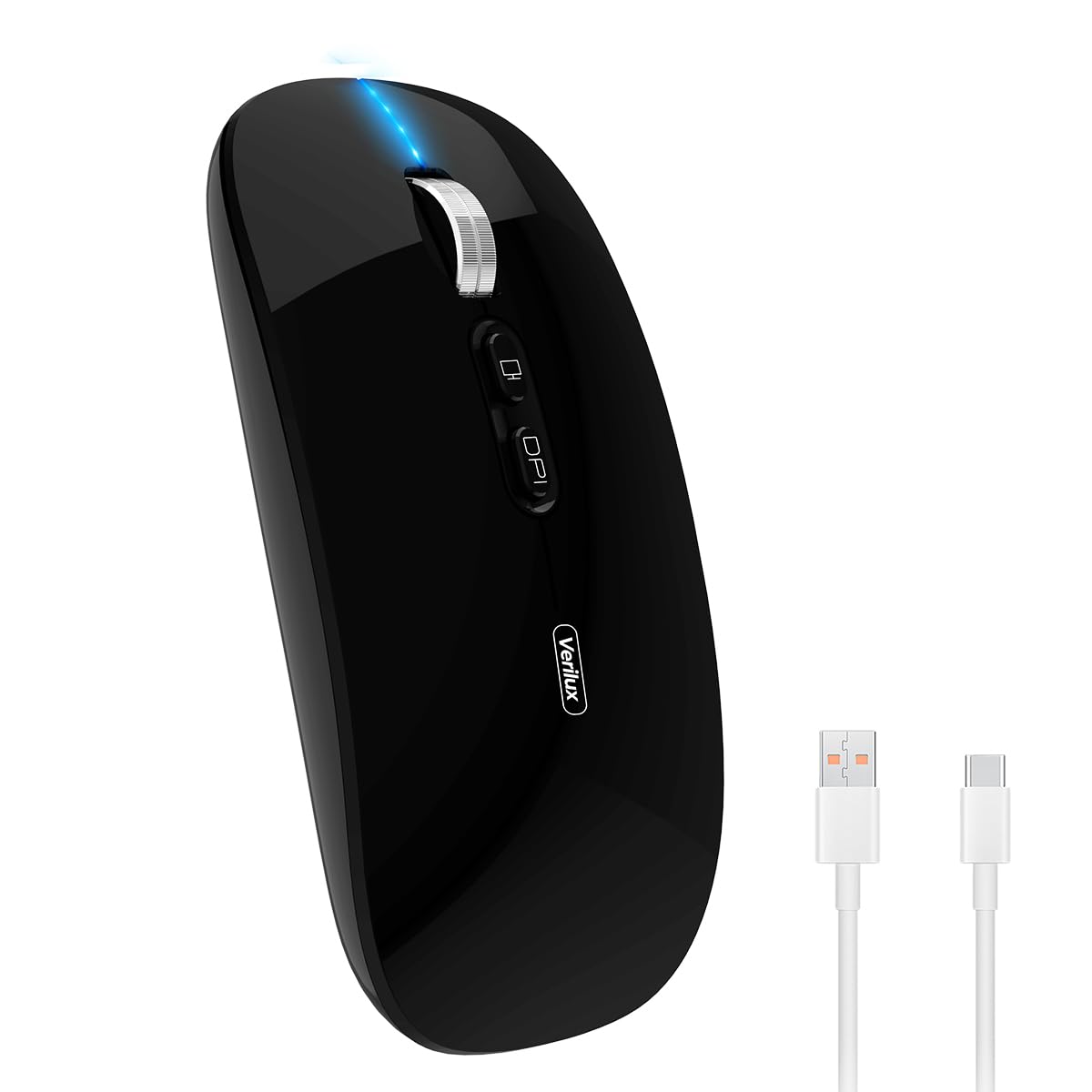
Image: Verilux Wireless Mouse M103 in black.
פּראָדוקט איבערview
The Verilux M103 is a versatile wireless mouse offering dual-mode connectivity (2.4G USB and Bluetooth 5.1), a rechargeable battery, and an ergonomic, silent design. It is compatible with a wide range of devices and operating systems.

Image: The Verilux M103 mouse demonstrating its dual Bluetooth connectivity with a laptop and tablet.
שליסל פֿעיִקייטן:
- צווייענדיק מאָדע קאָנעקטיוויטי: Seamlessly switch between 2.4G USB and Bluetooth 5.1.
- קריקאָנלאָדלעך באַטערי: Built-in 500mAh battery with 4-level power indicator.
- Ergonomic & Silent Design: Comfortable grip with silent clicks for a quiet working environment.
- וניווערסאַל קאַמפּאַטאַבילאַטי: Supports Android, Windows, MacOS, iOS 12 and above, PC, laptops, and tablets.
- אַדזשאַסטאַבאַל דפּי: Customize mouse sensitivity for precise control.
סעטאַפּ
1. 2.4G Mode Setup:
- Locate the USB receiver stored in the mouse's bottom compartment.
- Plug the USB receiver into an available USB port on your device (laptop, PC).
- צינדט אָן די מויז מיטן אָן/אויס קנעפּל וואָס געפינט זיך אויף דער אונטערשטער זייט.
- די מויז זאָל זיך אויטאָמאַטיש פֿאַרבינדן צו דיין מיטל.
Video: Demonstrates unboxing, identifying the USB receiver, and connecting the mouse via 2.4G USB to a laptop.
2. Bluetooth Mode Setup:
The mouse supports two Bluetooth channels: Bluetooth 3.0 and Bluetooth 5.1.
- Turn on the mouse using the On/Off switch on the bottom.
- Switch the mode selector on the bottom of the mouse to either BT3.0 (center blue light) or BT5.1 (right blue light).
- Activate Bluetooth on your device (laptop, PC, iPad, phone).
- זוכן פֿאַר available Bluetooth devices and select 'BT5.1 Mouse' to connect.
- If the indicator light blinks and the connection is unsuccessful, restart both your device and the mouse, then try again.
אַפּערייטינג ינסטראַקשאַנז
מויז קנעפּלעך:
- לינק קליקט: Standard selection.
- רעכט גיט: קאָנטעקסט מעניו.
- Scroll Wheel (Middle Button/Roller): Scroll up/down, click for middle-click functions.
- DPI קנעפּל: אַדזשאַסטירט מויז סענסיטיוויטי (DPI).
- One-Click Desktop Button: מינימיזירט שנעל אַלע אָפענע פֿענצטער צו ווײַזן דעם דעסקטאַפּ.

Image: Close-up of the Verilux M103 mouse, highlighting the scroll wheel, DPI button, and one-click desktop button.
דפּי אַדזשאַסטמאַנט:
Press the DPI button (located behind the scroll wheel) to cycle through different sensitivity levels (e.g., 800, 1200, 1600 DPI). Choose the setting that best suits your preference and task.
טשאַרדזשינג און באַטערי
The Verilux M103 mouse features a built-in 500mAh rechargeable battery. It is equipped with 4-level power indicator lights to show the remaining battery life.
טשאַרדזשינג אינסטרוקציעס:
- Connect the mouse to a power source using the provided USB-C charging cable. The charging port is located at the front of the mouse.
- A flashing light on the mouse indicates normal charging.
- Charge the mouse using a 5V 1A, 5V 2A, or an adapter with no more than 10W of power. It can also be charged by connecting it to a computer's USB port.
- די מויז קען גענוצט ווערן בשעתן אויפלאָדן.
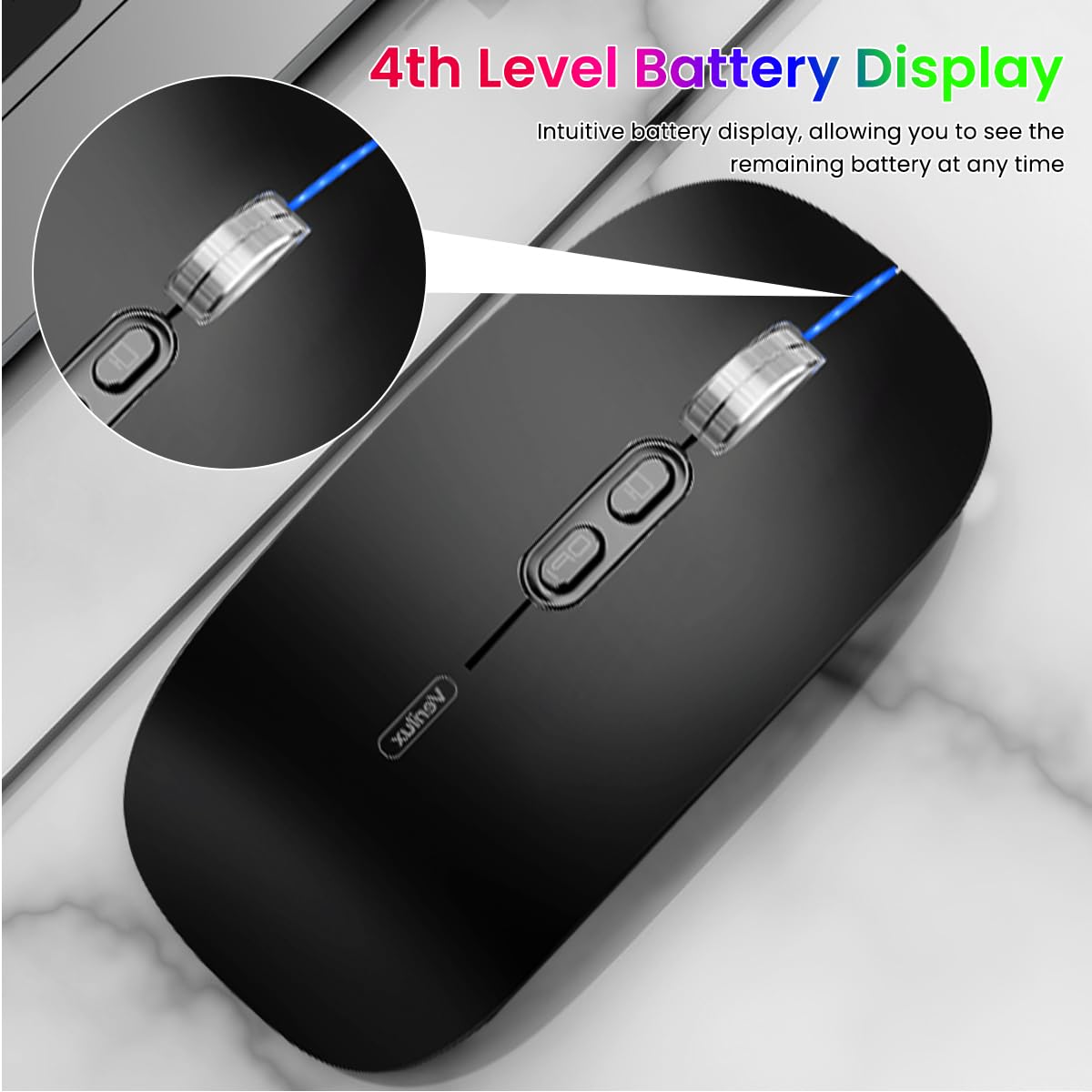
Image: The Verilux M103 mouse displaying its 4-level battery indicator lights.

Image: The Verilux M103 mouse connected to a laptop for charging via its USB-C port.
קאַמפּאַטאַבילאַטי
The Verilux M103 Wireless Mouse offers broad compatibility with various devices and operating systems:
- אַפּערייטינג סיסטעמס: Android, Windows (7, XP, 8, 10), MacOS, iOS 12 and above, Linux.
- מכשירים: Laptops, Personal Computers, Tablets, iPads, MacBooks.

Image: The Verilux M103 mouse shown with a laptop, desktop monitor, iPad, and smartphone, illustrating its wide compatibility.
וישאַלט
To ensure the longevity and optimal performance of your Verilux Wireless Mouse M103, follow these maintenance guidelines:
- רייניקונג: ניצט אַ ווייכע, טרוקענע שטאָף צו רייניקן די מויז. פֿאַר שווערע שמוץ, אַ ביסל ווייכער מאַכןampווישט דעם שטאָף מיט וואַסער אָדער אַ מילדער רייניקונג לייזונג. פֿאַרמייַדט שטרענגע כעמיקאַלן אָדער אַברייסיוו מאַטעריאַלן.
- סטאָרידזש: When not in use, especially during travel, store the USB receiver in its designated compartment at the bottom of the mouse to prevent loss.
- באַטערי זאָרגן: Avoid fully discharging the battery frequently. Charge the mouse when the power indicator shows low battery. Do not expose the mouse to extreme temperatures.
- ינווייראַנמענאַל טנאָים: Keep the mouse away from excessive dust, moisture, and direct sunlight.
טראָובלעשאָאָטינג
If you encounter issues with your Verilux Wireless Mouse M103, please refer to the following common solutions:
| פּראָבלעם | לייזונג |
|---|---|
| Mouse not connecting (2.4G Mode) |
|
| Mouse not connecting (Bluetooth Mode) |
|
| Mouse cursor lagging or erratic movement |
|
| מויז לאָדט זיך נישט אויף |
|
ספּעסאַפאַקיישאַנז
| שטריך | דעטאַל |
|---|---|
| סאָרט | ווערילוקס |
| מאָדעל נומער | M103 (AZEM4-0K5FZ5C) |
| קאַנעקטיוויטי טעכנאָלאָגיע | Bluetooth (3.0 & 5.1), 2.4G Wireless |
| באַוועגונג דעטעקשאַן טעכנאָלאָגיע | אָפּטיש |
| דפּי סעטטינגס | ביז 1600 DPI (אַדזשאַסטאַבאַל) |
| באַטערי | 500 מאַה קריקאָנלאָדלעך |
| מאַכט מקור | באַטעריע געטריבן (USB-C טשאַרדזשינג) |
| קנעפּלעך | 4 (Left, Right, Scroll Wheel/Middle, DPI, One-Click Desktop) |
| האַנט אָריענטירונג | אַמבידעקסטראַס |
| פּונקט וואָג | 119 גראַמז |
| נומער דימענשאַנז (L X W) | 12L x 7W סענטימעטער |
| קאָליר | Black (Standard Black variant) |
וואָראַנטי און שטיצן
For warranty information and customer support, please refer to the documentation included with your product packaging or visit the official Verilux webזייטל. איר קענט אויך קאָנטאַקטירן דעם פארקויפער גלייך פֿאַר הילף.
פאַבריקאַנט: Verilux, Yiwu Kaiming Industrial Co., Ltd.
אימפארטירער/פאקער: ווערילוקס
פֿאַר ווײַטערדיקע אינפֿאָרמאַציע, קענט איר באַזוכן די Verilux Store on Amazon.