
הקדמה
This user manual provides comprehensive instructions for the setup, operation, maintenance, and troubleshooting of your Bmax B6 Pro Mini PC. Please read this manual thoroughly before using the device to ensure optimal performance and longevity.
וואָס איז אין די קעסטל
- 1 x BMAX B6 Pro Mini PC
- 1 רענטגענ הדמי קאַבלע
- 1 x וועסאַ מאָונט מיט שרויפן
- 1 רענטגענ יו. עס. מאַכט אַדאַפּטער
- 1 x באַניצער מאַנואַל

Image: The Bmax B6 Pro Mini PC shown with its power adapter, HDMI cable, VESA mount, and user manual.
פּראָדוקט איבערview
The Bmax B6 Pro Mini PC is a compact and powerful computing solution designed for various applications, from home use to office tasks and multimedia consumption. It features a robust processor, ample memory and storage, and versatile connectivity options.
שליסל פֿעיִקייטן
- שטאַרקער פּראַסעסער: Equipped with a 10th Gen Intel Core i5-1030NG7 processor (Max Turbo Frequency 3.5GHz), featuring 4 cores and 8 threads, 4 MB cache, and advanced 10 nm technology.
- זכּרון און סטאָרידזש: Includes 16GB LPDDR4/2133MHz memory and a 512GB NVMe SSD. Supports dual channel NVMe SSDs and expandable storage up to 2 TB via an included SATA cable for a 2.5" HDD.
- רייכע קאָנעקטיוויטי: Features 3x USB 3.0 ports, 2x HDMI 2.0 ports (4K ultra-high-definition output), 1x earphone/microphone jack, 1x Full function Type-C port (data transfer, charging, video signal output), 1x Ethernet port (1000Mb LAN), 1x DC power input port, and 1x RJ45.
- UHD 4K @60Hz Three Screen Display: Integrated Intel Iris Plus Graphics supports 4K video playback and simultaneous output to three screens via 2xHDMI ports and 1x Type-C port.
- Efficient Cooling & Dual-Band WiFi: Integrated smart fan and two copper heat pipes for effective heat dissipation. Supports Wi-Fi5 2.4G/5G (802.11a/b/g/n/ac) for stable, high-speed wireless connectivity. Built-in Bluetooth 4.2 for wireless device connections.
- סאָליד פּלאַן: Ultra-compact form factor, easy to carry and saves desktop space. Includes a VESA mount for attachment to the back of a monitor.
- סמאַרט רעקאָווערי: One-key smart recovery function for system restoration. Supports Wake On LAN, PXE Boot, RTC Wake, and Auto Power On.

Image: An infographic detailing the core components and features of the Bmax B6 Pro Mini PC, such as the Intel Core i5 processor, 16GB LPDDR4, 512GB NVMe SSD, USB 3.0 ports, HDMI 2.0, Type-C, Bluetooth 4.2, 1000Mbps Ethernet, M.2 NVMe SSD slots, smart fan, copper heat pipes, and WiFi 6 capabilities.

בילד: דעטאַלירט view of the Bmax B6 Pro Mini PC's front and rear ports, including 3.5mm headset jack, Clear CMOS, Type-C, USB 3.0, Power Button, HDMI ports, and Ethernet port.
סעטאַפּ
- פאַרבינדן צו מאַכט: Connect the US Power Adapter to the DC power input port on the Mini PC, then plug the adapter into a power outlet.
- פאַרבינדן צו ווייַז: Use the provided HDMI cable to connect the Mini PC to your monitor or TV. The device supports up to three displays via HDMI 2.0 and Type-C ports.
- פאַרבינדן פּעריפעראַלס: פֿאַרבינדט אייער קלאַוויאַטור, מויז און אַנדערע USB דעוויסעס צו די פֿאַראַן USB 3.0 פּאָרץ.
- נעץ קאַנעקשאַן: For a wired connection, connect an Ethernet cable to the RJ45 port. For wireless, the device will prompt you to connect to a Wi-Fi network during initial setup.
- ערשטע בוט: For the first boot, ensure the Ethernet cable is unplugged to potentially speed up the initial setup process. Press the power button to turn on the Mini PC.
- VESA בארג ינסטאַלירונג: If desired, attach the VESA mount to the back of your monitor using the provided screws, then slide the Mini PC onto the mount. This allows for a cleaner desktop setup.

Image: The compact size of the Bmax B6 Pro Mini PC is illustrated by placing it next to a standard desktop tower, highlighting its space-saving design.
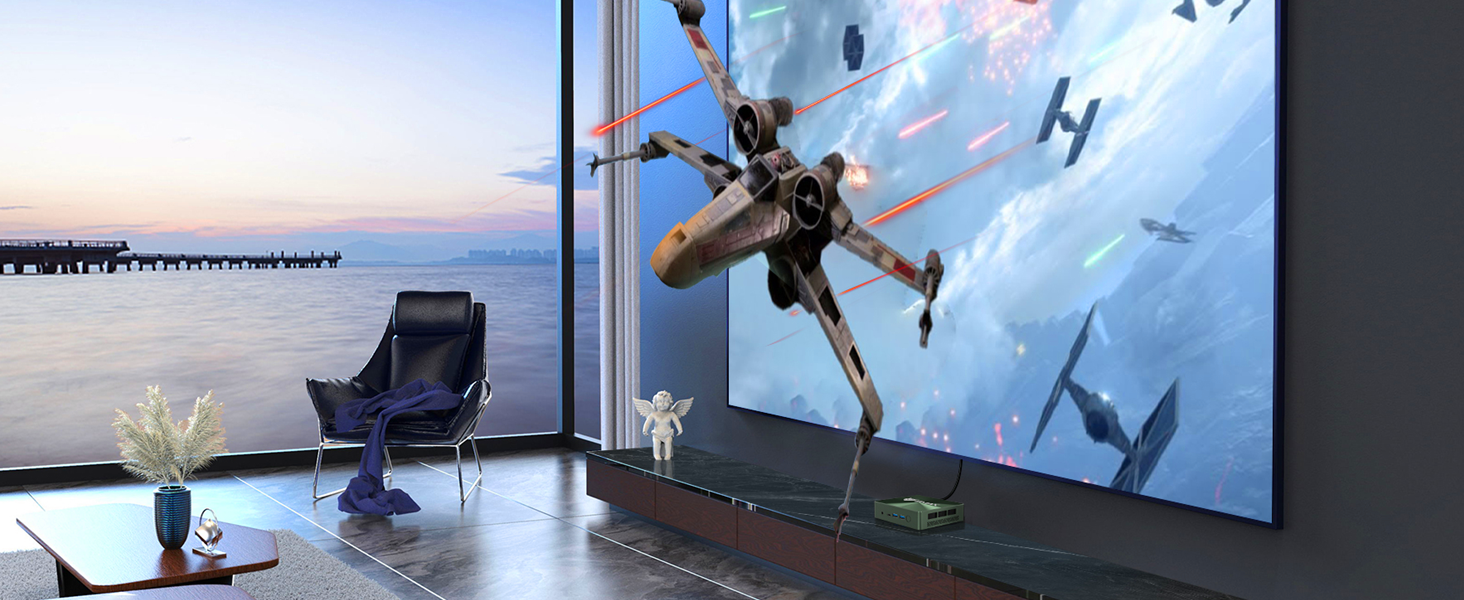
Image: The Bmax B6 Pro Mini PC is shown mounted on the back of a computer monitor, demonstrating how the VESA mount can create a clean, cable-managed workspace.
אַפּערייטינג ינסטראַקשאַנז
- מאַכט אויף / אַוועק: Press the power button located on the front of the Mini PC to turn it on. To shut down, use the operating system's shutdown option. A short press of the power button can also put the device to sleep.
- אַפּערייטינג סיסטעם: The Mini PC comes with Windows 11 Pro pre-installed. Follow the on-screen prompts for initial Windows setup.
- סטאָרידזש יקספּאַנשאַן: To expand storage, use the included SATA cable to connect a 2.5" HDD/SSD. The device also has two NVMe M.2 SSD slots for additional NVMe storage.
- מולטי-דיספּליי סעטאַפּ: Connect up to three displays using the HDMI 2.0 ports and the full-function Type-C port. Configure display settings within the operating system.
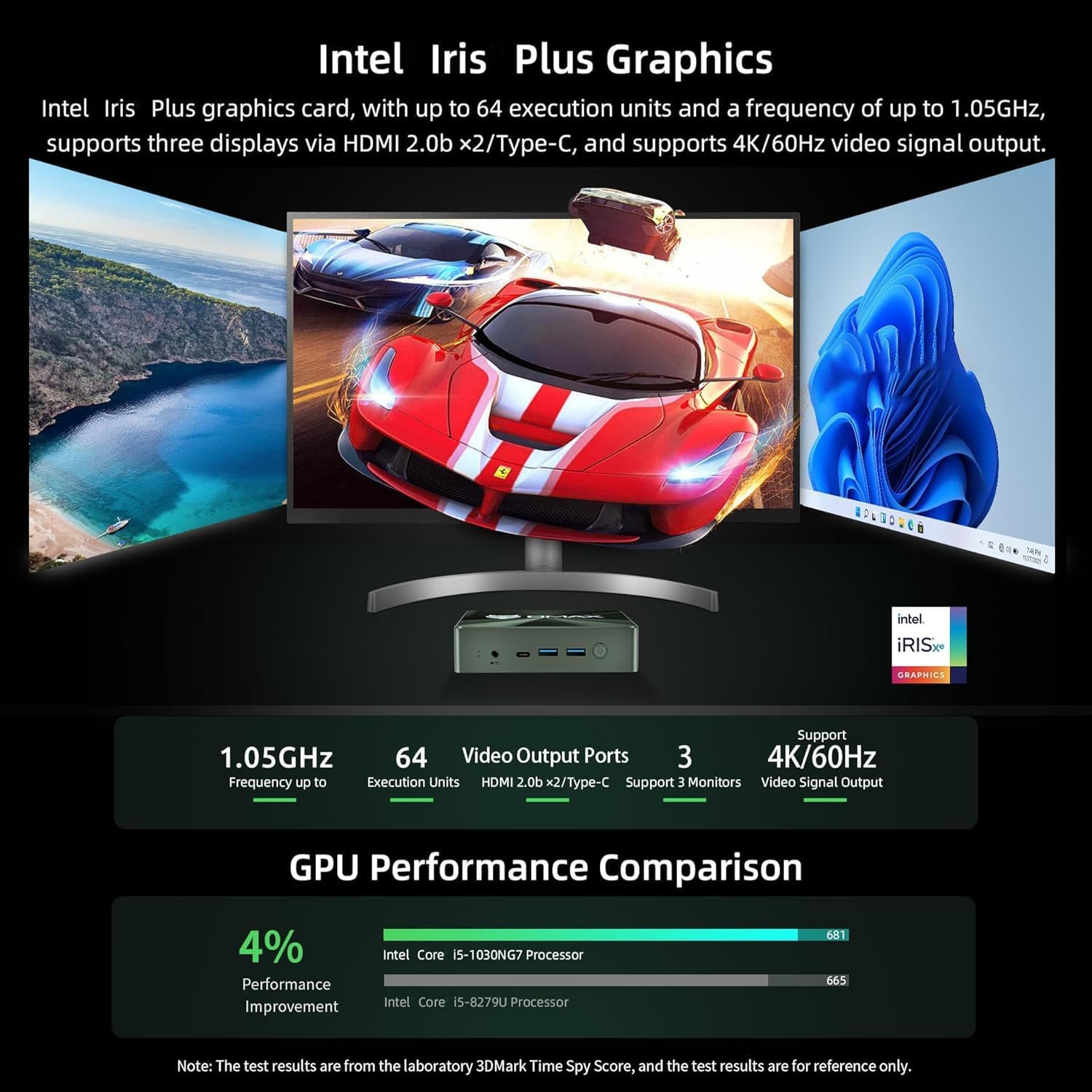
Image: A visual representation of the Bmax B6 Pro Mini PC's capability to support three simultaneous 4K displays, showing different applications open across multiple screens.
וישאַלט
- האַלטן ווענטילאַטעד: Ensure the Mini PC has adequate ventilation to prevent overheating. Do not block the air vents. The smart fan and copper heat pipes are designed for efficient cooling.
- ווייכווארג דערהייַנטיקונגען: רעגולער אַפּדייט אייער אָפּערייטינג סיסטעם און דרייווערס צו ענשור אָפּטימאַל פאָרשטעלונג און זיכערהייט.
- ריינקייַט: Keep the device free from dust. Use a soft, dry cloth for cleaning the exterior. Avoid liquid cleaners.
- דאַטאַ באַקקופּ: מאַכט פּעריִאָדיש באַקאַפּן פון וויכטיקע דאַטן צו אַן עקסטערנאַלן דרייוו אָדער וואָלקן סטאָרידזש.

בילד: אן אינערליכע view of the Bmax B6 Pro Mini PC's cooling system, highlighting the smart fan and dual copper heat pipes designed for efficient heat dissipation.
טראָובלעשאָאָטינג
| פּראָבלעם | מעגלעך סיבה | לייזונג |
|---|---|---|
| ניט קיין אַרויסווייַזן רעזולטאַט | Loose cable, incorrect input on monitor, power issue. | Check HDMI/Type-C cable connections. Ensure monitor is on correct input. Verify power adapter is securely connected. |
| סיסטעם שטייט אדער נישט-רעאגירנדיק | Too many applications running, insufficient storage, overheating. | Close unnecessary applications. Check available storage space. Ensure proper ventilation. Restart the PC. |
| ווי-פי קאַנעקטיוויטי ישוז | Out of range, incorrect password, driver issue. | Move closer to the Wi-Fi router. Re-enter Wi-Fi password. Update Wi-Fi drivers. Restart router and PC. |
| System crash/failure to boot | Software conflict, corrupted system files. | Utilize the one-key smart recovery function to restore the system. If issues persist, contact support. |
ספּעסאַפאַקיישאַנז
| שטריך | דעטאַל |
|---|---|
| פּראַסעסער | Intel Core i5-1030NG7 (10th Gen), 4 Cores, 8 Threads, Max Turbo Frequency 3.5 GHz |
| באַראַן | 16 גיגאבייט LPDDR4 (2133 מעגהערץ) |
| סטאָרידזש | 512 GB NVMe SSD (2x M.2 NVMe SSD slots), Expandable up to 2 TB via 2.5" HDD/SSD |
| גראַפיקס | Intel Iris Plus Graphics, Supports 4K/60Hz |
| ווידעא רעזולטאַט | 2x HDMI 2.0, 1x Full function Type-C (supports video signal output) |
| וסב פּאָרץ | 3x USB 3.0 |
| נעץ | 1x Ethernet (1000Mb LAN), Wi-Fi5 2.4G/5G (802.11a/b/g/n/ac) |
| בלועטאָאָטה | בלועטאָאָטה 4.2 |
| אַודיאָ | 1x Earphone/Microphone Jack |
| אָפּערייטינג סיסטעם | Windows 11 פּראָ |
| דימענשאַנז | Approximately 4.9 x 4.4 x 1.4 inches (based on image) |
| וואָג | בעערעך 1.37 פונט |
| קאָליר | שוואַרץ |
וואָראַנטי און שטיצן
BMAX Mini PCs come with a 30-day no-reason return policy and a 12-month warranty. For any problems or inquiries, please contact Bmax customer support via email. Refer to the contact information provided in your product packaging or on the official Bmax webפּלאַץ.
פֿאַר נאָך רעסורסן און אָפֿט געשטעלטע פֿראַגעס, קענט איר באַזוכן די Bmax Store on Amazon.