
הקדמה
The BoxWave DirectSync PD Cable is a high-performance USB-C to USB-C cable designed for efficient power delivery and data transfer. This 10-foot braided nylon cable supports up to 100W Power Delivery (PD) for fast charging a wide range of devices, including laptops, and offers high-speed data transfers at 5 Gigabits Per Second. Its durable construction with reinforced strain relief ensures longevity and reliable performance.

Image: The BoxWave DirectSync PD Cable, coiled, showcasing its braided design and two USB-C connectors.
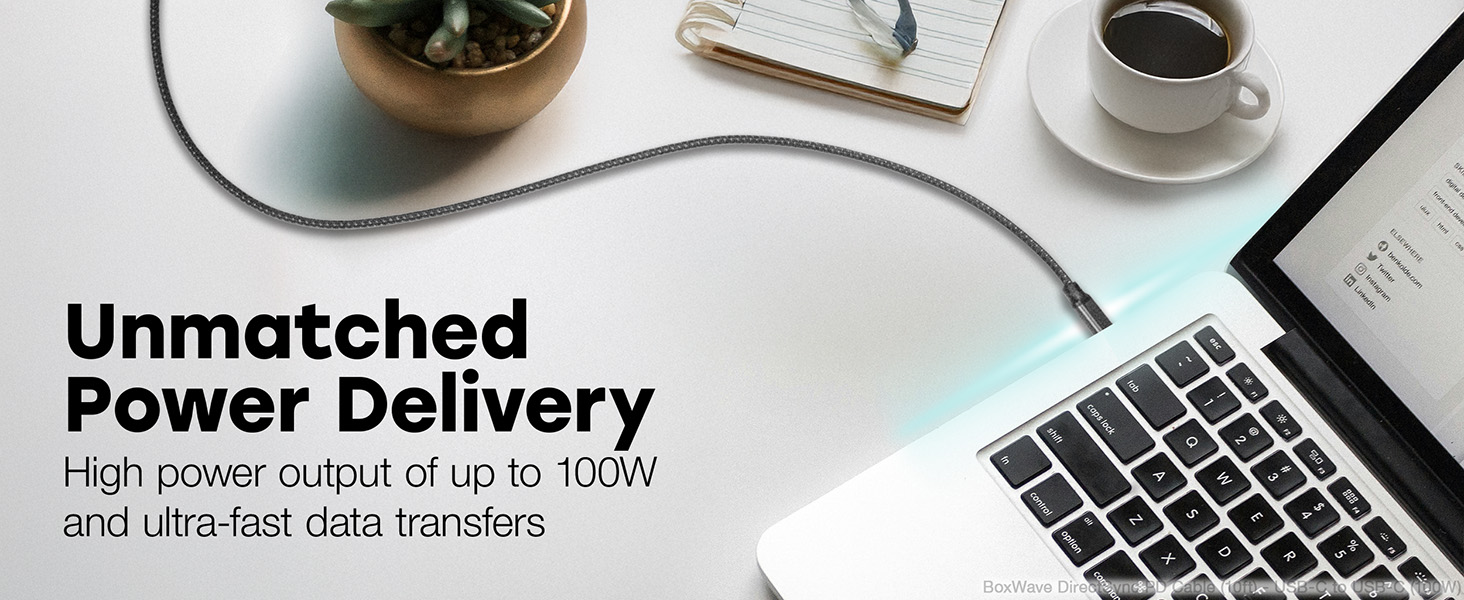
Image: A living room setting demonstrating the 10-foot cable's length, allowing a laptop to be used comfortably away from a wall outlet.
סעטאַפּ
Setting up your DirectSync PD Cable is straightforward.
- אידענטיפיצירן פּאָרטן: Ensure your charging adapter and device both have USB Type-C ports.
- פאַרבינדן צו טשאַרדזשער: Plug one end of the USB Type-C connector into a compatible wall charger or power adapter. For optimal performance, use a charger that supports Power Delivery (PD) up to 100W.
- פאַרבינדן צו מיטל: Plug the other end of the USB Type-C connector into your device (e.g., laptop, smartphone, tablet).
- באַשטעטיקן קשר: Confirm that your device indicates it is charging or connected for data transfer.

Image: A laptop connected to a smartphone with the DirectSync PD Cable, illustrating simultaneous charging and data synchronization.
אַפּערייטינג ינסטראַקשאַנז
The DirectSync PD Cable offers dual functionality for both charging and data transfer.
טשאַרדזשינג דיין מיטל
- הויך-גיכקייַט טשאַרדזשינג: When connected to a compatible Power Delivery (PD) charger, the cable can deliver up to 100 Watts of power, enabling rapid charging for laptops, tablets, and smartphones.
- אָפּטימאַל פאָרשטעלונג: For best charging speeds, ensure both your charger and device support USB Power Delivery.
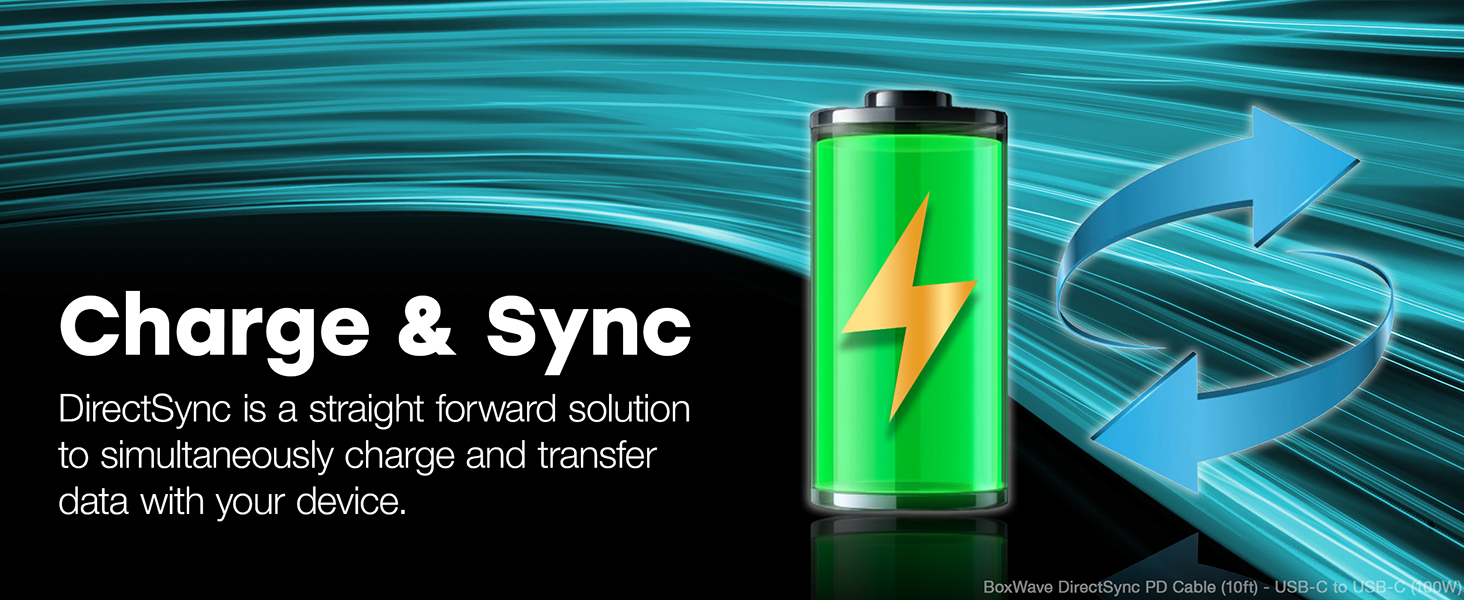
Image: A laptop receiving power through the DirectSync PD Cable, highlighting its 100W Power Delivery capability.
דאַטאַ אַריבערפירן
- Fast Data Sync: Connect the cable between your device and a computer to perform data transfers at speeds up to 5 Gigabits Per Second (USB 3.0 standard).
- סימולטאַנישע פאַנגקשאַנאַליטי: Data transfer can occur simultaneously while your device is charging, streamlining your workflow.

Image: A visual representation of the cable's dual functionality, enabling both power delivery and data synchronization.
וישאַלט
To ensure the longevity and optimal performance of your BoxWave DirectSync PD Cable, follow these maintenance guidelines:
- שעפּן מיט זאָרג: Avoid excessive bending or sharp angles, especially near the connectors. The cable features reinforced strain relief, but proper handling further extends its life.
- ריין דזשענטלי: If the cable becomes dirty, wipe it with a soft, dry cloth. Do not use harsh chemicals or abrasive cleaners.
- סטאָרידזש: When not in use, coil the cable loosely. Avoid tightly wrapping it around objects or kinking it, which can damage the internal wires.
- קאָנטראָלירן קעסיידער: קאָנטראָלירט פּעריִאָדיש דעם קאַבל און די קאַנעקטאָרן פֿאַר יעדע סימן פֿון טראָגן, אָפּגעריבן אָדער שאָדן. שטעלט אָפּ דעם באַניץ אויב מען באַמערקט שאָדן.

בילד: א נאָענטע בילד view of the cable's durable braided nylon exterior, designed to resist tangles and fraying.

בילד: א דעטאַלירטע view of the reinforced rubberized grommet strain relief at the connector, designed to prevent fraying and kinking.
טראָובלעשאָאָטינג
If you encounter issues with your DirectSync PD Cable, consider the following troubleshooting steps:
- מיטל ניט טשאַרדזשינג:
- Ensure both ends of the cable are securely plugged into the charger and the device.
- Verify that the wall outlet or power source is active.
- Test the cable with a different compatible charger and device to isolate the issue.
- Confirm your charger supports Power Delivery (PD) and provides sufficient wattagE פֿאַר דיין מיטל.
- פּאַמעלעך טשאַרדזשינג:
- Ensure your charger is a Power Delivery (PD) compatible charger with adequate wattagE (אַרויף צו 100 וו).
- Close unnecessary applications on your device that might be consuming significant power.
- דאַטן אַריבערפירן ישוז:
- Confirm the cable is properly connected to both the device and the computer.
- Check your device's settings to ensure data transfer mode is enabled (e.g., "File Transfer" or "MTP").
- Try connecting to a different USB-C port on your computer.
- גשמיות שעדיקן: Inspect the cable for any visible damage, such as cuts, kinks, or bent connectors. If damaged, discontinue use and replace the cable.
ספּעסאַפאַקיישאַנז
| שטריך | דעטאַל |
|---|---|
| סאָרט | BoxWave |
| מאָדעל נאָמען | DirectSync PD Cable |
| קאַנעקטער טיפּ | USB Type C (Male-to-Male) |
| קאַבלע לענג | 10 פֿיס (אומגעפער 3 מעטער) |
| מאַכט עקספּרעס (פּד) | אַרויף צו 100 וואטס |
| דאַטאַ אַריבערפירן קורס | 5 Gigabits Per Second (USB 3.0 Standard) |
| קאַבלע מאַטעריאַל | געפלאָכטענע ניילאָן |
| קאָליר | דזשעט שווארצע |
| שפּאַנונג רעליעף | Rubberized Grommet on both connectors |
| קאַמפּאַטאַבאַל דעוויסעס | Devices with USB-C ports, including PCs, laptops, smartphones, and tablets (e.g., DODOSOUL M800) |
| באַניץ סוויווע | דרינענדיק, דרויסנדיק |
| פּונקט וואָג | 6 אונס |
וואָראַנטי און שטיצן
For information regarding warranty coverage, technical support, or customer service for your BoxWave DirectSync PD Cable, please refer to the official BoxWave webזייטל אדער קאנטאקט זייער קאסטומער שטיצע גלייך.
אָנליין שטיצן: באַזוכן www.boxwave.com פֿאַר אָפֿט געשטעלטע פֿראַגעס, פּראָדוקט רעגיסטראַציע, און קאָנטאַקט אינפֿאָרמאַציע.