
1. הקדמה
This manual provides essential information for the safe and efficient operation of your Sharp Roku TV 4K Ultra HD with HDR10 (55"). Please read this manual thoroughly before using the television and retain it for future reference. Your new Sharp Roku TV offers a stunning 4K Ultra HD resolution, integrated Roku streaming experience, and immersive Dolby Audio.

פיגורע 1.1: פראָנט view of the Sharp Roku TV 4K Ultra HD (55 inch). This image shows the television from the front, highlighting its slim bezels and the display with a colorful image.
2. זיכערקייַט אינפֿאָרמאַציע
שטענדיק האַלטן די פאלגענדע זיכערהייט מיטלען צו פאַרמייַדן פייַער, עלעקטריש קלאַפּ, אָדער שאָדן.
- דו זאלסט נישט ויסשטעלן די טעלעוויזיע צו רעגן אָדער נעץ.
- בלאָקירט נישט די ווענטילאַציע עפענונגען. זאָרגט פֿאַר גענוג פּלאַץ אַרום דעם טעלעוויזאָר פֿאַר געהעריקן לופטפֿלוס.
- ניצן בלויז אַטאַטשמאַנץ / אַקסעסעריז ספּעסיפיעד דורך דער פאַבריקאַנט.
- נעמט ארויס דעם טעלעוויזאר בעת בליץ-שטורעמס אדער ווען מען ניצט עס נישט פאר לאנגע צייטן.
- אָפּשיקן אַלע סערוויסעס צו קוואַלאַפייד סערוויס פּערסאַנעל.
- האַלטן באַטעריז אויס פון דערגרייכן פון קינדער.
3. וואָס איז אין דער קעסטל
באַשטעטיקן אַז אַלע קאָמפּאָנענטן זענען פאַראַן איידער איר גייט ווייטער מיט דער סעטאַפּ.
- Sharp Roku TV (55")
- טעלעוויזיע שטאַנד (2 שטיק)
- ווײַטקאָנטראָל (דאַרפֿט 2 AAA באַטעריעס, נישט אַרייַנגערעכנט)
- מאַכט שנור
- שנעלע אָנהייב גייד (זעט דעם מאַנואַל פֿאַר דעטאַלירטע אינסטרוקציעס)
4. סעטאַפּ
4.1 אנשטעלן דעם טעלעוויזיע שטאנד
To ensure stability, attach the included stand to the television. Place the TV face down on a soft, clean surface to prevent screen damage.
- אידענטיפיצירן די לינקע און רעכטע שטאַנד שטיקער.
- גלייכט יעדן שטאַנד שטיק מיט די קאָרעספּאָנדירנדיקע שרויף לעכער אויף דער אונטערשטער טייל פון דער טעלעוויזיע.
- באַפעסטיקט די שטאַנדן מיט די צוגעשטעלטע שרויפן. נישט צו שטאַרק אָנציִען.

פיגורע 4.1: זייַט view of the Sharp Roku TV with the stand attached. This image illustrates the profile of the television with its support base.

פיגור 4.2: ווינקלדיק view of the Sharp Roku TV with the stand attached. This image provides a perspective view of the television, showing the stand's design and how it supports the unit.
4.2 פֿאַרבינדן מאַכט און ערשטע סעטאַפּ
Once the stand is securely attached, place the TV in its desired location and proceed with power connection and initial setup.
- פֿאַרבינדט דעם עלעקטרישן שנור צום טעלעוויזאָר'ס עלעקטרישן אַרײַנגאַנג און דערנאָך צו אַ וואַנט אַוטלעט.
- Insert 2 AAA batteries into the remote control, observing polarity.
- דריק דעם "Power" קנעפּל אויף דער ווײַטקאָנטראָל צו אנצינדן דעם טעלעוויזאָר.
- Follow the on-screen instructions to complete the Roku TV guided setup, including network connection (Wi-Fi), channel scanning (if using an antenna), and Roku account activation.

פיגורע 4.3: דערציען view of the Sharp Roku TV. This image displays the back panel of the television, showing the arrangement of various input and output ports for connectivity.
5. אפערירן דעם טעלעוויזאר
5.1 יקערדיק פאַנגקשאַנז
- מאַכט אויף / אַוועק: דרוק די מאַכט קנעפּל אויף די ווייַט.
- באַנד קאָנטראָל: ניצן די באַנד אַרויף / אַראָפּ קנעפּלעך.
- אַרייַנשרייַב סעלעקציע: דרוק די אַרייַנשרייַב button to cycle through connected devices (HDMI, AV, etc.) or select from the Roku Home screen.
- נאַוויגאַציע: ניצט דעם ריכטונגס-פאד (אַרויף, אַראָפּ, לינקס, רעכט) און OK button to navigate menus and select options.
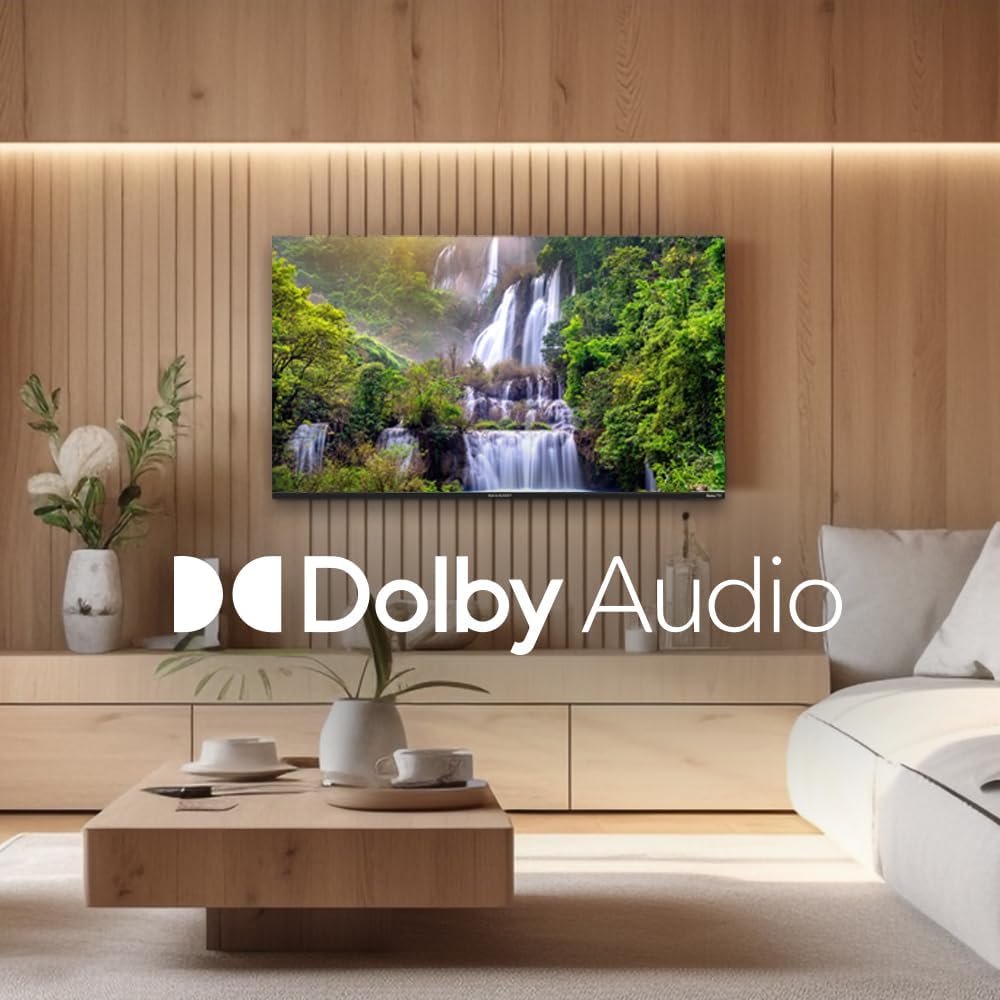
Figure 5.1: Sharp Roku TV showcasing Dolby Audio. This image highlights the television's audio capabilities, with the Dolby Audio logo prominently displayed over a vibrant nature scene.
5.2 ראָקו אָ.עס. נאַוויגאַציע
The Roku Home screen provides access to all your streaming channels, inputs, and settings.
- היים פאַרשטעלן: דרוק די היים button on the remote to return to the main menu.
- סטרימינג קאַנאַלן: Select a channel icon to launch the app.
- לעבן טעלעוויזיע: Access live broadcast channels (if an antenna is connected) or The Roku Channel's live TV guide.
- סעטטינגס: נאַוויגירן צו די סעטטינגס menu for network configuration, display options, audio settings, and system updates.
6. וישאַלט
6.1 רייניקן דעם טעלעוויזאר
כּדי צו האַלטן דאָס אויסזען און די פאָרשטעלונג פון אייער טעלעוויזיע, פאָלגט די רייניקונג גיידליינז:
- שטענדיק אויסשטעקן דעם טעלעוויזאר איידער איר רייניגט.
- ניצט אַ ווייכע, לינט-פֿרייע שטאָף צו פֿאָרזיכטיק ווישן דעם עקראַן. פֿאַר שווערע פֿלעקן, אַ ביסל ווישןampווישט דעם שטאָף מיט וואַסער אָדער אַ ספּעציאַליזירטן עקראַן רייניגער. שפּריצט קיינמאָל נישט רייניגער גלייך אויפן עקראַן.
- Wipe the cabinet and stand with a soft, dry cloth.
- ויסמיידן ניצן אַברייסיוו קלינערז, וואַקסעס אָדער סאָלוואַנץ.
7. טראָובלעשאָאָטינג
Refer to this section for solutions to common issues you may encounter.
| פּראָבלעם | מעגלעך סיבה | לייזונג |
|---|---|---|
| קיין מאַכט | Power cord not securely connected; outlet not working. | קאָנטראָלירט די פֿאַרבינדונג פֿון דער עלעקטרישער שנור. פּרובירט די אַוטלעט מיט אַן אַנדער אַפּאַראַט. |
| קיין בילד נישט, אבער סאונד איז דא | Incorrect input selected; external device issues. | דרוק די אַרייַנשרייַב button to select the correct source. Check connections to external devices. |
| קיין קלאַנג, אָבער בילד איז דאָ | די קול איז שטיל אדער צו נידעריג; די אודיאָ סעטינגס זענען נישט ריכטיג. | Unmute volume or increase level. Check audio output settings in the TV menu. |
| Wi-Fi קאַנעקשאַן ישוז | אומרעכט פּאַראָל; פּראָבלעמען מיטן ראַוטער; טעלעוויזיע צו ווייט פֿונעם ראַוטער. | Re-enter Wi-Fi password. Restart router and TV. Move TV closer to router or use a Wi-Fi extender. |
| ווייַט קאָנטראָל איז נישט ארבעטן | טויטע באַטעריעס; אַ שטערונג צווישן דער ווײַטקאָנטראָלירער און דער טעלעוויזיע. | Replace batteries. Remove any obstructions. Ensure remote is pointed at the TV. |
8. ספּעסאַפאַקיישאַנז
Key technical specifications for the Sharp Roku TV 4K Ultra HD (55").
| שטריך | דעטאַל |
|---|---|
| מאָדעל נומער | 4TC55EL8UR |
| פאַרשטעלן גרייס | 55 אינטשעס (140 ס״מ דיאַגאָנאַל) |
| ווייַז טעכנאָלאָגיע | געפירט |
| האַכלאָטע | 4K אולטרא HD (3840 x 2160p) |
| דערפרישן קורס | 60 הז |
| אַספּעקט פאַרהעלטעניש | 16:9, 4:3 |
| אַודיאָ רעזולטאַט | 16 Watts (8W+8W) Speaker System, Dolby Audio |
| קאַנעקטיוויטי | Wi-Fi, HDMI, USB (specific port count not detailed in input, general) |
| פּראָדוקט גרייס (מיט שטאַנד) | Approx. 11.22 x 48.35 x 29.41 inches (D x W x H) |
| פּונקט וואָג | Approx. 29 pounds (13.2 Kilograms) |
| מאַכט קאַנסאַמשאַן | 130 וואטס (אין אפעראציע) |
| באַטעריעס פארלאנגט (ראָוט) | 2 אַאַאַ באַטעריז |

Figure 8.1: Dimensional diagram of the Sharp Roku TV (55 inch). This diagram provides precise measurements of the television, including width and height with and without the stand.
9. וואָראַנטי און שטיצן
For warranty information and technical support, please refer to the official Sharp website or contact their customer service directly. Warranty terms and conditions may vary by region and purchase date.
איר קענט געפֿינען מער אינפֿאָרמאַציע און שטיצע רעסורסן דורך באַזוכן די באַאַמטער שאַרפּ סטאָר אויף עמעזאָן.