
הקדמה
Thank you for choosing the Vieta Pro Bone Bone Conduction Wireless Headphones. These headphones are designed to provide a unique audio experience, allowing you to enjoy music while remaining aware of your surroundings. This manual provides essential information for setting up, operating, and maintaining your headphones.

Image: Vieta Pro Bone bone conduction headphones in black, showcasinזייער ערגאָנאָמישן פּלאַן.
וואָס איז אין די קעסטל
Your Vieta Pro Bone package includes the following items:
- Vieta Pro Bone Bone Conduction Wireless Headphones
- טשאַרדזשינג קאַבלע
- באַניצער מאַנואַל (דעם דאָקומענט)
- Earplugs (for enhanced audio experience in noisy environments)
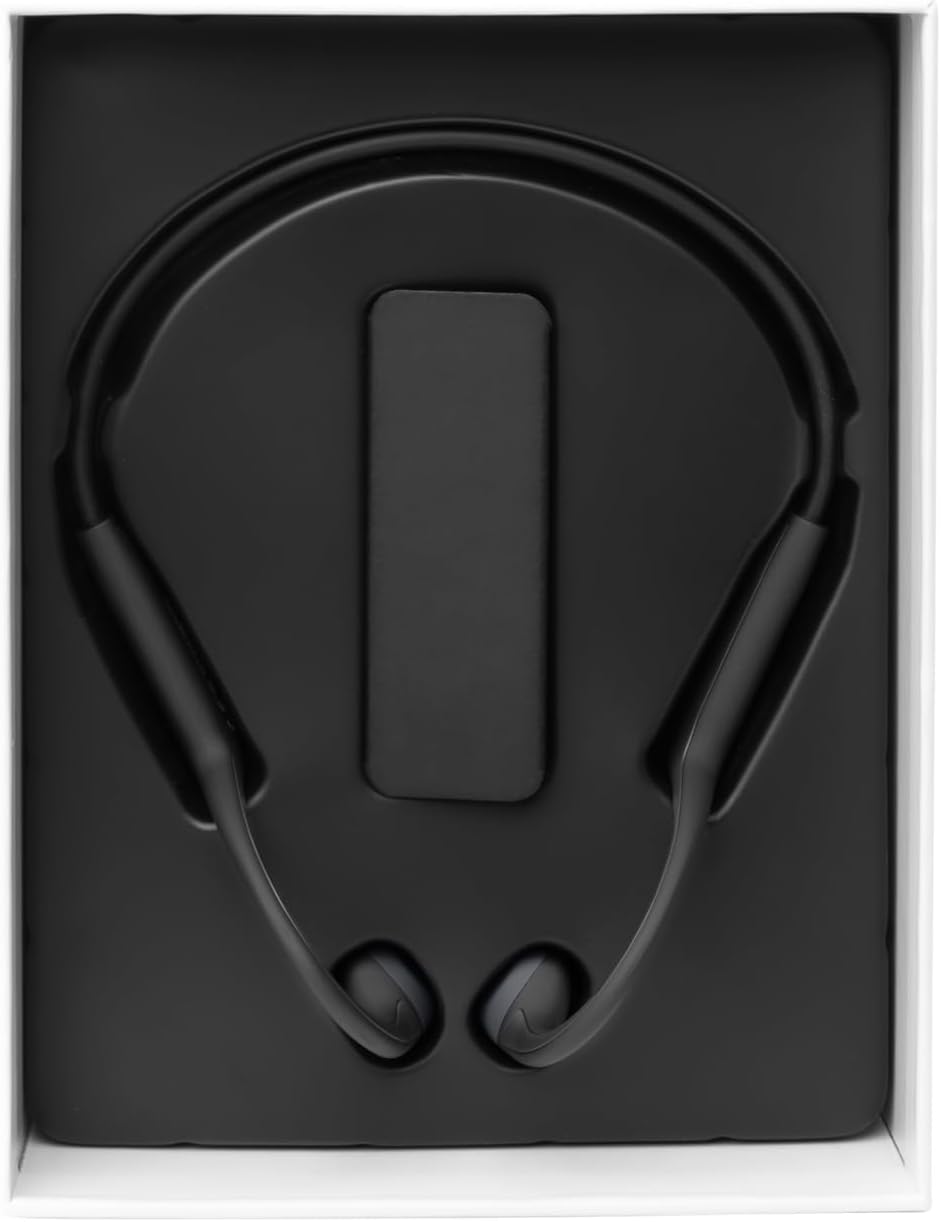
Image: The Vieta Pro Bone headphones neatly packaged in their box, alongside the charging cable and documentation.
Video: An unboxing and quick overview of the Vieta Pro Bone headphones, demonstrating the contents and initial handling.
פּראָדוקט איבערview
כעדפאָון קאַמפּאָונאַנץ
The Vieta Pro Bone headphones feature a lightweight, ergonomic design for comfortable wear during various activities.
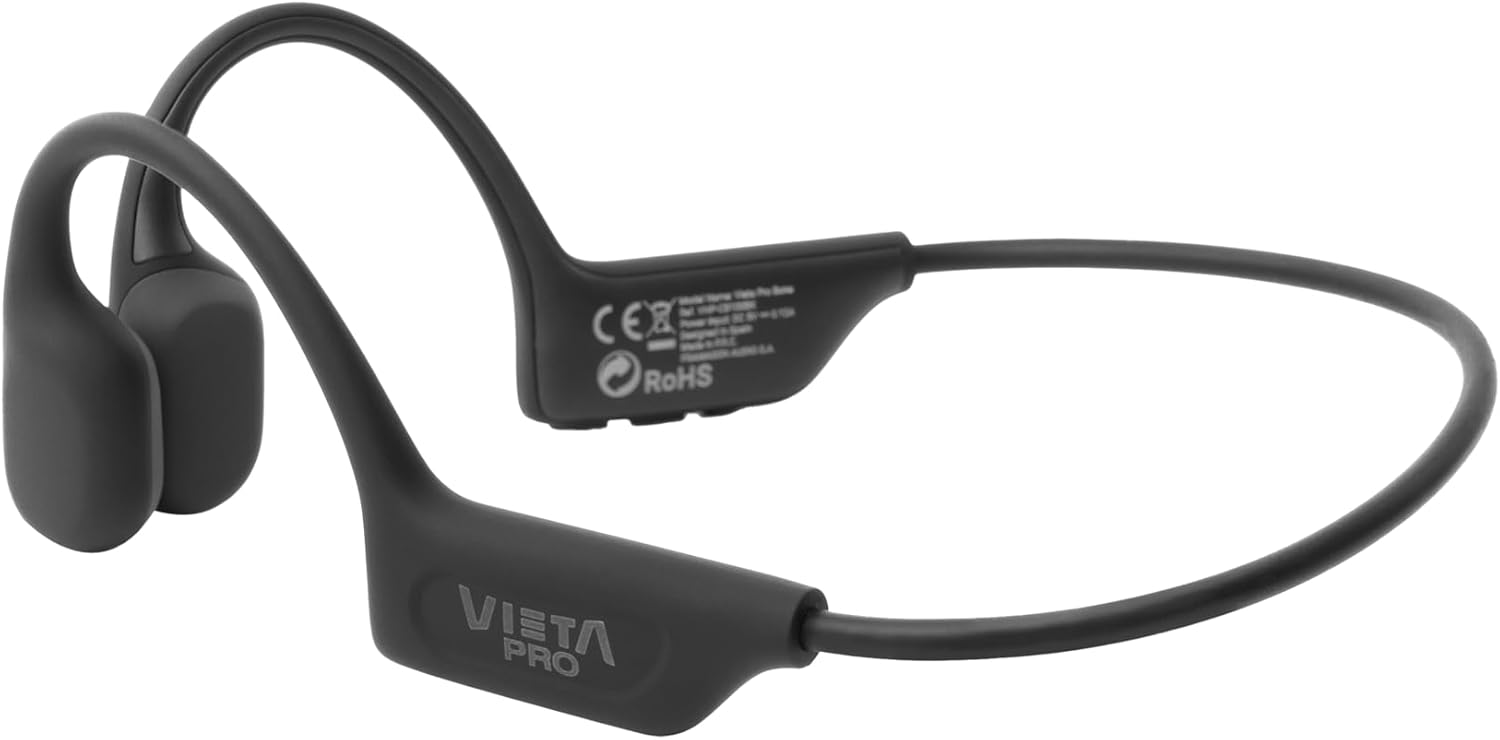
בילד: א דעטאַלירטע view of the Vieta Pro Bone headphones, highlighting the bone conduction pads that rest near the ears and the flexible band that connects them.
קאָנטראָלס
The control buttons are located on one side of the headphone band for easy access.

Image: A close-up of the control panel on the left side of the headphone band, featuring buttons for power/multifunction, volume up, and volume down.
- מאַכט / מולטיפונקטיאָן קנעפּל: געניצט פֿאַר אן/אויסלעשן, שפּילן/פּויזע, ענטפֿערן/ענדיגן רופן.
- באַנד אַרויף קנעפּל: Increases volume, next track (long press).
- באַנד אַראָפּ קנעפּל: Decreases volume, previous track (long press).
- מיקראָפאָן: אינטעגרירט פֿאַר קלאָרע רופֿן.
סעטאַפּ
טשאַרדזשינג די כעדפאָונז
Before first use, fully charge your headphones. Connect the charging cable to the charging port on the headphones and to a USB power source. The LED indicator will show charging status.
- א פולע אָפּצאָל גיט ביז 8 שעה פון שפּילן צייט.
פּערינג מיט אַ בלועטאָאָטה מיטל
- מאַכן זיכער אַז די כעדפאָונז זענען אויסגעדרייט אַוועק.
- Press and hold the Power/Multifunction button until the LED indicator flashes blue and red, indicating pairing mode.
- אויף אייער דעווייס (סמאַרטפאָן, טאַבלעט, אאז"וו), אַקטיווירט בלועטוט און זוכט פֿאַר פֿאַראַן דעווייסעס.
- Select "Vieta Pro Bone" from the list of devices.
- נאָך די פֿאַרבינדונג, די געפֿירט גראדן סלאָולי בלאַס.
צווייענדיק קאַנעקשאַן
The headphones support dual connection, allowing you to connect to two devices simultaneously (e.g., phone and tablet). After pairing with the first device:
- דיאַקטיווירן בלועטוט אויף דער ערשטער דעווייס.
- Put the headphones back into pairing mode and connect to the second device.
- ווידער אַקטיווירן בלוטוט אויף דער ערשטער דעווייס. די כעדפאָונז זאָלן זיך אויטאָמאַטיש פֿאַרבינדן צו ביידע דעווייסעס.

Image: An infographic illustrating the main features: Bluetooth 5.3, up to 8 hours battery, sport-optimized fit, bone conduction technology, non-isolating design, memory band, dual connection, and IPX6 water resistance.
אַפּערייטינג ינסטראַקשאַנז
מאַכט אויף / אַוועק
- מאַכט אויף: דריק און האלט דעם מאַכט/מולטיפונקציע קנעפּל פֿאַר 3 סעקונדעס.
- מאַכט אַוועק: דריק און האלט דעם מאַכט/מולטיפונקציע קנעפּל פֿאַר 5 סעקונדעס.
מוזיק פּלייַבאַקק
- שפּיל / פּויזע: Press the Power/Multifunction button once.
- ווייַטער שפּור: לאַנג דריקן די באַנד אַרויף קנעפּל.
- פֿריִערדיקע שפּור: לאַנג דריקן די באַנד אַראָפּ קנעפּל.
- באַנד קאָנטראָל: דריקן די Volume Up אָדער Volume Down קנעפּלעך.
טעלעפאָן קאַללס
- ענטפֿערן / סוף רופן: Press the Power/Multifunction button once.
- אָפּוואַרפן רופן: דריק און האלט דעם מאַכט/מולטיפונקציע קנעפּל פֿאַר 2 סעקונדעס.
- שטימע אַססיסטאַנט: Triple press the Power/Multifunction button (if supported by your device).
וישאַלט און זאָרג
- רייניקונג: ווישט די כעדפאָונז מיט אַ ווייכן, טרוקענעם שטאָף. ניצט נישט קיין שרײַבנדיקע רייניגער אָדער סאָלווענטן.
- וואַסער קעגנשטעל: The headphones are IPX6 water-resistant, meaning they can withstand sweat and splashes. Do not submerge them in water. Dry thoroughly after exposure to moisture.
- סטאָרידזש: קראָם אין אַ קיל, טרוקן אָרט אַוועק פון דירעקט זונשייַן און עקסטרעם טעמפּעראַטורעס.
- באַטערי: To preserve battery life, charge the headphones regularly, even if not in use for extended periods.

Image: A user wearing the Vieta Pro Bone headphones during a run, demonstrating their secure fit and suitability for sports activities.
טראָובלעשאָאָטינג
| פּראָבלעם | מעגלעך לייזונג |
|---|---|
| די קאָפּהערער ווערן נישט אנגעצינדן. | זיכער מאַכן אַז די כעדפאָונז זענען אויפגעלאָדן. פאַרבינדן צו אַ מאַכט מקור און פּרובירן ווידער. |
| קען נישט צופּאַסן מיטן דעווייס. |
|
| קיין קלאַנג אָדער נידעריקע וואָלומען. |
|
| געזונט קוואַליטעט איז נעבעך. |
|
ספּעסאַפאַקיישאַנז
| שטריך | דעטאַל |
|---|---|
| מאָדעל נומער | VHP-CB100BK |
| קאַנעקטיוויטי טעכנאָלאָגיע | ווירעלעסס (בלועטאָאָטה) |
| בלועטאָאָטה ווערסיע | 5.3 |
| בלועטאָאָטה קייט | אַרויף צו 10 מעטער |
| באַטערי לעבן | ביז 8 שעה (שפּיל) |
| וואַסער קעגנשטעל שאַץ | IPX6 (שווייס און שפּריץ קעגנשטעליק) |
| ימפּידאַנס | 32 אָהמס |
| אָפטקייַט ראַנגע | 20 הערץ - 20,000 הערץ |
| מיקראָפאָן | ינטעגראַטעד |
| קאָנטראָל טיפּ | Volume control, App control |
| מאַטעריאַל | Silicone, plastic, fabric |
| וואָג | Approximately 180g (from package dimensions) |
זיכערקייַט אינפֿאָרמאַציע
- ניצט נישט די כעדפאָונז ביי צו הויכע וואָלומען פֿאַר לאַנגע פּעריאָדן כּדי צו פֿאַרמייַדן שאָדן צו די הערן.
- Maintain awareness of your surroundings, especially when using headphones outdoors or in traffic, as bone conduction technology allows ambient sound to be heard.
- Keep the headphones away from extreme temperatures, direct sunlight, and moisture.
- Do not attempt to disassemble or repair the headphones yourself. Contact customer support for assistance.
- אַוועקוואַרפן דעם פּראָדוקט און באַטאַרייע פאַראַנטוואָרטלעך לויט די לאָקאַלע רעגולאַציעס.
וואָראַנטי און שטיצן
For warranty information and customer support, please refer to the official Vieta Pro webזייטל אדער קאָנטאַקט אייער לאקאלן דיסטריביאַטאָר. האַלט אייער קויפן-באַווייַז פֿאַר וואָראַנטי-קליימז.
פאַבריקאַנט: FRAMASON AUDIO SA