
הקדמה
The BoxWave Micro USB DuraCable is designed for charging and data synchronization with compatible devices, such as the CamPark AC08. This cable features a durable braided nylon construction and reinforced strain reliefs for enhanced longevity. It supports USB 2.0 standards, allowing for efficient power delivery and data transfer.
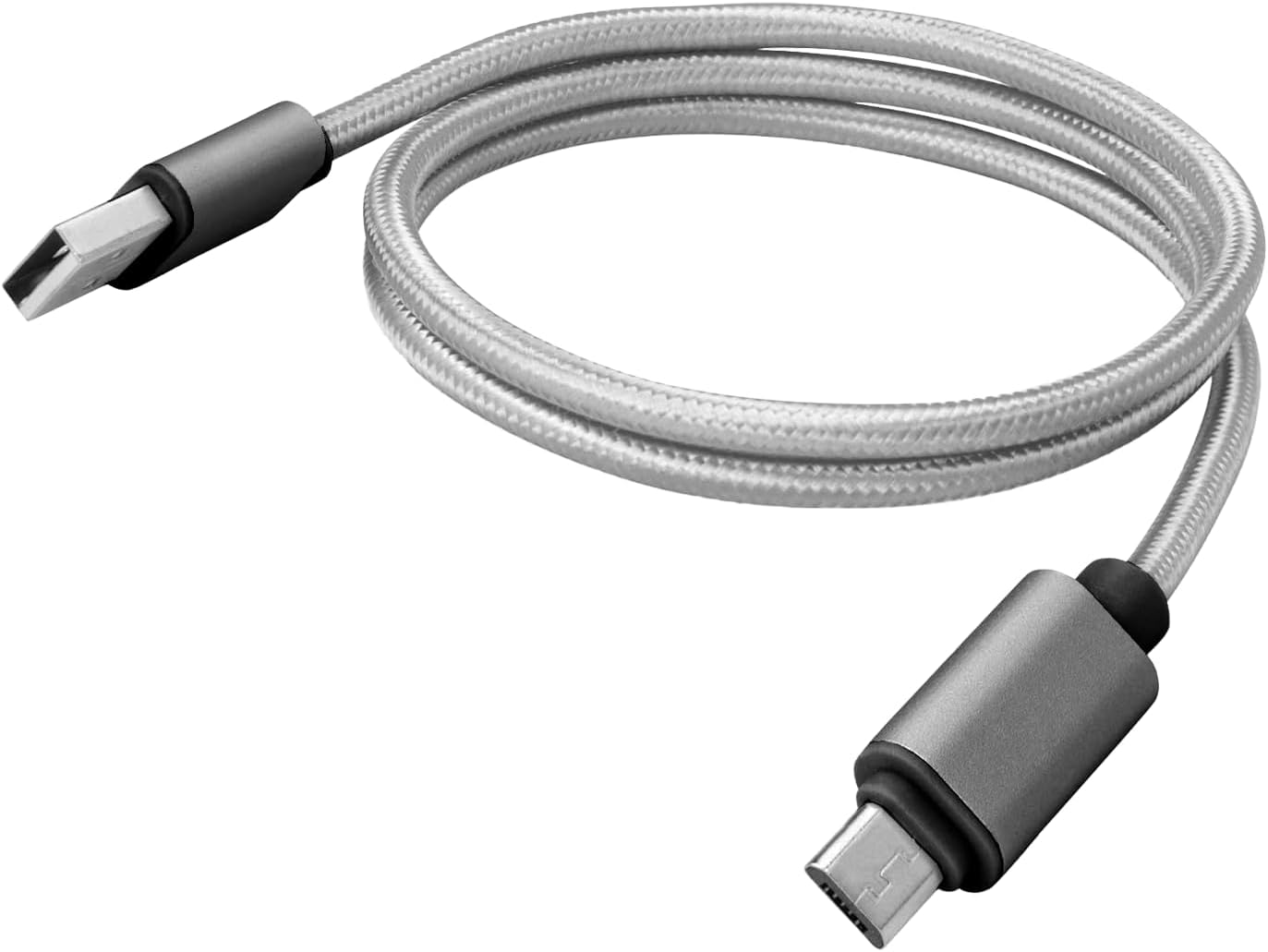
Image: The BoxWave Micro USB DuraCable in Space Grey, coiled for storage. This cable is designed for both charging and data transfer.
סעטאַפּ
Follow these steps to connect your Micro USB DuraCable to your device and power source or computer:
- ידענטיפיצירן קאַנעקטערז: The cable has two ends: a standard USB-A connector and a Micro USB connector.
- פאַרבינדן צו מיטל: Insert the Micro USB connector into the Micro USB port on your compatible device (e.g., CamPark AC08). Ensure it is fully seated.
- פאַרבינדן צו מאַכט/דאַטן מקור: Insert the standard USB-A connector into a compatible USB port on a power adapter, computer, or other USB-enabled charging device.
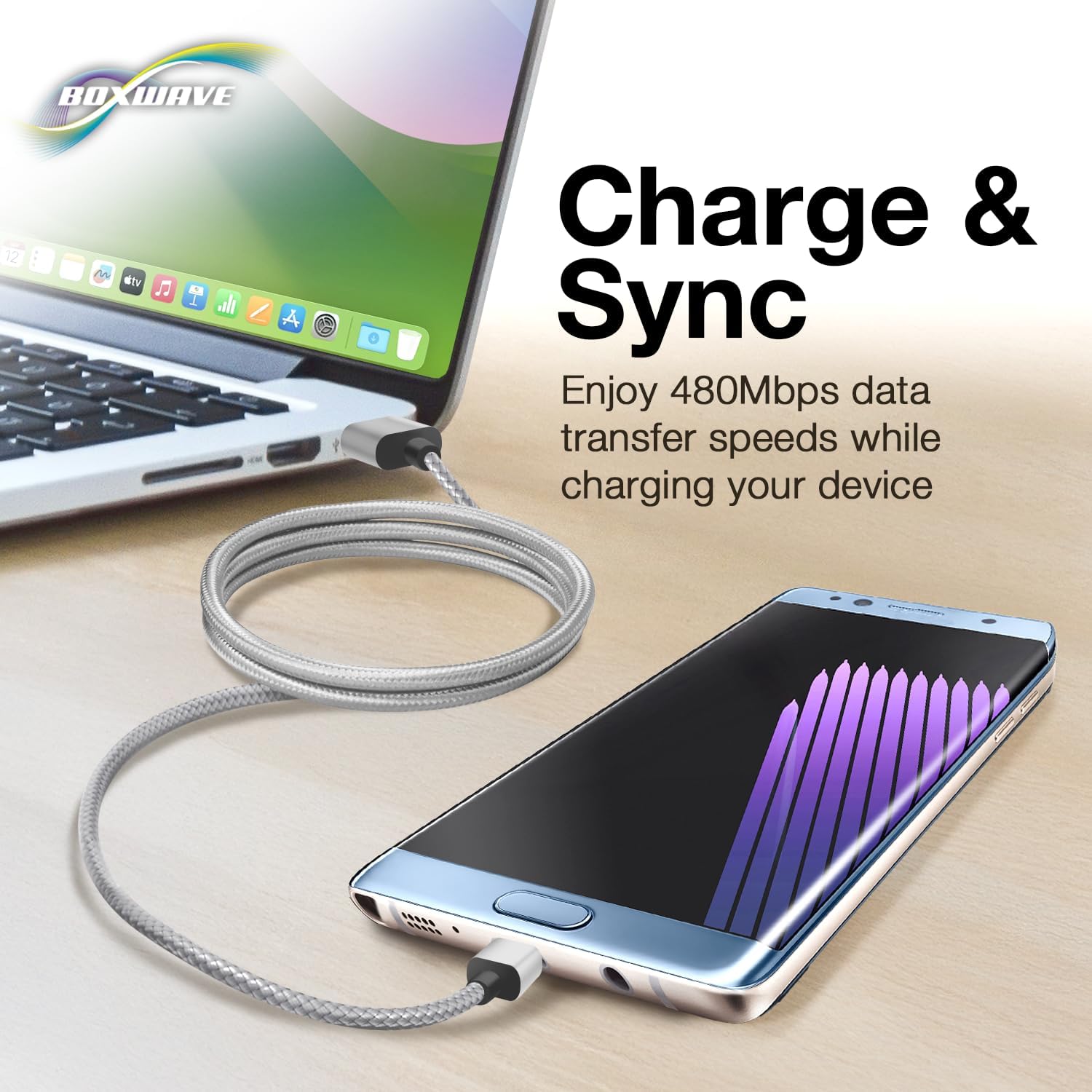
Image: The Micro USB DuraCable connected to a laptop and a smartphone, illustrating its dual function for charging and data synchronization.
אַפּערייטינג ינסטראַקשאַנז
The Micro USB DuraCable supports two primary functions: charging and data synchronization.
טשאַרדזשינג דיין מיטל
- Connect the Micro USB end to your device.
- Connect the USB-A end to a USB wall adapter, car charger, or power bank.
- Ensure the power source is active. Your device should indicate that it is charging.
דאַטאַ סינגקראַנאַזיישאַן
- Connect the Micro USB end to your device.
- פֿאַרבינדט דעם USB-A עק צו אַ פֿאַראַן USB פּאָרט אויף אײַער קאָמפּיוטער.
- Your computer should recognize the connected device, allowing you to transfer files, photos, or other data. The cable supports USB 2.0 standards for data transfer speeds up to 480 Mbps.
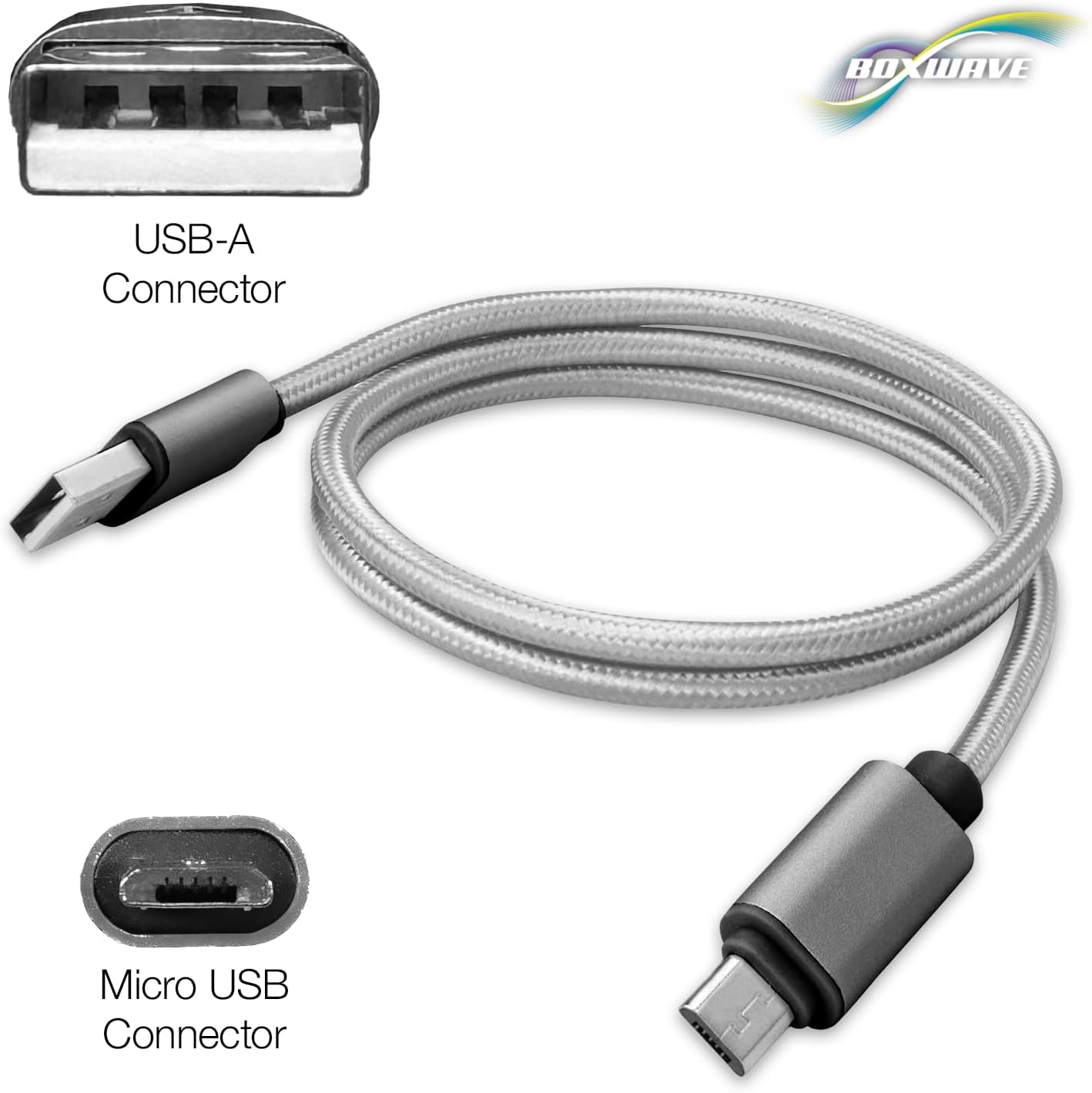
בילד: א דעטאַלירטע view of the cable's USB-A and Micro USB connectors, indicating their respective types for proper connection.
וישאַלט
Proper care of your Micro USB DuraCable will ensure its longevity and optimal performance.
- Avoid Kinking and Sharp Bends: While the braided nylon construction is durable, excessive kinking or sharp bends can damage the internal wires. Store the cable loosely coiled.
- האַלטן קאַנעקטערז ריין: Periodically inspect the USB-A and Micro USB connectors for dust or debris. Use a dry, soft cloth or a small brush to gently clean them if necessary. Avoid using liquids.
- שעפּן מיט זאָרג: Always grasp the connector housing when plugging or unplugging the cable, rather than pulling on the cable itself.
- סטאָרידזש: האַלט דעם קאַבל אין אַ קיל, טרוקן אָרט אַוועק פון דירעקט זונשייַן און עקסטרעמע טעמפּעראַטורן.

בילד: א נאָענטע בילד view highlighting the reinforced strain relief at the base of the connectors, designed to prevent kinking and tearing.
טראָובלעשאָאָטינג
If you encounter issues with your Micro USB DuraCable, consider the following common solutions:
- מיטל ניט טשאַרדזשינג:
- מאַכן זיכער אַז ביידע ענדס פון די קאַבלע זענען סיקיורלי פארבונדן.
- Try a different USB port on your power source or computer.
- Test with a different power adapter or computer.
- Verify that your device's charging port is clean and free of debris.
- Device Not Syncing Data:
- Confirm the cable is connected to a computer's USB port, not just a power adapter.
- Check your device's settings to ensure it is configured for data transfer when connected to a computer.
- פּרוּווט אַ אַנדערש וסב פּאָרט אויף דיין קאָמפּיוטער.
- ריסטאַרט ביידע דיין מיטל און קאָמפּיוטער.
- Slow Charging/Data Transfer:
- Ensure you are using a power adapter with sufficient output for your device.
- Confirm that the USB port on your computer supports USB 2.0 or higher for optimal data speeds.
- Avoid using USB hubs if possible, or ensure the hub is powered.
ספּעסאַפאַקיישאַנז
| שטריך | דעטאַל |
|---|---|
| סאָרט | BoxWave |
| מאָדעל | Micro USB DuraCable |
| קאַנעקטער טיפּ | Micro USB, USB 2.0 |
| טיפּ קאַבלע | וסב |
| קאַמפּאַטאַבאַל דעוויסעס | Charging Adapter, CamPark AC08 |
| קאָליר | אָרט גריי |
| קאַנעקטער דזשענדער | זכר צו זכר |
| דרינענדיק / דרויסנדיק באַניץ | דרינענדיק, דרויסנדיק |
| יוניט גראף | 1.0 גראף |
| פּונקט וואָג | 0.7 אונס |
| ASIN | B0CHKHBX46 |
| קאַבלע לענג | 3 פֿיס |
| מאַטעריאַל | געפלאָכטענע ניילאָן |
שטיצן
For any questions, technical assistance, or support regarding your BoxWave Micro USB DuraCable, please contact BoxWave Corporation directly. Refer to the product packaging or the official BoxWave webזייטל פֿאַר איצטיקע קאָנטאַקט אינפֿאָרמאַציע.