
KoolMore MDF-3GD-52C-WH
KoolMore 80 in. Commercial Three Glass Door Display Upright Freezer Merchandiser (MDF-3GD-52C-WH) User Manual
Model: MDF-3GD-52C-WH | Brand: KoolMore
הקדמה
This manual provides essential information for the safe and efficient operation, installation, and maintenance of your KoolMore Commercial Three Glass Door Display Upright Freezer Merchandiser. Please read this manual thoroughly before operating the appliance and retain it for future reference.
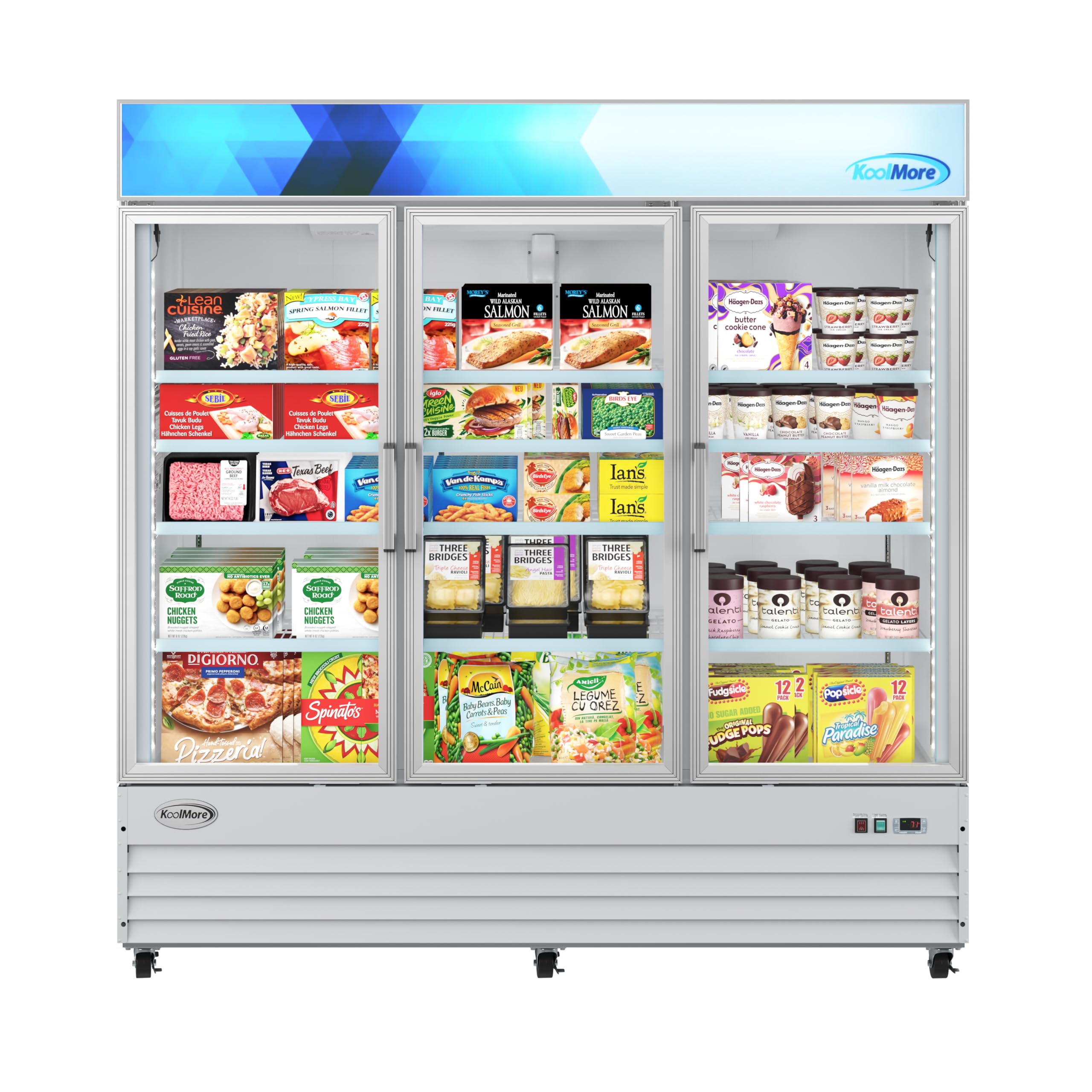
בילד: פראָנט view of the KoolMore Commercial Three Glass Door Display Upright Freezer Merchandiser.
וויכטיק סאַפעטי אינפֿאָרמאַציע
Always follow basic safety precautions when using electrical appliances to reduce the risk of fire, electrical shock, and injury to persons. This appliance is ETL Listed and ETL Sanitation certified, ensuring compliance with safety and sanitation standards.
- פאַרזיכערן געהעריק גראַונדינג פון די אַפּפּליאַנסע.
- דו זאלסט נישט קראָם יקספּלאָוסיוו סאַבסטאַנסיז אַזאַ ווי אַעראָסאָל קאַנס מיט אַ ברענעוודיק פּראַפּעלאַנט אין דעם אַפּפּליאַנסע.
- האַלטן ווענטאַליישאַן אָופּאַנינגז קלאָר פון פאַרשטעלונג.
- דו זאלסט נישט נוצן מעטשאַניקאַל דעוויסעס אָדער אנדערע מיטל צו פאַרגיכערן די דעפראָסטינג פּראָצעס, אנדערע ווי די רעקאַמענדיד דורך דער פאַבריקאַנט.
- דו זאלסט נישט שעדיקן די ריפרידזשעראַנט קרייַז.
- Only qualified personnel should service this appliance.
סעטאַפּ און ינסטאַלירונג
ונפּאַקקינג
Carefully remove all packaging materials, including the outer box, styrofoam, and protective plastic wrap. Inspect the freezer for any shipping damage. Retain packaging materials for potential future transport or service needs.
פּלייסמאַנט
Place the freezer on a flat, stable surface capable of supporting its weight (836 lbs). Ensure adequate ventilation around the unit. Avoid direct sunlight or heat sources. The unit dimensions are 30.6"D x 79.5"W x 80.4"H.

Image: KoolMore Commercial Freezer showing overall dimensions.
לעוועלינג
The freezer is equipped with adjustable legs to ensure it is perfectly level. Adjust the legs as needed to prevent wobbling and ensure proper door sealing.
עלעקטריקאַל קאַנעקשאַן
Connect the freezer to a dedicated 115 Volt electrical outlet. Allow the unit to stand upright for at least 2-4 hours before plugging it in to allow refrigerants to settle.
אַפּערייטינג ינסטראַקשאַנז
טעמפּעראַטור קאָנטראָל
The freezer features precision cooling technology to maintain optimal temperatures. The temperature can be adjusted using the control panel, typically located at the front or inside the unit. Refer to the specific model's control panel for exact adjustment procedures. The operating temperature range is designed to keep products at their frozen peak.

Image: Close-up of the control panel and power switches on the KoolMore Commercial Freezer.
Shelving and Loading
The freezer comes with 12 adjustable shelves, allowing for flexible organization of your products. The clear glass doors and internal LED lighting enhance product visibility, making it easy for customers to browse without opening the unit. Arrange items to allow for proper air circulation.
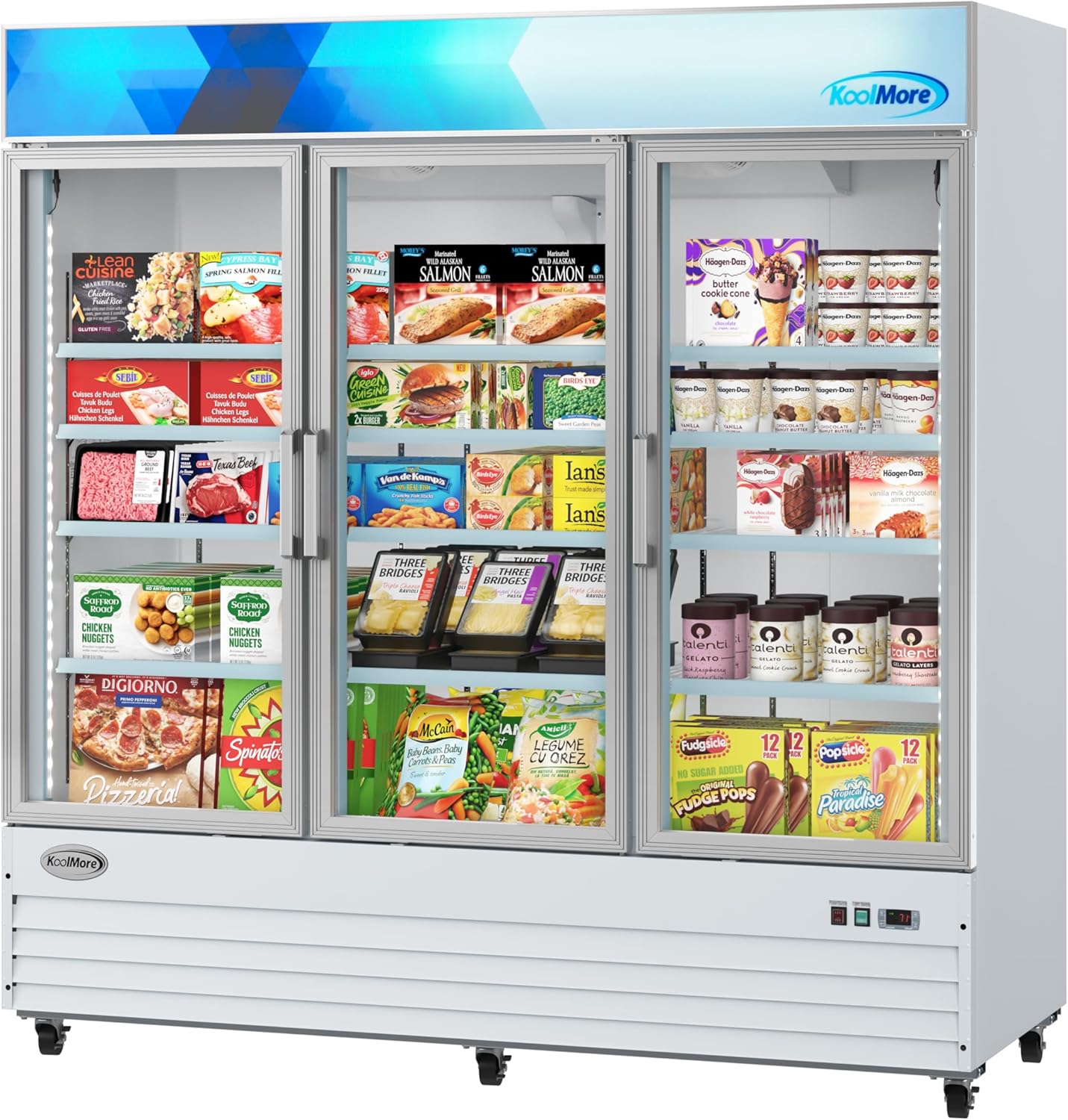
בילד: אינעווייניק view of the KoolMore Commercial Freezer displaying various frozen products on shelves.

בילד: אינעווייניק view of the KoolMore Commercial Freezer with empty, adjustable shelves.
Double-Paned Tempered Glass Doors
The premium-grade double-paned tempered glass doors help eliminate condensation and maintain internal cabinet temperatures, ensuring glass clarity and optimal product preservation.
ווידעא: איבערview of a KoolMore glass door merchandiser freezer, highlighting features like LED lighting, shelves, and temperature control. Note: This video features a single-door model, but general features are applicable.
וישאַלט
רייניקונג
Regularly clean the interior and exterior of the freezer with a mild detergent and warm water. Avoid abrasive cleaners or sharp objects that could damage surfaces. Ensure the unit is unplugged before cleaning.
דעפראָסטינג
This freezer features an automatic defrost function, minimizing the need for manual defrosting. If excessive ice buildup occurs, consult the troubleshooting section or contact customer support.
טיר גאַסקעץ
Periodically check the door gaskets for any signs of wear or damage. A tight seal is crucial for energy efficiency and maintaining proper internal temperatures. Clean gaskets with warm, soapy water.
טראָובלעשאָאָטינג
- Freezer not cooling: Check power supply, ensure the unit is plugged in, and verify the temperature setting. Ensure the door is properly closed.
- יבעריק ראַש: Verify the unit is level. Check for any obstructions around the fan or compressor.
- Excessive condensation/frost: Ensure doors are sealing properly. Avoid frequent or prolonged door openings. Check ambient humidity levels.
- טיר שליסט זיך נישט ריכטיג: Check if the unit is level. Inspect door gaskets for damage or obstructions.
For issues not resolved by these steps, please contact KoolMore customer support.
ספּעסאַפאַקיישאַנז
| שטריך | דעטאַל |
|---|---|
| פּראָדוקט דימענשאַנז | 30.6"ד רענטגענ 79.5"וו רענטגענ 80.4"ה |
| סאָרט | מער |
| מאָדעל נאָמען | MDF-3GD-52C-WH |
| קאָליר | ווייַס |
| טיר מאַטעריאַל טיפּ | גלאז |
| UPC | 810019864346 |
| אַרייַנגערעכנט קאַמפּאָונאַנץ | 1 Merchandiser Refrigerator, 12 Shelves |
| Voltage | 115 וואלטס |
| נומער פון שעלוועס | 12 |
| Certification | ETL Listed; ETL Sanitation |
| ייַנמאָנטירונג טיפּ | Freestanding |
| פּונקט וואָג | 836 פונט |
וואָראַנטי און שטיצן
Your KoolMore Commercial Three Glass Door Display Upright Freezer Merchandiser comes with a 1-Year Parts and Labor warranty און א 5-Year Compressor warranty. For technical assistance, service requests, or warranty claims, please contact KoolMore customer support. Visit the KoolMore Store פֿאַר מער אינפֿאָרמאַציע.
Ask a question about this manual
Ask about setup, troubleshooting, compatibility, parts, safety, or missing instructions. Manuals+ will review the question and use this page’s manual context to help answer it.