
1. הקדמה
א דאנק פארן קויפןasing the CUPEISI YQ11M Android 13 10.1-inch Tablet. This manual provides essential information for setting up, operating, maintaining, and troubleshooting your device. Please read this manual thoroughly to ensure proper use and to maximize your tablet's performance.
2. זיכערקייַט אינפֿאָרמאַציע
To prevent damage to your device or injury to yourself and others, please observe the following safety precautions:
- שטעלט נישט אויס די טאַבלעט צו עקסטרעמע טעמפּעראַטורן, דירעקטע זונשייַן, אדער הויכע הומידיטי.
- פֿאַרמײַדט צו לאָזן פאַלן אָדער אויסשטעלן די טאַבלעט צו שטאַרקע קלאַפּן.
- האַלט די טאַבלעט אַוועק פון וואַסער און אַנדערע פליסיקייטן.
- ניצן בלויז באוויליקט אַקסעסעריז און טשאַרדזשערז.
- פּרוּווט נישט צו צענעמען אָדער פאַרריכטן די טאַבלעט אַליין. ווענדט זיך צו קוואַליפֿיצירטע סערוויס פּערסאָנעל.
טשאַרדזשינג פּריקאָשאַנז
When charging your CUPEISI YQ11M tablet, it is crucial to use a charger with a 5 וו / 2.0 אַ רעזולטאַט. Using chargers with different output specifications may lead to device malfunction or damage. The tablet supports both Type-A and Type-C charging terminals. However, chargers with Type-C on both ends may not be compatible. Avoid using multi-type chargers with outputs exceeding 2.0A, chargers that automatically detect current, fast chargers, or chargers specifically designed for other brands (e.g., Apple, Docomo, au).

בילד: Charging precautions and pre-applied protective film.
3. פּעקל אינהאַלט
ביטע אָפּהאַקן דאָס קעסטל פֿאַר די פֿאָלגנדיקע זאַכן:
- CUPEISI YQ11M Android 13 Tablet
- וסב טשאַרדזשינג קאַבלע
- מאַכט אַדאַפּטער
- באַניצער מאַנואַל (דעם דאָקומענט)
4. דיווייס איבערview
Familiarize yourself with the physical features of your CUPEISI YQ11M tablet.
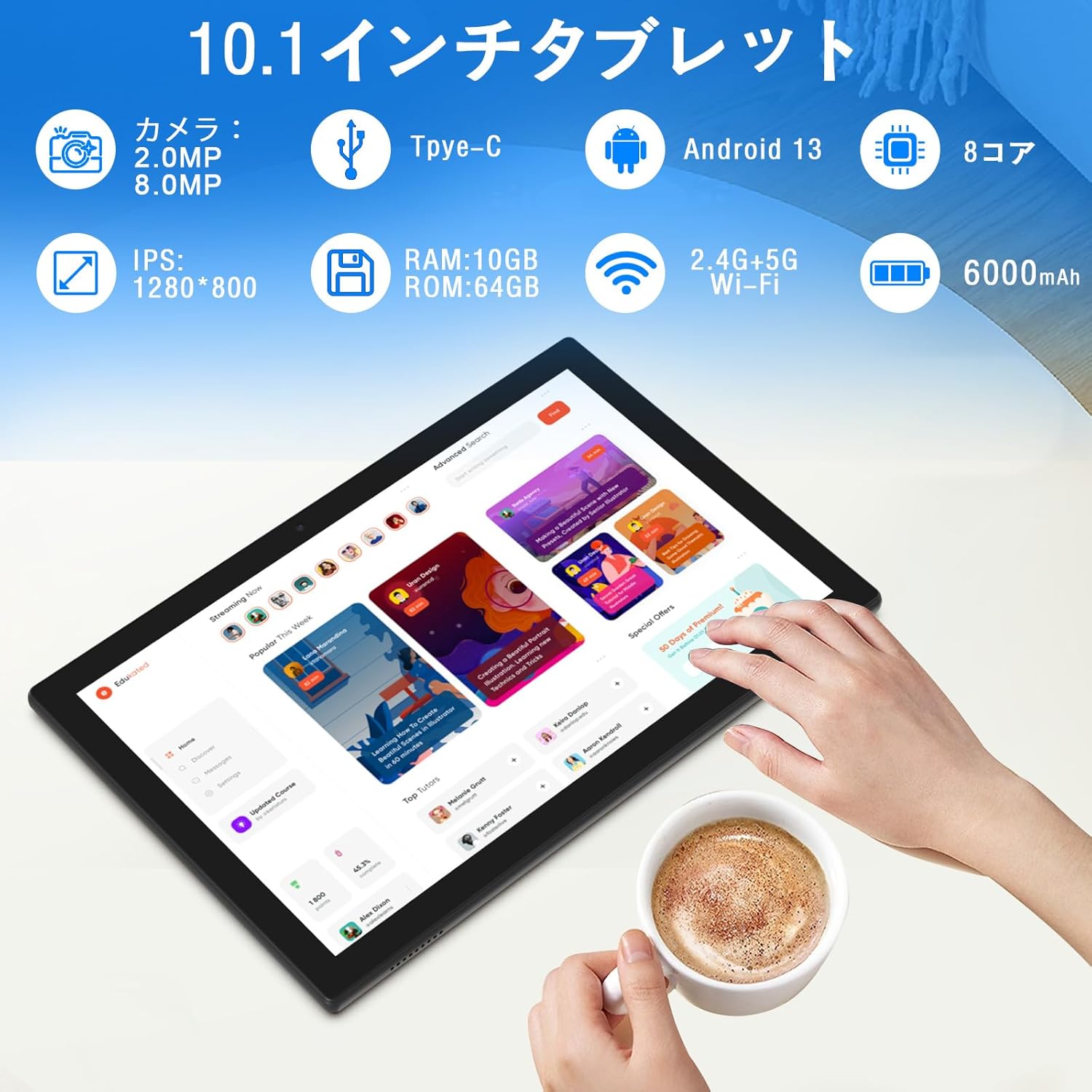
בילד: איבערview of tablet features and specifications.
- פראָנט אַפּאַראַט: 2MP פֿאַר ווידעאָ קאַללס און סעלפֿיז.
- דערציען אַפּאַראַט: 8MP פֿאַר כאַפּן בילדער און ווידיאס.
- ווייַז: 10.1-inch IPS HD screen (1280x800 resolution).
- רעדנער: Dual speakers for enhanced audio experience.
- טשאַרדזשינג פּאָרט: Type-C port for charging and data transfer.
- מאַכט קנעפּל: Located on the side for turning the device on/off and screen lock.
- באַנד קנעפּלעך: Located on the side for adjusting volume.
- מיקראָסד קאָרט שפּעלטל: פֿאַר יקספּאַנדאַבאַל סטאָרידזש ביז 1TB.

בילד: פראָנט און צוריק view of the CUPEISI YQ11M tablet.
5. סעטאַפּ
5.1 ערשט מאַכט אויף
- דריקן און האַלטן די מאַכט קנעפּל ביז די פאַרשטעלן לייץ.
- פֿאָלגט די אינסטרוקציעס אויף דעם עקראַן צו אויסקלײַבן אײַער שפּראַך און ראַיאָן, און אַקצעפּטירן די תּנאים און באַדינגונגען.
5.2 ווי-פי קאַנעקשאַן
- During the initial setup, select your preferred Wi-Fi network from the list.
- אַרייַן די Wi-Fi פּאַראָל אויב געבעטן און צאַפּן 'פאַרבינדן'.
- The tablet supports both 2.4G and 5G Wi-Fi for stable and fast connections.
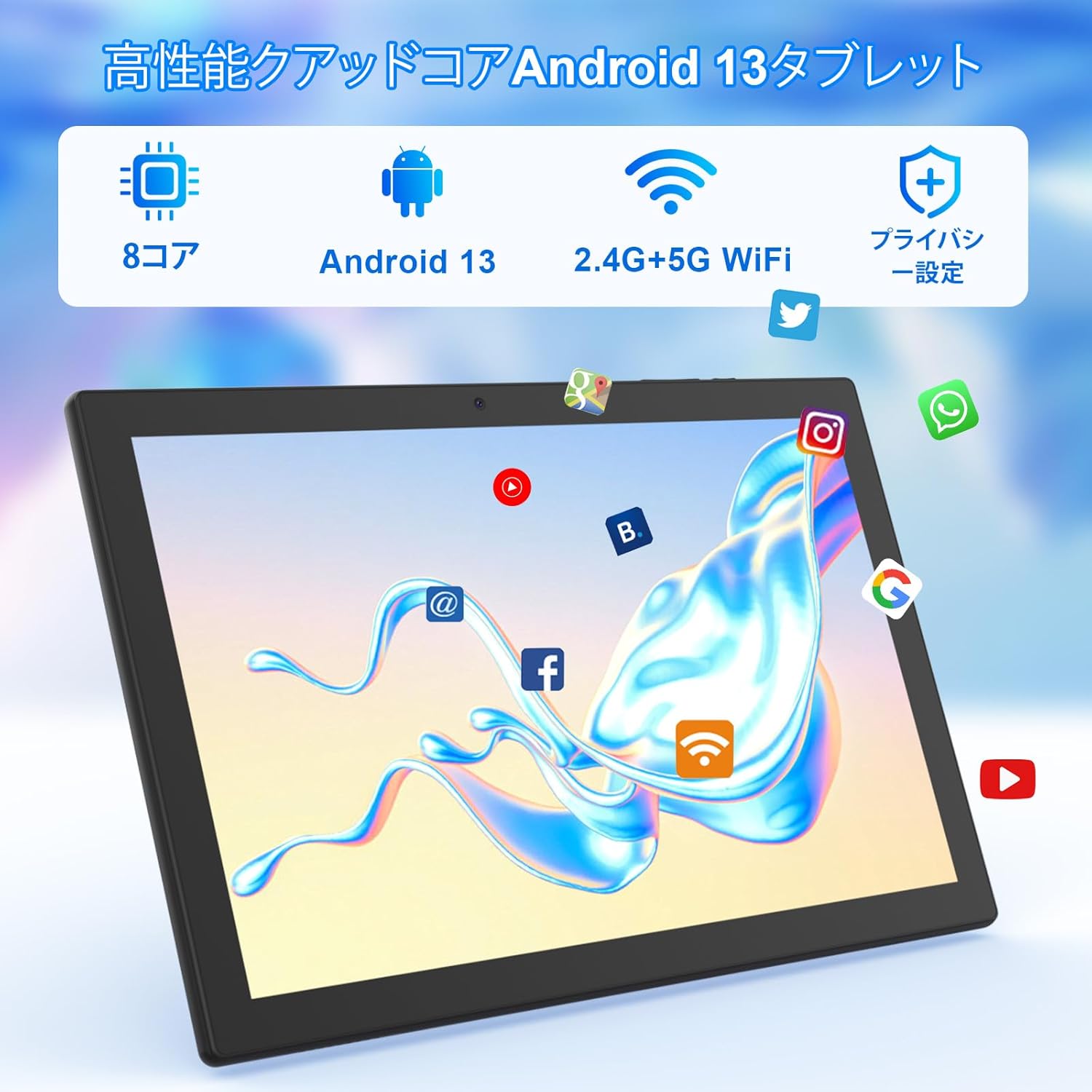
בילד: Tablet screen showing app icons and connectivity features.
5.3 גוגל אקאונט אויפשטעלן
Sign in with your Google account or create a new one to access Google Play Store, Gmail, and other Google services.
5.4 פּראַטעקטיוו פילם
The tablet comes with a simple transparent PET protective film pre-applied. You may choose to keep it on or remove it according to your preference. It is designed for easy application without air bubbles or dust.
6. אַפּערייטינג ינסטרוקטיאָנס
6.1 יקערדיק נאַוויגאַציע
The CUPEISI YQ11M tablet features a 10.1-inch FHD in-cell touchscreen with wide viewing angles and 1280x800 high resolution, offering a clear and vibrant visual experience.

בילד: Tablet display features.
- צאַפּן: אויסקלייבן אַן אייטעם אָדער אַקטיווירן אַ פונקציע.
- לאַקכענען: נאַוויגירן דורך סקרינז אָדער סקראָלן אינהאַלט.
- קניפּ: פארגרעסערן אדער פארקלענערן בילדער און web בלעטער.
6.2 אַפּ פאַרוואַלטונג
The tablet comes with Google Play pre-installed, allowing you to download and use popular applications such as Facebook, Twitter, YouTube, Line, and Instagram. To install apps:
- עפֿנט די 'פּלייַ סטאָר' אַפּ.
- זוכן פֿאַר the desired app.
- דריקט 'אינסטאלירן' צו דאונלאודן און אויפשטעלן די אפליקאציע.
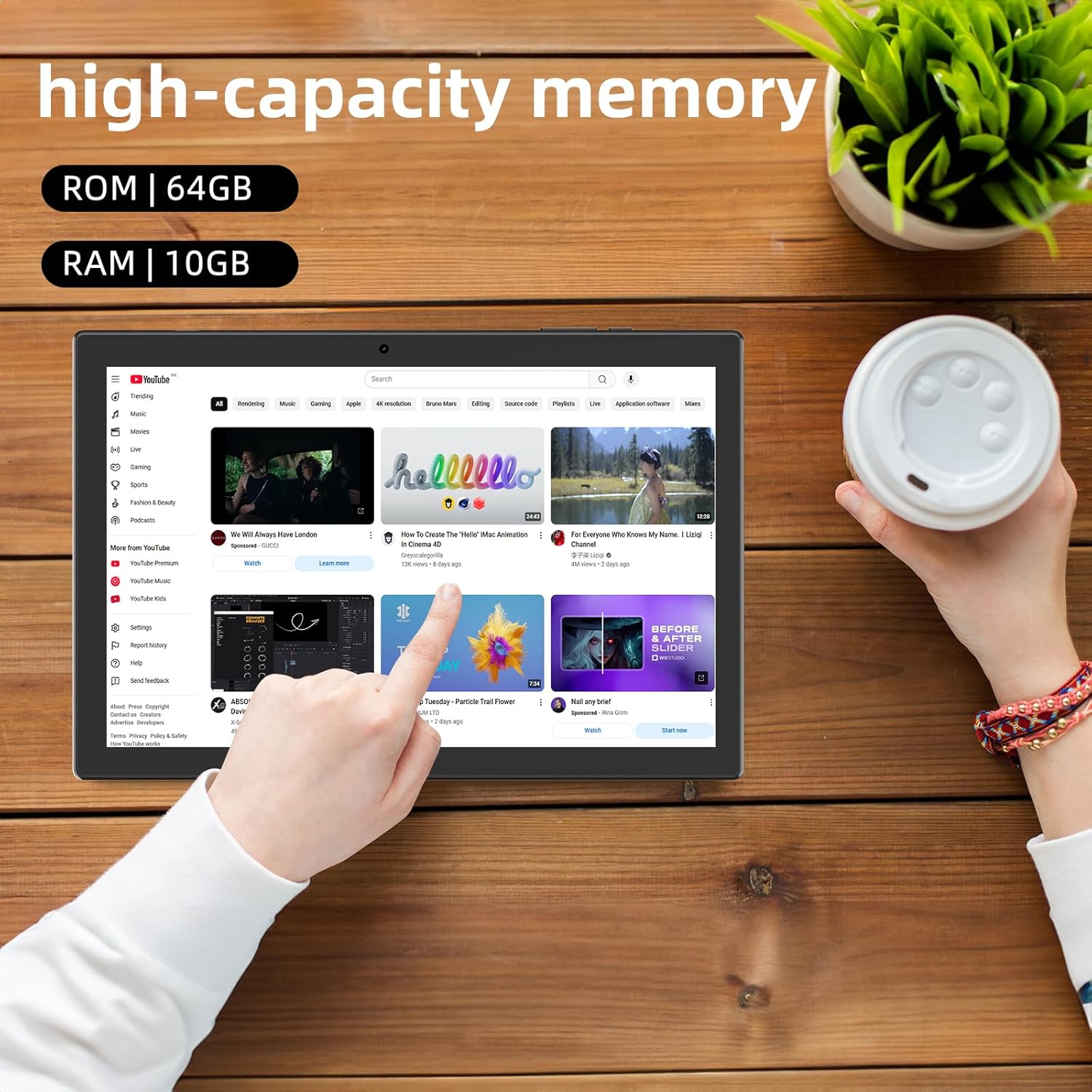
בילד: Tablet displaying high-capacity memory and app usage.
6.3 קאַמעראַ באַניץ
The tablet is equipped with an 8MP main camera and a 2MP front camera. You can use them for capturing beautiful moments, participating in web conferences, or online classes.
- עפֿנט די 'קאַמעראַ' אַפּ.
- טוישט צווישן פראָנט און הינטערשטע קאַמעראַס ווי נייטיק.
- Tap the shutter button to take a photo or start recording a video.
6.4 דזשי-פי-עס פונקציאָנאַליטעט
With built-in GPS functionality, you can download offline maps to your tablet and use it for navigation, even without an internet connection.
6.5 באַטערי מאַנאַגעמענט
The tablet features a large 6000mAh battery and AI intelligent power management, allowing for extended use for movies, reading, and browsing.

בילד: Tablet highlighting its 6000mAh battery capacity.

בילד: Tablet showing Type-C charging and various entertainment uses.
7. וישאַלט
7.1 רייניקונג די מיטל
Use a soft, lint-free cloth to gently wipe the screen and body of the tablet. Avoid using harsh chemicals or abrasive materials.
7.2 ווייכווארג דערהייַנטיקונגען
Periodically check for system updates in the tablet's settings to ensure optimal performance and security.
7.3 סטאָרידזש פאַרוואַלטונג
The tablet comes with 64GB of internal storage (ROM) and supports MicroSD cards up to 1TB for additional storage. Regularly manage your files and uninstall unused apps to free up space and maintain smooth operation.
8. טראָובלעשאָאָטינג
- מיטל נישט קער אויף: זיכער מאַכן אַז די באַטאַרייע איז אויפגעלאָדן. פֿאַרבינדט דעם טאַבלעט צום טשאַרדזשער און וואַרט אַ פּאָר מינוט איידער איר פּרוּווט עס ווידער אָנצוצינדן.
- ווי-פי קשר ישוז: קאָנטראָלירט צי Wi-Fi איז אַקטיווירט אין די סעטטינגס. ריסטאַרט אייער ראַוטער און די טאַבלעט. מאַכט זיכער אַז איר זענט אין דער ראַנגע פון די Wi-Fi סיגנאַל.
- לאַנגזאַמע פאָרשטעלונג: Close unused applications. Clear cache and data for frequently used apps. Consider uninstalling unnecessary apps or moving large files to a MicroSD card.
- עקראַן רעאַגירט נישט: Restart the tablet by holding down the power button. If the issue persists, contact support.
9. ספּעסאַפאַקיישאַנז
| סאָרט | CUPEISI |
| מאָדעל | YQ11M (Note: Some specifications may refer to CP31 or UMIDIGI G2 Tab, but YQ11M is the primary model for this product.) |
| אָפּערייטינג סיסטעם | אַנדרויד 13 (GMS Certified) |
| קפּו | מעדיעטעק MTK8768 אקטא-קאָר, 2.3 GHz |
| באַראַן | 10 גיגאבייט (4 גיגאבייט + 6 גיגאבייט עקספּאַנשאַן) |
| אינערלעכער סטאָרידזש (ראַם) | 64 גיגאבייט |
| יקספּאַנדאַבאַל סטאָרידזש | מיקראָסד ביז 1 טב |
| פאַרשטעלן גרייס | 10.1 אינטשעס |
| ווייַז האַכלאָטע | 1280x800 pixels HD IPS |
| פראָנט אַפּאַראַט | 2MP |
| דערציען אַפּאַראַט | 8MP |
| ווי-פי | 2.4G + 5G Dual-band (802.11ac/b/g/n) |
| בלועטאָאָטה | יא |
| גפּס | יא |
| באַטאַרייע קאַפּאַציטעט | 6000mAh (22.8 וואט-שעה) |
| טשאַרדזשינג פּאָרט | טיפּ-C |
| ספּיקערז | 2 קאַנאַל ספּיקערז |
| פּונקט וואָג | 516 ג |
| פּעקל דימענשאַנז | 30.9 X 19.3 X 2.9 סענטימעטער |
10. וואָראַנטי און שטיצן
דער פּראָדוקט קומט מיט אַ איין יאָר קוואַליטעט וואָראַנטי. In the unlikely event that you encounter any issues or defects with your product, please do not hesitate to contact us via email. We are committed to providing a prompt response within 24 hours to address your concerns.
Returns and refunds are also possible for customer convenience. Please purchase with confidence.
For support inquiries, please refer to the contact information provided with your purchase or visit the official CUPEISI webפּלאַץ.