
1. הקדמה
This manual provides comprehensive instructions for the VINABTY RAV574 VDM8690 Replacement Remote Control. This remote is designed as a direct replacement for various Yamaha AV Receiver models, ensuring seamless operation without complex setup.
פּעקל אינהאַלט:
- 1 x VINABTY RAV574 VDM8690 Replacement Remote Control
קאַמפּאַטאַבאַל מאָדעלס:
This remote control is compatible with the following Yamaha AV Receiver models:
- VDM86900
- VDM8690
- RAV574
- RTVDM86900ZA (ZONE A)
- RTVDM86900ZB (ZONE B)
- RXV4A
- RX-V4A
- RX V4A
- YHT5960U
- YHT 5960U
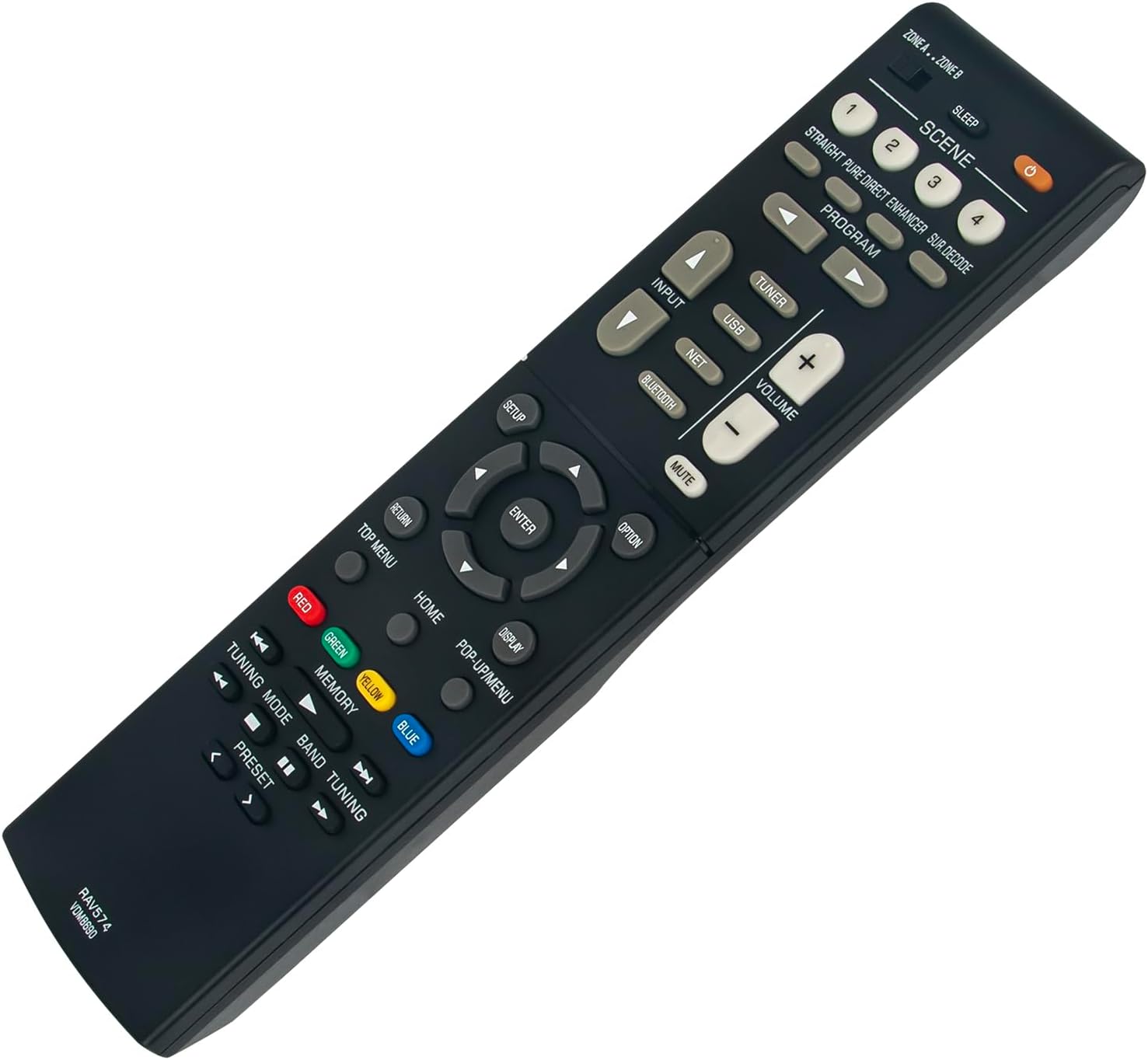
בילד 1.1: פראָנט view of the VINABTY RAV574 VDM8690 Replacement Remote Control. This image displays the ergonomic design and button layout of the remote control.
2. סעטאַפּ
The VINABTY RAV574 VDM8690 remote control requires no complex programming. Simply install the batteries, and it will be ready for use with your compatible Yamaha AV Receiver.
2.1 באַטאַרייע ייַנמאָנטירונג
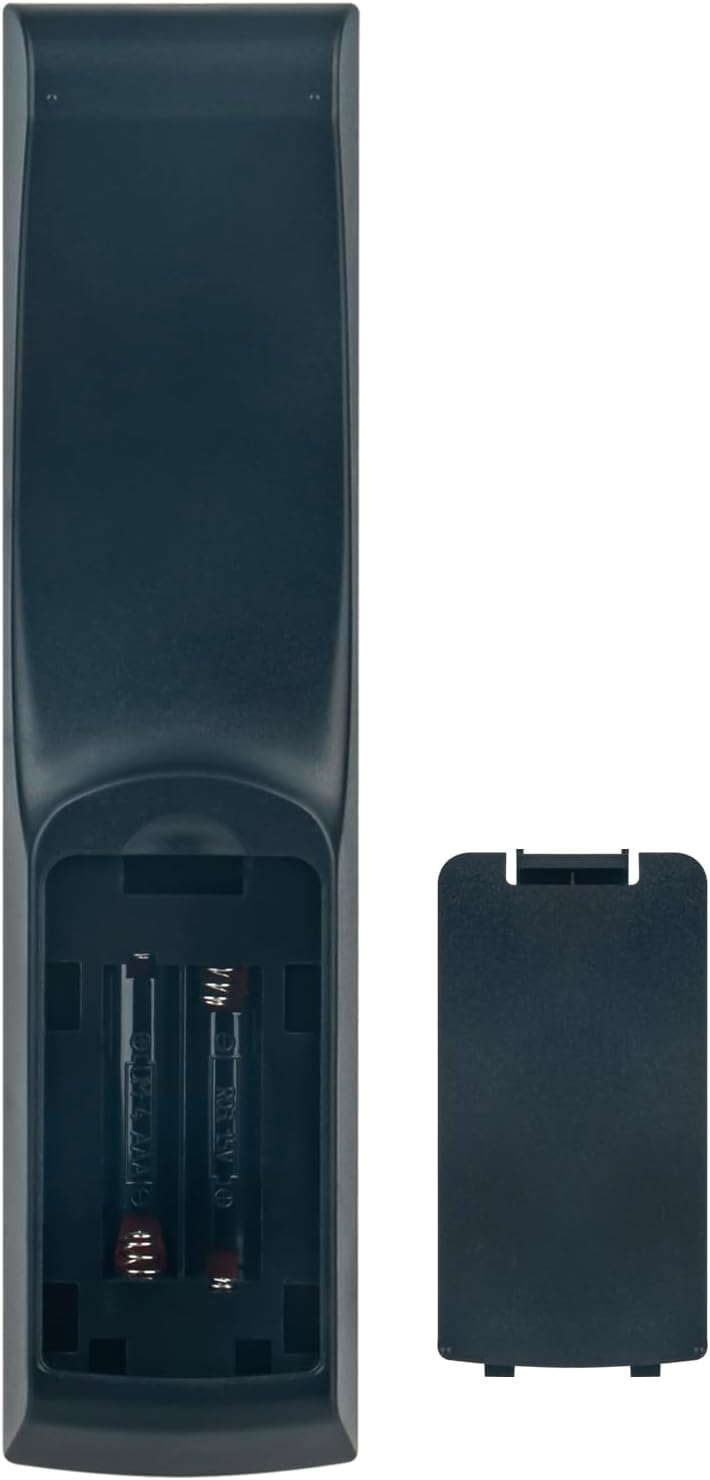
- געפֿינען די דעקן פון די באַטאַרייע אָפּטייל אויף די צוריק פון די ווייַט קאָנטראָל.
- שלעפּט דעם דעקל אַראָפּ אָדער דריק דעם לאַטש (אויב פֿאַראַן) צו עפֿענען דעם אָפּטייל.
- Insert two AAA batteries (not included), ensuring the positive (+) and negative (-) terminals align correctly with the indicators inside the compartment.
- פֿאַרמאַכט דעם דעקל פֿון דער באַטעריע־אָפּטיילונג דורך עס צוריקצורוקן אין פּלאַץ ביז עס קליקט זיכער.
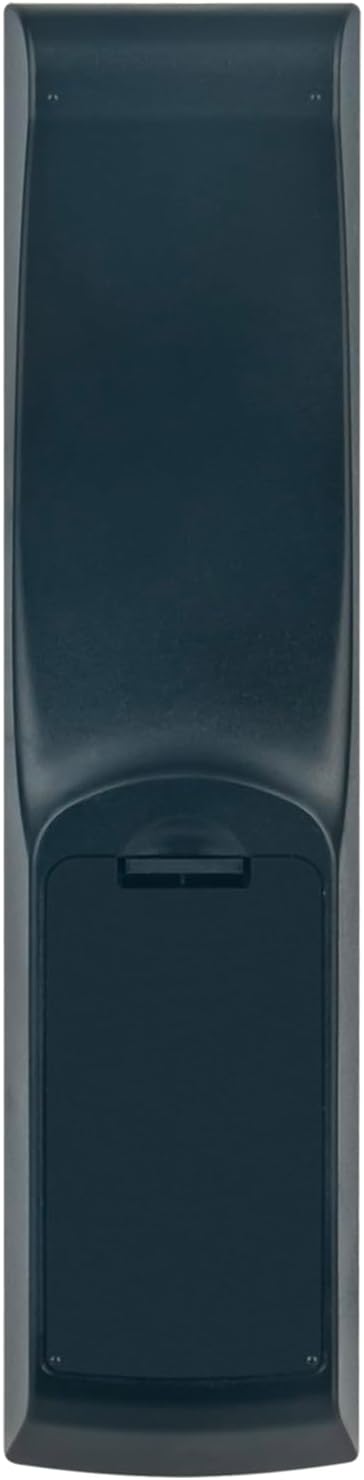
בילד 2.1: צוריק view of the remote control with the battery compartment. This image illustrates the location of the battery cover for installation.
Once batteries are installed, the remote control is ready to operate your Yamaha AV Receiver.
3. אַפּערייטינג ינסטרוקטיאָנס
This section details the functions of the buttons on your VINABTY RAV574 VDM8690 remote control. Refer to your Yamaha AV Receiver's manual for specific functions related to your model.
בילד 3.1: ווינקלדיק view of the remote control, showcasing the arrangement of various function buttons.
3.1 יקערדיק פאַנגקשאַנז
- מאַכט קנעפּל (●): Turns the AV Receiver on or off.
- אַרייַנשרייַב: Selects the audio/video input source (e.g., HDMI 1, HDMI 2, AV).
- באַנד (+/-): אַדזשאַסטירט דעם הויפּט באַנד לעוועל.
- שטום: מיוטעס אָדער אַנמיוט די אַודיאָ רעזולטאַט.
- סצענע (1-4): Recalls preset scene settings for various listening environments.
- פּראָגראַם: Selects sound programs.
3.2 Source Selection Buttons
- טונער: Selects the built-in radio tuner.
- וסב: Selects the USB input for media playback.
- נעץ: Selects network-connected sources.
- בלועטאָאָטה: Activates Bluetooth input for wireless audio streaming.
3.3 Navigation and Menu Control
- סעטאַפּ: גייט אריין אין דעם ריסיווער'ס סעטאַפּ מעניו.
- נאַוויגאַציע קנעפּלעך (אַרויף, אַראָפּ, לינקס, רעכטס): נאַוויגירט דורך מעניוז און אָפּציעס.
- אַרייַן: קאַנפערמז סאַלעקשאַנז.
- היים: Returns to the main home screen or menu.
- Pop-up/Menu: Displays or dismisses on-screen menus.
- ווייַז: Changes display information on the receiver or connected TV.
- אָפּציע: צוטריט קאָנטעקסט-סענסיטיווע אָפּציעס.
- צוריקקומען: גייט צוריק צום פריערדיקן עקראַן אָדער מעניו.
- שפּיץ מעניו: Accesses the top-level menu of a disc or source.
3.4 Media and Tuning Controls
- קאָליר קנעפּלעך (רויט, גרין, געל, בלוי): Used for specific functions within menus or applications, as indicated on-screen.
- זכּרון: שפּאָרט אָדער רופט צוריק סעטטינגס.
- טונינג מאָדע: Switches between automatic and manual tuning modes for radio.
- באַנד: Selects radio bands (e.g., FM/AM).
- Tuning (<< / >>): Adjusts radio frequency or skips tracks.
- פּריסעט (< / >): אויסקלייבט פאָרגעשטעלטע ראַדיאָ סטאַנציעס.
The remote control operates using infrared (IR) technology. Ensure a clear line of sight between the remote and your AV Receiver for optimal performance. The maximum operating range is approximately 10 meters (33 feet).
4. וישאַלט
4.1 רייניקונג די רימאָוט קאָנטראָל
כדי צו אויפהאלטן דעם אויסזען און פונקציאנאליטעט פון דער ווײַטקאָנטראָל, רייניקט עס רעגולער:
- ווישן די ייבערפלאַך מיט אַ ווייך, טרוקן שטאָף.
- פֿאַר שווערן שמוץ, אַ ביסל דampyi די שטאָף מיט וואַסער אָדער אַ מילד, ניט-אַברייסיוו רייניקונג.
- ניצט נישט קיין שאַרפע כעמיקאַלן, סאָלווענטן, אדער אַברייסיוו רייניקונג פּאַדס, ווייל די קענען שעדיקן די ענדיקונג אדער אינעווייניקסטע קאָמפּאָנענטן פון דער ווייַטקאָנטראָל.
4.2 באַטערי פאַרבייַט
Replace batteries when the remote control becomes unresponsive or its range decreases significantly. Refer to Section 2.1 for battery installation instructions. Always replace both batteries at the same time with new ones of the same type (AAA).
4.3 סטאָרידזש
אויב די ווײַטקאָנטראָל וועט נישט ווערן גענוצט פֿאַר אַ לענגערע צײַט, נעמט אַרויס די באַטעריעס כּדי צו פֿאַרמײַדן ליקאַדזש און מעגלעכן שאָדן צום אַפּאַראַט.
5. טראָובלעשאָאָטינג
If you experience issues with your remote control, consult the following table for common problems and solutions:
| פּראָבלעם | מעגלעך סיבה | לייזונג |
|---|---|---|
| ווייַט קאָנטראָל איז ניט ריספּאַנדאַבאַל. | טויטע אדער נישט ריכטיק אריינגעשטעלטע באַטעריעס. | פאַרבייַטן באַטעריז מיט נייַ אָנעס, ינשורינג ריכטיק פּאָולעראַטי. |
| Remote control has short range or intermittent response. | Low batteries; Obstruction between remote and receiver; Remote sensor on receiver is blocked. | Replace batteries. Ensure a clear line of sight. Check if anything is blocking the IR sensor on your AV Receiver. |
| Specific buttons do not work. | Button malfunction; Receiver not in correct mode. | Ensure the receiver is powered on and in the correct input/mode. If the issue persists, the button may be faulty. |
6. ספּעסאַפאַקיישאַנז
- סאָרט: VINABTY
- מאָדעל נומער: RAV574 VDM8690
- קאָליר: שוואַרץ
- קאַנעקטיוויטי טעכנאָלאָגיע: ינפרערעד (IR)
- מאַקסימום קייט: 10 מעטער (אומגעפער 33 פֿיס)
- נומער פון קנעפּלעך: 40
- שטיצט דעוויסעס: Home Cinema (Yamaha AV Receivers)
- ספּעציעלע שטריך: ערגאַנאַמיק פּלאַן
- מאַכט מקור: 2 X AAA באַטעריז (ניט אַרייַנגערעכנט)
- לאַנד פון אָריגין: כינע
7. שטיצן
For any further questions or assistance regarding your VINABTY RAV574 VDM8690 Replacement Remote Control, please contact our customer support. We aim to provide a satisfactory response within 24 hours.
Contact information is typically provided by the seller or manufacturer.